Nemo: How do I resize specific icons on Desktop?
Running Mint 18.3 with nemo 3.6.5
Issue
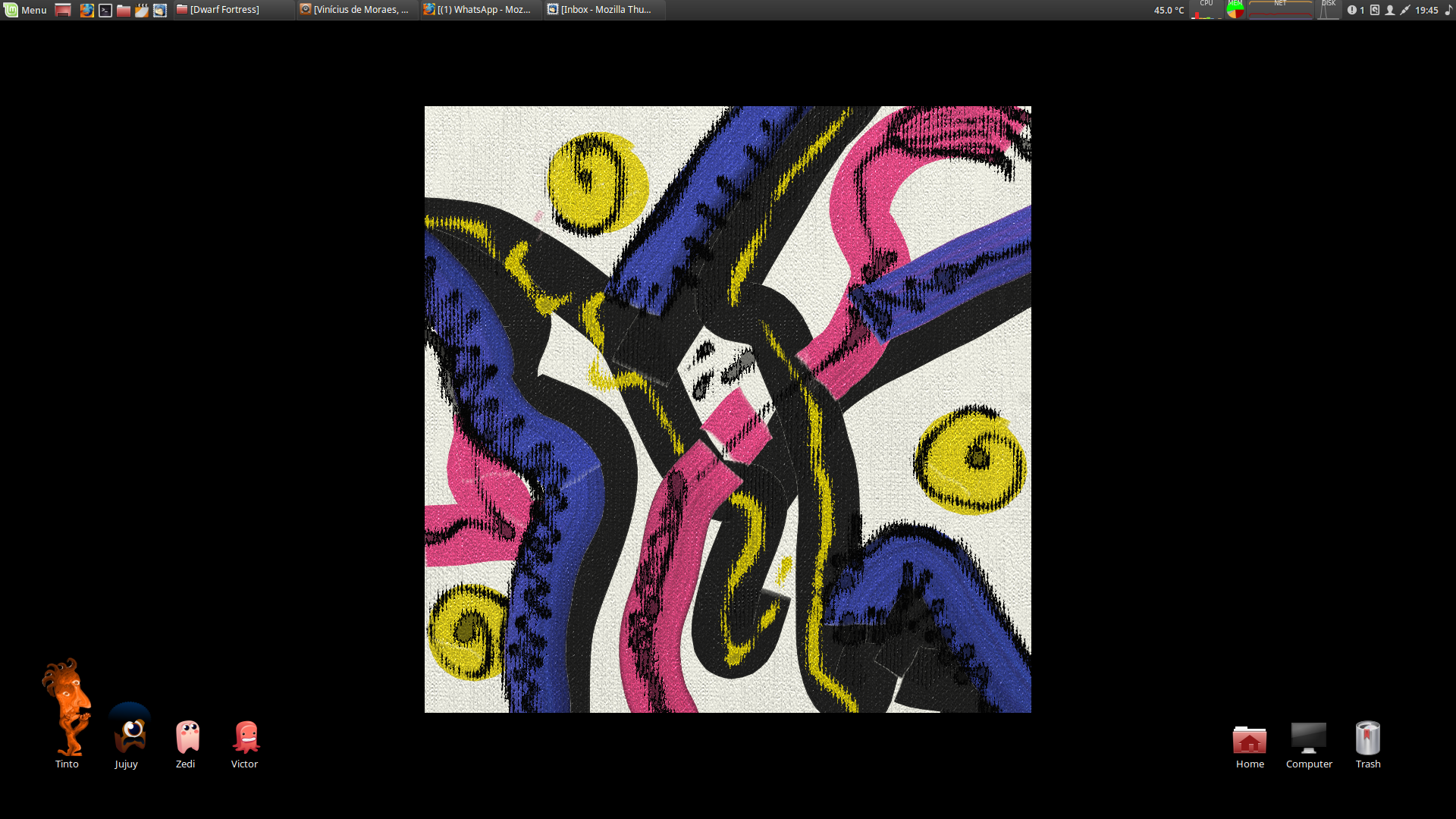
I noticed in previous versions, I was able to resize specific desktop icons instead of all of them. I read on this issue https://github.com/linuxmint/Cinnamon/issues/6883 that the feature was removed in nemo 3.4.
Is this true? If so, why? and is there a workaround such as a plugin?
Steps to reproduce
Right click on icon and notice "Resize icon" is missing
Expected behaviour
Resize icon is there
Other information
None
 nitrocode
All 6 comments
It was removed because there was a higher demand to see the implementation of the desktop grid for icon layout.
 JosephMcc
on 23 Apr 2018
JosephMcc
on 23 Apr 2018
@JosephMcc so what's a workaround to increase the size of an icon if it's too small? If we created a larger image would that work?
nitrocode
on 23 Apr 2018
Hi! Is there a way to get the individual icon resize functionality back?
 gabix
on 26 Apr 2018
gabix
on 26 Apr 2018
For now, you can execute:
gsettings set org.nemo.desktop use-desktop-grid false
in a terminal, this will restore the legacy desktop behavior, including the ability to resize icons.
This may go away entirely in time, and we are no longer supporting its use or actively maintaining it.
 mtwebster
on 26 Apr 2018
mtwebster
on 26 Apr 2018
@mtwebster dude you're the fuckin man
nitrocode
on 26 Apr 2018
Thanks!!!!
gabix
on 27 Apr 2018
Related issues
 hiboudev
·
3Comments
hiboudev
·
3Comments
 blueray453
·
5Comments
blueray453
·
5Comments
 Enkouyami
·
7Comments
Enkouyami
·
7Comments
 mbluett88
·
5Comments
mbluett88
·
5Comments
 omartrigui
·
7Comments
omartrigui
·
7Comments
Most helpful comment
For now, you can execute:
in a terminal, this will restore the legacy desktop behavior, including the ability to resize icons.
This may go away entirely in time, and we are no longer supporting its use or actively maintaining it.