Nativescript: TabView Layout Distorted When App Is Opened During a Phone Call
Environment
- CLI: 5.2.0
- Cross-platform modules: 5.2.0
- Android Runtime: 5.2.0
- iOS Runtime: 5.2.0
- Plugin(s): None
Describe the bug
On iOS if a NativeScript app is opened during a phone call the layout is distorted by the addition of the call status bar at the top. This appears to only occur if the app is not running and is then opened during a phone call.
To Reproduce
Start a phone call, open a NativeScript app with a TabView
Expected behavior
The layout of the app should adjust to the addition of the call status bar on iOS
Sample project
This playground is just a starter app with a TabView. You can see this problem if you open the preview via the QR code. Close the preview app (not background, actually close it). Start a phone call and then reopen the preview app.
Playground
Want to back this issue? Post a bounty on it! We accept bounties via Bountysource.
 Logikgate
All 9 comments
Hi @Logikgate,
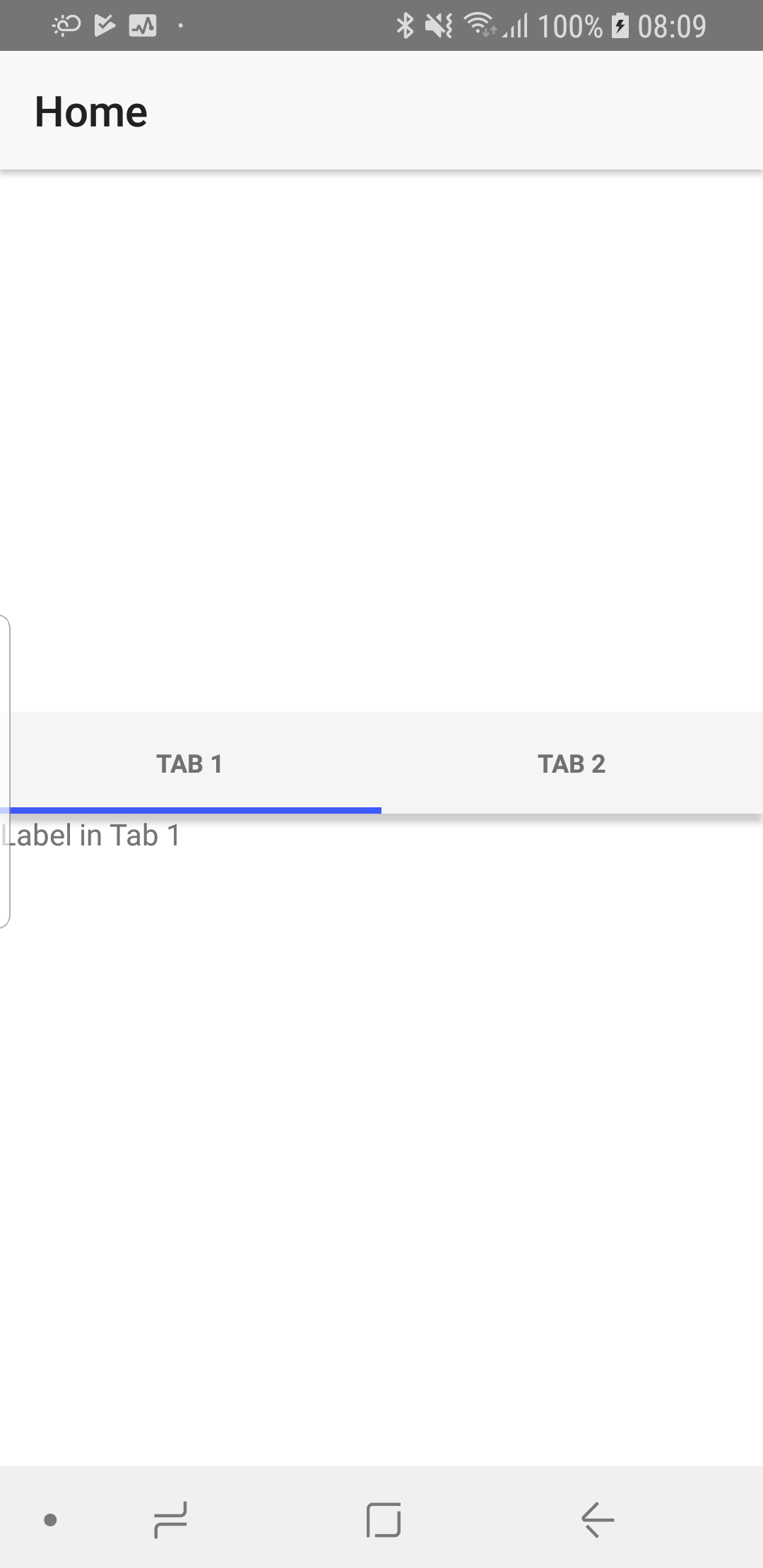
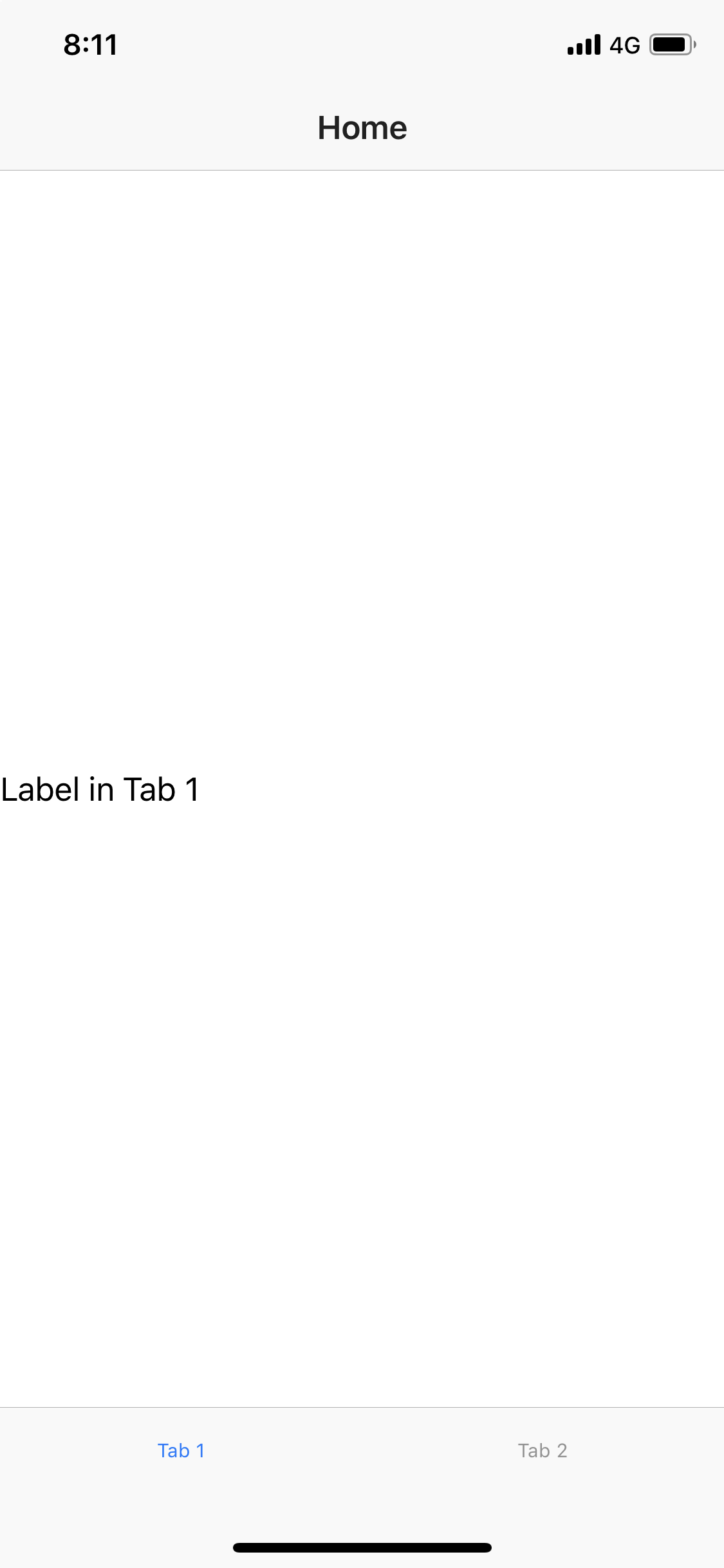
I tested the attached Playground app, however, was unable to recreate the issue. The result of the first start of the application and on its reopening after ending the call is the same. I am attaching images with the results on my side. Can you provide some more info, about the device you are using for testing and if there is something specific that should be done, for recreating the issue?
Samsung S8 (API level 28)
iPhone X (iOS 12.1)
 tsonevn
on 19 Feb 2019
tsonevn
on 19 Feb 2019
Hi @tsonevn,
Did you say you reopened the app after the call? The issue I am seeing is if you open the app during a phone call.
Logikgate
on 19 Feb 2019
I can confirm the same issue with different code structure (in my case tab view wrapped with Page - such structure I use to have possibility to navigate from login page to main tab view page), and only on iPhone-s prior iPhone X (because they have different active call indication)..
Test Playground (based on tns-template-tab-navigation-ts template)
This issue simply could be reprocessed in Simulator:
- Close the app
- In Simulator choose Hardware -> Toggle In-Call Status Bar
- Run the app
Currently I get next result:
- active call layout displacement

after active call layout displacement

correct layout (without active call on start)
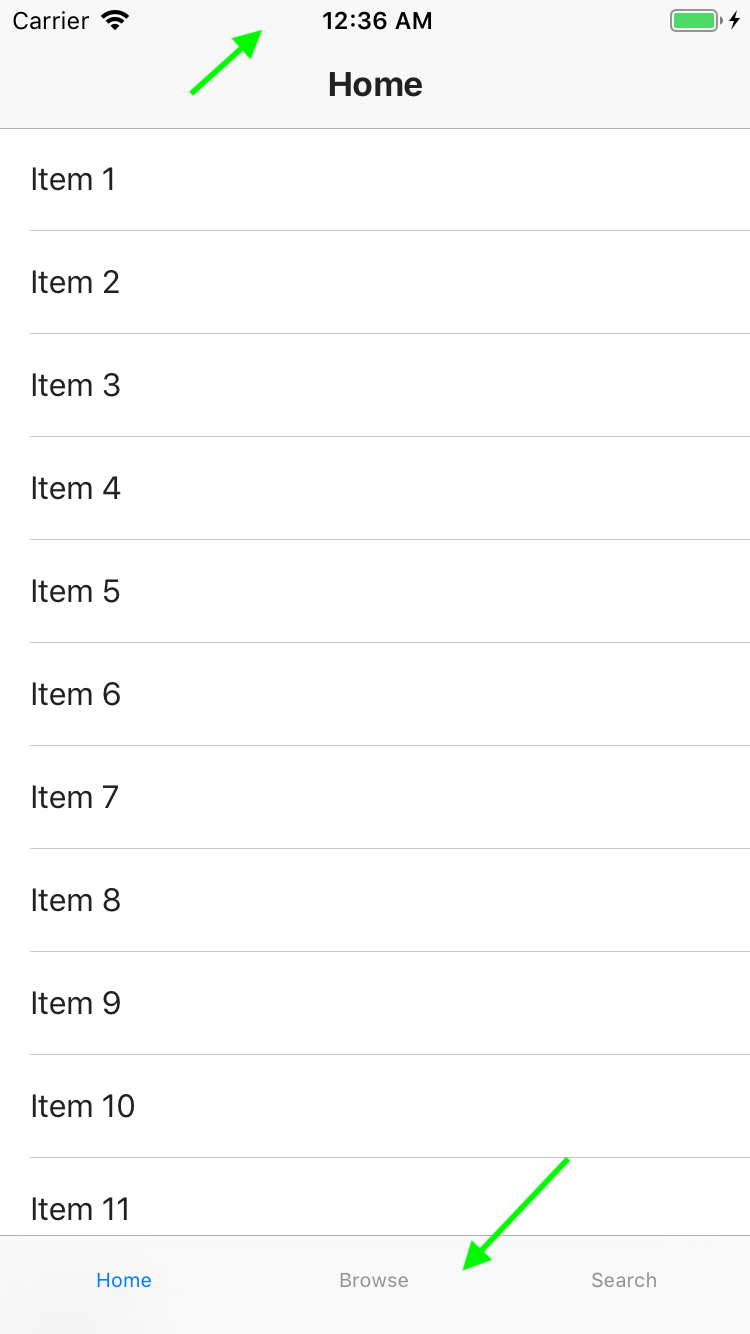
Also I mention some layout issue of launch screen:

 ycherniavskyi
on 19 Feb 2019
ycherniavskyi
on 19 Feb 2019
As per https://github.com/NativeScript/NativeScript/issues/6979 this occurs whenever there is a change in the status bar height. Not just a phone call, but also the “application (i.e. Google Maps, Nike Run Club) is using your location” message.
 aleph1
on 4 Mar 2019
aleph1
on 4 Mar 2019
Any updates for this issue?
 yschiele
on 11 Mar 2019
yschiele
on 11 Mar 2019
We have a similar issue on Android where the TabView gets a horizontal scroll if you close the app so that it runs in the background and then you open it again. So there's something that isn't right with the component itself.
 ChristofferSkog21st
on 5 Apr 2019
ChristofferSkog21st
on 5 Apr 2019
Hi all,
This issue seems to be solved with latest NativeScript 6.0. Can you try upgrading your projects to the most recent available {N} while following the instructions here and check if you will be able to recreate the problem? If the problem still exists on your side, please send us a sample project, that can be used for recreating the issue.
tsonevn
on 19 Aug 2019
@tsonevn, hm I just checked Test Playground posted in my previous post with the new version of Playground app (which updated to NS 6) and got the same issue as shown on screenshots in that post. I need to mentions that I tested on iPhone 6s.
So unfortunately the issue is not solved in NS 6.
ycherniavskyi
on 20 Aug 2019
I can confirm this is still an issue with NS 6.8, tested on iPhone 6, iOS 12.4.8
tns info
✔ Getting NativeScript components versions information...
✔ Component nativescript has 6.8.0 version and is up to date.
✔ Component tns-core-modules has 6.5.15 version and is up to date.
✔ Component tns-android has 6.5.3 version and is up to date.
✔ Component tns-ios has 6.5.2 version and is up to date.
 fpaaske
on 26 Aug 2020
fpaaske
on 26 Aug 2020
Related issues
 Leo-lay
·
3Comments
Leo-lay
·
3Comments
 guillaume-roy
·
3Comments
guillaume-roy
·
3Comments
 pocesar
·
3Comments
tsonevn
·
3Comments
pocesar
·
3Comments
tsonevn
·
3Comments
 yclau
·
3Comments
yclau
·
3Comments
Most helpful comment
@tsonevn, hm I just checked Test Playground posted in my previous post with the new version of Playground app (which updated to NS 6) and got the same issue as shown on screenshots in that post. I need to mentions that I tested on iPhone 6s.
So unfortunately the issue is not solved in NS 6.