Nativescript: webview not displaying images
Did you verify this is a real problem by searching the NativeScript Forum and the other open issues in this repo? yes
Tell us about the problem
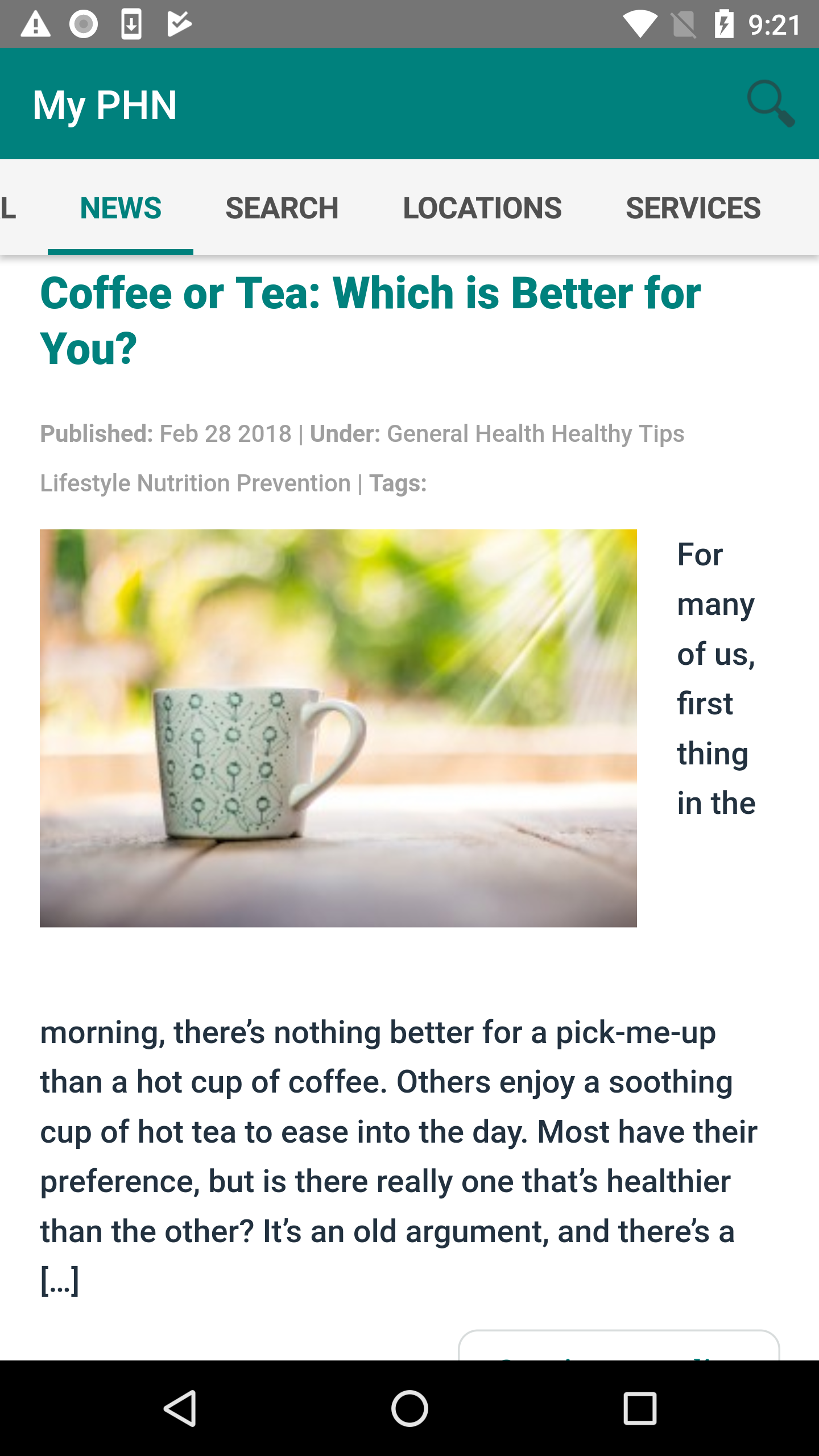
I'm using webview to display my website's wordpress blog as a view in my app. The main page is fine but when you go to a single post, the image does not display (see screenshot)

Which platform(s) does your issue occur on?
Both
Please provide the following version numbers that your issue occurs with:
- CLI: 3.2.1
- Cross-platform modules: 3.4.1
- Runtime(s): 3.2.0
Please tell us how to recreate the issue in as much detail as possible.
https://github.com/dbay920/phn-app.git
./app/news/ - the affected view directory
Is there code involved? If so, please share the minimal amount of code needed to recreate the problem. See above directory
 dbay920
All 5 comments
Hi @dbay920,
Thank you for the attached sample project.
I tested it on our side, however, was unable to recreate the issue. For your convenience, I am attaching Screenshots for iOS and Android.
ios

android
Regarding that, could you check if the problem images are related to some temporary issue with the image URL?
Also, I notice that you are using an old version of the modules and runtime and I would suggest updating to the latest version.
tns plugin remove tns-core-modulestns plugin add tns-core-modulestns platform remove androidtns platform add androidtns platform remove iostns platform add ios
 tsonevn
on 7 Mar 2018
tsonevn
on 7 Mar 2018
Thanks for testing but it looks to me like you are at the landing page for the News view. You need to tap on a blog post title or the continue reading button to see the issue I am having. I will take your advice and update my modules.
dbay920
on 7 Mar 2018
So I just figured this out! I noticed that literally every image we are using for the blog has either a dash or an underscore included in the name. By replacing an existing image with one that had a text only name the image displays in my app. This is really unusual since other images on our site with dashes/underscores do display in the app. Maybe it has something to do with wordpress
dbay920
on 7 Mar 2018
Hi @dbay920,
Indeed it might be related to an issue with the image URL generated by WordPress.
Regarding your last comment, I have considered that the problem is fixed and we could close the issue.
tsonevn
on 8 Mar 2018
This thread has been automatically locked since there has not been any recent activity after it was closed. Please open a new issue for related bugs.
![lock[bot] picture](https://avatars1.githubusercontent.com/in/6672?v=4&s=40) lock[bot]
on 27 Aug 2019
lock[bot]
on 27 Aug 2019
Related issues
 OscarLopezArnaiz
·
3Comments
tsonevn
·
3Comments
OscarLopezArnaiz
·
3Comments
tsonevn
·
3Comments
 yclau
·
3Comments
yclau
·
3Comments
 hshristov
·
3Comments
hshristov
·
3Comments
 guillaume-roy
·
3Comments
guillaume-roy
·
3Comments
Most helpful comment
So I just figured this out! I noticed that literally every image we are using for the blog has either a dash or an underscore included in the name. By replacing an existing image with one that had a text only name the image displays in my app. This is really unusual since other images on our site with dashes/underscores do display in the app. Maybe it has something to do with wordpress