Description
Open email composer on a separete windows will open a black page.
Steps to reproduce issue
open email composer.
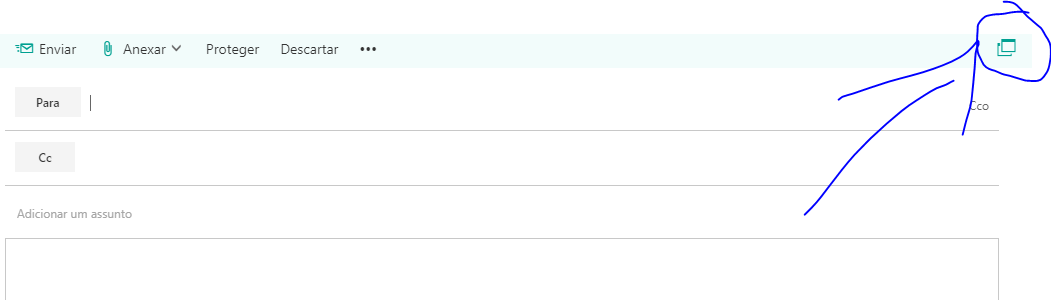
click to open on a separated window.
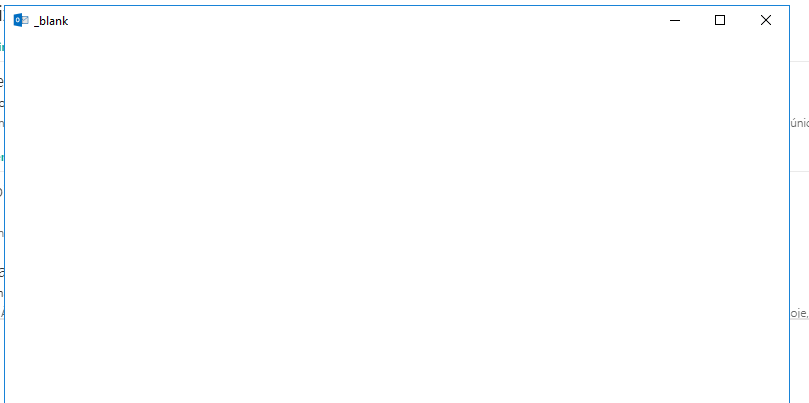
Details
- Are you nativefying a public website?
No - Feature request? Have you looked at
nativefier --helpto see if an existing option could fit your needs?
yes - Full nativefier command used to build your app:
- Version of Nativefier (run
nativefier --version):v7.6.10 - Version of node.js (run
node --version):v10.15.0 - OS:
Windows 10
 ranzou06
All 3 comments
Might be similar to #699
 jebeld17
on 22 Jan 2019
jebeld17
on 22 Jan 2019
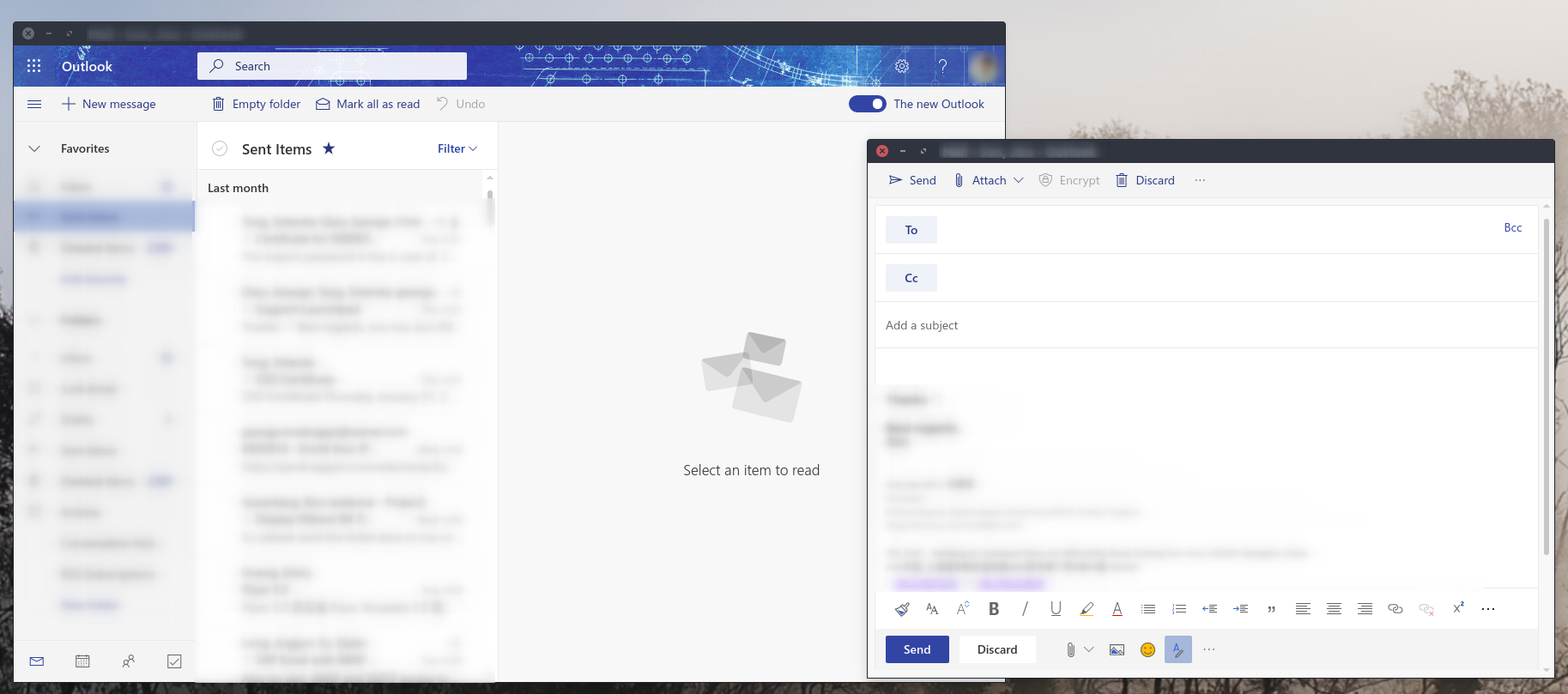
Outlook 365 works on my machine now, and don't know whether it relates to "The new Outlook" feature.
- Full nativefier command used to build your app:
nativefier \
-n "Outlook-Office365" \
--maximize \
--show-menu-bar \
--internal-urls ".*(office|office365|sharepoint|microsoft|onenote)\.(com).*" \
--tray \
--counter \
--single-instance \
'https://outlook.office.com/owa'
- Version of Nativefier (run
nativefier --version):v7.6.10 - Version of node.js (run
node --version):v10.14.2 - OS:
Ubuntu 16.04
 jizusun
on 12 Feb 2019
jizusun
on 12 Feb 2019
🎉5
Just to add to this, I had to add microsoftonline.com to the list of internal URLs to be able to login correctly. So:
nativefier \
-n "Outlook-Office365" \
--maximize \
--show-menu-bar \
--internal-urls ".*(office|office365|sharepoint|microsoft|microsoftonline|onenote)\.(com).*" \
--tray \
--counter \
--single-instance \
'https://outlook.office.com/owa'
 mickaobrien
on 3 Dec 2020
mickaobrien
on 3 Dec 2020
Was this page helpful?
0 / 5 - 0 ratings
Related issues
 marcelocecin
·
4Comments
marcelocecin
·
4Comments
 theman8631
·
5Comments
theman8631
·
5Comments
 citrusui
·
3Comments
citrusui
·
3Comments
 Waitsnake
·
5Comments
Waitsnake
·
5Comments
 toddself
·
5Comments
toddself
·
5Comments
Most helpful comment
Outlook 365 works on my machine now, and don't know whether it relates to "The new Outlook" feature.
nativefier --version):v7.6.10node --version):v10.14.2Ubuntu 16.04