Nativebase: Font.isLoaded is undefined...
I have gone through these following points
- [x] Check latest documentation: https://docs.nativebase.io/
- [x] Check for existing open/closed issues for a possible duplicate before creating a new issue: https://github.com/GeekyAnts/NativeBase/issues
- [x] Use the latest NativeBase release: https://github.com/GeekyAnts/NativeBase/releases
- [x] Check examples from NativeBase KitchenSink https://github.com/GeekyAnts/NativeBase-KitchenSink
- [] For discussion purpose make use of NativeBase Slack: http://slack.nativebase.io/
- [] For queries related to theme, check Theme Variables from Docs and live NativeBase Theme Editor http://nativebase.io/customizer/
Issue Description
Having an issue with the Picker component... I just recently upgraded my project and keep getting an error Font.isLoaded is undefined...
The issue happens when the selectedValue is defined and I pass in a string. If it is undefined the picker works correctly or if I comment out the selected value. The update function works correctly and it will display the value but if you click I will get a font.isLoaded issue.
I've tried versions : 2.7, 2.8 , and somehow I had a 2.10 was a little confused how that happened
In the top of my app I'm doing:
componentWillMount() {
        Font.loadAsync({
            Roboto: require("native-base/Fonts/Roboto.ttf"),
            Roboto_medium: require("native-base/Fonts/Roboto_medium.ttf"),
            Questrial: require("../assets/fonts/Questrial-Regular.otf"),
            ExpressWay: require("../assets/fonts/exprswy_free.ttf"),
            Ionicons: require("native-base/Fonts/Ionicons.ttf")
        });
    }
Here is my package.json:
{
  "name": "dealperch",
  "main": "node_modules/expo/AppEntry.js",
  "private": true,
  "scripts": {
    "start": "concurrently \"yarn run start:expo\" \"yarn run start:typecheck\"",
    "start:expo": "expo start",
    "start:typecheck": "tsc --noEmit --watch",
    "android": "expo start --android",
    "ios": "expo start --ios",
    "eject": "expo eject",
    "test": "jest",
    "test:watch": "jest --watchAll",
    "lint": "tslint src/**/*.ts",
    "updateSnapshots": "jest --updateSnapshot -u"
  },
  "dependencies": {
    "@callstack/react-theme-provider": "^1.0.7",
    "@expo/vector-icons": "^9.0.0",
    "@fortawesome/free-brands-svg-icons": "^5.6.3",
    "@fortawesome/pro-light-svg-icons": "^5.6.3",
    "@fortawesome/pro-regular-svg-icons": "^5.6.3",
    "@fortawesome/pro-solid-svg-icons": "^5.6.3",
    "abortcontroller-polyfill": "^1.2.1",
    "axios": "^0.18.0",
    "buffer": "^5.2.1",
    "expo": "^31.0.2",
    "lodash-es": "^4.17.11",
    "mobx": "^5.8.0",
    "mobx-react": "^5.4.3",
    "native-base": "2.7.0",
    "prop-types": "^15.6.2",
    "react": "16.5.0",
    "react-dom": "^16.7.0",
    "react-native": "https://github.com/expo/react-native/archive/sdk-31.0.0.tar.gz",
    "react-native-barcode-builder": "^1.0.5",
    "react-native-fontawesome-pro": "^2.0.1",
    "react-navigation": "^2.18.2"
  },
  "devDependencies": {
    "@babel/core": "^7.1.2",
    "@babel/preset-typescript": "^7.1.0",
    "@types/expo": "30.0.0",
    "@types/expo__vector-icons": "6.2.3",
    "@types/fbemitter": "2.0.32",
    "@types/jest": "^23.3.8",
    "@types/lodash": "^4.14.117",
    "@types/lodash-es": "^4.17.1",
    "@types/react": "16.4.18",
    "@types/react-native": "0.57.7",
    "@types/react-navigation": "2.13.0",
    "@types/react-test-renderer": "^16.0.3",
    "babel-core": "^7.0.0-bridge.0",
    "babel-plugin-module-resolver": "^3.1.1",
    "babel-preset-expo": "^5.0.0",
    "concurrently": "^4.0.1",
    "jest-expo": "31.0.0",
    "ts-jest": "^23.10.5",
    "tslint": "^5.11.0",
    "tslint-config-prettier": "^1.15.0",
    "typescript": "^3.1.6"
  }
}
node, npm, react-native, react and native-base version, expo version if used, xcode version
Expected behaviour
I expect the picker to be able to handle having a selectedValue
Actual behaviour
Breaks when a selectedValue is anything but undefined
Steps to reproduce
              <Picker
                    mode="dropdown"
                    placeholder={this.props.placeholder}
                    selectedValue={this.selectedValue}
                    onValueChange={this.onChange}
                >
                    {this.props.data &&
                        this.props.data.map((item: any) => {
                            if (item["id"]) {
                                return (
                                    <Picker.Item key={item.id} value={item.id} label={item.title} />
                                );
                            } else {
                                return <Picker.Item key={item} value={item} label={item} />;
                            }
                        })}
                </Picker>
Is the bug present in both iOS and Android or in any one of them?
I've only checked in ios
Any other additional info which would help us debug the issue quicker.
 lambbyrd
All 8 comments
@codepressd
import React, { Component } from "react";
import {
  Container,
  Header,
  Content,
  Form,
  Item,
  Picker,
  Icon,
} from "native-base";
export default class PickerInputExample extends Component {
  constructor(props) {
    super(props);
    this.state = {
      selected2: "key3",
    };
  }
  onValueChange2(value: string) {
    this.setState({
      selected2: value,
    });
  }
  render() {
    return (
      <Container>
        <Header />
        <Content>
          <Form>
            <Item picker>
              <Picker
                mode="dropdown"
                iosIcon={<Icon name="menu" />}
                style={{ width: undefined }}
                placeholder="Select your SIM"
                placeholderStyle={{ color: "#bfc6ea" }}
                placeholderIconColor="#007aff"
                selectedValue={this.state.selected2}
                onValueChange={this.onValueChange2.bind(this)}
              >
                <Picker.Item label="Wallet" value="key0" />
                <Picker.Item label="ATM Card" value="key1" />
                <Picker.Item label="Debit Card" value="key2" />
                <Picker.Item label="Credit Card" value="key3" />
                <Picker.Item label="Net Banking" value="key4" />
              </Picker>
            </Item>
          </Form>
        </Content>
      </Container>
    );
  }
}
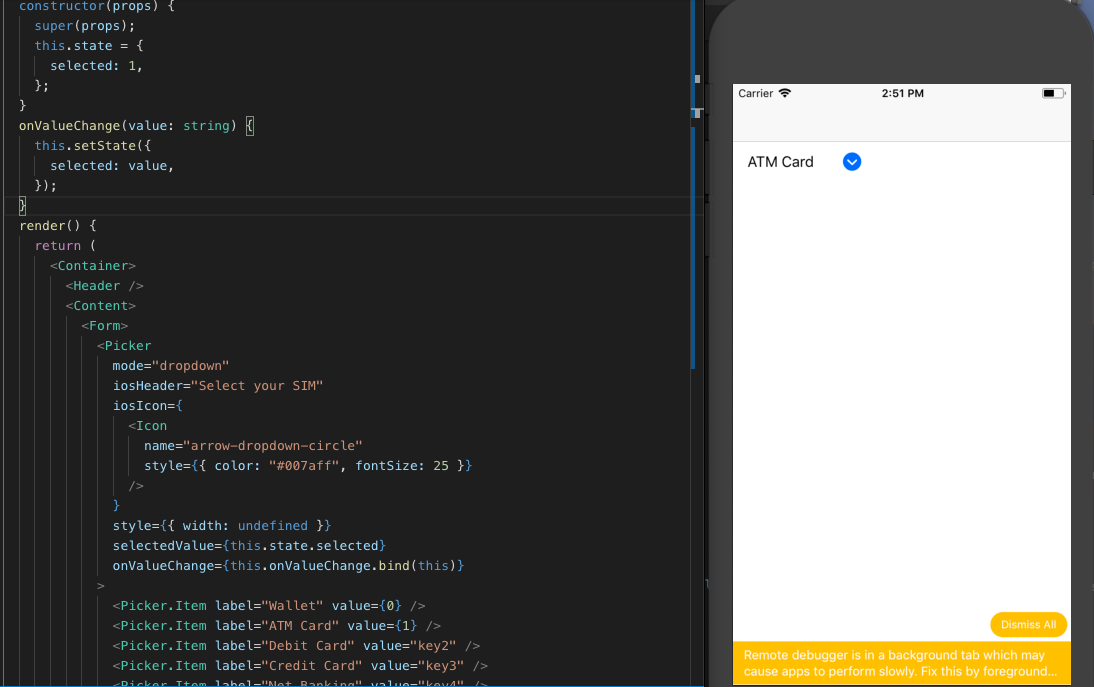
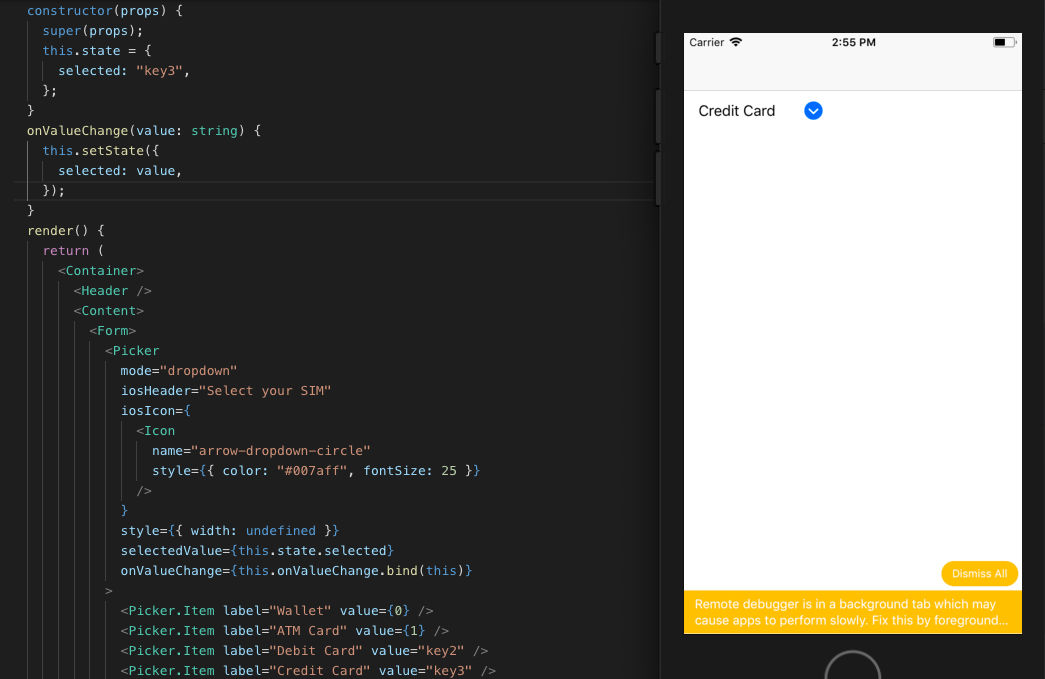
The prop selectedValue of <Picker> component seems to be working fine with strings and numbers type...
 suvenduchhatoi
on 7 Jan 2019
suvenduchhatoi
on 7 Jan 2019
@suvenduchhatoi Hmm... for me I'm not getting that to work. Here is a screen shot of that error.

Once I comment out selectedValue everything seems to work. I checked the type and it's a string...
Chris
lambbyrd
on 8 Jan 2019
I'm having a same issue. The thing is, it didn't happen before.
I guess it's related to expo client. It has been updated on Jan 4th and it's happening now.
 YoonjaeYoo
on 8 Jan 2019
YoonjaeYoo
on 8 Jan 2019
I resolved this by downgrading "@expo/vector-icons" from "9.0.0" to "8.1.0".
YoonjaeYoo
on 8 Jan 2019
I thought downgrading have resolved the issue but not.
Ultimately the solution was to upgrade expo to 32.0.0 and "import * as Font from 'expo-font';"
https://blog.expo.io/expo-sdk-v32-0-0-is-now-available-6b78f92a6c52
YoonjaeYoo
on 8 Jan 2019
Yea that looks like the solution. The new Types for v32 are not playing nicely with my project so I'll have to wait until they upgrade their types. https://github.com/expo/expo/issues/3155
lambbyrd
on 9 Jan 2019
Downgrading to v. "8.1.0" solved the issue for me. Thank you YoonJae.
 HoldenMaudlin
on 10 Jan 2019
HoldenMaudlin
on 10 Jan 2019
Downgrading @expo/vector-icons to 8.1.0 also solved the issue for me. I use expo 31.0.0.
 trojek
on 12 Feb 2019
trojek
on 12 Feb 2019
Related issues
 maphongba008
·
3Comments
maphongba008
·
3Comments
 muthuraman007
·
3Comments
muthuraman007
·
3Comments
 agersoncgps
·
3Comments
agersoncgps
·
3Comments
 Cotel
·
3Comments
Cotel
·
3Comments
 inv2004
·
3Comments
inv2004
·
3Comments
Most helpful comment
I resolved this by downgrading "@expo/vector-icons" from "9.0.0" to "8.1.0".