Nativebase: Input Floating Label not floating on production
I am using floating labels on inputs to show what they must contain.
On development, it works perfectly, but when I create the app on production, the floating label is not floating.
Node: 8.10.0
npm: 6.1.0
react-native: 0.56
react: 16.4.1
native-base: 2.7.1
Expected behaviour:
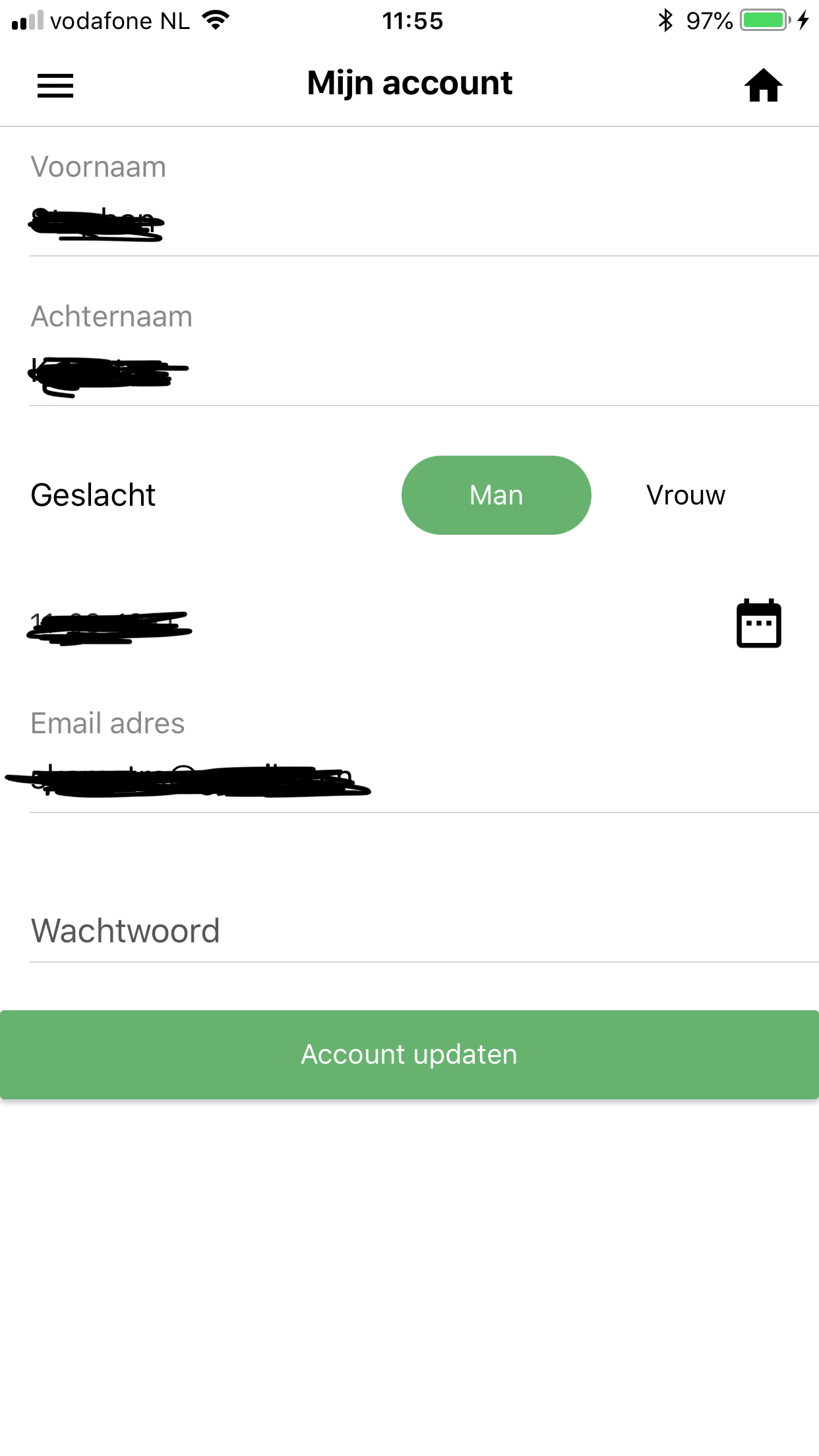
Actual behaviour:

onFirstNameChange(text) {
    this.props.firstNameChanged(text);
}
onLastNameChange(text) {
    this.props.lastNameChanged(text)
}
render() {
    return (
        <View style={{flex:1}}>
            <Form style={{flex:1}}>
                <Item floatingLabel style={{marginBottom: 10}}>
                    <Label>{I18n.t('account first_name')}</Label>
                    <Input
                        style={{color: "#000"}}
                        underlineColorAndroid='transparent'
                        placeholderTextColor="grey"
                        autoCapitalize='words'
                        value={this.props.firstName ? this.props.firstName : this.state.firstName}
                        onChangeText={this.onFirstNameChange.bind(this)}
                    />
                </Item>
                <Item floatingLabel style={{marginBottom: 10}}>
                    <Label>{I18n.t('account last_name')}</Label>
                    <Input
                        style={{color: "#000"}}
                        underlineColorAndroid='transparent'
                        placeholderTextColor="grey"
                        autoCapitalize='words'
                        value={this.props.lastName ? this.props.lastName : this.state.lastName}
                        onChangeText={this.onLastNameChange.bind(this)}
                    />
                </Item>
            </Form>
        </View>
    }
}
On componentDidMount I am loading the data to the state, the props are used when changing the values.
Happens on both iOS and Android.
 udarts
All 13 comments
Same problem here, I tried to find a workaround but nothing :(
 Valdomar
on 31 Jul 2018
Valdomar
on 31 Jul 2018
I ended up using the stackedlabel. Not the way I wanted, but at least I can proceed.
udarts
on 31 Jul 2018
I did react-native init and tried the above code snippet
Tested in debug and release mode for Android, worked as expected in both these modes
I cannot reproduce this
 SupriyaKalghatgi
on 13 Aug 2018
SupriyaKalghatgi
on 13 Aug 2018
Closing this today in case of no response
SupriyaKalghatgi
on 14 Aug 2018
@SupriyaKalghatgi I'm reproducing the issue above both on Android and iOS. It only happens in production.
 arrygoo
on 20 Sep 2018
arrygoo
on 20 Sep 2018
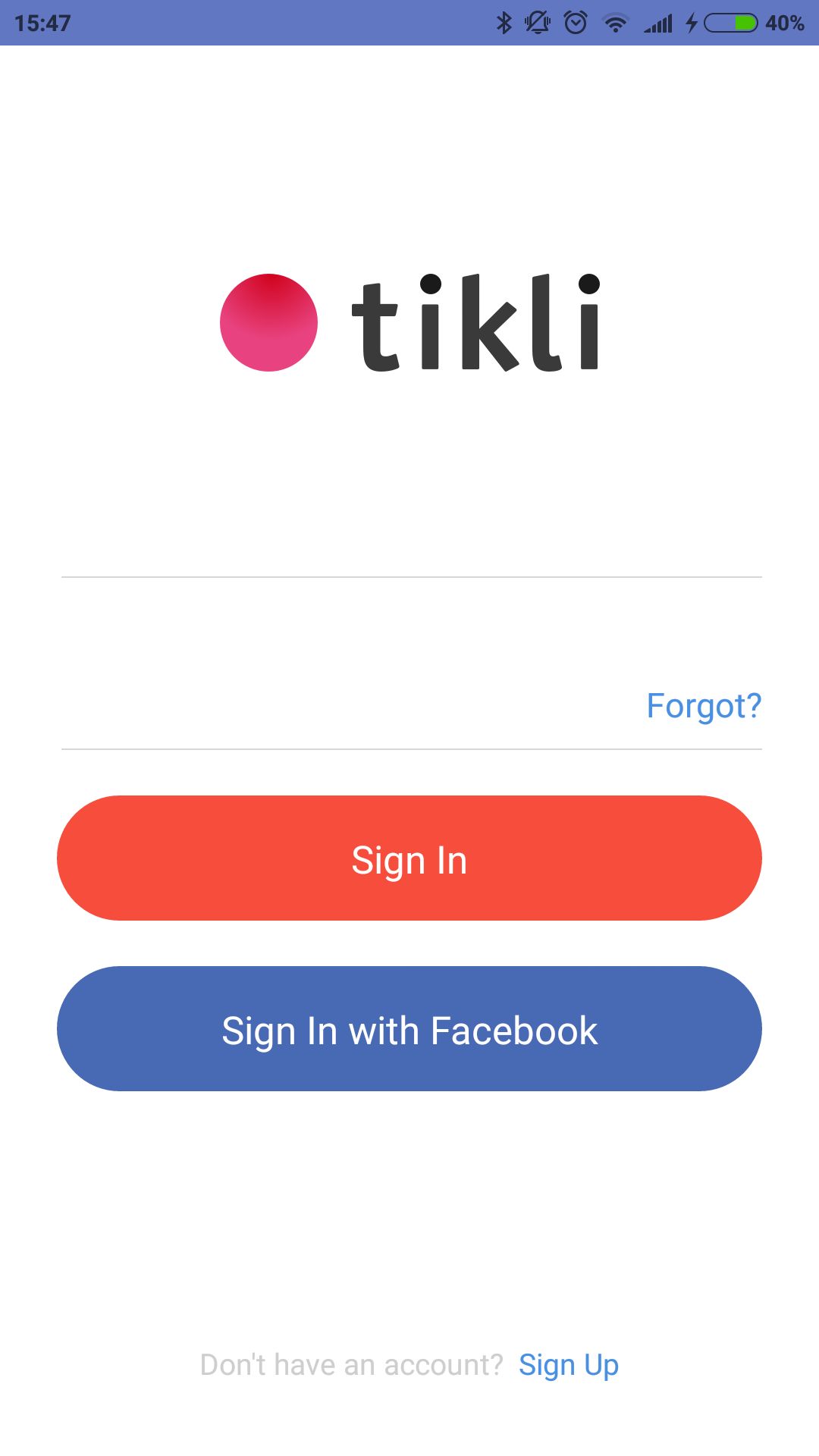
Something similar in 2.8.0 on release app version, but hiding
 ShmatkoAndrey
on 9 Oct 2018
ShmatkoAndrey
on 9 Oct 2018
+1 hiding and not updating state.
 tatsna
on 10 Oct 2018
tatsna
on 10 Oct 2018
+1
 AgataJot
on 10 Oct 2018
SupriyaKalghatgi
on 11 Oct 2018
AgataJot
on 10 Oct 2018
SupriyaKalghatgi
on 11 Oct 2018
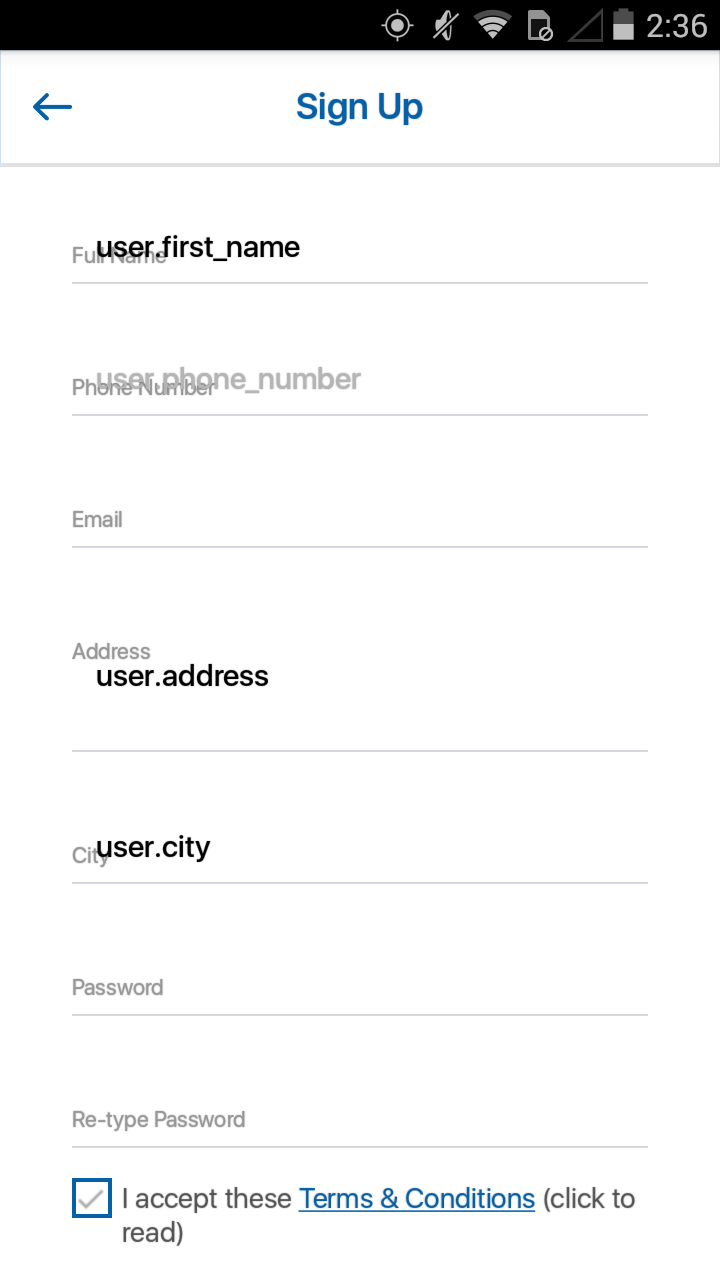
this issue is still happening in release build. works fine in debug.
"react-native": "^0.57.4", "native-base": "^2.8.1",
 arfa123
on 21 Jan 2019
arfa123
on 21 Jan 2019
+1
 Yevpak
on 24 Jan 2019
Yevpak
on 24 Jan 2019
@SupriyaKalghatgi
I am able to solve the problem by doing a small change in the Item.js code. The fix is just change the code
https://github.com/GeekyAnts/NativeBase/blob/bc9e296be598979e374dccabd5fb26690f61a787/src/basic/Item.js#L101
to
if(this.inputProps.value){
    this.floatUp(-16);
}
else{
    this.floatBack();
}
And if the label gets trimmed if the value in the input field is present, to get rid of this, do a hack like, update the state of the fields with same values inside componentDidMount() after 250ms. Which shall change the label position and look shall be as expected.
 ghost
on 3 Mar 2019
ghost
on 3 Mar 2019
@ClenetTech This was fixed and working fine
SupriyaKalghatgi
on 4 Mar 2019
Related issues
 nschurmann
·
3Comments
nschurmann
·
3Comments
 elnygren
·
3Comments
elnygren
·
3Comments
 maphongba008
·
3Comments
maphongba008
·
3Comments
 agersoncgps
·
3Comments
agersoncgps
·
3Comments
 kitsune7
·
3Comments
kitsune7
·
3Comments
Most helpful comment
@SupriyaKalghatgi I'm reproducing the issue above both on Android and iOS. It only happens in production.