Nativebase: Animated.View and ListItem
Hi guys,
This is a question because I can see issues using Animated.View into lists, what's the correct way to use animations with ListItem?
The touch doesn't work well:
<ListItem>
  <Animated.View>
  </Animated.View>
</ListItem>
Result: The position of the items are incorrect and the touch doesn't work well
or
<Animated.View>
  <ListItem>
  </ListItem>
</Animated.View>
Result: I can't see the items
Let me know what you think, I'm using the last version of NativeBase
Thanks in advance!
 jdnichollsc
All 7 comments
@jdnichollsc NativeBase uses native-base-shoutem-theme a custom implementation of shoutem-theme. So placing <Animated.View/> inside <ListItem/> may affect the styling of its children.
Tried placing <Animated.View/> outside <ListItem/>. Worked fine for me. Attaching a gif
Tested code
import React from "react";
import { StyleSheet, Animated, Easing } from "react-native";
import { Container, Header, Content, Button, Text, List, ListItem } from "native-base";

export default class App extends React.Component {

  constructor() {
    super()
    this.state = { clicked: false }
    this.animatedValue = new Animated.Value(0)
  }

  componentDidMount() {
    this.animate()
  }
  animate() {
    this.animatedValue.setValue(0)
    Animated.timing(
      this.animatedValue,
      {
        toValue: 1,
        duration: 2000,
        easing: Easing.linear
      }
    ).start(() => this.animate())
  }

  render() {
    const opacity = this.animatedValue.interpolate({
      inputRange: [0, 0.5, 1],
      outputRange: [0, 1, 0]
    })

    return (<Container>
      <Header />
      <Content>
        <List>
          <Animated.View
            style={{
              opacity
            }}>
            <ListItem style={[{ marginLeft: 0, paddingLeft: 15 }, this.state.clicked ? styles.red : styles.blue]} onPress={() => this.setState({ clicked: !this.state.clicked })}>
              <Text>Simon Mignolet</Text>
            </ListItem>
          </Animated.View>
        </List>
      </Content>
    </Container >
    )
  }
}

const styles = StyleSheet.create({
  red: {
    backgroundColor: "red"
  },
  blue: {
    backgroundColor: "blue"
  }
})
Gif

 akhil-geekyants
on 28 May 2018
akhil-geekyants
on 28 May 2018
Hi @akhil-geekyants, thanks for your quickly and excellent response!
I'm using the Animated.View outside ListItem too but I can't see my items, let me show you:
ListItem without use
Animated.View:
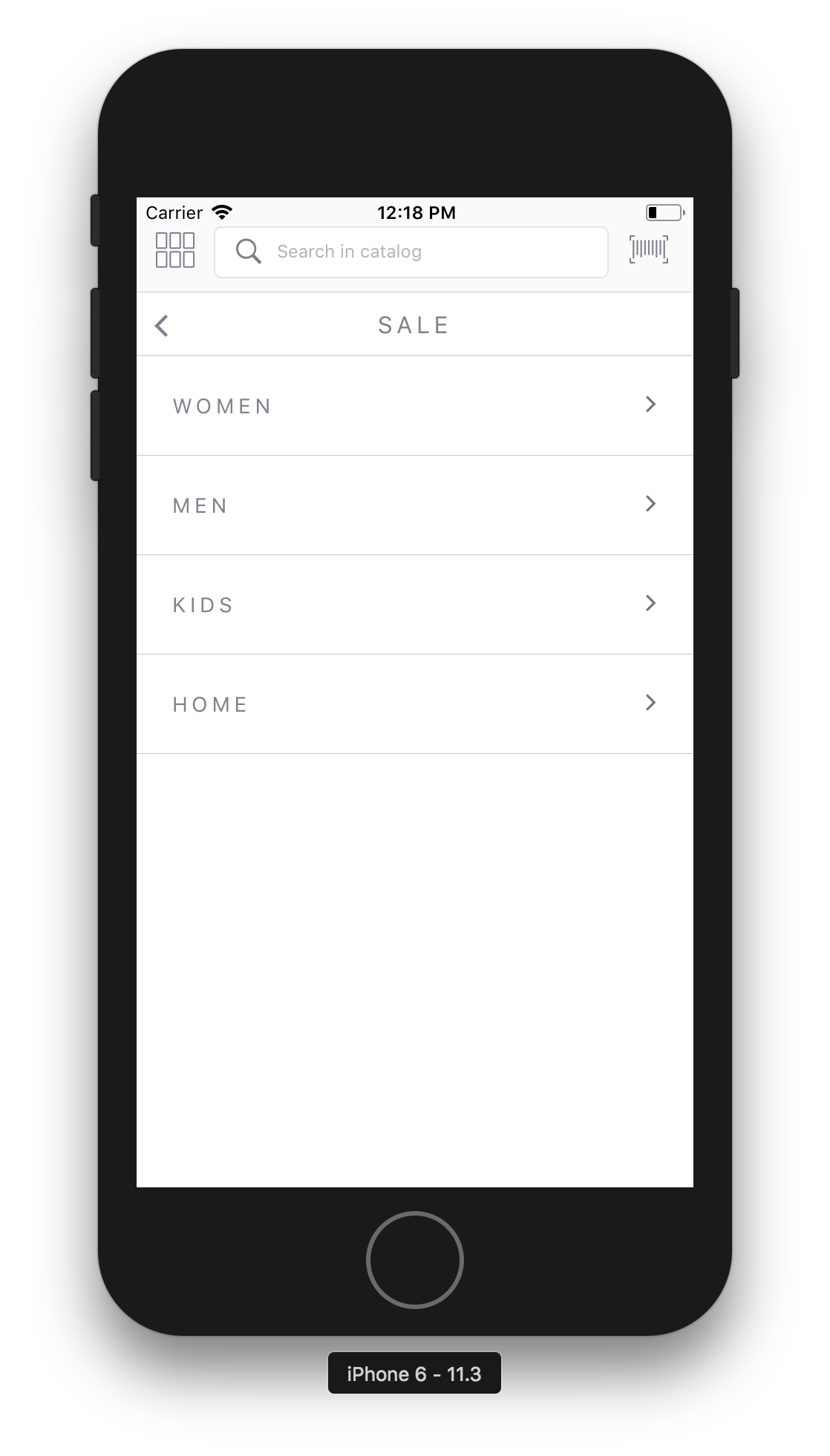
Using
Animated.ViewwithListItemas child:

And the code I'm using is:
  componentDidMount() {
    let { index } = this.props
    Animated.timing(this.state.animateItem, {
      toValue: 1,
      duration: 200,
      delay: (index + 1) * 50,
      easing: Easing.linear
    }).start()
  }

  transformY() {
    return {
      translateY: this.state.animateItem.interpolate({
        inputRange: [0, 0.5, 1],
        outputRange: [700, 300, 0]
      })
    }
  }

  animateItem(item) {
    return (
      <Animated.View
          style={{
            width: '100%',
            transform: [ this.transformY() ]
          }}>
        { item }
      </Animated.View>
    )
  }

  render() {
    return this.animateItem(
      <ListItem
        icon
        style={Style.listItem}
        onPress={() => this.doNavigate(this.props.category)}>
        <Body style={Style.listItem}>
          <Text style={Style.listDropText}>
            {this.props.category.name.toUpperCase()}
          </Text>
        </Body>
        <Right style={{height:'100%'}}>
          <Icon style={Style.listIcon} name="ios-arrow-forward"/>
        </Right>
      </ListItem>
    )
  }
Thanks in advance, Nicholls
jdnichollsc
on 28 May 2018
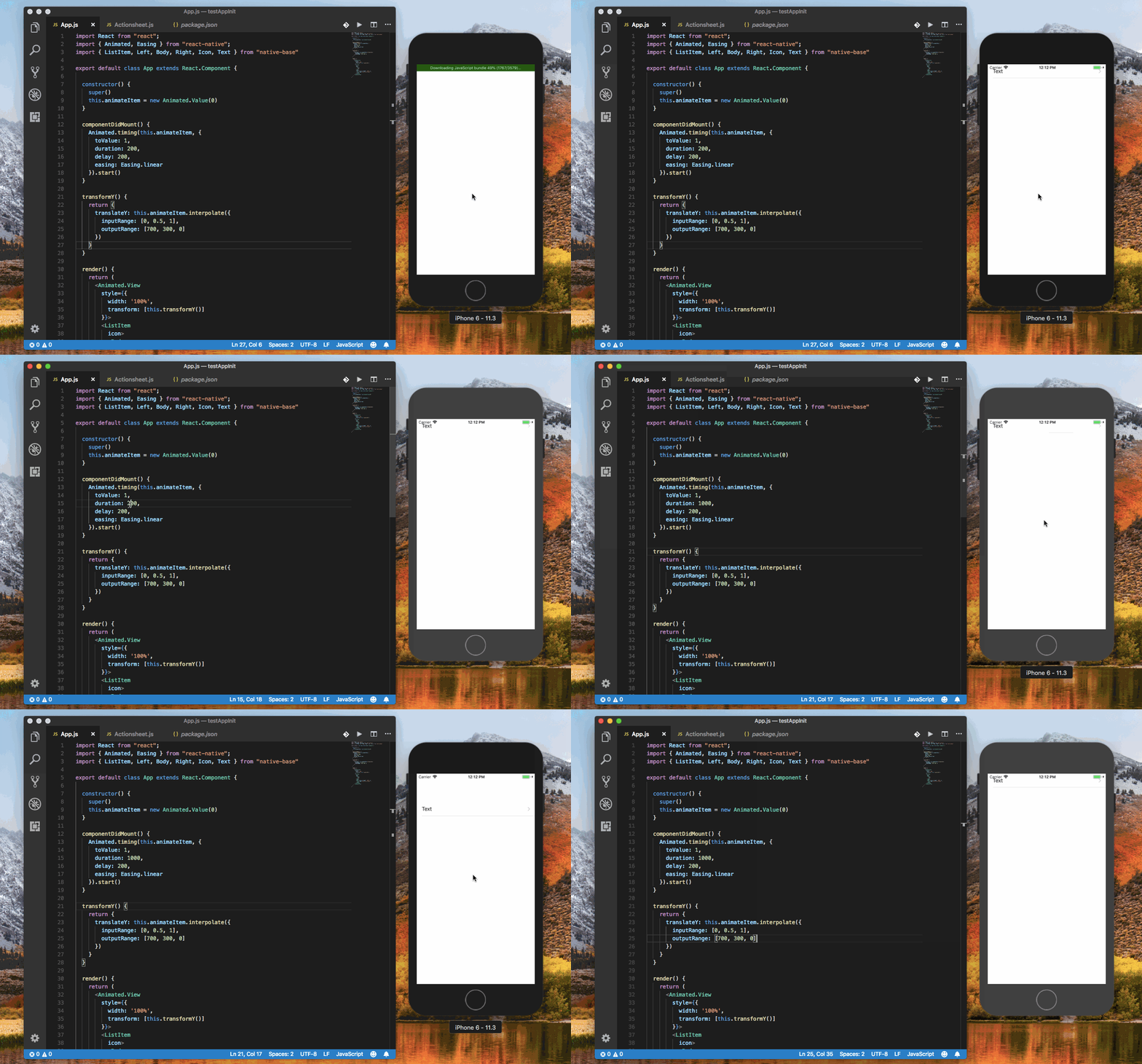
@jdnichollsc checked this. Attaching a gif.
Code
import React from "react";
import { Animated, Easing } from "react-native";
import { ListItem, Left, Body, Right, Icon, Text } from "native-base"

export default class App extends React.Component {

  constructor() {
    super()
    this.animateItem = new Animated.Value(0)
  }

  componentDidMount() {
    Animated.timing(this.animateItem, {
      toValue: 1,
      duration: 1000,
      delay: 200,
      easing: Easing.linear
    }).start()
  }

  transformY() {
    return {
      translateY: this.animateItem.interpolate({
        inputRange: [0, 0.5, 1],
        outputRange: [700, 300, 0]
      })
    }
  }

  render() {
    return (
      <Animated.View
        style={{
          width: '100%',
          transform: [this.transformY()]
        }}>
        <ListItem
          icon>
          <Body>
            <Text>
              Text
          </Text>
          </Body>
          <Right style={{ height: '100%' }}>
            <Icon name="ios-arrow-forward" />
          </Right>
        </ListItem>
      </Animated.View>
    )
  }
}
Gif
akhil-geekyants
on 29 May 2018
ohhh beautiful example, thanks for the help! so I don't understand what's the issue in my case :/
jdnichollsc
on 30 May 2018
@jdnichollsc We helped you by providing many examples, which is working perfectly fine at out end.
May be break down your code by trying out just this snippet, without adding any other logic
 SupriyaKalghatgi
on 30 May 2018
SupriyaKalghatgi
on 30 May 2018
we can keep this issue open if you provide your code over snack
SupriyaKalghatgi
on 30 May 2018
Thanks guys, let me close this issue, I need to review the theme of my app, thanks for all!
jdnichollsc
on 30 May 2018
Related issues
 Landerson352
·
3Comments
Landerson352
·
3Comments
 nschurmann
·
3Comments
nschurmann
·
3Comments
 sihemhssine
·
3Comments
sihemhssine
·
3Comments
 chetnadaffodil
·
3Comments
chetnadaffodil
·
3Comments
 natashache
·
3Comments
natashache
·
3Comments