Nativebase: Content with refreshControl and padder wrong paddings
When using Content component with padder attribute everything is working as excepted. However adding refreshControl to this makes the left padding disappear.
Screenshot.

react-native, react and native-base version
0.54.2, 16.3.0-alpha.1, 2.3.7
 ppozniak
👍1
All 4 comments
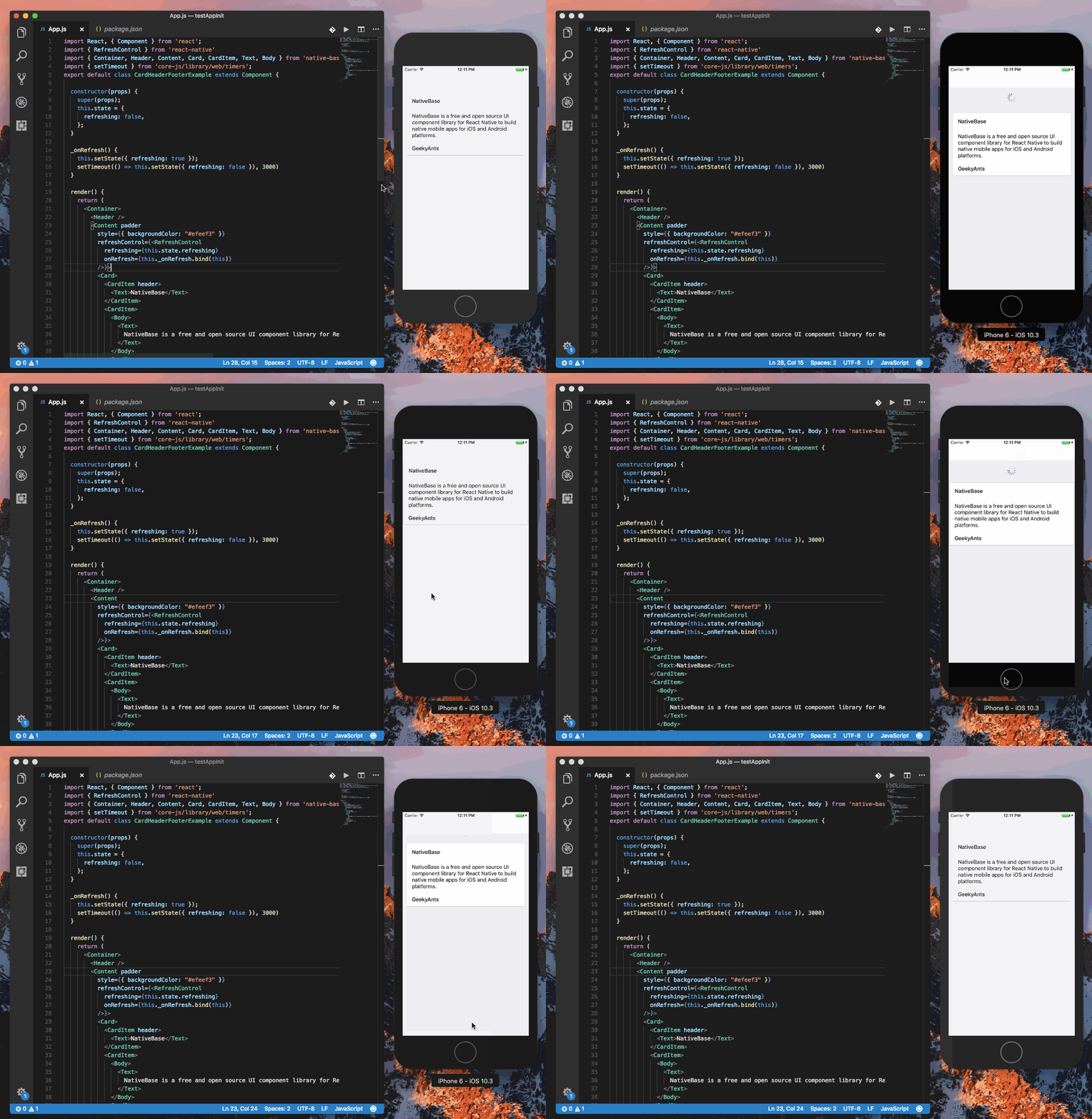
@ppozniak checked this. It is working fine for me . Attaching a gif.
Gif
 akhil-geekyants
on 26 Mar 2018
akhil-geekyants
on 26 Mar 2018
❤2
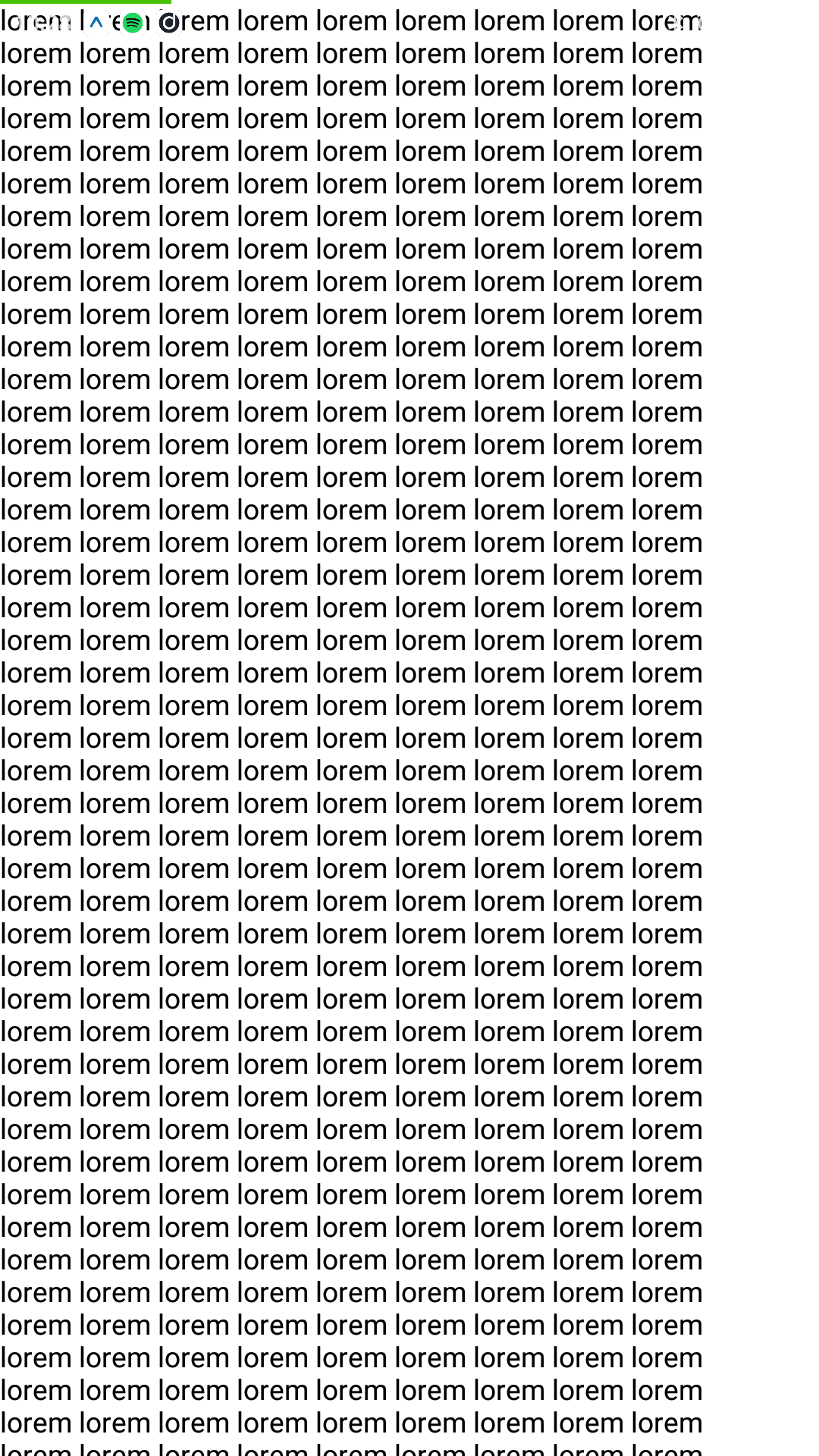
@akhil-geekyants Made a new snack: https://snack.expo.io/Hy91JEL9f
It seems to work okay on iOS however not on android:
ppozniak
on 26 Mar 2018
@ppozniak same issue happens with react-native ScrollView.
But you can fix this by removing the padder and setting the padding to contentContainerStyle of <Content/>
<Content contentContainerStyle={{ padding: 10 }} refreshControl={<RefreshControl/>}>
We will be fixing this. Let us know if you are facing any issue.
akhil-geekyants
on 26 Mar 2018
👍7
Fixed with 2.4.2
 SupriyaKalghatgi
on 13 Apr 2018
SupriyaKalghatgi
on 13 Apr 2018
Was this page helpful?
0 / 5 - 0 ratings
Related issues
 chetnadaffodil
·
3Comments
chetnadaffodil
·
3Comments
 sihemhssine
·
3Comments
sihemhssine
·
3Comments
 inv2004
·
3Comments
inv2004
·
3Comments
 Bundas
·
3Comments
Bundas
·
3Comments
 maphongba008
·
3Comments
maphongba008
·
3Comments
Most helpful comment
@ppozniak same issue happens with react-native ScrollView.
But you can fix this by removing the padder and setting the padding to
contentContainerStyleof<Content/>We will be fixing this. Let us know if you are facing any issue.