Nativebase: Cards not displaying properly for some iOS users (possible iOS 11 issue)
react-native, react and native-base version
"native-base": "^2.3.2",
"react": "16.0.0-alpha.12",
"react-native": "0.48.4",
Expected behaviour
Cards should render properly for all devices.
Actual behaviour
Cards render properly on my device (iOS 10) as well as emulators. Some users with iOS 11 are experiencing issues.
Steps to reproduce (code snippet or screenshot)
Create a Card with CardItem and button set to {true}. Put an image inside the card. Try it on iOS 11 with an iPhone 7 or 8 PLUS.
Screenshot of emulator/device
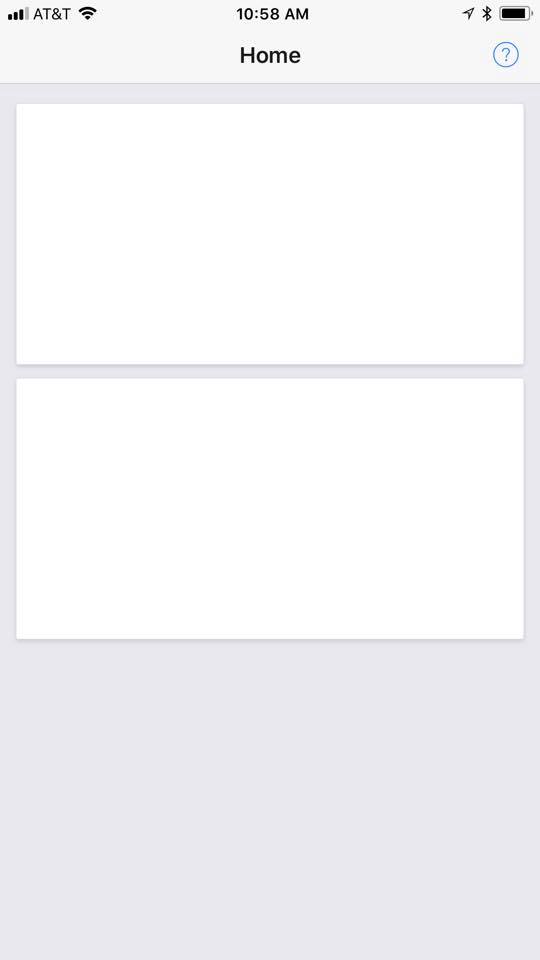
The above is what the bug looks like. The card's image don't appear, and it is no longer clickable. I have another page with a card and an image and it loads fine, but this card does not have button={true} set, so this might be an issue specifically with card buttons.

^ This is what it should look like
Is the bug present in both ios and android or in any one of them?
Only tried iOS
Any other additional info which would help us debug the issue quicker.
My cards are structured like this:
<Container>
        <Content padder>
          <Card>
            <CardItem cardBody button={true} onPress={() => { navigate('Samplers') }}>
              <Image source={require('./assets/images/categories/samplers.jpg')} style={{height: 200, width: null, flex: 1}}/>
              <Text style={styles.cardTextOverlay}>SAMPLERS</Text>
            </CardItem>
          </Card>
        </Content>
</Container>
 keviniamburg
All 18 comments
I downloaded the latest Xcode and dug around some more. This issue seems to only occur on iOS 11 on iPhone 7 Plus, not the regular iPhone 7. Will test others as well.
Specifically, it relates to the style attribute on the width: null part?
Also I'm not entirely sure if this is a NativeBase issue, or a react-native issue. Anyone have any insight?
keviniamburg
on 5 Oct 2017
Only if I remove the width and height attributes, the image loads properly (although improperly sized). Very strange.
keviniamburg
on 5 Oct 2017
It gets deeper... it has to do with the height I set the images to. If I try a taller height, the issue seems to go away. My images were set to height: 200 and if I changed it to height: 260 it works. I tried it with JPGs and PNGs. Seems to be an issue with the image scaling.
keviniamburg
on 5 Oct 2017
Try setting flexWrap: 'nowrap' on Card style.
 mtebele
on 6 Oct 2017
mtebele
on 6 Oct 2017
Is there any solution?
I am trying to use this card inside a deskSwiper,
I tried to give flexWrap: 'nowrap' to the card and I was able get the entire image inside a card > cardItem index[0], but other items are not displaying properly.
 anmolmayank
on 10 Oct 2017
anmolmayank
on 10 Oct 2017
@anmolmayank
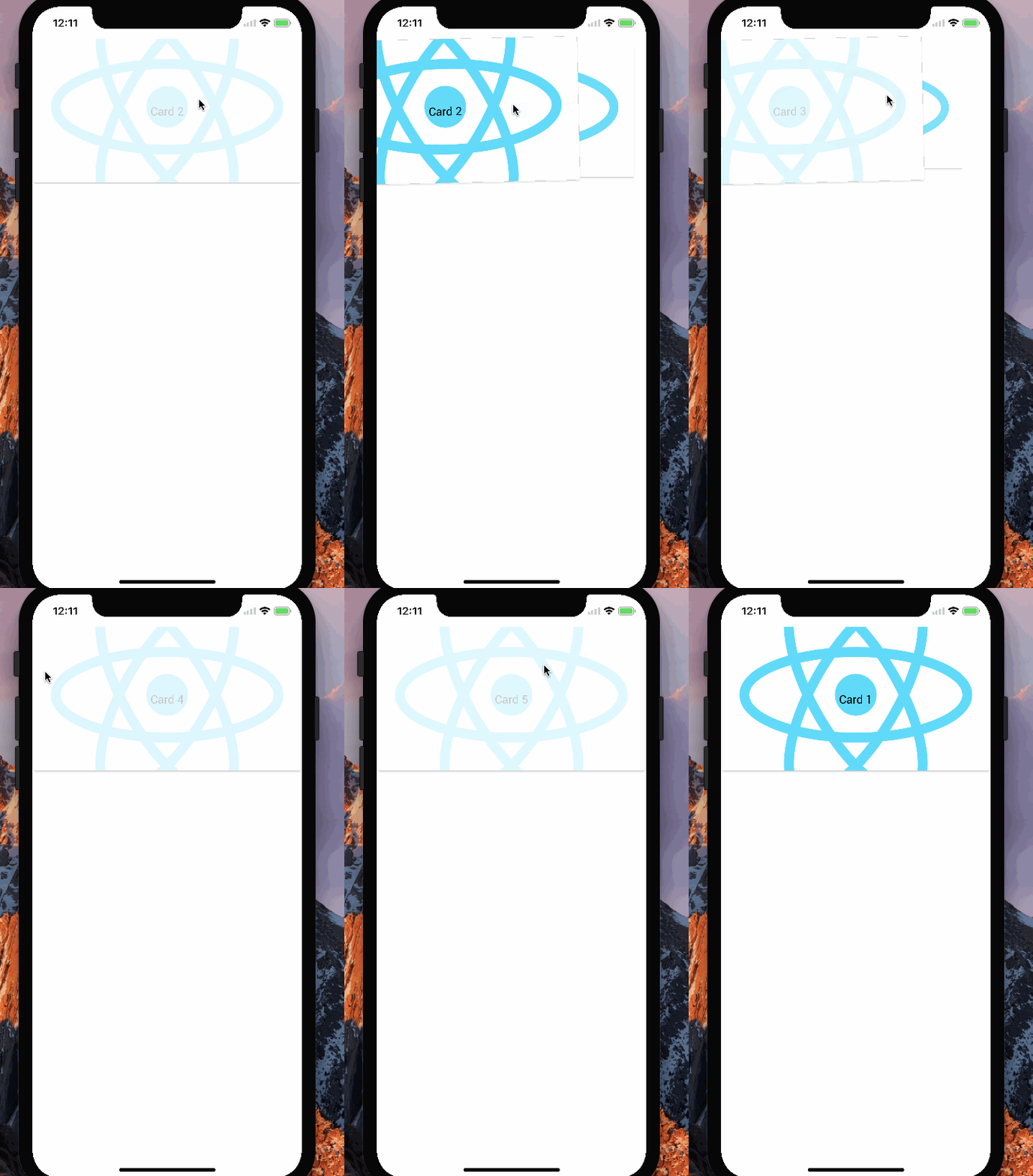
tried deckswiper using slickdev's card adding card styleflexWrap: 'nowrap'. It was working fine. Attaching a gif
 akhil-geekyants
on 9 Nov 2017
akhil-geekyants
on 9 Nov 2017
Closing the issue due to no response
akhil-geekyants
on 20 Nov 2017
The issue wasn't regarding deckswiper. It was regarding the card component.
keviniamburg
on 20 Nov 2017
@akhil-geekyants there's no solution yet. The issue is about the card component, not about deckswiper.
mtebele
on 21 Nov 2017
Sorry! There might be some confusion in answering between the issues
We will reconsider this
 SupriyaKalghatgi
on 22 Nov 2017
SupriyaKalghatgi
on 22 Nov 2017
It can be fixed by using flexWrap: 'nowrap' on Card style.
thanks to mtebele
 shobhitnpm
on 23 Nov 2017
shobhitnpm
on 23 Nov 2017
@slickdev @mtebele The comment here by @akhil-geekyants was answer to @anmolmayank query here
@akhil-geekyants There is no confusion now
SupriyaKalghatgi
on 28 Nov 2017
@slickdev @mtebele @anmolmayank @shobhitnpm
<Card>
  <CardItem cardBody button={true}>
    <Image
      source={require("../../../assets/NavLogo.png")}
      style={{ width: null, flex: 1 }}
    />
  </CardItem>
  <CardItem>
    <Text>SAMPLERS</Text>
  </CardItem>
</Card>
This seems to be working fine with iOS 11 iPhone 7Plus
The issue was due to improper value of height with Image
SupriyaKalghatgi
on 28 Nov 2017
for that matter width is not mandatory
the above snippet works without providing width to Image
SupriyaKalghatgi
on 28 Nov 2017
same issue here. but tested on
Device: iPhone 6S+
iOS: 10.3.3
also
Device: Tab Lenovo A5500
Android: Jellybean
 ikhsanalatsary
on 5 Dec 2017
ikhsanalatsary
on 5 Dec 2017
@ikhsanalatsary can you check with native-base version 2.3.6
akhil-geekyants
on 10 Jan 2018

This is from NativeBase-KitchenSink
Card with Image renders fine on iPhone 6s+
SupriyaKalghatgi
on 11 Jan 2018
Yes, it's works
ikhsanalatsary
on 15 Jan 2018
Related issues
 aloifolia
·
3Comments
aloifolia
·
3Comments
 elnygren
·
3Comments
elnygren
·
3Comments
 inv2004
·
3Comments
inv2004
·
3Comments
 maphongba008
·
3Comments
maphongba008
·
3Comments
 georgemickael-b
·
3Comments
georgemickael-b
·
3Comments
Most helpful comment
Try setting
flexWrap: 'nowrap'on Card style.