Msteams-docs: Chat deep link from outside Teams
Is it possible to use the deeplink to chat from outside Teams itself?
If I click the link in Teams it's working but not from SharePoint.
Document Details
⚠ Do not edit this section. It is required for docs.microsoft.com ➟ GitHub issue linking.
- ID: a891841a-a110-d18e-25c1-fc29e7d4a5e3
- Version Independent ID: c1a11eb8-00d1-e1d2-1e9d-71d059a6478a
- Content: Create deep links - Teams
- Content Source: msteams-platform/concepts/deep-links.md
- Product: msteams
- GitHub Login: @o365devx
- Microsoft Alias: o365devx
 mrik23
All 15 comments
@mrik23 deeplink is just a url. Should work just the same outside of teams. The teams website should ask if you want to open the desktop or web app. What behavior are you seeing when clicking the deeplink in sharepoint?
 01
on 3 May 2019
01
on 3 May 2019
It seems to work if I choose to open in the app, but if I want stay in the web app, it's going to the chat part but doesn't seem to resolve the user.
mrik23
on 3 May 2019
Can you provide the deeplink URL you're experiencing issues with? (with placeholders for privacy if necessary)
 clearab
on 3 May 2019
clearab
on 3 May 2019
Problem seems to be only if we force to access Teams with the webapp.
The link I use is as below:
https://teams.microsoft.com/l/chat/0/0?users=<UserEmail>
Once forcing to go to the webapp the URL is as below:
https://teams.microsoft.com/_#/l/chat/0/0?users=<EmailAdress>&deeplinkId=<guid>
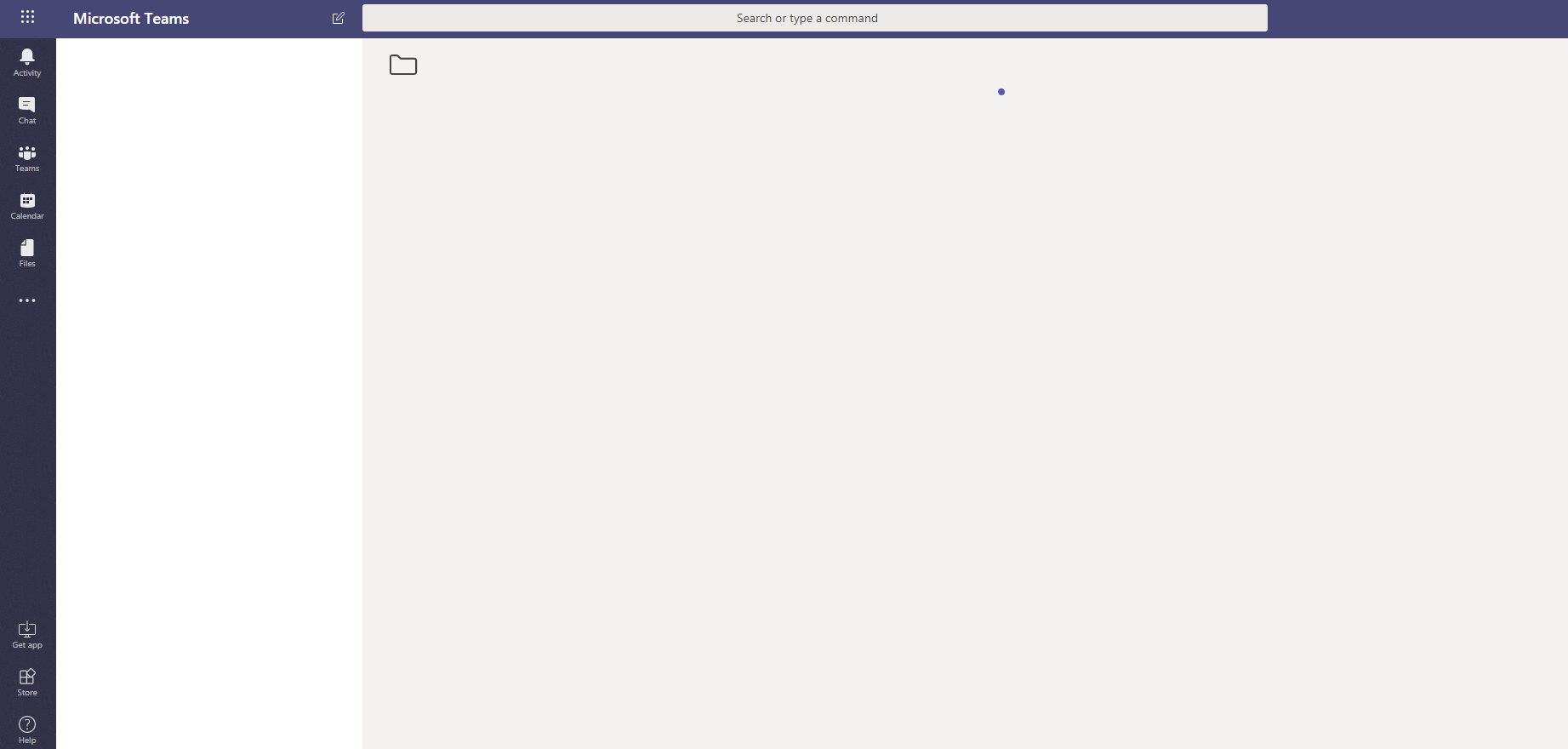
Which brings me to a screen like that:
mrik23
on 3 May 2019
I was able to recreate this problem. I am not getting the same blank page but when I make sure desktop app is not running and click use webapp it just takes me to my conversations ctx page
the redirect is the same format https://teams.microsoft.com/_#/l/chat/0/0?users=
The issue only seems to exist when using user email and not user id. i.e the link to my bot channel provided by azure bot registration works as expected in webchat.
01
on 3 May 2019
This looks like a bug. We are looking into this.
 Wajeed-msft
on 6 May 2019
Wajeed-msft
on 6 May 2019
I also was experiencing the above bug when trying to create a link. Essentially, what I'm looking to do is have a link in my email signature for my org to be able to click on and open up a chat conversation with me. I'm using a test account to try to link to my real account (just to see if it's actually working). It seemed to work if I already had a conversation with the individual, but I'm hoping a deep link will work to create a new conversation (or a draft of a new conversation).
 skindog
on 9 May 2019
skindog
on 9 May 2019
@skindog the exact scenario thats happening. It should still work if user is using the desktop app, but wont for web.
01
on 9 May 2019
Hello,
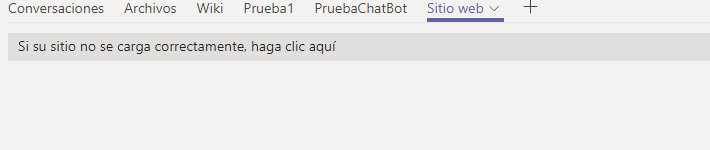
We are facing the same scenario here . We are using the next deeplink "https://teams.microsoft.com/l/chat/0/0?users=28:xxxxx-xxxx-xxxx-xxxxxx" because we want implement an icon for a chatbot in the Chat tab for MSTeams.

ID chatbot: "28:xxxxx-xxxx-xxxx-xxxxxx"
App Desktop:

Web:
Appreciate any suggestion.
Have a nice day.
 Bryand13
on 23 May 2019
Bryand13
on 23 May 2019
@Bryand13 - Deeplink should work fine is all other scenarios excpt the one reported for browser scenario.
Are you trying Deep linking from your tab?
Wajeed-msft
on 23 May 2019
Hi Wajeed,
No. Im trying "Deep linking to a chat".
Bryand13
on 23 May 2019
Any update on that? Still not working in the web client.
mrik23
on 6 Aug 2019
Hello,
I need one simple thing : launch teams desktop application and chat with someone.
When i call https://teams... /chat/0/0?users=
I think that passing from https://teams is useless...so I checked process execution after redirecting from https://teams.. and I found that teams.exe is launched with "msteams://l/chat ..." :
=> URL is quite the same, but, the argument "deepLinkId" looks like mandatory.
Is it possible to launch directly the desktop app with : msteams://l/chat/0/0?users=
Thank you for your help
 AliLoUuU
on 3 Oct 2019
AliLoUuU
on 3 Oct 2019
Even I am looking for open a teams new chat window from a SharePoint page, I don't want to provide any users in deep link.
 pmeripe
on 25 Nov 2019
pmeripe
on 25 Nov 2019
Please use microsoftTeams.executeDeepLink(/deepLink/) to trigger deeplink opening without opening intermediate page.
Wajeed-msft
on 31 Jan 2020
Related issues
 jonmill
·
6Comments
jonmill
·
6Comments
 kafka-yu
·
5Comments
kafka-yu
·
5Comments
 chris31389
·
5Comments
chris31389
·
5Comments
 camiloxs
·
6Comments
camiloxs
·
6Comments
 krishnajaju
·
6Comments
krishnajaju
·
6Comments
Most helpful comment
Hello,
I need one simple thing : launch teams desktop application and chat with someone.
When i call https://teams... /chat/0/0?users= it opens a webpage that opens teams on desktop BUT the webpage is still here, I don't want that page, how to close it automatically or ignore that?!
I think that passing from https://teams is useless...so I checked process execution after redirecting from https://teams.. and I found that teams.exe is launched with "msteams://l/chat ..." : and open the good chat page ?
=> URL is quite the same, but, the argument "deepLinkId" looks like mandatory.
Is it possible to launch directly the desktop app with : msteams://l/chat/0/0?users=
Thank you for your help