Mpv: HDR tonemapping producing subpar results with default config
mpv version and platform
Windows 10 1809
mpv 0.29.0-107-gd6d6da4711 Copyright © 2000-2018 mpv/MPlayer/mplayer2 projects
built on Sun Dec 16 00:57:00 UTC 2018
ffmpeg library versions:
libavutil 56.24.101
libavcodec 58.42.102
libavformat 58.24.101
libswscale 5.4.100
libavfilter 7.46.101
libswresample 3.4.100
ffmpeg version: git-2018-12-15-be60dc21
Reproduction steps
Attempt to watch HDR content on SDR monitor
Expected behavior
Accurate reproduction of colours and brightness levels
Actual behavior
Colours (particularly in the red spectrum) are not accurately reproduced, light often behaves unnaturally and visibly shifts mid-scene
Log file
Sample files
If someone can tell me how to losslessly cut an mkv with HDR metadata intact I can provide samples
From what I can tell, tonemapping with mpv currently has two major issues what make it rather unpleasant to the end user:
Reds are awful, I don't know if there's something special about this part of the spectrum but mpv does not play well with them at all - at least with the default settings. I've found I can improve reds dramatically by tweaking some settings such as the following but this comes with the cost of interfering with the rest of the film.
tone-mapping-desaturate=0
hdr-compute-peak=no
Here are some examples of reds/yellows not behaving correctly, I'll be using madVR as a pseudo reference as I don't have the SDR BD on hand and they seem to have no such issues with their tonemapping solution.
These examples are from The Dark Knight 2008, mpv (default) has no HDR-specific config, mpv (tweaked) users the aforementioned config from the previous paragraph.
Full gallery for easier viewing: https://imgbox.com/g/DvoY5yAjFH
Examples:
Fire -
madVR: https://images2.imgbox.com/db/c3/TRqmFfaz_o.png
mpv (default): https://images2.imgbox.com/50/1b/L9crP04w_o.png
mpv (tweaked): https://images2.imgbox.com/e6/0d/HROmk5iG_o.png
Explosion -
madVR: https://images2.imgbox.com/5d/0d/KzBne9Hd_o.png
mpv (default): https://images2.imgbox.com/a8/8a/kDpQb97n_o.png
mpv (tweaked): https://images2.imgbox.com/e4/5b/eji8jTxh_o.png
Secondly, hdr-compute-peak often causes noticeable shifts in brightness throughout the film even when there's not much going on. I noticed this while watching The Big Lebowski for example, while they were standing around talking the brightness suddenly shifted and it was very noticeable and uncomfortable.
Here's an example of it shifting dramatically within a few frames, again, from The Dark Knight 2008:
https://images2.imgbox.com/75/a9/LuuoGHun_o.png
https://images2.imgbox.com/a9/0c/SpBDirqQ_o.png
One thing in paricular that I've noticed about this is it's at its most egregious during sudden shifts, such as cutting from a dark scene directly to an explosion; perhaps it would be possible for mpv to scan ahead of time so such shifts can be accounted for?
 HyerrDoktyer
All 290 comments
I found a valid sample https://4kmedia.org/sony-camping-in-nature-4k-demo/
At 1:05 this file shows a closeup of a camp fire which demonstrates the the issue reasonably well,
Default config: https://images2.imgbox.com/1e/8c/REmolmmV_o.png
Tweaked config: https://images2.imgbox.com/d6/91/vpuRlo3e_o.png
HyerrDoktyer
on 25 Dec 2018
mpv seems to refuse to treat this sample as HDR and complains about an invalid peak here (0.29.1).
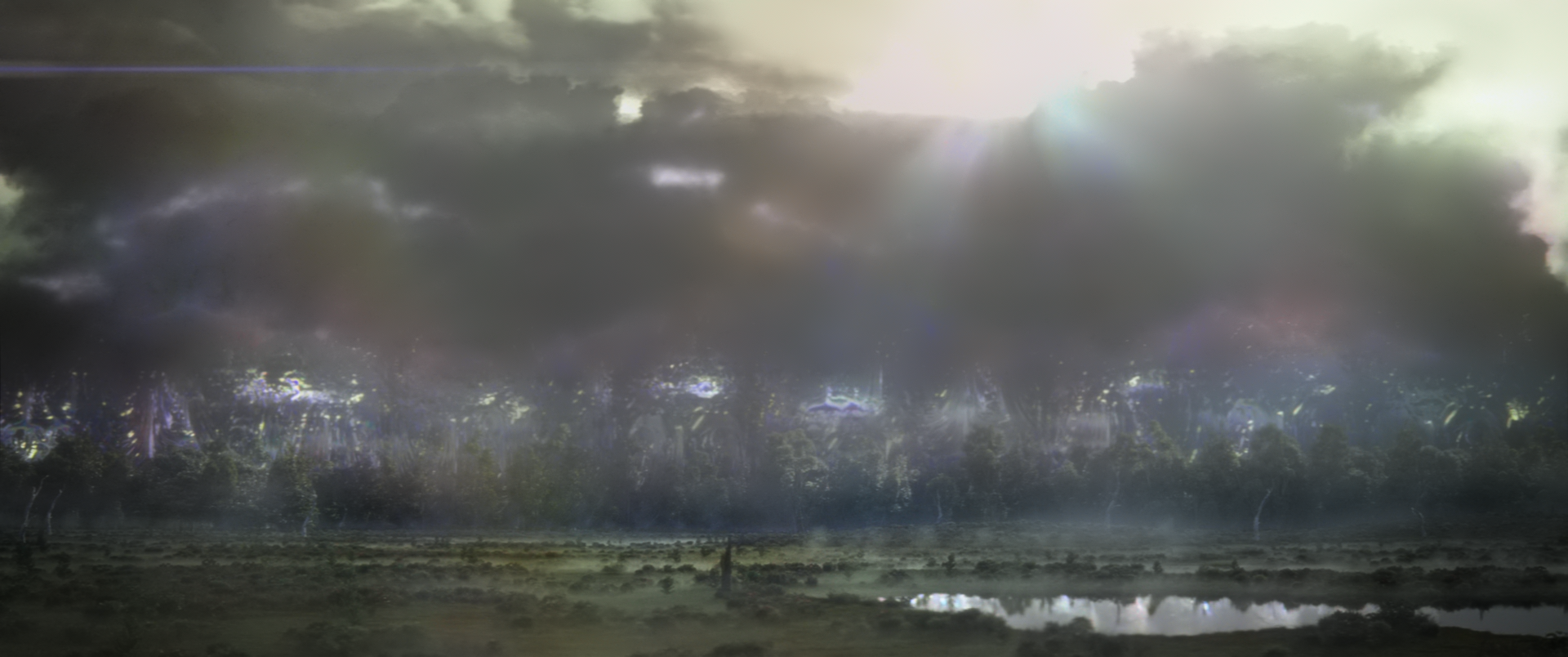
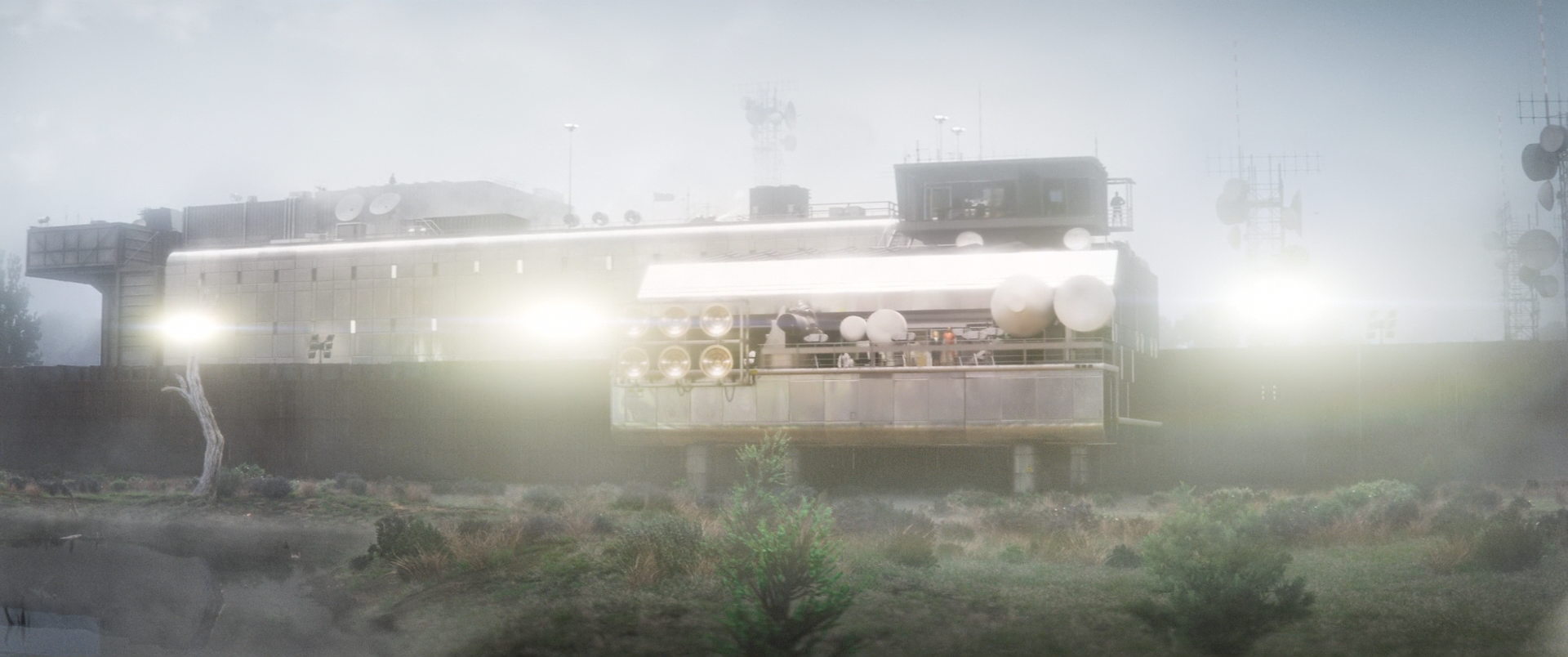
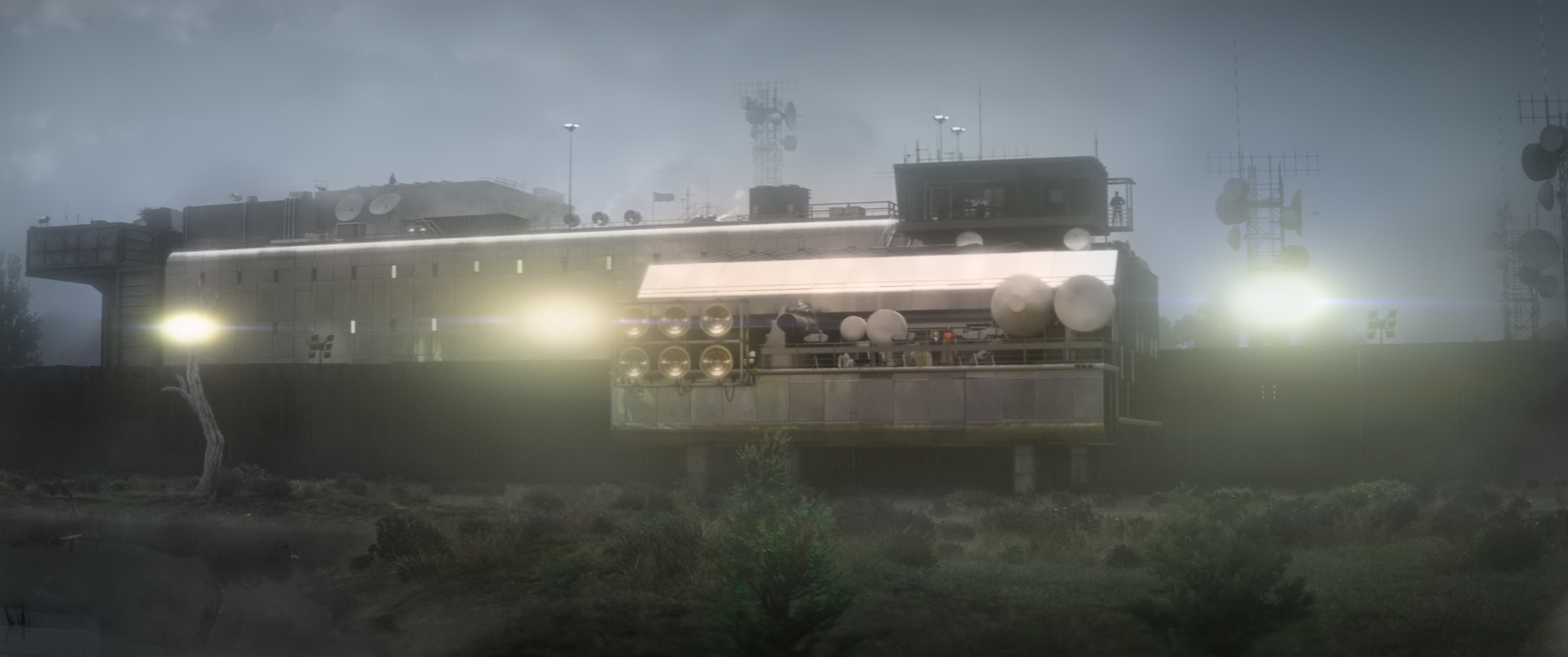
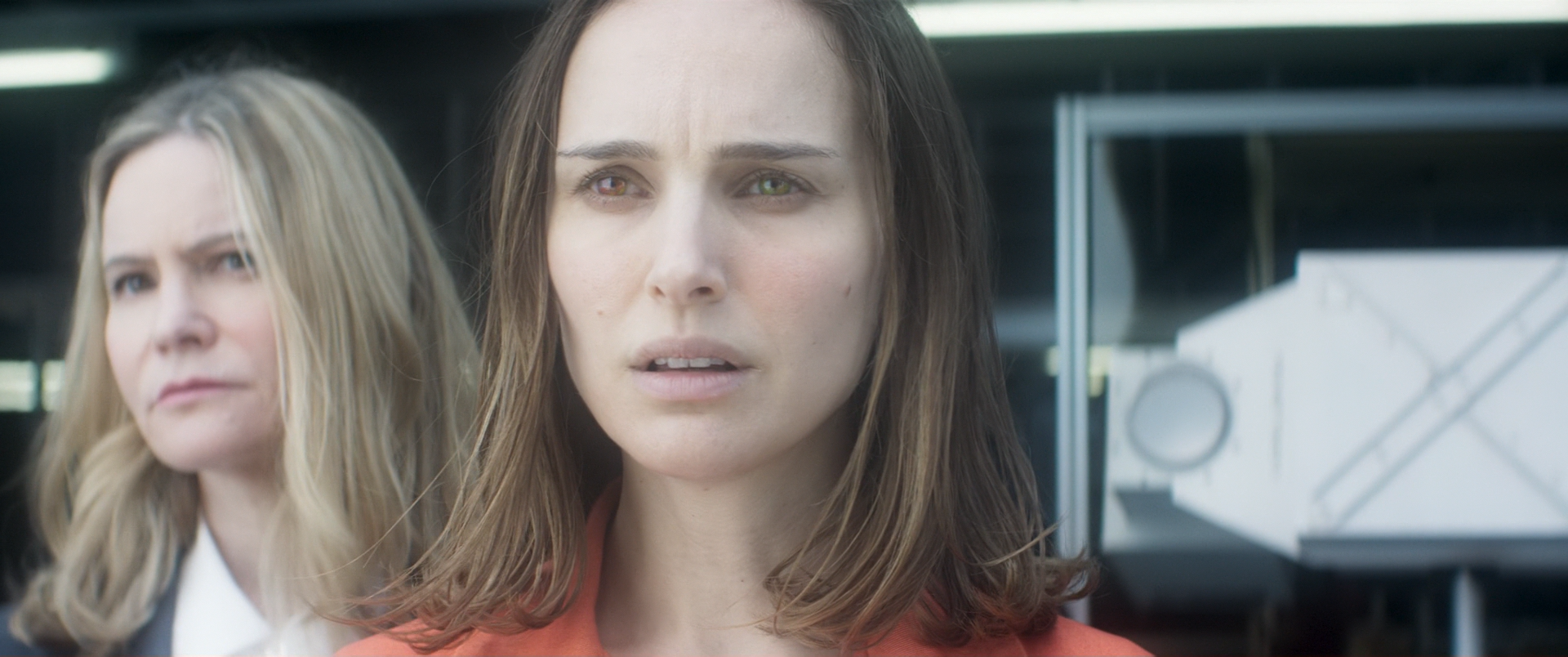
I also find the brightness shifting with --hdr-compute-peak to be quite unpleasant and annoying, even if it is relatively smooth. I only have a single HDR movie in my collection (Annihilation), where tone-mapping=reinhard with tone-mapping-param=0.6 yields much better results than the defaults.
 mia-0
on 25 Dec 2018
mia-0
on 25 Dec 2018
tone-mapping=reinhard + tone-mapping-param=0.6 produces some nice results, but I'm unsure if I would consider them better than the default; although that being said I can definitely see why it would produce superior results in a a film such as Annihilation.
Regarding brightness, a possible course of action with --hdr-compute-peak is to make it more conservative, other tonemapping solutions have similar techniques (dynamic brightness) however they do not suffer from significant shifts, at least noticeable ones.
I looked around and found some more scenes to test these settings, one thing that struck me as interesting is that a few seconds after one of my examples, the camera shifts to a close-up of the fire. Here mpv outputs a very good image that does not suffer from any 'red' issues.
mpv (default): https://images2.imgbox.com/1f/4d/XGHeNxDw_o.png
mpv (tweaked): https://images2.imgbox.com/99/7b/0ZFXHJpk_o.png
This also a good example of the damage that is done by enabling hdr-compute-peak=no and tone-mapping-desaturate=0 in certain scenes which leaves the user in a bit of a bind, do they disable tone-mapping-desaturation to improve red scenes? Or do they keep it enabled and have bright scenes ruined?
This is obviously not an ideal solution in any world.
I have some more examples of mpv not dealing with bright scenes well, even with "tweaked" config; from Interstellar:
madvr: https://images2.imgbox.com/5a/bd/yGKWUgwg_o.png
mpv (default): https://images2.imgbox.com/4f/df/4miFqIQy_o.png
mpv (tweaked: https://images2.imgbox.com/98/93/ARtMkK8T_o.png
I also have a recording demonstrating how poorly hdr-compute-peak handles sudden shifts in its current state https://0x0.st/sdRG.mp4
HyerrDoktyer
on 26 Dec 2018
re: desaturation, it's mostly a question of:
- how bright is the fire?
- what do we _expect_ bright fire to look like?
judging by the madVR result, I think they are doing tone-mapping per channel instead of linearly, which results in a lot of bright colors getting chromatically shifted; i.e. what was red to begin with ends up white, but colors close to it end up various shades of orange and yellow.
This style of tone mapping is also what hollywood has been doing for ages, which is why our brains are used to it. It's not chromatically accurate, but it might be more aesthetically pleasing. I could see myself adding an option to allow users to choose between the two modes of tone mapping, based on user preference (accurate colors or hollywood colors).
The more interesting question is concerning the desaturation itself: which one of the two mpv images is closer to our eye's perception of the same scene? Maybe desaturation of bright colors is not the correct approach in general? The reason it exists is because there are some scenes that just look extremely weird without it, usually very bright stuff like looking into the sun. I don't have much experience doing that in real life, so I can't say whether it's really unnatural or if it just feels unfamiliar.
Maybe we should disable desaturation by default, or tune it to be less aggressive? (e.g. perhaps not desaturate all the way towards white, but caps the desaturation coefficient)
 haasn
on 26 Dec 2018
haasn
on 26 Dec 2018
One approach you could play around with is this patch:
diff --git a/video/out/gpu/video_shaders.c b/video/out/gpu/video_shaders.c
index 342fb39ded..d047cf19a8 100644
--- a/video/out/gpu/video_shaders.c
+++ b/video/out/gpu/video_shaders.c
@@ -678,7 +678,8 @@ static void pass_tone_map(struct gl_shader_cache *sc, bool detect_peak,
         float base = 0.18 * dst_peak;
         GLSL(float luma = dot(dst_luma, color.rgb);)
         GLSLF("float coeff = max(sig - %f, 1e-6) / max(sig, 1e-6);\n", base);
-        GLSLF("coeff = pow(coeff, %f);\n", 10.0 / desat);
+        const float desat_cap = 0.5;
+        GLSLF("coeff = %f * pow(coeff, %f);\n", desat_cap, 10.0 / desat);
         GLSL(color.rgb = mix(color.rgb, vec3(luma), coeff);)
         GLSL(sig = mix(sig, luma * slope, coeff);) // also make sure to update `sig`
     }
desat_cap can be freely configured between 0 and 1: 0 meaning no desaturation, and 1 meaning full desaturation as before
Does that make the fire scenes more believable? A value of 0.5 still prevents e.g. the sony clip staring-into-sun from being too weird looking.
haasn
on 26 Dec 2018
@haasn Could you take a lot at what VLC does with the latest version and its D3D11 renderer? With it, saturation is not pale while there are no "smearing" artifacts at the same time.
I tried do achieve the same result with the OpenGL renderer or mpv, but it doesn't seem to be possible.
 aufkrawall
on 27 Dec 2018
aufkrawall
on 27 Dec 2018
I have spent my entire afternoon attempting to compile mpv correctly with MSYS2 so I could test your patch; for my own sanity I will not be trying again anytime soon, sorry. Maybe I will be able to get something working in a VM.
I could see myself adding an option to allow users to choose between the two modes of tone mapping, based on user preference (accurate colors or hollywood colors).
This seems like it would be a nice addition to mpv
Regarding desaturation, I agree with your point here - as I stated earlier the current solution does indeed leave the user in a less-than-ideal scenario, and unfortunately I don't have a solution. I think tweaking it to be less aggressive would be a better solution than disabling desaturation entirely, as you've mentioned it can help with particularly bright scenes. As I mentioned earlier I'm having trouble compiling mpv on Windows so I cannot test your patch currently, I will see if I can figure something out tomorrow. I might just boot into a Linux live USB and compile/test natively on there.
HyerrDoktyer
on 27 Dec 2018
I implemented the tunable desaturation patch from above + added a new option in --tone-mapping-per-channel in #6410.
Feel free to try it out and give feedback.
haasn
on 27 Dec 2018
@haasn If it works well, will there be a backport for mpv0.29.2?
 laichiaheng
on 30 Dec 2018
laichiaheng
on 30 Dec 2018
Greetings, sorry for the delay - busy over the weekend
Just a few oddities before comparisons, I noticed when jumping through files mpv will often apply extreme desaturation on a frame, then the next frame it will 'recover' and output correct results; see these videos:
https://0x0.st/s5H9.mp4
https://0x0.st/s5Hp.mp4
This has made testing slightly annoying as I will have to watch the entire scene in realtime to verify that mpv is actually outputting incorrect colours instead of just a single incorrect frame caused by seeking, it doesn't seem to be consistent either.
Secondly, while testing The Lion King (and Mad Max) I noticed at the very start and end of the film, with desaturation enabled I was getting white artifacts in certain areas, see this clip: https://0x0.st/s5HG.mp4
The artifacts shift when I interact with parts of the screen (the OSC in this example), and it only happens in fullscreen. For a minute I thought tone-mapping-desaturate=0.0 solved this however upon closer inspection this is still an issue even with it disabled, it's just that desaturate=0.5 causes the artifacts to become bright white and therefore more noticeable. (Side note, why does the OSC have any affect on the VO? Surely this can't be right?)
Log: https://0x0.st/s5Xr.txt
Thirdly, I'm getting inconsistent results between films; I expected this to a certain extent but the differences between films are quite shocking, 'Darkest Hour' is basically perfect while other films are outputting bad (abhorrent) results . I'm unsure why exactly this is happening, the only thing I can think of is the nits that they were mastered at, any thoughts? Perhaps something different should be done with the tonemapping if we can identify a common theme between certain films so it doesn't adversely effect films that don't have HDR issues. I found this issue (https://github.com/mpv-player/mpv/issues/5969) from some time ago which seems to be related, in this haasn comments that the film in question (Mad Max) was mastered at a ridiculously high brightness, perhaps this is the root cause? Would it be possible to tune the desaturation algorithm to be less susceptible to extreme values? (Another side note regarding mastering, I recall your comments https://github.com/mpv-player/mpv/issues/5960 regarding --hdr-compute-peak, would it be valid to change the algorithm here to ignore things that are ridiculously bright in comparison to the rest of the scene? Or would this cause clipping?)
I've tested these films which do not seem to have any desaturation issues when viewing with tone-mapping-desaturate=0.5, not all of these exhibit "extreme" examples of explosions/fire/brightness as such they may not be the best examples for this topic but I thought it would be best to include these in my results for good measure.
Annihilation
Darkest Hour
Fury
Harry Potter and the Sorcerer's Stone
Jurassic Park (1993)
The Dark Knight Rises (odd...)
The Lion King (with the exception of the aforementioned issue)
Fims with desaturation issues:
Interstellar (This one isn't too bad, it's just extremely bright objects (stars))
The Dark Knight
Mad Max (This film is so bright it completely breaks desaturation and compute peak, fire swaps between looking realistic to the "red" that I've shown so extensively in The Dark Knight; and compute peak sees how bright the film is dims the entire film instead of just dimming certain scenes)
The Dark Knight: https://imgbox.com/g/rjS26OpA90
Mad Max: https://imgbox.com/g/33dHrUkeY9
I'm yet to test --tone-mapping-per-channel
HyerrDoktyer
on 31 Dec 2018
Just a few oddities before comparisons, I noticed when jumping through files mpv will often apply extreme desaturation on a frame, then the next frame it will 'recover' and output correct results; see these videos:
This is sadly a known limitation of the way the algorithm works, since the result of the computation is delayed by one frame. I want to rework it to do it frame-perfect, but most likely not as part of mpv. (I'll probably experiment with this stuff in libplacebo first. I have a small-ish test program written to ingest individual frames and run the tone mapping algorithm on it, in case you're interested in helping to test)
To make testing with mpv easier, what you can do is seek to a specific frame (e.g. using --pause --start HH:MM:SS) and then force a redraw (by e.g. showing the OSD). That way the it will only ever use the one frame's average.
Secondly, while testing The Lion King (and Mad Max) I noticed at the very start and end of the film, with desaturation enabled I was getting white artifacts in certain areas, see this clip: https://0x0.st/s5HG.mp4
Is this only with the changes on my branch, or on current master? Does setting --deband=no fix it?
(Side note, why does the OSC have any affect on the VO? Surely this can't be right?)
Updating the OSC triggers a redraw when the frame is paused. Some shaders depend on random state (in particular, the built in --deband does), which gets reseeded even on a redraw.
Would it be possible to tune the desaturation algorithm to be less susceptible to extreme values?
In theory we already did. The conclusion from that issue was to do desaturation after average level adjustment. But maybe for absurd movies like this, using the "hollywood" style tone mapping would be the better solution.
Another side note regarding mastering, I recall your comments #5960 regarding --hdr-compute-peak, would it be valid to change the algorithm here to ignore things that are ridiculously bright in comparison to the rest of the scene?
It's possible, but how would you code that without tracking the values per pixel until the end of the frame? It could maybe be done by storing a histogram of values, but that would explode memory usage. That said, I've been thinking about maybe redesigning the averaging buffer as a sort of temporal "heat map", that design would allow some degree of post-processing. Or at the very least, we could apply the same "decaying buffer" approach to a histogram.
Or would this cause clipping?
There are two inputs to the tone mapping algorithm: scene max and scene average. Scene max is important to prevent clipping, and scene average is what triggers the darkening/lightening (aka "eye adaptation" simulation). We could exclude outliers from the scene average detection without it needing to affect the scene max.
That said, depending on what tone mapping curve is selected, the "scene max" also affects the overall brightness of the result. (Hable in particular is sensitive to the scene max, whereas e.g. mobius or reinhard are not)
haasn
on 31 Dec 2018
To make testing with mpv easier, what you can do is seek to a specific frame (e.g. using --pause --start HH:MM:SS) and then force a redraw (by e.g. showing the OSD). That way the it will only ever use the one frame's average.
Thanks
Is this only with the changes on my branch, or on current master?
Current master, I first noticed this on the 14th of Dec I believe
Does setting --deband=no fix it?
No, seems to be caused by --sigmoid-upscaling=yes
scale=bicubic doesn't seem to suffer from this, both ewa_lanczossharp & Spline36 do
HyerrDoktyer
on 31 Dec 2018
Random thought: What if instead of desaturating towards vec3(luma), we desaturate towards the per-chanenl tone mapped version? That way we will end up using "hollywood"-style desaturation for overly bright regions but still preserve the chromatic accuracy of non-highlights.
haasn
on 31 Dec 2018
Hi @haasn, sorry to horn in but I was helping someone on the Emby forum with what appears to be same issue that is being reported, here. I hope you don't mind, but I'm going to quote from that thread and post a link.
https://emby.media/community/index.php?/topic/67254-option-for-hdr-tone-map-luminance-value-setting/
I noticed MPV handles HEVC differently, quite differently. the color red and yellow are slightly boosted. i busted out my i1Display Pro and strangely both MPV and MPC-HC came out with identical grey scale and color spectrum when i did a full sweep in both environment using my trusted H264/AVC calibration source. for a while i thought i was going crazy. until i did side by side comparison of both MPV (FFmpeg) and MPC-HC (Direct Show) renders and discovered that with H264/AVC they both render identical R709 space and exact same grey scale. however, when the source is HEVC, MPV pushes the yellow and red up higher on the Rec 709, somewhere around maybe 3~4 delta on the spectrum. which is quite significant for anyone to notice comparing side by side. i also noticed this with HDR HEVC UHD sources, which explains my result earlier today when messing around with HDR playback, that MPV tend to have more saturated look.
 Doofussy2
on 31 Dec 2018
Doofussy2
on 31 Dec 2018
That post doesn't really contain any useful information.
haasn
on 1 Jan 2019
Random thought: What if instead of desaturating towards vec3(luma), we desaturate towards the per-chanenl tone mapped version? That way we will end up using "hollywood"-style desaturation for overly bright regions but still preserve the chromatic accuracy of non-highlights.
I gave this a try in #6415, and I'm really happy with the results. Numbers could possibly use some tweaking, I just picked something that I think is reasonable by default.
haasn
on 1 Jan 2019
Btw @HyerrDoktyer I think I might know what's causing the issues with random white pixels when desaturating, the way the curve was implemented it could possibly "underflow" for too dark pixels and end up applying super aggressive desaturation.
That bug is fixed as part of #6415 (but not #6410).
haasn
on 1 Jan 2019
I also implemented a totally new design for the HDR peak detection, based on an idea proposed by @CounterPillow. Basically we switched from an FIR filter (running average with sliding window) to an IIR filter (geometric decay).
The new design has several key advantages:
- responds more quickly to changes while remaining relatively stable to fluctuations
- MUCH simpler code, reduced VRAM usage and code complexity massively
- can use much larger averaging windows without running into risk of overflow or VRAM limits
- as a combination of the above benefits, we can make our scene change detection much less aggressive (I bumped up the value from 20 nits to 50 nits and also made it user-configurable).
- (later) can be generalized to keep a heat map per region/pixel instead of frame-global, so we could do more fancy stuff down the line maybe
I pushed these changes onto #6415. Please try it out and let me know what you think.
haasn
on 1 Jan 2019
I've compiled the mpv build with the mentioned PR if anyone to test it. (since I'm on way of rebuilding my ffmpeg anyway)
 shinchiro
on 1 Jan 2019
shinchiro
on 1 Jan 2019
@haasn Thanks for the changes, the new tonemapping looks way better than the old.
I noticed that there is still kind of "smearing ringing" effect, which with the old tonemapping was caused by low --tone-mapping-desaturate values. It's very visible in the Samsung "Chase the Light" demo and I compared second 23 vs. VLC D3D11:
mpv:
https://abload.de/img/mpvabilj.png
vlc D3D11:
https://abload.de/img/vlcogf0o.png
That was with hdr-compute-peak=no, as yes still produces a too dark and pulsating result with this video. But the "smearing" effect doesn't seem to be related to if it's enabled or not.
Download the demo here:
https://drive.google.com/uc?export=download&id=0Bxj6TUyM3NwjSkdPVGdvUV9KZDA
Link taken from here:
https://4kmedia.org/samsung-chasing-light-4k-demo/
aufkrawall
on 1 Jan 2019
Using nvdec with hdr-compute-peak=yes, I get a blank screen.
D3D11 worked just fine. In that log, I also used `tone-mapping-desaturate=0.0' which turned the screen from all black, to all blue.
Doofussy2
on 1 Jan 2019
@aufkrawall I'm not entirely sure what effect you're referring to, but I think this sample suffers greatly from being over-mastered. Enabling peak detection helps a lot.
Some screenshots of my own:
- new mpv, --hdr-compute-peak=yes
- new mpv, --hdr-compute-peak=no
- old mpv, --hdr-compute-peak=yes
- old mpv, --hdr-compute-peak=no
It's plain as day how much better the new desaturation algorithm performs compared to the old one. (Although this particular sample also works okay without desaturation)
However the peak detection is indeed still a bit sub-par on this sample. In particular, I noticed issues during the initial fade in, followed shortly by the sunrise. This rapid increase in brightness over the course of several frames triggers at least one scene change detection. Maybe we should use the difference between two successive frames rather than the difference between the current frame and the current average, for scene change detection? I can give it a try.
That said, even if we don't trigger any scene change detection, it's still sort of "weird" looking due to the specific timing of the fade in followed by the sun, which makes it sort of adapt twice in a row. Probably no way around this other than to use the HDR10+ dynamic metadata. (Which FFmpeg has a patch for now)
haasn
on 1 Jan 2019
@Doofussy2 pushed a fix for your issue, try again?
haasn
on 1 Jan 2019
Thanks for looking at that sample. Please take a closer look at the sunflower petals. There is ringing around them, at least without peak detection. This is also very extreme in your screenshot without desaturation.
You could of course argue that VLC D3D11 looks less saturated. But it's still way more vivid than mpv's previous Hable tonemapping and doesn't seem to show any sign of such artifacts. madVR also looks more vivid than VLC D3D11 and doesn't show such artifacts either (but maybe a slideshow instead :D ).
I'm on Linux right now, will post screenshots of another scene once I booted Windows.
aufkrawall
on 1 Jan 2019
Maybe we should use the difference between two successive frames rather than the difference between the current frame and the current average, for scene change detection? I can give it a try.
Gave it a try. Gets rid of this false positive but introduces others. We need some fundamentally different approach to scene change detection, I think. Maybe we should just bias the IIR towards larger changes somehow. Some crazy thoughts: what if we keep track of the avg/peak in gamma light instead of linear light? More stuff to try, I guess.
FWIW, here's the patch for what I just tested:
diff --git a/video/out/gpu/video.c b/video/out/gpu/video.c
index af7432591b..dbb8f7db27 100644
--- a/video/out/gpu/video.c
+++ b/video/out/gpu/video.c
@@ -2487,6 +2487,7 @@ static void pass_colormanage(struct gl_video *p, struct mp_colorspace src, bool
             uint32_t counter;
             uint32_t frame_sum;
             uint32_t frame_max;
+            float prev_avg;
             float total_avg;
             float total_max;
         } peak_ssbo = {0};
@@ -2512,6 +2513,7 @@ static void pass_colormanage(struct gl_video *p, struct mp_colorspace src, bool
             "uint counter;"
             "uint frame_sum;"
             "uint frame_max;"
+            "float prev_avg;"
             "float total_avg;"
             "float total_max;"
         );
diff --git a/video/out/gpu/video_shaders.c b/video/out/gpu/video_shaders.c
index cc07fa67da..1001d2c45a 100644
--- a/video/out/gpu/video_shaders.c
+++ b/video/out/gpu/video_shaders.c
@@ -615,11 +615,11 @@ static void hdr_update_peak(struct gl_shader_cache *sc,
     // Scene change detection
     if (opts->scene_threshold) {
         float thresh = opts->scene_threshold / MP_REF_WHITE;
-        GLSLF("  float diff = %f * cur_avg - total_avg;\n", scale);
-        GLSLF("  if (abs(diff) > %f) {\n", scale * thresh);
+        GLSLF("  if (abs(cur_avg - prev_avg) > %f) {\n", thresh);
         GLSLF("      total_avg = %f * cur_avg;\n", scale);
         GLSLF("      total_max = %f * cur_max;\n", scale);
         GLSLF("  }\n");
+        GLSL(prev_avg = cur_avg;)
     }

     // Update the current state according to the peak decay function
@aufkrawall on that sample, we can replicate the VLC D3D11 look by fully tone mapping per channel. Does that solve the issue you're having?
If you prefer this kind of look, we could maybe make the new desaturation curve a bit more tunable so you can effectively make it always engage for bright scenes like this.
haasn
on 1 Jan 2019
I was using shinchiro's test build. I'm afraid I'd have to wait for another build. I haven't gotten around to teaching myself how to build my own. But it's on my to-do list. Just need enough time... But I'm happy to run tests.
Doofussy2
on 1 Jan 2019
@haasn Yep, that seems to do the trick. Fantastic! 👍
I suppose that might be an alternative if peak detection has issues or on lowend GPUs. At least the old peak detection was too slow for my Gemini Lake hand calculator. Haven't tried the improved version yet though.
aufkrawall
on 1 Jan 2019
If you prefer this kind of look, we could maybe make the new desaturation curve a bit more tunable so you can effectively make it always engage for bright scenes like this.
No need, the argument range was already high enough. You can just set --tone-mapping-desaturate=1.0 --tone-mapping-desaturate-exponent=0.0 to get it to always desaturate with fuil strength, regardless of the brightness level. (Thanks math!)
haasn
on 1 Jan 2019
I'm really happy how each of the HDR videos I got look that way while the tonemapping is still basically for free regarding GPU performance. I would like the more vivid result of leaving --tone-mapping-desaturate-exponent at its default value even more if there weren't the "ringing" artifacts, but it's a huge improvement over Hable anyway.
The new peak detection is still too heavy for Gemini Lake, while it can deal with 4k 60fps without it (+ dithering and display-resample). mpv is just miraculously well optimized.
aufkrawall
on 1 Jan 2019
I was just doing comparative testing between madvr and mpv. @haasn I think you've nailed it with these new improvements!
Using this video
https://4kmedia.org/lg-chess-hdr-demo/
MadVR

New mpv

And this was my config
hwdec=d3d11va
hdr-compute-peak=no
tone-mapping=hable
tone-mapping-desaturate=1.0
tone-mapping-desaturate-exponent=0.0
Doofussy2
on 2 Jan 2019
But wait, there's more!
With help from @daddesio I developed a new scene change detection algorithm that solves the shortcomings of the previous one, thus allowing us to avoid the "eye adpatation" effects while also allowing us to pick a slow averaging filter. It also doesn't break on fades. Give it a whirl. (Pushed to #6415)
Now you should hopefully be able to use --hdr-compute-peak=yes even on stupid samples like the chasing the light one. (Although there's still the problem of the logo at the top right)
haasn
on 2 Jan 2019
Btw, there's a subtle blue tint in the mpv version of those screenshots that I think I've observed while testing too. It goes away for me when using an ICC profile, so maybe our "built in" gamut adaptation algorithm needs improving.
Edit: Never mind, the one I observed is part of the source I'm testing on, and turning on the ICC profile only makes it less noticeable (since I have a wide gamut monitor).
haasn
on 2 Jan 2019
Can somebody whip up test build, please? I haven't got the hang of making my own build, yet. I'd love to test this!
Doofussy2
on 2 Jan 2019
Btw, there's a subtle blue tint in the mpv version of those screenshots that I think I've observed while testing too. It goes away for me when using an ICC profile, so maybe our "built in" gamut adaptation algorithm needs improving.
It has to do with the grayscale, I believe. Here's how it looks in the current mpv release.

Doofussy2
on 2 Jan 2019
I'd also like to point out that I think the new tone mapping (with peak detection enabled + the default desaturation) works really well when using --tone-mapping=mobius instead of hable. Maybe we should even change the default?
haasn
on 2 Jan 2019
Well, I can't test the new stuff you just added, but with shinchiro's test build, this is what I get with that same scene, using mobius.
hdr-compute-peak=yes

hdr-compute-peak=no

hwdec=d3d11va
hdr-compute-peak=yes
tone-mapping=mobius
tone-mapping-desaturate=1.0
tone-mapping-desaturate-exponent=0.0
Doofussy2
on 2 Jan 2019
And with
hwdec=d3d11va
hdr-compute-peak=yes
tone-mapping=mobius

Doofussy2
on 2 Jan 2019
@Doofussy2 @aufkrawall I checked the source, the thing on her back is actually blue-ish, not white. (it comes out to #25263b in sRGB without any tone mapping)
haasn
on 2 Jan 2019
@Doofussy2 @aufkrawall I checked the source, the thing on her back is actually blue-ish, not white. (it comes out to #25263b in sRGB without any tone mapping)
Oh ok, but it's still really dark. With hable, it seems the correct brightness?
Doofussy2
on 2 Jan 2019
@Doofussy2 I get somewhat different results from you, mind. This is with my latest branch. It's possible we have slightly different versions of the file?
compute=yes, desat=default, curve=hable
compute=yes, desat=default, curve=mobius
By the way, I'd prefer it if you used actual movie clips rather than marketing wank.
haasn
on 2 Jan 2019
Yeah, I was saying that I can't test with your latest adjustments. I haven't completely figured out the build process. So I'm testing with the build that shinciro posed, earlier. So it's likely different results.
Doofussy2
on 2 Jan 2019
I probably can test it on Linux tomorrow.
aufkrawall
on 2 Jan 2019
By the way, I'd prefer it if you used actual movie clips rather than marketing wank.
For sure.
Doofussy2
on 2 Jan 2019
So here's a shot from Interstellar at 2:34:10. It's very bright, and I've had some issues when playing this.
hwdec=d3d11va
hdr-compute-peak=yes
tone-mapping=mobius

hwdec=d3d11va
deinterlace=no
hdr-compute-peak=no
tone-mapping=hable
tone-mapping-desaturate=1.0
tone-mapping-desaturate-exponent=0.0

I feel like balance is somewhere in the middle?
Doofussy2
on 2 Jan 2019
I don't have that movie in HDR unfortunately, can you get a clip to me somehow?
Also, I pushed a new option to #6415 that allows adjusting the upper limit on how much to boost dark scenes (by over-exposing them). The current limit was always hard-coded as 1.0, meaning that frames could only ever get darker - never brighter. While you're playing around with this stuff anyway, it might be a good idea to play around with this option as well.
It's possible that a conservative value like --tone-mapping-max-boost=1.2 might help detail recognition on dark scenes without making them look too funny (by being too bright). Thoughts?
haasn
on 2 Jan 2019
I feel like balance is somewhere in the middle?
In theory, that can be accomplished. mobius is tunable (that's sort of the point), and I never put much thought or testing into the default param (0.3). It's possible you could get a more in-between result by using a higher param, perhaps --tone-mapping-param=0.5?
Edit: I think I realize now what you actually mean: basically, the scene is very bright, but mpv makes it look "normal" brightness again, and you want it to "remain" bright? That's sort of a difficult thing to balance with the ability to play e.g. shit like mad max which is mastered at "sun brightness" levels. Those movies would end up entirely bright if we put an upper limit on how much we can darken stuff.
haasn
on 2 Jan 2019
That whole scene is swirling brightness. And much of it can be too bright, but only just. It's hard to describe. The whole movie is kinda too bright. That scene goes drectly from darkness, to super bright. When I compare it to watching it with the metadata passed to my display, it's still super bright, but I can see a little more detail. I'm going to try tuning mobius, and see what I get.
Doofussy2
on 2 Jan 2019
So here's what that looks like with;
hwdec=d3d11va
hdr-compute-peak=yes
tone-mapping=mobius
tone-mapping-param=0.1

Which isn't horrible...just a little dim. You really should get a hold of the whole movie. The lighting and color/saturation throughout the whole movie is kinda odd. But this is closer to what it should be, I think. Hable is I think a little too bright. But this is pretty extreme. Changing the param didn't make a lot of difference.
hwdec=d3d11va
hdr-compute-peak=yes
tone-mapping=mobius
tone-mapping-param=0.5

Doofussy2
on 2 Jan 2019
Actually, I'm going to stick with hable. There a lot of other bright scenes that now look better, to me. Like this one

Doofussy2
on 2 Jan 2019
Btw, another thing we can try doing is using a different method of estimating the overall frame brightness (rather than the current naive/linear average).
I played around with
- averaging
sqrt(sig)(poor man's gamma function) - averaging
log(sig)(approximation of HVS)
In particular, the approach 2 I think worked out pretty interesting. I'm not yet sure whether it's an improvement, but it does solve a lot of the "brightness" issues I think.
diff --git a/video/out/gpu/video.c b/video/out/gpu/video.c
index 5dbc0db7ca..099bbdb40c 100644
--- a/video/out/gpu/video.c
+++ b/video/out/gpu/video.c
@@ -2491,10 +2491,10 @@ static void pass_colormanage(struct gl_video *p, struct mp_colorspace src, bool
     if (detect_peak && !p->hdr_peak_ssbo) {
         struct {
             float average[2];
-            uint32_t frame_sum;
-            uint32_t frame_max;
+            int32_t frame_sum;
+            int32_t frame_max;
             uint32_t counter;
-        } peak_ssbo = {0};
+        } peak_ssbo = { .frame_max = -100000 };

         struct ra_buf_params params = {
             .type = RA_BUF_TYPE_SHADER_STORAGE,
@@ -2515,8 +2515,8 @@ static void pass_colormanage(struct gl_video *p, struct mp_colorspace src, bool
         pass_is_compute(p, 8, 8, true); // 8x8 is good for performance
         gl_sc_ssbo(p->sc, "PeakDetect", p->hdr_peak_ssbo,
             "vec2 average;"
-            "uint frame_sum;"
-            "uint frame_max;"
+            "int frame_sum;"
+            "int frame_max;"
             "uint counter;"
         );
     }
diff --git a/video/out/gpu/video_shaders.c b/video/out/gpu/video_shaders.c
index 5673db2ff7..c84f3fe2ea 100644
--- a/video/out/gpu/video_shaders.c
+++ b/video/out/gpu/video_shaders.c
@@ -576,15 +576,20 @@ static void hdr_update_peak(struct gl_shader_cache *sc,
     GLSL(    sig_peak = max(1.00, average.y);)
     GLSL(});

+    // Chosen to avoid overflowing on an 8K buffer
+    float log_min = 1e-3;
+    float sig_scale = 400.0;
+
     // For performance, and to avoid overflows, we tally up the sub-results per
     // pixel using shared memory first
     GLSLH(shared uint wg_sum;)
     GLSLH(shared uint wg_max;)
     GLSL(wg_sum = wg_max = 0;)
     GLSL(barrier();)
-    GLSLF("uint sig_uint = uint(sig_max * %f);\n", MP_REF_WHITE);
-    GLSL(atomicAdd(wg_sum, sig_uint);)
-    GLSL(atomicMax(wg_max, sig_uint);)
+    GLSLF("float sig_log = log(max(sig_max, %f));\n", log_min);
+    GLSLF("uint sig_int = int(sig_log * %f);\n", sig_scale);
+    GLSL(atomicAdd(wg_sum, sig_int);)
+    GLSL(atomicMax(wg_max, sig_int);)

     // Have one thread per work group update the global atomics
     GLSL(memoryBarrierShared();)
@@ -602,7 +607,7 @@ static void hdr_update_peak(struct gl_shader_cache *sc,
     GLSL(if (gl_LocalInvocationIndex == 0 && atomicAdd(counter, 1) == num_wg - 1) {)
     GLSL(    counter = 0;)
     GLSL(    vec2 cur = vec2(frame_sum / num_wg, frame_max);)
-    GLSLF("  cur *= 1.0/%f;\n", MP_REF_WHITE);
+    GLSLF("  cur = exp(1.0/%f * cur);\n", sig_scale);

     // Use an IIR low-pass filter to smooth out the detected values, with a
     // configurable decay rate based on the desired time constant (tau)
@@ -617,7 +622,8 @@ static void hdr_update_peak(struct gl_shader_cache *sc,
     GLSL(    average = mix(average, cur, weight);)

     // Reset SSBO state for the next frame
-    GLSL(    frame_max = frame_sum = 0;)
+    GLSL(    frame_sum = 0;)
+    GLSL(    frame_max = -100000;)
     GLSL(    memoryBarrierBuffer();)
     GLSL(})
 }
Just testing other movies. The beginning of Alien: Covenant was always problematic. Now it looks just like passing the metadata to the display.
This config is a winner!
hdr-compute-peak=no
tone-mapping=hable
tone-mapping-desaturate=1.0
tone-mapping-desaturate-exponent=0.0
Doofussy2
on 2 Jan 2019
@Doofussy2 Well, that config is probably what your display is doing internally - since it's the "simplest" possible way to do things. (Actually, that's what we did way way way back in the day)
If it works on your particular test samples and you like the look, then I guess feel free to use the values; but I'm not going to make them the default because they seriously degrade the accuracy of all colors.
haasn
on 2 Jan 2019
Oh for sure. I wouldn't expect it to be default. And I eagerly await testing the other new developments that you made, today. I just have to wait until they get rolled in :)
Doofussy2
on 2 Jan 2019
Just realized I hadn't tried using hable on it's own, with no compute peak or desaturation. That works great!
Just look at this result (I know you don't want to use this video). That is so close to how it is when my display handles the metadata. The color, saturation and lighting are amazing!

And compare it to what I did, earlier. (I think I was doing to much)

Doofussy2
on 2 Jan 2019
I'm not yet sure whether it's an improvement, but it does solve a lot of the "brightness" issues I think.
Decided to go through with it. For comparison, this is what I get on that chess scene with the new defaults + the new logarithmic averaging commit.

haasn
on 2 Jan 2019
Now, with mobius, it's almost a bit too over the top:

haasn
on 2 Jan 2019
I wish I could show you just how close the last picture I posted is to 'actual' HDR. I don't think I can tell them apart. You have done excellent work, today @haasn !
Those last two were with compute peak, yes?
Doofussy2
on 2 Jan 2019
I also realized that much of the effective brightness of the output image is very much dictated by the constant 0.25 hard-coded into the mpv tone mapping algorithm. That constant was very much chosen ad-hoc with no real justification other than "it's close to the mid point of the gamma function".
If we changed that constant to, say, 0.30 instead, you would see a brighter result than before. It's possible that we simply need to tune this parameter as well. I could expose it as an option too.
Those last two were with compute peak, yes?
Yes.
I wish I could show you just how close the last picture I posted is to 'actual' HDR.
The one with mobius?
haasn
on 2 Jan 2019
The one with mobius?
No, the one I just post only using hable.
hdr-compute-peak=no
tone-mapping=hable
This one

This is just about perfect! I can't separate it from 'actual' HDR on my display. The colors, the luminance and the saturation, are spot on!
Doofussy2
on 2 Jan 2019
I added a new (undocumented for now) option --tone-mapping-target-avg to control this 0.25 constant. Pushed it to #6415 as well.
@shinchiro could I trouble you to make a build of that branch again? would like to get some testing in so we can ideally pick better defaults and maybe also remove some of the options that we agree on values for. (Having too many options is not always a good thing, even for mpv...)
haasn
on 2 Jan 2019
Anyway, it goes without saying, that local tests should be done on actual movies if possible; I'm only using the chess clip since it seems to be the common denominator / clip we all have lying around.
haasn
on 2 Jan 2019
Anyway, it goes without saying, that local tests should be done on actual movies if possible; I'm only using the chess clip since it seems to be the common denominator / clip we all have lying around.
Yup! I agree. And to that point, I just tested one of my favorite test scenes (for the colors and glowy things). The movie is Lucy.

I've wrestled to get this right, and now it is.
Doofussy2
on 2 Jan 2019
Couple more examples
Avengers


Justice League

(glowy thing in the back looking good)

Doofussy2
on 2 Jan 2019
@Doofussy2 I'd like to know more about your test environment, though. What kind of display are you using and what curve is it calibrated to? What's the actual peak brightness in SDR mode and how are you making comparisons?
haasn
on 2 Jan 2019
I have a Vizio M55-E0 (2017). I have not had it optimally calibrated. I use it as my desktop, too. That's how I can run off tests, so quickly. So the settings are dialed for my desktop. I have a GTX 1060, connected directly to the display via DP 1.4. I do have the digital vibrance dialed to 65%. That helps boost the luminance a little. Not so far as to make it out of range, still not at bright as when the display is in HDR10. HDMI 1 is the only input that allows 10 bit gamut. That is enabled separately to HDR10 being switched on. So that is always on.
This is the best info I can find about my display.
https://www.rtings.com/tv/reviews/vizio/m-series-xled-2017
Color temp = Computer
Black detail = Medium
Colorspace = Auto
Gamma = 2.2
Oh, I forgot the Nvidia settings. Here they are

Doofussy2
on 2 Jan 2019
The comparisons I make are using madVR to play the media (default settings). I take screenshots in mpv and compare it to what I just saw. I repeat it a few times, so I have a clear image in my mind.
Doofussy2
on 2 Jan 2019
@Doofussy2 Are they all using hdr-compute-peak=no tone-mapping=hable tone-mapping-desaturate=0?
laichiaheng
on 2 Jan 2019
Just hdr-compute-peak=no and tone-mapping=hable. And yes, wilth all of them.
Doofussy2
on 2 Jan 2019
Here you go:
mpv-x86_64-20190102-git-7db407a.zip
shinchiro
on 2 Jan 2019
@haasn
Thank you for the fantastic updates, these improvements are stunning; and thank you @shinchiro for the updated builds
I don't have that movie in HDR unfortunately, can you get a clip to me somehow?
I come bearing gifts
Troublesome Mad max: https://0x0.st/sR8M.mkv
Interstellar scene that Doofussy mentioned: https://0x0.st/sR8u.mkv
I can also confirm that https://github.com/mpv-player/mpv/pull/6415 has fixed the artifacts, thanks for that!
If you want any further samples please feel free to @ me and I'll see what I can do
HyerrDoktyer
on 2 Jan 2019
Thanks. When I wake up I'll probably start comparing the interstellar clip to the SDR blu-ray version to see how close we're getting to the "artist's intent". (That's ultimately my goal here - recreating what the mastering engineers want us to see on SDR screens, rather than trying to recreate the look of the HDR clip per se)
haasn
on 2 Jan 2019
I've tried the new build kindly provided by shinchiro, and yay, the LG chess demo doesn't suffer anymore the sudden brightness loss with peak detection. :)
And also looks great otherwise.
Regarding the Samsung Chasing the Light video:
The "smearing ringing" effect is also noticeable in motion when the sunflower petals are moving in the wind, it doesn't look as clean as when setting --tone-mapping-desaturate=1.0 --tone-mapping-desaturate-exponent=0.0. This is also the case with hdr-compute-peak=yes, just less obvious than with =no.
One more scene where it is very obvious is second 35.
Default settings:
https://abload.de/img/defzafix.png
--tone-mapping-desaturate=1.0 --tone-mapping-desaturate-exponent=0.0:
https://abload.de/img/08oif4.png
There are differences in brightness between the screenshots due to seeking and peak detection, but the artifacts among the dark lines in the center are 100% reproducible and very noticeable during playback.
But you surely have a good point that this video might be overproduced, as I haven't spotted such artifacts anywhere else. I won't mention it anymore if you don't want to hear from that video again.
I also looked at "The World in 4k", available on YouTube:
https://www.youtube.com/watch?v=tO01J-M3g0U
The pulsating brightness has been greatly reduced by the new peak detection, but it's still noticeable.
One scene where this is very apparent is second 27, it suddenly turns way darker:
https://abload.de/img/27vocq9.png
Peak detection is a bit too dark in general in this video (judged by viewing on a sRGB IPS display with gamma of 2.2), and some scenes like second 27 are even darker than the average.
aufkrawall
on 2 Jan 2019
I noticed towards the end of the Mad Max sample that I provided there's a scene with some extremely bright areas which seem to be clipping, I've been playing around with the new config options but I can't seem to resolve this; happens at about 1:40 in my sample
mpv (new defaults): https://0x0.st/sRKi.png
madvr: https://0x0.st/sR85.jpg
I also noticed that madvr is using BT.2390, opposed to mpv using BT.2100; this post https://forum.doom9.org/showthread.php?p=1709584 claims that it's "used to compress highlights", do you think we would see any advantage by swapping?
btw any and all samples that I provide should be x265/HDR, which should allow for easy testing of variable configs
HyerrDoktyer
on 2 Jan 2019
The pulsating brightness has been greatly reduced by the new peak detection, but it's still noticeable.
You can try fiddling around with the parameters maybe? Of interest are:
--hdr-peak-decay-rate--hdr-scene-threshold-low--hdr-scene-threshold-high
haasn
on 2 Jan 2019
I also noticed that madvr is using BT.2390, opposed to mpv using BT.2100; this post https://forum.doom9.org/showthread.php?p=1709584 claims that it's "used to compress highlights", do you think we would see any advantage by swapping?
Those two documents are not comparable. As for BT.2390, it's just a report (not a standard) and it documents several ways of doing tone mapping:

We use something like option "3) YRGB", madVR uses option "4) R'G'B'". Or, more precisely, with the new desaturation, we switch between YR'G'B' and R'G'B' tone mapping based on the brightness level.
As for the actual curve they present, they suggest using a hermite spline to roll-off the knee, as follows:

Which I've played around with in the past but didn't think it was noticeably different from the existing curves (in particular, mobius already is a linear-with-knee function whose graph looks similar to the graph they provide).
re: that mad max clipping sample, for some reason the red channel in the image is almost entirely black, which leads to the weird blue color. this happens before even tone mapping. I'll investigate it in a bit. Also, I fixed another bug related to the new code that specifically affects the first few frames after a seek - but that one wouldn't cause any clipping.

haasn
on 2 Jan 2019
Haasn, is there something in particular you'd like to test for? I'll be home in a few hours and I'll be able to test.
Doofussy2
on 3 Jan 2019
Found the culprit, it's due to the gamut reduction, which brings some values into the negative range. To fix it, we need to perform tone mapping before gamut reduction - while this can (and will) still introduce clipping as part of the gamut reduction, this is known and pretty much unavoidable.
The previous code's idea of trying to compensate for gamut reduction via tone mapping was, to put it simply, not correct. I've fixed it (not pushed yet).
That also explains why some of these issues went away when I was using the ICC profile (as I almost always do), since LittleCMS does a much better job reducing the gamut compared to our built-in gamut adaptation code - and more importantly - the ICC profile happens after tone mapping.
haasn
on 3 Jan 2019
Also, I'd like to point out that this flame thing is slightly blue in the original source file. This is what it looks like using only linear scale adjustments (no tone mapping whatsoever):

This test raises an interesting question of how we want to balance the desaturation. This is what it looks like using the new default settings (+ the bug fixed):

This is what it looks like if I bump up the desaturation strength to 1.0:

And finally, this is what it looks like if I also drop the desaturation exponent to 0.0:

The default settings do make the blue flame kind of funny looking, but as you can also see, it's sort of in the source to begin with. So in a way, it's more faithful to the file, which to me seems like a good reason to keep it that way.
That said, mad max was almost surely not mastered on hardware actually capable of 10,000 nits, and the mastering engineer probably tuned this color based on that they saw on their screens. If their screen did desaturation tone mapping to reasonable brightness levels, then they would have shipped the file with that weird blue tint without realizing it? Speculation at this point...
haasn
on 3 Jan 2019
@Doofussy2 : Just wanted to second your positive experience with "hable" as the tone mapping function - on my LG OLED TV, HDR content is also displayed by the TV-internal player very much like mpv looks with "hable" - with the TV's internal player however being much worse with regards to banding artefacts, that mpv does not suffer from.
 lvml
on 3 Jan 2019
lvml
on 3 Jan 2019
@haasn my preference would be desaturation 1.0 (the third picture), though I'll be honest, I can't see any difference between 2 and 3. The last one is losing too much color around the lightning.
Doofussy2
on 3 Jan 2019
Just testing --tone-mapping=mobius --hdr-compute-peak=yes when playing Interstellar. The results are good. Definitely brighter than hable. Using --tone-mapping-param=0.1 didn't tone it down, noticeably. Mobius is a little too bright for me, but I don't see anything negative happening to the image. And it's a huge improvement over what we had, before. I think that could easily be the default.
Doofussy2
on 3 Jan 2019
I'm unsure if we should take example from HDR TVs, they're tonemapping too and from what I've heard their algorithms aren't particularly impressive, results vary wildly between manufacturers and even models within a product line. From what I've read many people online prefer to use madvr instead of their TVs internal tonemapping solution for a superior result.
HyerrDoktyer
on 3 Jan 2019
I'm unsure if we should take example from HDR TVs, they're tonemapping too and from what I've heard their algorithms aren't particularly impressive and it results vary wildly between manufacturers and even models within a product line. From what I've read many people online prefer to use madvr instead of their TVs internal tonemapping solution for a superior result.
Do you mean TV shows, like Netfix? Or hlg broadcast?
Doofussy2
on 3 Jan 2019
Do you mean TV shows, like Netfix? Or hlg broadcast?
I mean, as I understand it, HDR TVs do not display a "true" result,
See this quote:
"Well, this might be splitting hairs, but I already disagree with the wording you're using. When you say "the HDR version" that sounds as if what your OLED shows is to be considered to original reference HDR version, but it's not.
I know it's something people need to wrap their head around first. But official HDR displays are not really all that different from old SDR displays. The key difference is that official HDR displays have a firmware which supports tone mapping. There's no secret sauce. The display's aren't physically built in a different way, like different OLED materials or something. It's all just tone mapping in the firmware. Ok, maybe manufacturers are pulling some extra things to squeeze a bit more brightness out of their technology, so they don't have to tone map as much (as they would otherwise have to). But still, in the end the key thing an official HDR display has is just a firmware which supports tone mapping.
So if you let madVR convert HDR video to SDR, basically you're comparing madVR's tone mapping algorithm to LG's tone mapping algorithm. If you fully embrace that fact, it should be easy to understand that we can't start with the assumption that LG implemented a perfect tone mapping algorithm, and madVR did not. Actually, I'm hearing from various insiders lots and lots of complaints about the very bad quality of the tone mapping implementations of most TVs out there today.
So in the same way you wouldn't assume that your OLED must be better at upscaling compared to madVR (for whatever reason), you also shouldn't assume that your OLED must be better at tone mapping compared to madVR."
HyerrDoktyer
on 3 Jan 2019
@HyerrDoktyer Is MPV Player able to output wide gamut color directly to a HDR TV while using its tone mapping algorithm on Linux?
laichiaheng
on 3 Jan 2019
@HyerrDoktyer Is MPV Player able to output wide gamut color directly to a HDR TV while using its tone mapping algorithm on Linux?
I believe so I'm not entirely sure, perhaps this issue may help: https://github.com/mpv-player/mpv/issues/5521
Regarding Mad Max, it seems that most if not all of the explosions in this film suffer from this "blue" effect,
--target-trc=linear

I do like the way other tonemapping methods handle these oddities, they seem to output bright yellow/white in these areas and I think the end result is far more realistic
default:

madvr:

VLC:

HyerrDoktyer
on 3 Jan 2019
The key difference is that official HDR displays have a firmware which supports tone mapping.
I don't think this is the full story. The author is making the assumption that the display in HDR mode is just the same as the SDR mode except with a different transfer function. But for example, my "HDR" display (i.e. IPS display with FALD) makes a very big distinction: It will not activate the FALD algorithm in "SDR" mode, so it's literally just a normal SDR display (1000:1 contrast). Many other displays based on FALD technology will have similar limitations in SDR mode - you need to put them into HDR mode to unlock the extra dynamic range. More importantly, no HDR display that has a white point significantly higher than the SDR levels is going to enable its full brightness range in SDR mode. That would just be insane, since SDR signals are not designed to be displayed at >1000 cd/m^2, and the displays are similarly unequipped to handle such signals. The only real exception here is OLED displays, since OLED is high dynamic range by design, and most OLED displays typically max out at something like 400 cd/m^2 anyway, so they just treat SDR and HDR as the exact same thing. So this post is basically only true when talking about OLED displays exclusively.
Also, tone mapping HDR->HDR is very different from tone mapping HDR->SDR, in my opinion. In the HDR->HDR case, you have a display that has essentially the same standard range capabilities as the reference display, but a different peak brightness - you can preserve faithfully all standard range content while only adjusting the levels of the peaks. (This is what e.g. "mobius" is designed to do. In fact, for a HDR output display, mobius is 100% accurate for standard range content). This is also what BT.2390 talks about, and what your display is doing internally. This is comparatively also easy to do. The difficult part is tone mapping HDR->SDR, because you need to make sacrifices. Since you only have the "standard range" available, you have throw out some of the standard dynamic range so you can fit room for the highlights. This is what "hable" or "reinhard" are designed to do.
In my opinion, the correct comparison when discussing the HDR->SDR tone mapping algorithm is between the HDR and SDR versions of the same source material, and only where the SDR version was graded by a human (rather than an automatic tone mapping algorithm). This is because SDR mastering in the studio involves making the same tradeoffs that we are trying to recreate in our HDR->SDR tone mapping algorithm.
(And for HDR->HDR tone mapping, you can just turn off peak detection, set the curve to mobius, configure the --target-peak and be done with it.)
haasn
on 3 Jan 2019
I do like the way other tonemapping methods handle these oddities, they seem to output bright yellow/white in these areas and I think the end result is far more realistic
Are those mpv screenshots taken with commit b29e4485c? As I already pointed out, there was an underflow on this scene due to the combination of the explosion being very bright and out of gamut, which makes this "blue" effect much worse than it's supposed to be, even in in the source. (note: you can work around it by setting --target-prim=bt.2020, but this will skip gamut mapping so the colors will be undersaturated compared to bt.709)
And yes, I think that for this clip, the only explanation I have is that the mastering engineer in charge of grading these samples was relying on his/her own display cancelling out the blue spots. If you look at the source, the MaxCLL is 9918 cd/m^2 (and we can certainly agree that this movie has insane brightness levels), while the mastering display metadata says it was mastered on a display with only 4000 cd/m^2 luminance. So without a doubt, the mastering engineer was seeing a tone mapped version. (Clear evidence that they fucked up, you should never master to levels that exceed your own display's capabilities for precisely this reason...)
Fortunately, that actually gives us a way to work around it (and movies like it): We could tone map twice; once using the fully desaturated, dumb/naive "TV-style" tone mapping algorithm, to bring it from the MaxCLL levels (9918 nits) down to the mastering levels (4000 nits). Then we can tone map a second time to bring it down from the mastering levels to the display levels (i.e. 100 nits for an SDR display), and the second time around we can use the full tone mapping algorithm in its chromatically accurate / content-adaptive mode.
haasn
on 3 Jan 2019
In my opinion, the correct comparison when discussing the HDR->SDR tone mapping algorithm is between the HDR and SDR versions of the same source material
Would a clip of the SDR version of Mad Max be helpful? Or do you already have your hands on that?
Are those mpv screenshots taken with commit b29e448?
No, they were taken with shinchiros latest build
I would prefer to compile my own builds so I can test these patches as you push them but I've had nothing but trouble cross compiling; probably PEBCAK more than anything. I had no issues compiling on a liveUSB but that's obviously a temporary solution and unfortunately as of now I don't have a more permanent environment.
MSYS2 repos are satan I can't even get 1KB/s from them, it took over 4 hours to get the dependencies
HyerrDoktyer
on 3 Jan 2019
Would a clip of the SDR version of Mad Max be helpful? Or do you already have your hands on that?
It would!
No, they were taken with shinchiros latest build
Okay. Well, I made screenshots of a different frame with that bug fixed. You can compare it against that one if you want. But we already know what the madVR result will be, since we can more or less recreate it ourselves by setting the desaturation exponent to 0. (It should be the same as the bottom screenshot in my post)
haasn
on 3 Jan 2019
I had to cut the start to save on filesize, so it won't be frame accurate; sorry.
https://0x0.st/sRmM.mp4

HyerrDoktyer
on 3 Jan 2019
New build to test:
mpv-x86_64-20190103-git-b29e448.zip
shinchiro
on 3 Jan 2019
Okay, I made some comparisons between the HDR and SDR versions of Interstellar:
- frame 1: HDR SDR
- frame 2: HDR SDR
- frame 3: HDR SDR
- frame 4: HDR SDR
- frame 5: HDR SDR
- frame 6: HDR SDR
- frame 7: HDR SDR
- frame 8: HDR SDR
- frame 9: HDR SDR
These are all with the new default tone mapping settings.
Some observations:
- We still kill more of the bright details than the SDR version. And for the non-bright scenes, we're actually brighter than the reference. So if anything, we're not darkening the scene enough. Mobius would definitely be a bad idea on this source, since it kills even more.
- The HDR version seems to be more green-tinted, and also has a different crop, compared to the SDR version I have. This seems to be in the source; I can't get rid of it by using different tone mapping settings. Most likely we should ignore this.
Overall I'm relatively okay with how this turned out.
haasn
on 3 Jan 2019
To recover some of that detail in the ultra bright scenes we'd really need to start selectively expanding the dynamic range in addition to just darkening it. The problem is that the source content is very "flat", i.e. the SDR version has a greater contrast than the HDR version (ironically). Most likely the mastering engineers decided to boost the contrast of these scenes to bring out the details more.
In theory we could detect such "flat" scenes and boost the contrast dynamically ourselfes. But I won't open that can of worms.
haasn
on 3 Jan 2019
The HDR version seems to be more green-tinted, and also has a different crop, compared to the SDR version I have. This seems to be in the source; I can't get rid of it by using different tone mapping settings. Most likely we should ignore this.
From my experience, this seems like the correct decision. Most HDR releases have a slight tint to them (usually yellow)
The Big Lebowski is probably the most egregious example I can think of
SDR (Old BD):

HDR:

SDR (Old BD):

HDR:

HyerrDoktyer
on 3 Jan 2019
Comparing the mad max clip however, it seems like "mobius" matches the SDR version very well in most scenes, but in other scenes (especially bright ones), "hable" matches the SDR version better. Again, it's hit and miss. I think both are passable, but I would stick with "hable" personally.
I'll make some four-way comparisons between the HDR version as-is, the SDR version, the HDR version with mobius, and the HDR version with the "simulated mastering display" I described earlier; once I get around to implementing that.
haasn
on 3 Jan 2019
@HyerrDoktyer sounds like a hollywood trick to increase sales of the HDR blu-ray by artificially exaggerating the difference between the two
haasn
on 3 Jan 2019
Potentially, there's a huge amount of resale value with these new releases (HDR10/HDR10+/DV) and I'm sure they're well aware of it.
But the point is that a colour shift is basically expected when viewing HDR releases
HyerrDoktyer
on 3 Jan 2019
Okay so, regarding the comments on your pull request
Is --tone-mapping-max-boost useful? Does it help on dark scenes? Or is it more annoying?
I think Annihilation is an interesting sample as it is basically the opposite of Mad Max, in the sense that it's incredibly dark, so dark in fact that there's almost no detail in many shadows
Here's some comparisons, defaults vs --tone-mapping-max-boost=1.5
https://imgbox.com/g/uGCpUy37oq
Nice improvement
HyerrDoktyer
on 3 Jan 2019
Setting --hdr-peak-decay-rate=50 seems to be very effective to eliminate pulsating in most cases, I wouldn't set it lower.
I couldn't notice any differences in terms of pulsating when changing --hdr-scene-threshold-low/high. Actually, I couldn't notice any difference at all, at least not without comparison screenshots.
In the dark Chasing the Light water scene which I posted above, --tone-mapping-max-boost didn't show any effect.
Instead, I personally prefer setting --tone-mapping-target-avg=0.5, it seems to brighten up dark scenes more reliably and I personally prefer that value anyway since I find the default result of peak detect a bit too dark.
I also agree that Hable looks best with peak detect, Reinhard looks too saturated.
aufkrawall
on 3 Jan 2019
Yeah I saw the annihilation sample @lachs0r posted, stupidly dark. But do we have an SDR version of the movie? Being a horror movie and all, maybe they _want_ it to be so dark you can't see shit?
haasn
on 3 Jan 2019
Yeah I saw the annihilation sample @lachs0r posted, stupidly dark. But do we have an SDR version of the movie? Being a horror movie and all, maybe they _want_ it to be so dark you can't see shit?
Give me 30 mins, and the answer is probably yes; they probably want it to be stupidly dark
Is --tone-mapping-target-avg useful? Or is the built-in default of 0.25 good enough?
Perhaps I'm misunderstanding the purpose of this setting but I'm not seeing any advantages over tone-mapping-max-boost
However, I can say that I've found the output from mpv to be a tad dark, so perhaps raising the default 0.30/0.35 as you suggested may be a good idea (although, the difference is very subtle)
HyerrDoktyer
on 3 Jan 2019
In those two scenes, there is still some flickering observable:
0.27min:
https://abload.de/img/0.2788f2j.jpg
1.28min:
https://abload.de/img/1.28ntdd0.jpg
Not even setting hdr-peak-decay-rate=100 prevents this.
There also always some visible brightness adjustment going on during the first second of playback of the LG and Samsung demos. However not the case with the World in 4k video and probably not very important.
Regarding brightness:
--tone-mapping-target-avg=0.5:
https://abload.de/img/0.57jf5q.png
--tone-mapping-max-boost=10:
https://abload.de/img/10fodsz.png
aufkrawall
on 3 Jan 2019
Sorry took longer than expected (updated with fixed comparisons (some were 1 or 2 frames off))
https://imgbox.com/g/JLBu9OxsRD
Stupidly dark:
https://imgbox.com/g/7mmBECRTdS
Annihilation SDR vs vs HDR (defaults)
SDR BD is overexposed slightly so I'm unsure how valid of a sample this is (and this also raises other questions regarding the validity of using SDR blurays as a comparison (although the argument could easily be made that such releases are merely edge-cases)
HyerrDoktyer
on 3 Jan 2019
Perhaps I'm misunderstanding the purpose of this setting but I'm not seeing any advantages over tone-mapping-max-boost
--tone-mapping-target-avg tells mpv what average brightness you want the result to have. --tone-mapping-max-boost tells mpv how much it's allowed to boost the brightness of dark scenes in order to _hit_ this target.
To use an example, if the actual measured average brightness is 0.22 in the scene, then even with --tone-mapping-target-avg=0.8, it wouldn't alter the scene at all (if the max boost is 1.0), since that means 0.22 is the upper limit on how bright it's allowed to make the scene. But if you set the max boost to, say, 3.0, then the net result is that this scene would get tone mapped to average brightness 0.66 (which is still below your target)
haasn
on 3 Jan 2019
@aufkrawall On what timescale do you notice this flicker? And what do you mean by "flicker"? Does it look like a "sparkling" of the peak brightness, or does it look like a smooth transition / gradual shift?
haasn
on 3 Jan 2019
Not even setting hdr-peak-decay-rate=100 prevents this.
Then you probably need to increase hdr-scene-threshold-low. The peak decay rate is just for smoothing out high frequencies, the scene threshold is what primarily controls how it changes over time.
haasn
on 3 Jan 2019
HDR/SDR samples
Light:
https://0x0.st/sRML.mp4
https://0x0.st/sRMe.mp4
Dark:
https://0x0.st/sRMt.mp4
https://0x0.st/sRM9.mp4
Both:
https://0x0.st/sRMy.mp4
https://0x0.st/sRMJ.mp4
Light2:
https://0x0.st/sRMw.mp4
https://0x0.st/sRMv.mp4
HyerrDoktyer
on 3 Jan 2019
@HyerrDoktyer Does mobius end up closer to the SDR version? If we want to tune max-boost based on this movie, then first we need to make sure our levels agree for "non-dark" scenes (i.e. bright, outdoors scenes).
That being said, maybe they intentionally over-exposed the SDR version because the movie is so dark on average? (Although that raises the question of why they did it for the very bright scenes as well) If so, then maybe we should use precisely this over-exposing factor as our choice of max-boost; based on the rationale that a very dark movie like this was boosted up by the same ratio by the mastering engineers.
haasn
on 3 Jan 2019
Does mobius end up closer to the SDR version
Yes, it results in a shockingly similar result
SDR:
tone-mapping=mobius
Defaults for good measure:
HyerrDoktyer
on 3 Jan 2019
Here's a good example of why I'm hesitant to consider the SDR BD as a valid sample
SDR
HDR:
SDR:
HDR:
Check out those skin tones
SDR:
HDR:
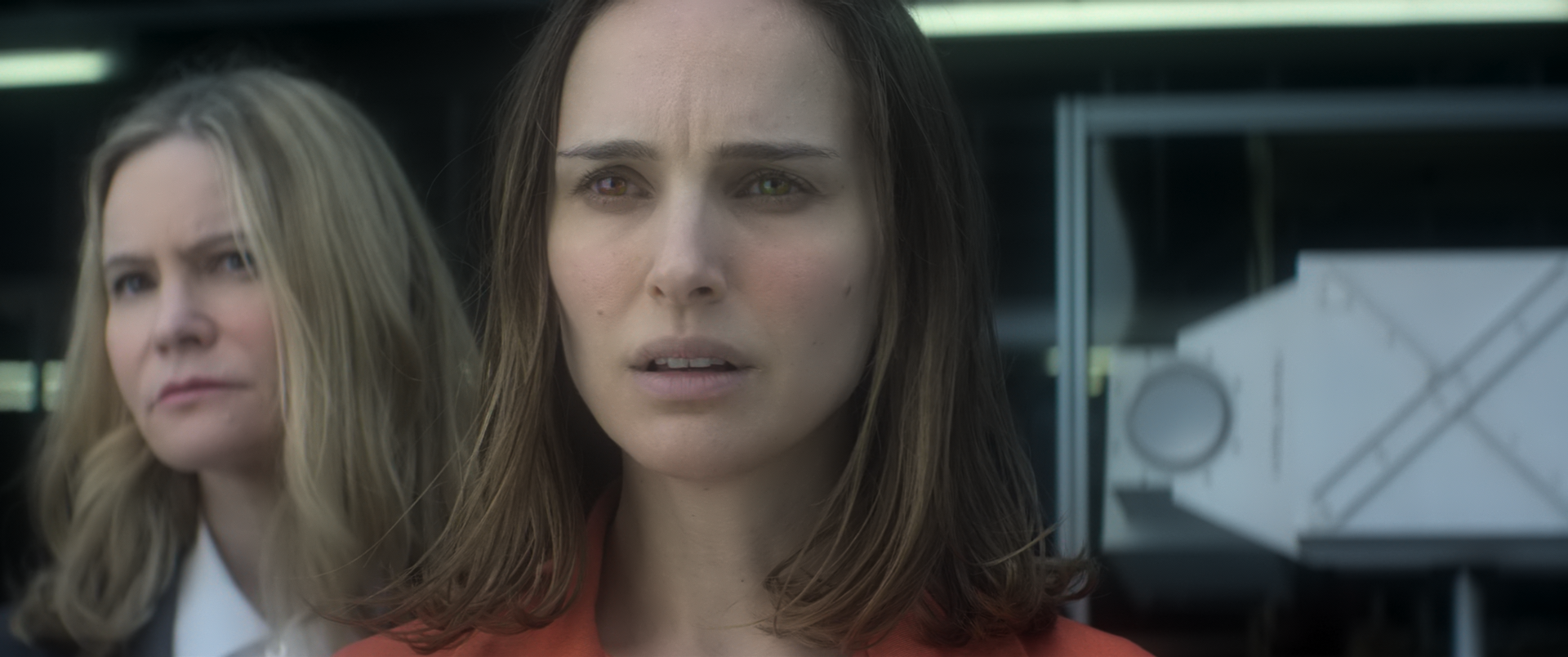
(these were all taken with the default config, tone-mapping=mobius replicates these overblown highlights)
HyerrDoktyer
on 3 Jan 2019
@HyerrDoktyer your first link is corrupt for me (truncated?). The others work fine.
mobius is indeed right on the money here. I suspect they used a mobius-style tone mapping for their own grading process. No additional "max boost" needed. But, some food for thought: if we stick with the hable default, maybe we should tune max-boost to precisely the difference in brightness between hable and mobius for dark scenes like this? That way, we can stick to hable without losing dynamic range on very dark scenes. Best of both worlds?
FWIW, experimentally, I arrived at a value of 3.0 for these scenes. hable + 3.0 max boost actually looks as good / better than mobius.
haasn
on 3 Jan 2019
@haasn It's a local flickering (rapid dimming?) which is mostly noticeable in the skies. It doesn't seem to be related to scene changes, at least it doesn't look like that. I've already suspected deband, but that's not the case and it indeed seems to be caused by peak detection. I raised --hdr-scene-threshold-low to 200, but that didn't change it. The effect already gets mitigated a lot by increasing --hdr-peak-decay-rate, but not completely for every scene.
I suppose the ultimate goal would be that the peak detection adaptation is not visible when scene changes occur. Which makes me wonder if this is possible with a "fine grained" differentiation between every scene?
aufkrawall
on 3 Jan 2019
@haasn Do you mean my samples? They seem to be working for me but try this: https://0x0.st/sRuy.mp4
If you mean any of my images, I also checked those and I'm not having any issues loading them
maybe we should tune max-boost to precisely the difference in brightness between hable and mobius for dark scenes like this? That way, we can stick to hable without losing dynamic range on very dark scenes. Best of both worlds?
This sounds like an interesting solution, some more darker samples would be nice.... I'll see if I can find any
FWIW, experimentally, I arrived at a value of 3.0 for these scenes. hable + 3.0 max boost actually looks as good / better than mobius.
Yeah I've been playing around with max boost and it was producing some very nice results with this film.
HyerrDoktyer
on 3 Jan 2019
Btw, I noticed that --sigmoid-upscaling + HDR can explode catastrophically sometimes; for some reason only when ICC profiles are enabled. I can fix it either by bumping up the FBO format to 32-bit float, or by clamping in the sigmoid function.
But maybe we should just disable sigmoid upscaling for HDR content entirely? (That's what I ended up doing in libplacebo, but mostly due to other considerations)
haasn
on 3 Jan 2019
I suppose the ultimate goal would be that the peak detection adaptation is not visible when scene changes occur. Which makes me wonder if this is possible with a "fine grained" differentiation between every scene?
Lowering --hdr-scene-threshold-high will put an upper bound on the amount of "adaptation" due to a false negative in the scene change detection. If you're bumping up the decay rate then I'd try lowering the high scene threshold to compensate.
Yeah I've been playing around with max boost and it was producing some very nice results with this film.
Funnily enough, there are some details that simply seem to be missing in the HDR version of these clips. Especially some of the details in the shadows are present in the SDR grade but completely gone in the HDR version (not even in the source file). (I wonder if this was due to the encoder dropping these details during quantization since it was not equipped to handle such small brightness differences?)
This is the source frame without any transfer function being applied, and the contrast/gamma/brightness greatly boosted:

This is the same frame in the SDR grade, also greatly enhanced:

It has way more details in the dark parts of the image. I noticed this in quite a few other scenes as well. I guess both the HDR version and the SDR version of this movie are just outright terrible.
Edit: Wait a minute, the HDR clips have x265 metadata. So these are re-encodes from the blu-ray source? Can you remux them instead? It's possible the re-encode is what clipped the black levels.
haasn
on 3 Jan 2019
@haasn Nevermind, false alarm. I completely darkened the room and watched the scenes again without peak detection. The flickering seems to be inside the material, that YT video shows hopeless bitrate starving. Maybe peak detection just pronounces it a bit more.
But I noticed that increasing --hdr-peak-decay-rate to 100 eliminates the "initial pulsing" of the LG Chess demo. Do you think that value might show problems? The default value definitely isn't optimal as it shows a lot of brightness pulsing in those demo vids.
I also tried various scene-threshold values, I guess they are good as how they are by default.
aufkrawall
on 3 Jan 2019
Setting the peak decay rate too high might cause the adaptation to become "too gradual" for shifts of less than the low threshold. A decay rate of 100 (frames) means that it will take a good 1-3 seconds for the value to stabilize after a sudden shift. But OTOH, maybe such a gradual shift serves to hide the adaptation more than anything?
Might be worth a try going with a larger value by default. I can play around with some clips tomorrow, and maybe also bump up the option limit. (I assumed 100 would be absurd, but after thinking about it, I guess not really. 1000 would be absurd)
haasn
on 3 Jan 2019
I can't, at least right now - but I can confirm that it's not a problem with the encode; the raw BD also suffers from the same clipped blacks.
All 3 releases of this film are pretty bad (WEB/BD/UHD), it's just a shit release
SDR raw BD: https://0x0.st/sRSZ.png
HDR raw BD: https://0x0.st/sRSK.png
Encode: https://0x0.st/sRSq.png
Colours are slightly different because a different tonemapping solution was used for the source image but you get the idea. I won't provide any flawed samples such as a bad encode.
HyerrDoktyer
on 3 Jan 2019
As a sidenote: madVR also shows a bit of pulsing with peak detection enabled at the beginning of the Samsung demo. It however nicely manages to keep a steadier brightness during scenes where the sun intensity is insane, like the water surface with the gooses of which I posted a screenshot. I suppose the tonemapping boost somehow missed out on them.
aufkrawall
on 3 Jan 2019
I'll provide some interstellar samples tomorrow, there's a few scenes with pulsating light levels (although it's not particularly severe), and a significant amount of scenes with major light shifts
HyerrDoktyer
on 3 Jan 2019
Another crazy thought, what if in addition to tracking the highest brightness in the scene, we also track the lowest brightness in the scene; and then use this information to adjust the exposure window size? That way the "very bright" scenes will end up getting tone-mapped down to a set black level (which for SDR displays would just be 0.0, and for HDR displays might be something like 0.001). Although it would break on black bars in the video..
haasn
on 4 Jan 2019
Assuming that black bars are always the same black level, could it be tweaked so that they're ignored completely? Just throwing around ideas
If there doesn't seem to be any way to mitigate that then I don't think it would be a good idea, it's no longer uncommon for films to have multiple ARs (Dark Knight/Interstellar/Mission Impossible/ect)
HyerrDoktyer
on 4 Jan 2019
Turns out it's false alarm here regarding flickering, what I was seeing seems to be the source material and not being caused by mpv (I wonder if this is a common theme with HDR film/demos), seems to be mostly with extreme DOF effects. I also could only find a single scene in the entire film where compute peak dramatically reduces brightness levels (same scene as before, but this time I have an actual sample):
https://0x0.st/sRLW.mp4 (This is from 2:39:15 in the film if you'd like to compare to SDR)
That being said the rest of the film is basically perfect (great work @haasn !)
HyerrDoktyer
on 4 Jan 2019
On my end that clip seems to match the SDR version (which I just rewatched, great movie!) very well, apart from the inescapable differences in tint. I also definitely think that bumping up max-boost by default is a bad idea, since on this scene it makes it much brighter than before. (Whereas the levels are spot-on before). For such a big combined change as that PR ended up being, it's also better to be more conservative by default.
So all in all I'm very happy with the new defaults as-is. I think I'm going to squash them and also start work on reimplementing this in libplacebo.
We can take up the topic of the mad max clip and "simulating the mastering TV" question at another point in time, since so far that's the only movie I've seen where the light levels are mastered to levels above what their own mastering display could handle.
haasn
on 4 Jan 2019
I'll also drop the --target-avg commit for now, mainly to avoid swamping the user with too many new options at once.
haasn
on 4 Jan 2019
Fantastic, thank you. I believe everything that I've outlined in my initial issue has been dealt with and I think we've covered just about everything that's come up since
We can take up the topic of the mad max clip and "simulating the mastering TV" question at another point in time, since so far that's the only movie I've seen where the light levels are mastered to levels above what their own mastering display could handle.
You may find this helpful: https://docs.google.com/spreadsheets/d/15pPvBMCjJogKxt4jau4UI_yp7sxOVPIccob6fRe85_A/edit#gid=184653968
This is not my list but I can get my hands on samples for most of these
HyerrDoktyer
on 4 Jan 2019
There is actually one issue I still have, and I don't quite know how to solve it without reading several frames ahead. Basically the problem is that due to the smoothing of the peak coefficient, a sudden spike in the peak frame brightness may exceed our smoothed version of this metric, resulting in clipping.
It's possible we need to use more aggressive smoothing for the average than for the peak brightness. We could try splitting up the decay rate into peak and average decay.
But for a curve like "hable", this might introduce flickering of its own. Have you observed any clipping as a result of the peak smoothing? (i.e. clipping that only happens when --hdr-peak-decay-rate is high, but goes away when you set it to 1.0)
haasn
on 4 Jan 2019
I took a look around, and no I couldn't find any clipping. I tested hdr-peak-decay-rate=100 and hdr-peak-decay-rate=1.0 (your documentation suggests that a value of 1000.0 should be possible however mpv was whinging if I used anything over 100 (at least, with my build)
The hdr-peak-decay-rate option is out of range: 101
Error parsing option hdr-peak-decay-rate (parameter is outside values allowed for option)
Even some of the scenes from Interstellar where the sun suddenly appears in a dark(ish) scene there was no clipping to be found. The only thing close to 'clipping' that I could find was the scenes from Mad Max we discussed earlier which I don't believe make a valid sample for this topic.
HyerrDoktyer
on 4 Jan 2019
If you'd like something to play around with, here is what I believe to be the single brightest scene in Interstellar: https://0x0.st/sR9v.mp4 (possibly, excluding the sample I provided earlier from towards the end of the film)
HyerrDoktyer
on 4 Jan 2019
@lachs0r's annihilation sample is a great place to see the difference in the peak decay rate btw. With the peak decay rate set to 20.0, we see lots of eye adaptation after every cut. With the decay rate set to 100.0, it's there if I look for it but it's much less noticeable since it happens over a much slower timeframe. The cuts here are not significant enough to trigger scene change detection.
I tried splitting it up into peak and average decay rate, and reducing either one to below 100 is a bad idea. So I think we don't need to split these up, i.e. keeping it a single option is fine. They both contribute more or less equally to the overall frame brightness (but average matters more for bright scenes, while peak matters more for dark scenes).
Actually, maybe a better idea is to make the scene change detection be logarithmic as well, instead of absolute (cd/m^2).
haasn
on 4 Jan 2019
Hmm, while playing around with the "logarithmic scene change" idea I noticed that our thresholds are set way too high for the logarithmic averaging mode. A low threshold of 50 and a high threshold of 200 almost never triggers a scene change. So all we were seeing is the IIR filter alone. (I made a special test patch that visually marks the strength of a detected scene change.)
But even if I try fiddling with the settings manually, I can't find a good sweet spot between "triggers constantly on some samples" and "never triggers on others". I'll try the logarithmic approach again.
haasn
on 4 Jan 2019
Was that sample shared privately? I can't seem to find it here, anyway I see what you mean - lots of incremental light shifting going on here especially towards the start of the film. Let me know if you'd like further samples (shifts are visible throughout the entire film especially with --hdr-peak-decay-rate=10)
HyerrDoktyer
on 4 Jan 2019
It was posted in #mpv-devel, link
I implemented the logarithmic scene change thing in my branch, give it a try? I'm relatively happy with the values now. They're high enough to not trigger false positives in pretty much every test clip except ones involving heavy "stroboscopic / flashing" lights (like mad max or the interstellar warp scene), and for those it actually helps enhance the effect rather than being annoying. That said, they're not low enough to trigger on most scenes in annihilation, which I guess is an acceptable tradeoff.
however mpv was whinging if I used anything over 100 (at least, with my build
the limit was bumped after that build was made
haasn
on 4 Jan 2019
Shifts in that example actually seem pretty tame, check these out they may be of value:
https://0x0.st/sROc.mp4
https://0x0.st/sROT.mp4
https://0x0.st/sROA.mp4
https://0x0.st/sROa.mp4
implemented the logarithmic scene change thing in my branch, give it a try?
I will when I can, I'm gonna see about picking up some of the films listed in that Google sheet. It will be interesting to see if the problems Mad Max present are unique to that film in particular (at least, to the extent shown) or if it's a common theme with films hitting such ridiculous levels
the limit was bumped after that build was made
Ah, my mistake - didn't catch that
HyerrDoktyer
on 4 Jan 2019
Okay I have a few more films on the way that are rated at MaxCLL 10k (according to the spreadsheet)
HyerrDoktyer
on 4 Jan 2019
I compiled with the latest PR on Linux and it seems to work reasonably well with default settings now.
Having no major gripe in any video, maybe just some minor things already mentioned. Great progress. :)
aufkrawall
on 4 Jan 2019
Today's test build:
~mpv-x86_64-20190104-git-9b897d6.zip~ ->outdated
shinchiro
on 4 Jan 2019
In the Peru 8K (well, it's just 4k with HDR) video there is a relatively sudden drop in brightness at 1:47min:
https://www.youtube.com/watch?v=1La4QzGeaaQ
Edit: But it "recovers" two scenes later, mpv tonemapping looks absolutely gorgeous compared to YT's own.
aufkrawall
on 4 Jan 2019
That fourth clip is a true nightmare example. In the other three clips I couldn't really notice any noticeably odd shifts watching it casually (not specifically trying to analyze individual frames).
But also, I think what we want to do in practice is make the IIR even slower, but try and bias it towards "high" values. Basically, we want it to behave more like an envelope than a true low pass. That way we can use a very slow IIR without fear of clipping, but without sudden shifts for scene changes that are not dramatic enough to trigger the actual scene change detection logic.
And I believe the way to accomplish this is by taking the values to some exponent > 1 before applying the IIR. (In fact, we're effectively already doing this, since we're averaging in linear light which is sort of like perceptual squared)
haasn
on 5 Jan 2019
And I believe the way to accomplish this is by taking the values to some exponent > 1 before applying the IIR. (In fact, we're effectively already doing this, since we're averaging in linear light which is sort of like perceptual squared)
Gave it a try, but it only improves some things at the cost of others. I think the default behavior of averaging based on linear light is good enough.
Honestly, for this movie (annihilation) the best solution is to just enable mobius tone mapping instead of hable. :p But sadly we can't make it the default, because enough content out there doesn't work well with mobius.
Anyway, advanced users can still disable peak detection or switch the tone mapping curve for movies where they know the default behavior doesn't work that well; and the "casual" user probably isn't even going to notice..
haasn
on 5 Jan 2019
While implementing this stuff in libplacebo, I realized that splitting up the peak detection and the peak application wouldn't actually be that difficult. (Although doing this safely for e.g. vulkan desperately requires the libplacebo branch. So this is doable for mpv as well, if there's sufficient motivation.
haasn
on 5 Jan 2019
Will the per-channel desaturation help with skin tone? I find that skin tone seems to react differently to desaturation, as opposed to object desaturation. Meaning that the skin tone doesn't change as much as other elements in the image, when desaturating. So if I think a persons face is too red, and I want to adjust the desaturation, I find that other elements desaturate more than the face. Or am I missing something?
Doofussy2
on 5 Jan 2019
Will the per-channel desaturation help with skin tone? I find that skin tone seems to react differently to desaturation, as opposed to object desaturation.
The per-channel desaturation is weird. For stuff that's already close to neutral, it will have less of an effect than for stuff that's very close to a primary. But at the same time, sufficiently bright stuff that's closer to a primary will have more of an effect. Except if it's actually a primary color, in which case it always remains the same - but only for primaries. So two objects that have almost the exact same shade of red to begin with can end up with one turning into orange/yellow and the other remaining red. (Which admittedly works well for some explosions, but only because the film's mastering itself relies on the tone mapping introducing the necessary yellow shift)
This is why I hate per-channel desaturation, since it's so unpredictable and you can't really reason about it, and why we switched from per-channel tone mapping to linear tone mapping in the first place.. reimplementing it in this limited form is a compromise to work around the unfortunate reality of overmastered films and shitty HDR TVs, rather than an desired solution. (And of course, users who want us to recreate that "HDR TV" look, which is what e.g. madVR seems to be doing as well)
haasn
on 5 Jan 2019
So it depends on how close the colors are to actual primary. I'm thinking that might work well with skin tone. Muting the red to orange or yellow, might be an improvement. I'll be interested in testing that, when hopefully @shinchiro makes another build :)
As for madVR, I think you've past that. I prefer what you've achieved, thus far. I'm just trying to fine tune color.
Doofussy2
on 5 Jan 2019
Sorry about accidentally closing the issue twice now, I hope that hasn't caused any problems for anyone.
reimplementing it in this limited form is a compromise to work around the unfortunate reality of overmastered films and shitty HDR TVs, rather than an desired solution. (And of course, users who want us to recreate that "HDR TV" look, which is what e.g. madVR seems to be doing as well)
madvr isn't without issue, but overall yes they do seem to be more interested in the 'perceived'. They have a few interesting features such as 'highlight recovery' and 'colour tweaks for fire and explosions' which attempt to improve PQ when madvrs solution overdoes it. Here are some good examples of mpvs current implementation being significantly better (at least in my opinion):
madvr:
mpv:
madvr:
mpv:
madvr:
mpv:
Even if I roughly match the brightness it only serves to highlight the flaws in their current implementation:
HyerrDoktyer
on 5 Jan 2019
"I have been thinking lately while watching 4K HDR movies on my projector how to improve HDR "pop" on a low brightness projector.
Below my quoted old idea which you did not like for good reasons.
Based on that feedback and my user experience, here here is my new idea:
1) A bit complicated but nice
I am using the HDR to SDR shader math mapping with a 300nits target, with dynamic compression of the highlights up to the peak luminance of each image.
What I have noticed is very often only a few pixels in the image are reaching this peak luminance (let's say 1000nits), but most of the highlights (let's say 90% of the pixel above 300nits) are still below 600nits.
So Madvr is compressing the pixels between 300nits to 1000nits in order to NOT clip ANY pixels, even it's only a few. But doing so, most of the pixels are compressed heavily in the process, for those few.
I would propose to give the user a choice for setting "a dynamic clipping nits limit" in "percent" of the number of pixels above "this display target nits".
This "P=percentage clipping value" (in our example 90%) would be used like this:
- T= total number of pixels above "the display target nits" (in our example 300nits)
- C= cumulated number of pixel above 300nits sorted by increasing nits
- When C/T=P=90%, then select accordingly the clipping value. (in our example, 90% of the pixels above 300nits are below 600nits).
In another word, we are looking for the NITS level of the P=% Quantil for the pixels above "this display target nits"
Use the new calculated clipping value instead of "the measured peak luminance".
Advantages:
- Most of pixels composing the highlights above the "soft clipping" have now a better differenciation and the HDR effect will be more pronounced
- Good use of Madvr looking at each single pixel nits
Disadvantage: A certain amount of pixel is now clipped but it should be small enough not to impact the image quality negatively"
HyerrDoktyer
on 5 Jan 2019
Here's a real world example of how their highlight recovery seems to be aiding in their tonemapping solution. I'm unsure if we would benefit from any of these ideas, I will have to compare them directly at some point.
off:
medium:
HyerrDoktyer
on 5 Jan 2019
They also seem to aid their output by the use if first party tools such as madMeasureDynamicClipping.exe which basically scans an entire film/folder and records relevant information regarding the HDR properties of the files (i.e, it scans the entire film so madvr can account for future results)
Basically what you said yesterday
There is actually one issue I still have, and I don't quite know how to solve it without reading several frames ahead. Basically the problem is that due to the smoothing of the peak coefficient, a sudden spike in the peak frame brightness may exceed our smoothed version of this metric, resulting in clipping.
They solved by using a separate program (obviously less than ideal)
HyerrDoktyer
on 5 Jan 2019
"Color tweaks for fire & explosions"
"Due to the compromises tone mapping comes with, here's what happens to fire/explosions during tone mapping:
1) Yellow is so bright that it is desaturated into almost white.
2) Deep red becomes pale(r) red.
3) Deep orange becomes pale(r) orange.
Overall this has the effect that because yellow disappears and red/orange become paler, fire/explosions look overall more red-ish and less "warm" than before. It's not a good change, nor it is faithful to the HDR master. And here's where the hue shift helps: The hue shift accidently happens to turn red into orange/yellow and orange into yellow, which accidently (as if by magic) makes fire/explosions look nearer to the original HDR master. It's all just a happy coincidence, but it happens to help a lot with fire/explosions. So shouldn't we make use of this happy accident?
(Just to be clear: The hue shift doesn't actually produce the original HDR master more faithfully, on a pixel-by-pixel basis. Because pixels which were yellow before tone mapping still become white. And pixels which were orange before now turn yellow. So nothing changes for yellow pixels, and red/orange pixels actually become less accurate. However, if you measure the overall summed up amount of red/orange/yellow in fire/explosions, I think a bit of hue shift will actually move the whole image nearer to the HDR master's intent.)"
HyerrDoktyer
on 5 Jan 2019
Off:
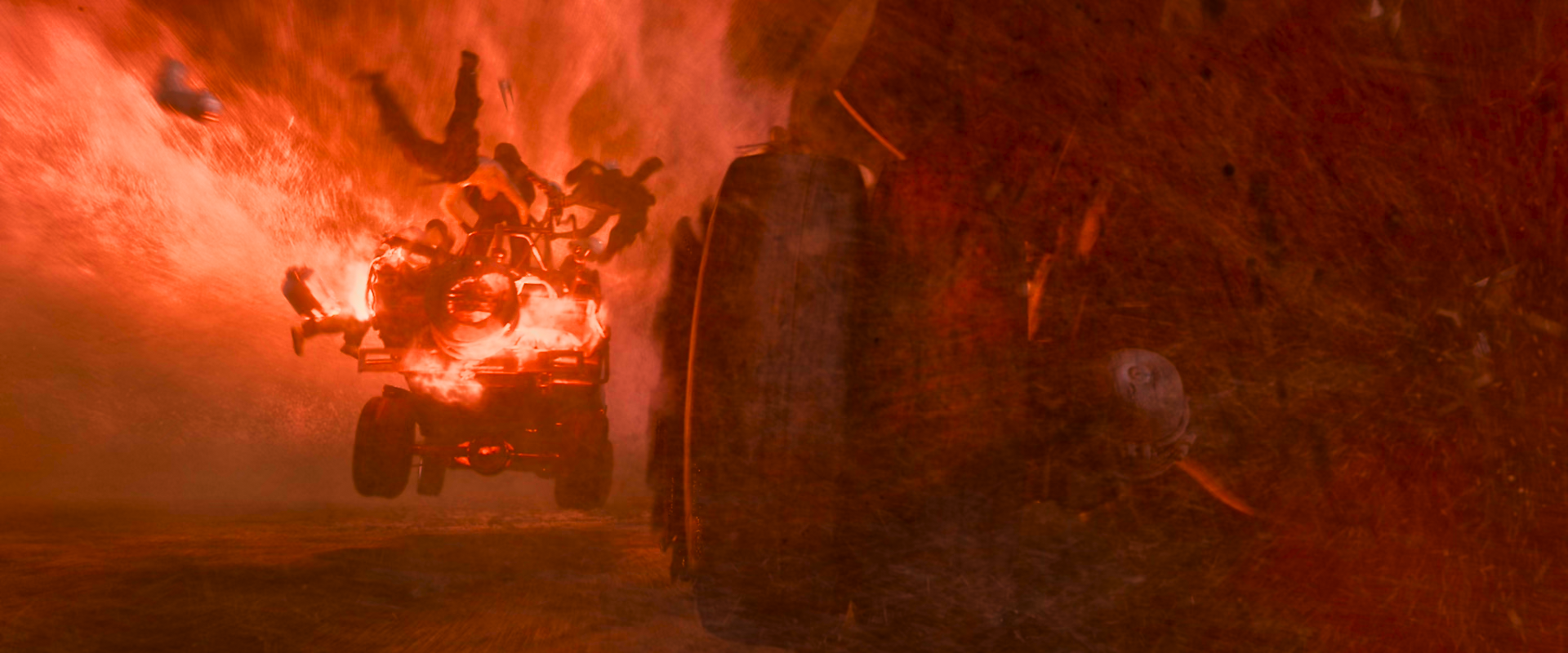
"High strength"
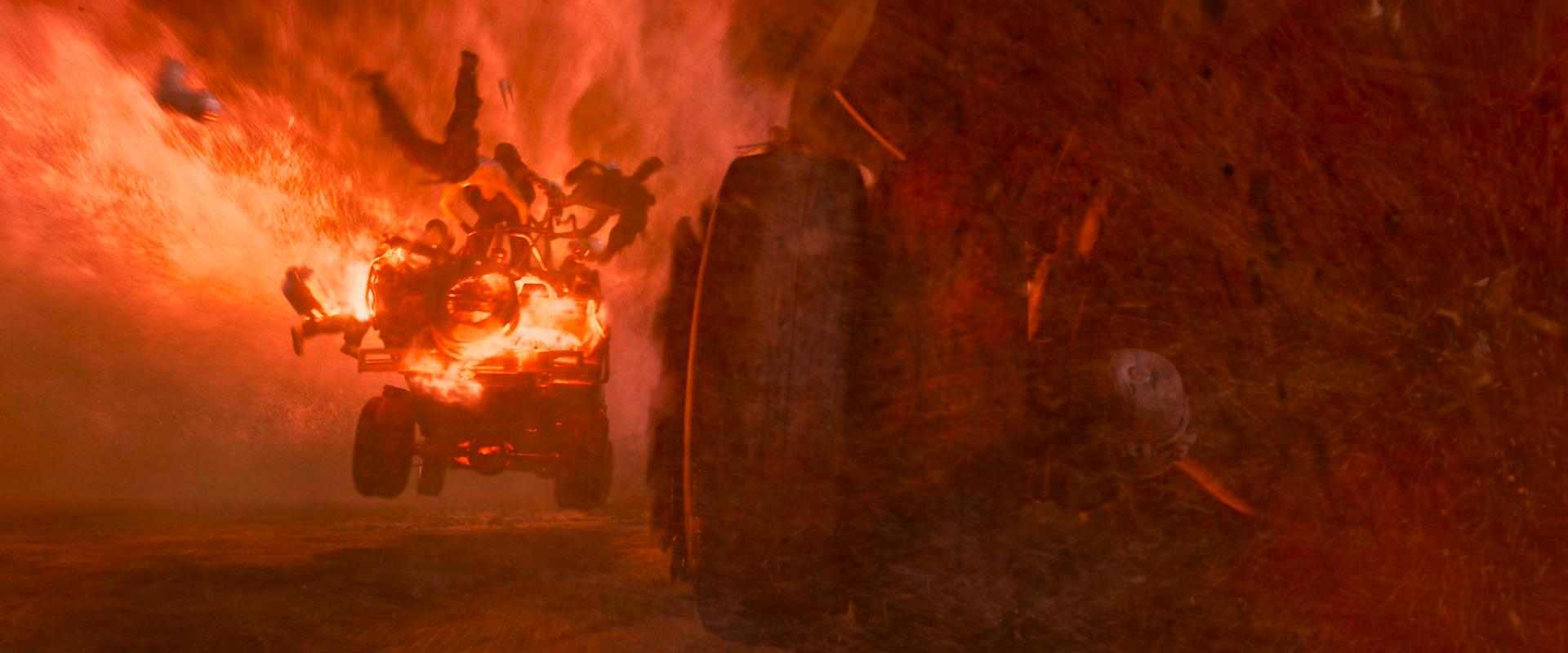
Off:
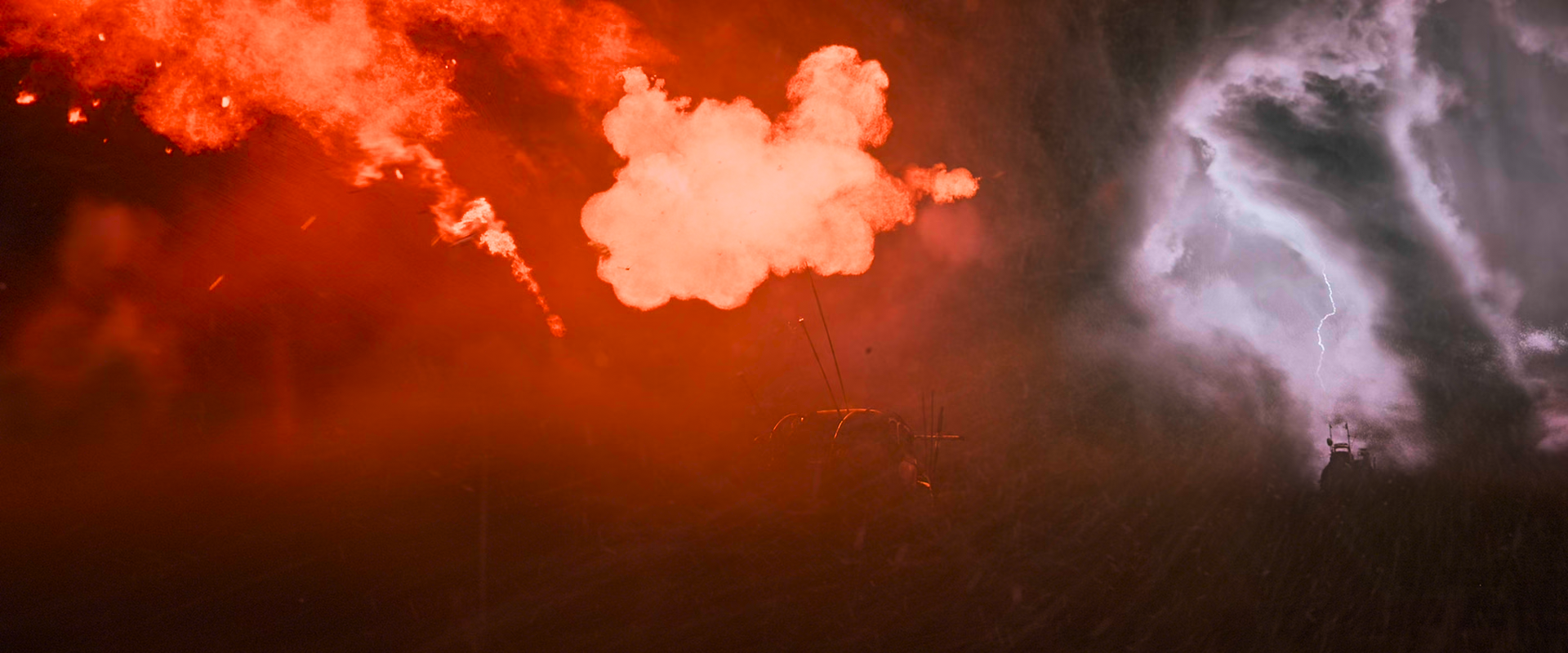
"High strength"
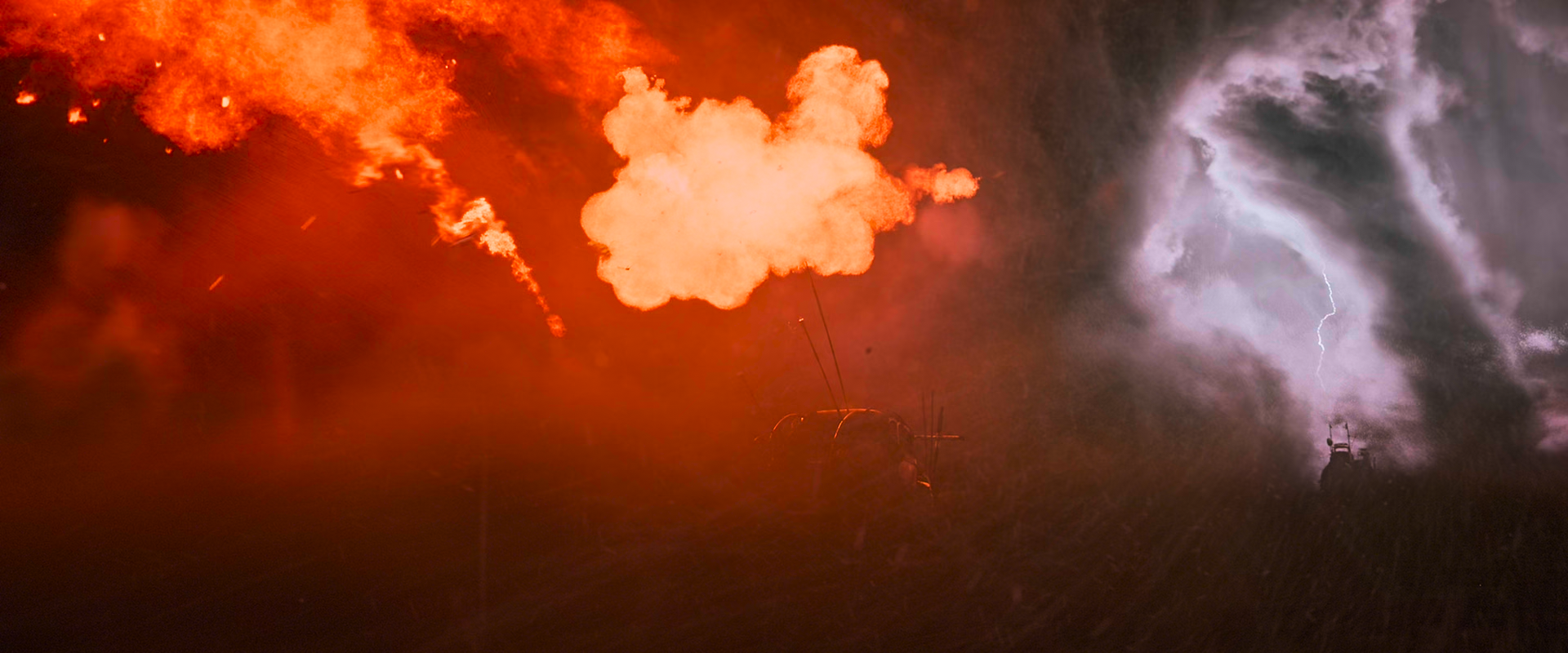
Off:
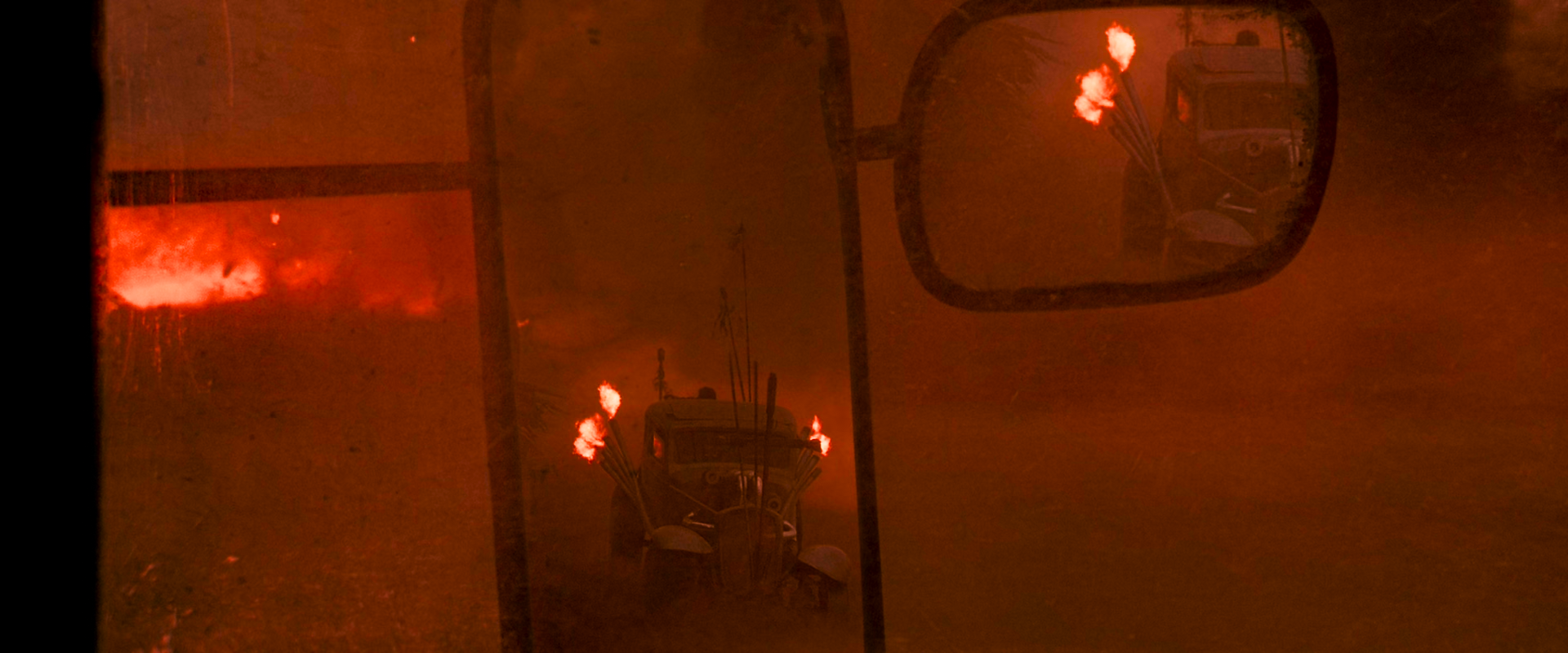
"High strength"
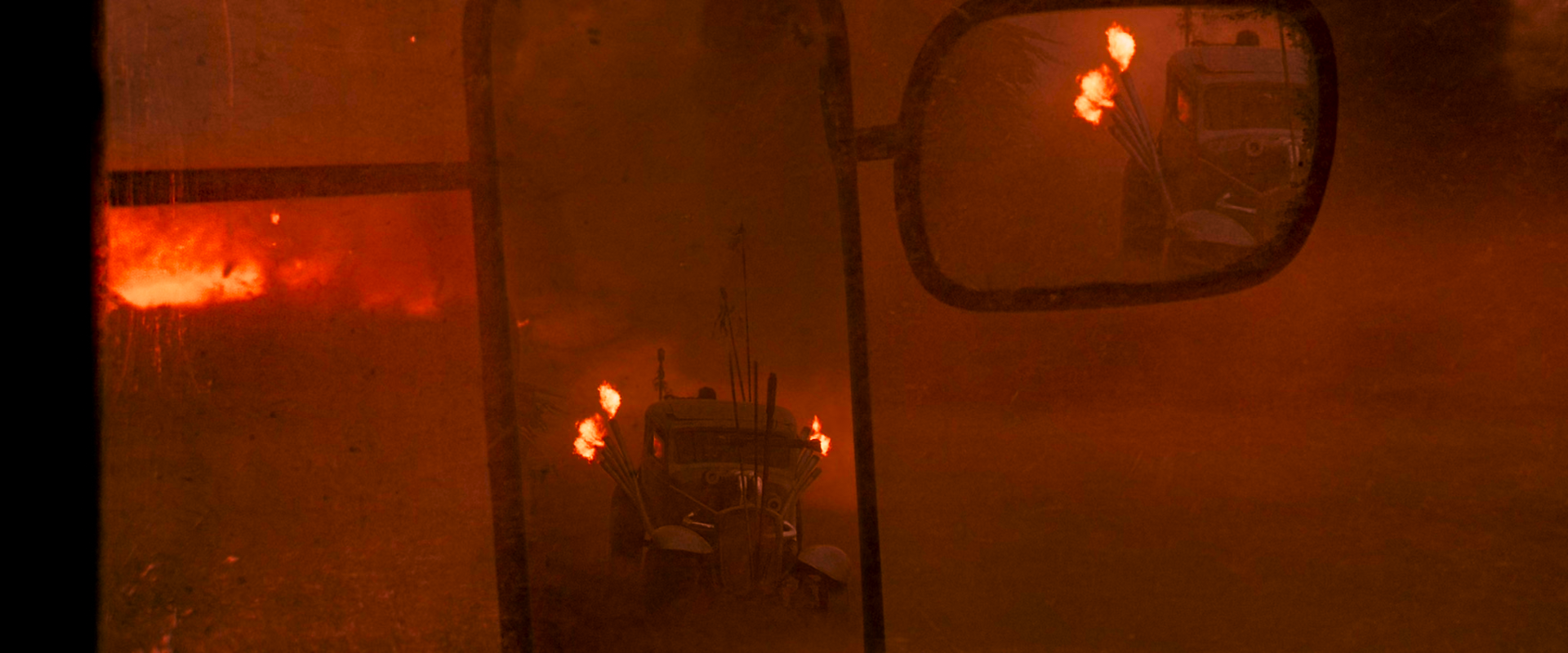
Off:
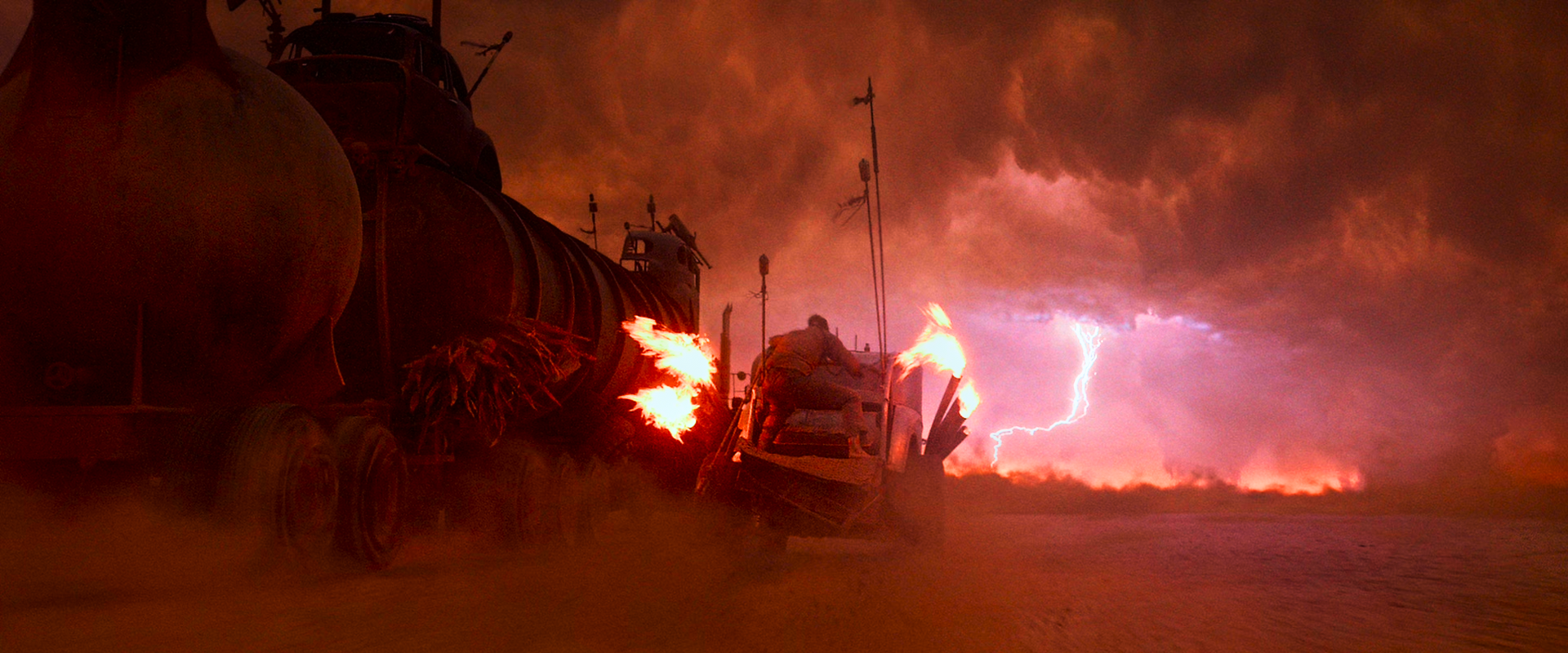
"High strength"
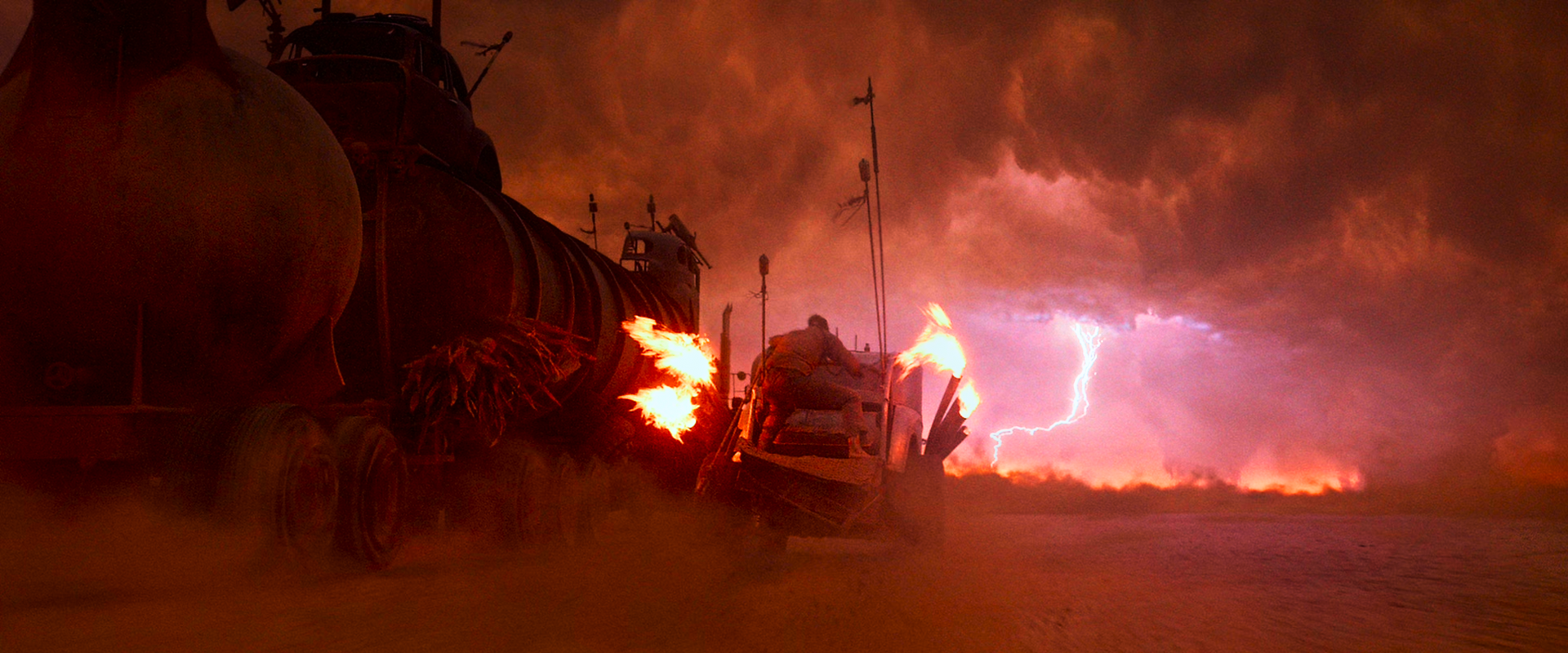
HyerrDoktyer
on 5 Jan 2019
It would most likely help more to post the mpv versions alongside the madVR version to see to what extent we suffer from the same issues.
Re: "highlight recovery" -> in theory, I don't expect us to need this as much, since our peak detection stuff already underexposes bright scenes to recover details (in particular, when using hable). As your interstellar photos from earlier demonstrate, we don't lose nearly as much details in bright scenes as a result of this "dynamic exposure". (Which is why I'm so adamant about making hdr peak detection work well, so that users don't have to turn it off - it's basically the main reason scenes like that one work so well with mpv's algorithm)
Re: "explosion tuning" -> A huge shift sounds counterproductive to the spirit of mpv. I'd rather find other ways around the desaturation from tone mapping, such as the "two step" approach we discussed above. (In theory, that should also make our result perceptually/colorimetrically closer to the reference display, which is our ultimate goal). For mad max in particular, I think that approach will help us more than trying to reimplement any sort of spectrum-based subjective tuning.
We also won't ever implement anything that requires lots of readahead (in mpv). We can read ahead by a handful of frames though, if that would help. Currently, I don't think we need to, and I'd like to keep it that way if possible. However, what I see being a reasonable possibility in the future is writing an FFmpeg filter to analyze the file and write out HDR10+ metadata, which mpv should be able to use in the near future in order to use the per-scene metadata for more guided tone mapping.
If anything, what I'd like to experiment with in the future is the idea of moving from a simple avg/peak to an actual histogram, i.e. subdivide the entire brightness range into log-sized buckets, and increment counters for each. Then we can do whatever fancy processing our heart desires in order to do what makes most sense for the scene.
One last thing, you mentioned the idea of allowing a few pixels to clip in exchange for not clipping the rest. We sort of already do this, because the low passed peak (output of our IIR filter) may be lower than the actual frame-to-frame peak. That's what I was talking about earlier when I discussed possibly needing readahead. But considering the point made in the quote, maybe it's actually desirable to keep it that way?
haasn
on 5 Jan 2019
It would most likely help more to post the mpv versions alongside the madVR version to see to what extent we suffer from the same issues.
Yes I agree, I have my hands on quite a few more films such as
Blue Planet II (Polar bears)
Fifth Element (MaxCLL 10k)
Close Encounters of the third Kind (MaxCLL 10k)
(+ some animation which will be a nice change of pace)
I will (hopefully) do some extensive testing tomorrow, between a large variety of films (about 20). Although I unfortunately do not have the SDR sources for many of these, but I'll see if I can figure something out.
One last thing, you mentioned the idea of allowing a few pixels to clip in exchange for not clipping the rest. We sort of already do this, because the low passed peak (output of our IIR filter) may be lower than the actual frame-to-frame peak. That's what I was talking about earlier when I discussed possibly needing readahead. But considering the point made in the quote, maybe it's actually desirable to keep it that way?
I'm not as knowledgeable on the subject as I would like to be so I'm unsure if I can comment on this. Here's one of the places I sourced my previous posts from, you may find it of value (possibly even due to the sheer amount of feedback) https://www.avsforum.com/forum/24-digital-hi-end-projectors-3-000-usd-msrp/2954506-improving-madvr-hdr-sdr-mapping-projector.html
HyerrDoktyer
on 5 Jan 2019
Heh, that first post is funny. He's complaining about madVR's tone mapping also desaturating, instead of preserving the color bands faithfully. Yeah, that's the same train of thought I had. If only hollywood thought the same way, this is how it would work in a sane world...
haasn
on 5 Jan 2019
btw I also found a nice HDR test pack on that forum, might be worth looking at if you're in need of some more 'objective' tests
https://www.avsforum.com/forum/139-display-calibration/2943380-hdr10-test-patterns-set.html
HyerrDoktyer
on 5 Jan 2019
I had some time to do some more testing. And I had an 'Aha!' moment. Now that you have done such a fantastic job with the tone mapping, I've reconfigured my display settings (no more digital vibrance silliness etc.). My display is always in wide gamut, and I realized I should probably use target-prim=bt.2020. Bingo! Skin tone now looks as it should, and I can rely on peak detection with mobius, again. So disregard my earlier statement of using hable with no peak detection. I think I've found my happy place for my general viewing. @haasn you're a rock star! Thank you for the excellent work. Everything I've just tested is looking very good, Interstellar and Mad Max too, but I'll test more and report any issues I might see.
edit: but I do need to use --tone-mapping-param=0.0 to pull in the exposure
Doofussy2
on 5 Jan 2019
And I know you don't like using HDR test samples, but I just wanted to show how different the image is.
with defaults
--target-prim=bt.2020 --tone-mapping-param=0.0
--target-prim=bt.2020
Doofussy2
on 5 Jan 2019
Disregard
Doofussy2
on 5 Jan 2019
--tone-mapping=mobius with --tone-mapping-param=0.0 is equivalent to the simpler, more efficient --tone-mapping=reinhard curve, btw. Probably doesn't matter but might as well change it.
Note that reinhard always distorts the contrast, whereas mobius is specifically designed not to. So in a sense, mobius is more faithful to the original than reinhard. But I understand that it probably doesn't work that well for over-mastered sources.
It's possible that we may need to lower the target-avg for mobius. I guess maybe we should expose that to the user after all, simply so we can play around with stuff like this.
haasn
on 6 Jan 2019
It's just that the contrast/exposure is too high with mobius. I get areas that are too bright, and I get a block of white where there should be color. I then have to dial the environment down, to get those colors/shades/tones, back.
Doofussy2
on 6 Jan 2019
Btw, I would strongly urge you to get your hands on a colorimeter (even a cheap one) and assess your display's gamut/trc with an ICC profile. It makes a world of difference, especially in the desaturation. Just to show you how much of an effect it has, this is the difference I see. By default my monitor's native gamut is something like dci-p3, and in theory it's calibrated to rec bt.1886, which would look like this:

This is what I get with the actually measured LUT profile:

As you can see, the two images are _very_ different, sometimes even bigger than the difference between tone mapping curves (especially in the shadows). And this is supposed to be one of dell's "professional" displays (UP2718Q). You can imagine how off the typical display is compared to this. It's very possible that the difference in perception you are seeing between what mpv thinks your display outputs and what your display actually outputs alone is causing you to have decisions and preferences that would completely contradict your opinions on a well-calibrated display.
haasn
on 6 Jan 2019
Here are some more direct comparisons between mpv, and madvr (I'll post something regarding overall brightness next)
mpv:
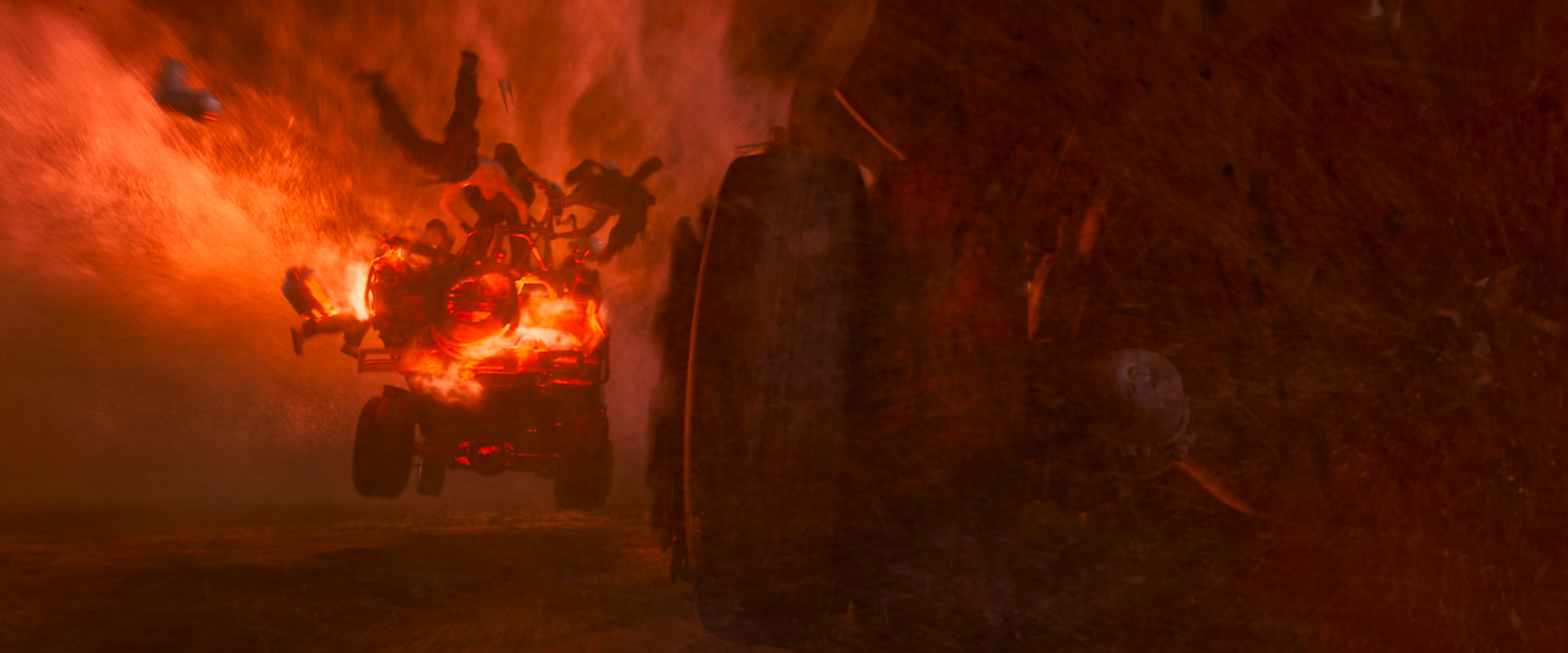
madvr:
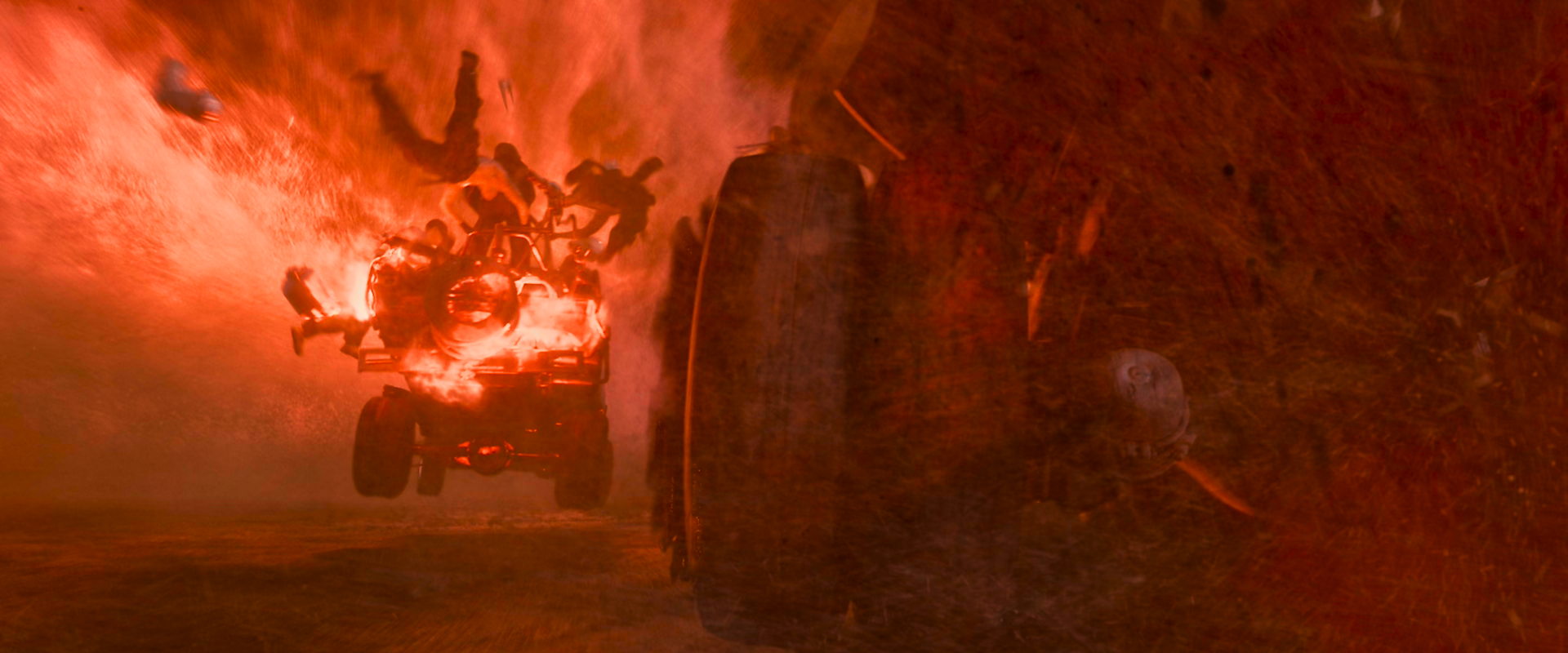
"Color tweaks for fire & explosions" high:
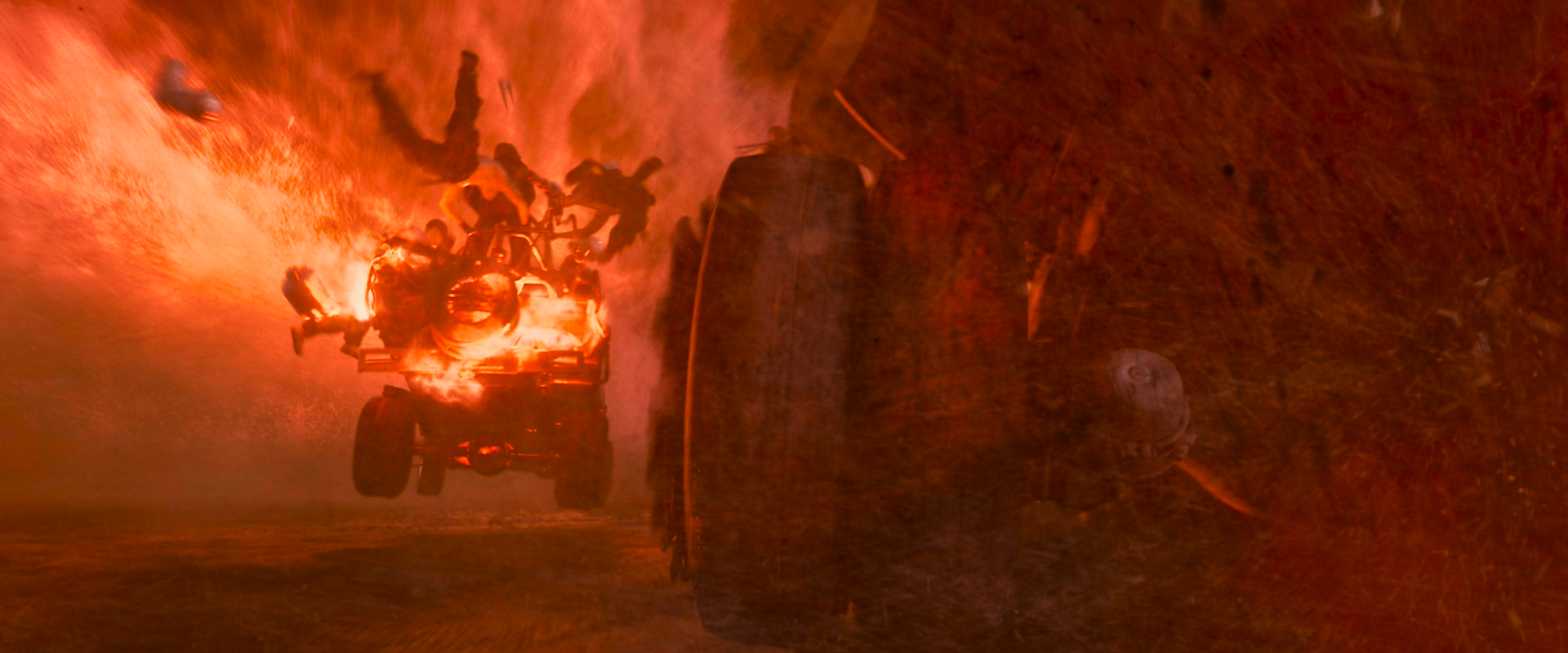
mpv:
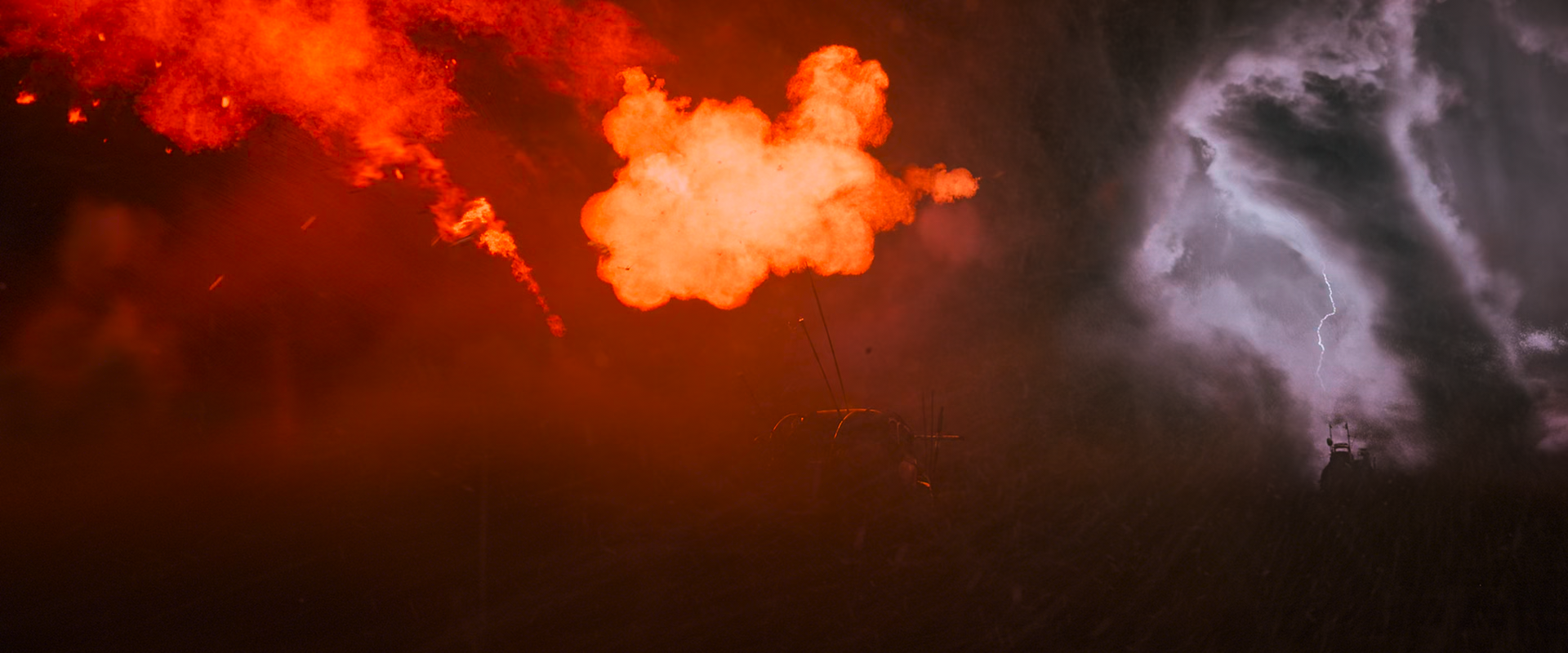
madvr:
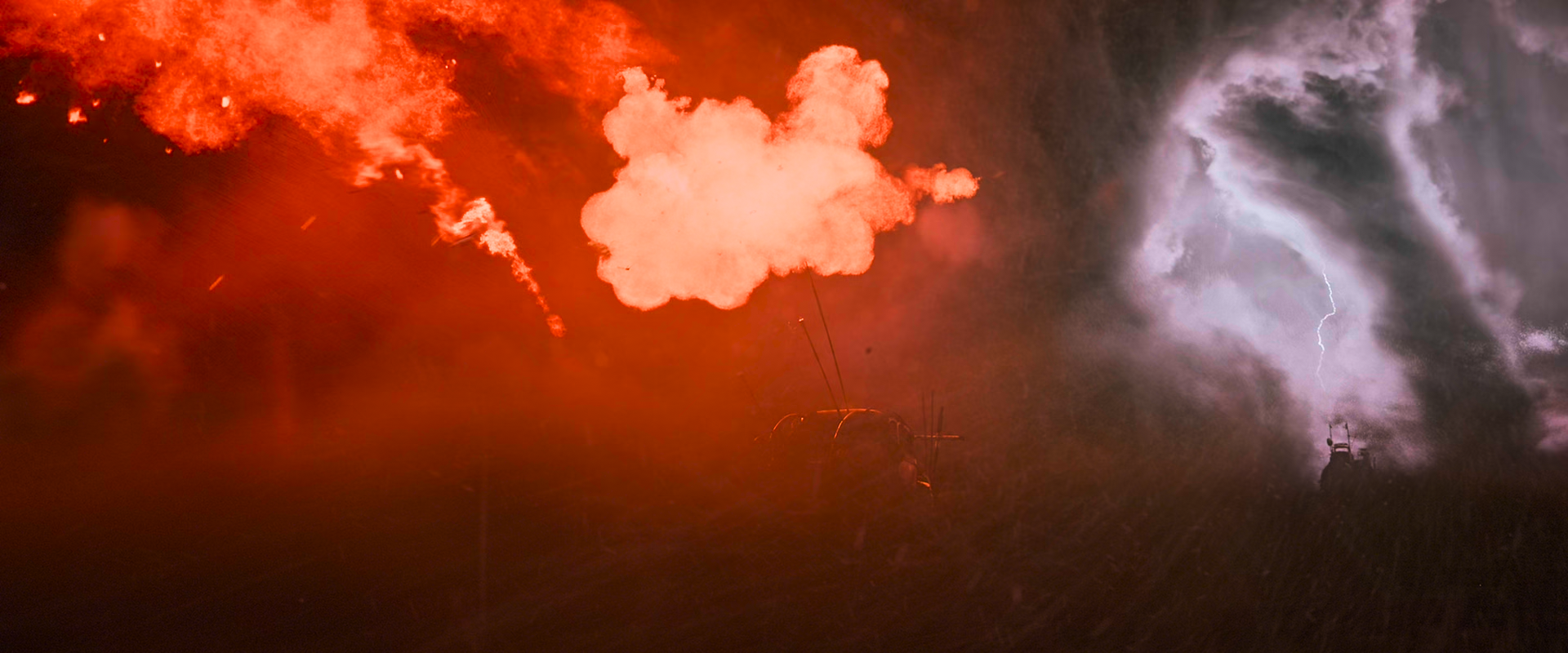
"Color tweaks for fire & explosions" high:
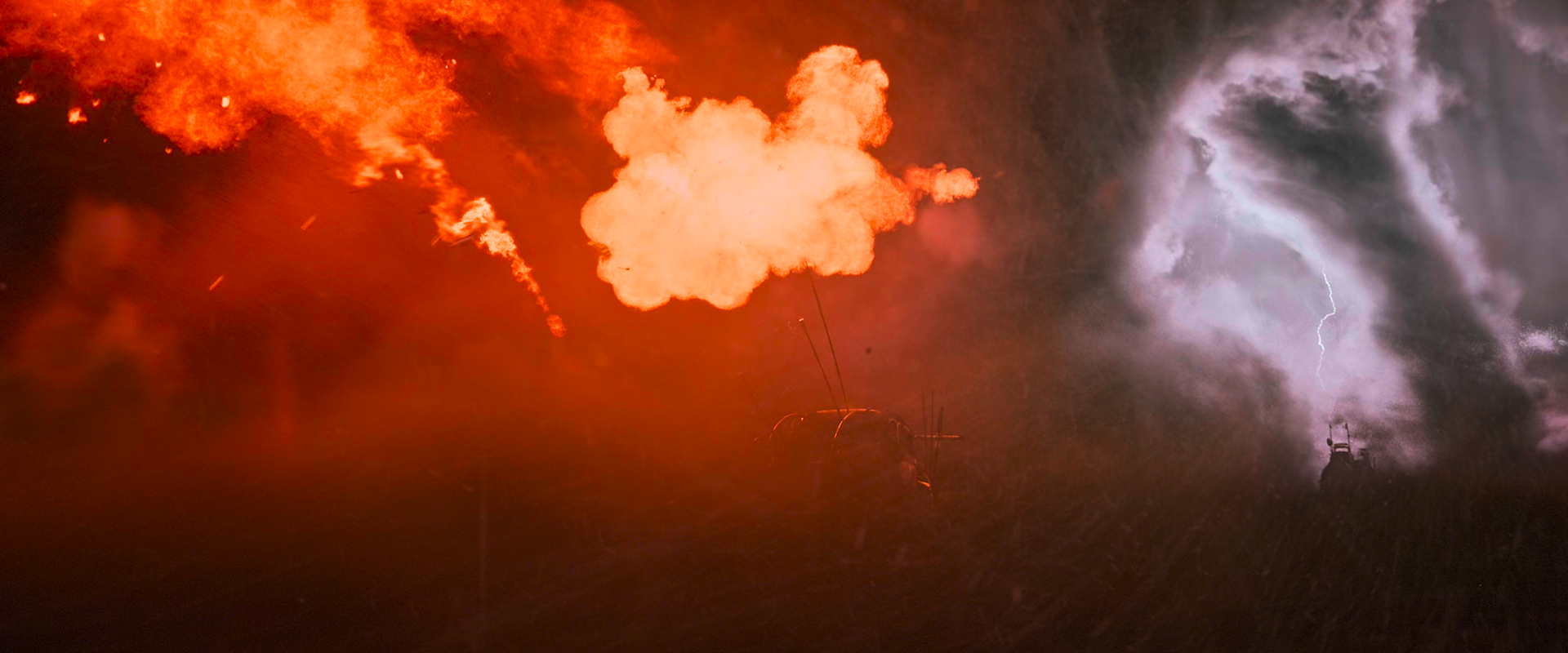
mpv:
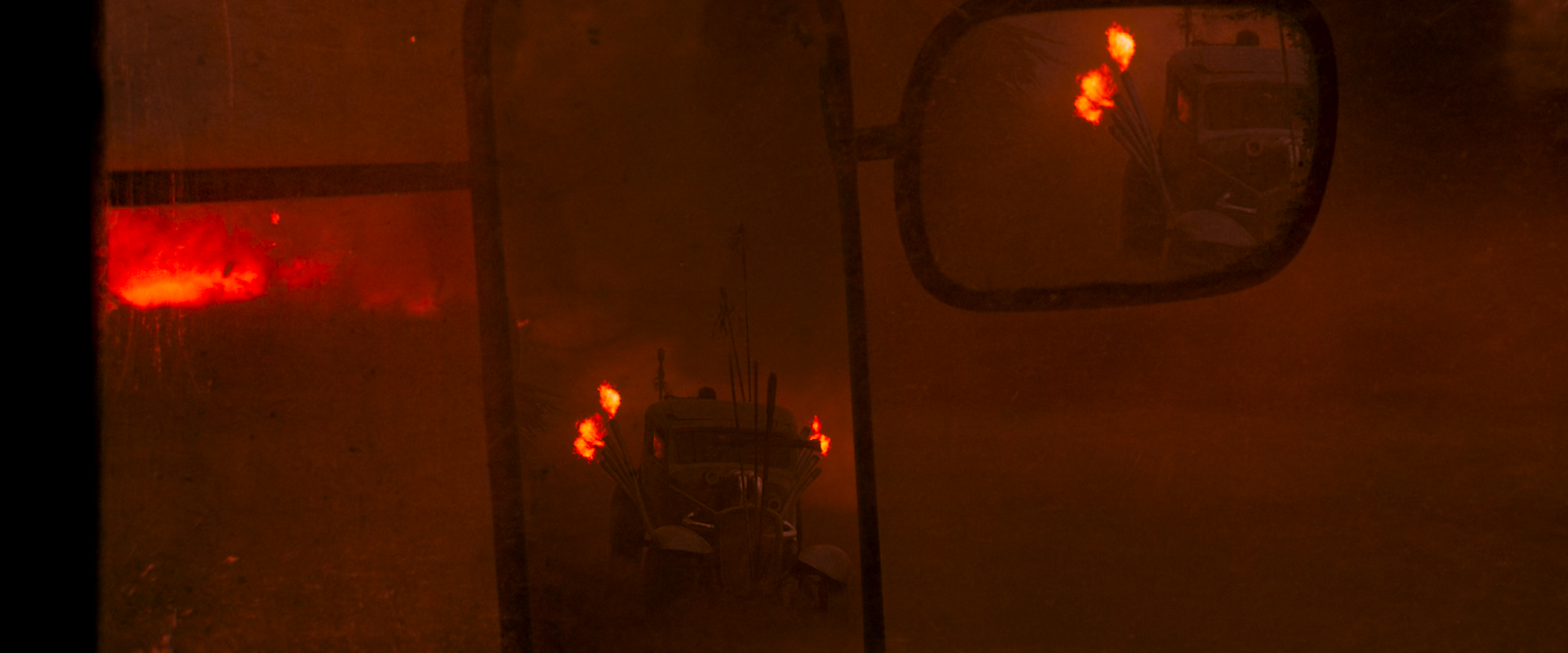
madvr:
"Color tweaks for fire & explosions" high:
mpv:
madvr:
"Color tweaks for fire & explosions" high:
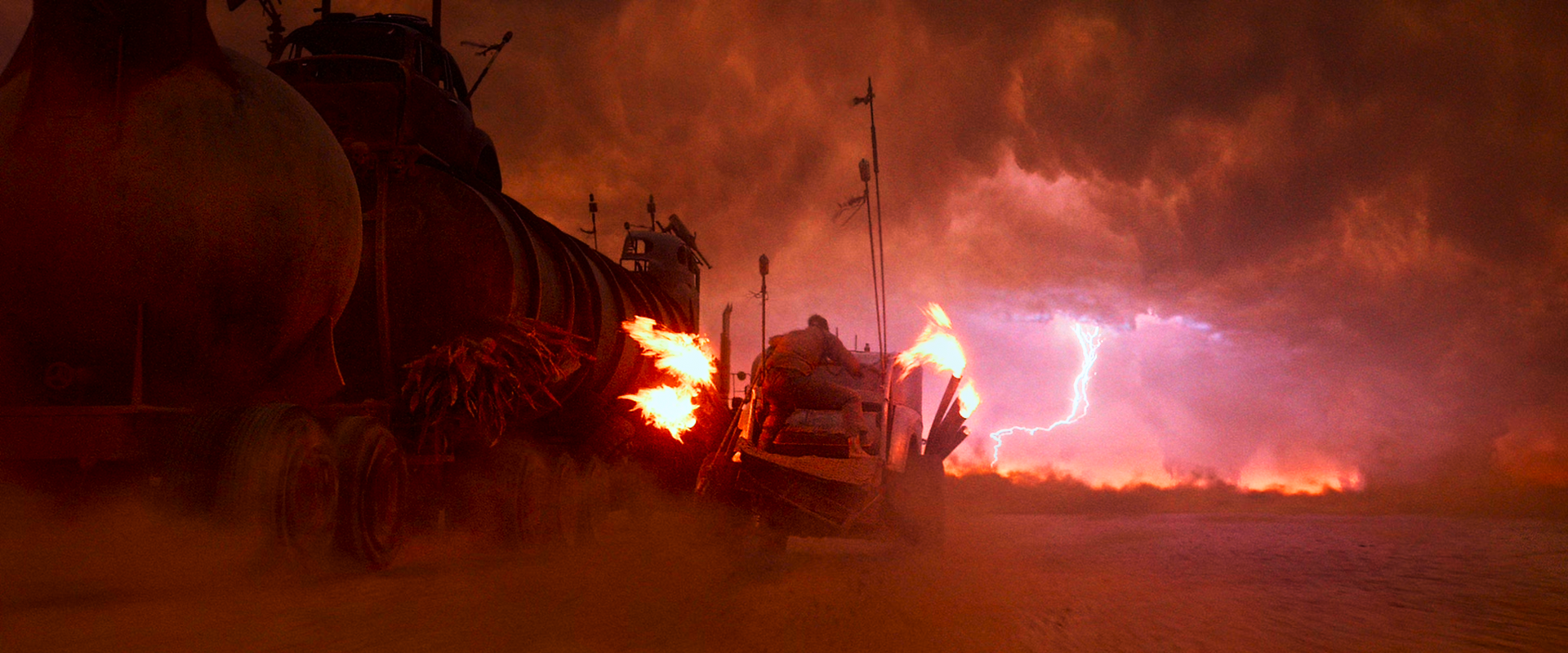
HyerrDoktyer
on 6 Jan 2019
It's not immediately obvious using the sample of Mad Max I provided previously, but mpv is really struggling to keep the brightness up for this film, here's some comparisons to the SDR master:
SDR:
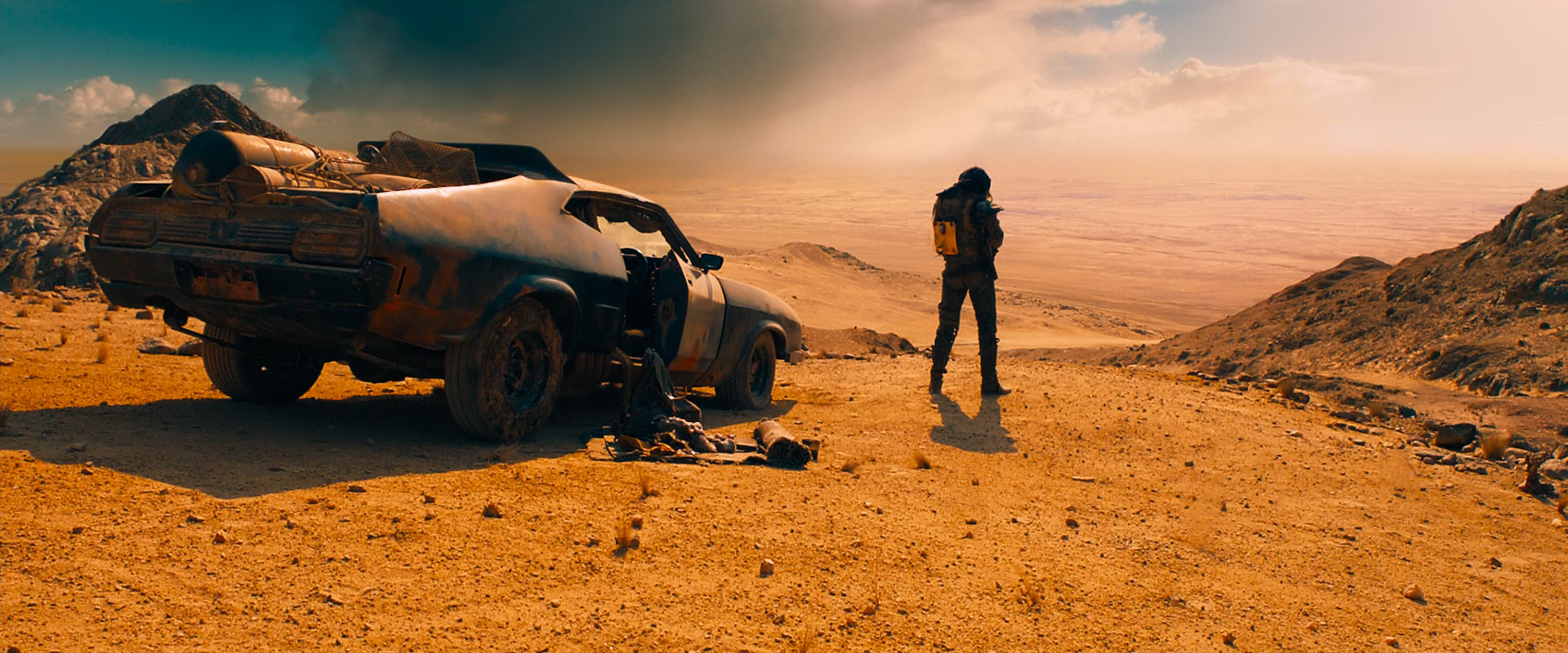
mpv:
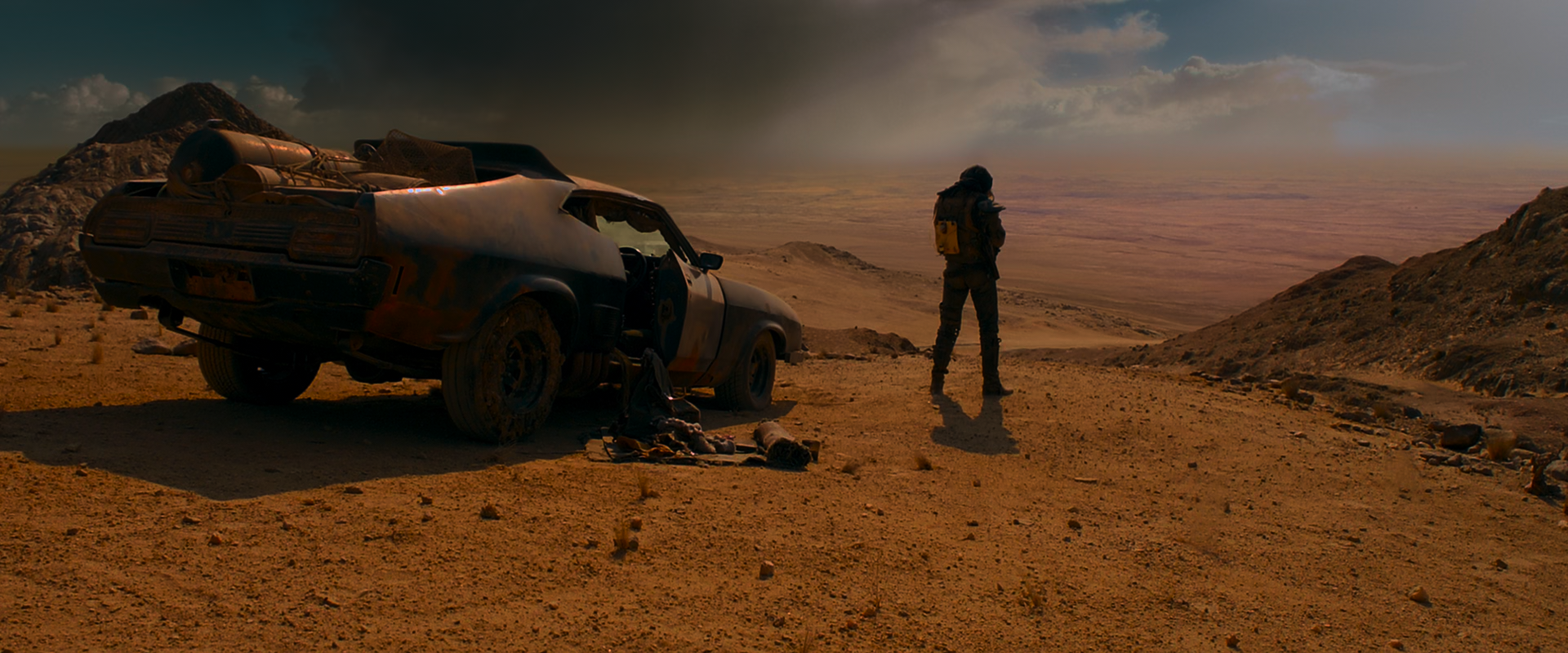
SDR:
mpv:
This seems to be a common theme throughout the entire film; I've found settings such as --tone-mapping-max-boost don't really help here, however it does help with the "storm" scene (my sample), explosions get a nice bump in brightness.
HyerrDoktyer
on 6 Jan 2019
Seems a bit dim in some spots here, too.
SDR:
mpv:
SDR:
mpv:
SDR:
mpv:
SDR:
mpv:
SDR:
mpv:
SDR:
mpv:
SDR:
mpv:
HyerrDoktyer
on 6 Jan 2019
Samples for anyone and everyone
SDR: https://0x0.st/sR0X.mp4
HDR: https://0x0.st/sR0H.mp4
HyerrDoktyer
on 6 Jan 2019
This seems to be a common theme throughout the entire film;
That is really odd. Can you provide a sample of these "too dark" moments? In one screenshot it seems like it may be caused by an isolated super-highlight (that glinting light on the car), but it still seems odd. I can't reproduce this excessive brightness drop in any other sample.
haasn
on 6 Jan 2019
The very start of the film is a perfect example of this, I also included a second sample as I noticed not too far into the film there's an interesting spike in brightness.
HyerrDoktyer
on 6 Jan 2019
Maybe we need to figure out some way to decide whether "mobius" or "hable" would work better for the scene? IMO mobius clearly works better for dark/medium scenes, where hable clearly works better for very bright scenes.
Possibly we should just start fusing the two somehow. Maybe I'll take another stab at the idea of capturing the scene's true histogram and looking at the distribution to decide between the two, somehow?
haasn
on 6 Jan 2019
Maybe it would be worth exploring, but with the notable exceptions of films such as Mad Max our current tonemapping solution is handling everything that I throw at it very well.
I'll go through some more media later tonight and see if I can pick out any issues, but for now I'm a little distracted watching Planet Earth II (it's stunning)
HyerrDoktyer
on 6 Jan 2019
Following off what you told me earlier, that using mapping param 0.0 was essentially reinhard. I tested other options. Setting target-trc=bt.1886 and removing tone-mapping-param=0.0 gave me the same result. Presumably this is a safer way to achieve the same objective? As in more accurate color and not flattening detail?
edit: That doesn't appear to make much difference with the contrast.
Doofussy2
on 6 Jan 2019
Maybe we need to figure out some way to decide whether "mobius" or "hable" would work better for the scene? IMO mobius clearly works better for dark/medium scenes, where hable clearly works better for very bright scenes.
I agree
Possibly we should just start fusing the two somehow. Maybe I'll take another stab at the idea of capturing the scene's true histogram and looking at the distribution to decide between the two, somehow?
If that were possible, it would be fantastic!
Doofussy2
on 6 Jan 2019
Suicide Squad has an issue with the dark scenes, too. I couldn't quite get the exact same frame, but the dark scenes are very long.
SDR
mpv HDR
You lose almost all detail in a lot of scenes
But I also don't have the new commits. So maybe this improved?
Adding target-trc=gamma2.8 brings it up, but also makes bright scenes, too bright. So also adding tone-mapping-param=0.1 makes it more balanced. Not ideal, though.
Doofussy2
on 7 Jan 2019
Would it be feasible to measure the average brightness of select images? I'd like to do some meta-analysis so we can get a better idea of if we need to bump the brightness up across the board. I could generate the images via mpv and process them in batch, then return with my results.
(Well, maybe I could use mpv if I can figure out how to get it to output tonemapped images)
HyerrDoktyer
on 7 Jan 2019
@HyerrDoktyer A good way of doing that is to use something like these settings:
screenshot-format=png
screenshot-high-bit-depth=yes
target-trc=linear
Then you get the resulting images in 16-bit linear light. You can analyze this using imagemagick, specifically identify -verbose mpv-shot000N.png
If you want to perform this analysis on the source frames (HDR), also use tone-mapping=linear and maybe even disable peak detection (so the values are consistent across frames, relative to the tagged MaxCLL).
haasn
on 7 Jan 2019
The way I was thinking about going about generating the images was with a command such as: mpv --no-config --vo=image --vo-image-format=png --vo-image-outdir=HDR --vo-image-high-bit-depth=yes --tone-mapping=linear --target-trc=linear --no-audio --untimed --hr-seek=yes --sid=no --sstep=60 source.mkv
This would work well as it should, in theory, give me frame-accurate results between the two sources. The problem is that the outputted results do not seem to be tonemapped, I believe this is an issue with the string (probably --vo=image ?) however I'm unsure how to go about resolving this - I believe I'm using using depreciated commands too.
Manually taking the screenshots would be ... possible but extremely time consuming, as to get an accurate sample I was ideally looking to output 200+ images per file. Any idea how I could aid this string? It works perfectly for SDR files.
HyerrDoktyer
on 7 Jan 2019
Example:
Command output:
target-trc=linear/tone-mapping=linear: (actually playing the file)
HyerrDoktyer
on 7 Jan 2019
@HyerrDoktyer HDR playback is a vo_gpu-only feature. (It requires GLSL shaders). So if you want to take pictures of mpv's tone mapping, there's no way other than screenshot window.
That said, if you don't care about tone mapping and only want reproducible results for the purposes of data processing, you can use various ffmpeg filters (zimg, and the ffmpeg tone mapping filters) to do the conversion. That way you can even do it per frame and save them all as individual .exr/.png files.
haasn
on 7 Jan 2019
Just started playing around with max-boost. A setting of 2 for Suicide Squad, is perfect. Sorry for slow uptake on that :)
update: so that makes a lot of other scenes too bright....BUT....using hable with peak detection with max boost 2, pretty much gets everything pretty close to what I would expect. Interstellar looked great. Suicide Squad looked great...and so did Chess (but the desaturation does mess with the color of that thing at the back of her head. But it's acceptable, to me).
Doofussy2
on 8 Jan 2019
Maybe we should make a wiki entry with the known best settings for each movie? (And then a user script that automatically applies them based on the title property)
haasn
on 8 Jan 2019
Well, for me hable with Max boost is a good general setting. I ran through several different movies and they all looked pretty good. Extreme brightness and darkness were handled well, and everything in between looked good, too.
Doofussy2
on 8 Jan 2019
Regarding --tone-mapping-max-boost: It can boost brightness when it's not desired. Seems to be mostly the case when in a scene there is something bright mostly surrounded by dark areas. Then the bright part of the image looks, well, over-brightened. This is very visible in the beginning of the LG Chess demo.
On the other hand, it may not boost scenes which look too dark in general with compute peak, like cloud scene of the Peru 8K video which shows the sudden drop in brightness I described above.
aufkrawall
on 8 Jan 2019
That's what I found, too. But using hable instead of Mobius seems to bring everything nicely back into balance.
Doofussy2
on 8 Jan 2019
I took a look at "Close Encounters of the Third Kind" and "The Fifth Element" which are both rated at 10,000 maxCLL, just like Mad Max. Lights are a lot better here, there was no visible artifacts within bright spots (which may confirm your theory regarding the mastering process) That being said, both films do suffer from the same issue that Mad Max does in the sense that it's far too dim. --tone-mapping-max-boost certainly helps with dark scenes but shows little benefit for "average" scenes which have been dimmed.
This is a bit of a bind since films such as Planet Earth II are utterly perfect, how do we account for films like the aforementioned without ruining films that are already outputting good results? Perhaps @haasn's purposed histogram is a potential solution? (I do also like your suggestion of exploring tonemapping twice to account for edge-cases)
As for now, I think it would be a best-practice for all users to enable --tone-mapping-max-boost in some fashion. @aufkrawall mentioned issues when viewing HDR _demos_ however I have seen no such issue while viewing actual films.
Maybe we should make a wiki entry with the known best settings for each movie
I don't know if this is a good idea, many people do not a good understanding of proper HDR implementation in digital files (x265...), as such results will vary if the files have not been prepared properly; not to mention the complete lack of consistency when it comes to testing that is constantly seen online. The progress we've (you've) made here in such a relatively short period of time has been astonishing and I think it would be best to continue at this so we can iron out the majority of edge cases.
@haasn
re: brightness measurements:
I see, thank you for your feedback and suggestions. I'll look into that, I did some preliminary tests with a limited dataset and in some cases we're looking at a brightness difference of 20-25% when comparing the SDR source to mpv on the extreme end.
We can see this substantial brightness difference in play here:
SDR:
HDR:
SDR:
HDR:
SDR:
HDR:
Here we can see two scenes which I would consider "regular", not particularly bright, and one "bright" scene. Here is a darker scene for comparison, which we can see holds up quite well:
SDR:
HDR:
I think the biggest problem here is the 'brightness' isn't consistent throughout this entire scene. Some scenes that happen mere seconds before my comparisons are quite accurate to the SDR master.
Here are some further examples from "The Fifth Element"
SDR:
HDR:
SDR:
HDR:
SDR:
HDR:
HyerrDoktyer
on 9 Jan 2019
I have the SDR and HDR of Close Encounters, and mine look pretty close, when using:
hdr-compute-peak=yes
tone-mapping=hable
target-prim=bt.2020
tone-mapping-max-boost=2
Maybe it's because I'm in bt.2020?
SDR
HDR
I removed the bt.2020 and this is the result for HDR
with mobius, I get this (which is too bright)
Doofussy2
on 9 Jan 2019
Is your SDR copy from the 4k directors cut?
Here is what I get with your config:
Strange that my output is so much darker than yours, are you forcing a frame update by interacting with the OSC?
(Also it's fun to see that the OSC is affected by VO configs...)
HyerrDoktyer
on 9 Jan 2019
I disabled my gpu-cache, upon opening the file at the specific time I got a result that was very similar to yours, however once mpv updated the frame it went back to what I posted in my previous comment
HyerrDoktyer
on 9 Jan 2019
Also @Doofussy2 I see your frames are different between comparisons of the HDR film (which I assume is the same file)
You can use save-position-on-quit which may make your life much easier
HyerrDoktyer
on 9 Jan 2019
Is your SDR copy from the 4k directors cut?
I honestly don't know.
Strange that my output is so much darker than yours, are you forcing a frame update by interacting with the OSC?
That is how it looks regardless of using the OSC. It doesn't change.
FWIW, I have an Nvidia GTX 1060. Maybe the shaders are different with your hardware? I do use --gpu-api-opengl, but I just tried with d3d and it was the same.
Doofussy2
on 9 Jan 2019
Okay interesting, so there's a discrepancy between our outputs. Regardless of SDR version, I believe there is only 1 edition of the 4k release (https://www.blu-ray.com/movies/Close-Encounters-of-the-Third-Kind-4K-Blu-ray/171515/ (Best Buy exclusive should be the same (this is also a perfect example as to why a "list" of good configs wouldn't be viable)))
I have a nvidia card from the same generation as you, so I don't think we're experiencing hardware clashes; I can also confirm that gpu-api-opengl does not match your output, too.
HyerrDoktyer
on 9 Jan 2019
So here are the screen caps, again
SDR
HDR
Info on the HDR
Video
ID : 1
Format : HEVC
Format/Info : High Efficiency Video Coding
Commercial name : HDR10
Format profile : Main [email protected]@High
Codec ID : V_MPEGH/ISO/HEVC
Duration : 2 h 17 min
Bit rate : 49.3 Mb/s
Width : 3 840 pixels
Height : 2 160 pixels
Display aspect ratio : 16:9
Frame rate mode : Constant
Frame rate : 23.976 (23976/1000) FPS
Original frame rate : 23.976 (24000/1001) FPS
Color space : YUV
Chroma subsampling : 4:2:0 (Type 2)
Bit depth : 10 bits
Bits/(Pixel*Frame) : 0.248
Stream size : 47.3 GiB (89%)
Default : Yes
Forced : No
Color range : Limited
Color primaries : BT.2020
Transfer characteristics : PQ
Matrix coefficients : BT.2020 non-constant
Mastering display color primaries : Display P3
Mastering display luminance : min: 0.0050 cd/m2, max: 4000 cd/m2
Maximum Content Light Level : 10000 cd/m2
Maximum Frame-Average Light Level : 791 cd/m2
And in case it matters, the Nvidia driver version is 417.35
Doofussy2
on 9 Jan 2019
And as you mentioned the cache, I'm also using demuxer-seekable-cache=yes
Doofussy2
on 9 Jan 2019
And also keep in mind that I'm still using the last build that @shinchiro posted, so I don't think I have the last commits.
Doofussy2
on 9 Jan 2019
So am I, so it shouldn't be a problem with our versions. If you wouldn't mind, can you take a screenshot from this file?: https://0x0.st/s7mm.mp4
It's a lossless cut of my copy, relevant frame should be about 30s in.
HyerrDoktyer
on 9 Jan 2019
Re: discrepency between your mpv versions, please post a log (--log-file).
haasn
on 9 Jan 2019
I'm more of the thought process that it may be a difference between files (mine may be flawed, as @Doofussy2 has the actual remux, not an encode with HDR-passthrough)
https://0x0.st/s7m1.txt
HyerrDoktyer
on 9 Jan 2019
err nevermind, I thought I may have forgotten --no-config with my previous comparisons but the output is the same
HyerrDoktyer
on 9 Jan 2019
This is the result I get with
--start 0:31 --pause --target-trc=gamma2.2 --target-prim=bt.2020 --hdr-peak-decay-rate 1 and updating the peak detection buffer by holding down the OSD key at the start of playback.
Peak detection enabled

This is the result if I start on that frame, have peak detection enabled, but don't "initialize" the detected value by holding down the OSD key:

Finally, this is the result with --hdr-compute-peak=no:

It appears as though the initial state of the peak detection buffer is too dark, darker than the actual values when peak detection is disabled. I'll investigate.
It's also possible we could switch to a better seeding method again, similar to what we do in libplacebo now. (Where it's also frame perfect, so issues like these won't exist)
haasn
on 9 Jan 2019
It appears as though the initial state of the peak detection buffer is too dark, darker than the actual values when peak detection is disabled. I'll investigate.
This does seem plausible, and it would explain why I seemed to be getting inconsistent results for a second there (my previous post)
mpv --no-config .\file.mp4
launching @ last position and forcefully updating the frame
Double checked boat results, watching in real-time to bypass the initial brightness levels results in the same story:
SDR:
HDR:
HyerrDoktyer
on 9 Jan 2019
Okay, so the issue is something like this. Basically, what's happening is that in the process of going from the initial seeded values (based on MaxCLL 10k) to the measured values (_way_ less than 10k for this scene) involves two operations that are happening in "opposite" directions:
- The peak is going down from 10k to the measured peak
- The average is going up from 0.25 to the measured avg
Here's what I think is going on: The problem is that one of these two effects is happening "faster" than the other. Specifically, the average frame brightness is being adjusted upwards faster than the maximum peak brightness is being adjusted downwards. Since the average frame brightness goes up, mpv ends up darkening the scene as a result. However, at the same time, the peak brightness going down is crucial to recover the dynamic range (i.e. brightness) of the scene (due to how the hable function works). Since it doesn't happen fast enough, in the "transition" region from state A (initial) to state B (current) you will see a much darker result than intended.
Now there are a couple of things worth pointing out here:
- While the problem as described here is obviously related to the initial seeding of the buffer, in theory we should be able to observe the same effect on a scene change.
- Proper seeding of the buffer would get rid of the first instance of this, but it wouldn't solve the general problem of this kind of two-direction interplay happening after a sufficiently dramatic scene change.
- Obviously, scene change detection is supposed to cover a dramatic shift like this. But it doesn't, so our lower bound is not low enough. That being said,
- Scene change detection only considers changes in the absolute scene brightness (sig_avg), it doesn't really consider a change in the peak-relative scene brightness. So maybe instead of comparing sig_avg, we should relativize it to
sig_avg / sig_peak. I'll give that a try
haasn
on 9 Jan 2019
Hmm, so using the "relative" peak instead of the absolute peak solves this instance, but it runs the risk of introducing dramatic brightness shifts in other cases - particularly when an isolated (but dramatic) highlight suddenly starts appearing on the scene. But if we think about it, maybe that's sort of unavoidable given the fact that hable itself fundamentally shifts in brightness as a result of the sig_peak changing? You'll notice that e.g. mobius doesn't suffer from this weird drop, mostly because the behavior near [0,1] is basically guaranteed to be independent of the sig_peak.
We can surely change the scene change detection in order to incorporate sudden shifts in the peak as well to solve these cases, either by looking at log(cur / cur_peak) - log(avg / avg_peak), or perhaps by looking at changes in the "effective tone mapped brightness" (tone_map(cur, cur_peak) - tone_map(avg, avg_peak). But judging by a quick test, even if we do this, all we will end up doing is recreating the problem of the scene brightness changing randomly once isolated bright highlights enter the scene.
So besides that, there are a couple of other things we should start thinking about:
Maybe figure out a "tunable hable / hable v2" that has a "peak-sensitive" region and a "peak-insensitive" region, the latter of which is insensitive to darkening effects like this. But this may end up working less well than
hablein cases where this kind of shifting does _not_ pose any major issues. I may still actually implement this simply for the heck of it, since hable currently doesn't have any tone mapping param - it would be a strict generalization.(Possibly) Make our own histogram-guided tone mapping function that is smarter than both hable and mobius and is immune to weird shifts like this.
The rabbit hole goes deep yet and we are far from reaching the end of it.
haasn
on 9 Jan 2019
Maybe figure out a "tunable hable / hable v2" that has a "peak-sensitive" region and a "peak-insensitive" region
It's not that simple. In fact, that doesn't help at all. Giving hable a flat section makes it darker, not brighter. That's sort of the reason why we have the peak detection to begin with. So we have a couple of conflicting constraints:
- We have a tone mapping function that is very sensitive to changes in the peak brightness (resulting in a darkening or lightening of the output scene).
- We don't want changes to the peak brightness within a scene to alter the visual appearance, so we can't incorporate it into the scene change logic.
As a result of these considerations, scene changes where the brightness changes only a little (not enough to trigger scene change detection), but the peak changes dramatically (enough to significantly alter the visual appearance of hable) will always suffer from such "over-darkening" effects. Fortunately, I think this pretty much only happens for cases when we cut from a scene with a ludicrous max brightness (e.g. 10k) to a scene with a more modest max brightness but a similar average brightness.
So most likely, if we just fix the initial seeding of the buffer, we will solve this problem in practice. The theoretical case still exists, but it's better to ignore it due to the negative effects discussed.
Alternatively, we can start work on a better, histogram-guided, tone mapping function. :-)
haasn
on 9 Jan 2019
Oh, also, it may or may not be obvious but the initial seeding currently only matters when the file is initially loaded. Seeking does _not_ reset this buffer. And actually, neither does a file change. (Which is probably a bug)
So maybe we can just ignore the problem, since it's only likely to affect users who are testing the tone mapping algorithm? (OTOH, that's a good reason to _not_ ignore it :))
The work-around is trivial, but it's not free (in terms of cycles). I guess I'll just implement it. (Pushed) This would also allow us to reset the SSBO on a seek or file change, but due to the fact that the detected values are currently delayed by a frame, I'm not sure if we _should_. I think that would make frame stepping look weird, since I believe that also calls VOCTRL_RESET. (Haven't verified)
haasn
on 9 Jan 2019
If it only occurs initially, and thereafter is corrected, is there a need to correct it?
Doofussy2
on 10 Jan 2019
I think you've gotten this close enough to merge it, now. The available option of max boost with the improved tone mapping is excellent. And maybe we can continue testing the fine tuning for future commits? I'm now using that last build with confidence. The difference between what we had and what we now have, is massive. And I think more than adequate for public consumption. But I would suggest keeping hable as the default.
Doofussy2
on 10 Jan 2019
Yes I agree with the status quo being good enough for what we're going to get for the time being, apart from tuning. (Which users can surely help do after it's merged) Every step "forwards" from here on is just a step back in disguise.
The only major improvements on the idea table are:
- histogram-guided tone mapping (very definitely a future PR)
- fix the frame-delay in mpv (most likely a future PR)
- two-pass tone mapping for mad max (most likely a future PR if we even care about it at all)
haasn
on 11 Jan 2019
Merged this stuff to my own fork of mpv for the time being. Feel free to use. I probably won't be providing windows builds though.
haasn
on 12 Jan 2019
Is there anything different in there from the last build that @shinchiro posted?
Doofussy2
on 12 Jan 2019
Not in terms of tone mapping, no. Just merged some other PRs that I cared about + low-hanging fruit. I'll most likely continue merging stuff tomorrow or whenever I get the time.
haasn
on 13 Jan 2019
@haasn Will it be merged to 0.30? Is 0.30 coming soon?
laichiaheng
on 14 Jan 2019
I hope it will :)
Doofussy2
on 14 Jan 2019
I'm just gonna add this little update. Using gamma, pretty much is spot on. Sorry @haasn, I'm going to use Chess as the example. Notice that all the detail in the thing around her neck is now present, and the skin tone is perfect.
With hable (slightly too much constrast and is losing detail)
reinhard (slightly too bright with loss of detail)
mobius (well I think this is clearly too bright, and losing a lot of detail)
This is all with hdr-compute-peak=no
Doofussy2
on 19 Jan 2019
Oh yes! Everything now looks great!
Doofussy2
on 19 Jan 2019
Ah....ironically, Bright is very dark. Too dark...no matter what I use :( It looks like it's been mastered at 4000 nits
Video
ID : 1
Format : HEVC
Format/Info : High Efficiency Video Coding
Commercial name : HDR10
Format profile : Main 10@L5@Main
Codec ID : V_MPEGH/ISO/HEVC
Duration : 1 h 57 min
Bit rate : 11.9 Mb/s
Width : 3 840 pixels
Height : 1 664 pixels
Display aspect ratio : 2.35:1
Frame rate mode : Constant
Frame rate : 24.000 FPS
Color space : YUV
Chroma subsampling : 4:2:0
Bit depth : 10 bits
Bits/(Pixel*Frame) : 0.078
Stream size : 9.78 GiB (93%)
Title : @NAHOM
Writing library : x265 2.6+37-1949157705ce:[Windows][GCC 6.3.0][64 bit] 10bit
Encoding settings : cpuid=1050111 / frame-threads=5 / numa-pools=16,16 / wpp / no-pmode / no-pme / no-psnr / no-ssim / log-level=2 / input-csp=1 / input-res=3840x1664 / interlace=0 / total-frames=168822 / level-idc=0 / high-tier=1 / uhd-bd=0 / ref=5 / no-allow-non-conformance / repeat-headers / annexb / no-aud / no-hrd / info / hash=0 / no-temporal-layers / open-gop / min-keyint=24 / keyint=250 / gop-lookahead=0 / bframes=8 / b-adapt=2 / b-pyramid / bframe-bias=0 / rc-lookahead=40 / lookahead-slices=0 / scenecut=40 / radl=0 / no-intra-refresh / ctu=64 / min-cu-size=8 / rect / amp / max-tu-size=32 / tu-inter-depth=3 / tu-intra-depth=3 / limit-tu=4 / rdoq-level=2 / dynamic-rd=0.00 / no-ssim-rd / signhide / no-tskip / nr-intra=0 / nr-inter=0 / no-constrained-intra / strong-intra-smoothing / max-merge=4 / limit-refs=1 / limit-modes / me=3 / subme=5 / merange=57 / temporal-mvp / weightp / weightb / no-analyze-src-pics / deblock=-3:-3 / sao / no-sao-non-deblock / rd=6 / no-early-skip / rskip / no-fast-intra / no-tskip-fast / no-cu-lossless / b-intra / no-splitrd-skip / rdpenalty=0 / psy-rd=2.00 / psy-rdoq=1.00 / no-rd-refine / no-lossless / cbqpoffs=0 / crqpoffs=0 / rc=crf / crf=18.0 / qcomp=0.80 / qpstep=4 / stats-write=0 / stats-read=0 / ipratio=1.40 / pbratio=1.30 / aq-mode=3 / aq-strength=1.00 / cutree / zone-count=0 / no-strict-cbr / qg-size=16 / no-rc-grain / qpmax=69 / qpmin=0 / no-const-vbv / sar=0 / overscan=0 / videoformat=5 / range=0 / colorprim=9 / transfer=16 / colormatrix=9 / chromaloc=0 / display-window=0 / master-display=G(13250,34500)B(7500,3000)R(34000,16000)WP(15635,16450)L(40000000,50) / max-cll=4076,1859 / min-luma=0 / max-luma=1023 / log2-max-poc-lsb=8 / vui-timing-info / vui-hrd-info / slices=1 / no-opt-qp-pps / no-opt-ref-list-length-pps / no-multi-pass-opt-rps / scenecut-bias=0.05 / no-opt-cu-delta-qp / no-aq-motion / hdr / hdr-opt / no-dhdr10-opt / analysis-reuse-level=5 / scale-factor=0 / refine-intra=0 / refine-inter=0 / refine-mv=0 / no-limit-sao / ctu-info=0 / no-lowpass-dct / refine-mv-type=0 / copy-pic=1
Default : Yes
Forced : No
Color range : Limited
Color primaries : BT.2020
Transfer characteristics : PQ
Matrix coefficients : BT.2020 non-constant
Mastering display color primaries : Display P3
Mastering display luminance : min: 0.0050 cd/m2, max: 4000 cd/m2
Maximum Content Light Level : 4076 cd/m2
Maximum Frame-Average Light Level : 1859 cd/m2
Doofussy2
on 19 Jan 2019
MadVR's tone mapping is the same, @madshi. Playing Bright with actual HDR, is very different, @haasn. mpv's tone mapping matches madVR's, but both are way too dark.
Doofussy2
on 19 Jan 2019
Somebody called me?
@Doofussy2, this seems a bit OT here, but you could try the latest madVR test build (http://madshi.net/madVRhdrMeasure39.zip, simply overwrite the files). It has noticeably improved HDR tone mapping compared to the official build. Mostly it adjusts much better to bright vs dark movie scenes. Make sure you deactivate all HDR related "trade quality" options to get the best quality. It's quite slow, though. If you still find the image too dark, try lowering the "target peak nits" value.
BTW, which kind of display are you using? E.g. LG OLEDs are known to switch into a higher driving mode when receiving HDR content. Which might explain why the image looks brighter to you if you send HDR to your display (in which case your display will do the tone mapping), instead of letting mpv/madVR do the tone mapping.
If you want a "fair" comparison between your display's internal tone mapping and mpv's/madVR's tone mapping, you need to carefully match your display's SDR vs HDR input settings as much as possible, so it uses exactly the same settings and the same driving mode / backlight power, regardless of whether you send HDR to your display, or mpv/madVR tone mapped output.
 madshi
on 19 Jan 2019
madshi
on 19 Jan 2019
Bit of fun here, check out how overexposed the SDR version of First Man is
From the top:
SDR vs HDR (--target-prim=bt.2020) vs HDR (--target-prim=bt.2020 --tone-mapping=reinhard --target-peak=200)
--target-prim somewhat masks how different these versions are (it's not just brightness, colours are slightly off too);
@Doofussy2
I did some more testing with --tonemapping=reinhard --target-peak=200 and the results were quite good, I noticed that there was a touch of detail loss in films such as interstellar (you can see this in the 3rd set of screens above, too). It's a little annoying that the OSC is affected by --target-peak but It's not too big of a deal for a brighter VO (@haasn any chance this could be squeezed into the PR? Or is this a more fundamental issue?). Perhaps I'll be able to do some more solid testing in the future; I have a sneaking suspicion that Madvr uses Reinhard as a base and has been wrestling with keeping brightness up without loosing detail for quite a while now.
Still a bit dark in some areas, though:
SDR:
--target-prim=bt.2020
--target-prim=bt.2020 --tone-mapping=reinhard --target-peak=200
Side note:
@madshi what is this black magic you've got going on here with frame peak luminance? The difference is stunning
mpv --tonemapping=reinhard --target-peak=200
peak luminance disabled:
enabled:
HyerrDoktyer
on 3 Feb 2019
@HyerrDoktyer the reason --target-peak affects the OSD is because the
OSD is always considered SDR content, which is fixed at 100 nits. So if
you have a 400 nits monitor (--target-peak=400), we make the OSD
darker to avoid making it overly blinding on HDR monitors.
But if 100 nits is too dark compared to a HDR stream, we could maybe add
an option to make the OSD brighter in general? Can you verify that this
matches your experience? i.e. is the OSD in HDR mode still the same
brightness as it was in SDR mode? Because if not, then maybe your value
of (--target-peak) is too high for your display?
On Sun, 03 Feb 2019 04:31:01 -0800, HyerrDoktyer notifications@github.com wrote:
Bit of fun here, check out how overexposed the SDR version of First Man is
From the top:
SDR vs HDR (--target-prim=bt.2020) vs HDR (--target-prim=bt.2020 --tone-mapping=reinhard --target-peak=200)
--target-prim somewhat masks how different these versions are (it's not just brightness, colours are slightly off too);
@Doofussy2
I did some more testing with--tonemapping=reinhard --target-peak=200and the results were quite good, I noticed that there was a touch of detail loss in films such as interstellar (you can see this in the 3rd set of screens above, too). It's a little annoying that the OSC is affected by --target-peak but It's not too big of a deal for a brighter VO (@haasn any chance this could be squeezed into the PR? Or is this a more fundamental issue?). Perhaps I'll be able to do some more solid testing in the future; I have a sneaking suspicion that Madvr uses Reinhard as a base and has been wrestling with keeping brightness up without loosing detail for quite a while now.--
You are receiving this because you were mentioned.
Reply to this email directly or view it on GitHub:
https://github.com/mpv-player/mpv/issues/6405#issuecomment-460047428Non-text part: text/html
haasn
on 3 Feb 2019
@haasn My goal with --target-peak was to darken Reinhard rather than to attempting to make Hable brighter (this was mentioned in https://github.com/mpv-player/mpv/pull/6415 if you missed it). It's entirely possible that the values that I'm using here are too much for my monitor, I can't find any solid numbers online with quick search. OSC values without specifying a higher --target-peak are identical so this isn't a bug, just a slightly odd use-case.
err just elaborating here, I don't have a HDR monitor so this is all in "SDR mode"
HyerrDoktyer
on 3 Feb 2019
Hmm okay so this is a bit odd, I have a slightly older build here from a few days before the most recent shinchiro build, and the brightness is much brighter in certain areas - what did we change between the 2nd and 5th of January? Dark scenes are similar enough although the fire is brighter on the latest build
mpv 0.29.0-117-g7db407ab70 Copyright © 2000-2018 mpv/MPlayer/mplayer2 projects
built on Wed Jan 2 16:32:58 DST 2019
latest:
mpv 0.29.0-117-g8225616d4b Copyright © 2000-2018 mpv/MPlayer/mplayer2 projects
built on Sat Jan 5 11:30:44 DST 2
0.29.0-117-g7db407ab70
0.29.0-117-g8225616d4b
0.29.0-117-g7db407ab70
0.29.0-117-g8225616d4b
HyerrDoktyer
on 3 Feb 2019
@Doofussy2
I did some more testing with --tonemapping=reinhard --target-peak=200 and the results were quite good, I noticed that there was a touch of detail loss in films such as interstellar.
To help with detail loss, try raising the --tone-mapping-desaturate to something higher. The default is 0.5. I find that 2.0 is a good value. To illustrate, I'll use the lady from the Chess demo.
--tone-mapping-desaturate=0.5
--tone-mapping-desaturate=2.0
Notice the neck piece. Much more detail, without ruining the rest of the color. The config I'm using for these, is;
hdr-compute-peak=no
target-peak=250
tone-mapping=reinhard
tone-mapping-param=0.5
tone-mapping-desaturate=2.0
target-prim=bt.2020
For my display and how it's calibrated, this is a good general config.
Although --target-peak=200 is probably better for really dark scenes like this one from Lost in Space.
but doesn't kill really bright scenes like this one from Interstellar
and the Chess lady
My goal with --target-peak was to darken Reinhard
If you're just dimming reinhard and are only in SDR, you may want to use --tone-mapping-param=0.5 instead of --target-peak. 0.5 is the default, but if you lower it to 0.35 or 0.4 it'll take the edge off the brightness. I only use --target-prim=bt.2020 because my display is in HDR10 all the time, so it's using WCG, and I need to use bt.2020. By default mpv outputs to bt.709.
As for First Man, the coloring in that movie is a bit wackadoo. Just take a look at the faces in this shot (SDR)
And there are a lot of scenes where the coloring is just not right. I wonder if they were trying to give it a more 60s 'bronze' appearance?
Doofussy2
on 3 Feb 2019
Great working you are doing here, guys. Currently experimenting with HDR content in MPV for the first time.
@Doofussy2
My best best results so far:
v0.29.1-3dd59d
icc-profile-auto=yes
hdr-compute-peak=no
tone-mapping=hable
tone-mapping-desaturate=1.0
 sidneys
on 16 Feb 2019
sidneys
on 16 Feb 2019
@sidneys
If you're using an SDR display, you don't really need to do much. For my SDR display, the only thing I've changed, is the desaturation. --tone-mapping-desaturate=2.0. All the things I posted above, are on my HDR display. So the configs are more involved. And to that point, for my HDR display, I believe I've found my sweet spot.
hdr-compute-peak=yes
target-peak=230
tone-mapping=reinhard
tone-mapping-desaturate=2.0
target-prim=bt.2020
Using peak detection with that target peak controls the highs and lows almost perfectly. My display has a calibrated option, for when you use HDR passthrough. This makes my desktop dark, and when I watch HDR media with passthrough, I get the great picture you'd expect. Comparing that to how I've normally calibrated my display for my desktop (Windows UI looks as it should), with the config above, it's almost identical.
Doofussy2
on 16 Feb 2019
@haasn is --gamut-warning still correct with your changes? I ask because with some of the settings I've tried, to me the picture looks better, but the gamut warning is telling me it's out of range.
Doofussy2
on 17 Feb 2019
Spectacular scene to play around with: https://0x0.st/ziO0.mkv
Once I have a spare hour or two I will collect my thoughts on the latest build from shinchiro, but the short of it is extremely positive and has alleviated my prior issues however it has created further issues with brightness. A quick glance at interstellar with the current default settings should make it quite apparent that things are getting a little too bright in some scenarios, whilst also being too dim in others. Again, I'll try and write up something a bit more detailed when I can. For reference, this is my current config; seems to be working well with the media that I have tested so far:
tone-mapping=reinhard
tone-mapping-param=0.17
tone-mapping-desaturate=1.3
blend-subtitles=no
deband=no
P.S madvr has furthered their implementation of that selective clipping I briefly mentioned a while ago, and it works really well.
P.P.S KrigBilateral is broken on HDR content, any chance it could be tweaked? @igv (that ship isn't supposed to be yellow).
HyerrDoktyer
on 20 Feb 2019
@Doofussy2 What is the best config setting for HDR content on a DCI-P3 gamut SDR monitor now?
laichiaheng
on 23 Feb 2019
@Doofussy2 What is the best config setting for HDR content on a DCI-P3 gamut SDR monitor now?
I'm no expert on this stuff, but for my SDR display, I presently use;
hdr-compute-peak=yes
tone-mapping=reinhard
tone-mapping-param=0.3
tone-mapping-desaturate=2.0
I haven't extensively tested that, but I find it gives me a slightly more preferable image to the defaults. Slightly brighter with a little more detail.
Doofussy2
on 24 Feb 2019
@Doofussy2 Does the mpv player convert the gamut BT.2020 to DCI-P3 if I have enabled the icc profile for my DCI-P3 SDR monitor? Or it converts the gamut to sRGB?
laichiaheng
on 24 Feb 2019
As far as I know, it will use the ICC profile that the OS is using. If the monitor calibration doesn't match the ICC profile, then it won't look correct.
Doofussy2
on 24 Feb 2019
@Doofussy2 After I compared the --target-prim=dci-p3 to --icc-profile-auto, they looked similar than without using them, it should be in DCI-P3 now, thanks.
laichiaheng
on 24 Feb 2019
Closing this for now, I've explored all the HDR media I have and I am very happy with the results. Some films such as interstellar are a touch too bright as I mentioned previously, causing some detail loss - but this can be dealt with relatively simply inside mpv.conf. Furthermore, any future edge-cases are probably best left to their own separate issues, as this was quite a generalized topic and we've thoroughly covered just about everything that has come up.
Thank you to everyone who has contributed to this, mpv is now better than ever!
HyerrDoktyer
on 24 Feb 2019
Oh, and to anyone who is still interested in this I plan on making another issue in a few weeks, or maybe when Libplacebo is merged. I have an ever-growing library of HDR films to test and I am keeping a list of points during films where our tone mapping doesn't quite work out (I currently have about 6 items on the list, some far worse than others).
I doubt I will waste my time comparing to SDR when I open the new thread, I have seen nothing but positive examples of tone mapped films being far superior to their SDR counterparts. Perhaps this is due to them not being tone mapped buy humans but by poor algorithms. We can explore this further once the issue is opened.
madvr:
mpv:
HyerrDoktyer
on 11 Mar 2019
@HyerrDoktyer Is you guy's goal to make the HDR content looks like the SDR content on SDR display?
laichiaheng
on 11 Mar 2019
I think there's an overall issue with brightness. I was watching the movie Polar, and there's a scene around the 51minute mark, where she comes through the door, and the black behind her is red. And then she opens a gun case, and it's red around the gun. I tried all manner of options to correct it. icc, different tone mapping configuration etc. Nothing got rid of it. I was comparing the scene to how it looks when I pass the HDR metadata, and realized that it was slightly darker. So I simply tried using --brightness=-3. And bingo! Totally corrected it. I'll post pics when I get a chance. And this only shows up on an HDR display, in WCG.
Doofussy2
on 11 Mar 2019
@HyerrDoktyer Is you guy's goal to make the HDR content looks like the SDR content on SDR display?
Similar, yes. I don't have any HDR screens nor do I really care about the technology, what I care about is higher-quality Blu-Rays than the standard SDR releases, and those just happen to also have HDR included.
When I eventually do make another issue, or maybe we could just continue here; depends on what haasn wants I hope to outline the issue with a better structure than with this (i.e clearly outlying the issue and providing examples on how to provide samples). Now that reds are fixed we have colour-accurate tone mapping, so we should probably make the next saga to this around detail and brightness (I checked some older builds and unfortunately we seemed to have regressed in this area, which may have been partially my fault) We can learn a lot from our competitors in this regard, but hopefully we will be able to bring our own improvements to the table.
HyerrDoktyer
on 12 Mar 2019
For my SDR display, I use this
hdr-compute-peak=yes
tone-mapping=reinhard
icc-profile-auto
brightness=3
And I'm very happy with the results
Doofussy2
on 12 Mar 2019
@Doofussy2
Probably best not to use brightness to calm down tone mapping, shadows are completely lost and that will also affect areas where the algorithm is producing good results.
I'm using:
tone-mapping=reinhard
tone-mapping-param=0.17
tone-mapping-desaturate=1.3
default
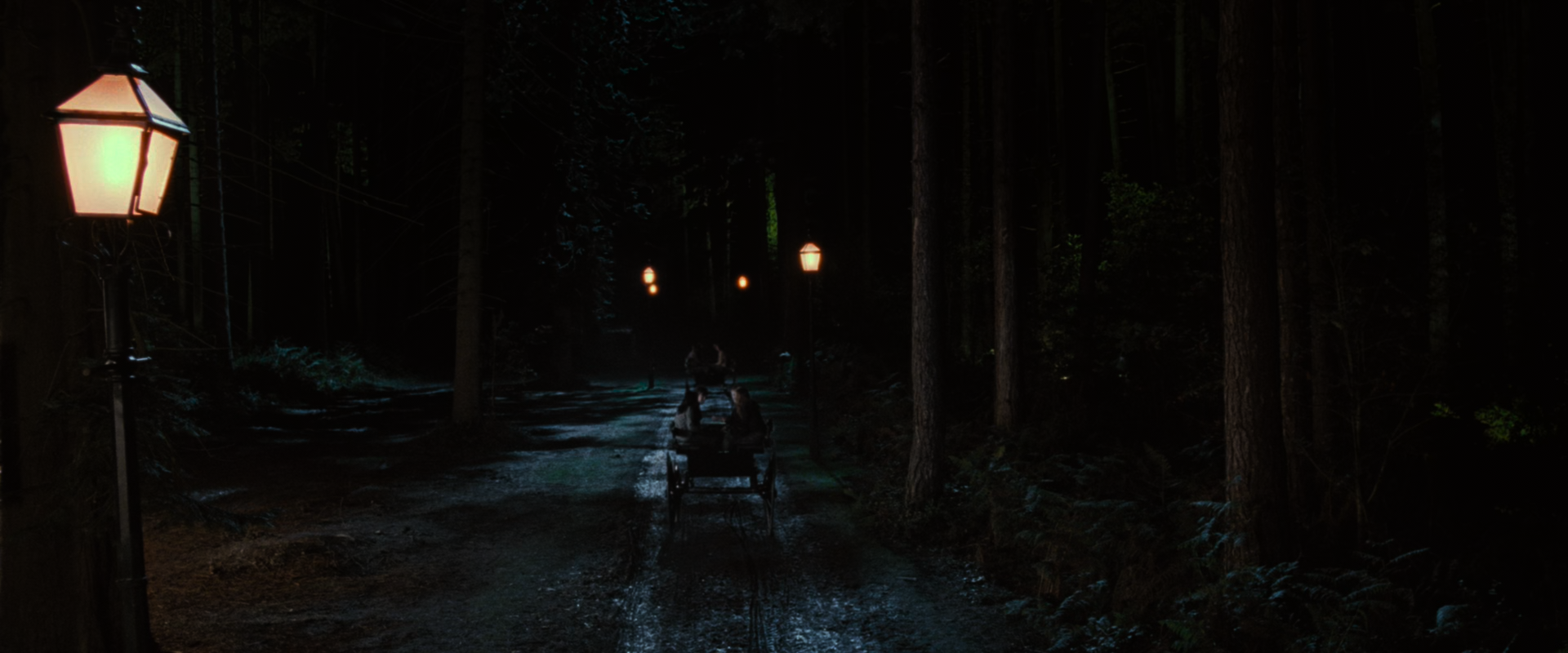
my config
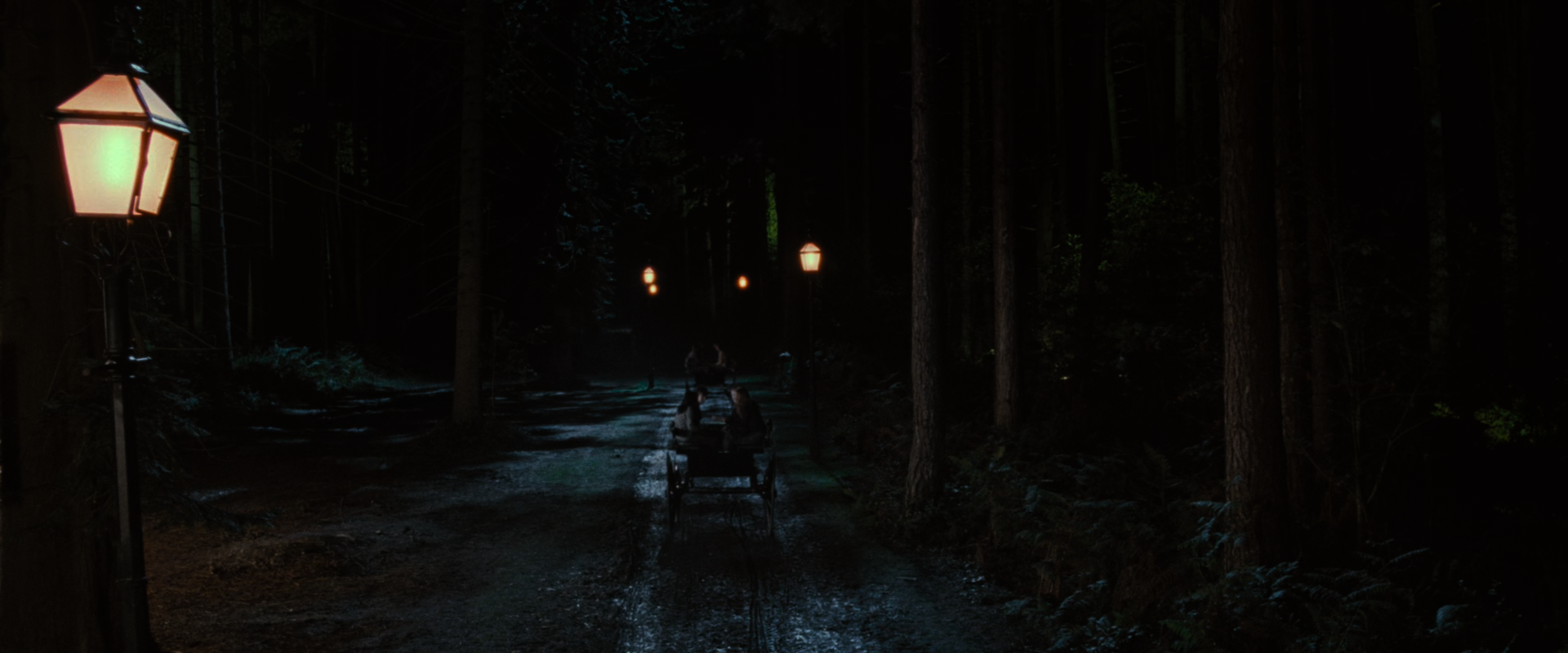
-3 brightness
HyerrDoktyer
on 13 Mar 2019
On my SDR display, I don't need to do it. But on my HDR display, it's the only thing that fixes the problem. I also use an Adobe color profile, so the results are great.
Doofussy2
on 13 Mar 2019
Okay fair enough
I also use an Adobe color profile, so the results are great.
This one here? https://www.adobe.com/digitalimag/adobergb.html
I'm not too sure that I like the apparent lack of colours here, although I would have to do more testing to know for sure. Unless you're talking about your HDR display? If so then this comment probably isn't too relevant
No ICC:
AdobeRGB1998.icc:
No ICC:
AdobeRGB1998.icc
No ICC:
AdobeRGB1998.icc
HyerrDoktyer
on 13 Mar 2019
For my SDR display I use the default windows profile --icc-profile-auto. But yes, I was referring to my HDR display. And I use the gamma 2.2 profile in this bundle
https://www.adobe.com/support/downloads/iccprofiles/icc_eula_win_end.html
Doofussy2
on 13 Mar 2019
--icc-profile-auto
Surely this isn't right? I haven't touched my icc profiles, ever.
HyerrDoktyer
on 13 Mar 2019
Actually nevermind, it looks good if I use the default settings for my monitor (which is extremely revealing)
HyerrDoktyer
on 13 Mar 2019
Yeah, icc profiles are supposed to determine what your display is accurately capable of. Ideally, you'd use an icc specifically for your display. There isn't one available for mine. And I also use reinhard with peak detection.
Doofussy2
on 13 Mar 2019
Hi I'm on macos Mojave with 2017 Macbook pro & external monitor LG 4K HDR 27UK850, using usb-c. Every HDR rip that I play looks dim & dull. Here are two comparisons:


What mpv settings should I use for the optimal viewing experience?
EDIT I'm using these as of now:
tone-mapping=reinhard
brightness=3
icc-profile-auto
 sovon
on 16 Mar 2019
sovon
on 16 Mar 2019
--hdr-compute-peak still change the brightness too much in movie.
next moment
I think I know where the problem is, it's the subtitle, and the blend-subtitle.
laichiaheng
on 24 Mar 2019
Try using this (use that icc color profile). I use it on both my HDR and SDR displays. Works really well.
icc-profile=C:\Windows\System32\spool\drivers\color\Adobe RGB (1998) D65 WP 2.2 Gamma.icc
hdr-compute-peak=auto
tone-mapping=reinhard
Doofussy2
on 24 Mar 2019
I don't see any perceivable brightness shifts in that scene at all. The only scene I've noticed thus far that's had sudden shifts is this one from Harry Potter & The Order of the Phoenix:
First image here is what you see during real-time playback, the second is if I pause and let mpv adjust.
Edit:
Oh yeah @laichiaheng you can't use blend-subtitles with HDR content; it will do a lot of damage. I'm using an autoprofile to disable subtitle blending on HDR files
HyerrDoktyer
on 26 Mar 2019
@Doofussy2 Is reinhard brighter than hable? The default one is still too dark, mobius looks more natural.
laichiaheng
on 30 Mar 2019
@Doofussy2 Is reinhard brighter than hable? The default one is still too dark, mobius looks more natural.
Reinhard is brighter than hable. I find mobius to be brighter than reinhard, but using an icc will specify peak brightness. So results will vary. But if you aren't using an icc, then I find mobius to be too bright.
At some point, I'll buy a colorimeter, take measurements and make my own icc.
Doofussy2
on 30 Mar 2019
@Doofussy2 Does mobius have less details than hable or reinhard?
laichiaheng
on 31 Mar 2019
@laichiaheng
In most cases mobius will have less detail, because it's so bright it causes massive amounts of clipping. Previously we found that in some cases it may look okay in examples such as Annihilation ( I believe @haasn suggested that it may be because that was the tone-mapping algorithm used to produce the SDR BD if my memory serves correctly)
Here's an example:
hable:
My reinhard config:
mobius:
HyerrDoktyer
on 31 Mar 2019
@HyerrDoktyer I have some questions, I really know nothing about the color calibration.
- Does MPV player remap the color to DCI-P3 if I have enabled
icc-profile-autoon a wide gamut SDR monitor?
This is the icc profile which Gnome Desktop applies by default:
edid-283e4812a1e6c48582dfd2ca86e22198.zip
I don't know where it comes from, it seems like Gnome will get different icc profiles for each monitor. - If the 1st question is true, does the HDR movie still have wider gamut than SDR movie after HDR to SDR tone mapping?
Monitor: BenQ EW277HDR
laichiaheng
on 4 Apr 2019
You could try these profiles
Doofussy2
on 4 Apr 2019
@Doofussy2 Is there any way to check if this profile is DCI-P3?
edid-283e4812a1e6c48582dfd2ca86e22198.zip
laichiaheng
on 4 Apr 2019
I'm unable to look at that, right now. But the link I just gave you, has a DCI-P3 profile
Doofussy2
on 4 Apr 2019
@Doofussy2 The image is much brighter if I use the DCI profile from that link.
If --target-prim=dci-p3 is very close to --icc-profile-auto, does it mean this icc profile is in DCI-P3?
tone-mapping=reinhard
Without ICC or target-prim:
target-prim=dci-p3
my default icc profile
P3-DCI.icc from that link
laichiaheng
on 4 Apr 2019
The icc should be accurate, but if you're using a reference display, you should make sure it's properly calibrated. Otherwise you're just going to choose which output you like best. You need to create a baseline, or you'll just be guessing.
Doofussy2
on 4 Apr 2019
@HyerrDoktyer Is the --hdr-compute-peak designed to work with hable only? The image of reinhard with hdr-compute-peak is super bright.
laichiaheng
on 12 Apr 2019
Compute peak is enabled by default, and works with them all. If you find it too bright, lower the param. Try --tone-mapping-param=0.4 (0.5 is the default for reinhard)
@haasn, any idea when you intend to start using histograms? I think that will be a fantastic development.
Doofussy2
on 13 Apr 2019
Does anyone here have any suggestions for HDR films with bright, 'naturally lit' scenes? I've noticed this part here in Sicario displays the same characteristics that Mad Max does, in that it causes mpv to lower the brightness way too much.
I also noticed mpv was changing the brightness a lot during the start of the film
mpv:
madvr:
HyerrDoktyer
on 3 May 2019
What parameters are you using to get that? To stop dynamic swing of brightness, I use an icc, disable peak detection, use reinhard and then adjust the tone mapping param to the desired level (if needed).
Doofussy2
on 3 May 2019
That image was taken with:
tone-mapping=reinhard
tone-mapping-param=0.17
tone-mapping-desaturate=1.3
Playing with various configs doesn't seem to help all that much
Defaults: (hable, peak detection on)
Hable, peak detection disabled
Just reinhard
reinhard is obviously the brightest here but there's no life to the image, it's flat and has no depth. Brightness is about equivalent to the madvr screenshot I posted but it looks horrible in comparison. Personally I'm not a fan of applying icc profiles in my mpv.conf, I don't have a calibrator and I've never found any online that provide any benefit (at least, in my opinion).
I would also like to mention that I am very opposed to the idea that the user should have to change their HDR config on a per-film basis.
HyerrDoktyer
on 4 May 2019
Hable
Reinhard
My Settings
------------------------------------ DISPLAY
hwdec=videotoolbox
icc-profile-auto
tone-mapping=reinhard
brightness=3
----------------------------------- PLAYER
volume=80
window-scale=0.5
script-opts=osc-scalefullscreen=0.7
----------------------------------- SUBTITLE
sub-scale=0.5
sub-color="#dadada"
----------------------------------- EXTERNAL
--cache=yes
--demuxer-max-bytes=50M
I'm on macos Mojave 10.14 running the latest --HEAD ffmpeg & mpv together. I don't quite understand all the technicalities behing the settings that I use but I've tested various things suggested in these forums and this is what I ended up with after many weeks of usage. I really like my current settings because it allows me to warch 4K stuff on my 4K monitor.
THis is the one problem I've had since the beginning and no amount of customisation and settings fixes this. Look at Thanos' gauntlet. There is clipping of the color purple. Any particular settings that I should use for the absolute best viewing experience, as intended by movie creators?
Thanks.
sovon
on 4 May 2019
That image was taken with:
tone-mapping=reinhard
tone-mapping-param=0.17
tone-mapping-desaturate=1.3Playing with various configs doesn't seem to help all that much
Defaults: (hable, peak detection on)
Hable, peak detection disabled
Just reinhard
reinhard is obviously the brightest here but there's no life to the image, it's flat and has no depth. Brightness is about equivalent to the madvr screenshot I posted but it looks horrible in comparison. Personally I'm not a fan of applying icc profiles in my mpv.conf, I don't have a calibrator and I've never found any online that provide any benefit (at least, in my opinion).
I would also like to mention that I am very opposed to the idea that the user should have to change their HDR config on a per-film basis.
Yeah, there's definitely some kind of loss of contrast. I overlaid your madvr picture with HDR passthrough in vlc and what I had with mpv. madvr and vlc had similar contrast in the clouds, but mpv was noticeably different. The only way I can show this is by taking a photo of my display. So forgive the crudeness and lack of quality, but it should be clear enough for you to see.
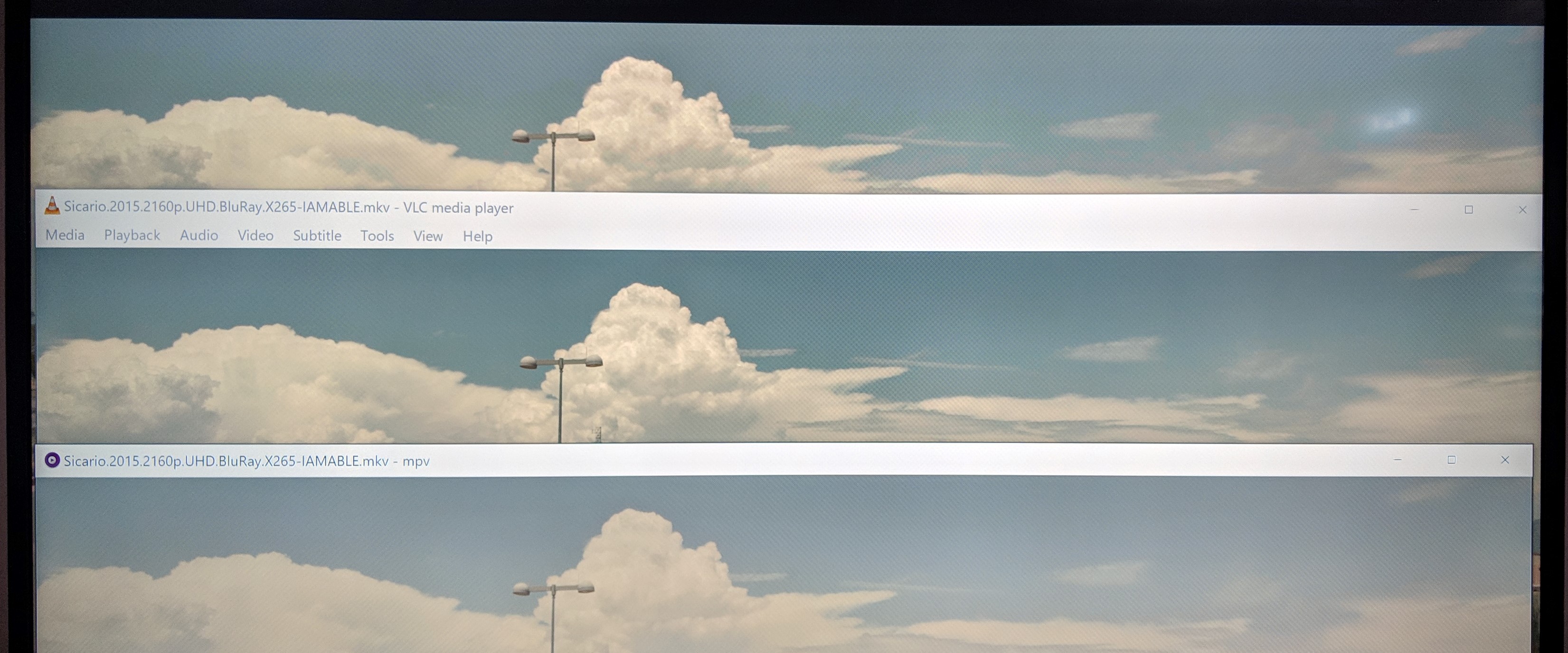
Doofussy2
on 4 May 2019
No problem, your picture shows the differences well.
@sovon I have no solution currently, sorry. But I can confirm that I'm also seeing purple clipping in that scene. (2:01:14.350)
Also skimming through Infinity War was strange, it completely broke my reinhard config. mpv defaults (hable) worked best.
HyerrDoktyer
on 5 May 2019
Hable
Reinhard
My Settings
------------------------------------ DISPLAY
hwdec=videotoolbox
icc-profile-auto
tone-mapping=reinhard
brightness=3----------------------------------- PLAYER
volume=80
window-scale=0.5
script-opts=osc-scalefullscreen=0.7----------------------------------- SUBTITLE
sub-scale=0.5
sub-color="#dadada"----------------------------------- EXTERNAL
--cache=yes
--demuxer-max-bytes=50MI'm on macos Mojave 10.14 running the latest --HEAD ffmpeg & mpv together. I don't quite understand all the technicalities behing the settings that I use but I've tested various things suggested in these forums and this is what I ended up with after many weeks of usage. I really like my current settings because it allows me to warch 4K stuff on my 4K monitor.
THis is the one problem I've had since the beginning and no amount of customisation and settings fixes this. Look at Thanos' gauntlet. There is clipping of the color purple. Any particular settings that I should use for the absolute best viewing experience, as intended by movie creators?
Thanks.
I think I've at least resolved this issue. Using the abobe profile I mentioned, earlier. Using this config, the clipping appears to be stopped.
@sovon
hdr-compute-peak=yes
tone-mapping=reinhard
tone-mapping-param=0.2
tone-mapping-desaturate=2
icc-profile=C:\Windows\System32\spool\drivers\color\mpv\Adobe RGB (1998) D65 WP 2.2 Gamma.icc
icc-contrast=inf
(You could probably just use hable, and not use the tone-mapping-param. I actually prefer using reinhard with a tone mapping param of 0.3, to make it a bit brighter)
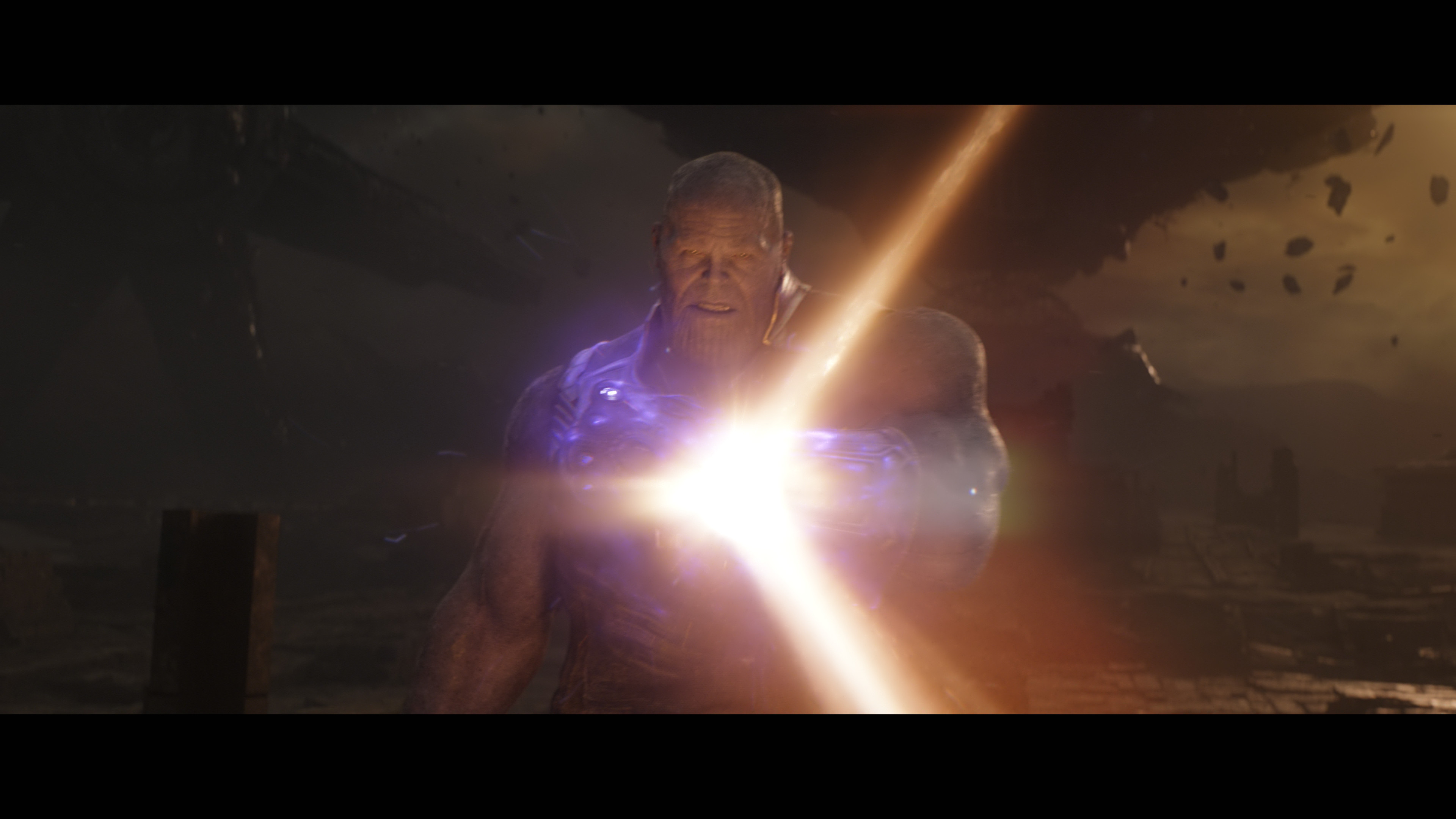
I find this is a good overall config.
@HyerrDoktyer , this is a screenshot of Sicario from the SDR mastering.

It matches the mpv HDR tone mapping. And I think that was @haasn's intention. But what madVR appears to be doing is trying to recreate the HDR as best it can, in an SDR environment. So mpv is mapping correctly, just not trying to retain the pizzazz, as madVR appears to be doing.
Doofussy2
on 8 May 2019
Yes it seems you're correct, I didn't realise how horribly washed out the SDR master was. Perhaps it was deliberate but for example in the very next scene you can see outside the window, and it's clearly supposed to be a bright, sunny day.
SDR:

HDR: (It's incredible how much more detail this image has)
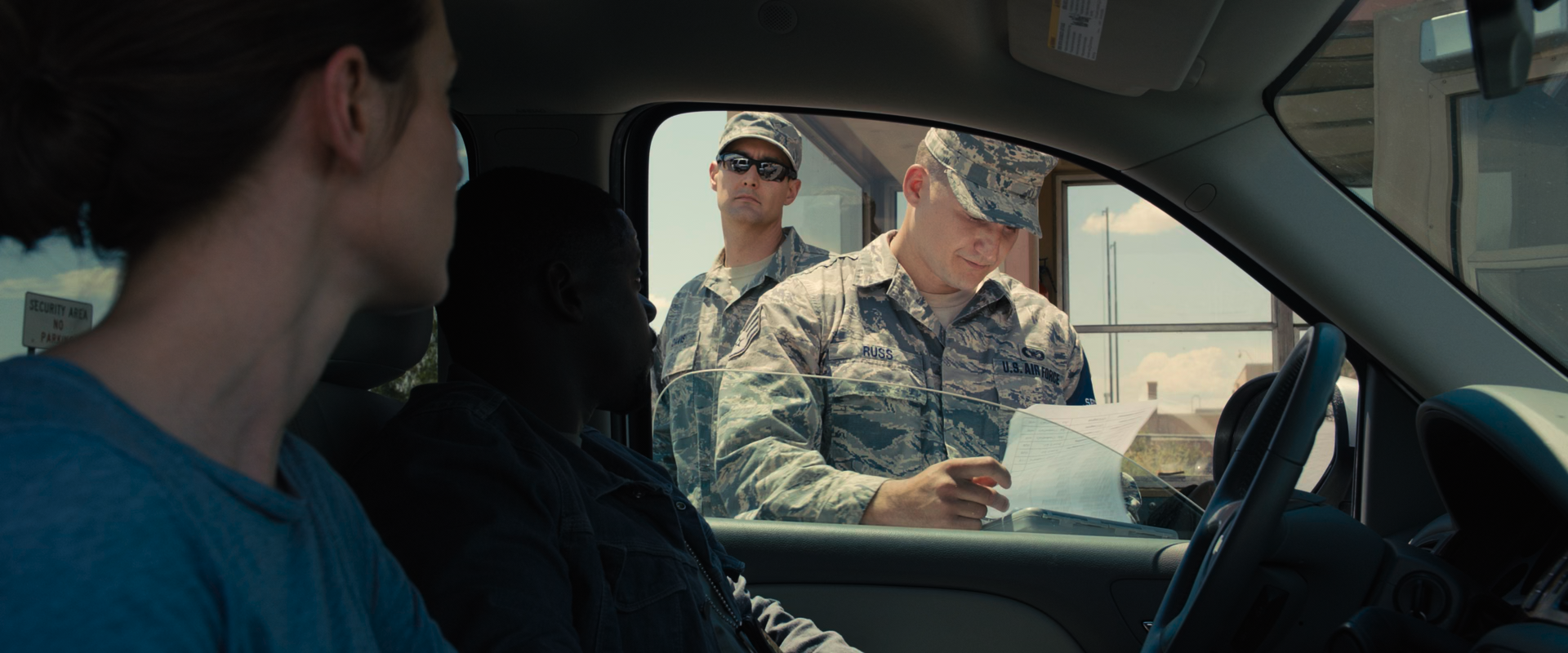
Images like this really make me question the validity of using SDR masters as a reference, @haasn stated that, and I quote:
In my opinion, the correct comparison when discussing the HDR->SDR tone mapping algorithm is between the HDR and SDR versions of the same source material, and only where the SDR version was graded by a human (rather than an automatic tone mapping algorithm). This is because SDR mastering in the studio involves making the same tradeoffs that we are trying to recreate in our HDR->SDR tone mapping algorithm.
I believe this logic is correct however it does not solve the problems that we currently face
How do we know when an SDR master was tone mapped by a human? How do we know they actually did a good job? Do they even do this anymore? Most SDR masters of recent BDs seem to just be shitty algorithms or simply just a bad job by the studio. Perhaps my problem with this approach is simply because of my distrust of these studios.
The benifit that madvr has with its approach, correct or not, is that it seldom suffers from the 'edge cases' that we seem to be facing.
Take these abominations for example, I won't even label them it should be clear which is SDR or HDR.
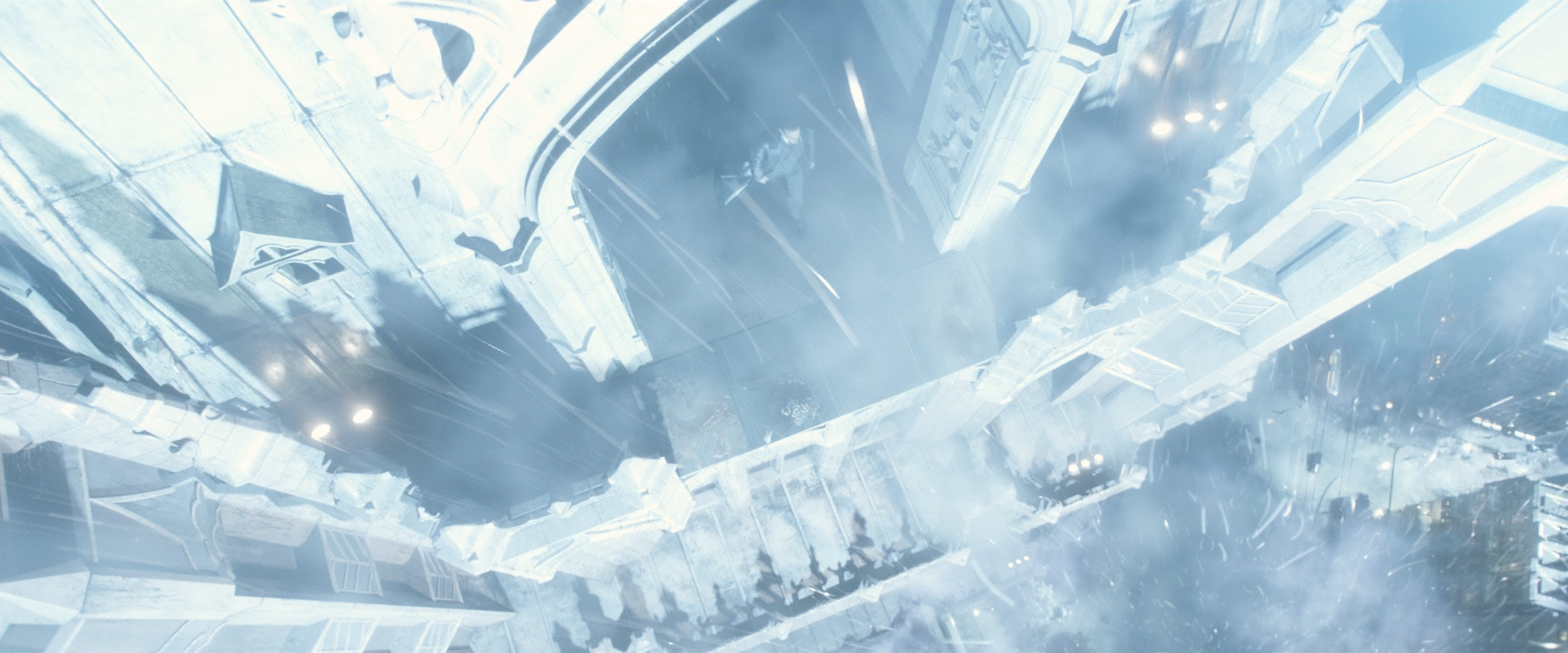
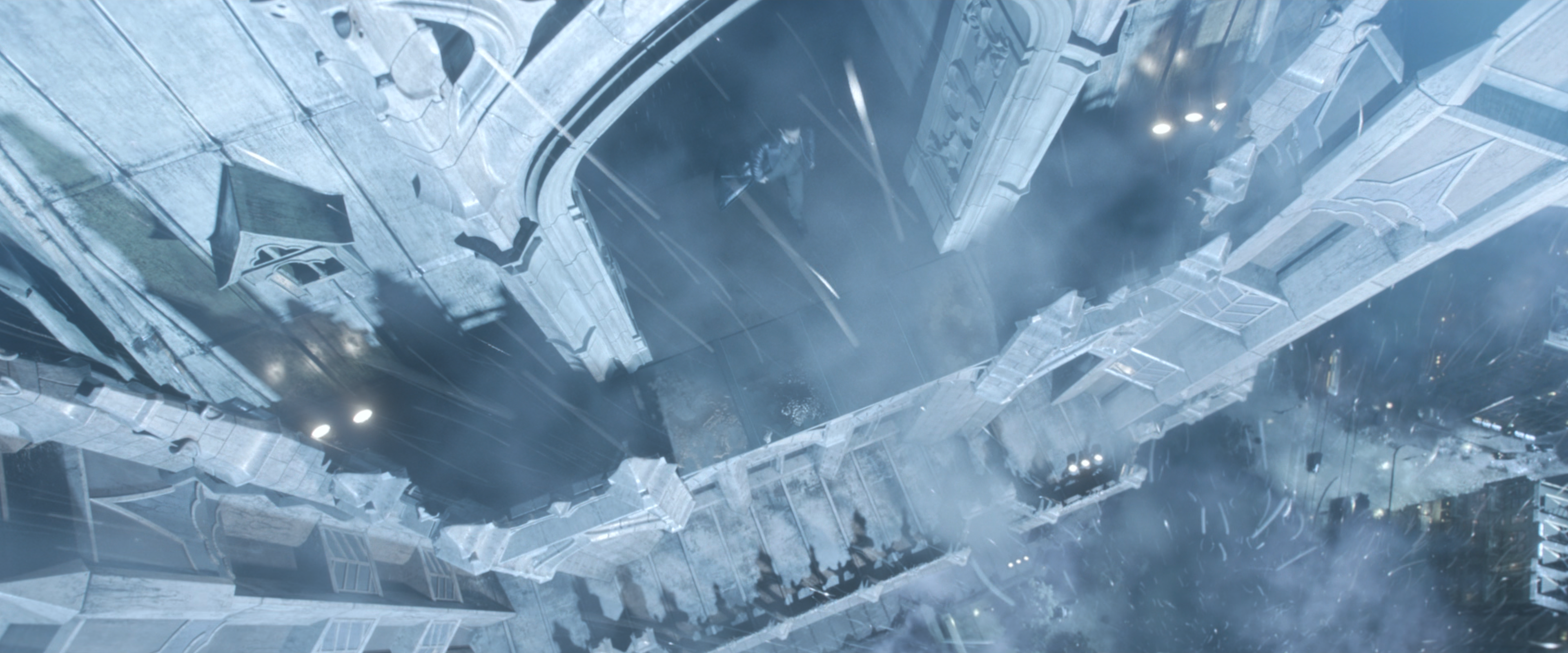
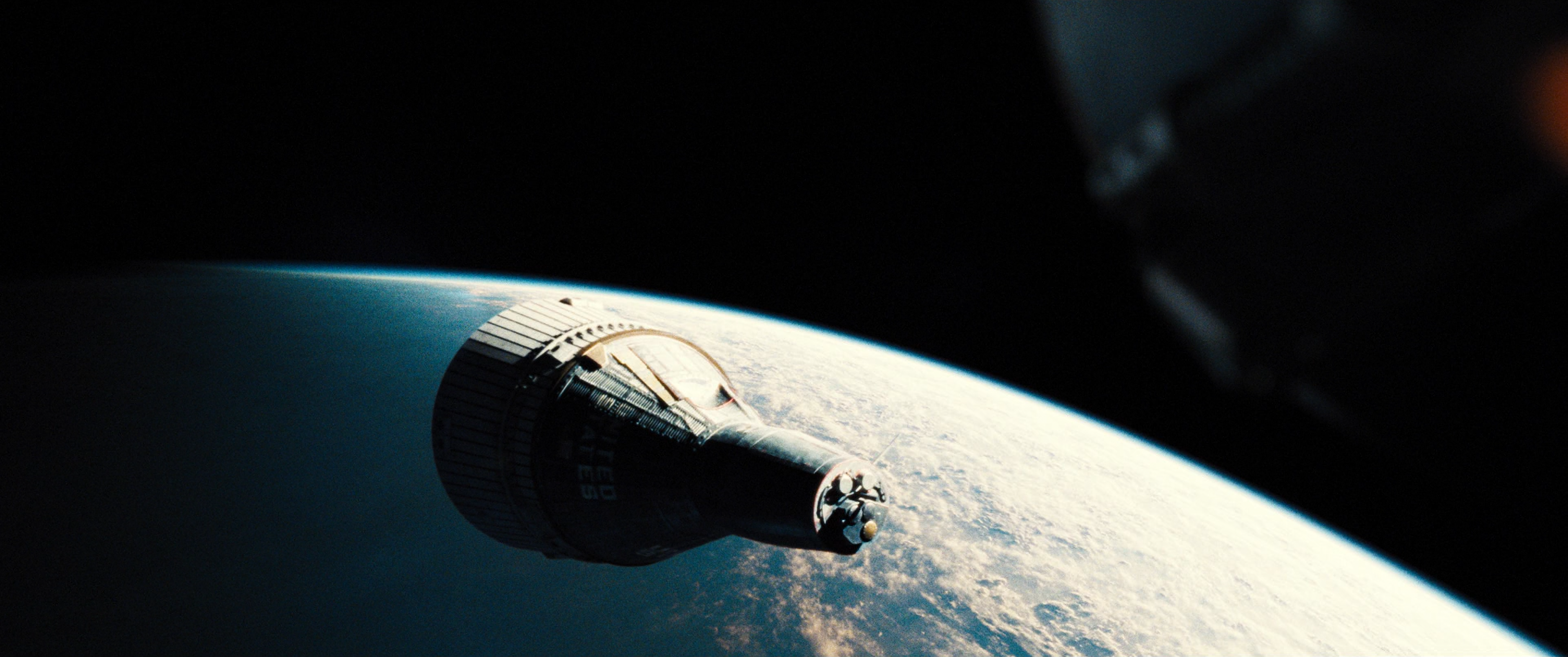
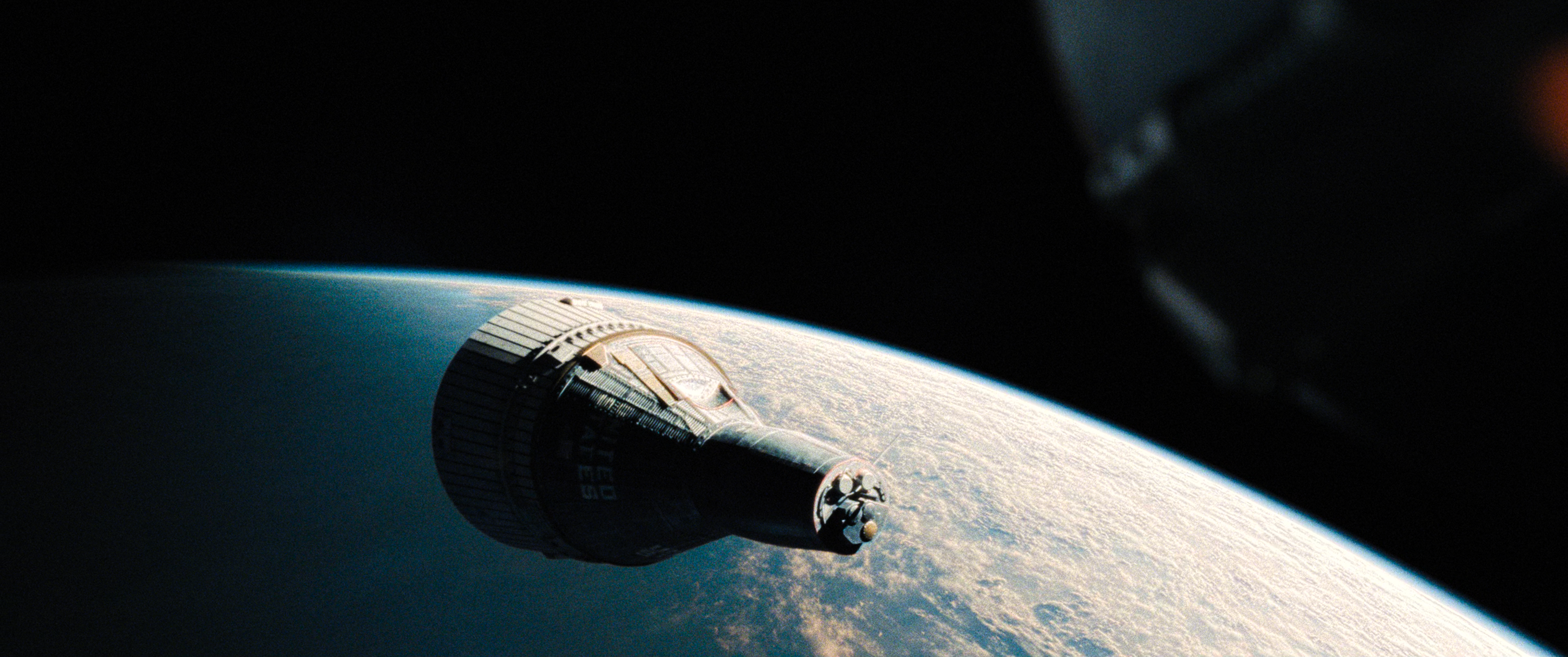
HyerrDoktyer
on 8 May 2019
https://0x0.st/zTOA.mp4
https://0x0.st/zTOm.mp4
Samples of the brightness in this film flailing around like a firecracker
HyerrDoktyer
on 8 May 2019
IMHO we should not use SDR masters as a reference because I've simply seen too many bad ones. E.g. many naively tone map with a static tone mapping curve for the whole movie, throwing away tons of highlight detail. I assume that's what happened with the Sicario SDR Blu-Ray. And/or they're using naive per-RGB-channel tone mapping which introduces heavy hue shifts. For example in Batman vs Superman, that green kryptonite spear at the end of the movie actually turns yellow inside in the SDR Blu-Ray, while the HDR master very clearly has it encoded as green.
Obviously the best reference would be to render the HDR master on a true 10,000nits BT.2020 display, so both tone and gamut mapping can be completely disabled. But lacking those, I suppose a decent approach might be to clip to various peak brightness levels, as a way to get a feeling for how the image should look like uncompressed. Of course clipping destroys highlights, so one has to be careful how to interpret clipped images. I'd suggest clipping to multiple different peak brightness levels, up to the peak brightness of the HDR master. Of course the higher we go, the darker the image becomes. So this approach is far from perfect, as well.
 oldie77
on 8 May 2019
oldie77
on 8 May 2019
I agree that the SDR mastering shouldn't be used as the reference. And even if it were, there should be options to defeat that, such as using an icc. In which case, the algorithm should adhere strictly to the values in icc, so that people with an HDR display can reproduce the highlights. I've experimented extensively with this, but scenes like the one in Sicario, barely alter and remain dim.
Doofussy2
on 8 May 2019
@Doofussy2 Regarding clipping in Thanos' Gauntlet
MacOS doesn't support hdr-compute-peak & I couldn't find any meaningful difference between tone-mapping-param 0.3 & 0.2 other than slight brightness change. Also with and tone-mapping-param=0.3, reinhard looks dimmer compared to without that parameter.
Also I downloaded AdobeRGB1998.icc & it doesn't hep either. It makes the output a bit muted but the clipping is still present. For Windows the case might be different but in macOS, nothing I've found so far worked. (Although I don't understand most of the technical parts of tonemapping etc.)
sovon
on 8 May 2019

What kind of sorcery is this?
 ctlaltdefeat
on 8 May 2019
ctlaltdefeat
on 8 May 2019
Ah, if mac doesn't support compute peak, then that sucks.
Doofussy2
on 8 May 2019
@Doofussy2 Regarding clipping in Thanos' Gauntlet
MacOS doesn't support hdr-compute-peak & I couldn't find any meaningful difference between tone-mapping-param 0.3 & 0.2 other than slight brightness change. Also with and tone-mapping-param=0.3, reinhard looks dimmer compared to without that parameter.
Also I downloaded AdobeRGB1998.icc & it doesn't hep either. It makes the output a bit muted but the clipping is still present. For Windows the case might be different but in macOS, nothing I've found so far worked. (Although I don't understand most of the technical parts of tonemapping etc.)
I just tried the same config but this time with --hdr-compute-peak=no. This is the result.
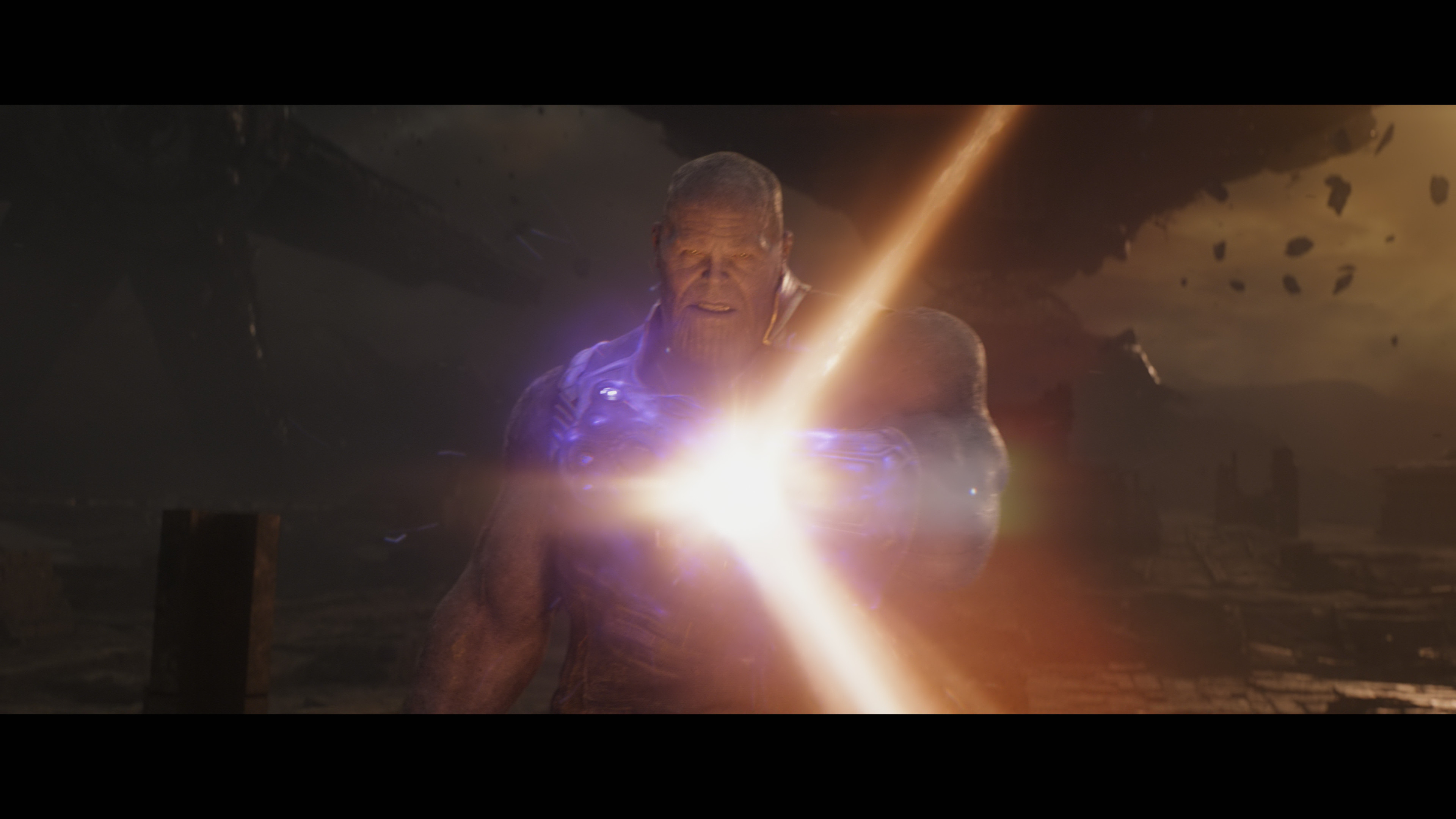
Still no clipping. Are you building your own? And just to make sure, this is the icc I'm using.
But because you're using a mac, you probably aren't in HDR10. So you probably need to leave the tone mapping param at default (just delete that line). That will be brighter. The default for reinhard is 0.5.
Doofussy2
on 9 May 2019
So this:
tone-mapping=reinhard
tone-mapping-desaturate=2
icc-profile=C:\Windows\System32\spool\drivers\color\Adobe RGB (1998) D65 WP 2.2 Gamma.icc
Doofussy2
on 9 May 2019
Since I do not know what any of these means, I'm just gonna post my findings. It worked. tone-mapping-desaturate=2 fixes the clipping. Below are the results (All with reinhard & hwdec).
Normal (with clipping)
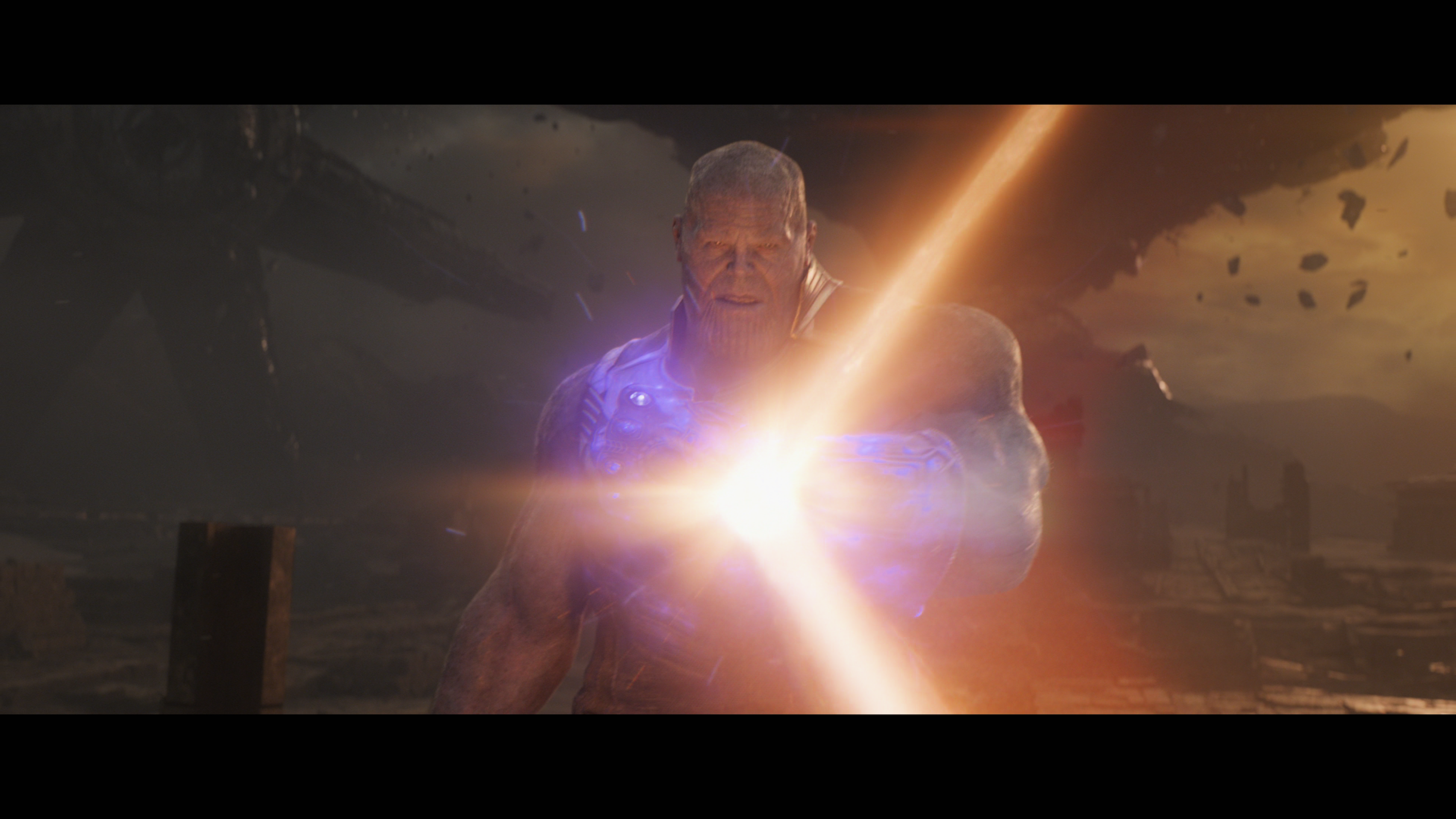
Desaturate=2 & Adobe D65 WP 2.2 ICC
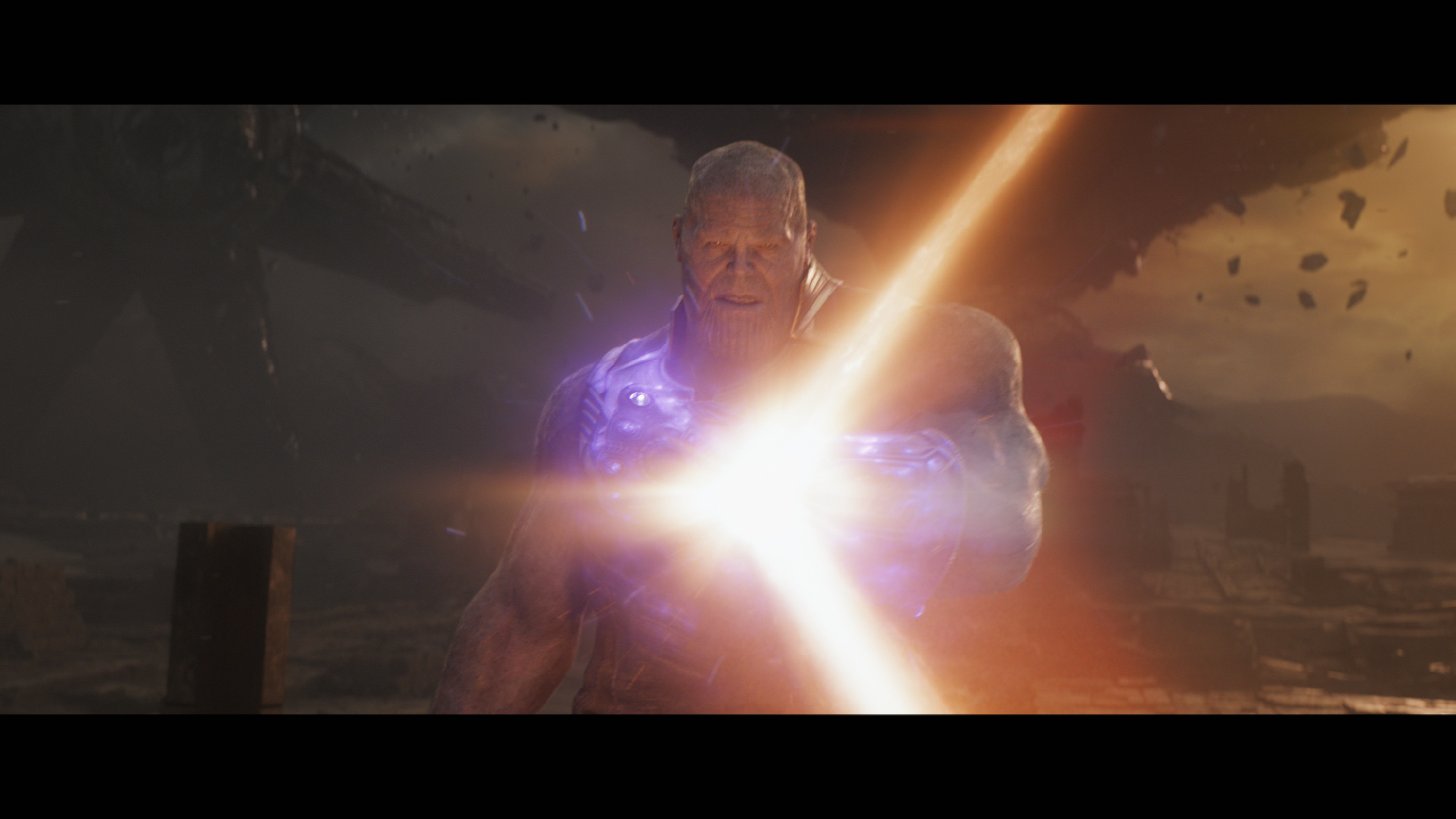
Desaturate=2 & NO ICC
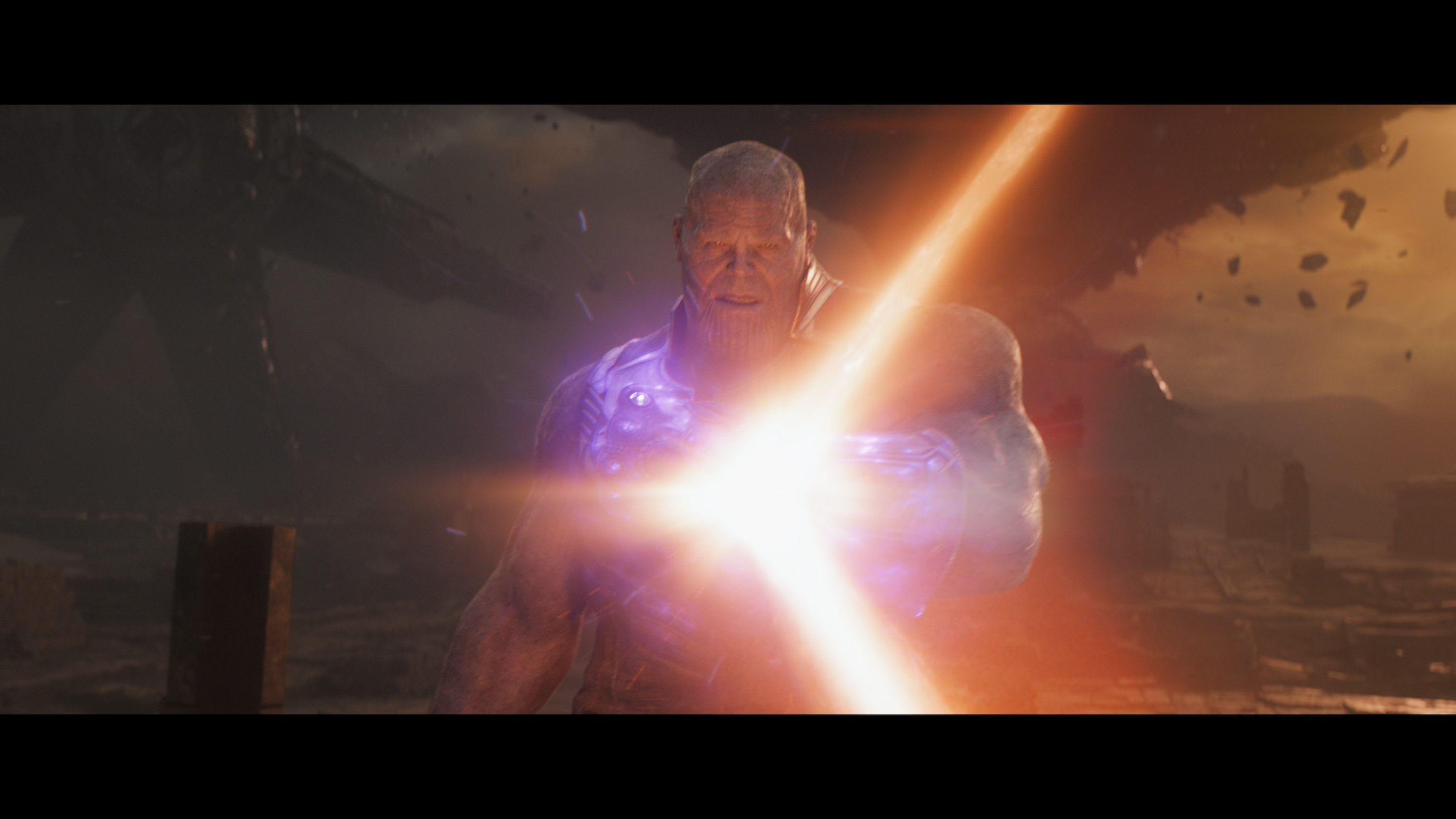
Desaturate=2 & ICC-Auto
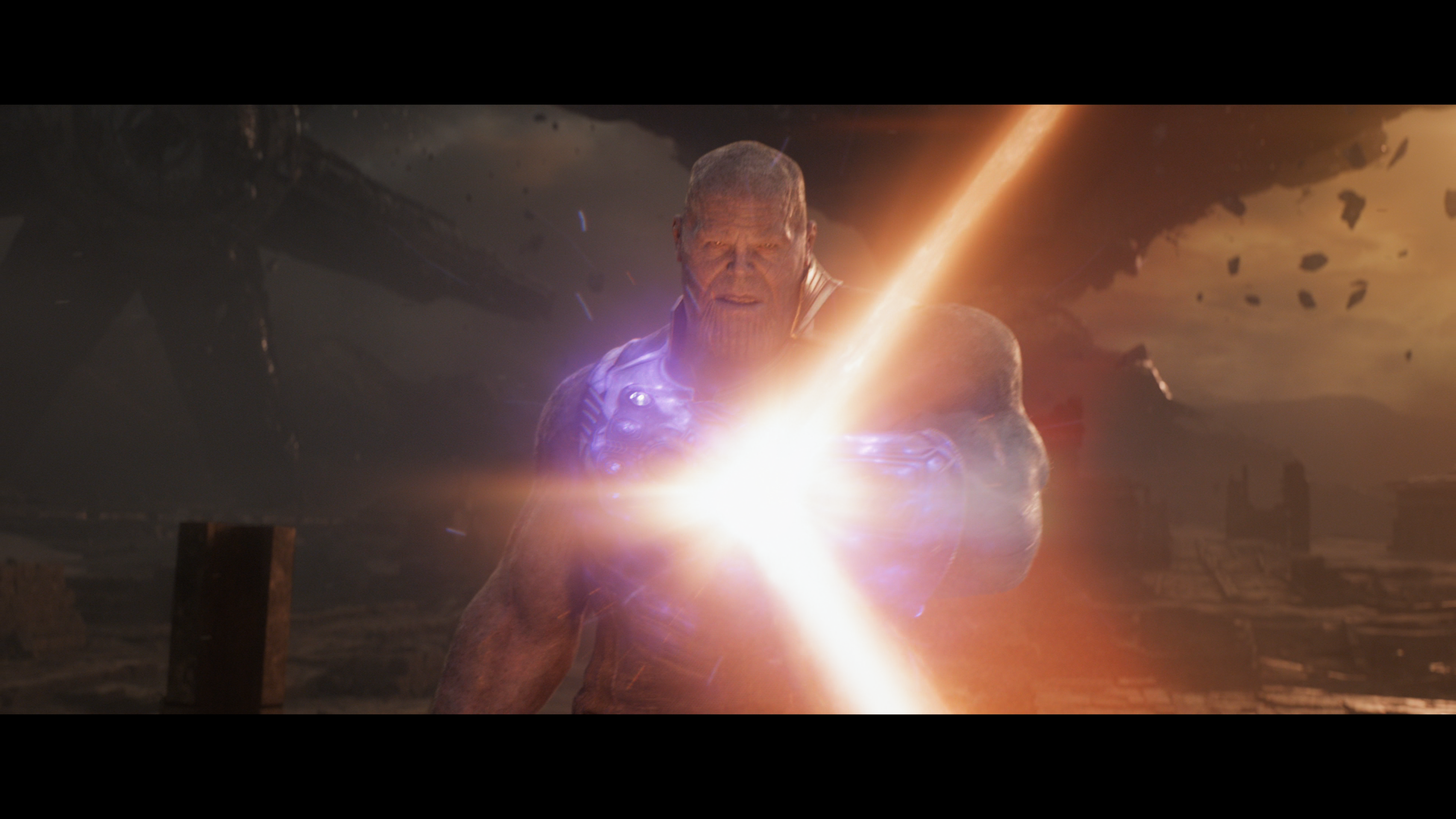
So, Obviously 1 sucks. Colors on 2 looks a bit muted because of the ICC(I guess).
Now what I noticed between 3 & 4 is that - Without ICC-auto (3), the image looks a bit soft/less contrast. & with ICC-auto (4) the image looks a bit more sharp/more contrast. I'm not sure which one I shoud use. But with brightness=3 & icc-auto the renders look awesome. Comparison below:
No ICC
ICC-auto
ICC-auto & brightness-3
So Yeah, this will be the setting I'll be using from now on.
hwdec=videotoolbox
tone-mapping=reinhard
tone-mapping-desaturate=2
icc-profile-auto
brightness=3
Just for the record, I'm using MacOS Mojave 10.14.4 on a 2017 MBP 13" w/ External 4K 27UK850 LG Monitor; playing with --HEAD ffmpeg & --HEAD mpv (as of 10 May,2019).
@Doofussy2 Thank you ❤️
sovon
on 9 May 2019
Instead of using --brightness, you could try raising the --tone-mapping-param. For reinhard the default is 0.5. So you could try 0.6 - 0.8
Doofussy2
on 9 May 2019
Yeah, that's a better idea. 0.65 looks awesome.
brightness=3
tone-mapping-param=0.65

Thanks again. 😁
hwdec=videotoolbox
tone-mapping=reinhard
tone-mapping-desaturate=2
icc-profile-auto
tone-mapping-param=0.65
sovon
on 9 May 2019
Man that tone-mapping-desaturate is messing things up in other places 😔. Take a look at this Harry Potter: Goblet of Fire screenshots.
hwdec=videotoolbox
tone-mapping=reinhard
tone-mapping-desaturate=2
icc-profile-auto
tone-mapping-param=0.6
hwdec=videotoolbox
tone-mapping=reinhard

It's horrible to look at. Where it clips, tone-mapping-desaturate helps but in most other places, it just blows up the highlights and loses details.
sovon
on 12 May 2019
It isn't the mapping desaturation, it's the mapping param. Also, an icc will determine peak brightness. As you can't use peak detection, you're going to have to find your threshold.
Doofussy2
on 12 May 2019
It isn't the mapping desaturation, it's the mapping param.
I don't think so. At least it's not the case for me. I've checked many times with different movies. irrespective of icc-profile-auto & tone-mapping-param, as soon as I set tone-mapping-desaturate, the highlights are blown. In case of HP: Goblet of Fire, it's blown to hell. In other films this happen as well; very bright / highlights are even more brightened in many cases.
Another example:
TOP
icc-profile-auto
tone-mapping-param=0.6
BOTTOM
tone-mapping-desaturate=2
icc-profile-auto
tone-mapping-param=0.6

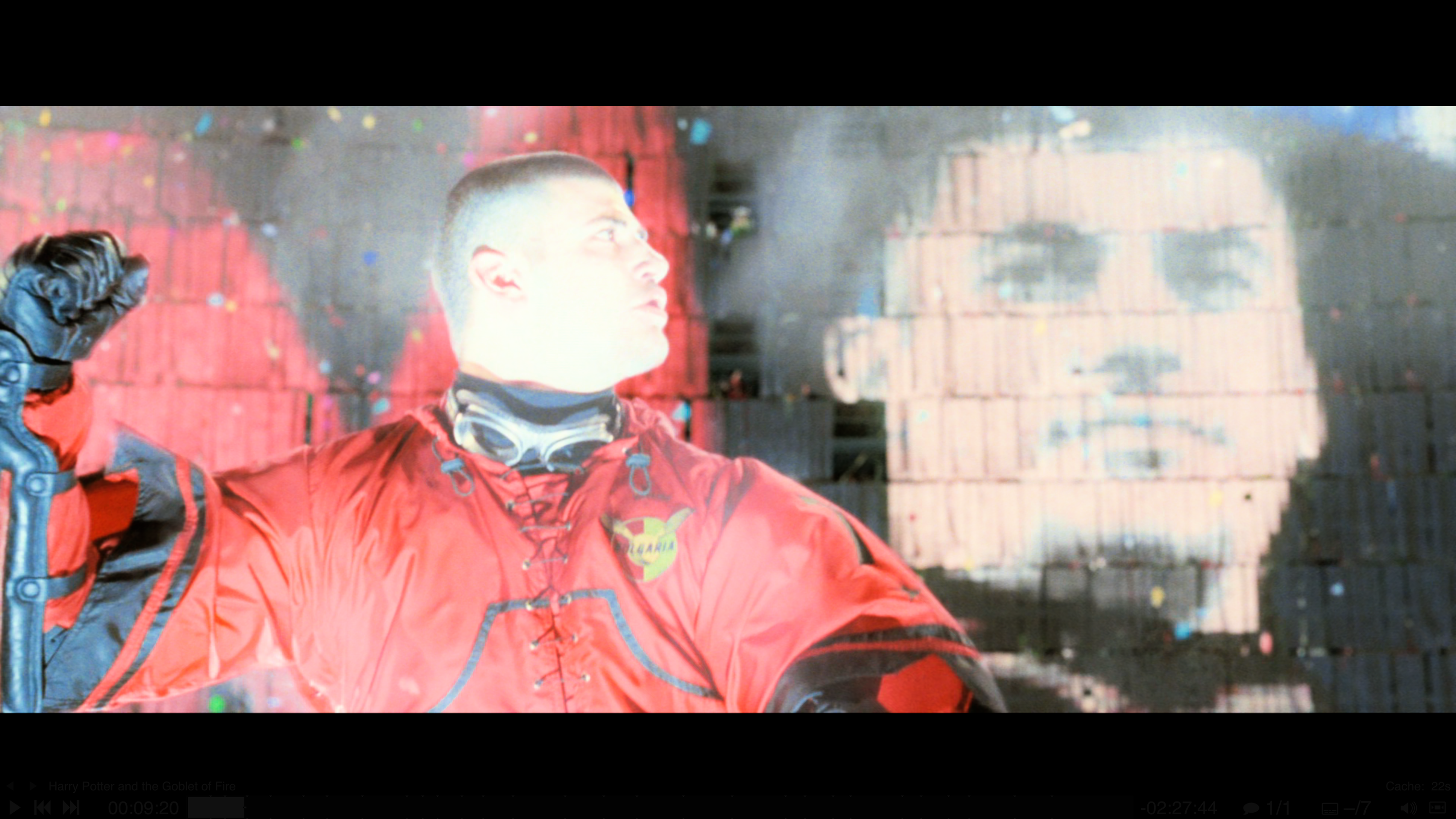
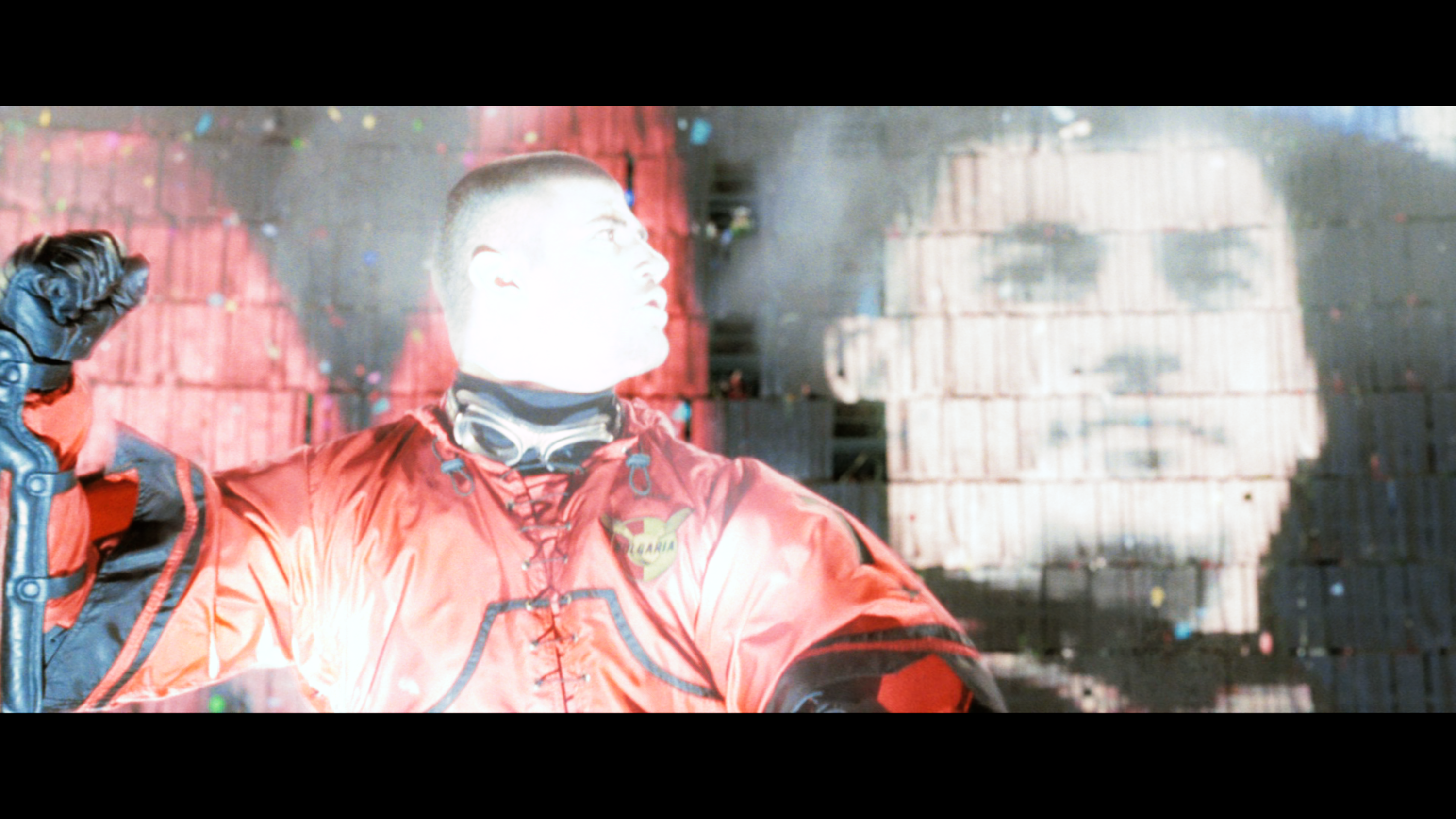
And these are good examples. In some cases the results look worse. I can't seem to find one right now.
Also, an icc will determine peak brightness. As you can't use peak detection, you're going to have to find your threshold.
I would like to figure out how I can do it easily. I don't know technical details about ICC & peak brightness and all.
sovon
on 12 May 2019
I stand corrected. I'll run some tests
As for what your default system icc is, you'll have to go and find it. I have no idea what mac uses.
Doofussy2
on 12 May 2019
Try changing the --icc-contrast. Something like this:
tone-mapping=reinhard
tone-mapping-param=0.5
tone-mapping-desaturate=2
icc-profile-auto
icc-contrast=30000

Doofussy2
on 12 May 2019
Sad to report that changing icc-contrast to 30000 or any other value doesn't seem to make any difference. Not sure what I'm doing wrong.
sovon
on 12 May 2019
Sad to report that changing icc-contrast to 30000 or any other value doesn't seem to make any difference. Not sure what I'm doing wrong.
Yeah, I was testing that on my HDR display. When I used my SDR display, it didn't make a difference. I had to lower the --tone-mapping-param to 0.3.
tone-mapping=reinhard
tone-mapping-param=0.3
tone-mapping-desaturate=2
icc-profile-auto
Doofussy2
on 12 May 2019
I'm kinda over this. I've tried all manner of configurations, but the luminance is always muted to SDR mastering. It looks awful. Because of this, there really is no reason to get any HDR titles, at all. Just get the SDR titles, as that's all the tone mapping is doing, reducing it all down to SDR. I hate to say this, but madVR is far in front. What's the point of acquiring HDR media, if you can't enjoy it's benefits? You might as well just erase all the tone mapping algorithms. I'm quite frustrated! If there was at least a way to configure mpv to provide something close to HDR, (if not completely disengage the reduction when using an HDR display). While the color mapping is good, the luminance is totally off.
From this post https://github.com/mpv-player/mpv/issues/5521#issuecomment-365338579
@haasn said
But we're still quite far from that. The tone mapping does not come close to HDR passthrough. Instead, we get SDR.
I think the better decision is to try and recreate HDR as well as can be achieved, and also to allow passthrough, when using an HDR display. This pull request has not had any development in a year. HDR is more and more prevalent. This really needs further development!
Doofussy2
on 25 May 2019
I understand your frustration, this is a relatively complex topic in comparison to many other issues and quite frankly there may never be a "correct" way to go about squashing HDR into a SDR colourspace.
I'm kinda over this. I've tried all manner of configurations, but the luminance is always muted to SDR mastering. It looks awful. Because of this, there really is no reason to get any HDR titles, at all. Just get the SDR titles, as that's all the tone mapping is doing, reducing it all down to SDR.
This is not entirely true but I suppose it depends on your use-case. HDR is clearly quite important to you however for me I don't really care all that much about it; I just want to watch the best BD available on my SDR monitor (which just so happens to include HDR). HDR BDs have higher bit-depths & far, far higher bitrates which results in not only a cleaner image but a significant improvement in detail. Not to mention, it seems that plenty of films from the 80s are being remastered in 4k/HDR and never get an SDR release.
I hate to say this, but madVR is far in front.
Yes madvr is better in this regard, which is to be expected as for the last year or so HDR tonempping has been almost the sole focus of the project. Not to mention, madvr has been the go-to renderer for people who care about high-quality playback for years - so they already have a significant amount of people willing to test and give feedback. Whereas we have a much smaller amount of users and even less that care about HDR.
I think the better decision is to try and recreate HDR as well as can be achieved, and also to allow passthrough, when using an HDR display. This pull request has not had any development in a year. HDR is more and more prevalent. This really needs further development!
I agree, HDR passthrough would be great. Perhaps you could jump on IRC and pester the devs for answers.
HyerrDoktyer
on 26 May 2019
Yeah, I was thinking about jumping on IRC, and see what's up. This whole thing fascinates me. I just wish I had more time to really learn it all.
Doofussy2
on 26 May 2019
Thanks for your continuous efforts @haasn . I think with the latest row of changes, the result is very sane and convenient with the default settings. My impression also is that the pulsing effect by peak detection is now hardly noticable with (due to?) the increased brightness, which also seems just about right.
aufkrawall
on 20 Jun 2020
Yes, some great improvements @haasn, thank you.
Doofussy2
on 24 Jun 2020
Related issues
 WoLpH
·
3Comments
WoLpH
·
3Comments
 AndydeCleyre
·
3Comments
AndydeCleyre
·
3Comments
 szg0000
·
3Comments
laichiaheng
·
3Comments
szg0000
·
3Comments
laichiaheng
·
3Comments
 ww7
·
3Comments
ww7
·
3Comments
Most helpful comment
Here you go:
mpv-x86_64-20190102-git-7db407a.zip