Mpv: Make "sphinx" the default for 'tscale' interpolation!
Example video to make my point:
https://www.youtube.com/watch?v=MonFNCgK4WE [Mad Max - Fury Road "Retaliate" Trailer]
Just when looking at the first half minute or so You will notice the excessive amounts of blurring that takes place with the new default of "tscale=mitchell". The same trailer with "tscale=triangle" however, is way more sharp while still being very smooth.
So, for me at least, "tscale=triangle" is the perfect compromise between smoothness & sharpness (and trust me when I tell You that I've tried them all...).
IMHO, mpv's defaults should satisfy the needs of the majority of users; while "tscale=mitchell" may be a little bit smoother, the blurriness it causes could scare away users that don't bother checking out each and every tscale option that there is.
I'm interested to hear what You guys think about this and whether You think that there is an even better tscale option other than triangle.
 mpvOWNZ
All 162 comments
I just now checked that trailer out again, just to make sure I hadn't just imagined the improvements "tscale=triangle" brings to the table...
Nope, I was spot on!
If You bother watching the video all to the end [it's well worth it, IMHO], both with "tscale=mitchell" (current default) and "tscale=triangle", You should also notice that one can see way more in-between, very fast cut scenes with "tscale=triangle", while also heavily cutting down on the blurness factor (which is quite a bad thing, since You also don't see that amount of blurring in the cinema, for which these kind of films are made for in the first place).
In conclusion, I believe mpv should have its best options set by default, so that new users who are just checking out mpv 'as just another video player', get blown away by its capabilites, which "tscale=triangle" clearly satisfies!
Sorry for ranting quite a bit, it's just that I like mpv so much, that I want it to show off in the best possible way 'out of the box'!
mpvOWNZ
on 8 Jan 2016
I don't really see a big difference on this clip. Where specifically are you seeing more blurring with mitchell than triangle?
 haasn
on 8 Jan 2016
haasn
on 8 Jan 2016
@haasn First of all, thanks for replying!
In the very first scene with the truck arriving; especially the foreground objects are blurred very badly, in my opinion.
Also, after watching a few more very fast cut trailers, it is very clear to me that triangle allows one to see these fraction of a second scenes quite clearly, whereas with mitchell I don't even notice that they were there in the first place.
Lastly, I find the smoothness with triangle right on par with mitchell.
From all of this I concluded that triangle is in fact the better option for interpolation by default.
I hope more people try both mitchell & triangle out, so that we can get a better picture of what the majority of people think about this!
mpvOWNZ
on 8 Jan 2016
Will also try a comparison later...
 Hrxn
on 8 Jan 2016
Hrxn
on 8 Jan 2016
@mpvOWNZ If you could post a small clip exactly at the place where the blur occurs, it would help. You could use something like:
$ mpv video.mkv -o video_cut.mkv --start=0:15:00 --end=0:20:00
 thiagokokada
on 9 Jan 2016
thiagokokada
on 9 Jan 2016
@Hrxn
Thanks for looking into it!
@m45t3r
I have attached a few seconds clip from the second Star Wars 7 trailer (with no audio) that has a nice panning shot. [I had to zip it for GitHub, since they don't support MKV...]
With mitchell, the blur and ghosting is quite uneasing, whereas with triangle I can still see the details quite clearly (especially when concentrating on the background).
I hope this clip is convincing enough...
swep7_interpolation_test.mkv.zip
mpvOWNZ
on 9 Jan 2016
i still prefer oversample
all other filters are too blurry ( maybe its my monitors response time? )
 sda89ha9
on 9 Jan 2016
sda89ha9
on 9 Jan 2016
I think it’s impossible to pick a default that works for all users, since this
is highly subjective and depends on the characteristics of the display device.
 mia-0
on 9 Jan 2016
mia-0
on 9 Jan 2016
@lachs0r
Then why was mitchell made the new default with mpv 0.14.0 (genuine question)?
I understand that there can't be an option that satisfies the needs of all users...
It's just that I think we can all agree on these facts:
- oversample: sharpest picture, but still jerky movement [doesn't really live up to the name of interpolation]
- mitchell: smoothest movement, but heavy on the blur factor [that amount of smoothness comes with a price, after all...]
- triangle: the compromise between the two; almost as sharp as oversample, while still delivering an absolutely smooth movement!
Therefore I believe that triangle is still the perfect candidate for being the default choice for interpolation.
[Criticism always welcome!]
mpvOWNZ
on 11 Jan 2016
@mpvOWNZ let's say I agree with your description of mitchell, triangle and oversample; it's still a very subjective topic. I absolutely dread the smudging artifacts introduced by both mitchell and triangle, so I prefer oversample even if it isn't as smooth. To be honest, I prefer no interpolation over mitchell because a clear picture is very important to me.
So here I am, saying that I - personally - would set oversample as default.
My point being that @lachs0r has a valid point, this is simply subjective based on the taste and perception of the viewer.
 lamarpavel
on 11 Jan 2016
lamarpavel
on 11 Jan 2016
Testing some videos myself, I am starting to like more triangle than the other option I used (gaussian, that seems to be slightly less blurry than mitchell, however more blurry than triangle). However, I can understand why this issue seems to have a low priority, since interpolation is not even enabled by default (so anyone enabling this option should, in theory, understand its consequences and select the best option by himself).
Anyway, I know that it was @haasn that implemented interpolation and maybe he has a monitor with high refresh rate (120Hz+), so maybe this is why mitchell does not look so blurry for him. I have a LG25UM65 (ultrawide monitor with 60Hz of refresh rate) and mitchell does indeed looks the blurriest of all tscale options (I tested: gaussian, mitchell, triangle, oversample). And 60Hz monitor are the most common out there.
thiagokokada
on 11 Jan 2016
@lamarpavel
That's why I sincerely asked @lachs0r why the default was changed to mitchell just recently.
@m45t3r
Good to know I'm not the only one!
But AFAIR, even @haasn has only got a 60Hz monitor (might have changed by now).
Also, I believe that having mitchell as the default for interpolation can tarnish the reputation of mpv for users who don't bother trying every tscale option available. (Because it will look blurry for everybody, no matter how fast their refresh rate is...)
mpvOWNZ
on 11 Jan 2016
@mpvOWNZ I agree for the most part, but as far as I can deduce from the manpage the default vo is still plain opengl and no interpolation is active. This means whoever comes in contact with the default tscale setting will have enabled interpolation manually and thus is likely able to try out different tscale settings. In that case we are already talking about a rather technical audience.
Please correct me if my assumptions are wrong.
lamarpavel
on 12 Jan 2016
I've been using triangle tscale for a long time. People on imageboards have told me that it's a bad tscaler for some reason, but to me it looks like the absolute best one. oversample is too jittery, mitchell is too blurry.
 onodera-punpun
on 18 Jan 2016
onodera-punpun
on 18 Jan 2016
Just FYI, did some more tests. I watch anime mostly, so I decided to test using anime sources. And I basically tested all tscale filters available.
The best result I got was actually catmull_rom. It is similar to triangle, however I had less visual artifacts. triangle obvious gets second place. gaussian works somewhat well too, more blurry than catmull_rom and triangle, however not as much as the rest. mitchell is really blurry, just like ginseng and robidoux family. oversample is not very smooth at all, however it is really sharp. spline family, box and nearest are unusable thanks to the strange artifacts.
thiagokokada
on 18 Jan 2016
@m45t3r
First of all, thanks for sharing Your findings with us!
My impression of catmull_rom is that it leads to a slightly sharper picture, while also being less smooth and thus more jittery when compared to triangle. Is this something that You can confirm?
@onodera-punpun
Thanks for Your support!
However, could You too (everybody else is welcome either) test out catmull_rom and tell us what Your impressions are? I imagine with You being a long time user of triangle, that You could more easily spot any differences. Thanks in advance!
mpvOWNZ
on 19 Jan 2016
Okay, I made some test runs with the short clip linked earlier as well
swep7_interpolation_test.mkv.zip
Since no one seemed to bother, what are you using as vo?
--vo=opengl:interpolation=yes:tscale=XXXX
or
--vo=opengl-hq:interpolation=yes::tscale=XXXX
Or is using opengl-hq just assumed, as an unwritten rule, so to say?
Also, if you use any other video options or filter, you maybe should state that as well.
BTW, is there any difference between using
--vo=opengl:interpolation=yes
and
--vo=opengl:interpolation ?
My result so far:
When it comes to smoothness, I can't barely notice a difference, to be honest. Maybe my display is just crap. None of it is what I would call really super smooth. No drops and stuttering, the frame rate is just not high enough to be _really_ smooth, in my opinion.
Additionally, I think that short scene is a bit too fast, maybe a slow pan across some horizon or something like that would work better.
Otherwise, speaking of sharpness and overall impression of image quality, I would rank them like this, in descending order:
oversample, triangle, catmull_rom, mitchell (Did not try the others yet)
That's basically the same as you were seeing, more or less.
Hrxn
on 21 Jan 2016
@Hrxn
Thanks for also looking into this!
First, let me try to answer Your questions:
- I indeed do use opengl-hq, however with these additions / modifications:
- "haasnsoft" for both scale & cscale, and "fbo-format=rgb32f" + "tscale-clamp"
- No, there shouldn't be any difference whether You set 'interpolation=yes' or just 'interpolation'
- BTW, You're also setting "video-sync=display-resample", right? (Else interpolation doesn't work at all)
As another test case, I also added a half-minute clip from the opening scene of Harry Potter 5 [no, I'm not a fan!] which has a slow panning scene with moving cars.
To be honest, I still can't really decide between catmull_rom & triangle, but I still find catmull_rom a little bit jerkier than triangle...
Hopefully more people can chime in, as it seems from the comments so far that the only thing left to decide is whether catmull_rom or triangle is the better option, but definetly not mitchell (or going back to oversample)!
hp5_interpolation_test.mkv.zip
mpvOWNZ
on 21 Jan 2016
BTW, You're also setting "video-sync=display-resample", right?
Yes, I did.
I tried some different settings for video-sync as well, but they look all the same.
If I understand it right, this should not affect the video output anyway, so I guess that is not a surprise.
I indeed do use opengl-hq, however with these additions / modifications:
"haasnsoft" for both scale & cscale, and "fbo-format=rgb32f" + "tscale-clamp"
[...]
Thanks, good to know. By the way, I think just pasting the string would be easier ;-)
Hrxn
on 21 Jan 2016
I found two more videos which make a good test case (and can directly be opened, too):
http://www.spirton.com/uploads/InterFrame/20110618-Sample-Original.mkv
http://www.spirton.com/uploads/InterFrame/20130218-Sample-Original.mkv
For reference, here are the same videos but converted to true 60fps (with InterFrame):
http://www.spirton.com/uploads/InterFrame/20110618-Sample-InterFrame.mkv
http://www.spirton.com/uploads/InterFrame/20130218-Sample-InterFrame.mkv
When watching both original samples with catmull_rom, I can't help but feel a certain uneasiness...
It's hard to explain, but I believe it has something to do with what @haasn explained about interpolation and recreating some 'intermediary' pixels:
- With oversample, one sees both sharp (i.e. unaltered) and blended frames, which look like irregularites for our brain not unlike the 3:2 pulldown stutter one notices with no active interpolation.
- tscale options like catmull_rom, triangle & mitchell however blend each and every frame into the next one, so we basically see only blended frames, which can help to trick our brain into believing that the movement is smoother than it actually was, since the pixels are overlapping between frames and thus creating new pixels which weren't there in the original video. (And which are also the source for all the blur.)
- Now, the smoother the picture these filters produce, the blurrier the result consequently has to be.
- Therefore, while mitchell may be the smoothest of these three, it's also the blurriest.
- catmull_rom, on the other hand, while being the sharpest, is also jerkier than the other two, which makes sense.
- Finally, triangle still being the best of both worlds and thus the most adequate compromise.
If there's anything wrong with my understanding of the whole matter, please don't hesitate and do point it out, as I'm eager to learn more about this intriguing matter of interpolation and watching videos smoother than I even could in the cinema!
mpvOWNZ
on 22 Jan 2016
Which one of these filters is easier to compute, catmull_rom or triangle?
BTW, what do you mean, 'smoother than in the cinema'?
 habaneros
on 23 Jan 2016
habaneros
on 23 Jan 2016
@habaneros
That is a good question.
I remember @haasn stating that triangle is much easier to compute than mitchell, but I don't know how triangle compares to catmull_rom...
BTW, which one do You find better? Or rather, which filter do You use for tscale?
Also, what I meant with 'smoother than in the cinema' (I admit I should have made this clearer from the beginning) is that when I watch a video with 23.976 fps with mpv with activated interpolation (with tscale=triangle), then it feels smoother and easier on the eyes than the same film in the cinema.
Maybe it's just me, but ever since I discovered mpv and all the benefits it brings, I have been kinda spoiled and find myself wishing that I could just hook up a laptop to the projector in the cinema and show everyone what they are missing out! ;-)
In the end, I think it just has to do with the fact that 24fps really is not ideal for showing smooth movement, however what I dread even more is the soap-opera effect that shows itself with movies shot in HFR (like the Hobbit trilogy).
Therefore, I believe mpv with interpolation provides the best viewing experience, by combining the traditional film effect with smooth movements.
Hope that clears it up!
mpvOWNZ
on 24 Jan 2016
It might be placebo, but I think I like catmull_rom a bit smoother but still sharper than triange. Both are a lot better than oversample/mitchell.
onodera-punpun
on 24 Jan 2016
Which one of these filters is easier to compute, catmull_rom or triangle?
mitchell and catmull_rom have the same speed, triangle is faster. oversample might be the fastest.
 ghost
on 24 Jan 2016
ghost
on 24 Jan 2016
Both are a lot better than oversample/mitchell.
This makes me question your definition of 'a lot', to be honest ;-)
mitchell still works fine, in my opinion, as well as oversample. It's not like lanczos or nearest, they gave me noticeable block artifacts on some files.
The thing is, as long as we have source material with 24 fps, it will never be really smooth.
Time to switch to 60 fps everywhere ;-)

BTW, what does it mean when {avsync} and {total-avsync-change} both return "unavailable"?
Shouldn't that be a number, zero for example, if it's working?
Hrxn
on 24 Jan 2016
Probably playing without audio?
ghost
on 24 Jan 2016
Yeah, spot on..
That mkv file only has one video stream..
EDIT:
And I did not notice because my PC was muted the whole day ;-)
Hrxn
on 24 Jan 2016
oversample has the distinct advantage of leaving native frame rate content unblended
 kevmitch
on 25 Jan 2016
kevmitch
on 25 Jan 2016
Well, we could add an option that disables interpolation for same-framerate content.
ghost
on 25 Jan 2016
@wm4
Thanks a lot for clearing the situation around the different filters up!
This probably also explains why I was sometimes seeing framedrops with catmull_rom (same with mitchell) while triangle showed no problems.
I guess a NVIDIA 750 Ti with opengl-hq output and "fbo-format=rgb32f" + "scale=haasnsoft" can't handle the load (even with activated hardware decoding)...
@onodera-punpun
Thanks for sharing Your impression of catmull_rom!
Care to share which GPU You are using (and whether You use 'hwdec')?
Still, if a filter can produce about the same results but with less computations, then that's still a win in my books! [Yes, I'm well aware of my bias here ;-}]
@Hrxn
I think Your 120Hz monitor is making all the difference compared to the more widespread 60Hz.
Also, am I right with my hunch that You are used to watching 24fps content interpolated to true 60fps? That might explain why You find mpv's interpolation not really smooth...
mpvOWNZ
on 25 Jan 2016
Yes, I agree that an 120Hz monitor is not ideal for any sort of moving pictures at less than 60 fps.
I compared the test files on another monitor and on my laptop, and the impression of the image is better there, less flaky and jittery. Might be subjective, though. Or the vsync jitter in my example is too high, I don't know what's a good value here...
The higher PPI/DPI of a laptop screen also helps a lot, in my opinion.
I am not really that bothered by 24 fps content, but I, for example, always notice the stuttering image while panning during a long shot when I'm in the cinema.
Compared to that traditional film stuff, I really like the smoothness of 60 fps, especially with motion in the image.
To be clear, I see the difference between interpolation on and interpolation off, but it does not come near the smoothness of real 60 fps, in my opinion.
That's what I tried to express with 'not really smooth'..
Well, we could add an option that disables interpolation for same-framerate content.
I completely support this notion!
Hrxn
on 25 Jan 2016
mitchell and catmull_rom have the same speed, triangle is faster. oversample might be the fastest.
oversample is the fastest for sure. triangle could be faster if people like it, the current implementation goes through the same (slow) generic mechanism as the other filters, but we could make it much faster. (similar to bicubic_fast vs bicubic)
haasn
on 25 Jan 2016
By the way, I made interpolation disable itself if video=display rate, see tscale-interpolates-only sub-option. I hope this doesn't cause any problems, because sometimes display-sync will only schedule 1 vsync for a frame to compensate for timing errors etc.
ghost
on 25 Jan 2016
In madVR if you enable "smooth motion" the default sub-option says "only if there would be motion judder without it...", and madshi explains it as "...Basically it's tuned so that FRC is only enabled if e.g. the framerate is 24.000 and the refresh rate is 24.500. Any less difference than that and FRC is turned off."
Maybe we should make ``tscale-interpolates-only" default as well?
 bodayw
on 26 Jan 2016
bodayw
on 26 Jan 2016
@haasn
I for one would very much appreciate it if triangle could be made even faster, since by the looks of things, I'm going to be using it for the foreseeable future.
Just to be sure: this speedup to the algorithm wouldn't cause any quality degradation, right?
Thank You very much in advance!
mpvOWNZ
on 26 Jan 2016
Maybe we should make ``tscale-interpolates-only" default as well?
It was default the moment it was added.
In madVR if you enable "smooth motion" the default sub-option says "only if there would be motion judder without it...", and madshi explains it as "...Basically it's tuned so that FRC is only enabled if e.g. the framerate is 24.000 and the refresh rate is 24.500. Any less difference than that and FRC is turned off."
I don't know if this is the same as with the new mpv sub-option. Maybe not. In mpv, interpolation will be disabled simply if a video frame is scheduled for exactly 1 vsync display. If you play 23.976 fps video on a 24 Hz display, and you use video-sync=display-resample, then interpolation will be disabled, because the video is speed up to 24 fps to match the display refresh rate. (I'm not sure if madVR's description implies the same, or if it actually has some sort of 0.5 threshold.)
ghost
on 26 Jan 2016
And obviously my approach was less than ideal anyway, so I've replaced it with some sort of threshold too: 34bead485987b416685e73ca918610fff75d618d.
ghost
on 27 Jan 2016
Am I even right with my assumption: 'the blurrier the images are, the smoother the resulting movement; the sharper the images are, the jerkier the movement'?
If not, could there be a sort of "one tscale filter to rule them all" [and in the darkness, bind them ;-]?
I mean, a filter that produces extremely smooth movement while at the same time retaining the original sharpness of the picture without producing any noticable blur or other artifacts?
Or is this something that is fundamentally opposite to each other?
mpvOWNZ
on 28 Jan 2016
@mpvOWNZ, not fundamentally opposed, but related. However, you need to include _computation cost_ as related parameter if you want to create some sort of wighted comparison.
lamarpavel
on 28 Jan 2016
@mpvOWNZ there is the approach used by SVP (Smoothmotion Project), known as motion-based interpolation that results in a very sharp image, while being really smooth. This approach actually recreates the "missing" frames, however there is a different number of issues and obvious artefacts for using this technique.
thiagokokada
on 28 Jan 2016
@m45t3r It looks good if you increase the interpolation threshold so that the confidence coefficient of motion vectors is high. It doesn't interpolate as many frames, but it results in considerably less artefacts, and better panning shots.
 CrisBRM
on 28 Jan 2016
CrisBRM
on 28 Jan 2016
@CrisBRM I am not saying that the result is bad, it looks quite good (better the mpv interpolation IMO), however there is artefact independent of the settings.
One problem I was having with SVP, for example, was with motion scenes including text (Anime OP/ED, or just hardcoded subtitles), that would make the text duplicate and was quite annoying and distracting. Since I was basically using two different players (mpc-hc with SVP and mpv) because of the issue above, I simple uninstalled SVP and got back to mpv.
I did some more tests btw. I can confirm that using catmull_rom with less capable hardware results in jerky motion. Actually, to get a good result using catmull_rom, I need to use backend=angle (or maybe backend=dxinterop, however NVIDIA Optimus still does not work with backend=dxinterop as reported in issue #2620), since using backend=win and catmull_rom results in a worse image than triangle. With backend=angle, however, I do think that catmull_rom offers the best image of all scale filters, sharp and smooth. I need to test the same findings on Linux too, however I generally don't watch too much videos in my Linux system (don't have a monitor as nice as my Windows system).
IMO, I think triangle would be a nice default considering that it gets a good result and low hardware utilization and works great even with backend=win. I still think catmull_rom, properly configured, works better, though.
thiagokokada
on 28 Jan 2016
However, now I understand why @haasn didn't see much difference between filters. It seems when you have a proper backend (backend=angle or backend=dxinterop, since OpenGL drivers, as far I understand, are quite broken in Windows), the difference between then are not significative. Even mitchell looks great with backend=angle. Using the default backend (backend=win) the difference are much more expressive, because the artefacts are much more visible. Since @haasn uses mainly Linux, I don't think he experience this kind of problems.
Maybe the default backend should change, however as I said backend=dxinterop is broken in some setups, while angle is not as featured as the other backends.
thiagokokada
on 28 Jan 2016
I can confirm that using catmull_rom with less capable hardware results in jerky motion
If it only happens with "less capable" hardware, then the driver might delay frames and skip vsyncs. The delayed frame counter is supposed to detect this.
Using the default backend (backend=win) the difference are much more expressive, because the artefacts are much more visible.
That shouldn't happen.
ghost
on 28 Jan 2016
@m45t3r
I found Your findings really interesting and intriguing, to say the least.
Even though @wm4 says the backend shouldn't have any impact on the quality (which kinda makes sense), You apparently experienced otherwise, which means there must be some kind of variation, at least when it comes to the frame-blending operations with interpolation.
After reading up on what ANGLE is, here is my hypothesis for the possible difference:
- Direct3D must do something differently than OpenGL, which would mean that only Windows users are seeing this. (It would be great if You or anyone else who also has access to Linux could check; unfortunately I'm not using Windows, else I would have tried this out myself already...)
- ANGLE utilises EGL, whereas my NVIDIA GPU on Linux uses GLX/X11. If someone who uses MESA on Linux could test with both EGL & GLX to see if that makes any difference with tscale filters, that would be really great!
It's especially interesting that You found tscale=triangle better with backend=win ['pure' OpenGL with WGL], but on the other hand catmull_rom with ANGLE better [either because of Direct3D or EGL].
That would also explain why I still think that triangle looks better for me than catmull_rom [neither Direct3D nor EGL].
For any feedback I would be really grateful!
mpvOWNZ
on 29 Jan 2016
The performance of different back-ends can be significant. One measure is this is the vsync-jitter property. A large value for this indicates that accurate time interpolation may be difficult.
Playing a 23.976fps clip on a 59.94hz display, I get the following results
| x11 | x11egl | win | angle | dxinterop |
| --- | --- | --- | --- | --- |
| 0.045 | 0.05 | 0.5 | 0.007 | 0.004 |
unfortunately, i don't have a dual boot machine, so the Windows results are from Intel Haswell graphics and the Linux results are from Ivy Bridge graphics. With that caveat in mind, I find
dxinterop ~> angle > x11 ~> x11egl > win
in otherwords, backend=win is terrible and producing consistent vsync timings.
kevmitch
on 29 Jan 2016
Also mind the vo-delayed-frame-count property. If it increases during playback all is lost, and either your opengl settings are too heavy, the display refresh rate was misdetected, or the vsync timings are hopeless. Occasional delays might be tolerable, and interruptions like switching fullscreen etc. will also cause them.
consistent
inconsistent?
ghost
on 29 Jan 2016
PS: angle EGL and Linux EGL are completely different things. They just superficially have the same API. (EGL is what I call pseudo-portable... we have half a dozen of EGL context creations in our code, but almost none of it can be shared.)
ghost
on 29 Jan 2016
inconsistent?
sorry
in otherwords, backend=win is terrible _at_ producing consistent vsync timings.
kevmitch
on 29 Jan 2016
@kevmitch
Thank You very much for doing this comparison between these different backends!
What I find astonishing is that both ANGLE & dxinterop are many times faster than X11 & x11egl (and that EGL doesn't make any difference at all).
So this means that only Windows users can enjoy these performance benefits for now - hopefully Wayland can change the situation for us Linux users...
Or maybe it's the fault of OpenGL after all, so that would mean that only Vulkan could enhance the performance on Linux.
mpvOWNZ
on 30 Jan 2016
It's not slower on Linux, it just has shitty vsync timings. For what's it worth, I get 0.005 on Linux with x11/nvidia.
ghost
on 30 Jan 2016
@wm4
How can I check the vsync-jitter timings out myself?
Thanks!
mpvOWNZ
on 30 Jan 2016
@mpvOWNZ larger vsync jitter I see on Intel Linux isn't the end of the world, display sync and interpolation still works pretty well. I don't think I can visually tell the difference. My main point was that the win backend has issues, one of which is a vsync jitter at least 10 times the other backends (at least on intel).
You can use an argument like --osd-msg1='${vsync-jitter}' to display the vsync jitter during playback.
kevmitch
on 30 Jan 2016
windows 10 / amd radeon r9 290
vsync-jitter is much lower with glfinish enabled
visually i can't tell the difference
--fullscreen --video-sync=display-resample

--vo=opengl-hq:interpolation:backend=win:dwmflush=no
vsync-jitter: 1.191 | mistimed-frame-count: 1 | vo-delayed-frame-count: 0 | vo-drop-frame-count: 0

--vo=opengl-hq:interpolation:backend=win:dwmflush=no:glfinish
vsync-jitter: 0.004 | mistimed-frame-count: 2 | vo-delayed-frame-count: 1 | vo-drop-frame-count: 0

--vo=opengl-hq:interpolation:backend=win:dwmflush=yes
vsync-jitter: 0.003 | mistimed-frame-count: 1 | vo-delayed-frame-count: 1 | vo-drop-frame-count: 0

--vo=opengl-hq:interpolation:backend=win:dwmflush=yes:glfinish
vsync-jitter: 0.004 | mistimed-frame-count: 2 | vo-delayed-frame-count: 1 | vo-drop-frame-count: 0
I was in the process of preparing a rather big comparison of different tscale filters with regard to their effect on vsync-jitter... (Thanks @kevmitch for the how-to!)
But then I noticed I wasn't running the newest NVIDIA drivers, so I updated to 361.18...
Suddenly, all my performance problems and that I sometimes had to start a video file multiple times in order for it to play correctly _completely_ disappeared!
Then, after some more testing, I realised that @m45t3r was right:
catmull_romis the besttscalefilter! (At least until @haasn or @wm4 come up with something even better ;-])
Therefore, I would like to explicitly thank @m45t3r for pointing it out in the first place! (Anyone else who has taken part in this conversation too, of course.)
Also sorry to anyone who I may have bothered or troubled for no apparent reason, but I do hope this discussion has helped at least in some way...
I urge anyone who hasn't tried tscale=catmull_rom yet to do so, since it really is the best of both worlds: smooth & sharp!
Plus if @lachs0r could think about making it the default for interpolation, that would be great!
mpvOWNZ
on 31 Jan 2016
@sda89ha9 Why didn't you include backend=dxinterop in your comparison?
And while we're at it, how does..
direct3d_shaders  : Direct3D 9 Renderer (using shaders for YUV conversion)
direct3d          : Direct3D 9 Renderer
compare against opengl with backend=dxinterop?
Hrxn
on 31 Jan 2016
windows 10 / amd r9 290
| | vsync-jitter | mistimed-frame-count | vo-delayed-frame-count |
| --- | --- | --- | --- |
| opengl-win | 1.054 | 24 | 27 |
| opengl-hq-win | 0.691 | 2 | 1 |
| opengl-hq-glfinish-win | 0.003 | 0 | 0 |
| opengl-dxinterop | 0.002 | 0 | 1 |
| opengl-hq-dxinterop | 0.002 | 0 | 1 |
| opengl-angle | 0.004 | 0 | 0 |
| opengl-hq-angle | 0.005 | 0 | 0 |
| direct3d | 0.004 | 0 | 0 |
| direct3d_shaders | 0.003 | 0 | 0 |
sda89ha9
on 31 Jan 2016
1.054 is excessively bad, 0.691 is still too bad. (What is going on there... probably real skipped vsyncs.)
ghost
on 31 Jan 2016
@Hrxn AFAIK, direct3d_* does not support interpolation, so it does not matter for this issue. The only real vo for quality is OpenGL, the others are mainly there for compatibility and special purposes.
I think this is one of the motives that ANGLE is implemented. direct3d_* may be deprecated in the future in favor of ANGLE.
thiagokokada
on 31 Jan 2016
The only real vo for quality is OpenGL, the others are mainly there for compatibility and special purposes.
I was not really aware of this, I thought Windows would be the exception here. Thanks for the heads-up!
Hrxn
on 1 Feb 2016
@lamarpavel @sda89ha9
Have You already tried out tscale=catmull_rom and if so could You report how it looked?
Since both of You said that You're still prefering oversample because of the sharpness, I'm wondering if You are still noticing any blurring or other artifacts with catmull_rom?
For me, there is practically no visible difference between both filters, with the added bonus of better smoothness that comes with catmull_rom, so I _personally_ see no reason to keep on using oversample.
@Hrxn
I remember that You were preferring both oversample & triangle over catmull_rom on Your 120Hz monitor.
Is that because You were seeing jitter or any other artifacts?
I'm asking because I'm wondering whether catmull_rom works equally well on a 120Hz monitor as it does on a 60Hz one. (You know, for the future and stuff :-])
mpvOWNZ
on 2 Feb 2016
No, no noticeable jitter, at least not something I could see with my eyes. I will try some measurements..
And definitely no artifacts.
With some scenes I liked triangle better, others catmull_rom. It's too close to call, really. Both worked fine, but subjectively, I'd say catmull_rom is a bit better.
oversample is another story, you get more sharpness and crispiness but lose some smoothing effect and that blurring of motion look. Personally, I liked oversample in all tests, but I really think this one comes down to individual preferences of trade-offs.
Hrxn
on 2 Feb 2016
@mpvOWNZ Comparing oversample and catmull_rom directly the latter feels noticably more blurred to me, but that can very well be a placebo.
A good sample to test is Django unchained between 1:10 and 1:30, where there is a lot of horizontal movement.
Making screenshots reveals that the type of blurring is vastly different (as you would expect), but still images are somewhat worthless here as we are talking about an effect that is meant to improve the perception of moving images.
My conclusion is that I can not objectively say which one is better but subjectively I _think_ I notice more blurring with catmull_rom.
However, I don't notice much difference in smoothness.
I'm testing on two setups here:
- Archlinux, X11, mesa, amdgpu (yes, the new driver), vdpau, 60 Hz
- Archlinux, X11, mesa, intel (sandy bridge), vaapi, 60 Hz
Is it possible to switch the tscale filter online? In that case we could write a Lua script that helps us do ABX tests.
lamarpavel
on 2 Feb 2016
Is it possible to switch the tscale filter online? In that case we could write a Lua script that helps us do ABX tests.
you can use the command vo-cmdline.
mp.commandv('vo-cmdline', 'interpolation:tscale=oversample')
With the script
local interp_changed = true

function toggle_interp()
    if interp_changed then
        mp.commandv('vo-cmdline', 'interpolation=yes:tscale=oversample')
    else
        mp.commandv('vo-cmdline', 'interpolation=yes:tscale=catmull_rom')
    end
    interp_changed = not interp_changed
end


mp.add_key_binding("T", "toggle_interp", toggle_interp)
I tested various sources and for the most part can't tell which is which. I do recognize a difference, but I can't tell which filter is active with certainty.
I will do more tests with different source material before I jump to conclusions, in the mean time others might try the script and do some blind tests.
Note that the script works, as I can clearly distinguish oversample and ginseng and identify them 100% positively, which is as clear a result as an ABX test can deliver.
lamarpavel
on 3 Feb 2016
@lamarpavel
Wow, really awesome work with the script and definitely the best way to come as close as possible to an objective conclusion about this whole matter!
I will try this over the coming days and report my findings once I feel confident enough.
Thanks alot for coming up with this! (And @kevmitch for pointing out the direction to take.)
@Hrxn
Hopefully I'm not asking too much, but it would be really great if You could do the same ABX test with Your 120Hz monitor, since I'm right now in the process of deciding whether it would be worth to get one, too.
Thanks in advance!
@m45t3r
Since You were saying that with backend=ANGLE on Windows even mitchell looked great, does that mean You are not seeing blurring with it any more?
Because on Linux with backend=x11, I still certainly do...
mpvOWNZ
on 3 Feb 2016
It would be interesting to test the different filters without the H.264 loop filter (one nice feature of the old SMPlayer that I never saw anywhere else)
 OttoKurschner
on 8 Mar 2016
OttoKurschner
on 8 Mar 2016
without the H.264 loop filter (one nice feature of the old SMPlayer that I never saw anywhere else)
You can disable that with ffmpeg options (--vd-lavc-o).
ghost
on 8 Mar 2016
Thanks wm4, it appears you get slightly better motion when skipping Bidirectional interpolation but there is a noticeable tradeoff in "texture quality" on faces and walls, I would never recommend to try this without a minimum of debanding+interpolation+display resample (actually probably not at all) but it is interesting how the decoder might see some improvements in this area
vd-lavc-skiploopfilter=bidir
Back on topic, I have gone back to hermite radius 3, at least to my to my eye it is unmistakably superior to catmull rom and mitchell on my particular displays (all phosphor type) but I can also understand the appeal of a sharper cubic if you have a slow-ish GtG monitor coupled with RTC/Overdrive or something
I am interested in what others think about hermite
OttoKurschner
on 14 Mar 2016
I think the placebo of having changed the value is more than any actual differences. (And I'm certainly guilty of this myself)
haasn
on 14 Mar 2016
I just noticed that haasn has switched to tscale=catmull_rom, too! So maybe this could be the final tipping point...
https://github.com/haasn/gentoo-conf/blob/nanodesu/home/nand/.mpv/mpv.conf
@haasn
`#brightness=2 # Compensate for black clipping
contrast=-2 # Compensate for white clipping`
I think a better way to do this is to change between Full & Limited RGB in the GPU driver (as said in the mpv manual).
mpvOWNZ
on 24 Mar 2016
I just noticed that haasn has switched to tscale=catmull_rom, too! So maybe this could be the final tipping point...
I'm just rotating the value of tscale regularly to make sure I get the best of all worlds.(tm)
haasn
on 24 Mar 2016
@haasn
Ah, I see! :)
Also, @OttoKurschner said that he uses tscale=hermite, but I don't see this in the list of available scalers; does that mean one can use pretty much any scaler, even if not listed with mpv --vo=opengl:tscale=help?
Plus two more things I noticed:
- You are setting your very own
haasnsofttoscale-radius=3, whereas in mpv it is around 3.24. If the value You are setting is indeed better, why not change the default value too, so we can all benefit from it by default? - You are using
temporal-dither; doesn't this lead to noticeable flicker? And what are the benefits?
I hope I'm not bothering You, but it would be cool if You could answer these questions, as I'm sure others would be interested in the answers, too! (They just don't know it yet... [tm])
mpvOWNZ
on 25 Mar 2016
Also, @OttoKurschner said that he uses tscale=hermite, but I don't see this in the list of available scalers; does that mean one can use pretty much any scaler, even if not listed with mpv --vo=opengl:tscale=help?
No, you can't. But you can design your own B/C-spline using e.g. tscale=bcspline and picking the values with tscale-param1/2. You can also use some more filters via tscale=box:tscale-window=help.
You are setting your very own haasnsoft to scale-radius=3, whereas in mpv it is around 3.24. If the value You are setting is indeed better, why not change the default value too, so we can all benefit from it by default?
It's not better, but it is faster. The higher the radius, the more exact the transformation - but the slower it gets. My GPU just can't handle radius 3.22 on 4K 60 Hz input clips, so I turned it down since the visual difference is not very big.
You are using temporal-dither; doesn't this lead to noticeable flicker? And what are the benefits?
I can't see any flickering at dither-depth=4, let alone dither-depth=8. I can only see flickering at very low dither depth, and that might just be due to the depth rather than some inherent property of the temporal dither mask.
Temporal dithering eliminates static dither masks in favor of more random looking noise. I prefer that, honestly.
haasn
on 25 Mar 2016
Yes, I am interested in some answers as well, thank you for helping out ;-)
By the way, is there another reference manual I don't know of yet? I've only used this one, linked on mpv's site:
https://mpv.io/manual/master/
Useful, but not really complete, it seems, because hermite or minimum-scale aren't even mentioned there, for example.
Oh, and I noticed that you set scaler-resizes-only, which should already be the default, according to the manual, is there any reason for this, or is it only some relic from the past?
Hrxn
on 25 Mar 2016
@haasn
Thanks a lot for taking the time to answer my questions and helping us all out!
@Hrxn
That's the only resource I'm aware of as well (plus GitHub of course).
And yes, scaler-resizes-only is the default since mpv 0.16.0. But haasn used to (maybe still?) maintain a fork of his own called "mpv-hq", which could be the reason for still setting the option.
mpvOWNZ
on 28 Mar 2016
@haasn
tscale=bcspline:tscale-param1=0:tscale-param2=0.6283185:tscale-radius=2
Sorry if it appears as though I'm stalking You (I don't, I swear!), but I see that the above is what You use now for interpolation. As I'm sure that You put a lot of effort into finding this sweet spot, I thought that it would be beneficial for all of us mere users of mpv if You could compress all of the above settings into a new scaler for tscale, similar to what You have already done with haasnsoft, so that we all could try this out more easily and maybe even make this new scaler (haasnpolation?) the new default for mpv.
Thanks in advance!
mpvOWNZ
on 18 Jul 2016
Uh no, I just copied those values from somebody (for testing) and never bothered to change it since then because I pretty much just forgot about it.
I'm fine with whatever default. I have yet to see a difference.
haasn
on 18 Jul 2016
I'm fine with whatever default. I have yet to see a difference.
Then I guess better just set the least computational demanding one as default, if that make any sense?
bodayw
on 18 Jul 2016
@bodayw They're all equivalent (at least for the ones based on convolution)
That is mitchell, catmull_rom, bcspline etc. oversample is faster but also definitely noticeably worse (IMO).
haasn
on 18 Jul 2016
I looked at the test clip linked earlier again and I see no difference between mitchell, catmull_rom, and the settings in my mpv.conf at all.
bicubic is slightly blurrier, and triangle is excessively, ridiculously blurry. oversample is less blurry but more stuttery, and nearest is the least blurry but the most stuttery (obviously).
Based on this I say go for mitchell or catmull_rom. If it helps people whose monitors have lower response times, I wouldn't have anything against changing the default to catmull_rom. On my IPS panel I see no difference.
Edit: Oops, I was accidentally testing with a custom value of tscale-radius=2, which is why triangle looked so wrong/weird for me. I think now I can't even see a difference between triangle and mitchell. Based on this, a case could be made for setting triangle as the default, since it's more efficient than the others. (And, in fact, a specialized version could be made which is very efficient)
haasn
on 18 Jul 2016
As user with an iGPU who considers triangle pretty good and oversample way worse, I'd appreciate a very efficient triangle.
 Argon-
on 19 Jul 2016
Argon-
on 19 Jul 2016
@Argon-: Well, have a very efficient triangle.
haasn
on 19 Jul 2016
Even though I initially pledged for tscale=triangle to be the new default, I was later on proven wrong by @m45t3r insofar that he found out that tscale=catmull_rom really is the best option of all the available scalers.
It produces the least amount of blur while still providing very smooth panning shots. (Good example would be the ones seen in "The Revenant".)
Maybe the difference is not very noticeable on panels with slower response times, but it would be good to hear whether people with faster panels (like the newer G-Sync / FreeSync types) are able to tell the difference between the different scalers more easily.
mpvOWNZ
on 19 Jul 2016
does linear look exactly the same as oversample, just using less resources? That's what it looks like from the code to me..
onodera-punpun
on 21 Jul 2016
linear looks exactly the same as triangle, not oversample.
haasn
on 21 Jul 2016
I found a good example of a situation in which mitchell performs significantly better than both linear and catmull_rom: The slow-scrolling white-on-black credits at the end of a movie (in particular, Citizenfour).
With linear, the white text appears to flicker quite strongly, which is an expected result of the way linear mixing adds aliasing. With catmull_rom, it still aliases but to a lesser degree. With mitchell, the text is almost perfectly smooth, with only very slightly noticeable flicker.
Edit: With bicubic or gaussian, the text _is_ perfectly smooth, but slightly blurrier.
I'm confident I could ABX between bicubic/gaussian mitchell, catmull_rom and linear on this sample. (But I don't think I could ABX between bicubic and gaussian)
Finally, with the bcspline configuration above, I get flickering similar to the type observed with catmull_rom.
Edit 2: After swapping back and forth between bicubic and gaussian during playback for a while, I observed that bicubic is ever so slightly blurrier but smoother than gaussian. I reckon I could ABX between them after training, on this particular clip.
To summarize my findings, I notice a clear trend between sharp-but-flickering and smooth-but-blurry, which goes something like this:
oversample <-> linear <-> catmull_rom <-> mitchell <-> gaussian <-> bicubic
So, pick your poison I guess? Either way, mitchell is pretty near the center of the spectrum, and based on picking a default I think it should be either catmull_rom or mitchell on these grounds, not something extreme like linear.
haasn
on 23 Jul 2016
@Argon-: Well, have a very efficient triangle.
Nice, thanks!
Argon-
on 23 Jul 2016
@haasn I agree with either mitchell or catmull_rom as default. We should identify which of both causes more obvious artifacts in common source material (grainy film, digital film, scanned animation, cgi-animation, anime, game/screen recordings) and then chose the other. Hopefully resulting in a good middle ground with less users noticing artifacts.
Also, would it make sense to have a default switch based on screen refresh rate? It seems to be a common source for difference in filter performance (quality wise) and it should be more easily detectable than the type of image (animated vs film etc).
lamarpavel
on 23 Jul 2016
Given the amount of (most likely placebo) support for catmull_rom, might as well just set it as the default. I think it's very similar to mitchell (both in appearance and in the actual curve itself, if you graph it out), but apparently people disagree.
I don't think there's a good reason to have performance-dependent automatic switches in mpv. If we did, it would have to affect much more than just tscale (this would be equivalent toe e.g. choosing the default scaler based on screen resolution and GPU performance)
haasn
on 25 Jul 2016
@haasn
How come tscale-clamp can lead to even more blur? And isn't it desirable to always avoid those ringing artifacts / black flickering around moving objects? If so, shouldn't tscale-clamp be activated by default?
mpvOWNZ
on 30 Jul 2016
and isn't it desirable to always avoid those ringing artifacts / black flickering around moving objects? If so, shouldn't tscale-clamp be activated by default?
I think it is because those ringing artifacts / black flickering don't happen with every monitor, I've never seen any for example, and don't use tscale-clamp.
onodera-punpun
on 30 Jul 2016
@haasn
The reason why I'm asking whether tscale-clamp should be activated by default is because the current default of tscale=mitchell is also showing this black flickering.
But how come eliminating that leads to even more blur?
And what about that pixel overdrive that You had mentioned before?
mpvOWNZ
on 3 Aug 2016
After a lot of careful consideration, I decided to close this issue and leave the default of tscale=mitchell be.
Here's why:
Flickering is more annoying than blurriness, and also something one doesn't experience in real life, whereas motion blur is a very well known phenomenon.
tscale=catmull_rom, however slight, does produce still noticeable flickering, especially during close-up shots, when the actors heads just move a little, which can look like encoding errors to the uninitiated.
Thus, I decided that the current default really is the best option for the most amount of users.
Nevertheless, I hope this whole discussion was futile enough and we all learned a thing or two!
So, until someone comes up with a tscale option that sits right between catmull_rom & mitchell, no further arguing is required.
PS: I still believe tscale-clamp should be enabled by default when setting interpolation... ;-)
mpvOWNZ
on 4 Aug 2016
After a lot of careful consideration, I decided to close this issue and leave the default of
tscale=mitchellbe.
IMO you should really leave this issue open, there are many people who've joined this discussion now, and isn't really "your issue" anymore because many people seem to think linear or catmull_rom is better :).
Flickering is more annoying than blurriness, and also something one doesn't experience in real life, whereas motion blur is a very well known phenomenon.
I disagree, I'm even using oversample because I can't stand the blurryness of mitchell.
onodera-punpun
on 4 Aug 2016
@onodera-punpun
İf You are usıng oversample, then You are not goıng to see flıckerıng at all, because oversample alternates between sharp and blended ımages, whereas all the other scalers actually blend every frame ınto the next.
Therefore, You can't even ımagıne how annoyıng even slıght flıckerıng can be... :8ball:
mpvOWNZ
on 5 Aug 2016
Seems this option has only recently been added to mpv, as I can't remember trying it out before...
Anyway, I think the results look pretty good (minimal artifacts & motion blur while being pretty smooth).
I don't know how computationally intensive this option is, but if tscale=sinc is less taxing than the current default of tscale=mitchell, then I think it deserves to be promoted as the new default behavior!
(Plus the added benefit of producing noticably less motion blur than tscale=mitchell.)
@haasn
Could You please test this on the end credits of "Citizen Four" and share with us Your findings?
Thanks in advance!
mpvOWNZ
on 8 Sep 2016
I think we ae lacking a good set of samples (maybe 10 or 20 small videos up to 10 seconds each) to test this filters. It would be interesting to have these kind of samples stored somewhere with different kind of videos (movies, animes, CGI, etc.) to make it easier to decide which filters works best in the majority of cases.
thiagokokada
on 8 Sep 2016
@mpvOWNZ
looks like tscale-clamp is enabled by default see https://github.com/mpv-player/mpv/commit/6ff1cd5502e4f88783c4bb615164b875511d9b71 and https://github.com/mpv-player/mpv/blob/master/video/out/opengl/video.c#L314
sda89ha9
on 9 Sep 2016
so it seems ffmpeg has new motion interpolation filter
https://ffmpeg.org/ffmpeg-filters.html#minterpolate
too slow for any realtime playback
sda89ha9
on 2 Oct 2016
Slower than using MVTools with VS?
Argon-
on 2 Oct 2016
For curiosity, this is the command line to get minterpolate to work with mpv:
$ mpv "--vf=lavfi=[minterpolate=fps=60000/1001:mi_mode=mci]"
Needs current trunk from ffmpeg, and it is very slow. Like 10 FPS or less in a 480p video.
There is some other faster modes, like mi_mode=dup or mi_mode=blend, however I think the second is equivalent to interpolation, except with less options, and the first is not motion compensation at all (it just duplicate frames). mi_mode=mci should be similar to MVTools, I think.
thiagokokada
on 3 Oct 2016
Has anybody tried tscale=sinc yet? Care to share your impressions?
I just compared the opening scene of SPECTRE and had noticably less flicker with tscale=sinc than with tscale=catmull_rom on the panning shots.
Am I right with my assumption that sinc is also easier to compute than catmull_rom?
mpvOWNZ
on 6 Oct 2016
Just tried it a little, don't have time now for extensive testing. Comparing with mitchell, which I've been using, on an IPS monitor, I immediately noticed extreme ringing (big negative borders around moving objects). I realized that that was because I have tscale-clamp=no. Turning tscale-clamp on, I can't tell the difference between the two, TBH, with only cursory testing. I'll try later to look at some more clips and see if I can find one where there's a difference. But I can say for sure that tscale=sinc does _not_ handle tscale-clamp=no well, where as mitchell does (at least on a not-super-fast monitor).
 qmega
on 10 Oct 2016
qmega
on 10 Oct 2016
@qmega
Thanks for having a look at it!
Could You please clarify why setting tscale-clamp=no is even desirable? I mean, what value is there in not cutting off negative afterimages that distort a video?
I already tried to get an answer regarding this out of @haasn, but he never answered... :-/
Also, since the interpolation mix behavior changed since mpv v0.20.0 (see #3495), if You are using mpv-git & .mkv files, then I believe that setting tscale-clamp=yes should be even more a necessity.
mpvOWNZ
on 11 Oct 2016
A setting existing doesn't necessarily mean all of its values are useful, especially for the scaler stuff.
haasn
on 11 Oct 2016
@haasn
Sorry to say so, but is there even a way that You could have possibly formulated your answer any more generic than the one above? (Almost bot-like quality stuff...)
I specifically asked about what benefit setting tscale-clamp=no is bringing to the table, as I just can't imagine seeing negative afterimages & ghosting is something desirable or enjoyable to watch.
And oh yeah, I also was wondering what other people think of tscale=sinc & whether it is any less computationally-intensive than catmull_rom & mitchell (which, thanks to You, I now know are both convolution-based and computationally the same).
mpvOWNZ
on 11 Oct 2016
@mpvOWNZ
and isn't it desirable to always avoid those ringing artifacts / black flickering around moving objects? If so, shouldn't tscale-clamp be activated by default?
I think it is because those ringing artifacts / black flickering don't happen with every monitor, I've never seen any for example, and don't use
tscale-clamp.
In fact, I'm pretty sure that when using tscale-clamp=yes videos actually become blurrier on my monitor, this might be placebo though
onodera-punpun
on 11 Oct 2016
I think @haasn said somewhere that a scaler with negative outputs functions sort of like LCD overdrive, and that clamping could increase blurriness. I know that moderate ringing (in physical dimensions) can increase perceived sharpness, though I'm not sure how well that translates to the temporal domain. (Certainly excessive ringing is distracting in both.)
When I used a TN panel (2ms response time) with tscale=robidoux, I saw the negatives all the time, on subtitle changes for example. (In fact, I was involved in getting the tscale-clamp option added in the first place.) But now using an IPS (5ms, IIRC) I don't see the negatives anymore so I leave clamping off hoping vaguely to get less blur. As for whether or not it actually does that, I haven't bothered ABXing but it certainly doesn't make a huge difference. (I find it difficult to ABX this stuff, or even non-blind compare, because my eyes start hurting very quickly when I'm staring intently at something I've specifically selected for being blurry or juddery.) I also just like to change my interpolation-related settings occasionally to experiment, because I haven't found a setup I really like yet. (Maybe I won't until I get a monitor that can refresh at a multiple of 24).
what benefit setting tscale-clamp=no is bringing to the table, as I just can't imagine seeing negative afterimages & ghosting is something desirable or enjoyable to watch.
The idea is that tscale-clamp=no could _reduce_ ghosting, I think. (Essentially, ghosting is _positive_ afterimages.) There's a tradeoff between positive and negative ghosting, just like with the level of overdrive on an LCD, and tscale-clamp is useful as an option (if it is), because the best point for that depends on the display (and the viewer).
qmega
on 11 Oct 2016
How would I get interpolation to use a hann window such that if we calculated the midpoint between two frames, it would mix both of them by 50%?
(Might look like linear, but really isn't. At 1/3rd between two frames they'd be mixed roughly 93%+7%.)
 xnoreq
on 23 Oct 2016
xnoreq
on 23 Oct 2016
@xnoreq Your basic approach is going to be --tscale=box --tscale-window=hanning. You can adjust the exact filter width with`--tscale-radius``. I don't know what exact radius would give you your requirements.
haasn
on 23 Oct 2016
@haasn Thanks. Well I had assumed that if the filter (box in this case) is centered on a frame N then radius=1 would make it range from [N-1; N+1]. With hann I'd further assume that the window itself would reach 0 at both ends of the box (N-1 and N+1) and max out at the center (N). Please correct me if I'm wrong.
A few more things:
- With how many points are the windows sampled?
- How are these filters normalized?
- Is the interpolation filter just used to create new frames or are existing frames filtered as well?
xnoreq
on 23 Oct 2016
The scale of reference on the X axis is the size of the pixels in the source image. So if you're sampling at a point exactly in between two samples, your distance to each sample is exactly 0.5. (So a filter with radius 0.5 would have the edge of the window exactly at the points, which for well-behaved windows means you'd get an entirely black image)
(In the case of tscale, the ‘pixels’ in the temporal direction are the individual frames, as if the video was one big 3D cube of samples)
With how many points are the windows sampled?
I'm not sure if I understand this question. Do you mean how accurately the window is quantized into a look-up table? If so, the answer is given by `--scaler-lut-size``, which defaults to 6 (specified as log2, so in this case it would be 64 points)
As for the source image itself, it's sampled at every source pixel, so how many contributions you have to consider depends only on the radius. (A radius of 2 requires 4 contributions per direction)
How are these filters normalized?
They are all normalized such that the total energy is 1.0. So for example, if I have two contributions, and the weights as calculated by the kernel are 0.4 and 0.7 (sum 1.1), then it would be normalized to 0.36 and 0.64 (sum 1.0) instead.
Is the interpolation filter just used to create new frames or are existing frames filtered as well?
The interpolation filter is used for every single sampled point. In the case of tscale, it's used for every single rendered frame, regardless of how well that sampled point aligns with an actual frame or not.
haasn
on 24 Oct 2016
(A radius of 2 requires 4 contributions per direction)
What do you mean by contributions?
Using video-sync=display-resample and display-fps=60 I have tested tscale=linear, scaler-lut-size=10 with a 20 fps test video where every frame has a different color, e.g. white (#ffffff) followed by blue (#0000ff).
While my screen capture is not entirely accurate (it skips frames) it shouldn't mix up frames. I'm e.g. seeing #a9b4ff and #5268ff between these white and blue frames. With --linear-scaling e.g. #d6daff and #a0a7ff.
How is that mixing done?
xnoreq
on 25 Oct 2016
Is anyone still working on this issue?
 no-identd
on 19 May 2017
no-identd
on 19 May 2017
No; but apparently I forgot to answer
What do you mean by contributions?
If the target pixel is being calculated as A*frameA + B*frameB + C*frameC + D*frameD then it has 4 contributions (one from each frame). I also must have made a mistake in my previous comment, since a radius of 2 requires 4 contributions total, 2 in each direction.
How is that mixing done?
For tscale=linear it should in principle just be A*frameA + B*frameB, in a linear manner. Not sure why you're getting deviations on each pixel, but it might be noise-related?
haasn
on 19 May 2017
I totally agree with mpvOWNZ. I tried out all the scalers before I found this ticket, and I came to the very same conclusions:
Mitchell is extremely blurry, which is terrible during horizontal camera pans.
Oversample leads to very obstrusive flickering for some content.
Triangle looks way better.
Sinc is even sharper than Triangle, while I don't notice bad side effects.
Goal should be to achieve a judder-free result which is as close to the result of native refreshrate as possible. Mitchell imho simply fails here.
At least some mentioning in the manpage about triangle and sinc as proper options would be nice.
 aufkrawall
on 30 Aug 2017
aufkrawall
on 30 Aug 2017
@aufkrawall
I nowadays believe that tscale=gaussian is destined to be the optimal default setting, since it doesn't cause any ringing artifacts, no matter the tscale-clamp value.
Also, it produces smoother motion than tscale=sinc, and since this is the reason people are activating interpolation in the first place, plus not having to worry about tscale-clamp, makes tscale=gaussian the optimal default.
mpvOWNZ
on 10 Feb 2018
gaussian looks very blurry to me with real content. I also watched a juddertest video and created screenshots (not via mpv, but the OS). With gaussian, I can see two shades of gray (no pun intended!) on every side, while with linear there is only one on both sides. This is a clear indicator for a lot of motion blur of gaussian. Similar applies to current default setting mitchell.
When people complain about judder of linear or sinc tscale, they probably shouldn't watch low fps videos. ;)
24fps without hold-type display motion blur would be juddery as hell, however I personally dislike the "workaround" a lot to spill out loads of motion blur with mitchell or gaussian even on top of LCD motion blur...
Edit: In benchmark mode, I can see that tscale spline isn't as light on resources as linear. I don't think anymore that this is worth it over linear.
aufkrawall
on 10 Feb 2018
The ultimate question this all leads to is this:
Is it better to notice motion blur or judder around moving objects? (Especially apparent with 45 degrees panning shots and 24 FPS videos)
I prefer slight blur over seeing things double, and motion blur is unavoidable if one wants smooth motion with 24 FPS content; remember that there is over half the frames missing on a 60 Hertz display.
mpvOWNZ
on 11 Feb 2018
Actually, in the end we should all agree to disagree, and just set the one option as default that will have no negative side effects for anybody whatsoever, but still will be an improvement over having no interpolation at all...
mpvOWNZ
on 11 Feb 2018
Just to clarify for all the Oversamplist:
ANY other tscale option is better for your viewing pleasure, since what you are getting with tscale=oversample is not that different from the default nearest-neighbor algorithm;
the subconscious part of your brain will still notice that something is not right.
Whereas with nearest-neighbor you get to see an uneven loop of frames, with oversample your brain gets to enjoy an unhealthy mixture of both sharp & blended images, which still leads to "jumpy" & "itchy/sketchy" motion. (You understand what I mean.)
The reason why I proposed to change back to it was because it would still be an improvement for someone coming over from VLC... [Like I thankfully did years ago...]
mpvOWNZ
on 13 Feb 2018
The Nightmare before Christmas!
(for all the other video-players out there...)
Listen carefully folks, for this will be the tale of how to achieve the smoothest video motion while maintaining full control of any undesired side-effects!
First & foremost, all credit must go out to @haasn, since AFAIK the algorithm used here (called sphinx) is a mpv exclusive which sprung out of his genius mind!
So, without further ado, here are the benefits (with no downsides):
- smooth
- minimum to none ghosting
- full control over the output (easily adjust the smoothness yourself!)
- works on any type of display equally well (no more having to fiddle with
tscale-clamp!)
Sounds too good to be true?
Well, just add this to your mpv.conf and see for yourself:
video-sync=display-resample
interpolation=yes
tscale=box
tscale-window=sphinx
tscale-radius=1.0
tscale-clamp=0.0
And in case you should not be satisfied with the end result:
Well, then just adjust the value of tscale-radius to your heart's liking! (Slowly, like tscale-radius=0.95 for less smoothness but sharper image or tscale-radius=1.05 for even more smoothness goodness!)
Anything left?
Oh yeah, Happy Halloween to VLC & Co.!
mpvOWNZ
on 31 Oct 2018
@mpvOWNZ just tried your sphinx settings. I think they are awesome . Really smooth. VLC playback looks just wrong in comparison.
+1 for default settings.
 DiabolusExMachina
on 24 Nov 2018
DiabolusExMachina
on 24 Nov 2018
I'm glad other people are finding this useful as well!
Here's something else I've discovered one can achieve with sphinx:
First, let me state that I really hate aliasing, therefore I'd rather take a blurry but anti-aliased image than one that contains a noticeable stair-effect or other such artifacts.
Now, I've found out that thanks to sphinx, this is possible to obtain with basically any video, no matter how low-resolutioned! (Think MPEG-1 pr0n clips from the '90s...)
Here's an example to make my point (320x240 video upscaled to 1280x1024 on my epic decade-old monitor) [enlarge to compare]:
scale=bilinear
scale=haasnsoft
scale=box
scale-window=sphinx
scale-radius=1.75
Again, this is all tunable with just a single parameter to get the desired result! [scale-radius]
And just like with tscale-clamp, one doesn't have to worry about clamping anything here either!
So, if you ever dreamed of watching videos with proper anti-aliasing on your brand-new 5K monitor, here's your chance!
mpvOWNZ
on 29 Nov 2018
The Nightmare before Christmas!
(for all the other video-players out there...)
Listen carefully folks, for this will be the tale of how to achieve the smoothest video motion while maintaining full control of any undesired side-effects!
First & foremost, all credit must go out to @haasn, since AFAIK the algorithm used here (called
sphinx) is a mpv exclusive which sprung out of his genius mind!So, without further ado, here are the benefits (with no downsides):
* smooth

* minimum to none ghosting

* full control over the output (easily adjust the smoothness yourself!)

* works on any type of display equally well (no more having to fiddle with `tscale-clamp`!)
Sounds too good to be true?
Well, just add this to yourmpv.confand see for yourself:
video-sync=display-resample
interpolation=yes
tscale=box
tscale-window=sphinx
tscale-radius=1.0
tscale-clamp=0.0And in case you should not be satisfied with the end result:
Well, then just adjust the value oftscale-radiusto your heart's liking! (Slowly, liketscale-radius=0.95for less smoothness but sharper image ortscale-radius=1.05for even more smoothness goodness!)Anything left?
Oh yeah, Happy Halloween to VLC & Co.!
So, i've tried your settings on my mpv.conf. Really smooth. Anyway to make it also convert videos on 24fps to 60fps on the go without using external paid software like SVP? (cause i'm on windows)
 SHJordan
on 14 Dec 2018
SHJordan
on 14 Dec 2018
SVP relies on frame-serving (e.g. VapourSynth) and then basically runs a modified and hardware-accelerated version of mvtools, no?
In that case, this wouldn't be trivially possible, afraid not.
Hrxn
on 14 Dec 2018
The Nightmare before Christmas!
(for all the other video-players out there...)
Listen carefully folks, for this will be the tale of how to achieve the smoothest video motion while maintaining full control of any undesired side-effects!
First & foremost, all credit must go out to @haasn, since AFAIK the algorithm used here (called
sphinx) is a mpv exclusive which sprung out of his genius mind!So, without further ado, here are the benefits (with no downsides):
* smooth

* minimum to none ghosting

* full control over the output (easily adjust the smoothness yourself!)

* works on any type of display equally well (no more having to fiddle with `tscale-clamp`!)
Sounds too good to be true?
Well, just add this to yourmpv.confand see for yourself:
video-sync=display-resample
interpolation=yes
tscale=box
tscale-window=sphinx
tscale-radius=1.0
tscale-clamp=0.0And in case you should not be satisfied with the end result:
Well, then just adjust the value oftscale-radiusto your heart's liking! (Slowly, liketscale-radius=0.95for less smoothness but sharper image ortscale-radius=1.05for even more smoothness goodness!)Anything left?
Oh yeah, Happy Halloween to VLC & Co.!
So, i've tried your settings on my mpv.conf. Really smooth. Anyway to make it also convert videos on 24fps to 60fps on the go without using external paid software like SVP? (cause i'm on windows)
SVP relies on frame-serving (e.g. VapourSynth) and then basically runs a modified and hardware-accelerated version of mvtools, no?
In that case, this wouldn't be trivially possible, afraid not.
i have both avisynth and vapoursynth installed, there is no flag i can activate to make use of it? I was hoping to streamline the any fps to 60fps experience using mpv or SMplayer.7
SHJordan
on 14 Dec 2018
Why the Hell isn't this Sphinx setting the default already?
I just migrated from madVR, which I had been using for ages. (Take a look at my username; hah!)
Never liked the way madVR was doing interpolation; also converting to 60 FPS was never an option.
(Hate the "soap-opera effect" and all the other distortions that technique of calculating imaginary frames in-between brings!)
But this Sphinx tscale setting just blew me away!
I never would have believed such smoothness could be achieved by just blending frames together, had I not tried this for myself!
This is like the best Christmas gift, ever!
Speaking of it...
Merry Christmas fellow mpv enjoyers!
 mpvIsMyNewLove
on 25 Dec 2018
mpvIsMyNewLove
on 25 Dec 2018
FWiW, if this should ever become the default, my impression is that the radius should be boosted by 1 %, like this:
tscale-radius=1.01
I know this doesn't sound like much, but for me this ironed out the the last remaining distortions that would sometimes appear with 23.976 FPS Matroska video files on a perfect 60.00 Hertz 1080p HDTV.
Has anyone else played around with the tscale-radius setting and found a useful value?
mpvOWNZ
on 4 Jan 2019
I can confirm that tscale-radius=1.01 really does make a difference!
And here's how you can easily test this yourself & see it for yourself:
So, I was watching some AVGN episodes with mpv and noticed that one particular episode was encoded differently than all the others; to be precise, usually they are encoded with 29.97 FPS, while the episode taken straight out of the movie had the classic cinema format of 23.976 FPS.
Now, with tscale-radius=1.0 I could observe some slight distortions here and there, but once I cranked it up to tscale-radius=1.01, these distortions were gone and I literally couldn't tell the difference anymore between 23.976 FPS & 29.97 FPS on a 60 Hz monitor!
Therefore, +1 from me for having tscale-radius=1.01 set as the default!
mpvIsMyNewLove
on 8 Jan 2019
Sorry, forgot to include the link:
mpvIsMyNewLove
on 8 Jan 2019
@mpvOWNZ & @mpvIsMyNewLove:
Care to try the following _oddly specific values_ to see if any of them have the same effect as 1.01 does?
1.00000011920928955078125
1.0000000000000002220446049250313080847263
1.0000000000000000000000000000000001925929
no-identd
on 8 Jan 2019
@no-identd
Very funny!
Just because your brain and/or eyes are too damaged to make out any difference, doesn't mean that there isn't one!
As a long time madVR user, I immediately noticed a difference with mpv's interpolation coupled with sphinx. Now, the same is true when setting tscale-radius=1.01 coupled with 23.976 FPS content!
Yes, there used to be some small distortions that I noticed before which completely vanished now!
If you couldn't make them out all this time, you should consider yourself a lucky retard!
mpvIsMyNewLove
on 9 Jan 2019
@mpvIsMyNewLove:
Very funny!
Apparently you find something very funny about a request to perform a highly specific test for a very specify type of rather common (but often little noticed) math bug in the code. Good for you!
Just because your brain and/or eyes are too damaged to make out any difference
So, how does speculating about the health status of other people on the internet make you feel?
doesn't mean that there isn't one!
True. Please, can anyone here let us know if they see any claim of the absence of such a difference anywhere here?
you should consider yourself a lucky retard!
Would you talk that way to (either of) your guardian(s)? _Could_ you even? What consequences might trying to do so have, regardless of any potential answers to the previous two questions?
One might say something here about how the interactive exchanges like the current one reflect dropping sad shadows of living systems in their environments; but, really, why should _I_ bother with that? Hm. Perhaps... Would you prefer the honors of doing so...? You seem quite good at voicing rather sad speculations, after all!
Please, in the interest of both humane humanity and crass contrast to your previous response, _do_ please avoid insulting both yourself as well as others.
And more importantly:
Please try the damn settings I suggested, because I really do suspect a bug (as opposed to suspecting something other than a bug), and I currently lack a setup that permits me to easily test it, otherwise I'd have already done so.
no-identd
on 11 Jan 2019
The Nightmare before Christmas!
(for all the other video-players out there...)
Listen carefully folks, for this will be the tale of how to achieve the smoothest video motion while maintaining full control of any undesired side-effects!
First & foremost, all credit must go out to @haasn, since AFAIK the algorithm used here (called
sphinx) is a mpv exclusive which sprung out of his genius mind!So, without further ado, here are the benefits (with no downsides):
* smooth

* minimum to none ghosting

* full control over the output (easily adjust the smoothness yourself!)

* works on any type of display equally well (no more having to fiddle with `tscale-clamp`!)
video-sync=display-resample
interpolation=yes
tscale=box
tscale-window=sphinx
tscale-radius=1.0
tscale-clamp=0.0
Why hasn't it become the default setting of MPV player, it is really amazing.
 laichiaheng
on 29 Apr 2019
laichiaheng
on 29 Apr 2019
@laichiaheng you could test the settings I suggested @mpvOWNZ & @mpvIsMyNewLove try, which they unfortunately didn't, due a misunderstanding. I'd really like to know if those cause the same (which I consider as almost certainly quite real, contrary to what I got accused of of insinuating) change in visual quality which 1.01 causes.
no-identd
on 29 Apr 2019
@no-identd No matter 1.00 or 1.01, they both are much better than the default one.
laichiaheng
on 29 Apr 2019
I made a clumsy attempt to make the differences visible and surprisingly succeeded.
Just play this video and hit the print key during playback: https://youtu.be/1i_QLAMPI1w
The default bicubic is pure eye cancer:
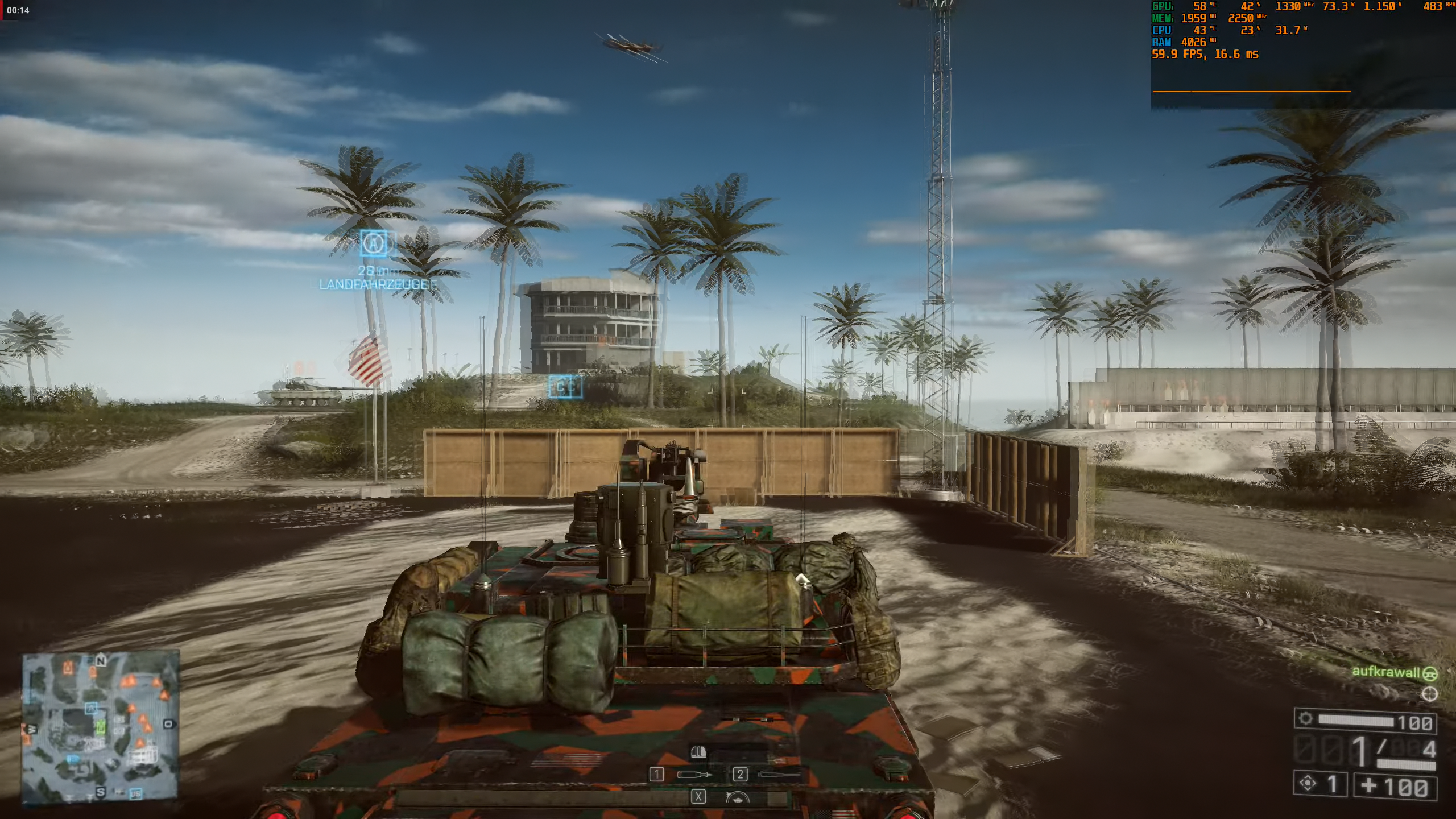
Linear is way better and cheaper:
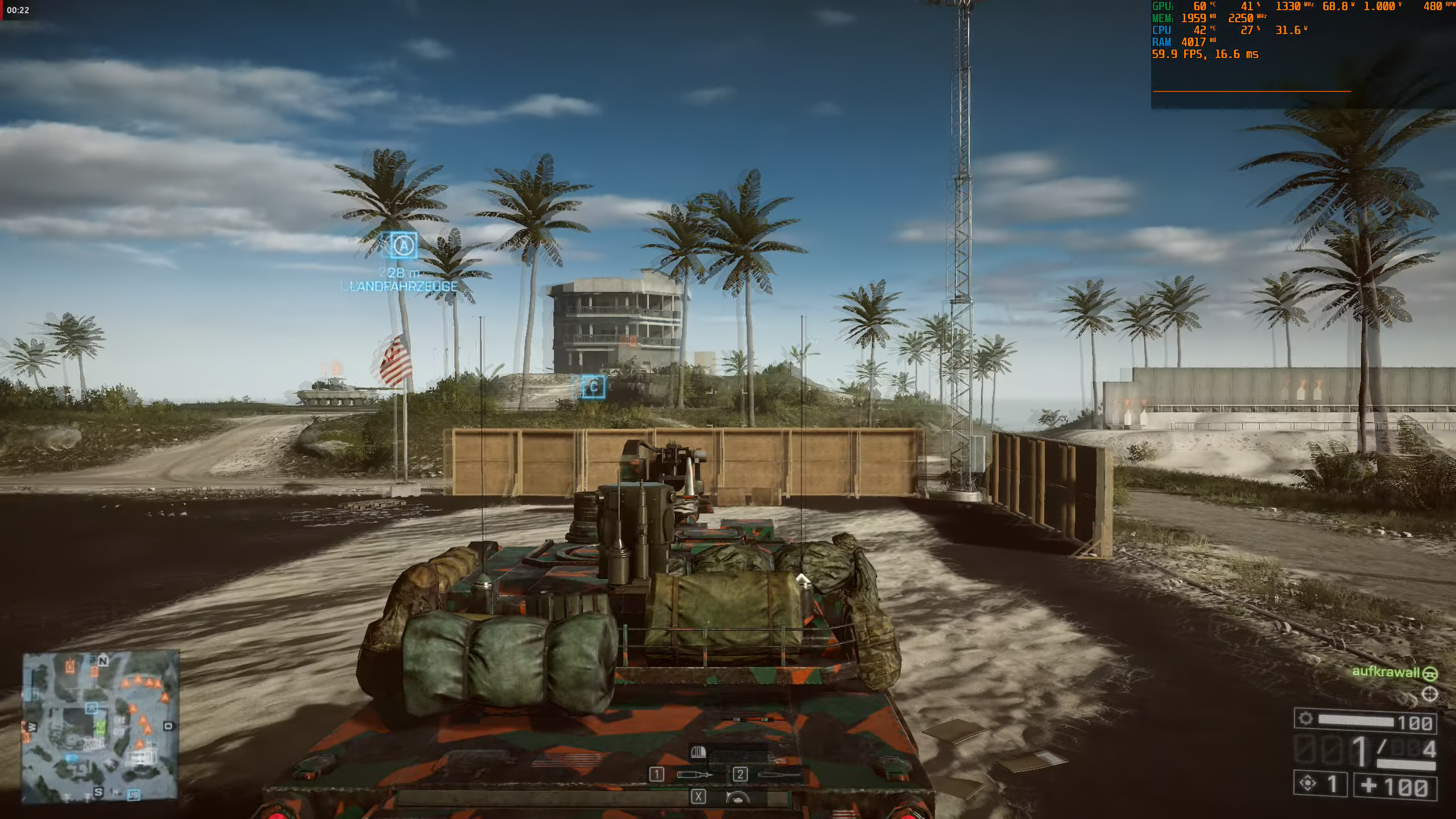
But the tweaked box scaler still owns it:
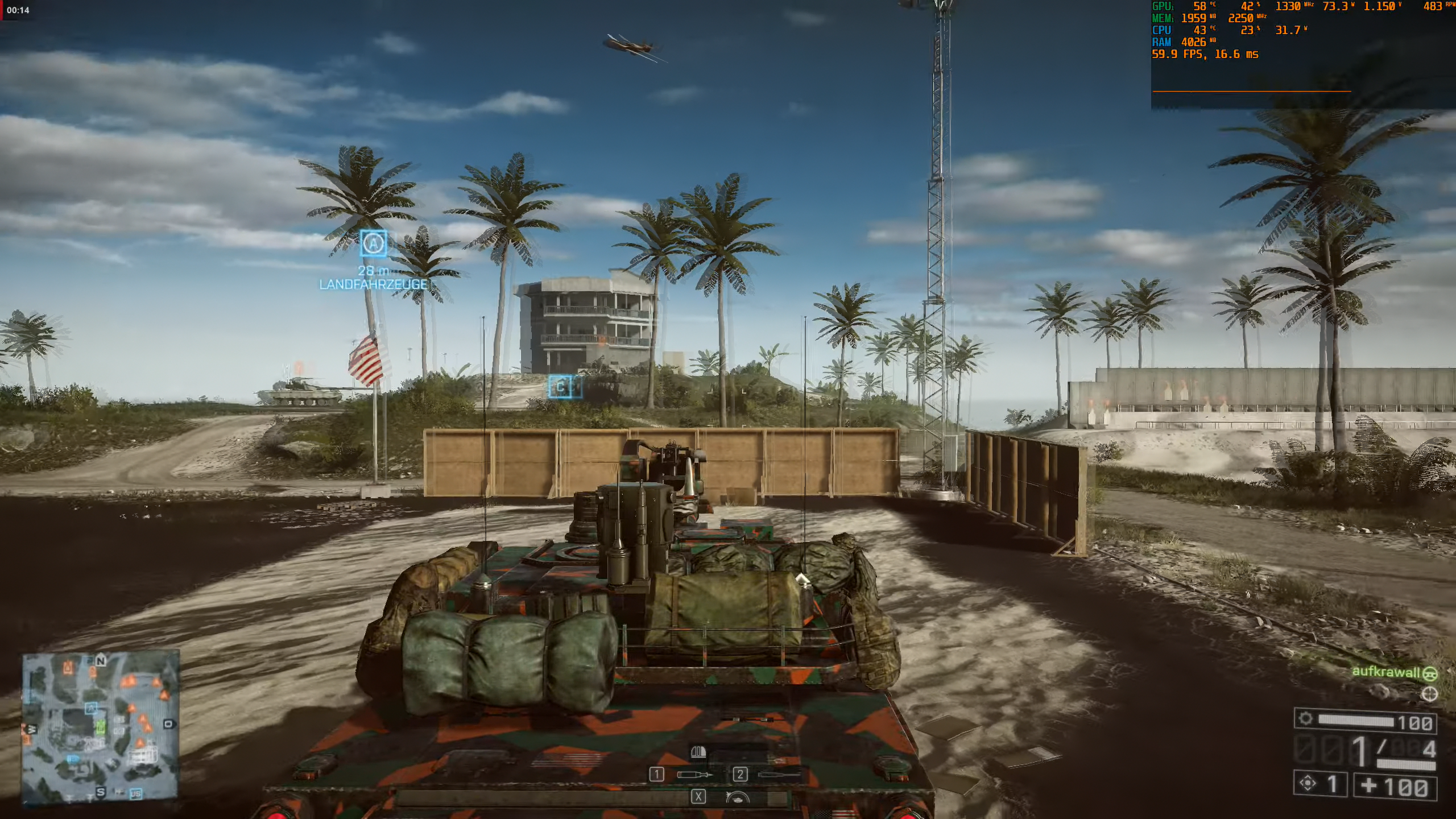
aufkrawall
on 29 Apr 2019
the default is mitchell.
 Akemi
on 30 Apr 2019
Akemi
on 30 Apr 2019
mpv defaults are not geared towards what looks best but rather what works best across the board. That's why the default for scale is afaik bicubic and not some fancy ewa scaler.
One could argue to change it for some profile though.
Argon-
on 30 Apr 2019
@Akemi Sorry, my mistake. Mitchell doesn't look so bad at the first glance:
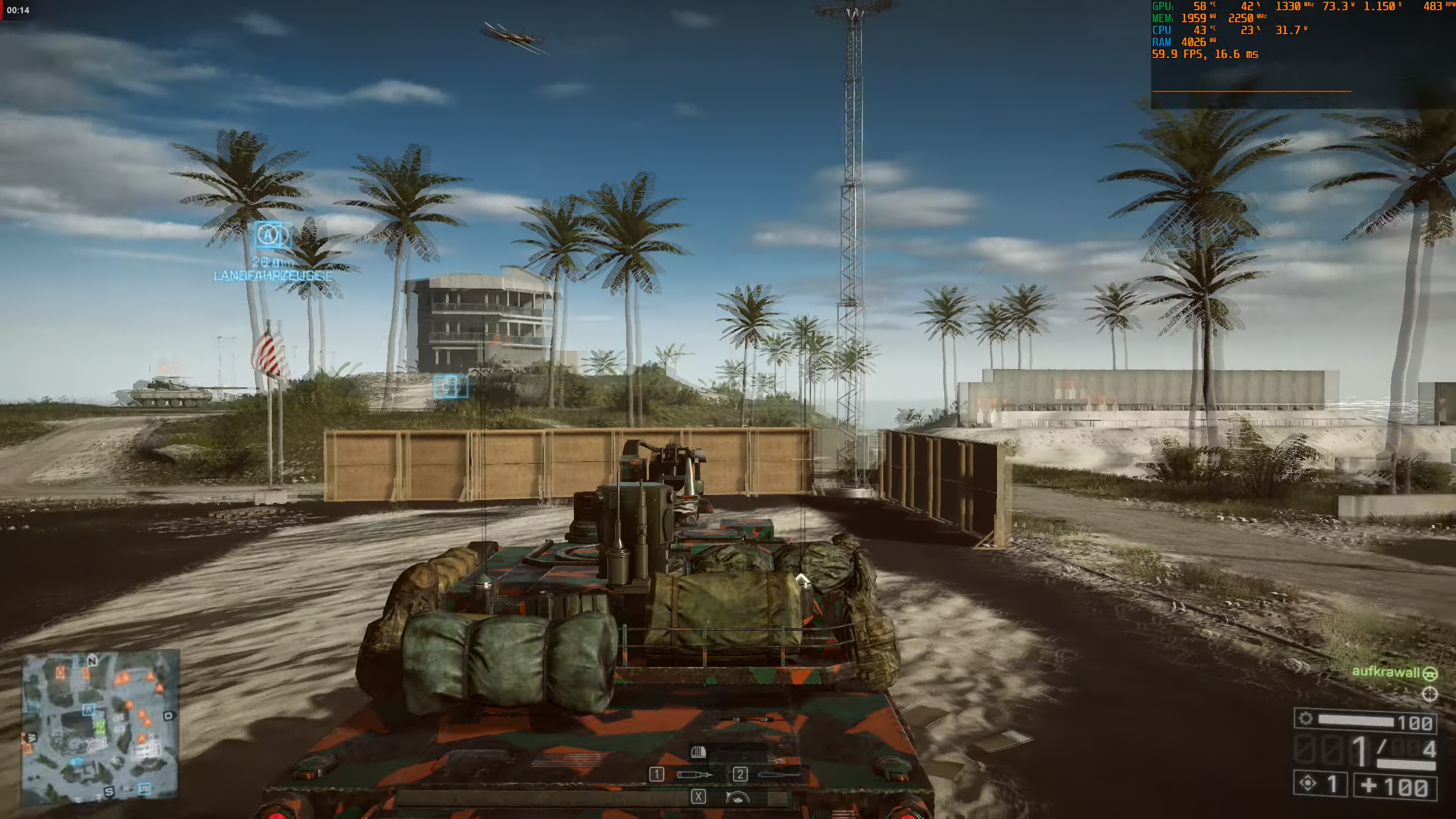
But when compared to the tweaked box scaler, you can notice that the ghosting is less translucent with mitchell.
aufkrawall
on 30 Apr 2019
@aufkrawall mitchell is smooth, but sometimes it makes me hard to focus on the image, and makes my eyes strain, it is just too blurry.
laichiaheng
on 30 Apr 2019
@aufkrawall mitchell is smooth, but sometimes it makes me hard to focus on the image, and makes my eyes strain, it is just too blurry.
That's my impression as well. Linear is less smooth, but imho less straining due to less blur.
Tweaked box seems to combine less blur and less judder and thus is superior, as far as my impression is until now.
aufkrawall
on 30 Apr 2019
tscale controls temporal interpolation, so in my opinion looking at single screenshots is not the best way to conclude anything about quality. It's like comparing audio quality by looking at a single sample value.
Also I think sometimes placebo effect can mislead our judgment.
I have written a small script to compare all tscale filters. It shows two videos samples using 2 random tscale values, then asks which is the best, then shows another pair, etc. At each comparison, the name of each filter is not shown to avoid any psychological bias.
At the end it shows a ranking of all filters according to the preferences entered at each comparison.
Apart from a few that are obviously ugly, you will be surprised about how hard it is to distinguish them in real viewing conditions (not by pausing video).
The script is here (needs Python 3, only tested on Linux): https://pastebin.com/raw/yjbGMphT
Usage example: ./test_tscale.py --start 00:08:29 --stop 00:08:33 PATH_OF_VIDEO_FILE
(./test_tscale.py -h for help)
 desbma
on 30 Apr 2019
desbma
on 30 Apr 2019
To me, rolling end credits can be the scene that makes an obvious difference. (Currently I'm sticking to oversample.)
 zc62
on 30 Apr 2019
zc62
on 30 Apr 2019
@zc62
Try sphinx with tscale-radius=1.075 on those end credits of yours and report back, please!
mpvOWNZ
on 7 May 2019
@mpvOWNZ
Where does this number come from?
laichiaheng
on 7 May 2019
@mpvOWNZ
In order to play 29.97fps video without blur, tscale-radius=0.95 by default might be a better choice? tscale-radius=1.01 for a 29.97fps video is already too blurry to me.
laichiaheng
on 27 May 2019
I have realized that tscale=oversample is still the best choice for general source, sphinx is good for anime which has no motion blur, but the real movie has already had motion blur, oversample will be the best choice to it.
laichiaheng
on 7 Aug 2019
@zc62
@laichiaheng
@haasn has a pretty good explanation of why tscale=oversample is not a good choice:
The main difference to smoothmotion [oversample] is that it essentially low-passes the time axis to make sure no high frequency distortions get added (which can look like irregularities with the smoothmotion [oversample] algorithm), and that it can reconstruct some “intermediate” pixel values, which works well for slow motion in particular, but can add extra motion blur in some cases.
As you can see, the overall appearance looks similar to smoothmotion [oversample], but instead of frame transitions alternating between sharp and blended, each frame is always blended into the next one.
There is also a theoretically plausible mode of operation known as "Sphinx", which is based on interpolating all three dimensions at the same time using a carefully constructed filter that has a perfectly spherical frequency response, which is speculated to be better at preserving frequencies on diagonal lines (eg. static images in motion). The naming is based on a continuation of Sinc and Jinc, with Sphinx standing for sphere as the 3D analog of the others, which are for 1D and 2D, respectively.
 YouShouldKnowMe
on 28 Aug 2019
YouShouldKnowMe
on 28 Aug 2019
@YouShouldKnowMe But the Sphinx is awful on a 30fps video. Or it is just my illusion.
laichiaheng
on 28 Aug 2019
Dr. Strangelove or: How I Learned to Stop Worrying and Love the Interpolation
Personally, I still find "Sphinx" to be the best upscaler when it comes to getting rid of aliasing with these values:
scale=box
scale-window=sphinx
scale-radius=1.5
However, when it comes to tscale, no algorithm is going to get rid of motion-blur if one still wants the resulting output to be still smooth!
With that said, this is what will get you closest to having no extra motion-blur added on top with interpolation:
tscale=box
tscale-window=quadric
tscale-radius=1.0
tscale-clamp=0.0
With the above settings, I'm able to enjoy any video I've come across without having to worry about my mpv settings!
Make of it what you will... shrug
 mpv4Vendetta
on 30 Aug 2019
mpv4Vendetta
on 30 Aug 2019
@mpv4Vendetta a new thing better than Sphinx?
laichiaheng
on 30 Aug 2019
Has anyone noticed the difference between quadric and sphinx?
laichiaheng
on 3 Sep 2019
The Quest is finally over!
Someone more knowledgeable than me will have to explain why this is so, but setting these options _will_ produce a video with absolutely no blur or other artifacts:
tscale=box
tscale-window=quadric
tscale-clamp=0.0
tscale-radius=1.025
So, after all these years, we (well, mostly I) have found the perfect sweet-spot regarding interpolation!
It may have not always been a pleasure with y'all, but still, I have to thank everyone who joined me on this journey!
LONG LIVE THE KING: mpv
 mpvSTILLownz
on 20 Sep 2019
mpvSTILLownz
on 20 Sep 2019
The Quest is finally over!
Someone more knowledgeable than me will have to explain why this is so, but setting these options _will_ produce a video with absolutely no blur or other artifacts:
tscale=box
tscale-window=quadric
tscale-clamp=0.0
tscale-radius=1.025So, after all these years, we (well, mostly I) have found the perfect sweet-spot regarding
interpolation!It may have not always been a pleasure with y'all, but still, I have to thank everyone who joined me on this journey!
LONG LIVE THE KING: mpv
RN my conf file look like this:
# High quality video rendering for fast computer.
profile=gpu-hq
deband=no
tscale=box
tscale-window=quadric
tscale-clamp=0.0
tscale-radius=1.025
do i need anything else for it interpolate properly?
SHJordan
on 29 Sep 2019
obviously you need to activate interpolation too...
interpolation=yes
video-sync=display-resample
Thanks.
But still with https://youtu.be/1i_QLAMPI1w you get the tank antennas constantly blinking right and left.
SHJordan
on 29 Sep 2019
I wonder where this effect actually comes from. It's also there in Firefox playback @ 60Hz.
It seems it can't be captured in screenshots. :ghost:
It can't be display judder either, as it only starts occuring a few seconds after turning the turret has started.
Edit: @mpvSTILLownz The latest parameters of yours cause much more distinct ghosting compared to
tscale=box
tscale-window=sphinx
tscale-radius=1.0
tscale-clamp=0.0
aufkrawall
on 3 Oct 2019
@aufkrawall
I'm actually seeing better results with quadric but with tscale-radius=1.1
With this, I'm not noticing any anomalies with 24 FPS content on a 60 Hz monitor;
meanwhile, every motion looks smooth, like _really_ smooth!
 DontOverdoIt
on 23 Oct 2019
DontOverdoIt
on 23 Oct 2019
i don't think we can all agree an one thing and it's a matter of preference. closing.
Akemi
on 3 Dec 2019
Related issues
 xanadupark
·
3Comments
xanadupark
·
3Comments
 szg0000
·
3Comments
szg0000
·
3Comments
 Edenharder
·
4Comments
Edenharder
·
4Comments
 422658476
·
3Comments
422658476
·
3Comments
 lightonflux
·
4Comments
lightonflux
·
4Comments
Most helpful comment
The Nightmare before Christmas!
(for all the other video-players out there...)
Listen carefully folks, for this will be the tale of how to achieve the smoothest video motion while maintaining full control of any undesired side-effects!
First & foremost, all credit must go out to @haasn, since AFAIK the algorithm used here (called
sphinx) is a mpv exclusive which sprung out of his genius mind!So, without further ado, here are the benefits (with no downsides):
tscale-clamp!)Sounds too good to be true?
Well, just add this to your
mpv.confand see for yourself:video-sync=display-resampleinterpolation=yestscale=boxtscale-window=sphinxtscale-radius=1.0tscale-clamp=0.0And in case you should not be satisfied with the end result:
Well, then just adjust the value of
tscale-radiusto your heart's liking! (Slowly, liketscale-radius=0.95for less smoothness but sharper image ortscale-radius=1.05for even more smoothness goodness!)Anything left?
Oh yeah, Happy Halloween to VLC & Co.!