Monikamoddev: Hair - Art style matching ((updated²))
3174
Hello again! I am back and this time it's more of a correction other than a new hair, i noticed that on Monika's sprites where her hair is down, the style doesn't match very nicely, so in these edits i have tried my best to recreate the original hair coloring style, but her hair is down now
The shading style is not perfect tho
edit: white spots and transparency issues fixed! having a neon color on the bg helps a lot finding mistakes
edit edit: unshaded strand removed and I modified the shade layer for the long strands in the front(?), but the face's shading fits perfectly. also covered the part of the head that was sticking out with hair since it had been erased, I hope all works now.
edit² fixed the color difference from the original! and made the shading transparent.
https://drive.google.com/open?id=1TK9NbgCR7Mu6sZEA15SI9Nf9Z6NKvPGJ
 Orcaramelo
All 25 comments
first glance, this looks good. will do a full look over sometime this week
 ThePotatoGuy
on 18 Feb 2019
ThePotatoGuy
on 18 Feb 2019
these look so good! i hope they get implemented bc the art bugs have been bothering me :3
 its-ken
on 18 Feb 2019
its-ken
on 18 Feb 2019
these look so good! i hope they get implemented bc the art bugs have been bothering me :3
Thank you very much!! Also, it bothered me too, I tought it would be more pleasing to the eye to try and match the style! I did try to use only her original strands of hair, but ended up having to paint new ones too
Orcaramelo
on 18 Feb 2019
You might want to fix that twilight filter overlay on the hair sprites in the upright version.
Overall, it's a massive improvement, and I'm all for implementing these in the mod.
 ghost
on 19 Feb 2019
ghost
on 19 Feb 2019
Couple of things:
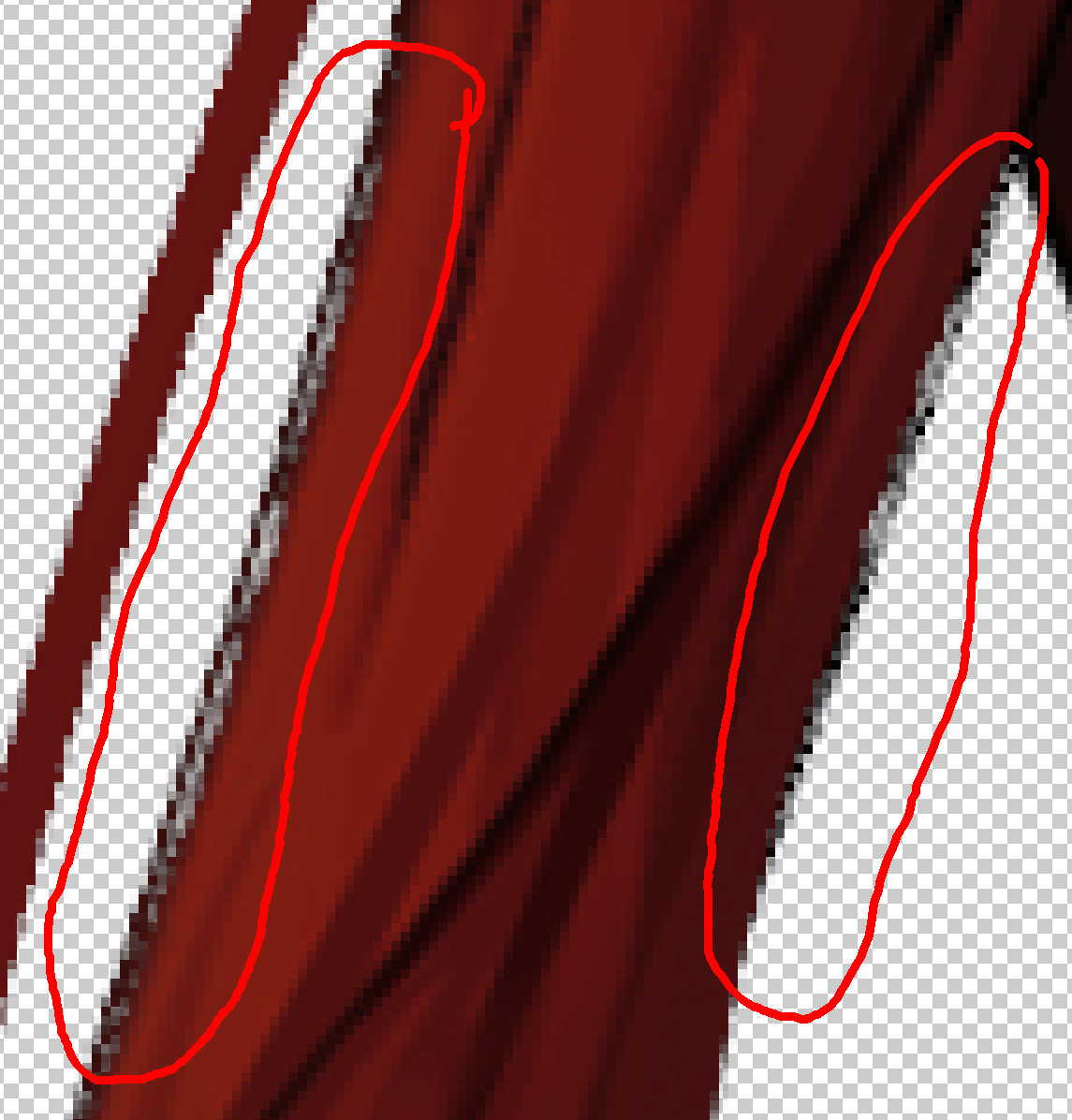
I saw you deleted part of the base in your psds, that isn't gonna fly in release. All outfits use the same base, so the front hair should extend out enough to cover the entirety of base. You could just copy the back hair piece that goes over the base here and stick it to the front hair layer. (this is in both upright and leaning)
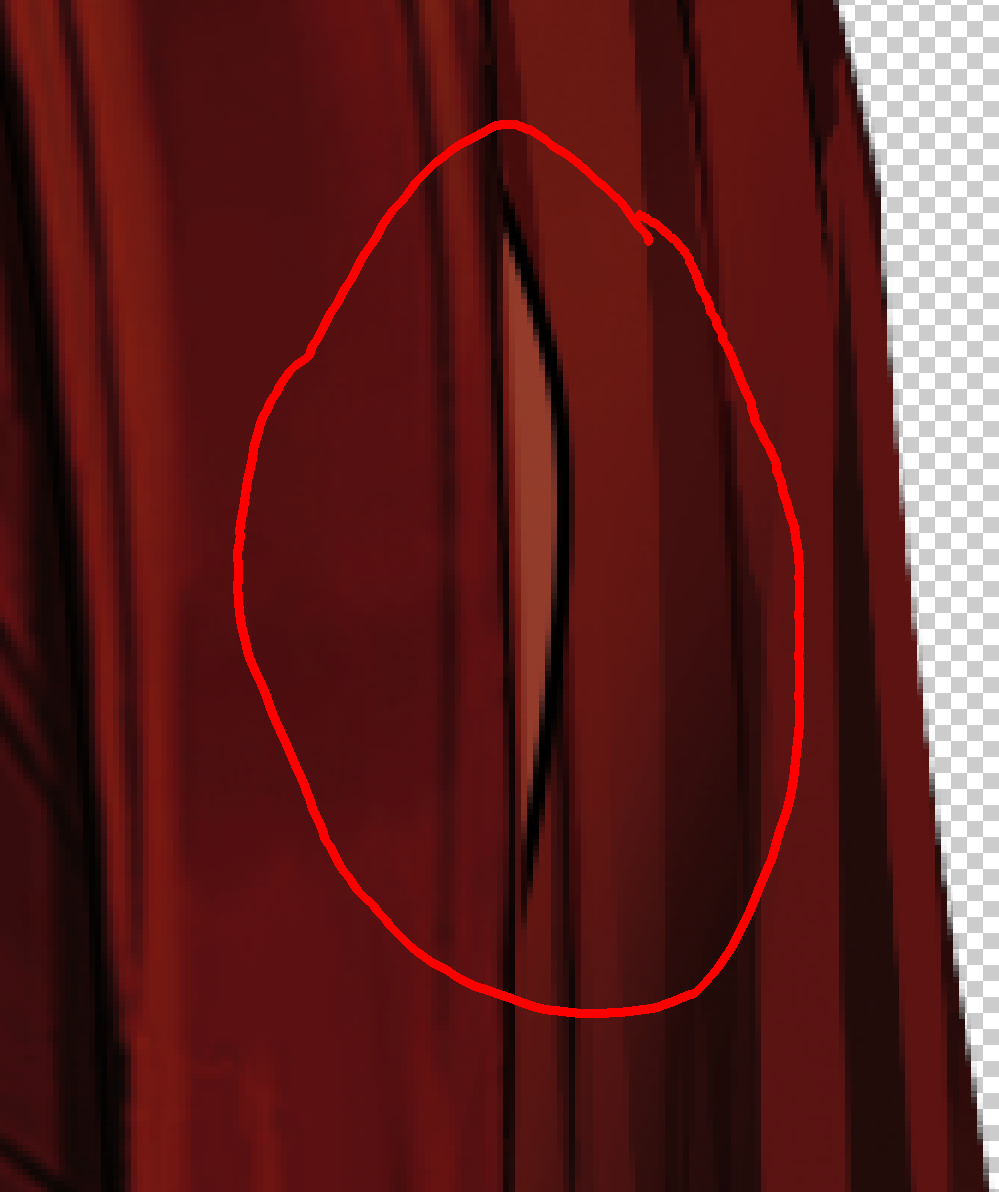
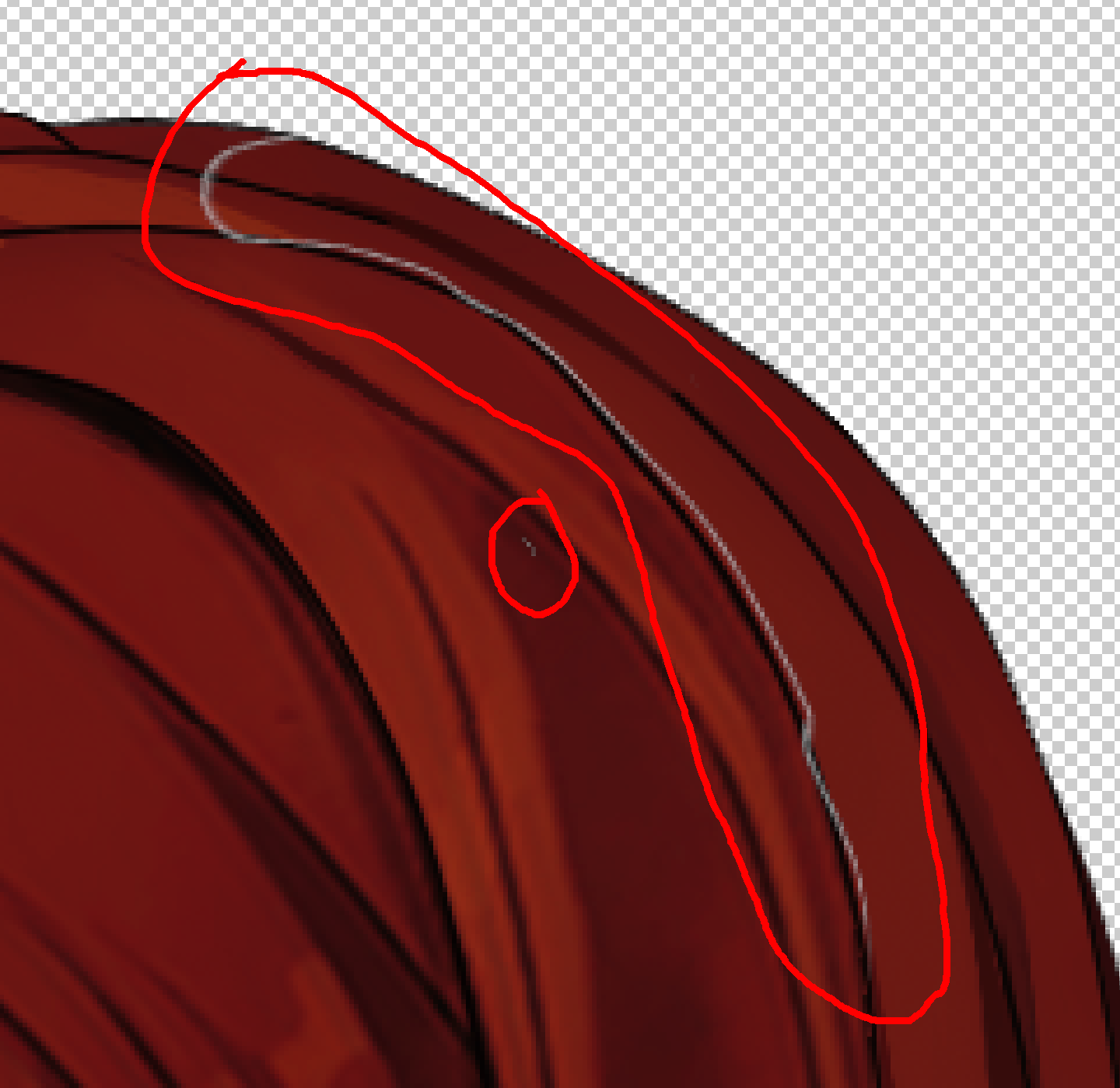
there is what appears to be a line shift in 2 spots? It doesn't look that great, so this will need to be addressed.
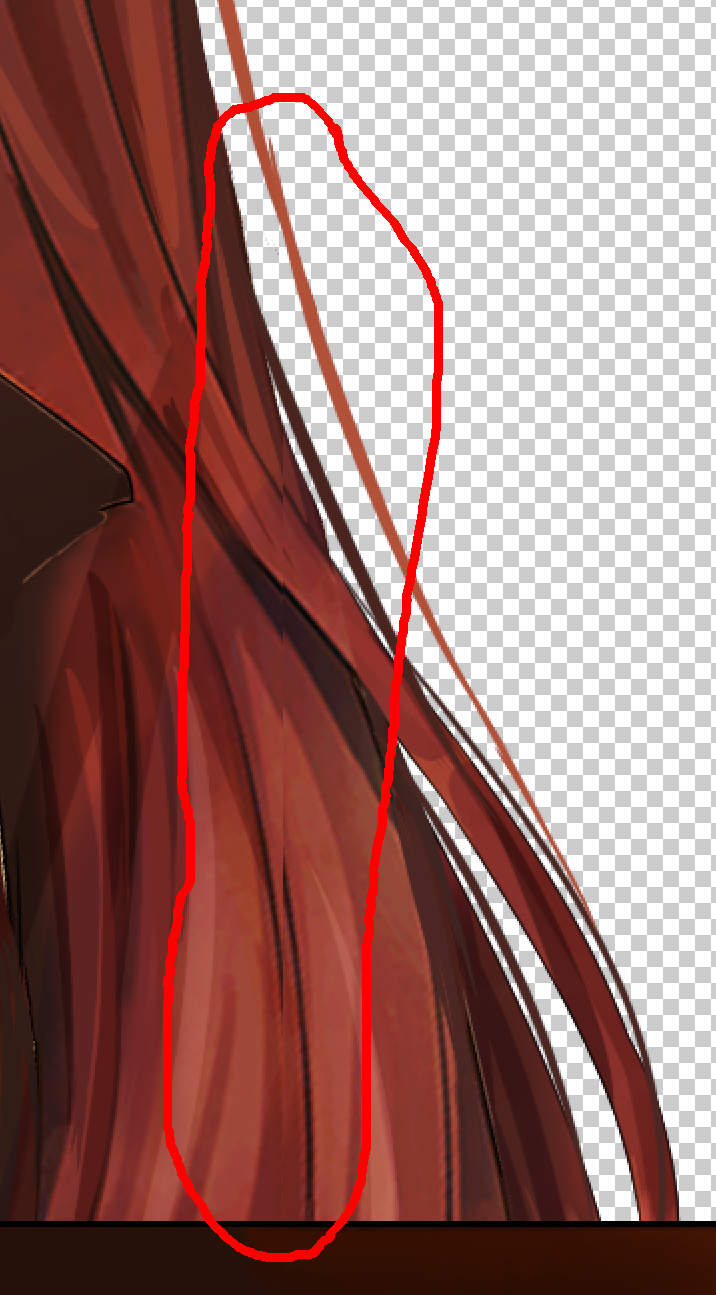
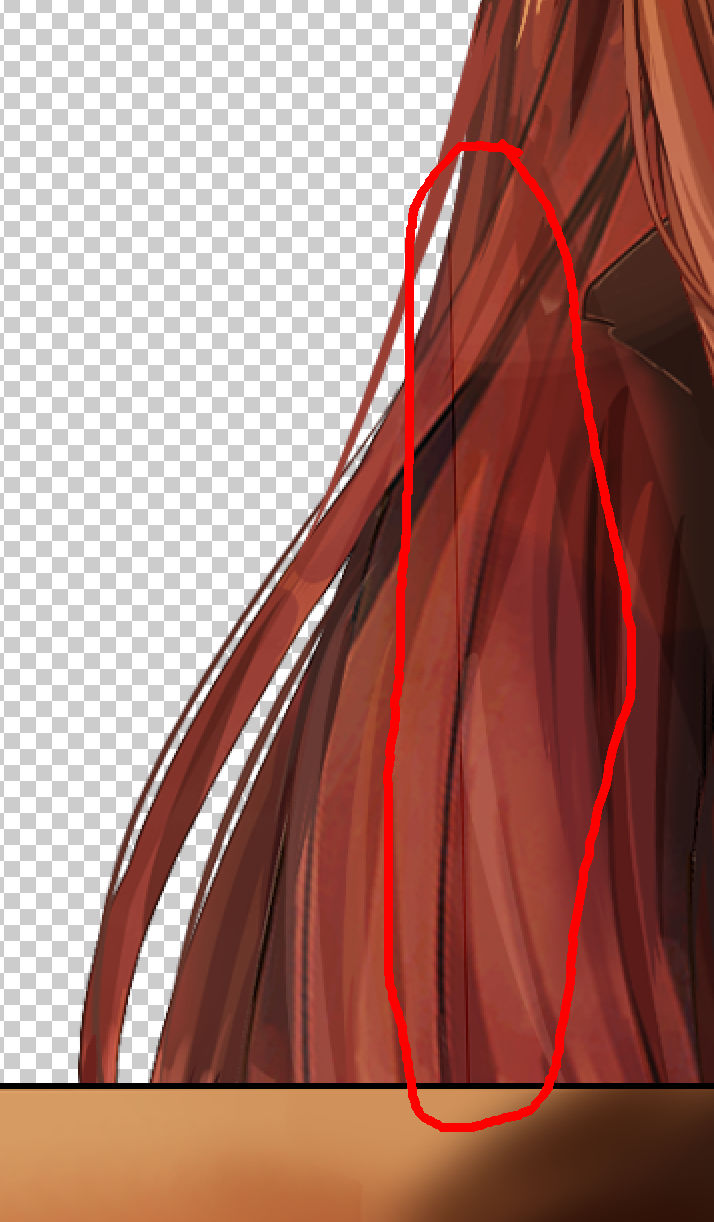
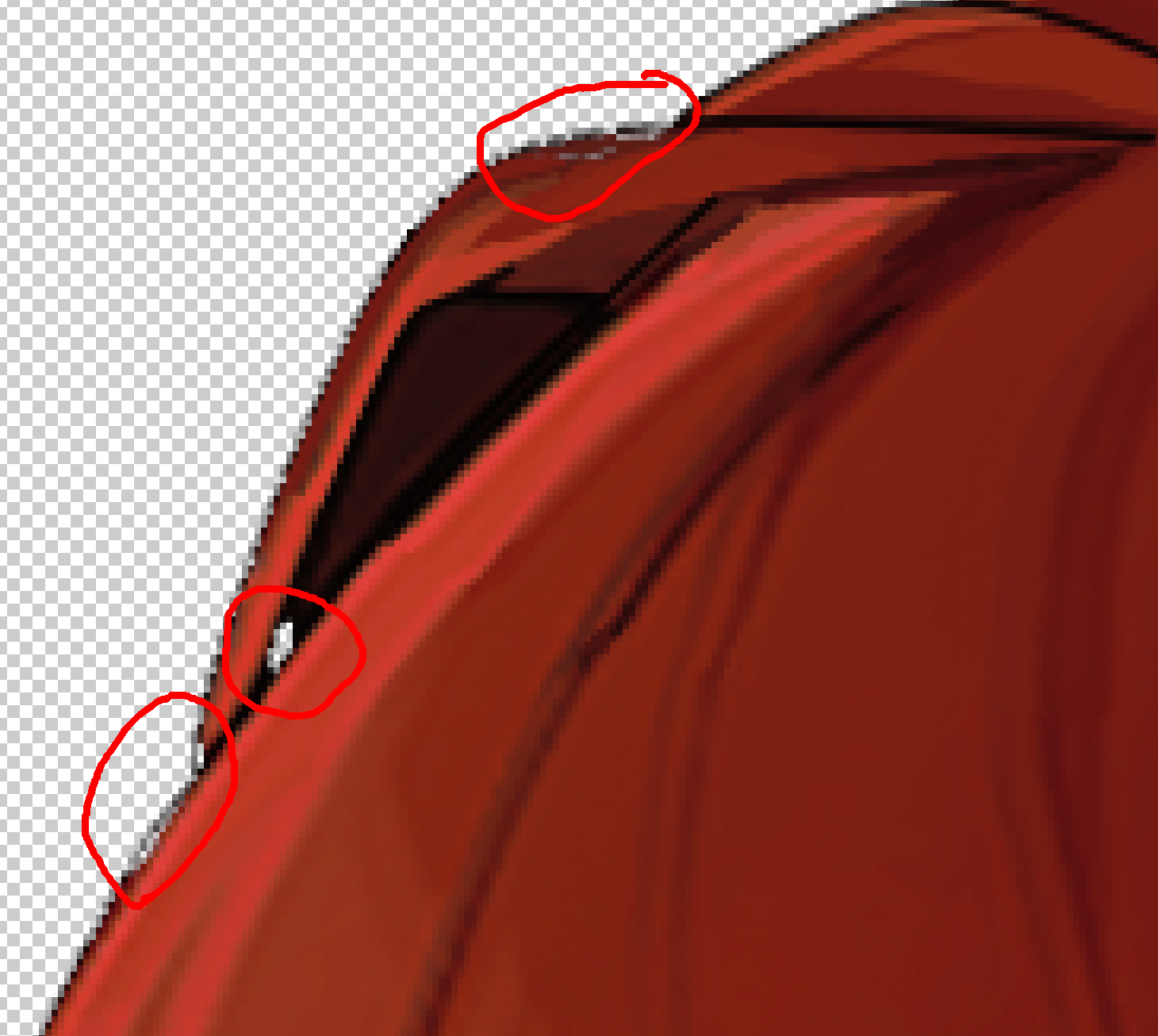
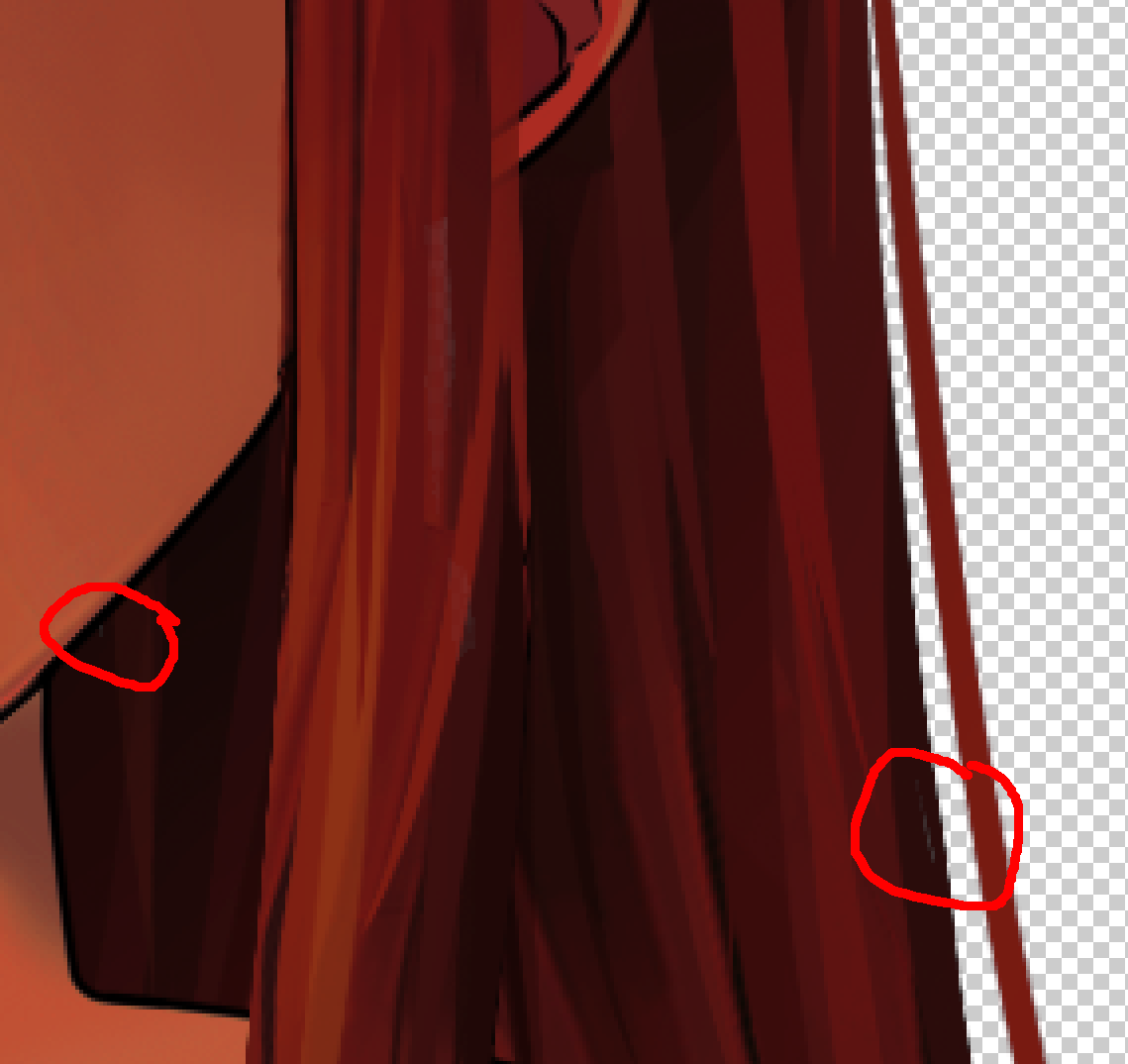
also found some transparency holes that need to be dealt with. Most of these are only visible with twilight filter.
ThePotatoGuy
on 19 Feb 2019
I'll fix these as soon as possible today! Those are easy fixes I should have payed more attention!
Orcaramelo
on 19 Feb 2019
Im sorry for the delay, I ended up getting busy yesterday, I'm going to edit this post with all the issues you pointed out fixed, and lineart a bit more polished!
Orcaramelo
on 21 Feb 2019
Upright variant still has the permanent twilight filter issue. Disable the filter on your working psd and reupload it.
ghost
on 21 Feb 2019
Upright variant still has the permanent twilight filter issue. Disable the filter on your working psd and reupload it.
I use paint tool sai instead of photoshop and the filter doesn't work there, maybe that's what is causing this? I could try deleting the layer
i added a folder in the link with the layer effects removed
Orcaramelo
on 21 Feb 2019
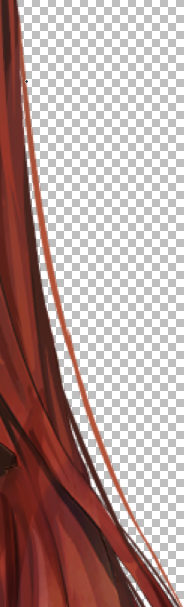
Love this hair. My only complaint is this single strand here. It's significantly lighter than the rest and it makes it look out of place and like it's not shaded at all. Could use a little work to make it not stand out quite so much.
 jmwall24
on 23 Feb 2019
jmwall24
on 23 Feb 2019
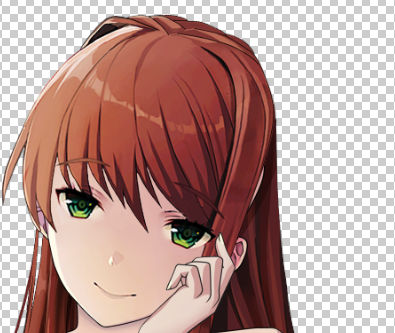
Also, looks like the leaning version of this also has the issue of the head being clipped:
 multimokia
on 23 Feb 2019
multimokia
on 23 Feb 2019
we just added some shading layers to the latest base psds, can you check if they would work with this or if they would need adjustment?
ThePotatoGuy
on 25 Feb 2019
Hello I apologize for the delay, I've been having some personal problems. I promise that by tomorrow all issues will be fixed.
edited it again, hope its good to go now!
Orcaramelo
on 3 Mar 2019
So the color on these looks lighter than the original. Can you match the color? Otherwise there's no way we can replace hairdown with these unless all other hair sprites match the color. (Am open to using as separate hairstyle, though).
Actually hold off on this, we're discussing if hair color should be changed. We decided that original color is best for keeping consistency.
ThePotatoGuy
on 9 Mar 2019
*Additionally, the shading on the hair strands over the body should be a soft darkening, not a straight color. A flat color looks bad on outfits.
ThePotatoGuy
on 9 Mar 2019
I fixed the color issue! I only had to match it on the upright base since when i pasted the original over the leaning one, they matched exactly. Maybe there was an extra layer when i originally made it and i didnt notice it, I just uploaded the new versions to my drive!
Orcaramelo
on 16 Mar 2019
*Additionally, the shading on the hair strands over the body should be a soft darkening, not a straight color. A flat color looks bad on outfits.
fixed that, they are now transparent.
Orcaramelo
on 16 Mar 2019
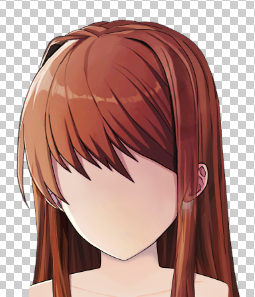
Looks like this bit has become transparent here too.
multimokia
on 17 Mar 2019
Looks like this bit has become transparent here too.
just fixed that!! I'm so sorry açaldklçasd when i was matching the colors i messed up the layer
Orcaramelo
on 18 Mar 2019

just if anyone wants to check the progress so far without downloading the file, here is what it looks like!
Orcaramelo
on 18 Mar 2019
Now it's perfect.
Also, you might want to hit up #artistry on the discord server.
ghost
on 19 Mar 2019
Now it's perfect.
Also, you might want to hit up #artistry on the discord server.
Thank you! If any more changes need to be made just lemme know! Also, where can I find the link? It would be sooo much easier to contact me from there so I should probably join
Orcaramelo
on 19 Mar 2019
ghost
on 19 Mar 2019
thank you! I joined, just reading the rules rn
Orcaramelo
on 19 Mar 2019
[closing as this this has added in the linked pr]
ThePotatoGuy
on 6 May 2019
Related issues
 mosquitoe
·
3Comments
mosquitoe
·
3Comments
mosquitoe
·
3Comments
mosquitoe
·
3Comments
 PierrDemon
·
3Comments
ghost
·
3Comments
PierrDemon
·
3Comments
ghost
·
3Comments
 BojanIlie
·
3Comments
BojanIlie
·
3Comments
Most helpful comment
Couple of things:
I saw you deleted part of the base in your psds, that isn't gonna fly in release. All outfits use the same base, so the front hair should extend out enough to cover the entirety of base. You could just copy the back hair piece that goes over the base here and stick it to the front hair layer. (this is in both upright and leaning)

there is what appears to be a line shift in 2 spots? It doesn't look that great, so this will need to be addressed.


also found some transparency holes that need to be dealt with. Most of these are only visible with twilight filter.



