Monaco-editor: Firefox flickering
monaco-editor version: 0.11.10
Browser: Firefox
OS: Windows 7
Firefox flickering when diff editor is mounted into element with style property 'overflow: auto;'. I could not reproduce it in my MacOS.
<!DOCTYPE html>
<html lang="en">
<head>
  <meta charset="UTF-8">
  <meta name="viewport" content="width=device-width, initial-scale=1.0">
  <meta http-equiv="X-UA-Compatible" content="ie=edge">
  <title>Document</title>
</head>
<body>
  <style>
    .box {
      overflow: auto
    }
    #container {
      height: 400px;
      width: 400px;
    }
  </style>
<div class='box'>
  <div id='container'></div>
</div>
  <script src='./monaco.min.js'></script>
  <script>
    var originalModel = monaco.editor.createModel("heLLo world!\n", "text/plain");
    var modifiedModel = monaco.editor.createModel("hello orlando!", "text/plain");

    var diffEditor = monaco.editor.createDiffEditor(document.getElementById("container"));
    diffEditor.setModel({
      original: originalModel,
      modified: modifiedModel
    });
  </script>
</body>
</html>
 antoniopol06
All 14 comments
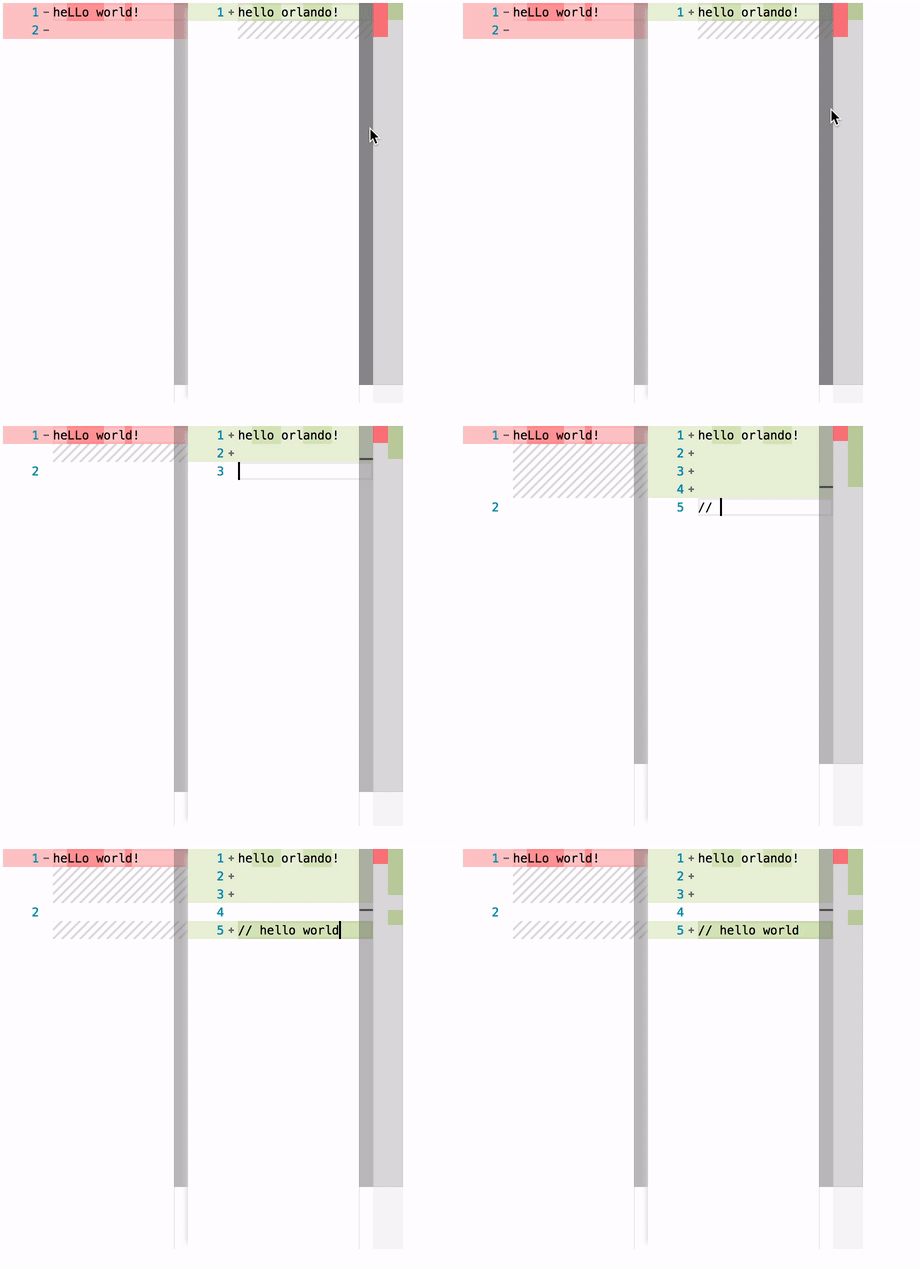
I also cannot reproduce any flicker in Firefox 60.0 on OSX. It might be a Windows 7 specific issue:
 alexdima
on 3 May 2018
alexdima
on 3 May 2018
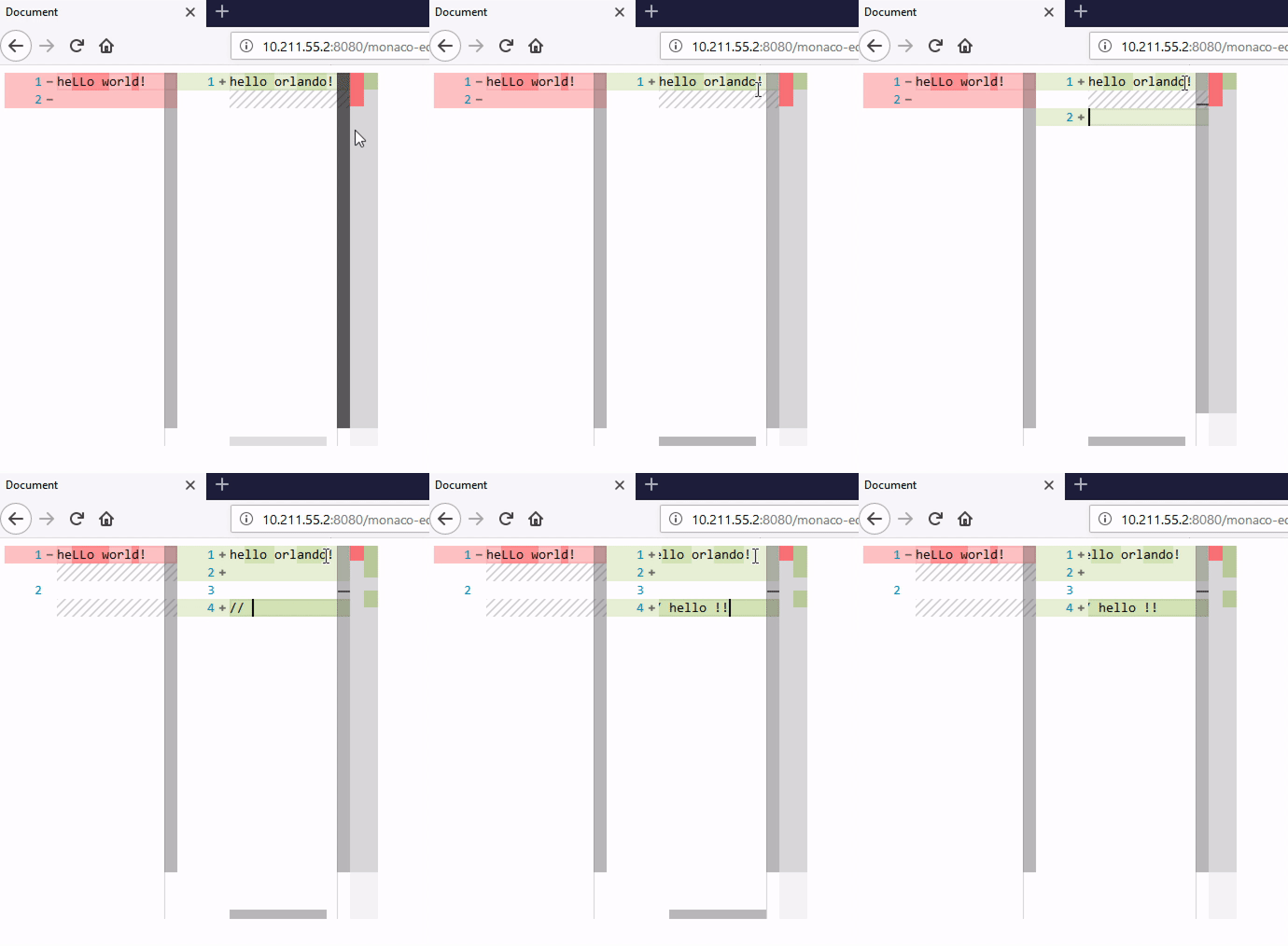
Also no luck reproducing on Windows:
alexdima
on 3 May 2018
Ok the problem appears when parent element have border-radius and overflow properties in Firefox on Windows. Firefox should have enabled 'use acceleration hardware'.
antoniopol06
on 4 May 2018
This sounds like a bug that could be reported to Firefox ?
alexdima
on 4 May 2018
I investigated and I did not found bugs in Firefox related to this. I am not sure if it is only Firefox bug.
Thanks @alexandrudima
antoniopol06
on 8 May 2018
Hi everyone. Firefox 61. Win 7 64 bit. Monaco-Editor: " v0.12.0". But in Chrome 66.0.3359.139 all works correctly

 Valera1980
on 8 May 2018
Valera1980
on 8 May 2018
Hi @Valera1980 !
I fixed the flickering when I changed container´s style. My problem was with border-radius and overflow: auto. I hope that it works for you.
antoniopol06
on 8 May 2018
Thanks. Yes, it seems the problem was in border-radius of modal-window. Blink stopрed when I disabled it in styles. But why there were no flickering in Chrome with border-radius?
Valera1980
on 8 May 2018
I have
:host() {
  width: 100%;
  display: block;
  height: 90% !important;
}
in Angular component so, it still flickering.
In IE11: no flickering.
In Firefox Developer Edition with forced hardware acceleration and without: flickering
In Firefox Nightly: flickering
In Microsoft Edge: no flickering.
 TheAifam5
on 14 May 2018
TheAifam5
on 14 May 2018
@TheAifam5 I dont know what happens in this case. Try to remove styles and adding one by one. My problem was that I used overflow and border-radius in editor parent.
antoniopol06
on 18 May 2018
Issue is still existent on Firefox 62.0 (Win 7, 64 bit).
The intense of the flickering seems also be dependendent on the mouse movement and the text cursor blinking:

Removing the border-radius of all outer elements fixed the flickering in our case.
 NiMeDia
on 19 Sep 2018
NiMeDia
on 19 Sep 2018
Should these cases be reported to Firefox? I think they can fix their rendering engine given these cases.
alexdima
on 20 Sep 2018
Reported it to Mozilla, reference: https://bugzilla.mozilla.org/show_bug.cgi?id=1492758
NiMeDia
on 20 Sep 2018
Codepen for reproduction: https://codepen.io/anon/pen/BqPVOp
NiMeDia
on 22 Oct 2018
Related issues
 poloten4uk
·
3Comments
poloten4uk
·
3Comments
 galusben
·
3Comments
galusben
·
3Comments
 brandalorian
·
3Comments
brandalorian
·
3Comments
 Panhaiwei
·
3Comments
Panhaiwei
·
3Comments
 SoftTimur
·
3Comments
SoftTimur
·
3Comments
Most helpful comment
Reported it to Mozilla, reference: https://bugzilla.mozilla.org/show_bug.cgi?id=1492758