Modernflyouts: Bug:There is a problem with the option display in the APP settings
Describe the bug:
Option to display mosaic in APP settings
To Reproduce:
Steps to reproduce the behavior:
- Go to 'Open the APP settings window'
- Click on 'Click the brightness module'or'Flight mode module'or'Lock key module'
- See error
Screenshots:
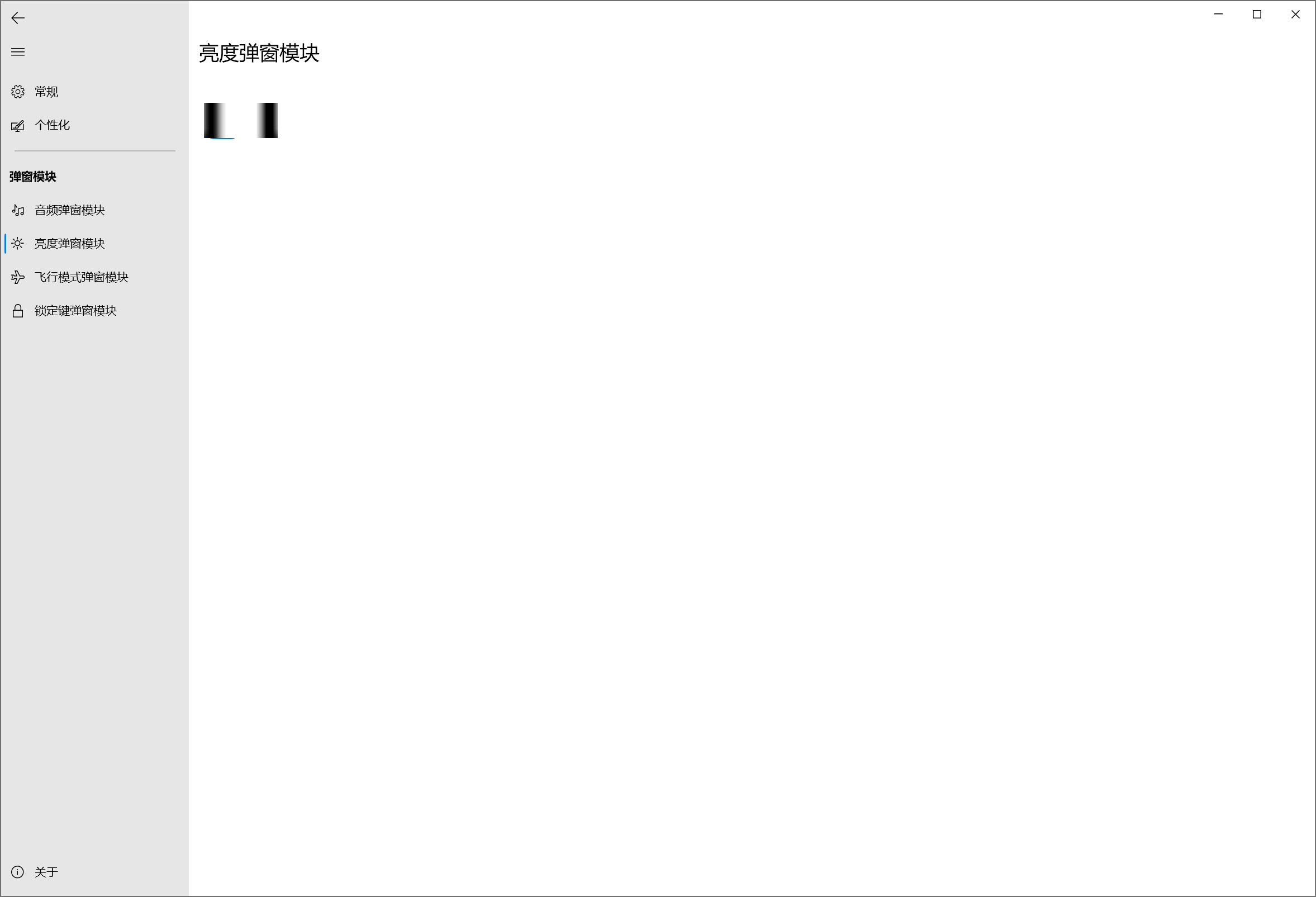
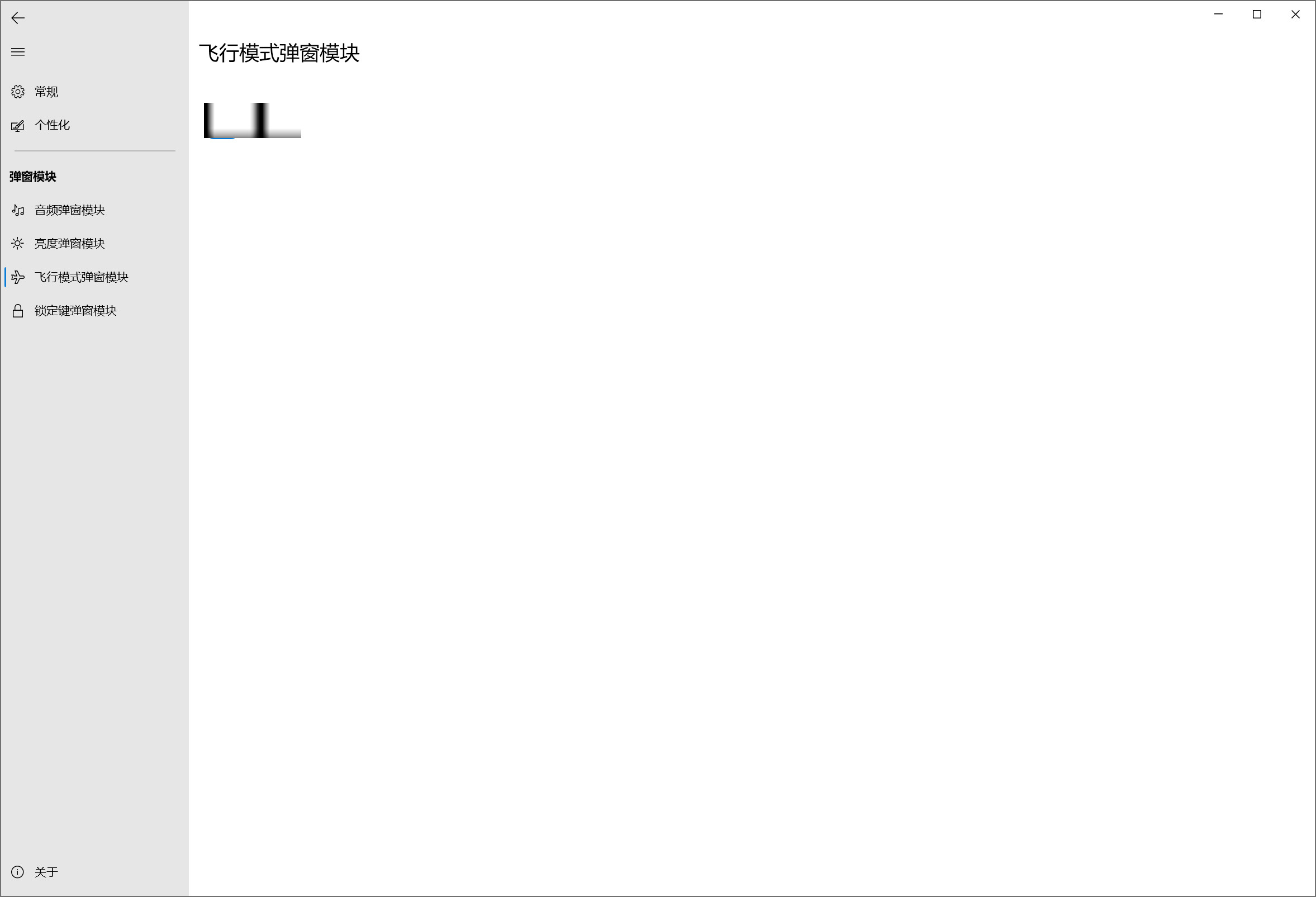
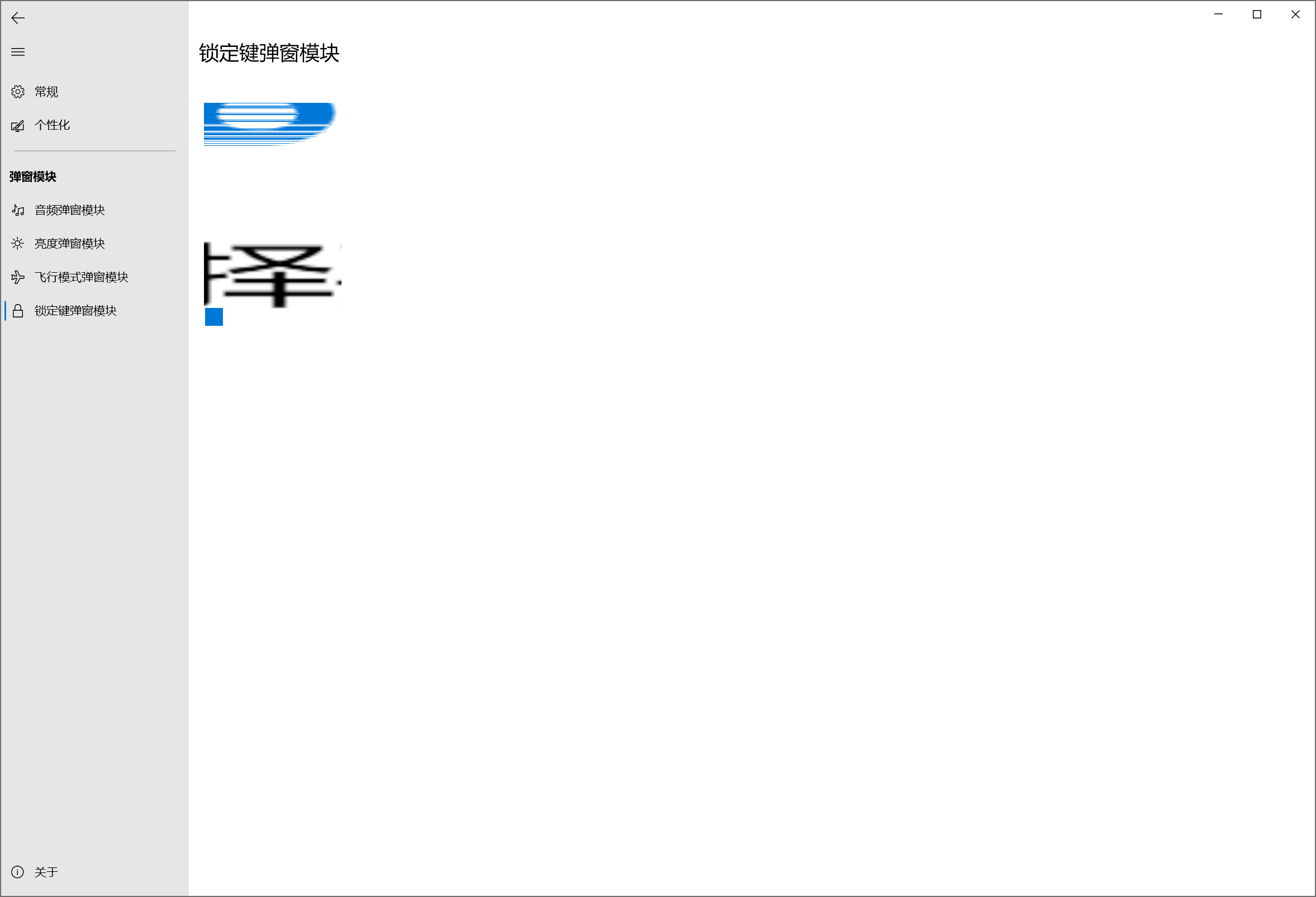
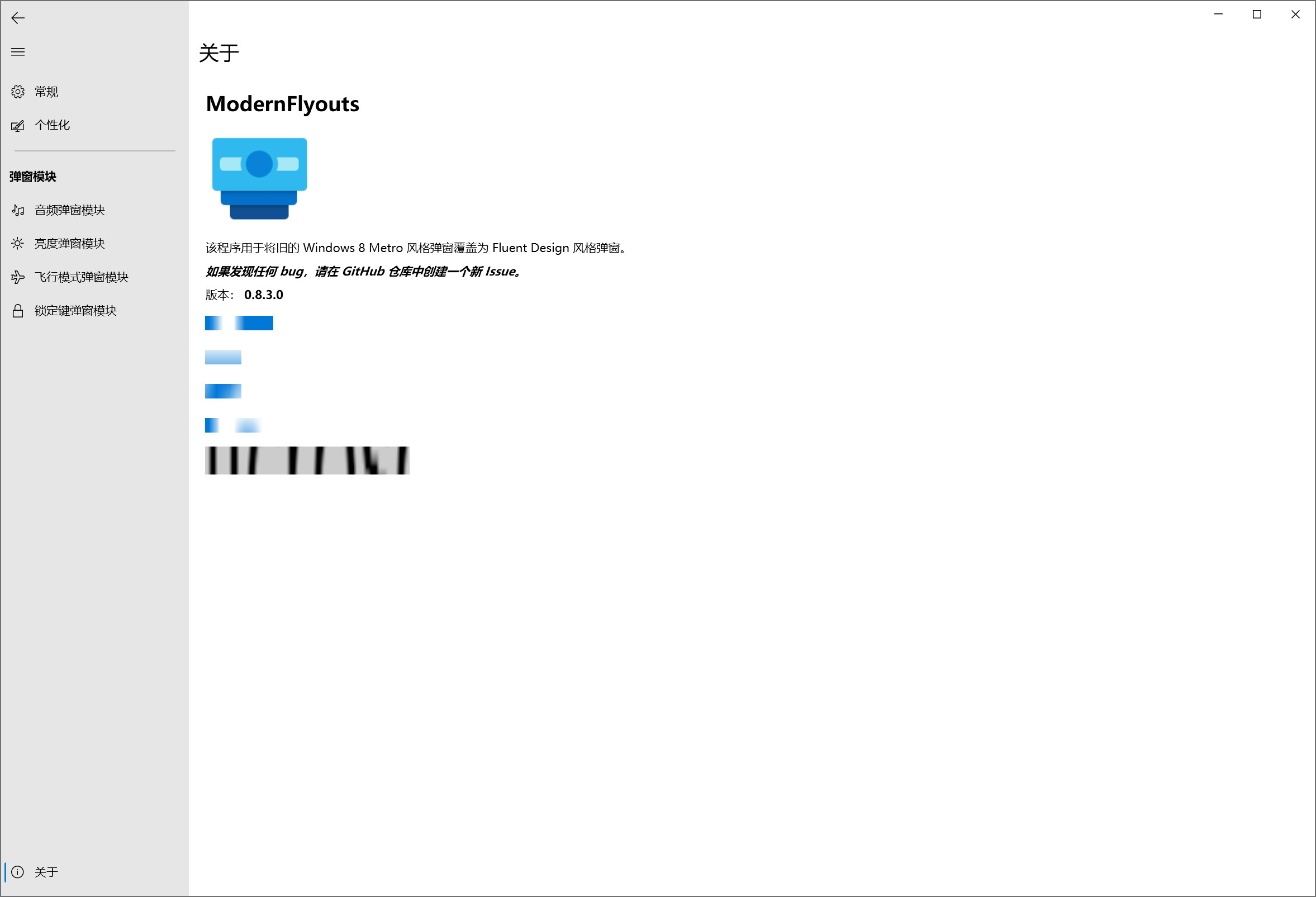
OS Version:
- Windows 10 Version: Windows10 Pro For Workstations 20H2 19042.630
ModernFlyouts Version:
- Version: 0.8.3.0
 smdx
smdx
All 5 comments
The text looks like super zoomed.
Try reinstalling the app. Is it still the same?
 Cyberdroid1
on 10 Dec 2020
Cyberdroid1
on 10 Dec 2020
Must be a problem with their GPU or Video Driver.
Try updating Windows or the particular driver.
I heard that some DirectX based apps can break other DirectX based apps (including WPF). In such cases the window content may be scaled randomly.
https://github.com/dotnet/wpf/issues/707.
Could you check if the last comment help you in fixing the bug?
What are your PC specifications?
 ShankarBUS
on 10 Dec 2020
ShankarBUS
on 10 Dec 2020
Must be a problem with their GPU or Video Driver.
Try updating Windows or the particular driver.
I heard that some DirectX based apps can break other DirectX based apps (including WPF). In such cases the window content may be scaled randomly.
Could you check if the last comment help you in fixing the bug?
What are your PC specifications?
The FakeD3D9 provided in the last comment seems to be used for SteamApps?
My computer configuration:
CPU:AMD Ryzen 5 3600X
Chipset:AMD X570
RAM:32GB
Graphics card:Radeon RX 590
Windows10 Pro For Workstations 20H2 19042.630
smdx
on 10 Dec 2020
Damn baby your PC specs are hella lit!
Look over the thread and see if there are any solutions. I would try to fix this on my side. But you gotta make sure everything's fine on your side. Okay?
ShankarBUS
on 10 Dec 2020
Okay thank you.
smdx
on 10 Dec 2020
Related issues
 Tropix126
·
3Comments
Tropix126
·
3Comments
 toineenzo
·
4Comments
toineenzo
·
4Comments
 neubland
·
4Comments
Cyberdroid1
·
3Comments
neubland
·
4Comments
Cyberdroid1
·
3Comments
 S1ROZHA
·
4Comments
S1ROZHA
·
4Comments
Most helpful comment
Damn baby your PC specs are hella lit!
Look over the thread and see if there are any solutions. I would try to fix this on my side. But you gotta make sure everything's fine on your side. Okay?