Modernflyouts: Enable smooth scroll in Settings app
Please enable smooth scrolling in the settings app of Modern-Flyouts. Currently, its jaggy and not smooth. Or you can redesign it to reduce the need for scrolling.
 Cyberdroid1
All 26 comments
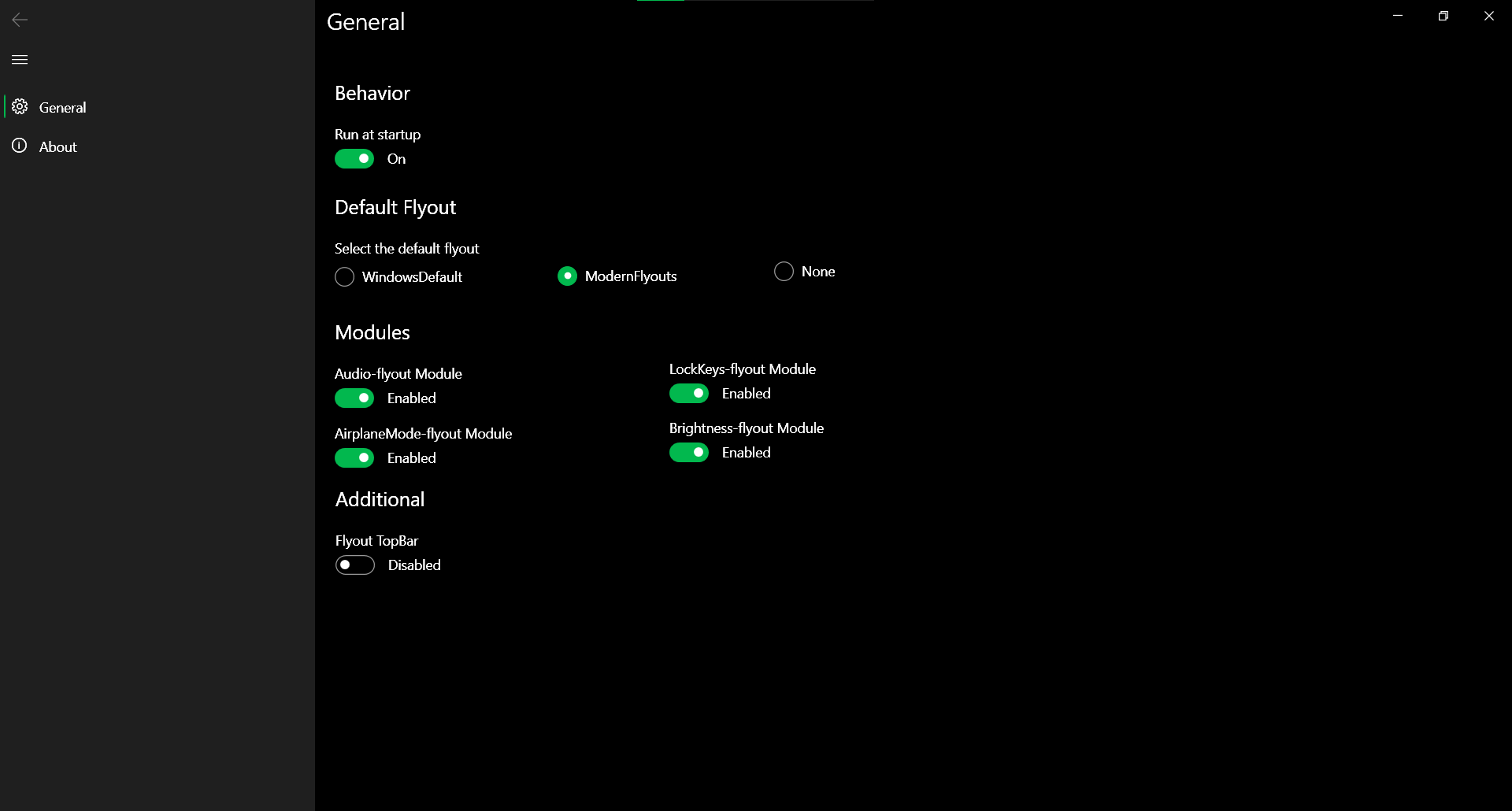
I have drawn an example.
Cyberdroid1
on 31 Aug 2020
It's a WPF app. UWP apps are much smoother. But this is WPF's default behaviour. I will see what I can do.
 ShankarBUS
on 31 Aug 2020
ShankarBUS
on 31 Aug 2020
You can also redesign the settings page to reduce need for scrolling, like the design above given by me.
Cyberdroid1
on 31 Aug 2020
But what if the window is resized to be small. If controls are stacked horizontally we will need to show a horizontal scrollbar. Having a horizontal scrollbar will be ugly and people are used to vertical scrolling. So stacking controls vertically is a good option.
And also changing controls orientation with respect to available space is possible. But it's just a single window no one will use the settings once the app's settings has been set.
I can do like what you suggested. That looks nice too.
It's not a primary priority for now.
ShankarBUS
on 31 Aug 2020
When the window's width is reduced, the menu bar on the left can be reduced by clicking on the 3-line button.
You can also make it dynamic, change it according to width of window. (as you said)
Cyberdroid1
on 1 Sep 2020
@ShankarBUS Are you planning to redesign the settings page as discussed above?
Cyberdroid1
on 16 Sep 2020
@Cyberdroid1,
I think we should go with smooth scrolling instead of changing the layout (may cause unwanted issues).
Also I'm adding some new options to the settings. So I think Vertical Smooth Scrolling will be the best method.
ShankarBUS
on 16 Sep 2020
New options, i see. Nice.
Ok. Can you rename the Module names to remove the "-flyout" text? It doesnt look that good with this text. And we know what Audio module, brightness module, etc. mean. Just a consideration.
Cyberdroid1
on 16 Sep 2020
Ok. Can you rename the Module names to remove the "-flyout" text? It doesnt look that good with this text. And we know what Audio module, brightness module, etc. mean. Just a consideration.
😁 Sorry. They didn't have the -flyout suffix originally but I added them later for convenience of new users
ShankarBUS
on 16 Sep 2020
Oh, didnt know that. Now I know.
Cyberdroid1
on 16 Sep 2020
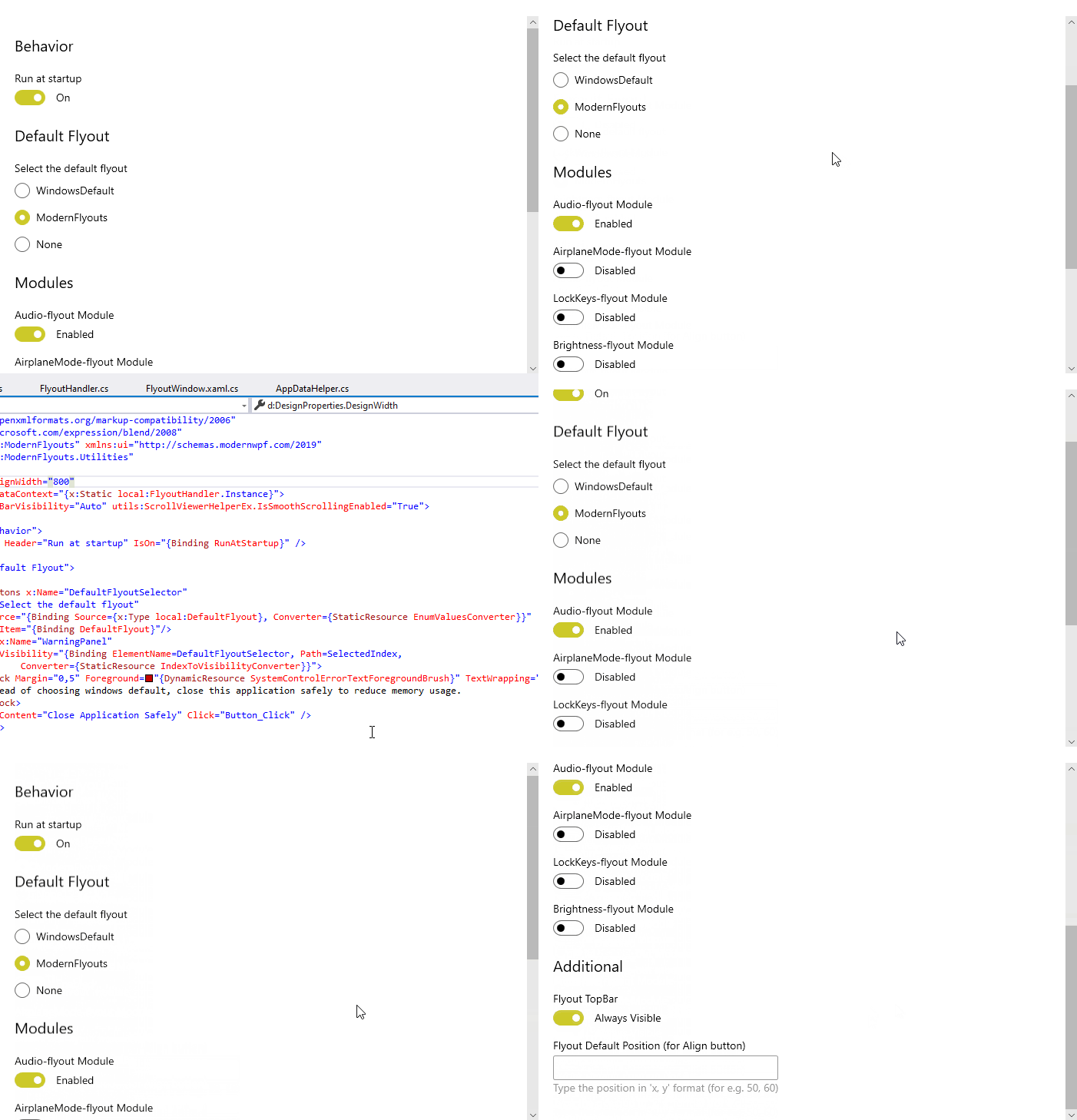
@Cyberdroid1, Done!
Note : GIF may not be smooth and won't represent the real performance. It will be stuttering and laggy. But I assure you that there is some improvement.
ShankarBUS
on 16 Sep 2020
@Cyberdroid1, Thank you so much my friend. You have opened some feature requests and gave some suggestions for improvements. Feel free to open new feature requests/proposals 😄🙏
ShankarBUS
on 16 Sep 2020
@ShankarBUS, Is it as smooth as UWP? I dont expect it to be that smooth. Hope to see this version soon.
BTW, I am your country-mate. 😄 Didnt tell you.
Cyberdroid1
on 16 Sep 2020
Is it as smooth as UWP? I dont expect it to be that smooth. Hope to see this version soon.
TBH even I didn't expect it to be that smooth 😂
BTW, I am your country-mate. 😄 Didnt tell you.
I know it. I saw it on your GitHub profile when you opened your first issue. Namaste!👋
ShankarBUS
on 16 Sep 2020
Namaste! 🙏
BTW, when will v0.5 be out?
Cyberdroid1
on 16 Sep 2020
BTW, when will v0.5 be out?
Next week probably 😉
Where are you from?
ShankarBUS
on 16 Sep 2020
Lets meet on Telegram.
Cyberdroid1
on 16 Sep 2020
Implemented in 7d11d27fa1dd8fa91fa0d8e7e05842f95e7a28bb.
And will be available in v0.5.0
ShankarBUS
on 16 Sep 2020
hey is there a wpf issue about this?
 Poopooracoocoo
on 20 Sep 2020
Poopooracoocoo
on 20 Sep 2020
hey is there a wpf issue about this?
No I guess. We can't expect new features in WPF anymore. So I had to do a stupid workaround (not original copied from HandyControls lol 😁)
ShankarBUS
on 20 Sep 2020
The scrolling is much nicer! :D
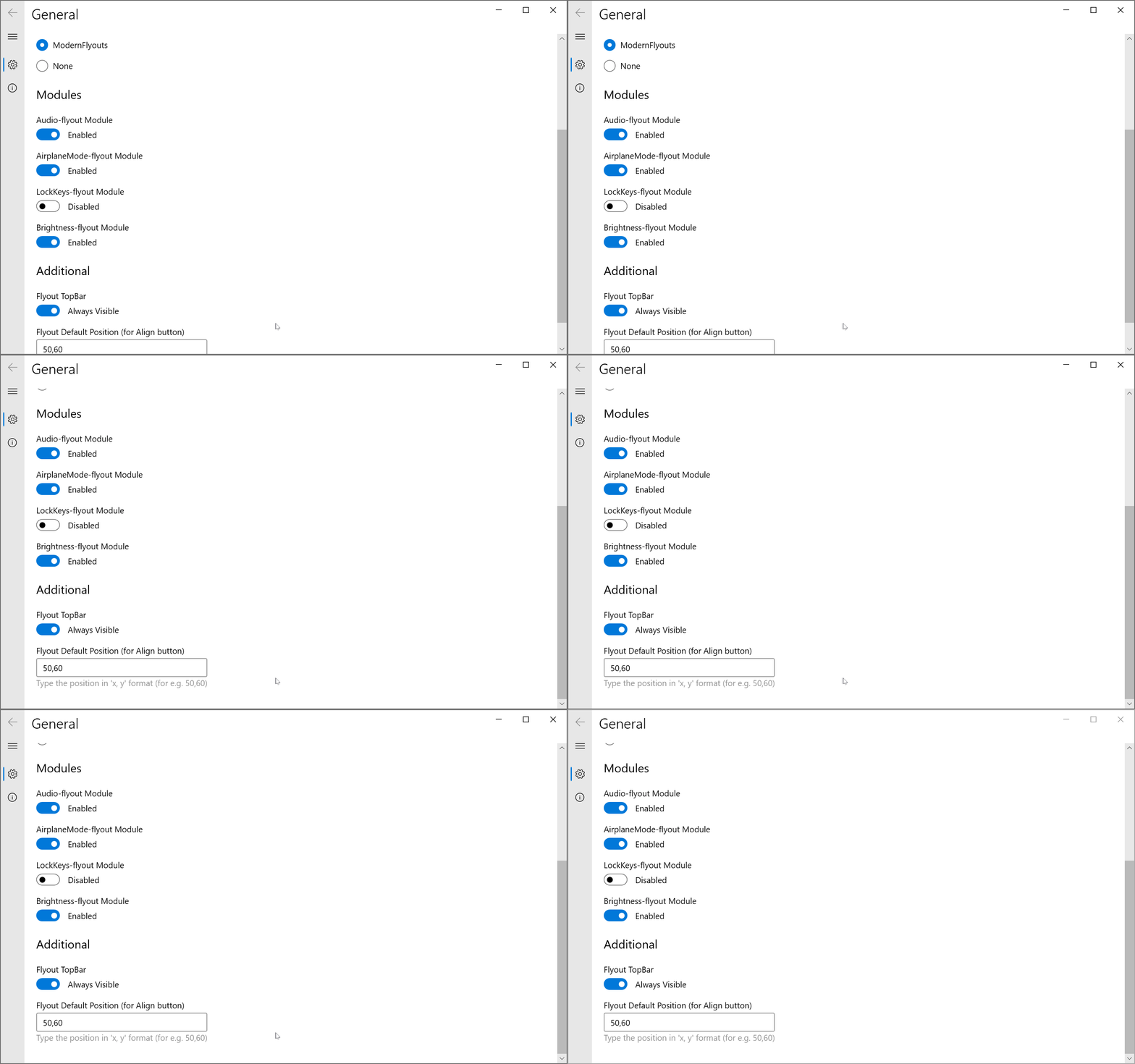
It feels slow however and trying to overscroll looks like this:
Poopooracoocoo
on 22 Sep 2020
The scrolling will be so slow when done with a trackpad/touchpad. But for a mouse wheel it will be much better than the default behaviour. There is a minor issue with this impl, you have to scroll the wheel too fast and too much to move by a relatively small distance.
There are space for improvements on this specific feature. Didn't spend time on this because it must supported by WPF or some UI library out-of-the-box not ourself.
I'm planning to request this feature either on ModernWpf or WPF.
Edit : UWP increases the scroll speed when you scroll again while it is already animating. But ours just stutter in this case. And no inertial scroll yet :(
ShankarBUS
on 22 Sep 2020
It is actually too smooth now! 😂
Yeah, there is some difficulty in scrolling with touchpad. When scrolling slowly with touchpad, it goes very slow but with speed, it is fine.
Cyberdroid1
on 22 Sep 2020
hey @ShankarBUS. could you chime in on that WPF issue :)
Poopooracoocoo
on 27 Sep 2020
What am I supposed to do? 😂
ShankarBUS
on 27 Sep 2020
hey is there a wpf issue about this?
No I guess. We can't expect new features in WPF anymore. So I had to do a stupid workaround (not original copied from HandyControls lol 😁)
Cyberdroid1
on 27 Sep 2020
Related issues
Cyberdroid1
·
3Comments
Cyberdroid1
·
4Comments
 Samuel12321
·
4Comments
Samuel12321
·
4Comments
 Tropix126
·
3Comments
Tropix126
·
3Comments
 Dr-Chronosphere
·
4Comments
Dr-Chronosphere
·
4Comments