Model-viewer: Normals in 0.7 on some parts of the mesh look flipped
Description
In 0.7 I'm noticing that parts of my mesh now look flipped.
See here: https://vaulted-jonquil.glitch.me/
This is what it should look like, with the pattern being indented on both wheels. That's how it was in 0.6

In 0.7 though one of the wheels has the pattern looking like it's popping out:

@elalish Could this be related to that three.js tangent bug?
Browser Affected
All
OS
All
Versions
- model-viewer: v0.7.0
- three.js: r108
 pushmatrix
All 9 comments
In the three.js editor, it loads with double sided face rendering. It looks like this:
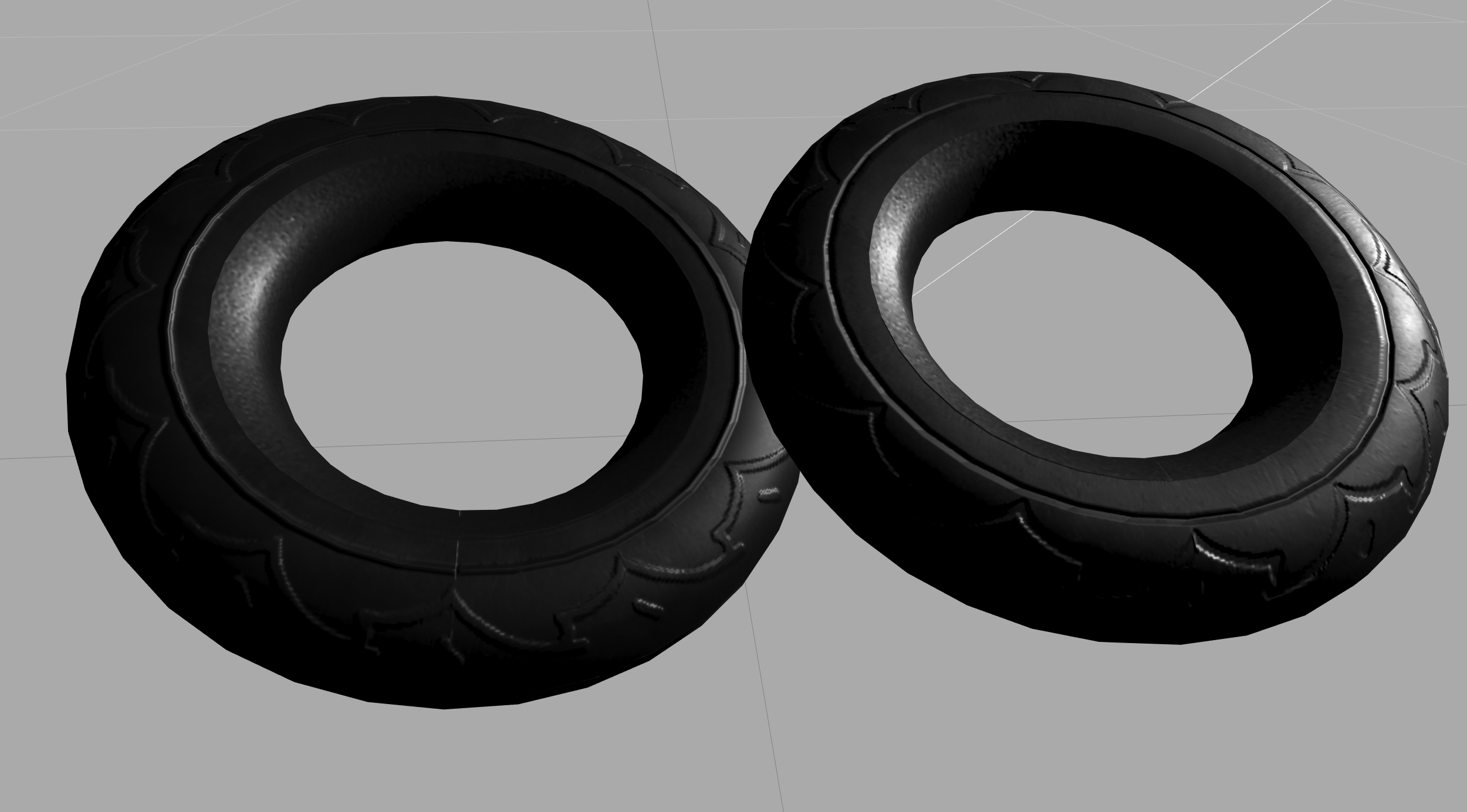
That's the same as what model-viewer is showing.
If I switch to front facing only, it looks correct:
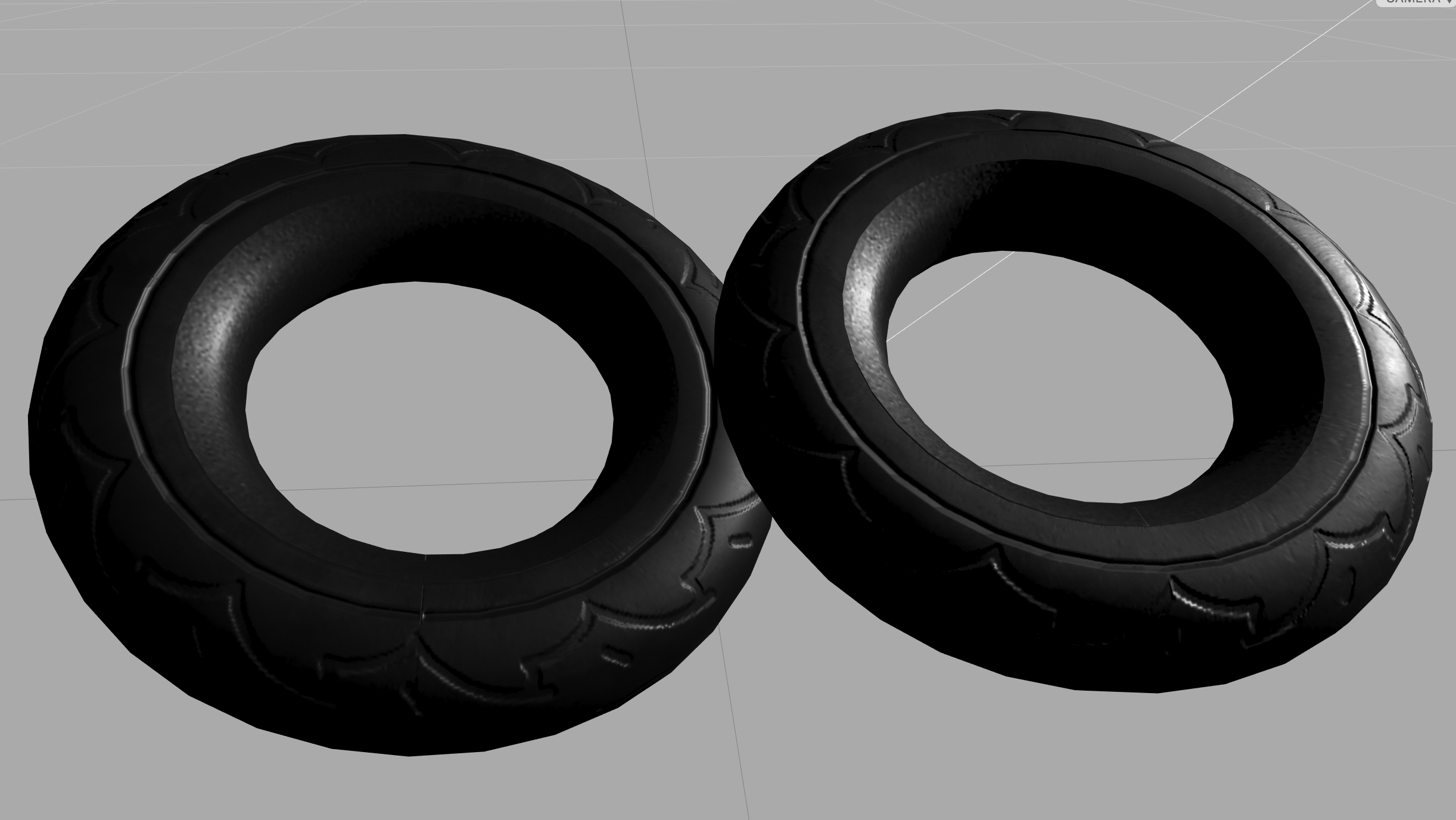
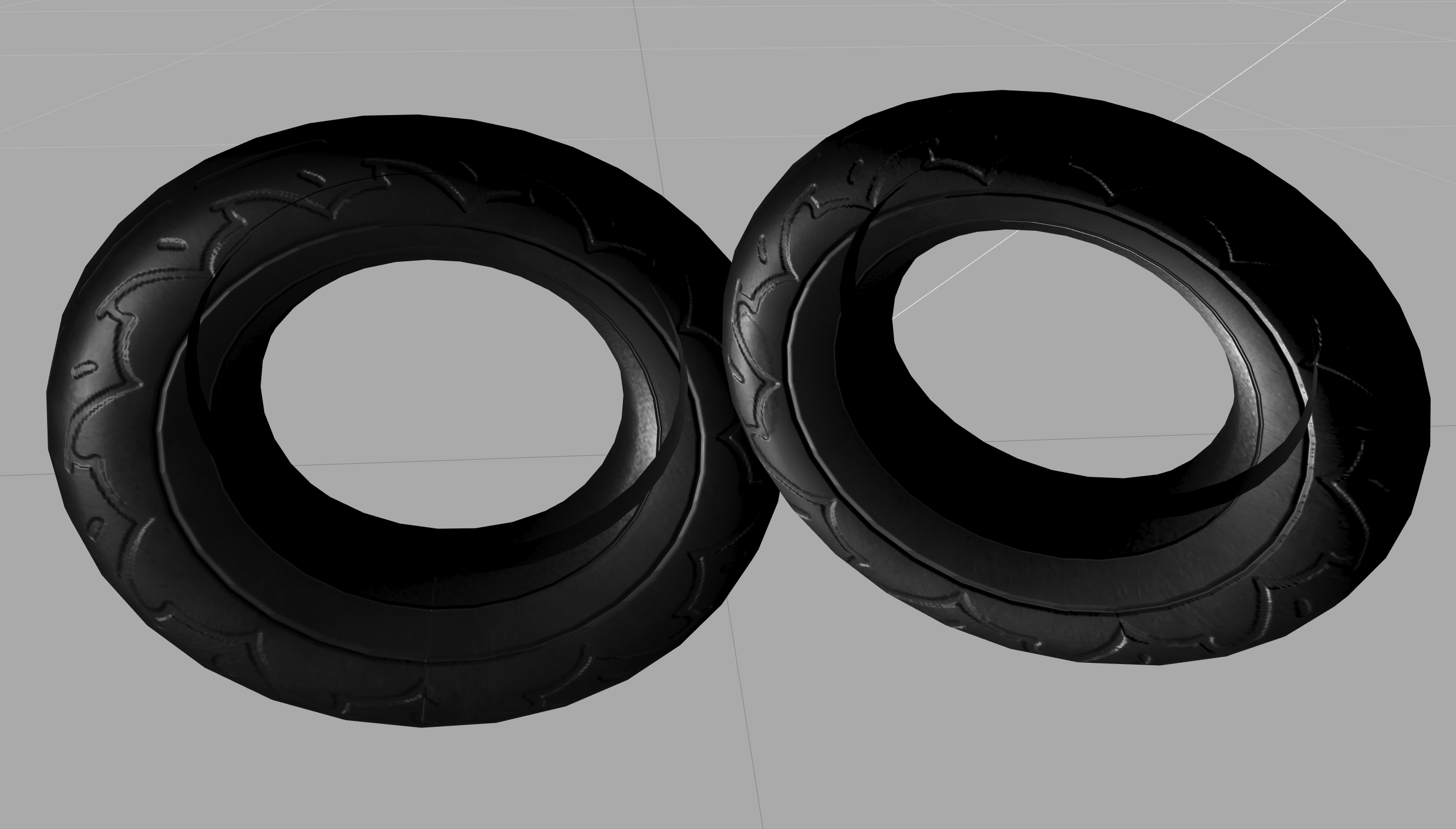
Back facing:
pushmatrix
on 23 Oct 2019
This seems to only affect double sided materials
pushmatrix
on 23 Oct 2019
This looks like a change in three, picked up because we bumped the version to r108 in 0.7. We've seen several other bugs related to double-sided materials. The advice from the three.js maintainers is to avoid them (they also cause a performance hit). Is it possible to remove "doubleSided" from the glTFs in this case?
 elalish
on 23 Oct 2019
elalish
on 23 Oct 2019
@elalish In this case for this particular model, yeah, but we can't control what merchants on our platform are uploading. And if what they see in their authoring tool doesn't match what shows up on their product page, they'll be confused and think something's wrong.
pushmatrix
on 23 Oct 2019
I'd also appreciate if you could file this bug on three.js; that's the best way to figure out what's going on and get it fixed. I believe the fundamental problem is with a double-sided material it's not super clear which direction the normal map is supposed to point on each side. It's possible there is a correct answer, but I can see why it's a bug-prone area.
elalish
on 23 Oct 2019
pushmatrix
on 23 Oct 2019
Shouldn't it just be in the direction that the normal is? The front face has it in the correct orientation, and the back has it flipped?
pushmatrix
on 23 Oct 2019
Yeah, looks like you're right: https://github.com/KhronosGroup/glTF/blob/master/specification/2.0/README.md#double-sided
elalish
on 23 Oct 2019
I fixed this, I think in v0.8 sometime.
elalish
on 11 Mar 2020
Related issues
 cdata
·
19Comments
cdata
·
22Comments
cdata
·
19Comments
cdata
·
22Comments
 OriginLive
·
27Comments
OriginLive
·
27Comments
 suro7
·
31Comments
pushmatrix
·
22Comments
suro7
·
31Comments
pushmatrix
·
22Comments