Ml-agents: Not able to train the 3Dball
When I type the command: mlagents-learn mlagents/trainers/learn.py --run-id=cub_1 --train
in anaconda prompt it will show :
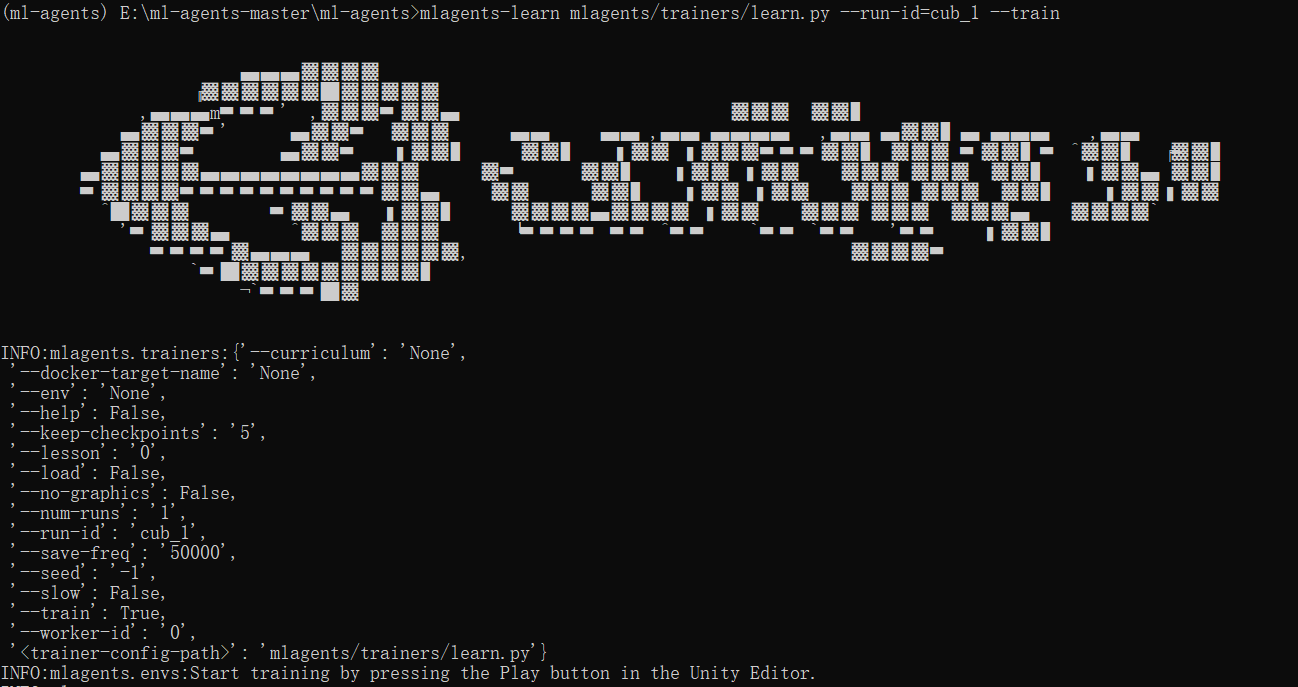
Then I click the button in the unity and in the anaconda prompt it will show
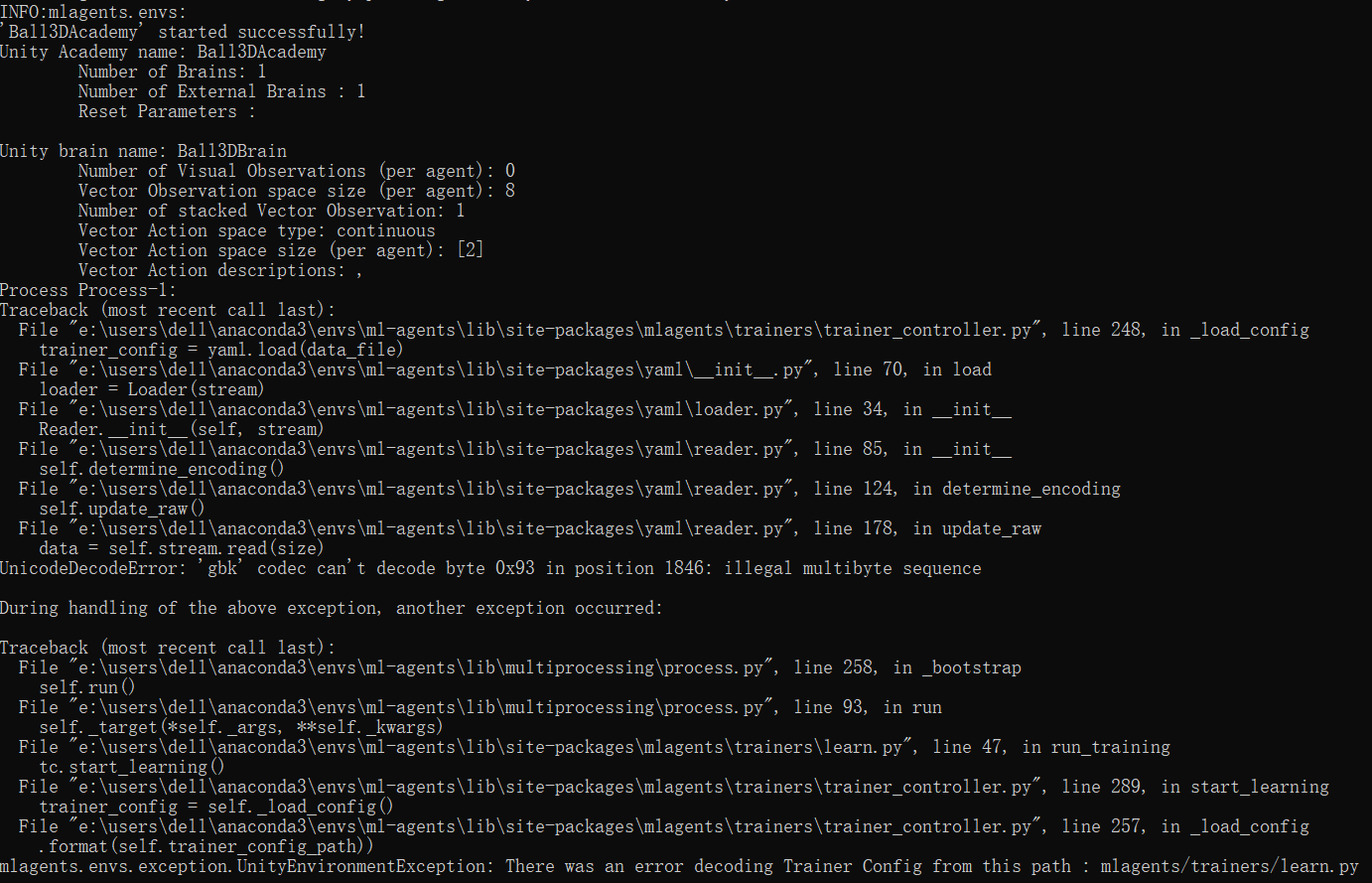
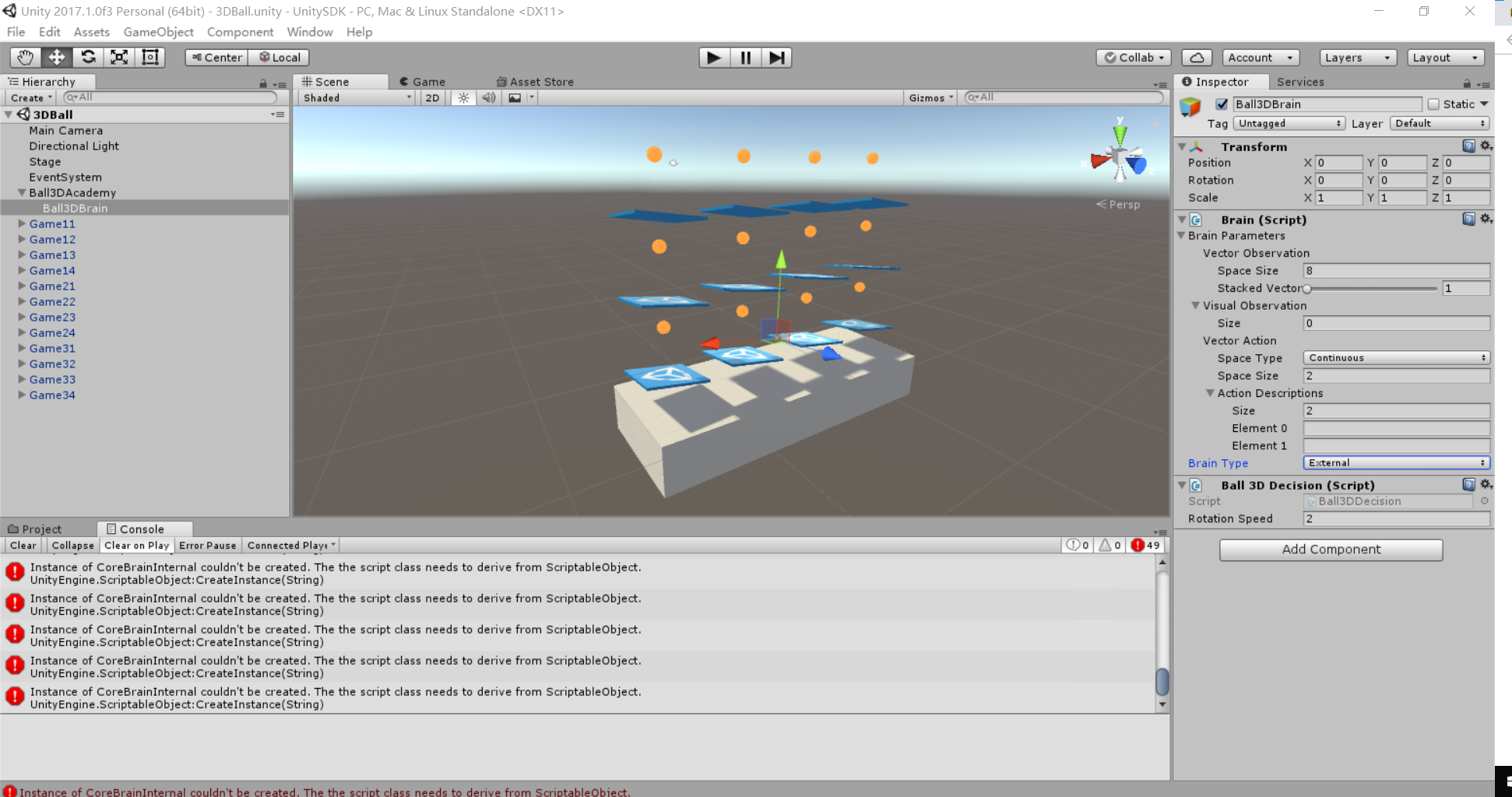
And in the Unity it will show

I follow the instruction on https://github.com/Unity-Technologies/ml-agents/blob/master/docs/Getting-Started-with-Balance-Ball.md
I do not know what it is going wrong.
 tcy1998
All 15 comments
It looks like that the Ball3DBrain is set to Internal.
Make sure to set the BrainType to external.
 MarcoMeter
on 27 Nov 2018
MarcoMeter
on 27 Nov 2018
@MarcoMeter I think I already changed it in the inspector.
tcy1998
on 27 Nov 2018
UnityAgentsException: The Communicator was unable to connect. Please make sure the External process is ready to accept communication with Unity.
This error means Unity can't connect to your mlagents-learn process. You should run mlagents-learn first, and press the Play button when you see INFO:mlagents.envs:Start training by pressing the Play button in the Unity Editor.
Which version of Python are you using?
The doc says it supports Python 3.6.
https://github.com/Unity-Technologies/ml-agents/blob/master/docs/Installation-Windows.md.
 zongjingyao
on 28 Nov 2018
zongjingyao
on 28 Nov 2018
UnityAgentsException: The Communicator was unable to connect. Please make sure the External process is ready to accept communication with Unity.
This error means Unity can't connect to your mlagents-learn process. You should run mlagents-learn first, and press the Play button when you see
INFO:mlagents.envs:Start training by pressing the Play button in the Unity Editor.Which version of Python are you using?
The doc says it supports Python 3.6.
https://github.com/Unity-Technologies/ml-agents/blob/master/docs/Installation-Windows.md.
I am using Python3.6.7 in the anaconda. @zongjingyao
tcy1998
on 28 Nov 2018
Hello, I'm facing the same problem.
I'm using Python 3.6 installed with Anaconda.
TensorFlow package installed in Python.
TFSharp plugin installed.
Trying to teach the default 3DBall env.
Error when trying to teach via Play button in Unity:
UnityAgentsException: The Communicator was unable to connect. Please make sure the External process is ready to accept communication with Unity.
MLAgents.Batcher.SendAcademyParameters (MLAgents.CommunicatorObjects.UnityRLInitializationOutput academyParameters) (at Assets/ML-Agents/Scripts/Batcher.cs:83)
MLAgents.Academy.InitializeEnvironment () (at Assets/ML-Agents/Scripts/Academy.cs:320)
MLAgents.Academy.Awake () (at Assets/ML-Agents/Scripts/Academy.cs:227)
Error when trying launching the build with Anaconda Prompt:
Inside build: 
Inside build: 
Anaconda Prompt: 
Anaconda Prompt: 
Thanks in advance.
 LokoGD
on 2 Dec 2018
LokoGD
on 2 Dec 2018
@tcy1998 It looks like in your case the command you're running is incorrect. Rather than a training configuration file like the one included with the repository. Try running with an appropriate configuration file and see if that fixes your issue.
 harperj
on 18 Dec 2018
harperj
on 18 Dec 2018
@LokoGD Are you trying to train within the editor or from a build?
harperj
on 18 Dec 2018
you are trying to run the training from the build but I think that you are expecting to train from the editor.
Your 1st mistake is taht you haven't provided direct path to trainer_config.yaml file but to the folder where this file is located only
and 2nd mistake is that you are trying to launch training on a build which I don't know you have made or moved to a proper directory.
Try this command:
mlagents-learn ml-agents-master\config\trainer_config.yaml --run-id=your_run_name --train
If everything is OK you should shortly after see a prompt telling you to hit play button in the Unity. If you hit play you should see game/gym running as well training process initiated and visible in conda.
Let me know if it helped.
 oddEventHorizon
on 20 Dec 2018
oddEventHorizon
on 20 Dec 2018
you are trying to run the training from the build but I think that you are expecting to train from the editor.
Your 1st mistake is taht you haven't provided direct path to trainer_config.yaml file but to the folder where this file is located only
and 2nd mistake is that you are trying to launch training on a build which I don't know you have made or moved to a proper directory.Try this command:
mlagents-learn ml-agents-master\config\trainer_config.yaml --run-id=your_run_name --trainIf everything is OK you should shortly after see a prompt telling you to hit play button in the Unity. If you hit play you should see game/gym running as well training process initiated and visible in conda.
Let me know if it helped.
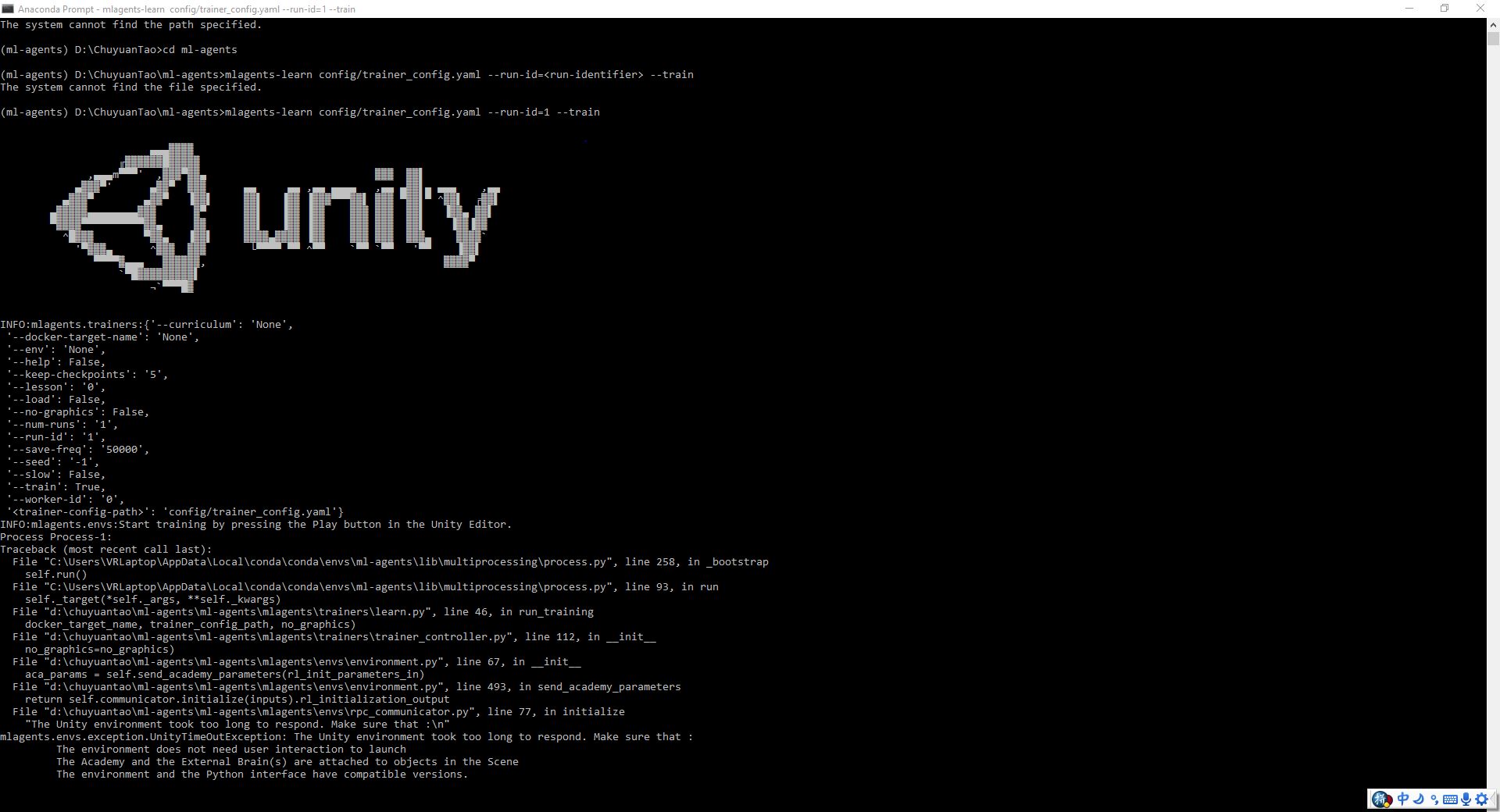
@oddEventHorizon It did help, but now I face the similar problem as the @LokoGD had. And I also do not know which button it ask me to click. Is the play button in the Unity? I have tried it, but it does not seems working.
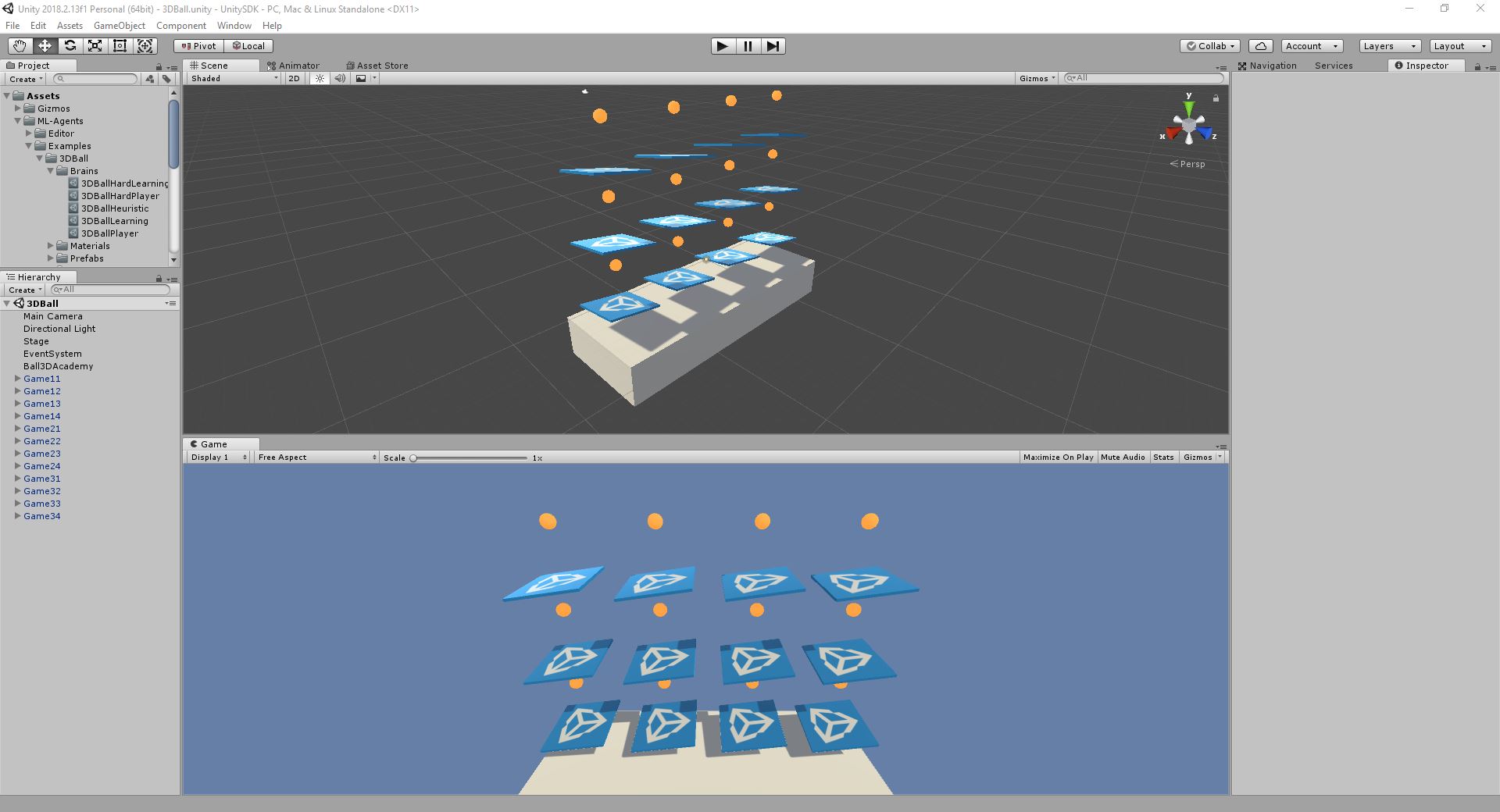 tcy1998
on 26 Dec 2018
tcy1998
on 26 Dec 2018

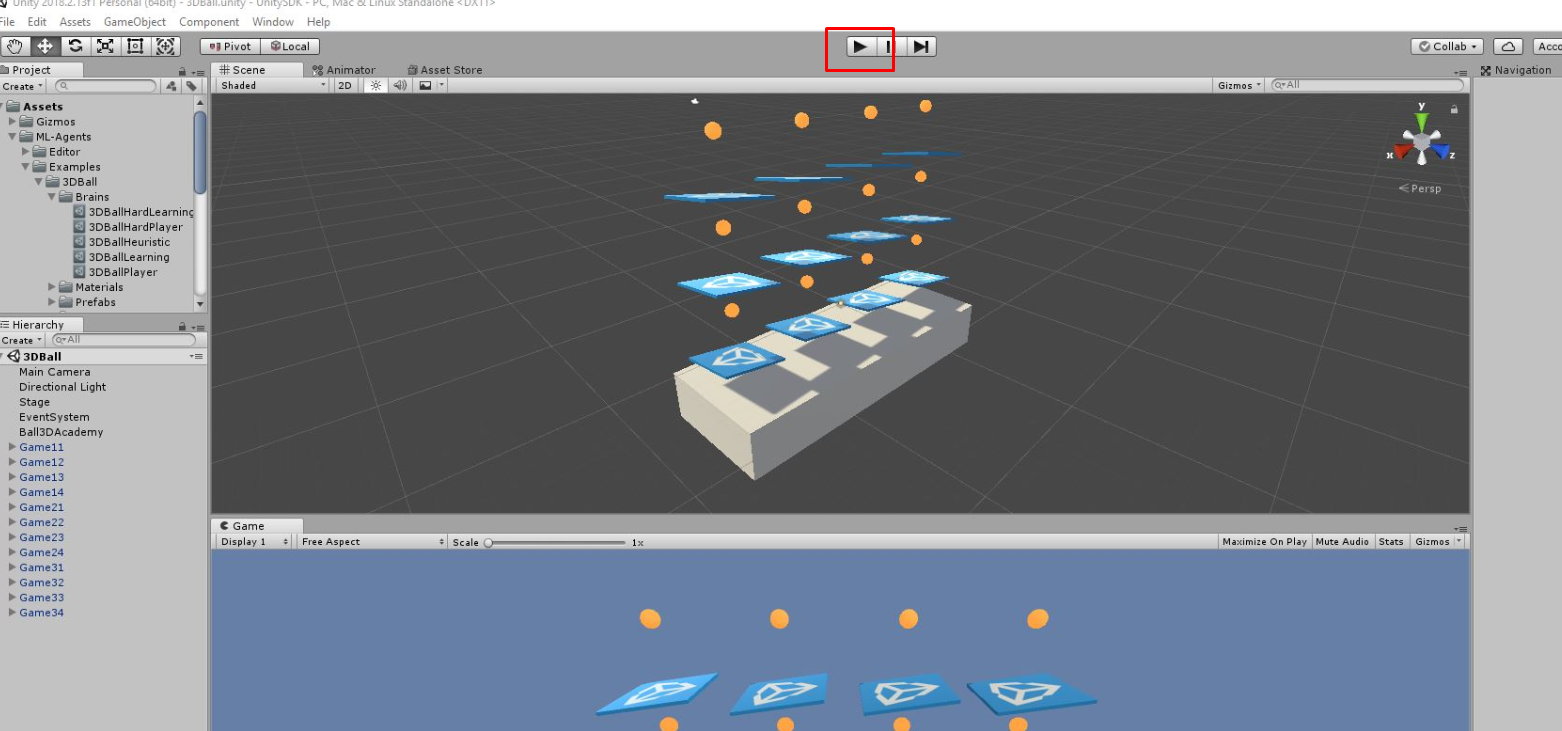
dude :)
oddEventHorizon
on 27 Dec 2018
I have tried the button, but it still say that the environment wait too long to respond. Anyway, I used the old version of the ml-agents. And I could train the 3dball model now.@oddEventHorizon Thanks so much.
tcy1998
on 27 Dec 2018
I think I figure it out now. I think the brain type in the ball3dacademy should be 3dballlearning instead of 3dballplayer.
tcy1998
on 28 Dec 2018
Glad you've managed to resolve the problems you were running into tcy1998. I'm going to close this issue since it's completed but please feel free to reopen or start a new issue if you have any more trouble.
harperj
on 1 Feb 2019
Make sure "control" is unchecked in ball3dacademy
 dmkaner
on 11 Mar 2019
dmkaner
on 11 Mar 2019
This thread has been automatically locked since there has not been any recent activity after it was closed. Please open a new issue for related bugs.
![lock[bot] picture](https://avatars1.githubusercontent.com/in/6672?v=4&s=40) lock[bot]
on 10 Mar 2020
lock[bot]
on 10 Mar 2020
Related issues
 DVonk
·
3Comments
DVonk
·
3Comments
 MrGitGo
·
4Comments
MrGitGo
·
4Comments
 MarkTension
·
3Comments
MarkTension
·
3Comments
 Rodnyy
·
3Comments
Rodnyy
·
3Comments
 Procuste34
·
3Comments
Procuste34
·
3Comments
Most helpful comment
Make sure "control" is unchecked in ball3dacademy