Mjml: How to shrink background banner with MJML
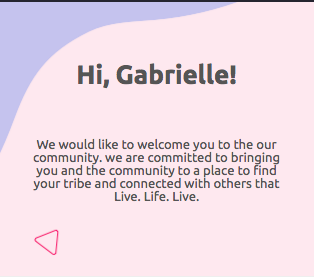
Hello guys, I've been trying to use this picture in both desktop and mobile.
I ve tried mj-hero and mj-section with background-url and its been cropped in mobile.
I need those blue circles, pink triangules to fit into the smaller screen.
### Using mj-hero:
<mj-hero
 mode="fluid-height"
 background-width="750px"
 background-height="273px"
 background-url="https://res.cloudinary.com/festivalpass/image/upload/v1566209247/Email/Backgrounds/bg-1_vm64qf.png"
 padding="50px 0"
 width="100%">
  <mj-text align="center" >
    <h1 class="title-big mar-vert-0">Hi, Gabrielle!</h1>
  </mj-text>
  <mj-text align="center">
    <p class="text mar-vert-0">We would like to welcome you to the our community. we are committed to bringing you and the community to a place to find your tribe and connected with others that Live. Life. Live.</p>
  </mj-text>
</mj-hero>
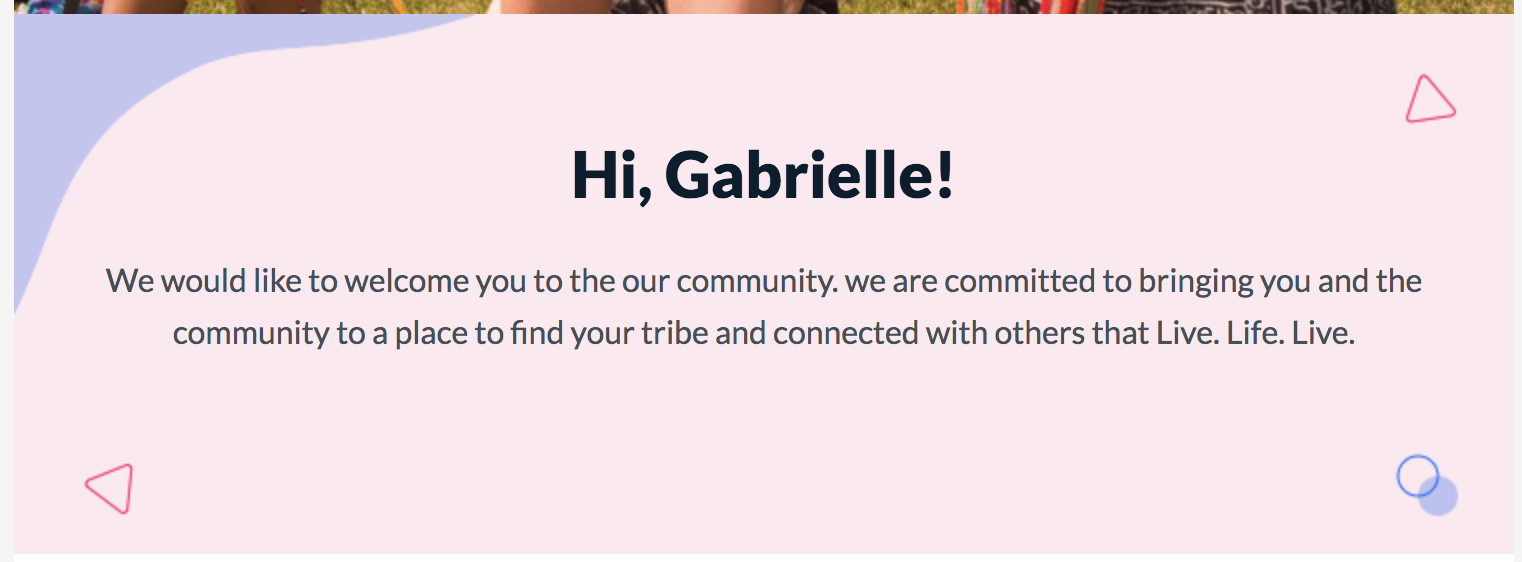
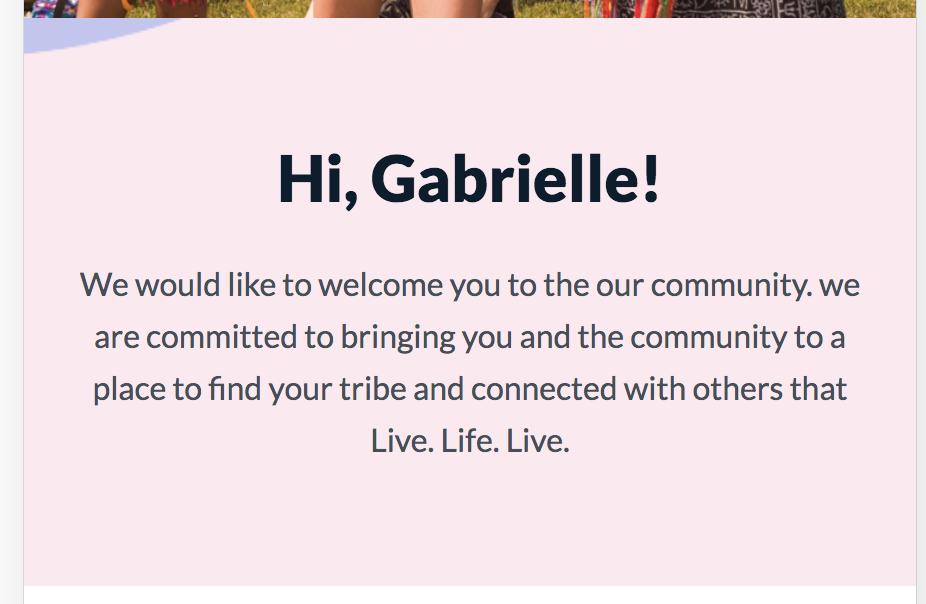
### Using mj-section: I have the same result. Any idea how can I fix that? I have tons of emails to write using similar backgrounds. Thank you
 rodrigoruas
All 4 comments
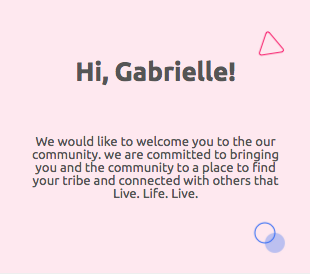
By default MJML set background-position to center center. So I believe that you'll need to create an mjml-hero tag with another smaller image in background for specific media query using @media inside of mj-style to show all of the decorative elements in background. Maybe you can move the background to the corners like right center or left center, some of decorations will display in the smaller size screens like images below:
 dougfabris
on 29 Aug 2019
dougfabris
on 29 Aug 2019
@dougfabris Thanks for the reply. I have both pictures (mobile and desktop) ready.
How can use @media to change background-img url in mj-hero or mj-section ? Can you write an example? Thanks
rodrigoruas
on 29 Aug 2019
@dougfabris here is an example : https://mjml.io/try-it-live/HJaFA4SBB
Usually you should go mobile first because there is better support of media queries on desktop clients, but for this one you have to set the desktop behavior in the mj-section attribute, and override for mobile, because on outlook desktop background-images are handled with vml and you can't target it with css
So beware that some mobile clients will ignore your media query
 kmcb777
on 29 Aug 2019
kmcb777
on 29 Aug 2019
@rodrigoruas Well, as @kmcb777 said, you can use his code to change your background-image in specific media query, and it seems like the best solution. But in your case, if you want to use only one image, maybe you can try this:
<mjml>
  <mj-head>
    <mj-style>

    </mj-style>
  </mj-head>
  <mj-body width="750px">
    <mj-section background-color="#fee8ef" background-size="100%" background-repeat="no-repeat" padding="60px 0px" css-class="image" background-url="https://res.cloudinary.com/festivalpass/image/upload/v1566209247/Email/Backgrounds/bg-1_vm64qf.png">
      <mj-column>

        <mj-text align="center" >
    <h1 class="title-big mar-vert-0">Hi, Gabrielle!</h1>
  </mj-text>
  <mj-text align="center">
    <p class="text mar-vert-0">We would like to welcome you to the our community. we are committed to bringing you and the community to a place to find your tribe and connected with others that Live. Life. Live.</p>
  </mj-text>

      </mj-column>
    </mj-section>
  </mj-body>
</mjml>
I used width: 750px in body, because of your background-image size, if you want other size in email, you'll need to change your image, I tested in outlook desktop app and mobile app and it works. It's just a test and this only will work for your case because of background-color in section.
dougfabris
on 29 Aug 2019
Related issues
 MissFerrety
·
18Comments
MissFerrety
·
18Comments
 liminspace
·
29Comments
liminspace
·
29Comments
 philippebarbosa
·
58Comments
philippebarbosa
·
58Comments
 mdrick
·
23Comments
mdrick
·
23Comments
 lookfirst
·
20Comments
lookfirst
·
20Comments
Most helpful comment
@rodrigoruas Well, as @kmcb777 said, you can use his code to change your
background-imagein specific media query, and it seems like the best solution. But in your case, if you want to use only one image, maybe you can try this:I used
width: 750pxin body, because of yourbackground-imagesize, if you want other size in email, you'll need to change your image, I tested in outlook desktop app and mobile app and it works. It's just a test and this only will work for your case because ofbackground-colorin section.