Mist: Enhancement: select data directory on an external HDD to save space on an SSD C drive
There was no option when I downloaded the zip file, extracted it and ran Mist to select where the data directory folder would be. Bitcoin Core had this option. It is very useful for me because I have a 128 GB SSD so need to limit what I store on that, instead putting stuff on an external HDD instead. I will create separate issue for this.
System information
Version: `0.8.10`
OS & Version: windows 10 Home
Node type: geth
Please check the already existing issues to keep duplicates at a minimum.
Furthermore several work-arounds have been collected in the Mist-Troubleshooting-Guide.
If possible add the following to your report:
- Screenshots
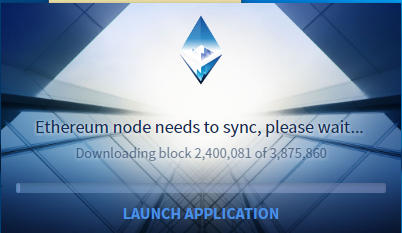
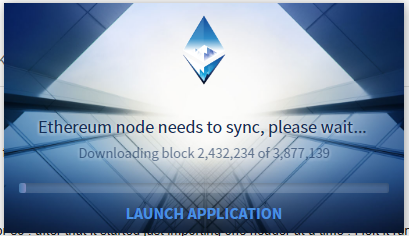
Check the console, of Mist (
CTRL/CMD + ALT + i) and take a screenshot
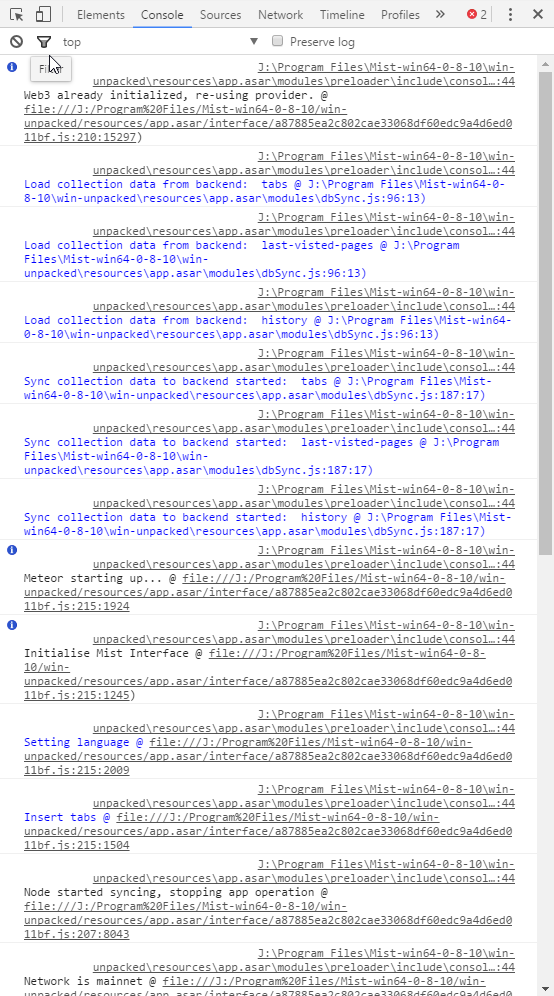

Log files
- go to
menu -> accounts -> backup -> application data - zip and upload
node.logand all othernode.log.Xfiles
node.log.zip
- go to
 jamesray1
All 5 comments
I don't know if there is a way to do it from the wallet UI (Mist/Ethereum-Wallet). But you could start geth in the command line pointing to a different chaindata directory and then when you start Mist/Ethereum-Wallet, it will connect to that. geth options
 sathishvj
on 16 Jun 2017
sathishvj
on 16 Jun 2017
OK, I s'pose to do that I'd need to uninstall Mist and download and extract it again, then do those steps that you suggest. But I would need to uninstall and reinstall Mist anyway to select the data directory.
jamesray1
on 16 Jun 2017
You won't need to uninstall and reinstall Mist for that. When Mist/Ethereum-Wallet starts, it will check whether there is a running node. If it is, it will connect to that. If not, it will start the geth service. Therefore, if you ran geth first, it will connect to that instance. geth is run from the command line and it should already be there somewhere in your installation depending on your platform.
p.s. back up your keystore file first.
sathishvj
on 16 Jun 2017
Also you can use the windows installer that offer this option and works fine
 charly37
on 16 Jun 2017
charly37
on 16 Jun 2017
Too late, I already deleted Mist. Using the installer was much easier, I should've tried using that in the first place!
jamesray1
on 17 Jun 2017
Related issues
 chanukya246
·
5Comments
chanukya246
·
5Comments
 Scrooge69
·
3Comments
Scrooge69
·
3Comments
 tomtom87
·
4Comments
tomtom87
·
4Comments
 PacketSmuggler
·
3Comments
PacketSmuggler
·
3Comments
 ibart7
·
6Comments
ibart7
·
6Comments
Most helpful comment
Too late, I already deleted Mist. Using the installer was much easier, I should've tried using that in the first place!