Minimal-mistakes: Disqus comments not displaying
- [x] This is a question about using the theme.
- [ ] This is a feature request or enhancement.
- [ ] I believe this to be a bug with the theme.
- [ ] I am using the latest version of the theme.
- [ ] I have updated all gems with
bundle update. - [x] I have tested locally with
bundle exec jekyll build.
Environment informations
- Minimal Mistakes version:
- Jekyll version:3.7.2
- GitHub Pages hosted: no
- Operating system: Linux
Expected behavior
Disqus comments to appear on my blog posts.
Steps to reproduce the behavior
- Go to https://cloudbuilder.io/career/Life-Starts-at-Systems-Engineer/
- See the comments are not loaded even though the
view source-codeshows the disqus
All 8 comments
Have you set JEKYLL_ENV=production?
Comments are disabled by default in
development. To enable when testing/building locally be sure to setJEKYLL_ENV=productionto force the environment to production.
ref: https://mmistakes.github.io/minimal-mistakes/docs/configuration/#comments
 mmistakes
on 5 Mar 2018
mmistakes
on 5 Mar 2018
crap sorry that was it. I did a :
$ JEKYLL_ENV=production jekyll build
and then pushed the static to my s3 bucket and it loaded.
I've run into another issue but I'll open a separate ticket for that. thank you!
 ronamosa
on 5 Mar 2018
ronamosa
on 5 Mar 2018
If appropriate I can open a new item, but I had the same exact issue.
I've done every step mentioned above, excepting including comments:true in each post. Instead I included in single layout, which didn't fix this.
In addition, my Netlify build script is
[build]
  command = "JEKYLL_ENV=production jekyll build && jekyll algolia"
  publish = "_site"
Didn't want to open a new issue if this exact same issue is what I'm experiencing. I tested local with production variable in docker, and also have tried with the command and environmental variable from Netlify, but no result.
 sheldonhull
on 19 Mar 2018
sheldonhull
on 19 Mar 2018
@sheldonhull Not sure what else to tell you as I don't use Docker or Netlify. The issue does seem to be related to them and setting environment variables.
This is the line in the theme that sets that condition.
{% if jekyll.environment == 'production' and site.comments.provider and page.comments %}
  {% include comments.html %}
{% endif %}
It only shows comments when Jekyll's environment is set to production, comments.provider is set in _config.yml, and the post has comments: true in its YAML Front Matter. If any one of these are false it won't output the comments.html include.
If you're having trouble properly setting production then my suggestion would be to remove the condition in the theme.
mmistakes
on 19 Mar 2018
I wanted to avoid removing that logic. I ended up finding a solution by forcing the argument in the build file. Docker didn't work, command line didn't work, and environmental variable in netlify didn't work. This did for any of those that come across this in the future
# netlify.toml
# This file should be at the root of your project
[build]
  command = "jekyll build && jekyll algolia"
  publish = "_site"
  environment = { JEKYLL_ENV="production" }
Hey,
I have also added everything as described in the documentation but the comment just does not appear:
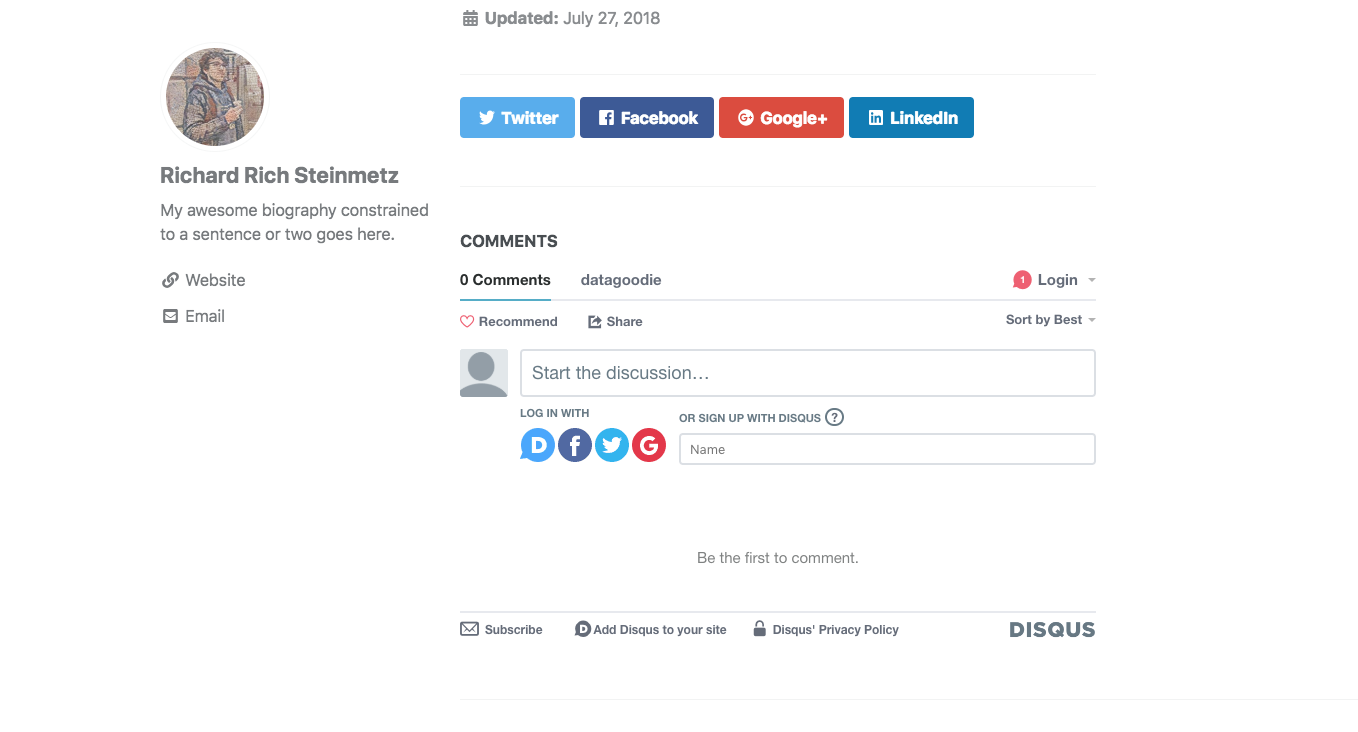
https://richstone.github.io/blog/test
Setting JEKYLL_ENV=production bundle exec jekyll build/serve in my mac terminal does not help as well.
shortname is indeed datagooide (with typo in it)
 RichStone
on 29 Jul 2018
RichStone
on 29 Jul 2018
@RichStone Check your config file. You have two default keys in _config.yml... the first set of defaults that assigns comments: true to all your posts is being replaced with the second set you're using for pages.
defaults:
  # _posts
  - scope:
      path: ""
      type: posts
    values:
      layout: single
      author_profile: true
      read_time: true
      comments: true
      share: true
      related: true

defaults:
  # _pages
  - scope:
      path: ""
      type: pages
    values:
      layout: single
      author_profile: true
It should be this instead (note there's only one default key with all post/page scopes indented under it:
defaults:
  - scope:
      path: ""
      type: posts
    values:
      layout: single
      author_profile: true
      read_time: true
      comments: true
      share: true
      related: true
  - scope:
      path: ""
      type: pages
    values:
      layout: single
      author_profile: true
mmistakes
on 30 Jul 2018
Thank you so much for your quick reply. I somehow deduced from the docs, that this would be a valid way to define different scopes.
RichStone
on 30 Jul 2018
Related issues
 floatingpurr
·
3Comments
floatingpurr
·
3Comments
 satwikkansal
·
4Comments
satwikkansal
·
4Comments
 muhasturk
·
3Comments
muhasturk
·
3Comments
 lgyjg
·
5Comments
lgyjg
·
5Comments
 QuantLab
·
5Comments
QuantLab
·
5Comments