- Min Version: 1.17.1
- Chromium Version: v87.04280.47
- Operating system: Windows 7
Expected Behavior
Having an address bar and common dialog controls like maximize, minimize and close consistently.
Actual Behavior
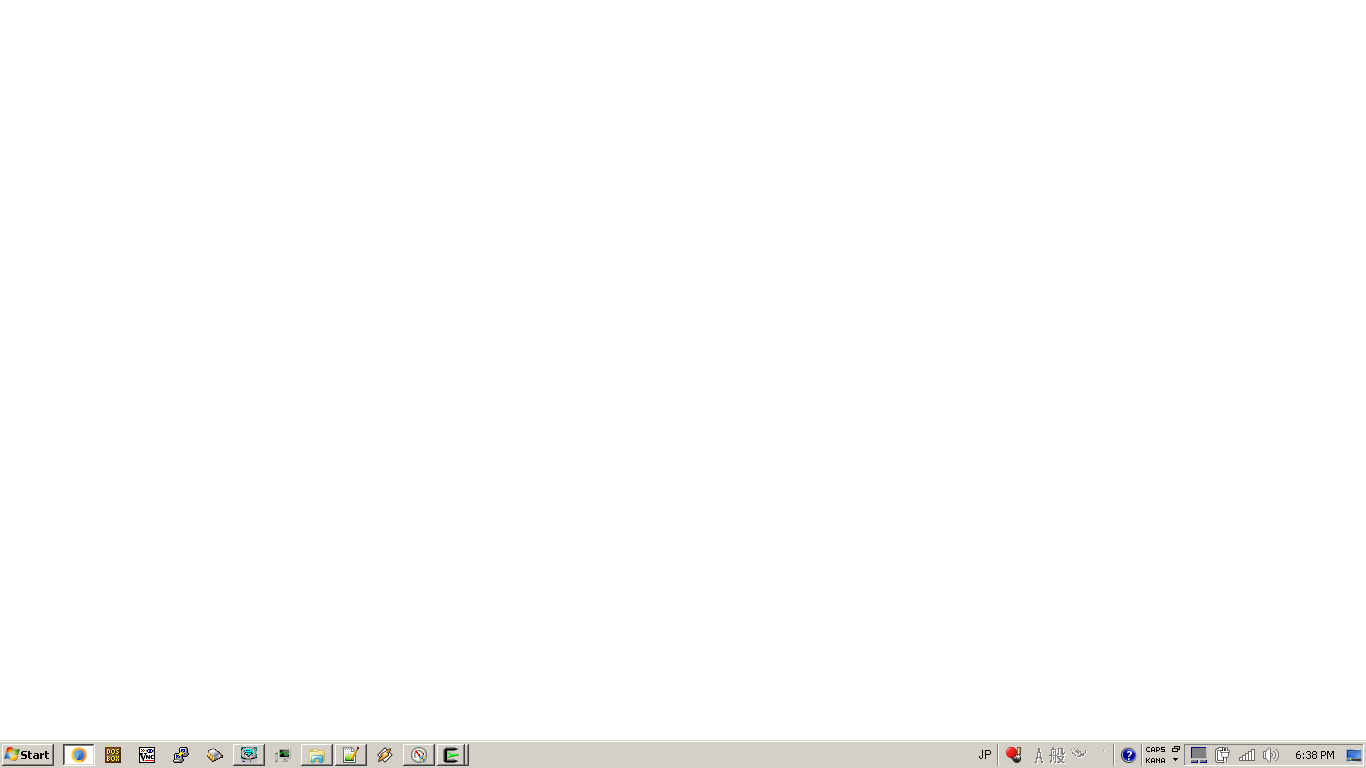
White screen.
To Reproduce
No known cause: appears to happen about 50% of the time upon opening the browser after closing it.
 kohlrak
All 6 comments
Now it disappeared. Is there a proper way to get info from the browser when this happens (CLI is the only thing i can think of, since there's no user interface at all) so i can provide some sort of debug log, or does MIN only output via the (unfortunately occasionally unavailable) GUI?
And it's back! If i say it's gone, it comes back, but if i say it's here, it goes away.
kohlrak
on 24 Nov 2020
- What processor and GPU do you have? Are you using integrated or discrete graphics?
- If you open the command prompt, drag the Min shortcut into it, add
--disable-gputo the end, and run it, does it work?
 PalmerAL
on 24 Nov 2020
PalmerAL
on 24 Nov 2020
https://kohlrak.sytes.net/~kohlrak/gaming_computer.html
I'm still having trouble reproducing the issue. I'm going to mark the issue as closed and add that line to the shortcut itself and re-open if it presents itself again.
Still, would seem odd that it does it seemingly randomly, which is why i'm trying to find some alternative debug output or something so i can better figure out how precisely to reproduce it.
kohlrak
on 24 Nov 2020
If you open the command prompt, drag the Min shortcut into it, add --disable-gpu to the end, and run it, does it work?
Btw, Min 1.17.1 doesn't normally work on Windows 8.1 (just like the author, when I open it, it just shows a blank window, but it's every time), which I initially though was because I was using a technically end of support os, but with --disable-gpu it worked beautifully. I'm running Windows 8.1 on a virtual machine, so that could also be the cause of the issue (although 1.16.1 worked like a charm)
 Syndamia
on 25 Nov 2020
Syndamia
on 25 Nov 2020
I think it’s the VM rather than the OS; I can reproduce it on a Windows 10 vm as well.
There’s someone on Twitter with the same issue: https://mobile.twitter.com/lovetek/status/1329330714588770304. They have no GPU at all, which could apply to a VM as well, although I think I have virtualbox hardware acceleration enabled in mine.
I think the next step here is to start testing different versions of electron and see what change caused this.
PalmerAL
on 26 Nov 2020
In my case, i'm running Windows 7 on a potato, rather than a VM. My GPU is integrated into the CPU wafer, but is entirely separate from the CPUs themselves (presumably, 2CPU and 1GPU for 3 whole processing units), IIRC. Probably doesn't allow for acceleration due to driver age or something, since it is a fairly old rig.
EDIT: Electron should probably address this automatically (or throw it on windows somehow, as this is the whole point of a Hardware Abstraction Layer), rather than throwing this on you. Safe mode/VESA/VBE+/integrated systems are very common, and the whole point of using a library is to abstract this so the coder doesn't have to. If they wanted to allow coders to see who did and did not have hardware accelerated graphics (to warn users) a simple bool getGPUAcceleration() would've sufficed.
kohlrak
on 26 Nov 2020
Related issues
 dj-sash
·
7Comments
dj-sash
·
7Comments
 BillDietrich
·
5Comments
BillDietrich
·
5Comments
 PEPERSO
·
4Comments
PEPERSO
·
4Comments
 whitelynx
·
5Comments
whitelynx
·
5Comments
 soctemp
·
8Comments
soctemp
·
8Comments
Most helpful comment
I think it’s the VM rather than the OS; I can reproduce it on a Windows 10 vm as well.
There’s someone on Twitter with the same issue: https://mobile.twitter.com/lovetek/status/1329330714588770304. They have no GPU at all, which could apply to a VM as well, although I think I have virtualbox hardware acceleration enabled in mine.
I think the next step here is to start testing different versions of electron and see what change caused this.