Microsoft-authentication-library-for-js: AcquireTokenSilent throwing 'X-Frame-Options' to 'DENY' with Passwordless(magic link) Custom Policy
Please follow the issue template below. Failure to do so will result in a delay in answering your question.
Library
- [email protected]
- syncweek-react-aad
- ReactJS
Description
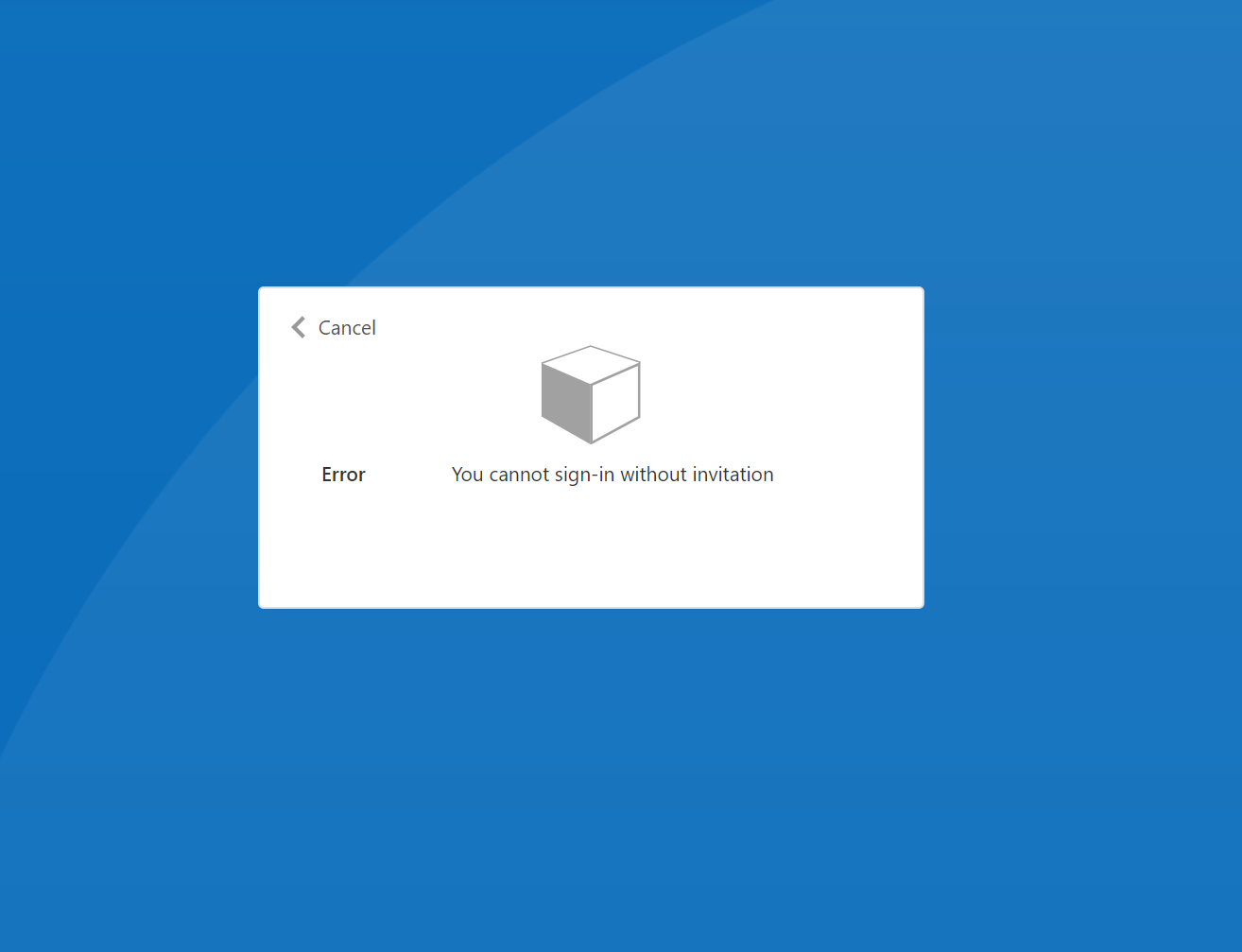
How do I prevent acquireTokenSilent throwing 'X-Frame-Options' to 'DENY' when using the custom policy Magic Link. Initially the magic link successfully passes through authentication and an access token is granted, however, shortly after the acquireTokenSilent method is called resulting in a console log error of X-Frame-Options' to 'DENY'. I checked the error URI which display the error page "An Invitation is required" This is the correct functionality if someone tries accessing the website without the magic link, however, when refreshing (acquireTokenSilent) it throws us into this trap page which isn't the expected behaviour and I assumed it would silently refresh successfully after the first successful validation stage.
This code snippet shows how the initial magic link is passed through and succeeded, what do I need to configure to handle the refresh appropriately?
        const authority = `https://${issuerName}.b2clogin.com/${issuerName}.onmicrosoft.com/B2C_1A_signin_with_magic_link`;

        const scopes = [
          `${process.env.REACT_APP_AUTH_API_SCOPES_URI}/whatever`,
        ];

        const extraQueryParameters = {
          id_token_hint: idTokenHint as string,
        };

        const authParams: AuthenticationParameters = {
          authority,
          scopes,
          extraQueryParameters,
        };

        authProvider.loginRedirect(authParams);
Error page:
URI called by acquireTokenSilent
https://{issuerName}.b2clogin.com/{issuerName}.onmicrosoft.com/b2c_1a_signin_with_magic_link/oauth2/v2.0/authorize
?response_type=token
&scope={someScopes}
&client_id={someClientId}
&redirect_uri=https://www.{somesite}/auth.html
&state={someState}
&nonce={somenonce}
&client_info=1
&x-client-SKU=MSAL.JS
&x-client-Ver=1.3.3
&client-request-id={someRequesID}
&prompt=none
&response_mode=fragment
 stephenstroud
All 4 comments
This was identified as an issue with the B2C service. Please file a support ticket with the B2C team by following the instructions here: https://docs.microsoft.com/en-us/azure/active-directory-b2c/support-options
They can help you out further, they may ask for a public repro link or additional data. You can also link this Github issue in the support request.
 hectormmg
on 5 Aug 2020
hectormmg
on 5 Aug 2020
@technical-boy Is there a link to this known issue? I feel this could be a configuration error... I attempted to update the MSAL provider instance with the default sign-in policy after the magic link policy instance had been actioned but ran into similar issues with trapped interactive pages. I've looked at the documentation here Where it suggests to call an acquireTokenRedirect, however, seem like I'd need to write some hideous try catch to initialise this behaviour and completely removes the idea of magic links...
stephenstroud
on 5 Aug 2020
This is all expected. What you probably need to do is setup an SM-AAD session inside the invite link policy. Then when calling acquireTokenSilent(), call the normal Sign in/Up policy (by changing the MSAL authority) which has SM-AAD session management already configured, so the user will get SSO through it and you wont get the x frame options denied.
 JasSuri
on 11 Aug 2020
JasSuri
on 11 Aug 2020
@JasSuri Thank you so much for posting as your comment has resolved my issue.
stephenstroud
on 12 Aug 2020
Related issues
 baltuonis
·
4Comments
baltuonis
·
4Comments
 Calamari
·
3Comments
Calamari
·
3Comments
 jfbloom22
·
3Comments
jfbloom22
·
3Comments
 spottedmahn
·
4Comments
spottedmahn
·
4Comments
 LarsKemmann
·
4Comments
LarsKemmann
·
4Comments