Micrometer: Why Micrometer send timer metric http.server.requests when no event to measure
I realized that Micrometer - datadog keeps sending timer metrics even when there is no event to measure.
That causes problems in datadog dashboard to get average response time because of it considers 0.0 as valid response time.
Example of payload to datadog when no http request:
"metric": "http.server.requests.avg",
"points": [
[
1536699372,
0.0
]
]
"metric": "http.server.requests.count",
"points": [
[
1536699372,
0.0
]
]
 antoniolmc83
All 7 comments
What is your datadog query that fails on a 0 value?
 jkschneider
on 13 Sep 2018
jkschneider
on 13 Sep 2018
Lets say I want to get the 10 top of minimun response time, the query below returns that every uri took 0.0 as minimun response time, that is due to 0.0 response time that micrometer sends in case no request happens during a step.
top(avg:http.server.requests.avg{application:app1} by {uri}, 10, 'min', 'desc')
antoniolmc83
on 13 Sep 2018
I'm struggling to understand what "minimum average" latency is used for?
We're always shipping a zero for sum, because dimensionally aggregable average http.server.requests.sum/http.server.requests.count doesn't require a fill. Shipping a zero for http.server.requests.avg for consistency.
Not that this _couldn't_ change, but I want to know that it makes sense.
jkschneider
on 13 Sep 2018
That also affects if I want to get average of all response time (only greater than 0), if I use the query below it includes 0 response times which affects the average I need.
avg:http.server.requests.avg{application:app1}
Or what would be the datadog query to get average response time (only greater than 0)?
Thanks.
antoniolmc83
on 13 Sep 2018
@antoniolmc83 An average of an average is also a meaningless metric and should be avoided. Suppose you had the following:
- 10 requests against endpoint A, each of which took 1ms.
- 100 requests against endpoint B, each of which took 2ms.
avg:http.server.requests.avg{application:app1} yields 1.5ms, but this is _incorrect_. I wish Datadog didn't even include pre-computed averages like this, because it leads way too many people astray. But alas...
The true average is:
((100 requests * 2 ms) + (10 requests * 1ms)) / (100 requests + 10 requests) = 1.9ms.
In Datadog, this is:
http.server.requests.sum{application:app1}/http.server.requests.count{application:app1}
Notice how 0 value contributions to sum and count have no effect on the calculation when done correctly.
Also, PLEASE consider looking at max first instead of average. Remember, average is effectively "a random number that falls somewhere between the maximum and 1/2 the median"
jkschneider
on 14 Sep 2018
@jkschneider
It still does not answer the question, what should I do if I want to ignore these 0 values in my calulation?
Can I change the micrometer configuration so that it won't send any 0 metrics?
 deepakkumar203
on 4 Jun 2020
deepakkumar203
on 4 Jun 2020
@deepakkumar203 No, and I don't think we want to support this. Zero is a valid value that indicates nothing is happening. If you _really_ wanted this, you can periodically iterate over timers on a registry and call remove on the ones that have zero values, but I really think you shouldn't do this.
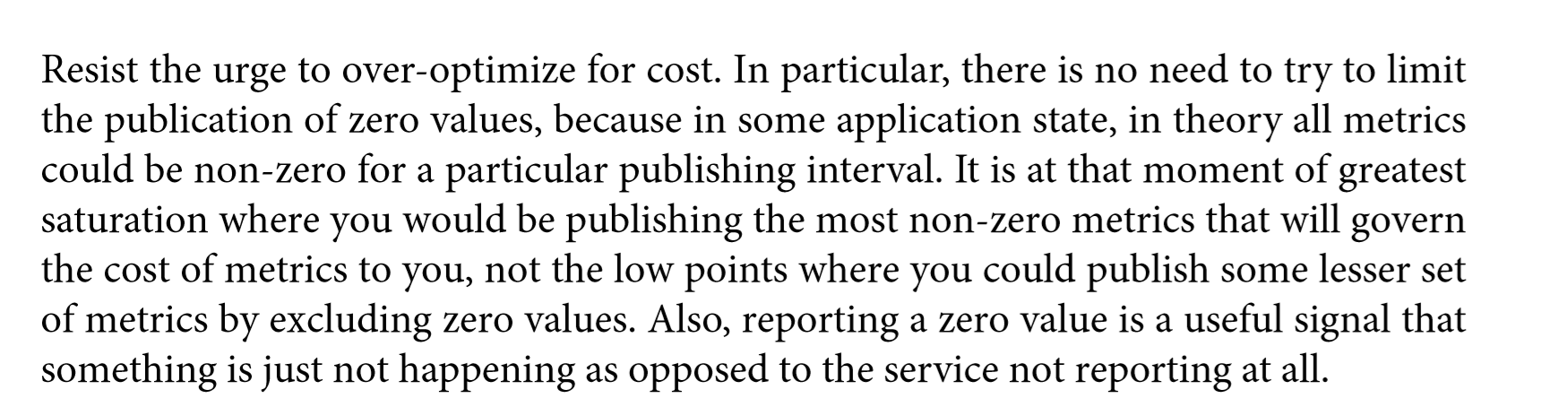
(From https://learning.oreilly.com/library/view/sre-with-java/9781492073918/)
jkschneider
on 4 Jun 2020
Related issues
 Comrada
·
4Comments
Comrada
·
4Comments
 edeandrea
·
3Comments
edeandrea
·
3Comments
 adrianboimvaser
·
3Comments
adrianboimvaser
·
3Comments
 ITman1
·
4Comments
jkschneider
·
3Comments
ITman1
·
4Comments
jkschneider
·
3Comments
Most helpful comment
@deepakkumar203 No, and I don't think we want to support this. Zero is a valid value that indicates nothing is happening. If you _really_ wanted this, you can periodically iterate over timers on a registry and call
removeon the ones that have zero values, but I really think you shouldn't do this.(From https://learning.oreilly.com/library/view/sre-with-java/9781492073918/)