Messagekit: Top view also getting scrolled when start typing.
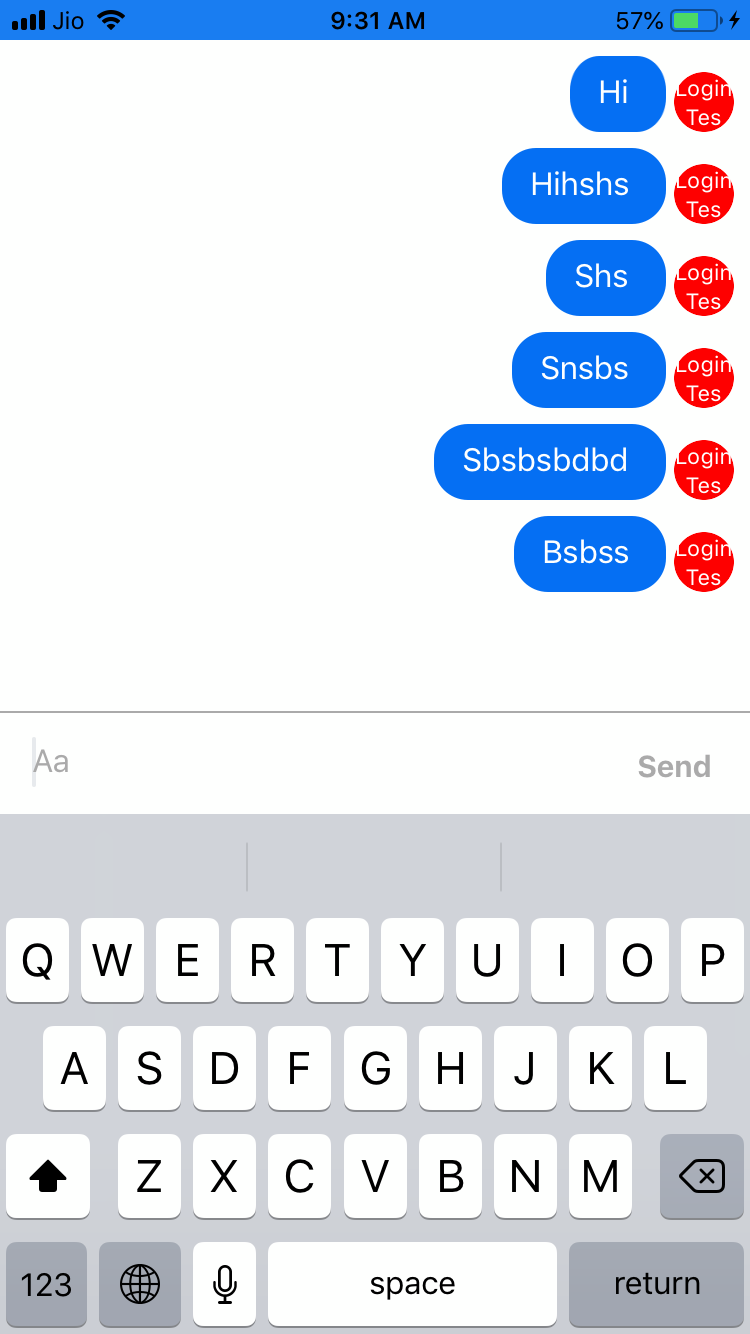
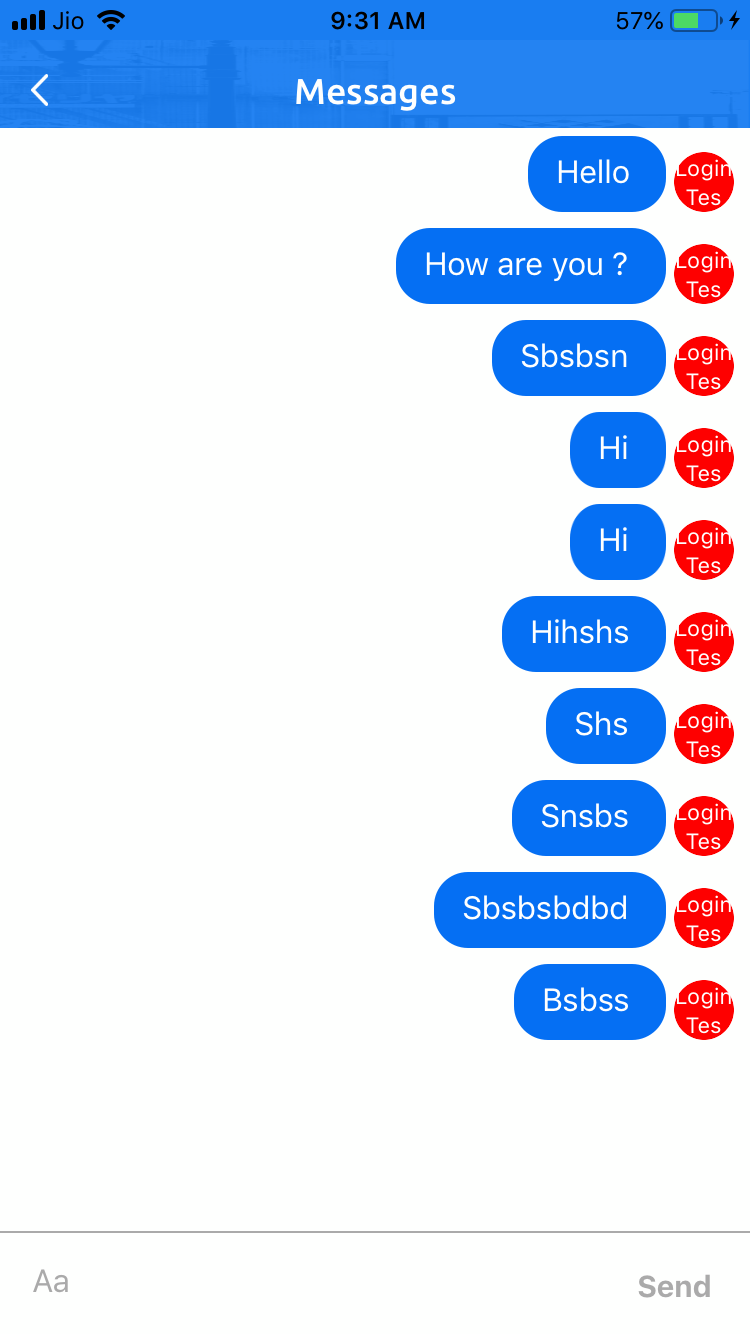
I Embedded "MessagesViewController" into my another view controller. In viewcontroller xib i have a custom navigation bar. So as per the Embedded Example in demo but when i start typing whole view getting scroll with my custom top view. Please check attached screenshot and let me know how can i stop it. I want it same like Embedded Example.
 MiteshiOS
All 4 comments
Hello
Tell me what was the problem?
 valic
on 3 Sep 2019
valic
on 3 Sep 2019
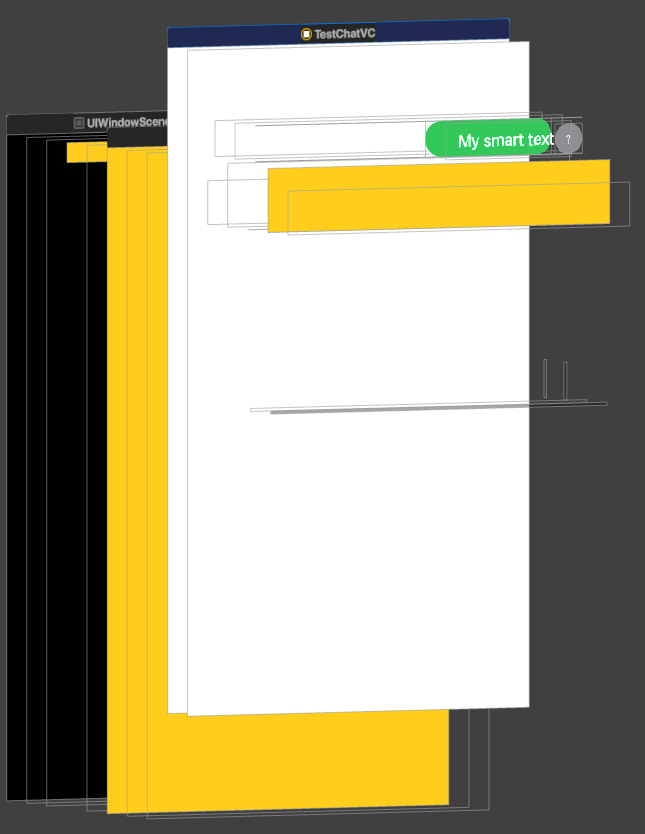
It still is not solved. In my project ChatViewController embedded into the UINavigationViewController slides up when the keyboard appears
 coldsteelbr
on 30 Apr 2020
coldsteelbr
on 30 Apr 2020
any update on it? I am facing the same issue
 pranavpari
on 14 May 2020
pranavpari
on 14 May 2020
I had the same problem but it was for something else.
If you are using IQKeyboardManager you must disable it in the view.
IQKeyboardManager.shared.disabledDistanceHandlingClasses.append (ChatViewController.self)
That solved my problem. I hope it helps you
 vikht0r28
on 25 Jun 2020
vikht0r28
on 25 Jun 2020
Related issues
 anandatswayam
·
4Comments
anandatswayam
·
4Comments
 omaralbeik
·
4Comments
omaralbeik
·
4Comments
 NiklasWilson
·
4Comments
NiklasWilson
·
4Comments
 robertoferraz
·
3Comments
robertoferraz
·
3Comments
 yspreen
·
3Comments
yspreen
·
3Comments
Most helpful comment
I had the same problem but it was for something else.
If you are using IQKeyboardManager you must disable it in the view.
IQKeyboardManager.shared.disabledDistanceHandlingClasses.append (ChatViewController.self)That solved my problem. I hope it helps you