Meshcentral: Typing in V0.6.95 not possible
Hi Ylian and Team,
This morning i updated my meshcentral from 0.6.93 to 0.6.95, and after that i needed to support an customer. I noticed that typing was not possible anymore, also the new inplemented : "Enter text and click OK to remotely type it" does not work. i reverted my installation to different versions, and the latest version working is V0.6.93 . in Github desktop i saw an change notice: Fixed remote desktop typing, maybe it got to do with that ? In both MS chromium Edge and Google Chrome are the same problems
If needed something to test, please let me know
PS there is no error logging regarding this issue, and no problem to be found in the chrome browser
 petervanv
All 20 comments
Same problem for me, early today I upgrade to 0.6.95 and no remotely typing is possible on desktop sharing.
For the Terminal it's ok.
 Guerdal
on 19 Nov 2020
Guerdal
on 19 Nov 2020
I am working on a new setting to disable the international keyboard support. That way, I will give everyone a workaround until we root cause the problem. I will have a new version shortly.
 Ylianst
on 19 Nov 2020
Ylianst
on 19 Nov 2020
@petervanv, is your agent Windows or Linux?
 krayon007
on 19 Nov 2020
krayon007
on 19 Nov 2020
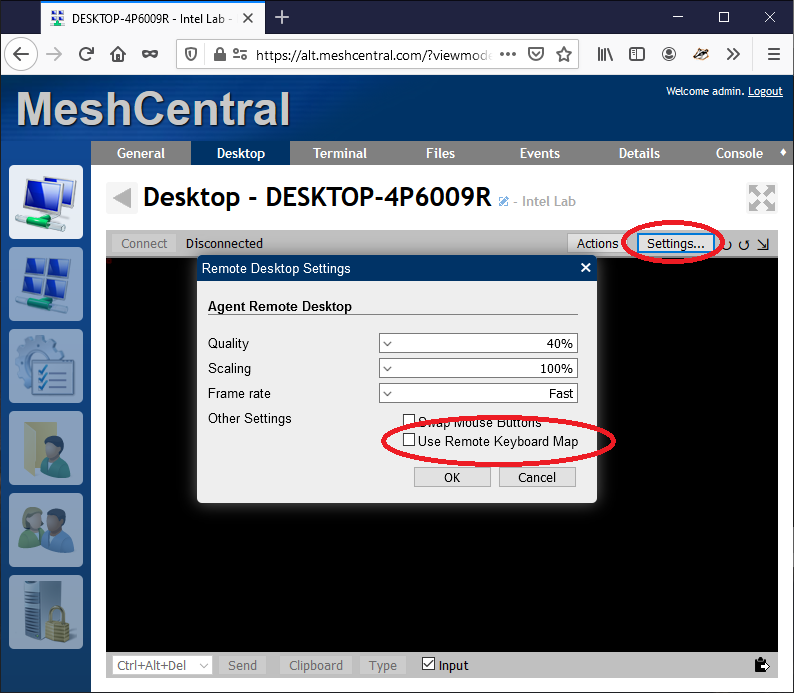
Just published MeshCentral v0.6.96 with a new option to work around this issue. However, I would like root cause the problem.
Ylianst
on 19 Nov 2020
my agent is Windows, server is Ubuntu 18.04 LTS
petervanv
on 19 Nov 2020
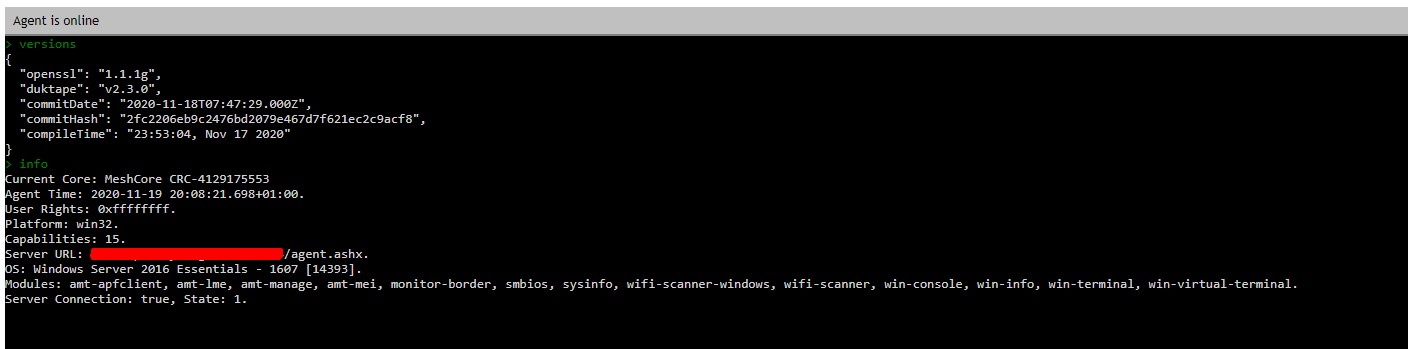
Can you go in device console and type versions and report back the "compileTime"?
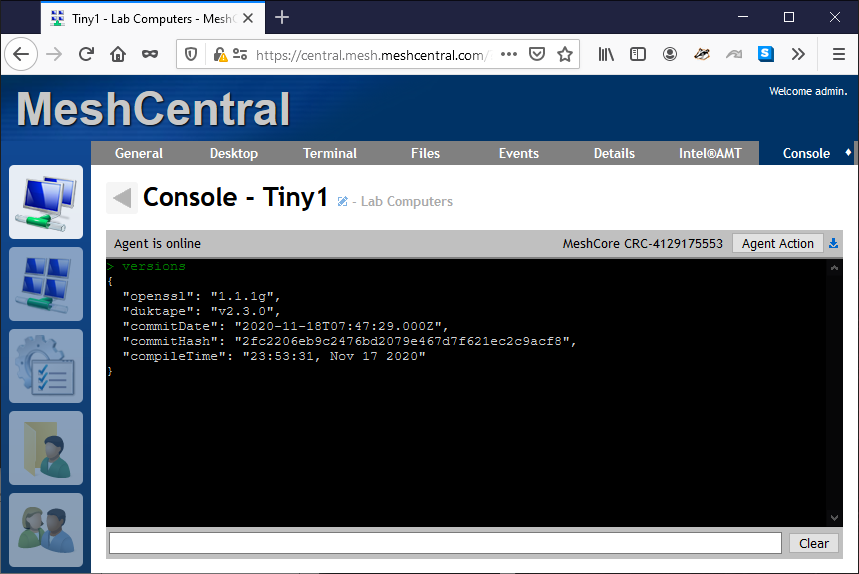
Agent should have been compiled on November 17th or later. Let me know what you see.
Ylianst
on 19 Nov 2020
petervanv
on 19 Nov 2020
with the temporary fix, im able to type again. :-))
petervanv
on 19 Nov 2020
Thanks. you have the latest agent. That is good. The agent updated. I am testing a bunch of browsers now. Let me know what browser you are using?
Ylianst
on 19 Nov 2020
Temporary fix allows typing again (but without my #1306 fixes).
 guerby
on 19 Nov 2020
guerby
on 19 Nov 2020
Thanks. you have the latest agent. That is good. The agent updated. I am testing a bunch of browsers now. Let me know what browser you are using?
google chrome v87.0.4280.66 and chromium edge v86.0.622.69 also firefox v83.0 and internet explore v11.6.30
petervanv
on 19 Nov 2020
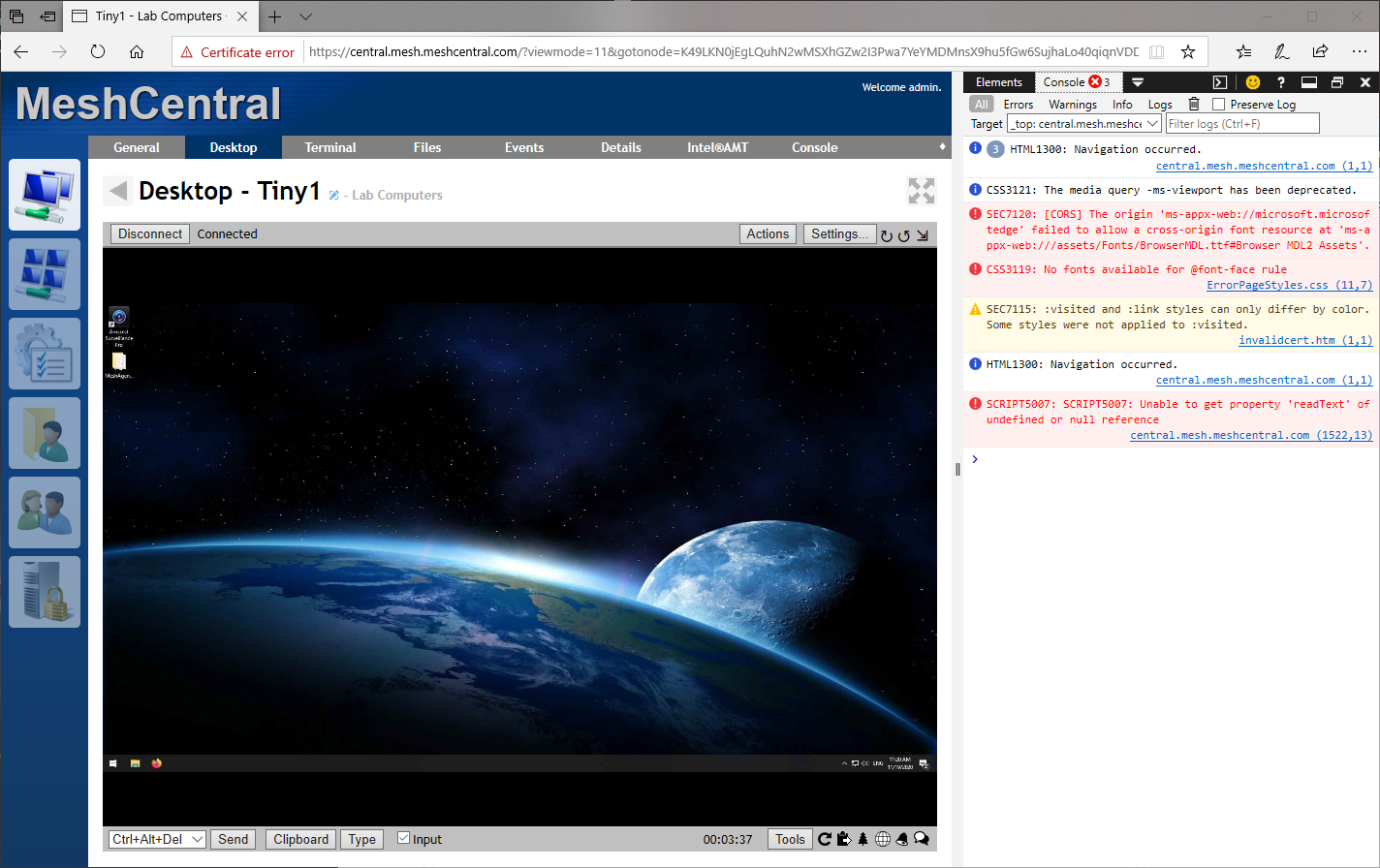
Can you open the developer tools / console and let me know if you see any errors in the console? If you can type in the remote desktop using without the workaround, the look for any errors, that would be great. Thanks.
Ylianst
on 19 Nov 2020
i do not get any errors in the console at all
petervanv
on 19 Nov 2020
One more question, that is you local keyboard layout? I am testing on English and French.
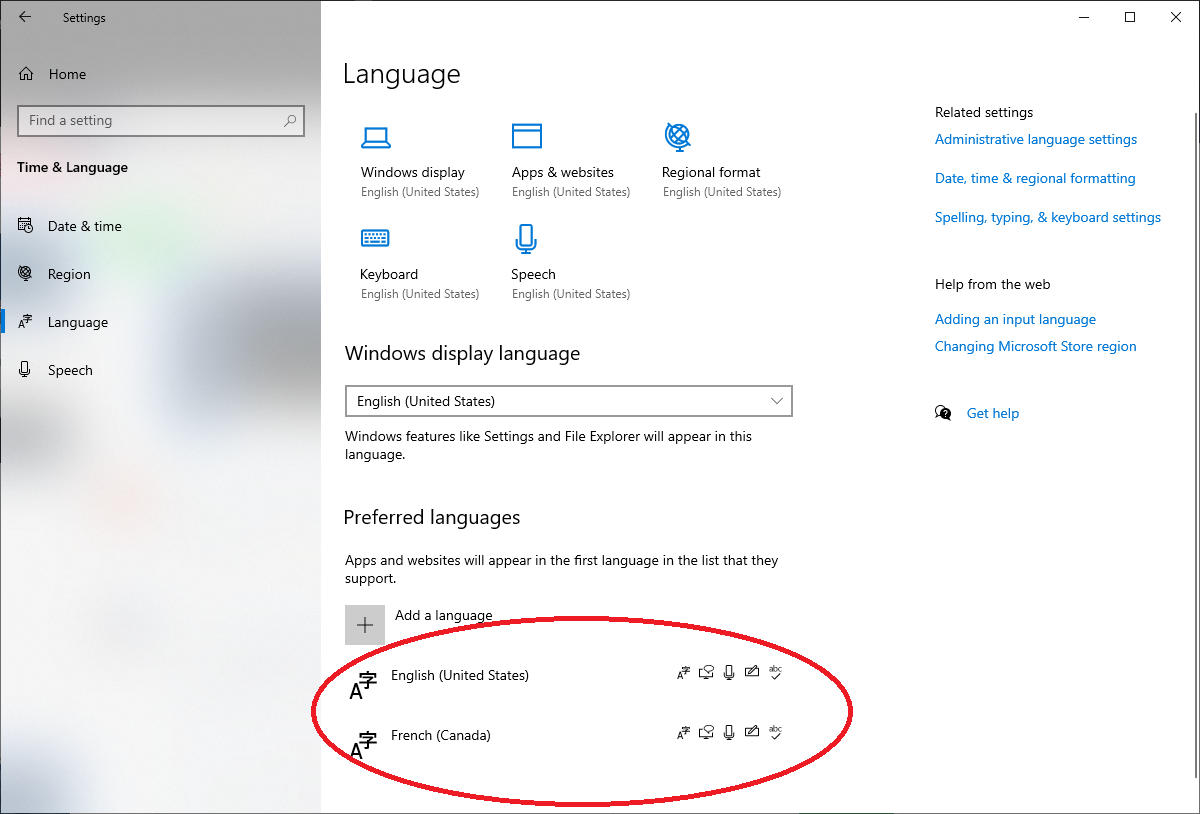
Ylianst
on 19 Nov 2020
Local computer
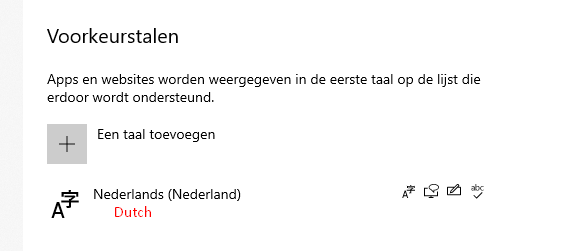
remote computer
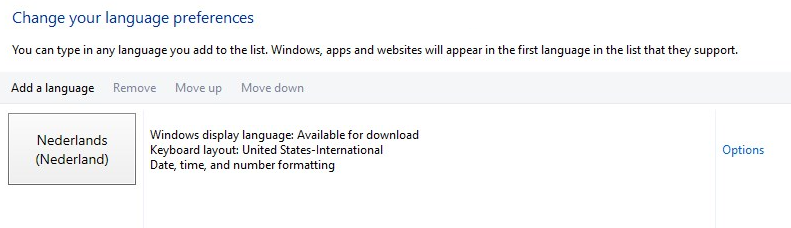
petervanv
on 19 Nov 2020
@Ylianst in daemon.log on my debian 10 meshcentral server I have multiple lines like the following:
Nov 19 19:14:52 meshcentral node[213]: Un-handled viewer command: 85
OOHHH!!!! @guerby Thank you!!! The problem is that the desktop multiplexer does not support the new unicode keys!!! Working on a fix now.
Ylianst
on 19 Nov 2020
Just published MeshCentral v0.6.97 with a keyboard fix. You would not see any keys when you have this option turned on in config.json:
"DesktopMultiplex": true
Should work perfectly with v0.6.97. Let me know if it works.
Ylianst
on 19 Nov 2020
Fixed, thx for the quick respons at the issue
petervanv
on 19 Nov 2020
Works again thanks!
For some reason the Un-handled viewer command did not show up in the "server log" web button, only in daemon.log.
Added not yet working things to #1306
guerby
on 19 Nov 2020
Related issues
 hellofaduck
·
3Comments
hellofaduck
·
3Comments
 Julien-asv
·
3Comments
petervanv
·
3Comments
Julien-asv
·
3Comments
petervanv
·
3Comments
 vish84
·
3Comments
vish84
·
3Comments
 unguzov
·
3Comments
unguzov
·
3Comments
Most helpful comment
Just published MeshCentral v0.6.97 with a keyboard fix. You would not see any keys when you have this option turned on in config.json:
Should work perfectly with v0.6.97. Let me know if it works.