Guys, good afternoon!
I am currently having some difficulties with login at meshcentral. Some users when accessing the mesh, are receiving the message "ip blocked ..." what can it be? Can you help me? I did not perform any configuration in config.json about blocked ip range.
 geanferrani123
All 15 comments
Try adding this line to the settings section of config.json:
"CookieIpCheck": false
Let me know if that fixes it. Your users may be accessing your server using different public IP addresses.
 Ylianst
on 5 Feb 2020
Ylianst
on 5 Feb 2020
If you're seeing this message while trying to log in, I think you may have exceeded the number of allowed login attempts within a certain period of time.
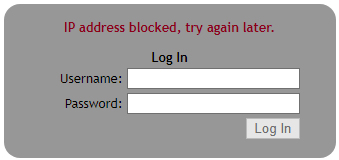
This feature was requested in issue #640, and can be customized if desired.
 MailYouLater
on 6 Feb 2020
MailYouLater
on 6 Feb 2020
Try adding this line to the settings section of config.json:
"CookieIpCheck": falseLet me know if that fixes it. Your users may be accessing your server using different public IP addresses.
Hello Ylianst, good morning!
Anywhere in config.json?
geanferrani123
on 6 Feb 2020
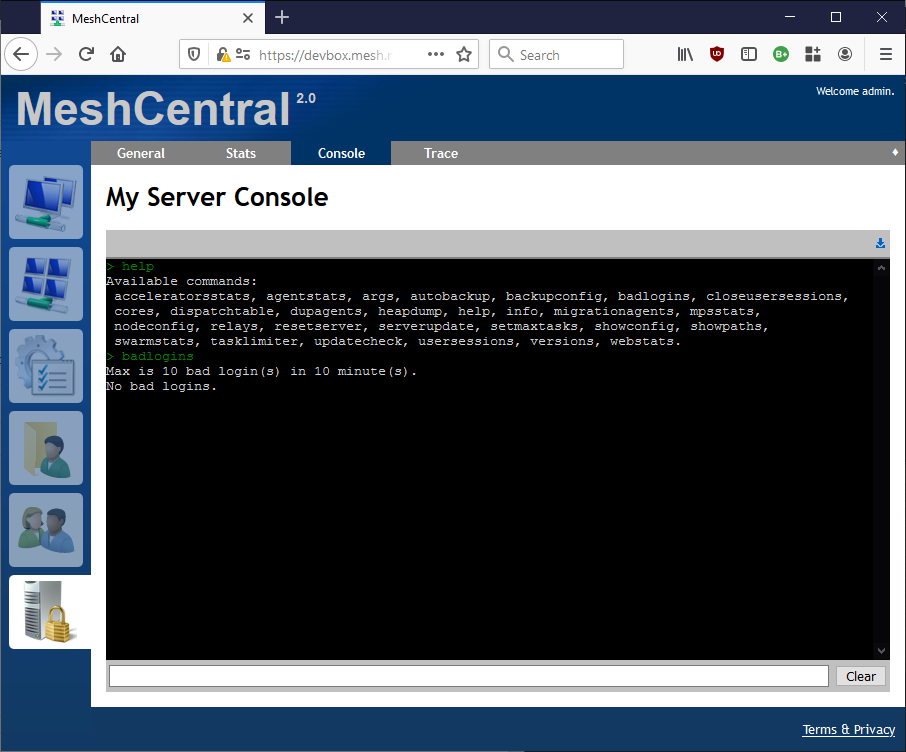
"CookieIpCheck": false goes in the "settings" section of config.json. However, @MailYouLater has an even better theory. Go in "My Server" and "Console" tab and type "badlogins", lets us know what you see.
Ylianst
on 6 Feb 2020
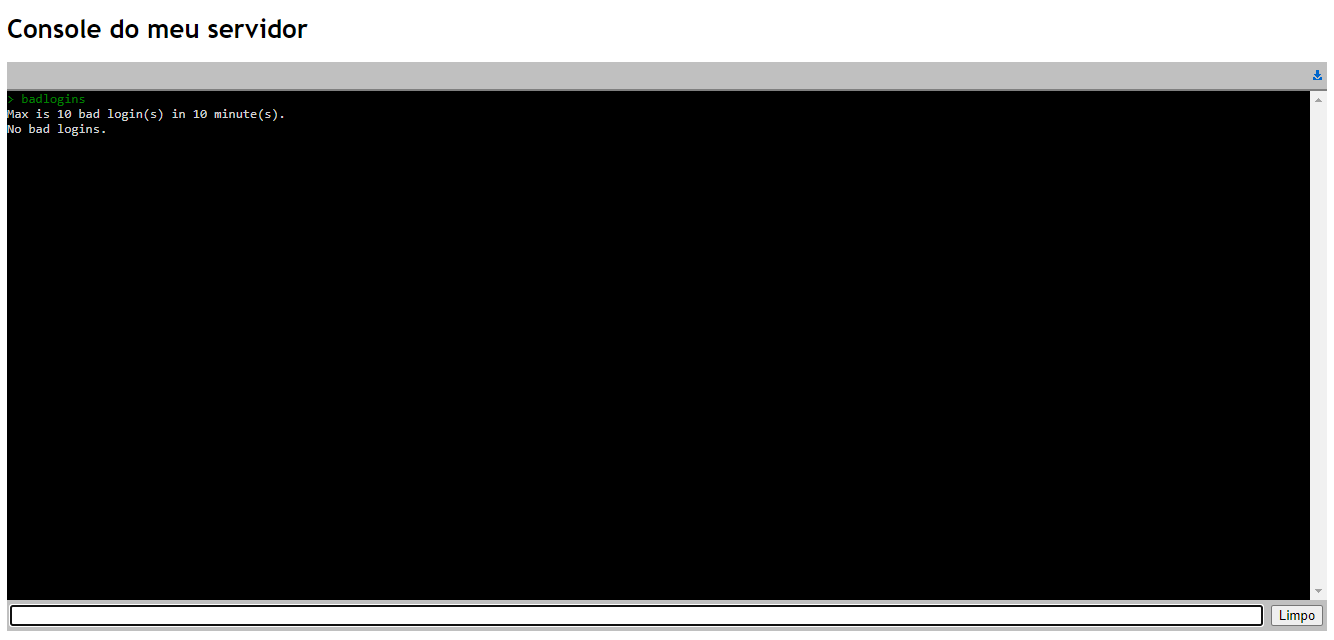
At the moment it looks like this:
geanferrani123
on 7 Feb 2020
I would venture a guess that you weren't experiencing the issue when that screenshot was taken. I'd recommend that you try running that command again immediately after someone has received the 'blocked ip' notification, and I have a feeling it will look more like this:

MailYouLater
on 7 Feb 2020
@Ylianst: I am noticing an oddity about this feature. Each time I enter incorrect login information in Firefox, the bad logins counter goes up by 1, however each time doing so in Chrome seems to increase the counter by 2. This cuts the actual number of times that someone can try to log in in half if they're using Chrome. Any idea why? Can this be fixed/mitigated?
MailYouLater
on 7 Feb 2020
@MailYouLater Oh, interesting find! I will have to look into this.
Ylianst
on 8 Feb 2020
@MailYouLater I just tested Chrome on two MeshCentral servers and I only see one bad login on each attempt. Let me know if you see this consistently, I can't make it happen on my servers.
Ylianst
on 10 Feb 2020
@geanferrani123 Take a look at #945. I just added a way to log successful and failed authentication events. You should update to MeshCentral v0.4.9-g and enable this feature. You can then see exactly what is going on. Let me know if this helps.

Ylianst
on 17 Feb 2020
> badlogins
Max is 10 bad login(s) in 10 minute(s), 10 minute(s) cooloff.
192.168.*.* - 3 records
Dear all how to reset ip?
 GusevVictor
on 30 Mar 2020
GusevVictor
on 30 Mar 2020
The "badlogins" table will clean up on it's own after 10 minutes. I can add a reset command it you like, but that is not something that should be needed.
Ylianst
on 30 Mar 2020
The "badlogins" table will clean up on it's own after 10 minutes. I can add a reset command it you like, but that is not something that should be needed.
Yes, please add an reset command. Some stupid users block all subnet from time to time :-D I know about I can add a network to white list but there is not good in my situation because I use chain of proxy...
GusevVictor
on 31 Mar 2020
Added badlogins reset to latest version of MeshCentral. Let me know if that works.

Ylianst
on 4 Apr 2020
Added
badlogins resetto latest version of MeshCentral. Let me know if that works.I will test it after upgrade. I'm on a production now (covid-2019) so I can't to test. Thank a lot!
GusevVictor
on 9 Apr 2020
Related issues
 LPJon
·
3Comments
LPJon
·
3Comments
 veitw
·
4Comments
veitw
·
4Comments
 penguinthingie
·
4Comments
penguinthingie
·
4Comments
 unguzov
·
3Comments
unguzov
·
3Comments
 Julien-asv
·
3Comments
Julien-asv
·
3Comments