Mediaplugin: EXIF Rotation with FFImage
Bug
Xam.Plugin.Media version="2.6.1" targetFramework=xamarinios10
Device Tested On: LG G3
Expected Behavior
Portrait photos from pick picture and from take picture should include correct metadata.
Actual Behavior
Portrait photos from pick picture and from take picture should include correct metadata.
Steps to reproduce the Behavior
Take a photo using Media Picker, use FFImage as an image presenter.
Full disclosure, I originally felt that FFImage was at fault as I could not replicate this issue with a default image control. The full outline of my issue is here:
https://github.com/luberda-molinet/FFImageLoading/issues/442
If you could chime in here or there, that would be helpful.
 NVentimiglia
All 32 comments
Try out 2.6.3.1-beta for me and let me know.
 jamesmontemagno
on 9 Jan 2017
jamesmontemagno
on 9 Jan 2017
Take Photo
- Landscape, Held 90 right, Image is upside down
- Landscape, Held 90 left, Image is correct
- Portrait, Held 0, Image is 90 degrees left
- Portrait, Held 180, Image is 90 right
Pick Photo
- Always correct
NVentimiglia
on 10 Jan 2017
Is this on iOS or Android? Additionally, what if you use the non-ffimage stuff?
jamesmontemagno
on 10 Jan 2017
Android LG G3. Has not been a problem on iOS yet.
regular Image control works fine.
NVentimiglia
on 10 Jan 2017
@NVentimiglia
Would you like to try with this code which has a PhotoSize option?
And could you share result?
var tookfile = await CrossMedia.Current.TakePhotoAsync(new StoreCameraMediaOptions
                    {
                        Directory = "tookphoto",
                        Name = "tookphoto.jpg",
                        DefaultCamera = Plugin.Media.Abstractions.CameraDevice.Rear,
                        PhotoSize = PhotoSize.Medium,
                    });
 allbdeveloper
on 4 Feb 2017
allbdeveloper
on 4 Feb 2017
Here is my code, not sure what your getting at.
 file = await CrossMedia.Current.TakePhotoAsync(new StoreCameraMediaOptions
                {
                    Directory = "Sample",
                    Name = "img_" + Guid.NewGuid() + ".jpg",
                    PhotoSize = PhotoSize.Medium,
                });
@allbdeveloper
NVentimiglia
on 4 Feb 2017
@NVentimiglia
Oh, I wanted to know if rotation problem would be gone when you use Photosize option.
But it seems like that you're already using it, and problem is not resolved, isn't it?
allbdeveloper
on 4 Feb 2017
@allbdeveloper
No =(
NVentimiglia
on 4 Feb 2017
OK Thanks.
@NVentimiglia
allbdeveloper
on 5 Feb 2017
Is there any news on this? @NVentimiglia , how did you solve this problem?
I have a similar scenario. It only happens for images taken with iOS. Weirdly enough, they appear correctly (with FFImageLoading) on other iOS devices, but 90 deg rotated on Android devices.
 shayo
on 15 Mar 2017
shayo
on 15 Mar 2017
@shayo =(
NVentimiglia
on 15 Mar 2017
I just tried the PhotoSize option (set to medium) and I think it solved it for my case.
shayo
on 15 Mar 2017
@NVentimiglia Has this issue been resolved?
 pauldiston
on 24 Mar 2017
pauldiston
on 24 Mar 2017
just tried the newet beta (2.6.3.8-beta) and this issue is still there on a Samsung Galaxy Tab E (SM T560) the same way @NVentimiglia described it on 10. Jan
 EaranMaleasi
on 27 Mar 2017
EaranMaleasi
on 27 Mar 2017
Forget what I said. It is fixed.
EaranMaleasi
on 28 Mar 2017
:) yay! We have a lot more enhancements coming too.
jamesmontemagno
on 28 Mar 2017
I'm also having this issue. Photos taken in iOS rotated on android devices.
- Taking photo on iOS device.
- Uploading it to the cloud.
- Displaying it using Xamarin.FFImageLoading from URL.
Result
iOS - correct orientation
Android - rotated 90 degrees
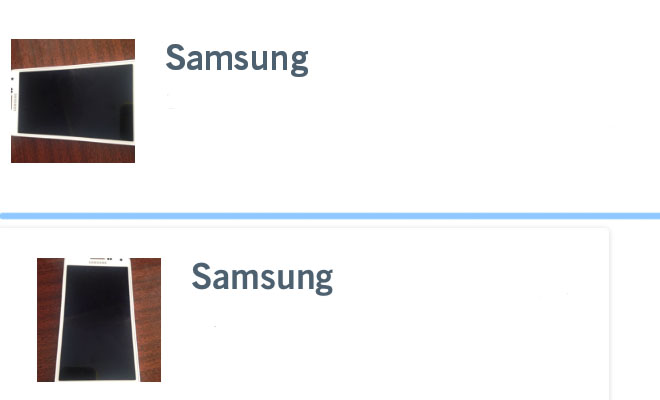
(Android - top, iOS-bottom)
Xam.Plugin.Media - 3.0.1
Xamarin.FFImageLoading - 2.2.10-pre-408
 sanyandreichuk
on 11 Aug 2017
sanyandreichuk
on 11 Aug 2017
You should look at the actual image and validate that it has accurate metadata and rotation.
jamesmontemagno
on 11 Aug 2017
Problem still exists :(
 arash01
on 28 Sep 2017
arash01
on 28 Sep 2017
@arash01 in my case iOS rotated the photo
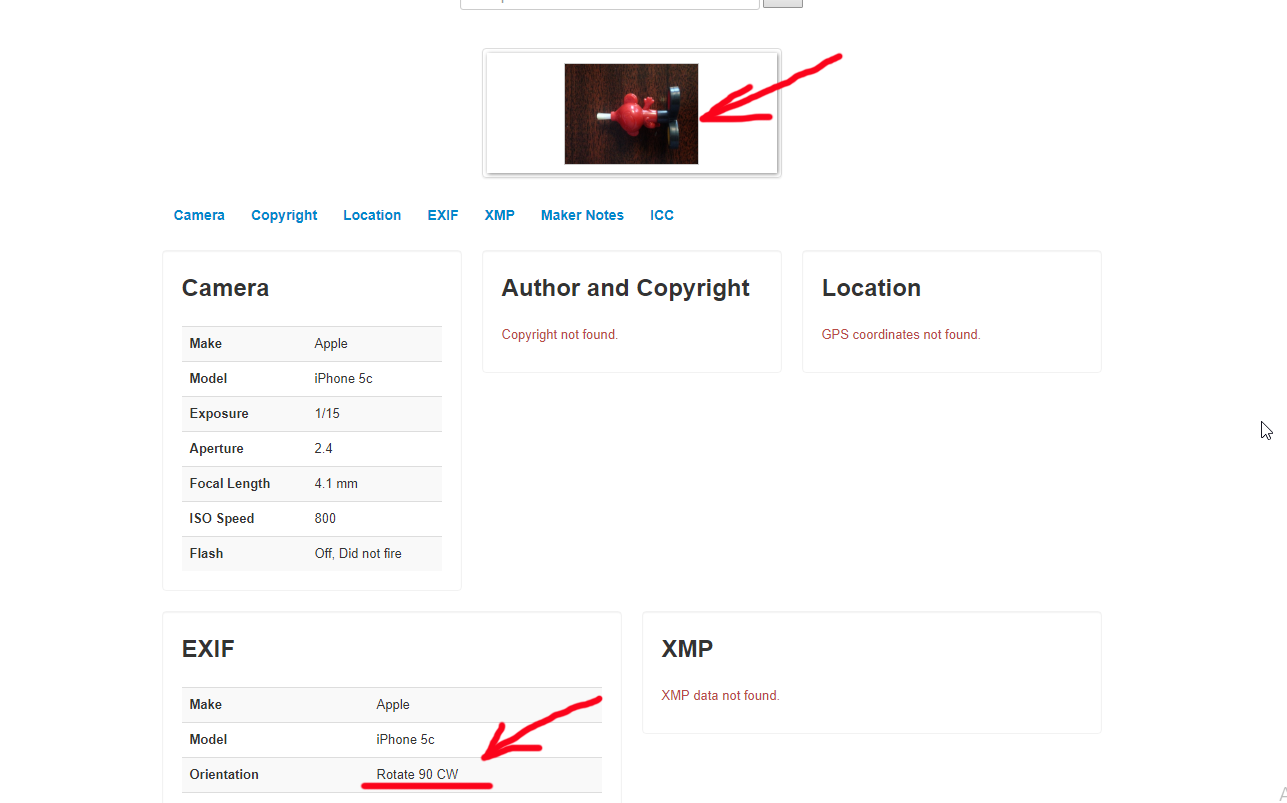
I've fixed it by rotating the photo according to the metadata at my backend.
sanyandreichuk
on 29 Sep 2017
same for me, ios portraits has 90 CW orientation in exif data..
 bentmar
on 11 Oct 2017
bentmar
on 11 Oct 2017
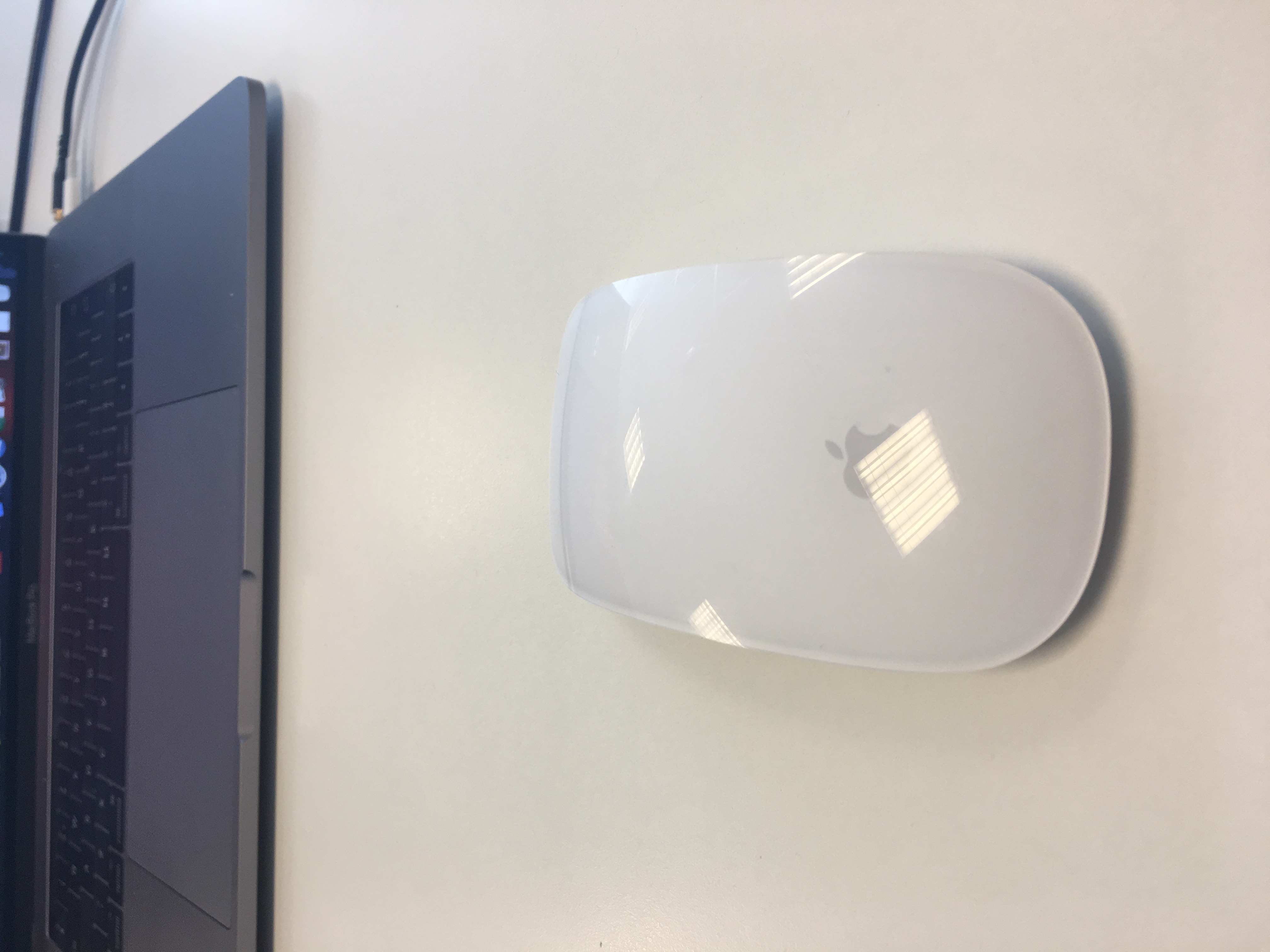
Same problem here. When I create an UIImage with the Picture I get with MediaPlugin, the Rotation Property returns an incorrect value (Up).
When I do this with exactly the same image added as project resource (not picked with MediaPlugin) it does return the correct rotation (Right).
Note: This started with iOS11.
Tested with image:
 jvoostv1
on 11 Oct 2017
jvoostv1
on 11 Oct 2017
@jamesmontemagno is this something that is still looked at? Or should I create a new issue for this problem?
jvoostv1
on 18 Oct 2017
Same for me, v3.0.1 take portraits photo on iOS 11 after sync and open on Android, the picture rotate CW 90. Change back to v2.6.2 the issue is gone.
 worawutt
on 20 Oct 2017
worawutt
on 20 Oct 2017
Same here.
Upgraded to v3.0.1 and got the same problem as @worawutt.
tried the latest master branch -> same result.
Tried all possible combinations of RotateImage and SaveMetaData
and I always get rotated image when I load it on Android with FFImageLoading.
Reverted back to v2.6.2 and all is working.
Seems like this should be reopened ?
shayo
on 2 Nov 2017
Same problem with 3.1.3 everything works fine, but if I try to catch a photo with iOS Camera, on Android ( and _only_ on Android ) is rotate -90CW, on iOS is ok. The problem occur only when I take a photo on iOS and i view the Photo on an Android device.
 kikutano
on 29 Jan 2018
kikutano
on 29 Jan 2018
@kikutano same. If anyone has some goodies on imagehandling on serverside plz share or pm
bentmar
on 14 Feb 2018
@bentmar You should use _GetStreamWithImageRotatedForExternalStorage()_ instead of _GetStream()_ and everything works great!
kikutano
on 14 Feb 2018
@kikutano It`s not work for me.
 antontereshko
on 12 Mar 2018
antontereshko
on 12 Mar 2018
I can repeat this bug on Sumsung S8
antontereshko
on 12 Mar 2018
@kikutano I try to fix same issue here with GetStreamWithImageRotatedForExternalStorage() but I got the error in iOS show bellow
{System.InvalidOperationException: The underlying NSMutableData changed while we were consuming data
at Foundation.NSData+UnmanagedMemoryStreamWithMutableRef.Read (System.Byte[] buffer, System.Int32 offset, System.Int32 count) [0x0001b] in /Library/Frameworks/Xamarin.iOS.framework/Versions/11.8.0.20/src/Xamarin.iOS/Foundation/NSData.cs:177
at System.IO.Stream.InternalCopyTo (System.IO.Stream destination, System.Int32 bufferSize) [0x00012]
my code:
        var file = await CrossMedia.Current.TakePhotoAsync(new Plugin.Media.Abstractions.StoreCameraMediaOptions
        {
            PhotoSize = Plugin.Media.Abstractions.PhotoSize.Medium,
            Directory = "Sample",
            RotateImage = true,
            Name = DateTime.Now.ToString()
        });
if (file != null)
{
String imagedata;
                    using (var memoryStream = new MemoryStream())
                    {
                       _file.GetStreamWithImageRotatedForExternalStorage().CopyTo(memoryStream);

                        _file.Dispose();
                        _file = null;

                        imagedata = Convert.ToBase64String(memoryStream.ToArray());
                    }
}
What should I do more for fix this?
 weerachate
on 2 Apr 2018
weerachate
on 2 Apr 2018
Hello,
Have you been able to resolve this problem?
The rotation happens for me also, on IOS 11 on Iphone. The image taken is presented as flipped with 90 degrees.
I already tried RotateImage = false and updated to latest version: 3.1.3
Thank you
 AdelaPetrut
on 10 May 2018
AdelaPetrut
on 10 May 2018
Related issues
 Greg-Freeman
·
7Comments
Greg-Freeman
·
7Comments
 Philyorkshire
·
7Comments
Philyorkshire
·
7Comments
 jimutt
·
8Comments
jimutt
·
8Comments
 DNF-SaS
·
3Comments
DNF-SaS
·
3Comments
 irinakush
·
6Comments
irinakush
·
6Comments
Most helpful comment
@bentmar You should use _GetStreamWithImageRotatedForExternalStorage()_ instead of _GetStream()_ and everything works great!