Mediaelch: [macOS Big Sur] MediaElch hangup during start: Qt issue
As mentioned in subject:
trying to start MediaElch under macOS 11.0 Big Sur (Beta 10) results in a hangup. No window is opened and you only able to kill the application.
Also tried nightly build but same effect with the nightly build.
 TheTalll
All 23 comments
Hi,
thanks for opening this issue. At the moment I don't have any possibility to test macOS Big Sur. :-/
But I found quite a few Qt issues for macOS Big Sur, e.g. https://bugreports.qt.io/browse/QTBUG-85546
Seems that they don't yet fully support Big Sur.
Qt is our user-interface framework, i.e. it is responsible for displaying graphics.
What I can do at the moment is to add a note to the documentation that Big Sur is not supported.
Sorry for the inconvenience.
Regards,
Andre
 bugwelle
on 20 Oct 2020
bugwelle
on 20 Oct 2020
Hi, just confirming that this issue still persists now that Big Sur is released.
 internetR
on 13 Nov 2020
internetR
on 13 Nov 2020
same problem here
 endanger
on 14 Nov 2020
endanger
on 14 Nov 2020
pity... mediaelch is the best tool for Mac..
 masi0
on 14 Nov 2020
masi0
on 14 Nov 2020
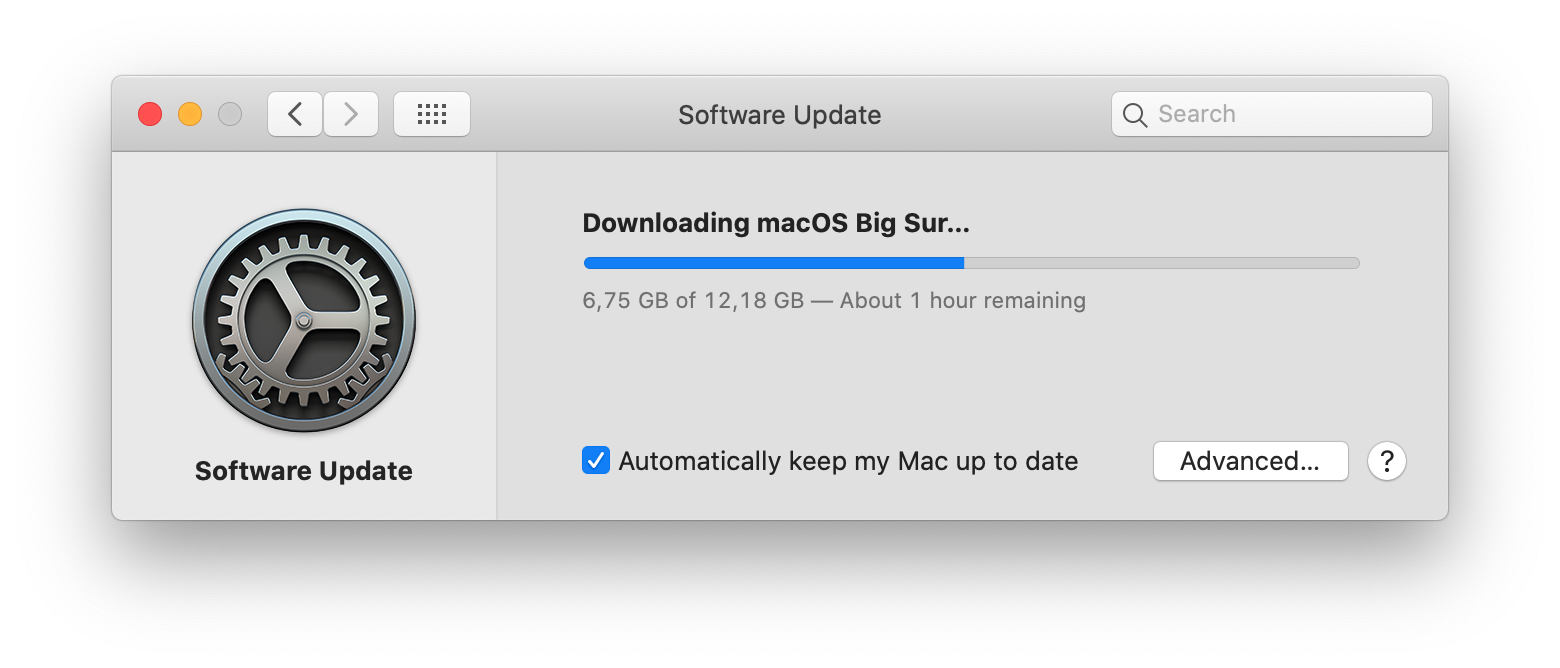
Hi everyone,
I can finally install Big Surr and will check this issue. :)
bugwelle
on 15 Nov 2020
:)
Also some bad news: I won't be able to test old macOS versions anymore. My old MacBook Pro from 2010 just blew up (battery...).
bugwelle
on 15 Nov 2020
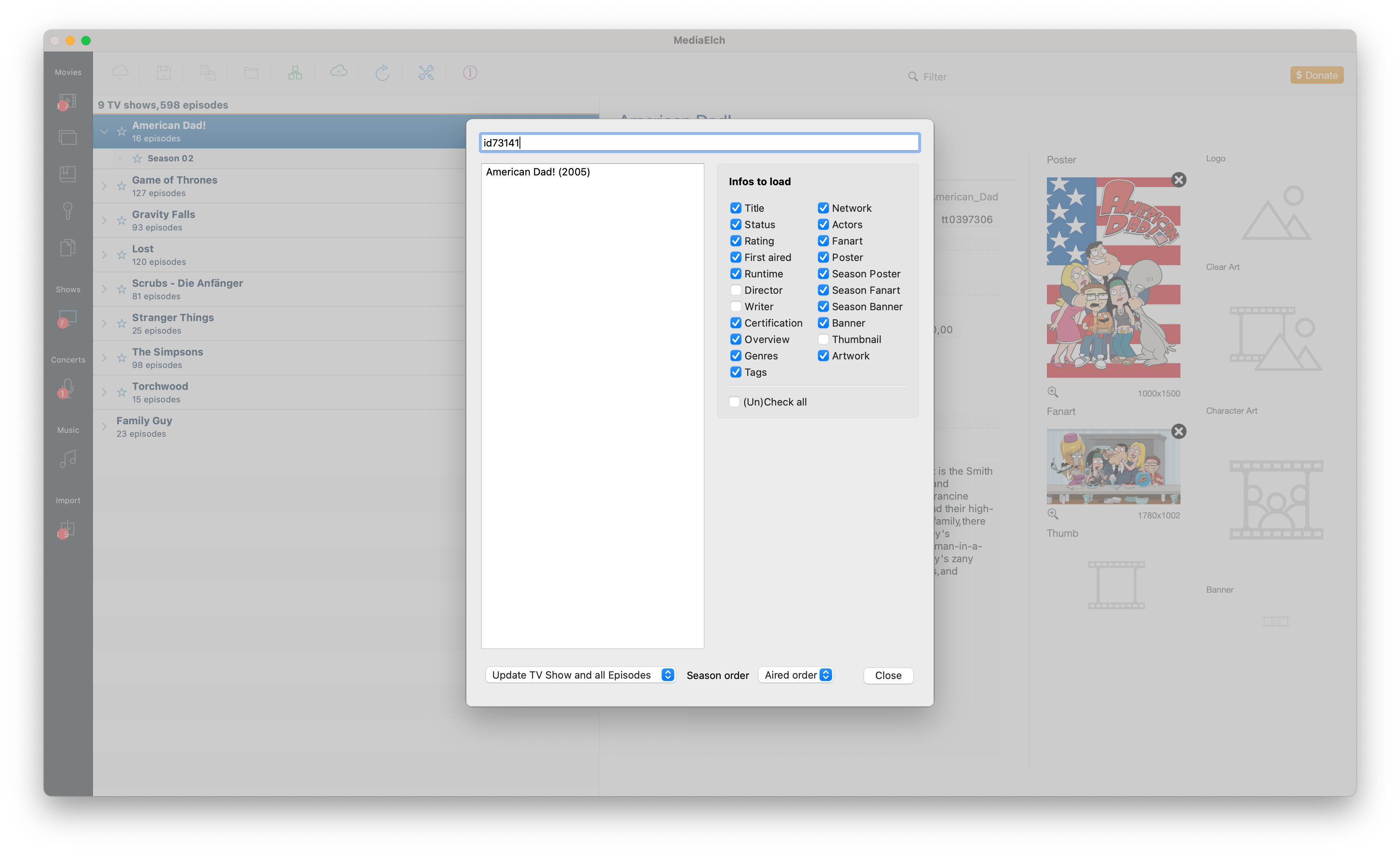
I can confirm this issue. Re-compiling MediaElch helps. I'll see if I can update our TravisCI nightly-build to BigSur.
bugwelle
on 15 Nov 2020
Our build-pipeline does not support macOS Big Sur, yet. But I've updated to macOS 10.15.7 for now: https://github.com/Komet/MediaElch/commit/1e790a2960781520c092fe6cdab876cd864ed95b
I'll build MediaElch for BigSur on my MacBook and will publish a Nightly in this thread.
bugwelle
on 15 Nov 2020
Thanks. Any estimations when Big Sur will be supported at least as a Nightly?
masi0
on 15 Nov 2020
Can't give any. This depends on TravisCI (which builds our Nightlies). I'm currently updating my system and will publish a .dmg in this thread.
In the meantime I've added a warning to the Download page: https://mediaelch.github.io/mediaelch-doc/download.html
bugwelle
on 15 Nov 2020
anyway, thanks a lot for your efforts :)
masi0
on 15 Nov 2020
error in console:
MediaElch 2020-11-16 17:44:43.384 WARN : Populating font family aliases took 1957 ms. Replace uses of missing font family ".SF NS Text" with one that exists to avoid this cost.
 marcuszani
on 16 Nov 2020
marcuszani
on 16 Nov 2020
Finally got my Mac set up with Big Sur. Build & Package Script:
# Build
cd MediaElch
export SCRIPT_DIR="$(pwd)/travis-ci"
export PATH="$HOME/Qt/5.15.1/clang_64/bin/:$PATH"
git submodule update --init
svn checkout https://github.com/MediaArea/MediaInfoLib/trunk/Source/MediaInfoDLL
svn checkout https://github.com/MediaArea/ZenLib/trunk/Source/ZenLib
mkdir build && cd build
qmake CONFIG+=release CONFIG+=sdk_no_version_check ..
make -j$(sysctl -n hw.logicalcpu)

# Package
cd ..
export CXX=clang++
export CC=clang
export MEDIAINFO_VERSION=20.09
export TARGET_OS="macOS"
export OS_NAME="$(uname -s)"
export FILE_TYPE="dmg"
export GIT_BRANCH=master
export GIT_DATE=$(git --git-dir=".git" show --no-patch --pretty="%ci")
export RELEASE_DATE=$(date -ujf "%Y-%m-%d %H:%M:%S %z" "${GIT_DATE}" "+%Y-%m-%dT%H:%M:%S%z")
export ME_VERSION=$(sed -ne 's/.*AppVersionFullStr[^"]*"\(.*\)";.*/\1/p' Version.h)
export GIT_HASH=$(git --git-dir=".git" show --no-patch --pretty="%h")
export DATE_HASH=$(date -u +"%Y-%m-%d_%H-%M")
export DATE_DESC=$(date -u +"%Y-%m-%d %H:%M")
export VERSION_NAME="${ME_VERSION}_${DATE_HASH}_git-${GIT_BRANCH}-${GIT_HASH}"
export RELEASE_DATE=$(date -ujf "%Y-%m-%d %H:%M:%S %z" "${GIT_DATE}" "+%Y-%m-%dT%H:%M:%S%z")

wget --output-document MediaInfo_DLL.tar.bz2 https://mediaarea.net/download/binary/libmediainfo0/${MEDIAINFO_VERSION}/MediaInfo_DLL_${MEDIAINFO_VERSION}_Mac_i386+x86_64.tar.bz2
tar -xvjf MediaInfo_DLL.tar.bz2
mv MediaInfoLib/libmediainfo.0.dylib ./
rm -rf MediaInfoLib
rm MediaInfo_DLL.tar.bz2

cd build
git clone https://github.com/andreyvit/create-dmg.git
wget --output-document ffmpeg.7z https://evermeet.cx/ffmpeg/ffmpeg-4.3.1.7z
7za e ffmpeg.7z
cp ffmpeg MediaElch.app/Contents/MacOS/
cp ../libmediainfo.0.dylib MediaElch.app/Contents/MacOS/
macdeployqt MediaElch.app -qmldir=../src/ui -verbose=2
create-dmg/create-dmg \
        --volname "MediaElch" \
        --volicon "../MediaElch.icns" \
        --background "${SCRIPT_DIR}/macOS/backgroundImage.tiff" \
        --window-pos 200 120 \
        --window-size 550 400 \
        --icon-size 100 \
        --icon MediaElch.app 150 190 \
        --hide-extension MediaElch.app \
        --app-drop-link 400 190 \
        MediaElch_macOS_${VERSION_NAME}.dmg \
        MediaElch.app
DMG:
https://bintray.com/bugwelle/MediaElch/MediaElch-macOS/2.6.7-dev_macOS_Big_Sur/view/files#files/
bugwelle
on 17 Nov 2020
Thanks! Works great!
masi0
on 17 Nov 2020
Thanks its working again !!!!
internetR
on 17 Nov 2020
Thank you all for confirming this! 😄
bugwelle
on 17 Nov 2020
Thanks its working again !!!!
 batmanraid
on 17 Nov 2020
batmanraid
on 17 Nov 2020
I've added a link to my beta .dmg file for now: https://mediaelch.github.io/mediaelch-doc/download.html
bugwelle
on 17 Nov 2020
Thanks for the update for mac. Just one small thing; the total number of movies listed doesn't reflect the actual number in my library.
It's a little short. If I add a new movie, it increases the total, but it's till wrong. I've tried deleting the .plist and rescanning, but nothing seems to help. Not a big deal, but is there any way to correct this?
 Mobius60
on 17 Nov 2020
Mobius60
on 17 Nov 2020
Strange behaviour. Out of curiosity: How many movies do you have and how many are said to be there? :)
bugwelle
on 18 Nov 2020
I have 1808 and MediaElch shows a total of 1801. I've exported the list to a spreadsheet and it shows the proper total.
Mobius60
on 18 Nov 2020
Thanks. Could you open another issue for it? How did you export it? It may be that MediaElch does not load certain directories. :)
bugwelle
on 18 Nov 2020
New nightly is available at:
https://github.com/Komet/MediaElch/releases/tag/v2.7.0-beta.1
bugwelle
on 7 Dec 2020
Related issues
 Extarys
·
3Comments
Extarys
·
3Comments
 aTosser
·
5Comments
aTosser
·
5Comments
 psonnosp
·
6Comments
psonnosp
·
6Comments
 mpwg
·
4Comments
mpwg
·
4Comments
 ThePapaw
·
4Comments
ThePapaw
·
4Comments
Most helpful comment
Finally got my Mac set up with Big Sur. Build & Package Script:
DMG:
https://bintray.com/bugwelle/MediaElch/MediaElch-macOS/2.6.7-dev_macOS_Big_Sur/view/files#files/