Mattermost-server: Slack import puts images in the wrong place
Summary
Importing a Slack archive (including attachments pulled in with the slack-advanced-exporter) puts the attachments in the wrong place and owned by the wrong user.
Steps to reproduce
Version 5.14.0
- export a Slack workspace to a zip file
- use the slack-advanced-exporter to add the emails and attachments
- use the Mattermost CLI to import this archive
- try to look at pictures in a Mattermost channel
Expected behavior
Images should appear in messages as normal.
Observed behavior (that appears unintentional)
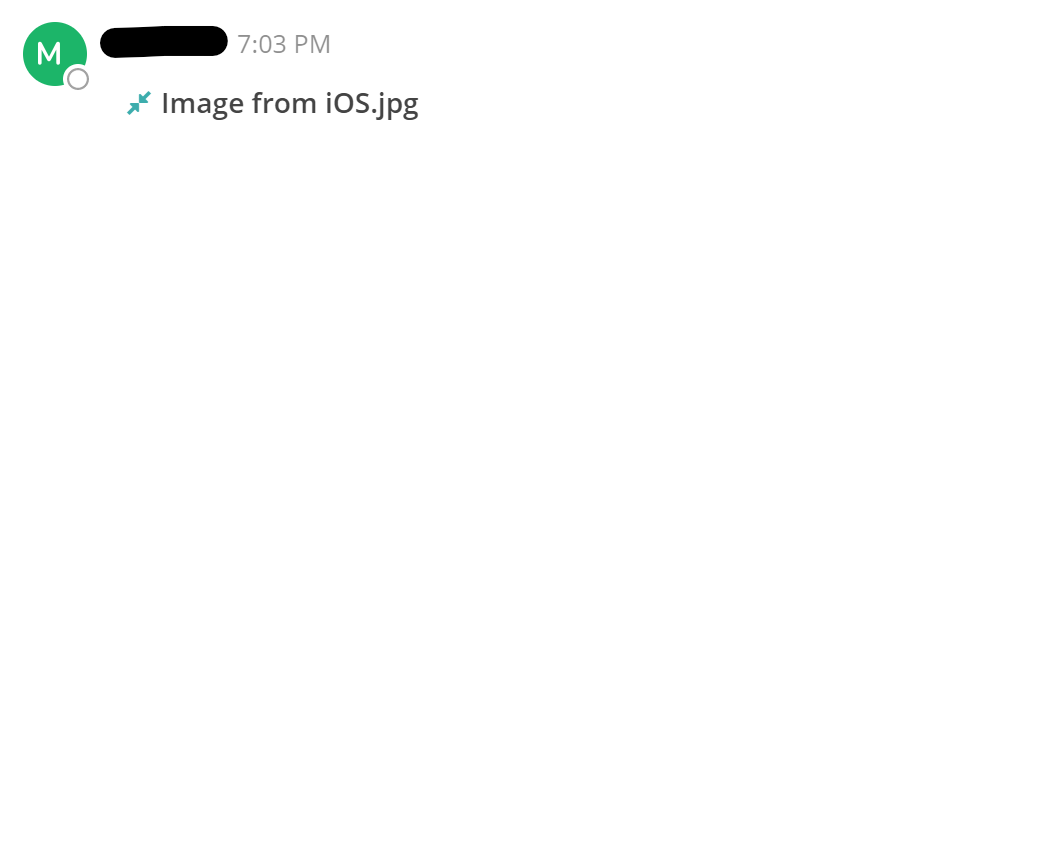
Images do not appear in chat:
The following message can be observed in the browser console:
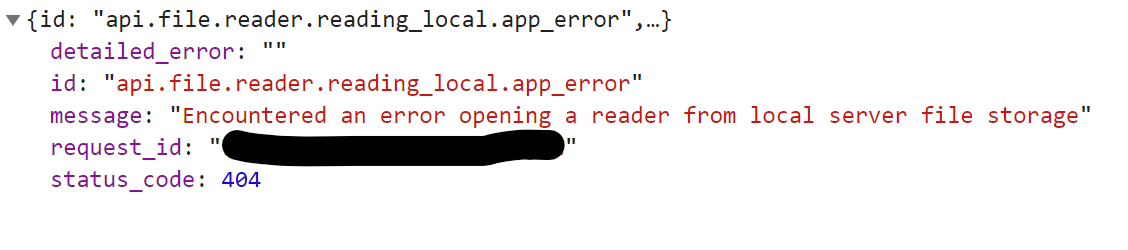
I have Mattermost installed in /opt/mattermost. Images that appear correctly (i.e. ones in posts that were not imported from Slack) exist in /opt/mattermost/data. Images from the imported posts exist in /opt/mattermost/bin/data and are owned by root (which is the user from which I ran the import). I can resolve this problem by copying the files to the correct location and chowning them to the Mattermost user.
There are no errors during the import process relating to these images.
Possible fixes
I'm not sure where the import code lives (or if it's publicly accessible), but I expect this will be a simple matter of putting the files in the correct place.
 forkwhilefork
All 9 comments
@svelle Do you know if this is related to the new feature and if there is a bug here?
 amyblais
on 21 Aug 2019
amyblais
on 21 Aug 2019
@amyblais not necessarily. I've had other customers use the importer just fine without any issues. Maybe it's dependant on from where the command was run. At least it looks to me from the paths noted above.
I'll try and repro tomorrow.
 svelle
on 21 Aug 2019
svelle
on 21 Aug 2019
I believe I ran the command from /root, if that helps.
forkwhilefork
on 21 Aug 2019
@forkwhilefork I tested this locally and can confirm that the data is placed in the directory from which the command is called (e.g. /root/ if run as root user from home).
I'll open an issue for this and we'll see how we'll handle it from there.
Thanks again for reporting this!
svelle
on 26 Aug 2019
In your bug report, please also note that the files are owned by the user that runs the command. I had to chown the files to the Mattermost user before they would appear correctly in the client.
forkwhilefork
on 26 Aug 2019
In your bug report, please also note that the files are owned by the user that runs the command. I had to chown the files to the Mattermost user before they would appear correctly in the client.
Bug report can be found here
Running the mattermost binary as root is not recommended, though.
svelle
on 28 Aug 2019
I see that the Jira bug was closed as won't fix. The workaround of running the binary from a different location means I have to specify the full path to the binary, which I wasn't doing previously (annoying but doable). However, now there are two requirements for running this import successfully which weren't there before:
- Run it from the install directory
- Run it as the mattermost user
These should really be added to the documentation.
Also, if the config file values mentioned in the second workaround should be the absolute paths, maybe those should be set correctly on install or upgrade? I did not set those paths manually and now they are causing a problem due to this issue.
forkwhilefork
on 28 Aug 2019
Documentation has been updated with this PR: https://github.com/mattermost/docs/pull/2968.
amyblais
on 23 Oct 2019
Closing as this was documented and the Jira ticket was closed as won't fix.
amyblais
on 7 Jan 2020
Related issues
 esethna
·
3Comments
esethna
·
3Comments
 NotSqrt
·
3Comments
esethna
·
3Comments
esethna
·
3Comments
esethna
·
3Comments
NotSqrt
·
3Comments
esethna
·
3Comments
esethna
·
3Comments
esethna
·
3Comments