 ayuhani
All 23 comments
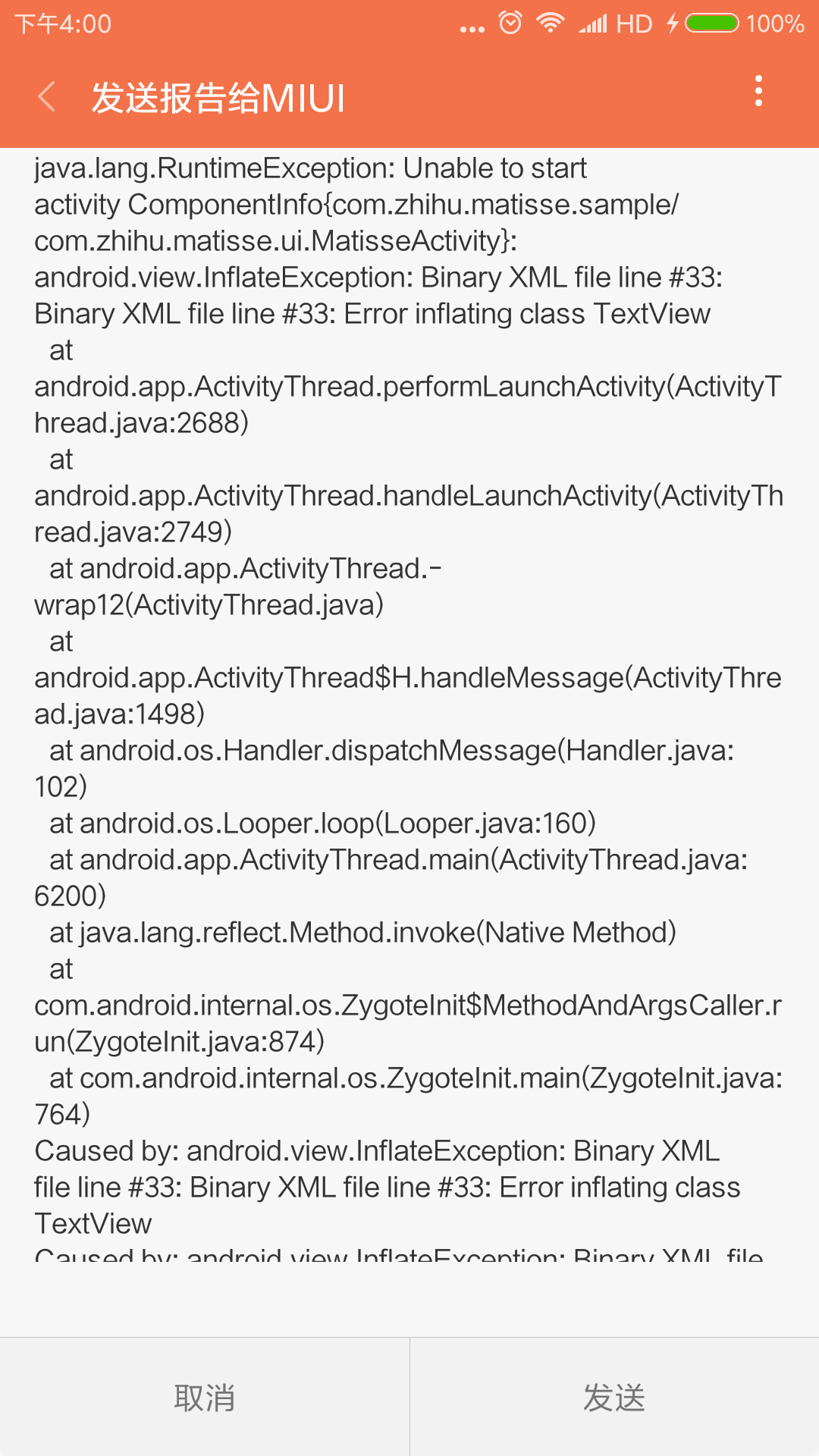
java.lang.RuntimeException: Unable to start activity ComponentInfo{com.zhihu.matisse.sample/com.zhihu.matisse.ui.MatisseActivity}: android.view.InflateException: Binary XML file line #33: Binary XML file line #33: Error inflating class TextView
at android.app.ActivityThread.performLaunchActivity(ActivityThread.java:2688)
at android.app.ActivityThread.handleLaunchActivity(ActivityThread.java:2749)
at android.app.ActivityThread.-wrap12(ActivityThread.java)
at android.app.ActivityThread$H.handleMessage(ActivityThread.java:1498)
at android.os.Handler.dispatchMessage(Handler.java:102)
at android.os.Looper.loop(Looper.java:160)
at android.app.ActivityThread.main(ActivityThread.java:6200)
at java.lang.reflect.Method.invoke(Native Method)
at com.android.internal.os.ZygoteInit$MethodAndArgsCaller.run(ZygoteInit.java:874)
at com.android.internal.os.ZygoteInit.main(ZygoteInit.java:764)
Caused by: android.view.InflateException: Binary XML file line #33: Binary XML file line #33: Error inflating class TextView
Caused by: android.view.InflateException: Binary XML file line #33: Error inflating class TextView
Caused by: java.lang.UnsupportedOperationException: Failed to resolve attribute at index 5: TypedValue{t=0x2/d=0x7f010002 a=-1}
at android.content.res.TypedArray.getColorStateList(TypedArray.java:530)
at android.widget.TextView.
at android.widget.TextView.
at android.support.v7.widget.AppCompatTextView.
at android.support.v7.widget.AppCompatTextView.
at android.support.v7.app.AppCompatViewInflater.createView(AppCompatViewInflater.java:103)
at android.support.v7.app.AppCompatDelegateImplV9.createView(AppCompatDelegateImplV9.java:1029)
at android.support.v7.app.AppCompatDelegateImplV9.onCreateView(AppCompatDelegateImplV9.java:1087)
at android.support.v4.view.LayoutInflaterCompatHC$FactoryWrapperHC.onCreateView(LayoutInflaterCompatHC.java:47)
at android.view.LayoutInflater.createViewFromTag(LayoutInflater.java:794)
at android.view.LayoutInflater.createViewFromTag(LayoutInflater.java:752)
at android.view.LayoutInflater.rInflate(LayoutInflater.java:883)
at android.view.LayoutInflater.rInflateChildren(LayoutInflater.java:846)
at android.view.LayoutInflater.rInflate(LayoutInflater.java:886)
at android.view.LayoutInflater.rInflateChildren(LayoutInflater.java:846)
at android.view.LayoutInflater.inflate(LayoutInflater.java:522)
at android.view.LayoutInflater.inflate(LayoutInflater.java:430)
at android.view.LayoutInflater.inflate(LayoutInflater.java:377)
at android.support.v7.app.AppCompatDelegateImplV9.setContentView(AppCompatDelegateImplV9.java:292)
at android.support.v7.app.AppCompatActivity.setContentView(AppCompatActivity.java:140)
at com.zhihu.matisse.ui.MatisseActivity.onCreate(MatisseActivity.java:90)
at android.app.Activity.performCreate(Activity.java:6736)
at android.app.Instrumentation.callActivityOnCreate(Instrumentation.java:1119)
at android.app.ActivityThread.performLaunchActivity(ActivityThread.java:2641)
at android.app.ActivityThread.handleLaunchActivity(ActivityThread.java:2749)
at android.app.ActivityThread.-wrap12(ActivityThread.java)
at android.app.ActivityThread$H.handleMessage(ActivityThread.java:1498)
at android.os.Handler.dispatchMessage(Handler.java:102)
at android.os.Looper.loop(Looper.java:160)
at android.app.ActivityThread.main(ActivityThread.java:6200)
at java.lang.reflect.Method.invoke(Native Method)
at com.android.internal.os.ZygoteInit$MethodAndArgsCaller.run(ZygoteInit.java:874)
at com.android.internal.os.ZygoteInit.main(ZygoteInit.java:764)
ayuhani
on 28 Jul 2017
I am seeing the same error, any update on this?
 naoyamakino
on 2 Aug 2017
naoyamakino
on 2 Aug 2017
小米手机上这种崩溃很频繁,在下也遇到这种问题了,没有解决的方案吗
 andyhaha
on 7 Aug 2017
andyhaha
on 7 Aug 2017
@andyhaha 我們的開發者正在嘗試修復這個問題然後回饋給知乎的社群,但是現在最大的問題是手邊的手機都無法復現。請問你的情況只有小米手機會遇到崩潰嗎?是在啟動相機時還是拍照時崩潰?哪隻型號的小米手機還有作業系統版本是?謝謝呀
 weilun106
on 7 Aug 2017
weilun106
on 7 Aug 2017
@weilun106 我的手机是小米5,Android版本7.0。操作场景是点击拍照进入拍照界面,然后按下系统返回键返回,反复、快速进行这一操作,很大几率会出现崩溃问题。
ayuhani
on 8 Aug 2017
@ayuhani 感謝!我們用的是最新的v0.5.0 alpha4, 不知道是不是因為alpha所以較不穩定所造成。順便一問,你所使用的版本是0.4.3嗎?
weilun106
on 8 Aug 2017
@weilun106 是的,直接下载的当前demo运行的
ayuhani
on 9 Aug 2017
我也遇到这样的情况,而且是生产的情况,程序经常崩溃,希望能够尽快解决,用的是v0.5.0-alpha4,谢谢
 cxyhegithub
on 17 Aug 2017
cxyhegithub
on 17 Aug 2017
修正一下,我用的是直接下过来的sample
cxyhegithub
on 18 Aug 2017
中兴 A2017
系统版本
Android 6.0.1,level 23
ROM
ZTE/P996A03
CPU架构
arm64-v8a
cxyhegithub
on 18 Aug 2017
我们的工作人员用的是这款手机,但是并不是都会出现,只是一小部分会出现,一出现就闪退
cxyhegithub
on 18 Aug 2017
还望可以尽快解决,拜托拜托
cxyhegithub
on 18 Aug 2017
对,我们也是
 Zoyix
on 21 Aug 2017
Zoyix
on 21 Aug 2017
我们也有这个类似问题
 junyuecao
on 28 Sep 2017
junyuecao
on 28 Sep 2017
这个问题困扰好几天了。有解决方案吗
 hongyukico
on 24 Nov 2017
hongyukico
on 24 Nov 2017
Same error.
java.lang.RuntimeException
Failed to resolve attribute at index 5
java.lang.RuntimeException:Unable to start activity ComponentInfo{com.XXXXXX.XXXXXX/com.zhihu.matisse.ui.MatisseActivity}: android.view.InflateException: Binary XML file line #0: Error inflating class TextView
 phantomVK
on 26 Dec 2017
phantomVK
on 26 Dec 2017
设备机型:金立 F100L Android 6.0,level 23
ROM: amigo/GIONEE+ROM6.0.1
java.lang.RuntimeException:Unable to start activity ComponentInfo{com.nst.android/com.zhihu.matisse.ui.MatisseActivity}: android.view.InflateException: Binary XML file line #0: Binary XML file line #0: Error inflating class TextView
java.lang.UnsupportedOperationException:Failed to resolve attribute at index 5: TypedValue{t=0x2/d=0x7f040026 a=-1}
 Olaman
on 4 Jan 2018
Olaman
on 4 Jan 2018
同存在,0.5beta3,genymotion
 Hoisa
on 9 Jan 2018
Hoisa
on 9 Jan 2018
这个问题在拍照的时候进程被杀后百分之百出现,测试过程中通过在Logcat里面terminate Application能复现这一个问题。
出现这一个问题的原因是SelectionSpec里面用静态变量INSTANCE保存了themeID等数据,当进程被杀之后SelectionSpec里面的数据也就被回收了,这时候返回后MatisseActivity重建时setTheme没有设置我们传入的themeID,因此导致setContentView的时候TextView找不到主题下的自定义属性。
SelectionSpec的INSTANCE不能保证数据在进程被杀的保存,希望作者能想出其他方法解决这一个问题。
 Nick-Cheung
on 13 Jan 2018
Nick-Cheung
on 13 Jan 2018
@Nick-Cheung 楼上是正解!
需要将静态变量引用的对象做序列化,或者当MatisseActivity被系统杀死后重启时强制finish掉。
    @Override
    protected void onCreate(@Nullable Bundle savedInstanceState) {
        // programmatically set theme before super.onCreate()
        mSpec = SelectionSpec.getInstance();
        setTheme(mSpec.themeId);
        super.onCreate(savedInstanceState);
        if (!mSpec.hasInited) {
            // When hasInited == false, indicate that MatisseActivity is restarting
            // after app process was killed.
            setResult(RESULT_CANCELED);
            finish();
            return;
        }
        setContentView(R.layout.activity_matisse);
            ......
    }
 TellH
on 26 Mar 2018
TellH
on 26 Mar 2018
可以创建一个Matisse封装类,来设置保存Matisse的参数,把这个类放到Application#onCreate(...)初始化,当app在后台被回收重新回到应用可以重走自定义设置类,可以保证必要的参数不会为空。
en: You can create a Matisse wrapper class to set the necessary parameters for saving,and put this class into Application#onCreate(...) function to initialize.When the app is recycled in the background and back to the front,the custom settings class will be recall and you can ensure that the Matiise inner parameters will not be empty.
 jolly336
on 14 May 2018
jolly336
on 14 May 2018
所以新版本什么时候更正这个bug?
 L-kaxy
on 13 Jun 2018
L-kaxy
on 13 Jun 2018
java.lang.RuntimeException:Unable to start activity ComponentInfo{com.cxby.cerp/com.zhihu.matisse.ui.MatisseActivity}: android.view.InflateException: Binary XML file line #0: Binary XML file line #0: Error inflating class TextView
设备机型:
华为荣耀 BKL AL00(荣耀V10)
设备系统版本:
Android 9,level 28
 2586249084
on 4 Jun 2019
2586249084
on 4 Jun 2019
Related issues
 xiaotianchang
·
4Comments
xiaotianchang
·
4Comments
 aliondos
·
3Comments
aliondos
·
3Comments
 meiniepan
·
7Comments
meiniepan
·
7Comments
 Alastor111
·
6Comments
Alastor111
·
6Comments
 idish
·
3Comments
idish
·
3Comments
Most helpful comment
这个问题在拍照的时候进程被杀后百分之百出现,测试过程中通过在Logcat里面terminate Application能复现这一个问题。
出现这一个问题的原因是SelectionSpec里面用静态变量INSTANCE保存了themeID等数据,当进程被杀之后SelectionSpec里面的数据也就被回收了,这时候返回后MatisseActivity重建时setTheme没有设置我们传入的themeID,因此导致setContentView的时候TextView找不到主题下的自定义属性。
SelectionSpec的INSTANCE不能保证数据在进程被杀的保存,希望作者能想出其他方法解决这一个问题。