Materialize: 1-0.0-beta is adding borders around modals and collapsibles
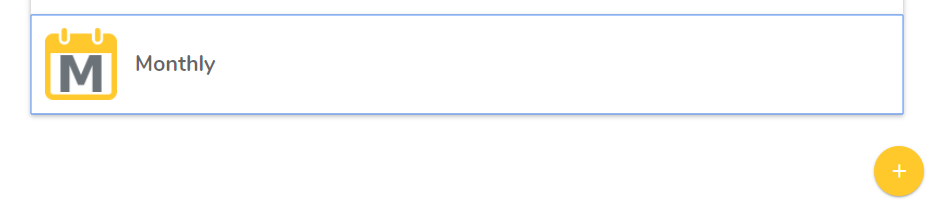
I updated to the latest MaterializeCSS and my modals and collapsibles now have a blue border around them. You can see this issue here when you click the "Modal" button: http://materializecss.com/modals.html

 shaahid1
👍1
All 3 comments
it's an outline when the object is focus.
You can override this on CSS with:
<style type="text/css">
  .modal:focus, .dropdown-trigger:focus{
    outline:none!important
  }
</style>
 asdfprah
on 19 Apr 2018
asdfprah
on 19 Apr 2018
👍2
Looks like the fix (for collapsibles at least) should be in the next release.
As an interim fix, per @asdfprah's suggestion, be sure to add .collapsible-header:focus.
Fix:
https://github.com/Dogfalo/materialize/commit/4e7495368c54943b60688635f723ec9e9592521a#diff-eb64e6e2ac7c9f7a778c8b27643df12d
 chadokruse
on 20 Apr 2018
chadokruse
on 20 Apr 2018
That fixed it. Thank you both!
shaahid1
on 20 Apr 2018
👍1
Was this page helpful?
0 / 5 - 0 ratings
Related issues
 cope
·
3Comments
cope
·
3Comments
 SoproniOli713
·
3Comments
SoproniOli713
·
3Comments
 hartwork
·
3Comments
hartwork
·
3Comments
 bradley-varol
·
3Comments
bradley-varol
·
3Comments
 alexknipfer
·
3Comments
alexknipfer
·
3Comments
Most helpful comment
it's an outline when the object is focus.
You can override this on CSS with: