Material-ui: [Textarea] May crash on scaled windows monitors because Chrome renders a scrollbar
I found a bug that may only exist on Windows laptops or Window 4k+ monintors, and it happens when a padding is added to <Input multiline /> and Chrome decides to render a scrollbar.
- [x] This is not a v0.x issue.
- [x] I have searched the issues of this repository and believe that this is not a duplicate.
Steps to Reproduce 🕹
First you need Win10, then detailed steps to reproduce are in this CodeSandbox demo here
Your Environment 🌎
| Tech | Version |
|--------------|---------|
| Windows!!!!! | 10 |
| Material-UI | v4.1.1 |
| React | 16.8.6 |
| styled-components | 4.3.1 |
| Browser | Chrome 74 |
 ZYinMD
All 10 comments
@ZYinMD It works on my side. What's the error?
 oliviertassinari
on 14 Jun 2019
oliviertassinari
on 14 Jun 2019
Hi @oliviertassinari , I have identified the real cause of the bug, and have completely re-written my original issue, the issue title, and the CodeSandbox demo, you may look again, thanks!!
ZYinMD
on 14 Jun 2019
Hmm, I don't have a 4k monitor, I can't reproduce it on a Windows 10 laptop scaling 125%
 joshwooding
on 14 Jun 2019
joshwooding
on 14 Jun 2019
Hi @joshwooding , if you change the padding of TeaxArea2 (line 14) to be other numbers, like 2, 3, 4, 5, etc, would a scrollbar appear at all?
Here's what it looks like on my screen (see the scroll bar, maybe you know a better way to make it appear):
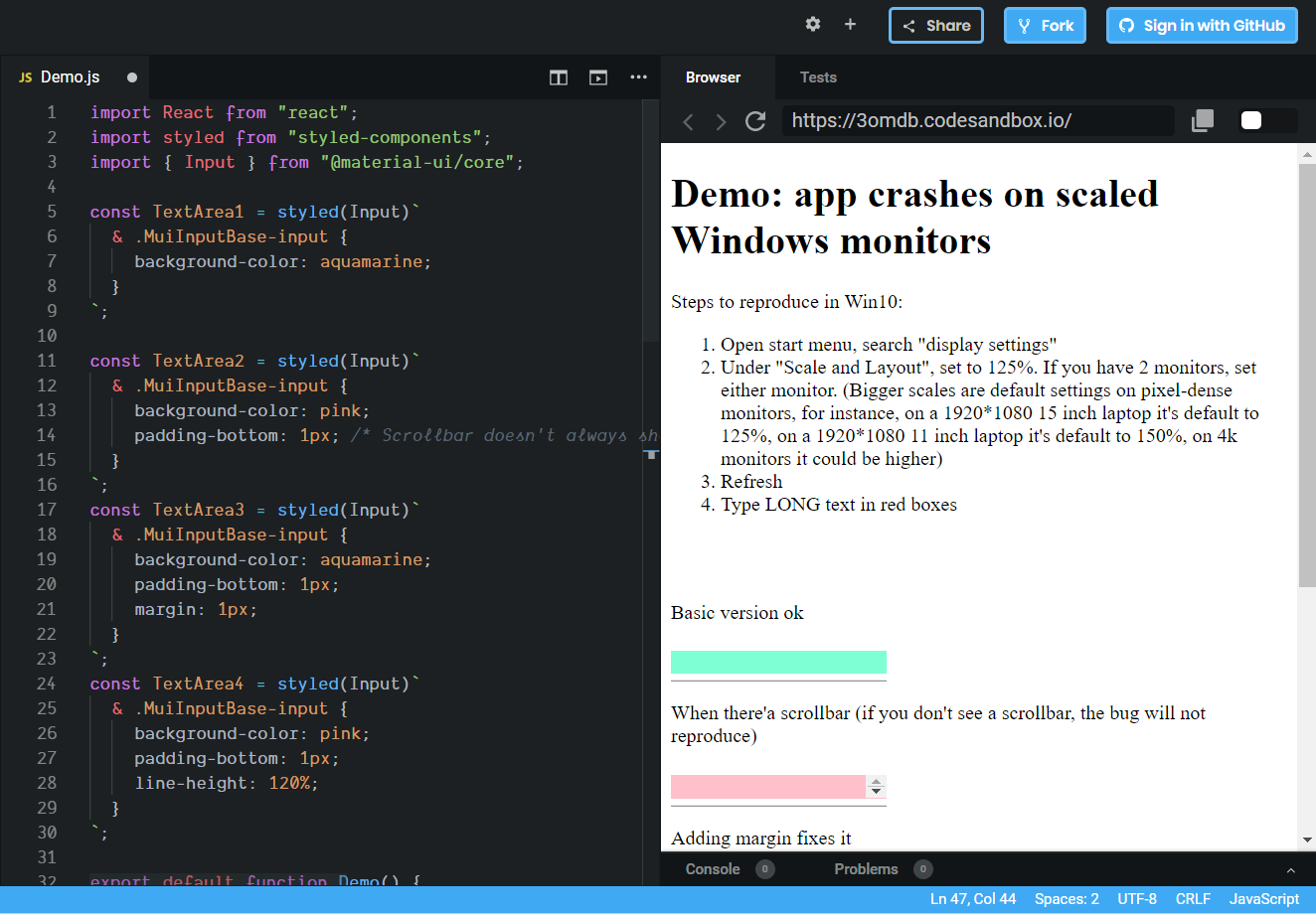
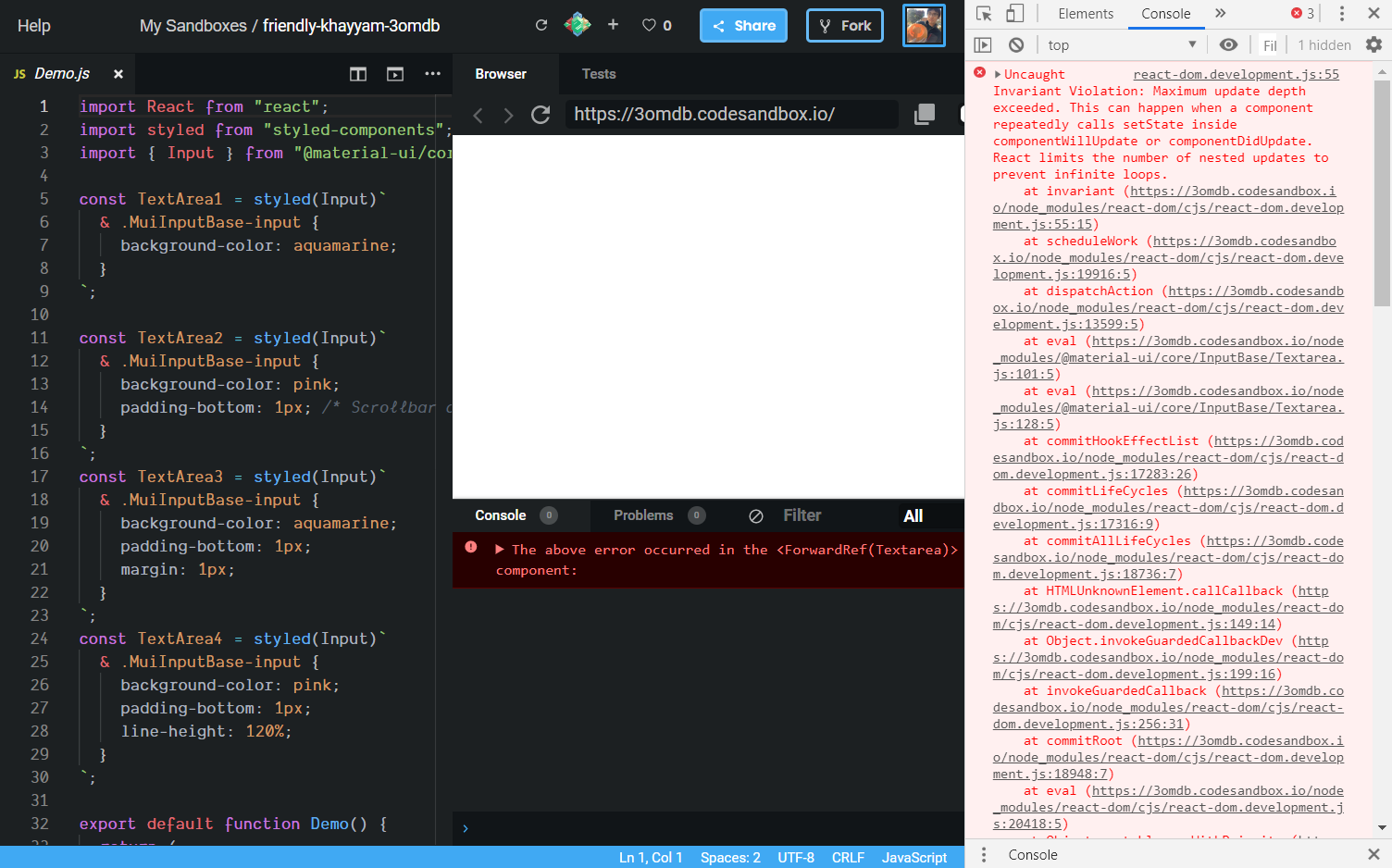
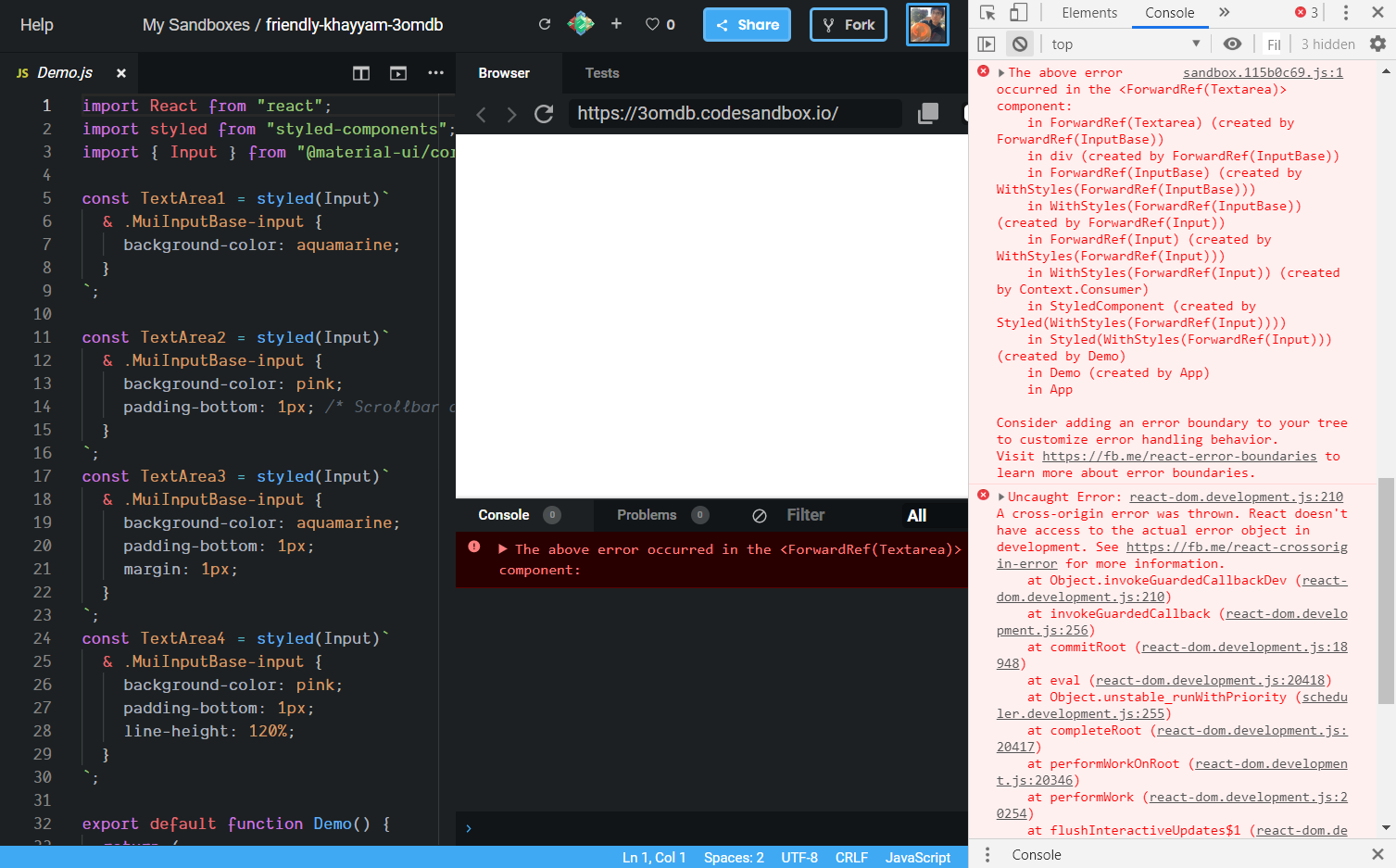
And here's the error messages:
ZYinMD
on 15 Jun 2019
@ZYinMD Thank you for taking the time to provide a more detailed reproduction. I can reproduce it now. What do you think of this fix?
diff --git a/packages/material-ui/src/InputBase/Textarea.js b/packages/material-ui/src/InputBase/Textarea.js
index 519648805..daeb8a4bb 100644
--- a/packages/material-ui/src/InputBase/Textarea.js
+++ b/packages/material-ui/src/InputBase/Textarea.js
@@ -121,7 +121,9 @@ const Textarea = React.forwardRef(function Textarea(props, ref) {
         ref={handleRef}
         style={{
           height: state.outerHeight,
-          overflow: state.outerHeight === state.innerHeight ? 'hidden' : null,
+          // Need a large enough different to allow scrolling.
+          // This prevents infinite rendering loop.
+          overflow: Math.abs(state.outerHeight - state.innerHeight) <= 1 ? 'hidden' : null,
           ...style,
         }}
         {...other}
Do you want to submit a pull request? :)
oliviertassinari
on 15 Jun 2019
Alternatively, there is this other fix to try, it's more bundle size efficient:
diff --git a/packages/material-ui/src/InputBase/Textarea.js b/packages/material-ui/src/InputBase/Textarea.js
index 519648805..d018f476b 100644
--- a/packages/material-ui/src/InputBase/Textarea.js
+++ b/packages/material-ui/src/InputBase/Textarea.js
@@ -9,19 +9,6 @@ function getStyleValue(computedStyle, property) {

 const useEnhancedEffect = typeof window !== 'undefined' ? React.useLayoutEffect : React.useEffect;

-const styles = {
-  /* Styles applied to the shadow textarea element. */
-  shadow: {
-    // Visibility needed to hide the extra text area on iPads
-    visibility: 'hidden',
-    // Remove from the content flow
-    position: 'absolute',
-    // Ignore the scrollbar width
-    overflow: 'hidden',
-    height: '0',
-  },
-};
-
 /**
  * @ignore - internal component.
  *
@@ -33,24 +20,23 @@ const Textarea = React.forwardRef(function Textarea(props, ref) {
   const { current: isControlled } = React.useRef(value != null);
   const inputRef = React.useRef(null);
   const [state, setState] = React.useState({});
-  const shadowRef = React.useRef(null);
   const handleRef = useForkRef(ref, inputRef);

   const syncHeight = React.useCallback(() => {
     const input = inputRef.current;
-    const inputShallow = shadowRef.current;
+    const savedHeight = input.style.height;
+    const savedOverflow = input.style.overflow;
+    input.style.overflow = 'hidden';
+    input.style.height = '0';

     const computedStyle = window.getComputedStyle(input);
-    inputShallow.style.width = computedStyle.width;
-    inputShallow.value = input.value || props.placeholder || 'x';

     // The height of the inner content
-    const innerHeight = inputShallow.scrollHeight;
+    const innerHeight = input.scrollHeight;
     const boxSizing = computedStyle['box-sizing'];

     // Measure height of a textarea with a single row
-    inputShallow.value = 'x';
-    const singleRowHeight = inputShallow.scrollHeight;
+    const singleRowHeight = getStyleValue(window.getComputedStyle(input), 'line-height');

     // The height of the outer content
     let outerHeight = innerHeight;
@@ -73,6 +59,9 @@ const Textarea = React.forwardRef(function Textarea(props, ref) {
         getStyleValue(computedStyle, 'border-top-width');
     }

+    input.style.overflow = savedOverflow;
+    input.style.height = savedHeight;
+
     setState(prevState => {
       // Need a large enough different to update the height.
       // This prevents infinite rendering loop.
@@ -85,7 +74,7 @@ const Textarea = React.forwardRef(function Textarea(props, ref) {

       return prevState;
     });
-  }, [setState, rows, rowsMax, props.placeholder]);
+  }, [setState, rows, rowsMax]);

   React.useEffect(() => {
     const handleResize = debounce(() => {
@@ -114,27 +103,17 @@ const Textarea = React.forwardRef(function Textarea(props, ref) {
   };

   return (
-    <React.Fragment>
-      <textarea
-        value={value}
-        onChange={handleChange}
-        ref={handleRef}
-        style={{
-          height: state.outerHeight,
-          overflow: state.outerHeight === state.innerHeight ? 'hidden' : null,
-          ...style,
-        }}
-        {...other}
-      />
-      <textarea
-        aria-hidden
-        className={props.className}
-        readOnly
-        ref={shadowRef}
-        tabIndex={-1}
-        style={{ ...styles.shadow, ...style }}
-      />
-    </React.Fragment>
+    <textarea
+      value={value}
+      onChange={handleChange}
+      ref={handleRef}
+      style={{
+        height: state.outerHeight,
+        overflow: state.outerHeight === state.innerHeight ? 'hidden' : null,
+        ...style,
+      }}
+      {...other}
+    />
   );
 });
Hi @oliviertassinari , I'm trying to test your fix, so I went to my local project where the bug exists, and went into project_root/node_modules/@material_ui/core/InputBase/Textarea.js and manually copied in your change. Is it the right way to test it? It didn't seem to make a difference. Not even when I simply set overflow: 'hidden'. I can prepare a repo if you need.
ZYinMD
on 26 Jun 2019
If you add a console log, can you see it?
oliviertassinari
on 26 Jun 2019
Great point! The answer is no. After some experiments, I finally found out that I need to make changes in the esm folder for it to work. PR submited.
Btw I never knew making stupid commits into my own forked repo would show up here. So embarrassed.
ZYinMD
on 26 Jun 2019
@ZYinMD Don’t worry about it, mentioning the issue number in commit messages is a common thing to do. At least it’s the right issue number 😄 The amount of times I have referenced the wrong issue accidentally... 😅
joshwooding
on 27 Jun 2019
Related issues
 sys13
·
3Comments
sys13
·
3Comments
 mb-copart
·
3Comments
mb-copart
·
3Comments
 rbozan
·
3Comments
rbozan
·
3Comments
 revskill10
·
3Comments
revskill10
·
3Comments
 iamzhouyi
·
3Comments
iamzhouyi
·
3Comments