Material-ui-pickers: KeyboardTimePicker - how to hide the button
Tried to look for it in the API but could not find.
Is there a way to hide the picker button while using KeyboardTimePicker?

 chenop
👍2
All 4 comments
I don't think you need to, but yeah it is possible using KeyboardButtonProps={{ disabled: true, style: { display: 'none' }}
 dmtrKovalenko
on 5 Mar 2020
dmtrKovalenko
on 5 Mar 2020
👍3
@chenop What's your use case for hiding the calendar icon?
 oliviertassinari
on 6 Mar 2020
oliviertassinari
on 6 Mar 2020
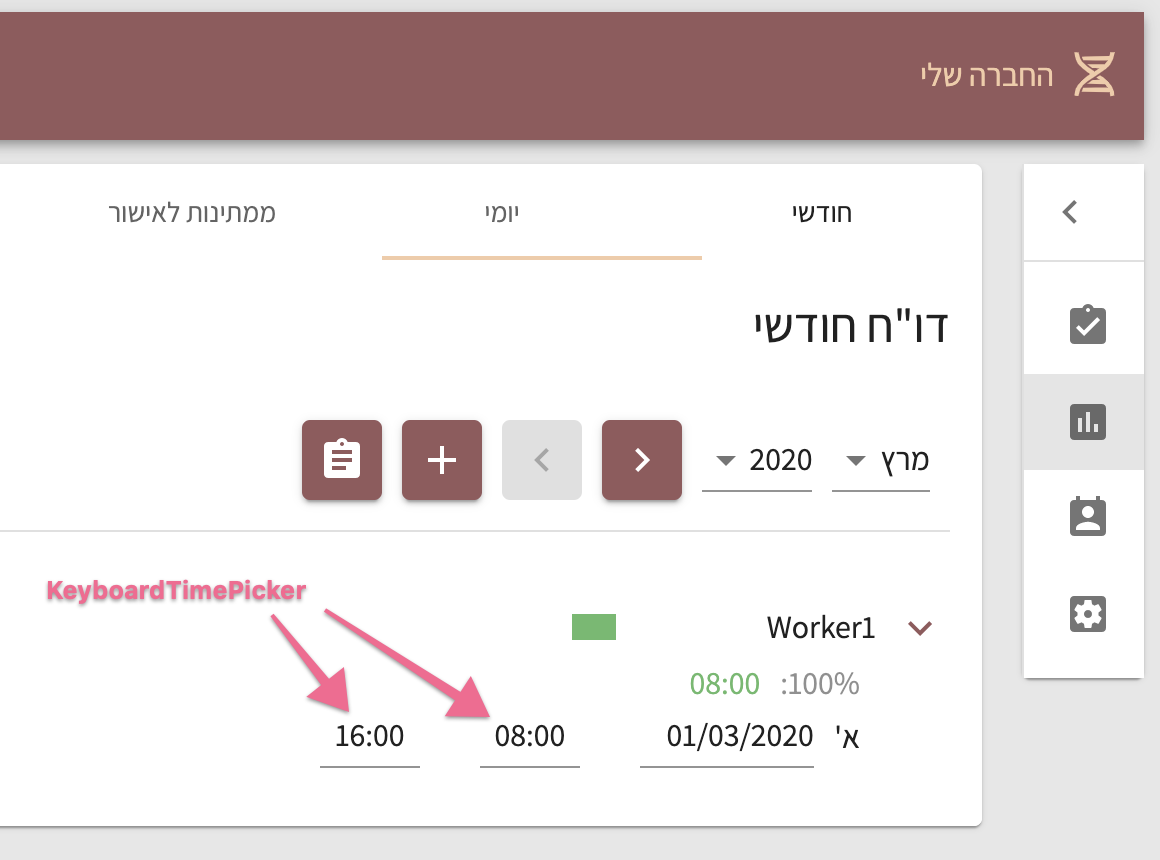
I have a web app which is compatible for mobile & desktop.
For the mobile I use TimePicker (with the dialog)
For the desktop version I use the KeyboardTimePicker but I thought it might be easier for the user to just type the time with the keyboard and not with the dialog - and I don't see why I should display the picker button.
Mobile

Desktop
chenop
on 6 Mar 2020
Thanks for sharing
oliviertassinari
on 6 Mar 2020
Was this page helpful?
0 / 5 - 0 ratings
Related issues
 Harasz
·
3Comments
Harasz
·
3Comments
 dandv
·
3Comments
dandv
·
3Comments
 danmce
·
3Comments
danmce
·
3Comments
 basselAhmed
·
3Comments
basselAhmed
·
3Comments
 Lysander
·
3Comments
Lysander
·
3Comments
Most helpful comment
I don't think you need to, but yeah it is possible using
KeyboardButtonProps={{ disabled: true, style: { display: 'none' }}