Material-table: Remove title container
I do not want to place a title on the table, nor any custom actions so currently i have an extra space above the header.
is it possible to remove this? is there an existing option?
showTitle=false removes the title but the container still persists thereby showing an empty row on top of the headers.
 chitgoks
All 5 comments
@chitgoks any tips how you resolved hiding the container? Having the same problem 😃
 tlaukkanen
on 20 Feb 2020
tlaukkanen
on 20 Feb 2020
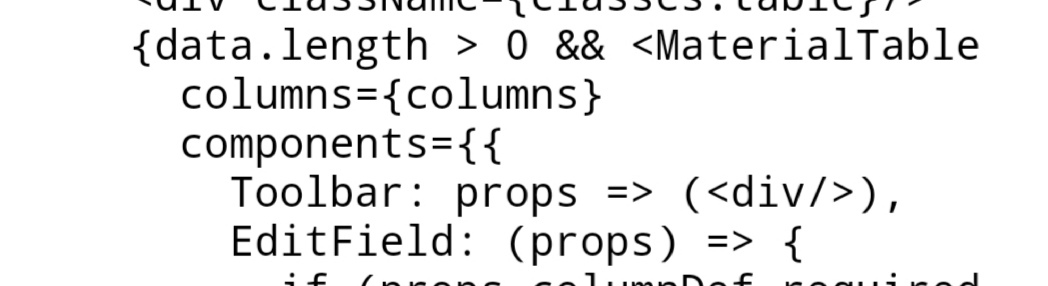
Toolbar
chitgoks
on 20 Feb 2020
👍1
@chitgoks , You can remove the whole toolbar by setting toolbar: false (part of table options)
 Ebram-Tharwat
on 20 Feb 2020
Ebram-Tharwat
on 20 Feb 2020
👍3
lol ok thats better.
chitgoks
on 21 Feb 2020
@chitgoks , You can remove the whole toolbar by setting
toolbar: false(part of tableoptions)
that really what I want :)
 royliu007
on 28 May 2020
royliu007
on 28 May 2020
Was this page helpful?
0 / 5 - 0 ratings
Related issues
 balibou
·
3Comments
balibou
·
3Comments
 lazeebee
·
3Comments
lazeebee
·
3Comments
 behrouz-s
·
3Comments
behrouz-s
·
3Comments
 victorwvieira
·
3Comments
victorwvieira
·
3Comments
 slevy85
·
3Comments
slevy85
·
3Comments
Most helpful comment
@chitgoks , You can remove the whole toolbar by setting
toolbar: false(part of tableoptions)