Material-components-web: Proper way to autofocus a Text field in a Dialog?
Question
What is the proper way to autofocus a Text field in a Dialog?
This is an unorthodox issue, I know, but I've been wrestling with various ways to tackle this for quite some time now and I'm stumped. The use case for this is a dialog being popped up to rename one item in a list, upon clicking a button. This involves a simple dialog with a single text input, a cancel button, and an accept button. All the usual ways to manually focus or autofocus a text field or directly on the input either don't work, or focus it briefly then immediately unfocus - I realized after some research that this is due to the focus trap the dialog is setting up. However, there doesn't seem to be any way to configure that focus trap to focus any element of the dialog aside from the accept button. Does such a way exist? Or am I going about this the wrong way?
 jrajav
All 4 comments
+1 @jrajav this doesn't really seem that unorthodox. The dialog demo should provide a concrete example with input control(s), and one having initial focus.
 aaronhudon
on 1 Feb 2018
aaronhudon
on 1 Feb 2018
Thanks for the suggestion! It has been added to the tracker.
When the dialog opens, we should check if there's any children with the autofocus attribute. If so, we focus it (instead of immediately focusing the accept button as we do currently).
 bonniezhou
on 1 Feb 2018
bonniezhou
on 1 Feb 2018
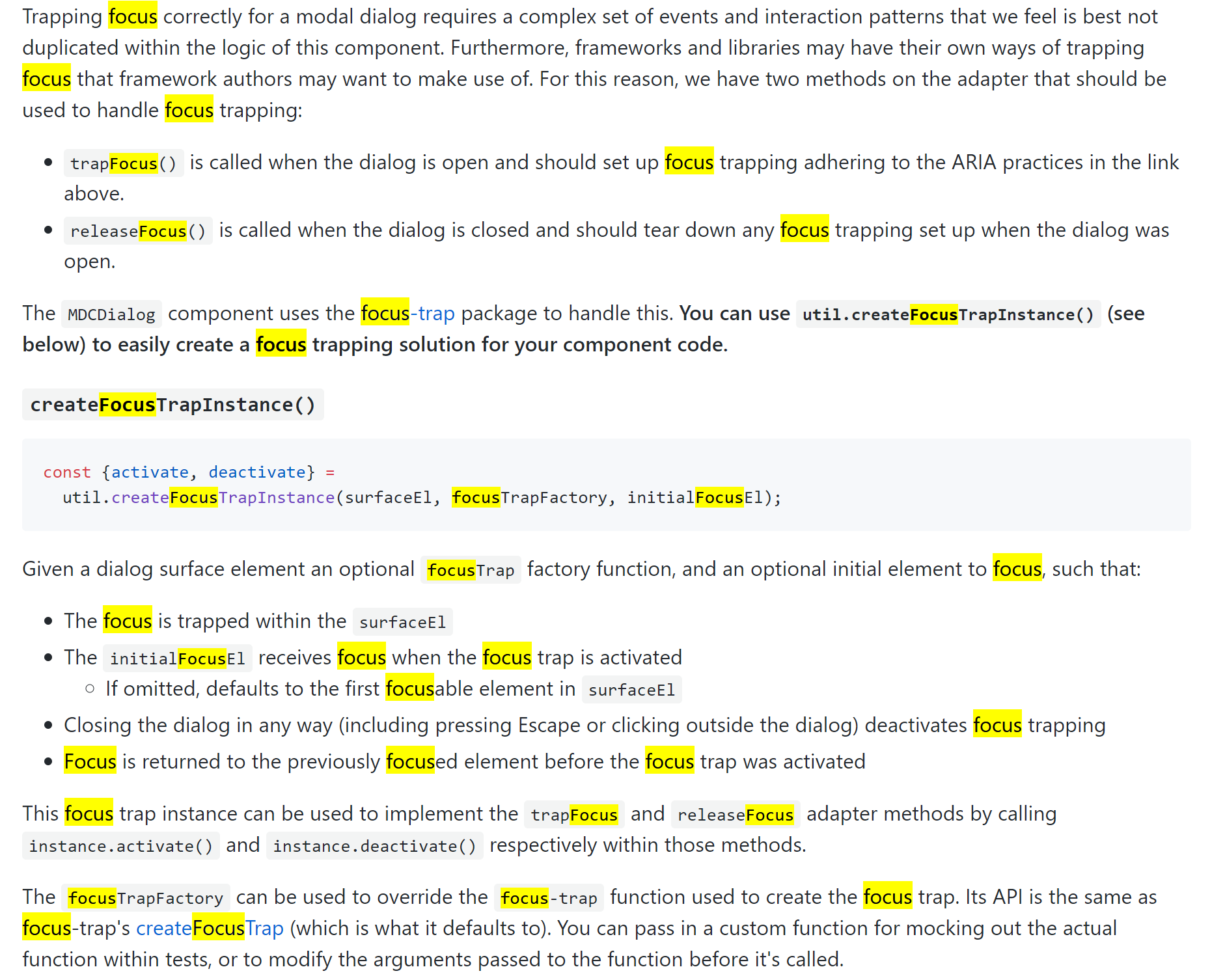
@bonniezhou Can someone on the team correct me with the proper way to hook into the focus trapping mechanism. The documentation isn't all that clear (or just needs an example)
// create the MDC dialog
let dlg = new mdc.dialog.MDCDialog(elem);
// kludge!  wire focus trapping to an element i want focus
dlg.focusTrap_.activate = function () {
    myInput.focus();
};
// show the dialog
dlg.show();
Why can't I .focus() an input in my dialog? I like the autofocus element attribute solution as provided in the original question even better. The mdc dialog documentation is not helpful. Frankly it's a time sink. Maybe I need to upgrade to the latest version of mdc-web?
 ronnieroyston
on 20 Oct 2018
ronnieroyston
on 20 Oct 2018
Related issues
 ghost
·
3Comments
ghost
·
3Comments
 devshekhawat
·
3Comments
devshekhawat
·
3Comments
 cintaccs
·
3Comments
cintaccs
·
3Comments
 16rajumane
·
3Comments
16rajumane
·
3Comments
 AbuMareBear
·
3Comments
AbuMareBear
·
3Comments
Most helpful comment
Thanks for the suggestion! It has been added to the tracker.
When the dialog opens, we should check if there's any children with the autofocus attribute. If so, we focus it (instead of immediately focusing the accept button as we do currently).