Material-components-android: [BadgeDrawable] badge to close to bottom navigation view border
Description: I updated from version 1.1.0-alpha08 to version 1.1.0-alpha10. If I now add a badge to a bottom navigation view entry it touches the border of the bottom navigation view.

I assume @Chaoyang0201 got the same or a related problem and thus opened this "related" issue https://github.com/material-components/material-components-android/issues/630 with this PR https://github.com/material-components/material-components-android/pull/638.
Expected behavior: Bevor I updated to 1.1.0-alpha10 the bedge was a little bit lower

Source code: I forked this repo and added a badge in the bottom navigation view and got the same result. You can find my changes here https://github.com/addyi/material-components-android/commit/de4a2d011cf6cfe02e751117d43c79a0591def0c and can also clone this repo to get the same result.
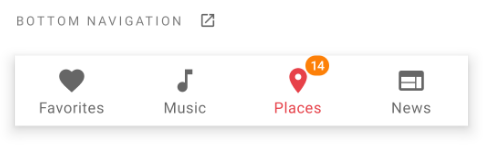
Android API version: Android 10.0 (Q) API 29 also tested on Android 8.1.0
Material Library version: Before "Bug" 1.1.0-alpha08, with "Bug" 1.1.0-alpha10
Device: Pixel 3 and Nexus 6P
 addyi
addyi
All 2 comments
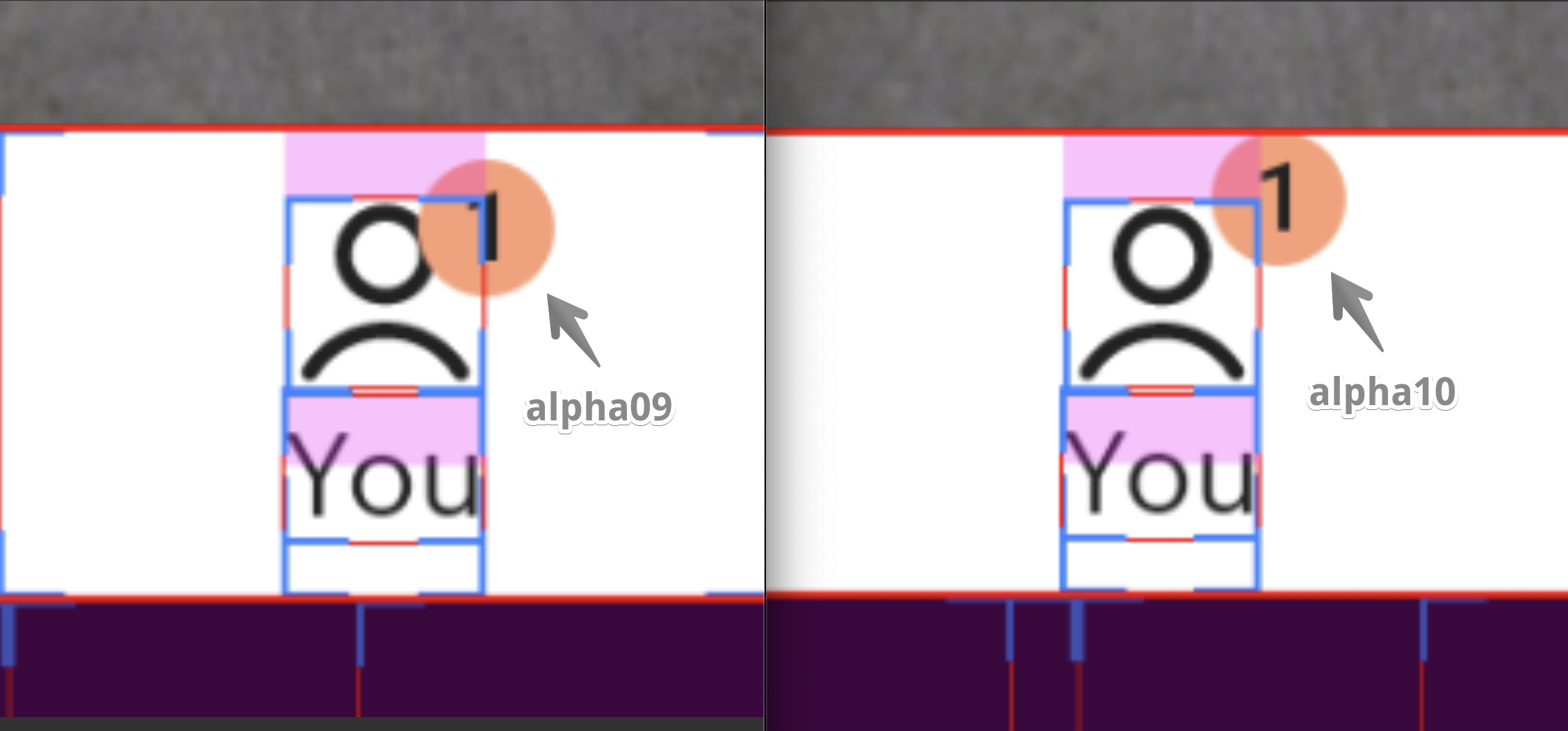
Seeing the same issue, introduced in alpha10.
 firekesti
on 3 Oct 2019
firekesti
on 3 Oct 2019
Hi @addyi the visual delta you observed is an expected behavior caused by new design guidance to avoid overlapping the anchor.
PR #638 has been pulled in and #630 is closed, please use the newly introduced setters to adjust the badge's position w.r.t. the anchor.
 wcshi
on 21 Oct 2019
wcshi
on 21 Oct 2019
Related issues
 magnusfernandes
·
3Comments
magnusfernandes
·
3Comments
 aarontwf
·
3Comments
aarontwf
·
3Comments
 TdevM
·
3Comments
TdevM
·
3Comments
 ahmaducg
·
3Comments
ahmaducg
·
3Comments
 sepehr-alipour
·
3Comments
sepehr-alipour
·
3Comments
Most helpful comment
Seeing the same issue, introduced in alpha10.