Description: Full description of issue here
Staring after material:1.1.0-alpha05 the appbar color is no longer taking the primaryColor of an application.
(Screenshot is with alpha08)
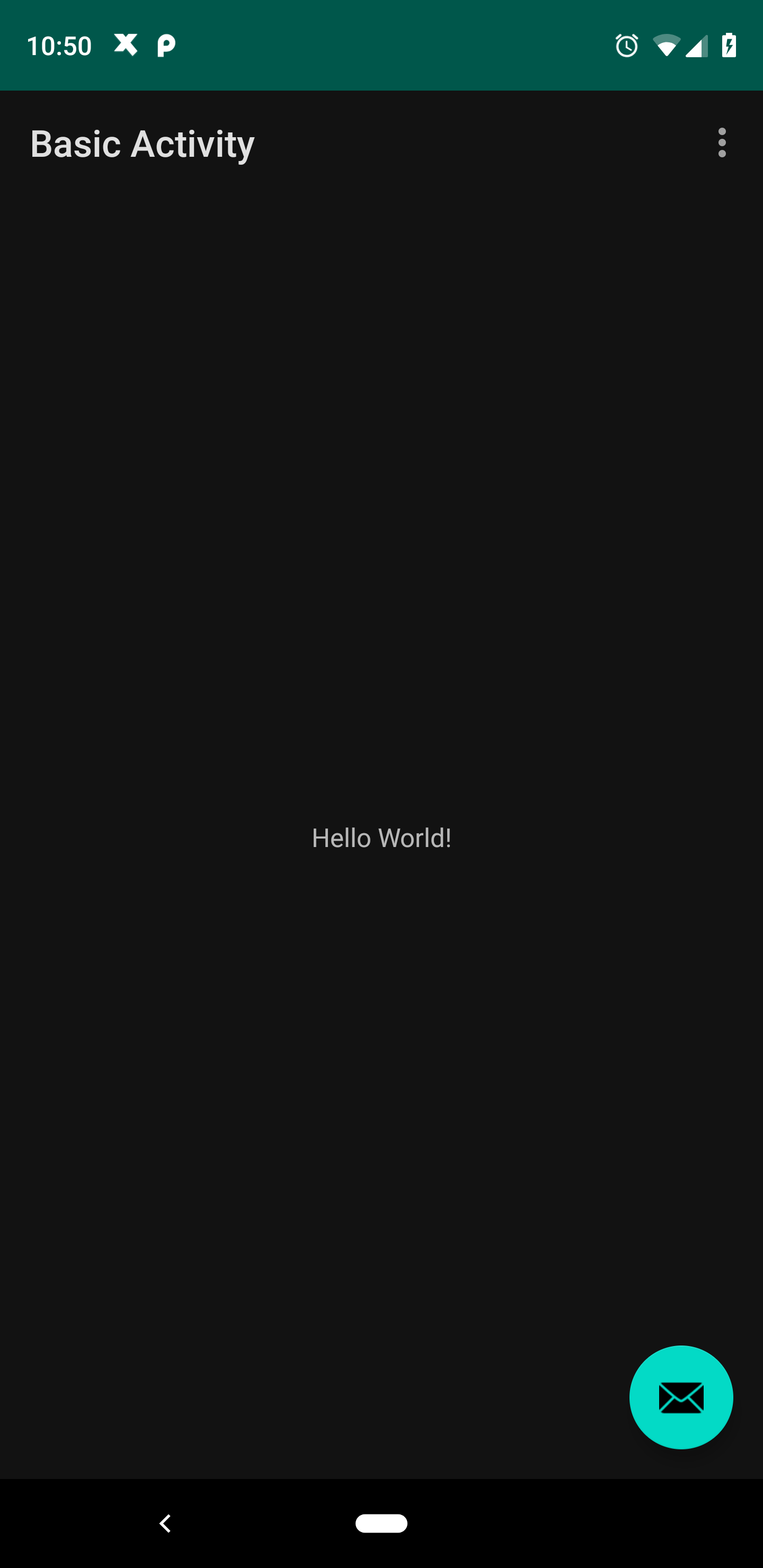
Expected behavior: Screenshots and/or description of expected behavior
App bar should color itself with the primary color when using a theme that puts in an actionbar
eg:
(Screenshot is with alpha05)

Android API version: Android API version here
API 28
Material Library version: Material Android Library version you are using here (e.g., 1.1.0-alpha07)
Working:
com.google.android.material:material:1.1.0-alpha05
Affected:
com.google.android.material:material:1.1.0-alpha06
com.google.android.material:material:1.1.0-alpha07
com.google.android.material:material:1.1.0-alpha08
Hello! This is the intended behavior, as our dark theme guidance for components that use a large portion of a screen is that they should use colorSurface for their background instead of colorPrimary or colorAccent, so AppBarLayouts, Toolbars, and ActionBars now default to their Surface styles in dark theme.
Thanks! Explains a lot and now works. :D
Most helpful comment
Hello! This is the intended behavior, as our dark theme guidance for components that use a large portion of a screen is that they should use
colorSurfacefor their background instead ofcolorPrimaryorcolorAccent, so AppBarLayouts, Toolbars, and ActionBars now default to theirSurfacestyles in dark theme.