Mastodon: Timeline keeps repeatedly jumping up and down
On queer.party (running 1.4.1) I often have a problem when scrolling on the timeline where the view will start repeatedly jumping up and down. I suspect it's something to do with images being dynamically added and removed based on some threshold which is causing a dynamic equilibrium to occur.
See https://www.youtube.com/watch?v=PArRfqp0o4k for a video capture of the behavior. At the beginning of the video it's already taking place; then starting at 0:02 I'm scrolling normally, and then the behavior reappears at about 0:12. While I'm scrolling manually the behavior doesn't occur but it seems to be when the scrolling ends at a particular edge condition that it happens.
I am running Safari 10.1.2 (build 12603.3.3) on macOS Sierra.
- [x] I searched or browsed the repo’s other issues to ensure this is not a duplicate.
- [x] This bug happens on a tagged release and not on
master(If you're a user, don't worry about this).
 fluffy-critter
All 18 comments
Just experienced the same behavior on the 1.4.2 release candidate that Mastodon.Social is currently running.
 chriswmartin
on 11 Jun 2017
chriswmartin
on 11 Jun 2017
Possibly related to (or a duplicate of) #3407?
 daprice
on 11 Jun 2017
daprice
on 11 Jun 2017
The thing described in #3407 isn't quite the same as the thing described here. Your comments on that issue are certainly relevant to this one though. :)
fluffy-critter
on 11 Jun 2017
Been scrolling through my federated timeline for 5 minutes and I could not reproduce this. However, I have a suspicion of what may be causing this: toggling between "rendered" and "unrendered" should not cause the position of the toots in the list to change (since we save the original height). But if one expands the content warnings the height changes (and we do not update it).
Basically, the issues that we need to fix are:
- [ ] Keep the height saved in
<Status />in sync - which means to update it when:
- [ ] The content warning is toggled
- [ ] It is resized
- [ ] Maintain the content warning hidden state (right now this state is lost when the toot is "unrendered")
- [ ] Keep it inside
<Status />and pass it as a prop to<StatusContent />. This needs to be optional, since<StatusContent />is also rendered inside<BoostModal />and<DetailedStatus />(or implement this for them too).
- [ ] Keep it inside
@nolanlawson Can you take a look at this too? What do you think?
 sorin-davidoi
on 11 Jun 2017
sorin-davidoi
on 11 Jun 2017
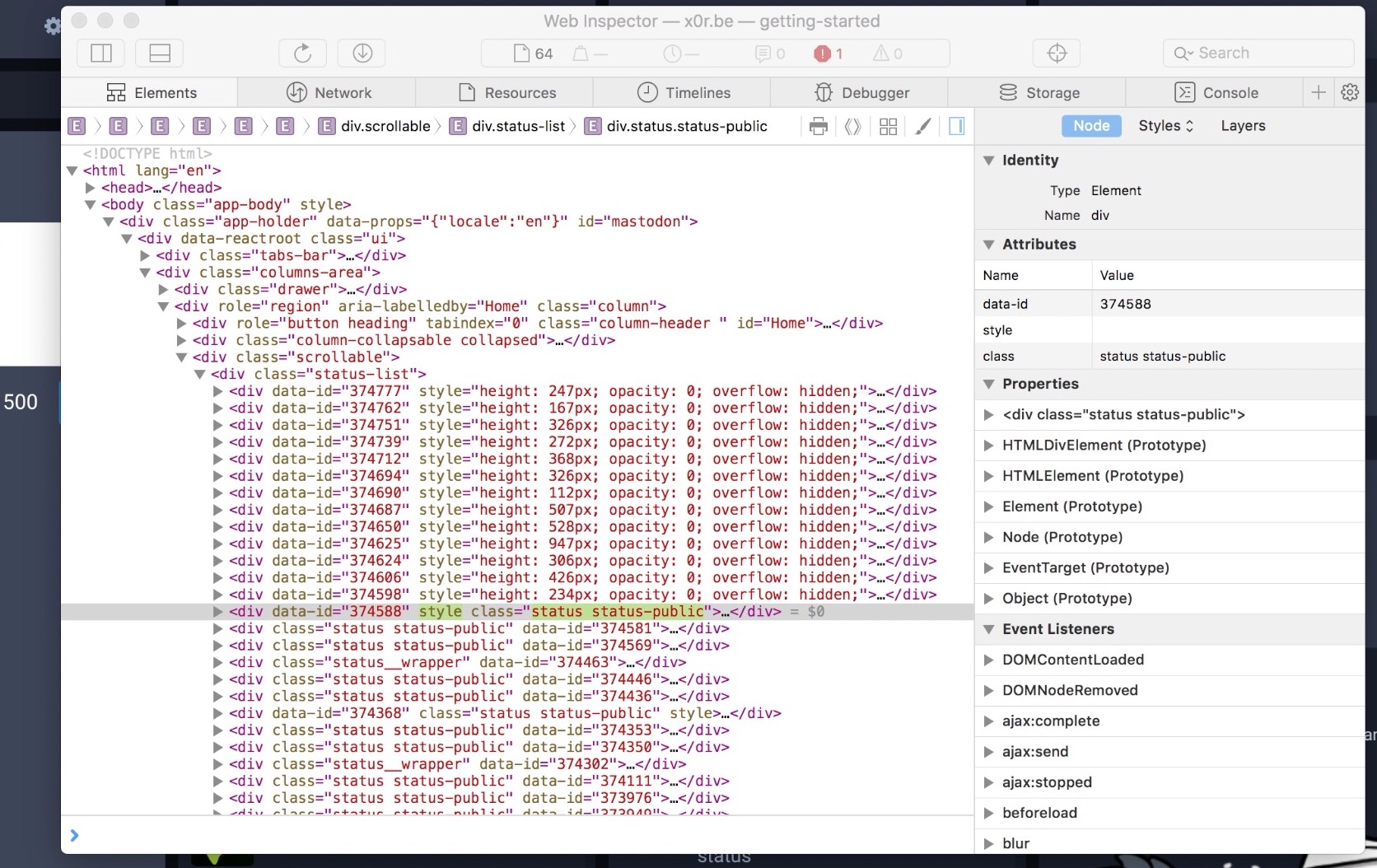
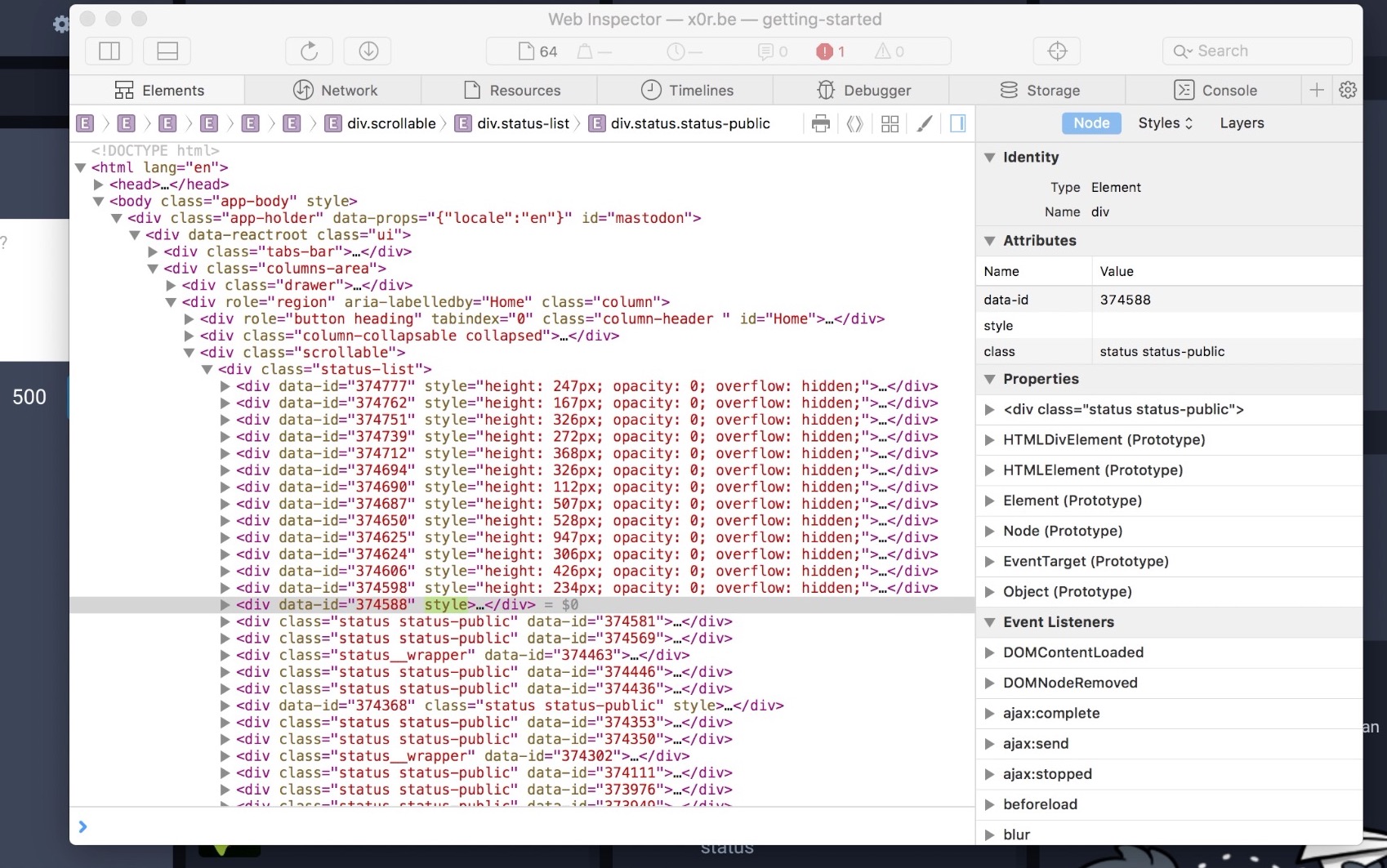
I am experiencing the same issue. I can't tell exactly when it happens, but it seems to be related to the relative position of the toot that's at the border between visible and invisible toots.
Here are two screenshot showing the flickering class assignment in the web inspector, I hope it helps.
 bbonf
on 13 Jun 2017
bbonf
on 13 Jun 2017
The potential fix was released as part of 1.4.3. Let us know if this still happens.
sorin-davidoi
on 15 Jun 2017
Still experiencing this on 1.4.3
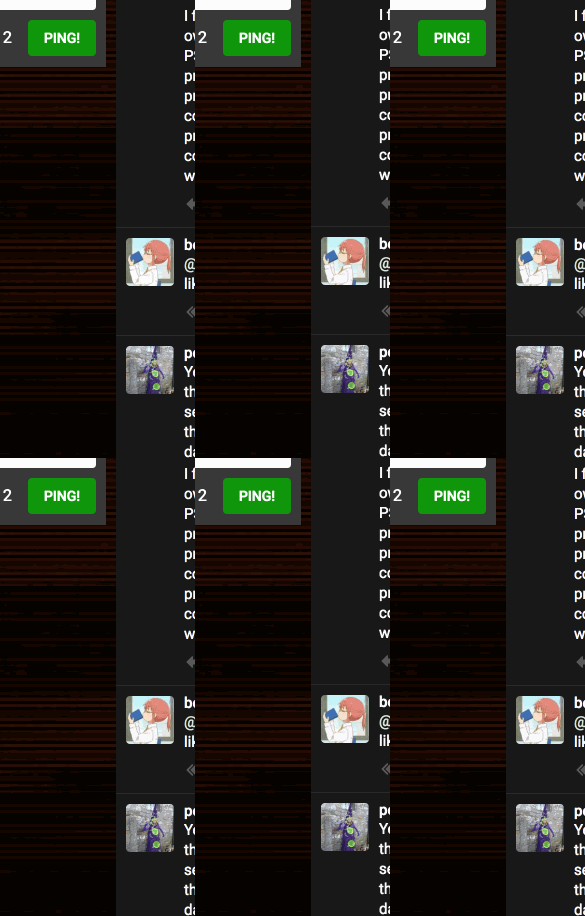
(the actual motion was much faster, it was just captured at a slower framerate by my gif program)
 nightpool
on 15 Jun 2017
nightpool
on 15 Jun 2017
I opened a separate issue for that jitter: #3776
 nolanlawson
on 18 Jun 2017
nolanlawson
on 18 Jun 2017
I still see the original problem on 1.4.3 :/
bbonf
on 19 Jun 2017
I can also confirm that the original jumping back and forth still occurs on 1.4.3
daprice
on 20 Jun 2017
Yeah, I'm still having this as well. :/ I managed to capture the DOM inspector this time. See https://youtu.be/BQKpc8QUqx0
fluffy-critter
on 22 Jun 2017
FWIW I don't believe either this issue (jerky scrolling) or #3776 (jittery scrolling) can be solved without either:
- Implementing a true virtualized list, i.e. rewrite the entire list implementation, or
- Redesigning the UI to add a "show (x) more toots" button at the top, ala Twitter.
Personally I would go with # 2. I think constantly adding elements to the top of the list when users are scrolling will always inevitably cause jerkiness; adding a "show more" button would mean it would jerk only once at most (and then, just a small amount).
nolanlawson
on 22 Jun 2017
New redesign idea based on discussion in this thread:
- When scrolled to the top, toots appear automatically like the current design
- When
scrollTopis greater than 0, show the number of toots as a little "unread count" alert in the header. Then users can just click on the header to scroll to the top. - When scrolled back to the top, new toots are shown.
This would prevent any jumpiness while also preserving the current behavior where you can watch the toots appear in real-time.
nolanlawson
on 22 Jun 2017
I really like that design idea.
fluffy-critter
on 22 Jun 2017
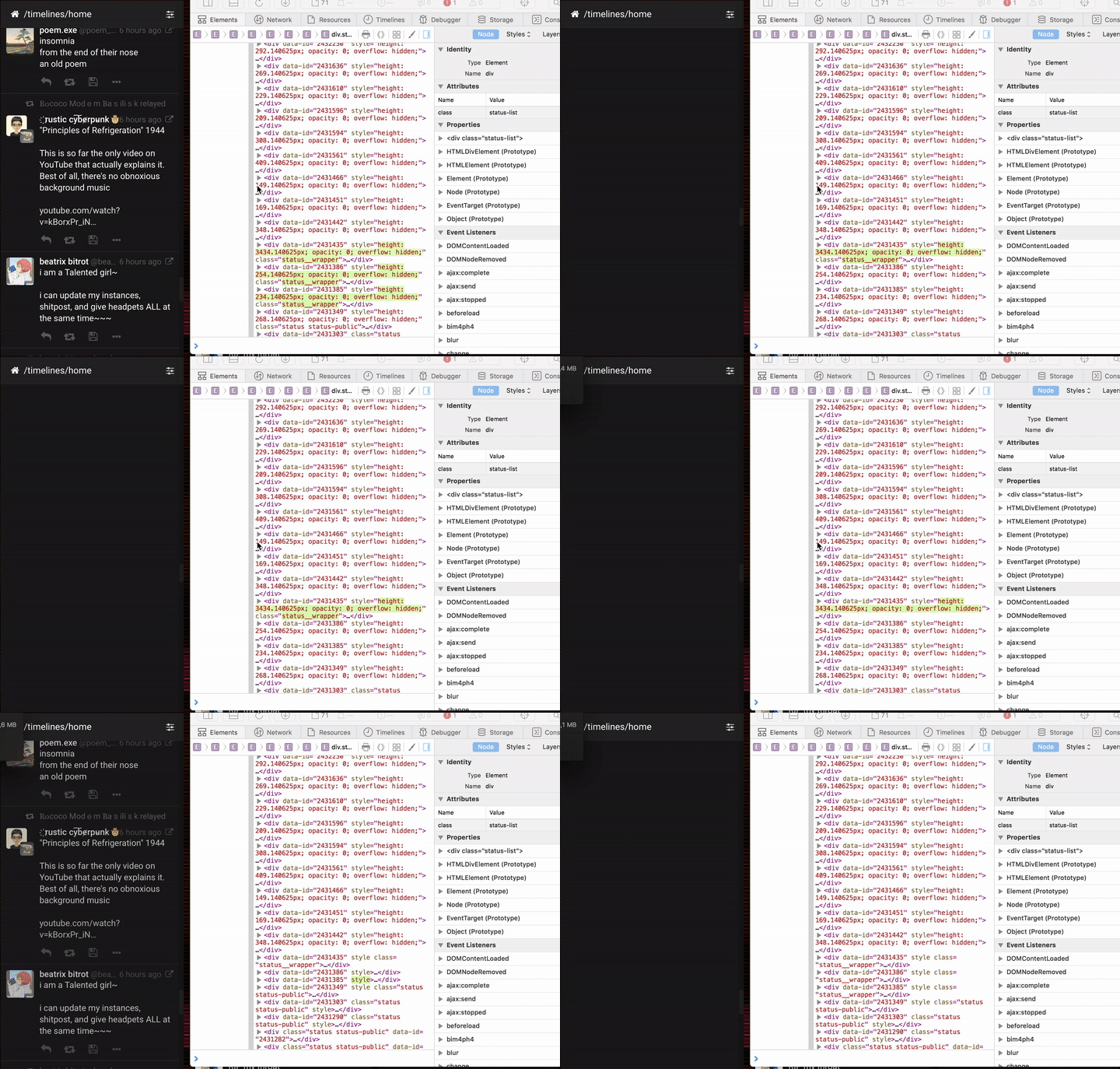
I believe I'm seeing an incarnation of this (on 1.4.7) Should I open a separate issue?
bbonf
on 22 Jul 2017
Can you reproduce with the following steps?
- Scroll to the bottom and wait (without scrolling) for new toots to be appended
- Wait (without scrolling) for new toots to be added at the top - would suggest doing this in the federated timeline, since it updates faster
sorin-davidoi
on 22 Jul 2017
It doesn't reproduce this way. I am able to reproduce the problem when randomly scrolling the home timeline when no new toots arrive. (seems to be more common when letting it scroll with inertia)
bbonf
on 22 Jul 2017
Ok, thanks for testing. We would need to reopen this then...
sorin-davidoi
on 22 Jul 2017
Related issues
 marrus-sh
·
3Comments
marrus-sh
·
3Comments
 Lewiscowles1986
·
3Comments
Lewiscowles1986
·
3Comments
 flukejones
·
3Comments
flukejones
·
3Comments
 phryk
·
3Comments
phryk
·
3Comments
 lauramichet
·
3Comments
lauramichet
·
3Comments
Most helpful comment
New redesign idea based on discussion in this thread:
scrollTopis greater than 0, show the number of toots as a little "unread count" alert in the header. Then users can just click on the header to scroll to the top.This would prevent any jumpiness while also preserving the current behavior where you can watch the toots appear in real-time.