Marlin: Q: Any of marlin features that could make circle objects "fuzzy"
i'm trying to dialing in my tolerances and i get a strange fuzzy surface on circle objects
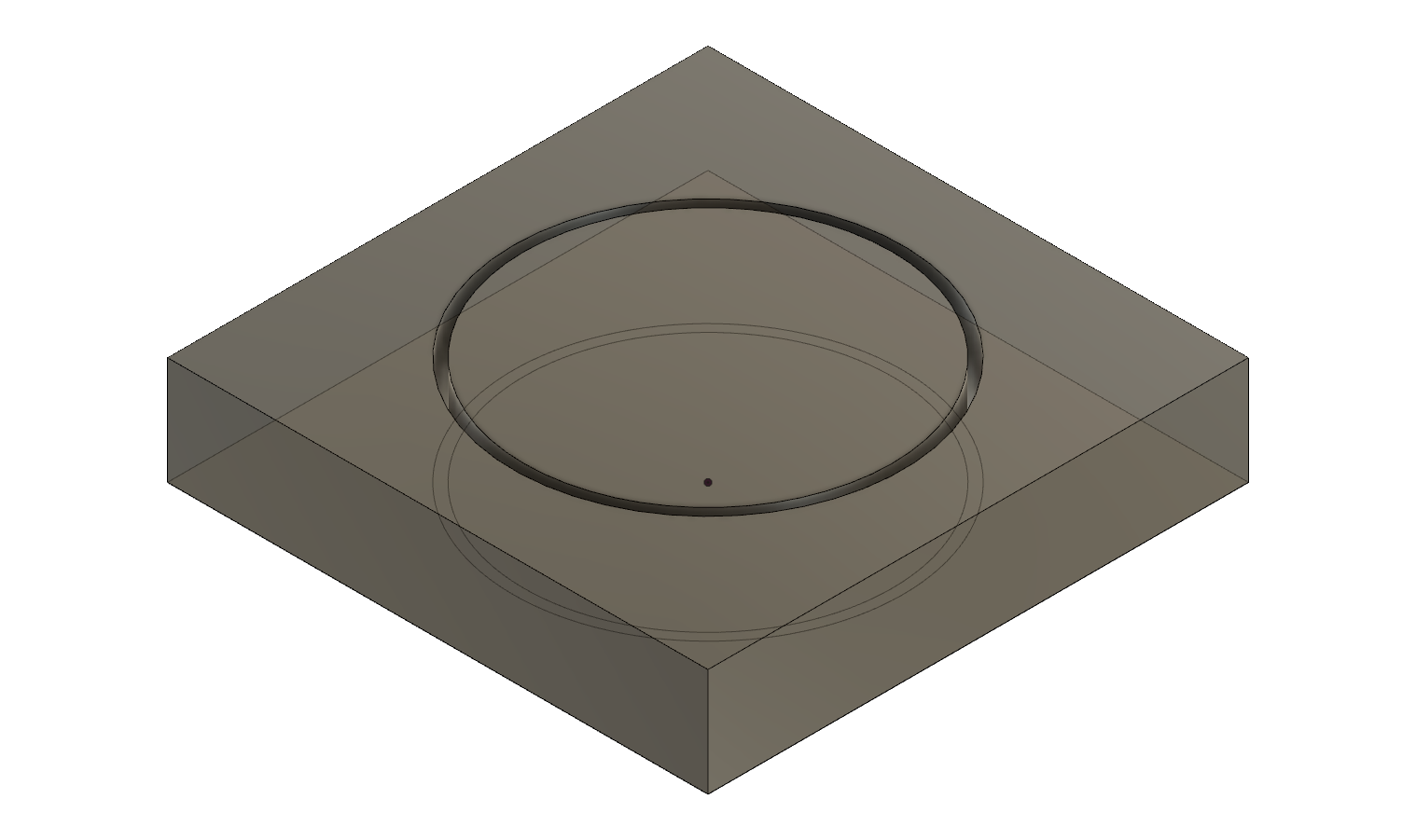
the outside of the box is crisp and sharp
but the inside of the box is not, and the same with the dish, resulting in that they fuse together
there needs to be at least 1mm in difference of diamter and they need to be printed next to each other to be able to push them together
any clue's and pointers are welcome
i did a thin wall object to make sure i dont over or under extrude
and i have also done a pid tune
 boelle
All 17 comments
when I print from computer, circles are disaster and still don't know why, but when I print from SD card, circles are ok, like it should be.
 Blisk
on 24 Jul 2018
Blisk
on 24 Jul 2018
hmm... and since octoprint is a computer it could be that
a few pics of it here: https://photos.app.goo.gl/rH8ByFgcM6VWKKk57
and my single wall cube test thing: https://photos.app.goo.gl/amKWv9rR59kRnWnP8
boelle
on 24 Jul 2018
anyways dinner time, will print the same gcode from sd card later tonight, thanks for the tip
boelle
on 24 Jul 2018
exactly, I get the same, but when printing form SD card, circles are nice and smooth
Blisk
on 24 Jul 2018
yeah... when it prints the circles do not sound like one fluid and smooth montion
boelle
on 24 Jul 2018
same gcode just copied to a sd card makes a huge difference
thanks for that one @Blisk :-D
@thinkyhead are there any buffer since i could increase or am at the limit with mega+ramps?
boelle
on 24 Jul 2018
Maybe you can increse RX_BUFFER_SIZE (and let octoprint knows you have a bigger buffer. Repetier has a configuration parameter)
 GMagician
on 24 Jul 2018
GMagician
on 24 Jul 2018
i will try that tomorrow :-D
boelle
on 24 Jul 2018
With mega2560 I'm using 1024 and in repetier I set 768
GMagician
on 24 Jul 2018
I also have 2560 and will try this tomorrow, because I like to print it like before from PC. That worked for some time but now doesn't anymore.
Blisk
on 24 Jul 2018
Same here, but its time to get some sleep soon
i have done firmware changes etc so printer is ready, just need to make sure i have same code on sd card and octoprint so i can compare
boelle
on 24 Jul 2018
If you print a sheet with a circle bored out of it... What ever the diameter of the circle is, it will be less when it is printed. Is that what is making stuff not fit correctly for you?
You might want to try it and use a micrometer on your printed part.
 Roxy-3D
on 25 Jul 2018
Roxy-3D
on 25 Jul 2018
You might want to have a read about this issue here (I’m not the author): http://lokspace.eu/bad-print-quality-with-usb-or-octoprint-the-solution-is-here/
EDIT: Since I read what I posted and it seems like an awful spammy way to post a link, the gist is you have to mess with BLOCK_BUFFER_SIZE / BUFSIZE / DEFAULT_MINSEGMENTTIME
 jonathanweinberg
on 25 Jul 2018
jonathanweinberg
on 25 Jul 2018
@Roxy-3D nope its not the diameter that is the problem its the surface quality
when printing from sd card everything is ok
when printing from octoprint the surface gets fuzzy with a lot of micro "blobs"
boelle
on 25 Jul 2018
@jonathanweinberg its not spammy if its helping :-D just got up so will have breakfast first
boelle
on 25 Jul 2018
anyways, closing this one to reduce my footprint on the issue list, sd card printing is one fix but will have a look at @jonathanweinberg link also
boelle
on 25 Jul 2018
This issue has been automatically locked since there has not been any recent activity after it was closed. Please open a new issue for related bugs.
![github-actions[bot] picture](https://avatars2.githubusercontent.com/in/15368?v=4&s=40) github-actions[bot]
on 16 Aug 2020
github-actions[bot]
on 16 Aug 2020
Related issues
 heming3501
·
4Comments
heming3501
·
4Comments
 Anion-anion
·
3Comments
Anion-anion
·
3Comments
 ceturan
·
4Comments
ceturan
·
4Comments
 pubalan12
·
4Comments
pubalan12
·
4Comments
 spanner888
·
4Comments
spanner888
·
4Comments