Markdown-preview-enhanced: simple way to remove frame of images in slides?
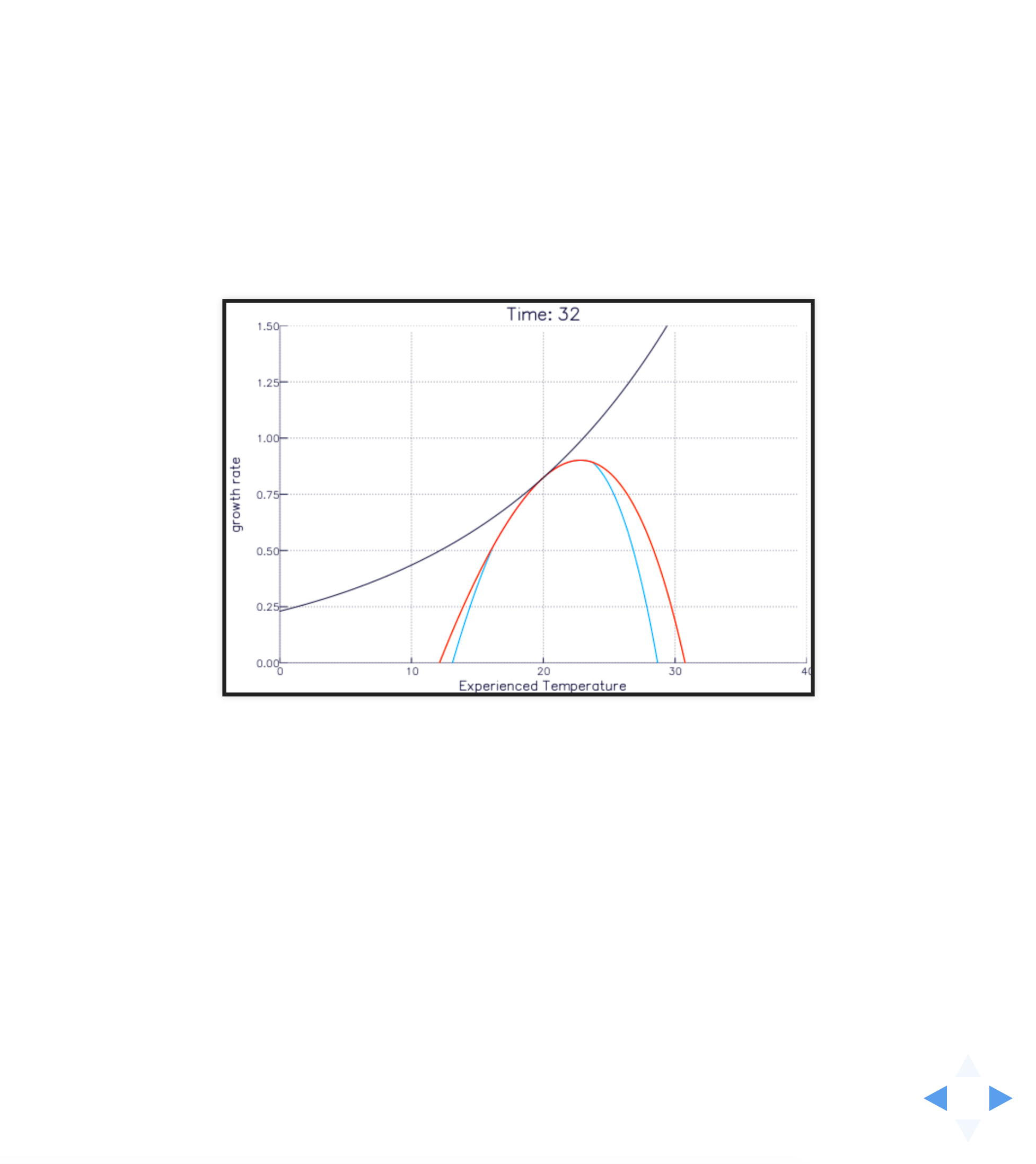
I need to use the white theme but it adds a black frame around images/figures I add with . Is there a simple way to turn that off, besides finding and hacking the theme file?
Many thanks, this markdown editor is pretty amazing!
 zahachtah
All 10 comments
Can you please show me a screenshot? Thanks
On Nov 7, 2017 8:52 AM, "Jon Norberg" notifications@github.com wrote:
I need to use the white theme but it adds a black frame around
images/figures I add with http://path. Is there a simple way to turn
that off, besides finding and hacking the theme file?Many thanks, this markdown editor is pretty amazing!
—
You are receiving this because you are subscribed to this thread.
Reply to this email directly, view it on GitHub
https://github.com/shd101wyy/markdown-preview-enhanced/issues/679, or mute
the thread
https://github.com/notifications/unsubscribe-auth/AB0gf2kRxy9QIfxO2j3n2bz5Kg-xKF8Dks5s0G6kgaJpZM4QU6Ez
.
 shd101wyy
on 7 Nov 2017
shd101wyy
on 7 Nov 2017
zahachtah
on 7 Nov 2017
@zahachtah Does you image file itself have a black frame?
shd101wyy
on 7 Nov 2017
No
zahachtah
on 7 Nov 2017
Hm that's weird. Can you please send me a zip of your source files? Thanks.
shd101wyy
on 7 Nov 2017
I found multiple ways to get rid of it, one is to add:
<style>
.reveal section img { background:none; border:none; box-shadow:none; }
</style>
at top of document
or instead of  I just write
<img class="plain" src="sdgs-food-azote.jpg"/>
or
<img src="sdgs-food-azote.jpg" style="background:none; border:none; box-shadow:none;">
@zahachtah I think that is the default style of revealjs white theme.
To remove border, you can also run Markdown Preview Enhanced: Customzie Css command then modify the style.less file like below:
.markdown-preview.markdown-preview {
  .reveal section img {
    border: none;
    box-shadow: none;
  }
}
Thanks
shd101wyy
on 8 Nov 2017
All works great, thanks a lot!
figured out another issue too. Again thanks!!!!
zahachtah
on 13 Nov 2017
@zahachtah <!-- slide vertical=true -->
shd101wyy
on 13 Nov 2017
Yes, thanks, i found it. Just missed it while reading the documentation
zahachtah
on 13 Nov 2017
Related issues
 StefanoCecere
·
5Comments
StefanoCecere
·
5Comments
 rcmalli
·
4Comments
shd101wyy
·
4Comments
rcmalli
·
4Comments
shd101wyy
·
4Comments
 saeidamiri1
·
3Comments
saeidamiri1
·
3Comments
 adamaltmejd
·
5Comments
adamaltmejd
·
5Comments
Most helpful comment
Archive.zip
I found multiple ways to get rid of it, one is to add:
at top of document
or instead of
I just writeor