Maptool: Campaign properties dialog is too wide and doesn't allow for translation of instructions for light tab
Describe the bug
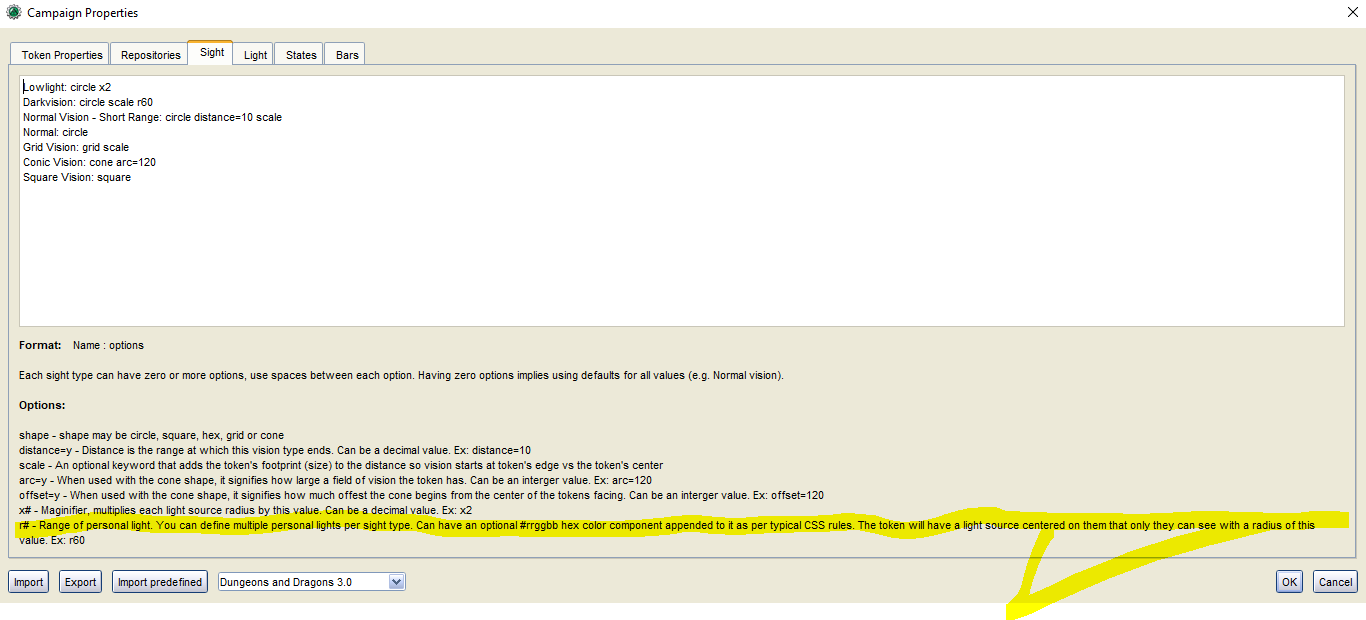
The Campaign properties dialog has two issue
1) it's around 1600 pixels wide when opening after Swing has pack'd it. This is due to a label being used for the sight instructions
2) the light instructions cannot be localized - they're embedded in the properties dialog xml-file
To Reproduce
Open the campaign properties - notice that the dialog is excessively wide (wider than my laptop display at 1600w). Notice that the html for light instructions are in an xml file (whereas the sight instructions are in the language properties file). When using a the dark layout theme the dialog is another bunch of pixel wider due to some decorations.
Expected behavior
The ui element for explaining the light and sight syntax should be the same - a disabled, scroll-enabled editor pane.
Screenshots
see above
MapTool Info
- Version: 1.6.1 branched
- Install: ANy
Desktop (please complete the following information):
- OS: At least Windows
- Version 10
Additional context
Preparing a pull request for both.
 nmeier
All 21 comments
Proposal how this looks when both tabs are layout the same way
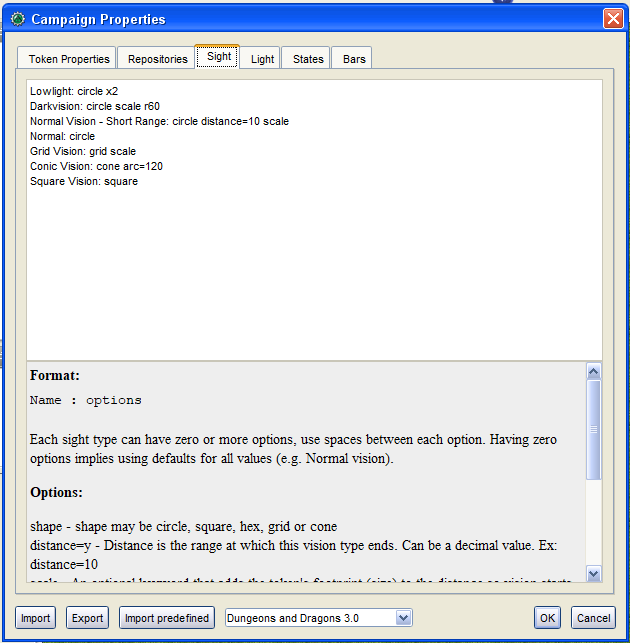

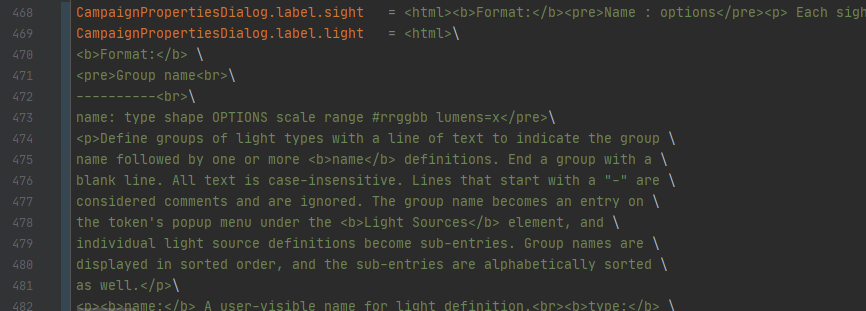
sight text is already in i18n.properties - light can go there, too. Did spread it over multiple lines though for ease of reading. Translating this html is tricky because of the required properties line ending () and special care with brackets/pre.
nmeier
on 20 Apr 2020
Good job. :)
It would be nice if the built in docs could link to the wiki as well. Some day we'll get to the point of having a little question mark symbol on every page that points to the wiki, but until then...
 Azhrei
on 20 Apr 2020
Azhrei
on 20 Apr 2020
Tested new code. Campaign Properties dialog is now compact and help text is pulled from the i18n files. Other functionality is unchanged.
 Phergus
on 20 Apr 2020
Phergus
on 20 Apr 2020
Nice! Well done!
I noticed the text of the explanation of Light and Sight is larger than the text of the other tabs. Maybe the font size could be reduced a little?
 Merudo
on 20 Apr 2020
Merudo
on 20 Apr 2020
I'll have a look at the font configuration for those editor panes ...
nmeier
on 20 Apr 2020
I'd hate to see those get much smaller as they don't use the theme font size.
Phergus
on 20 Apr 2020
Maybe there is a way for the JEditorPane to use the theme (including font size).
Merudo
on 20 Apr 2020
But the help text is wrapped as HTML and that does funny things.
Phergus
on 20 Apr 2020
Maybe use the Chat Font Size in Preferences, then?
Merudo
on 20 Apr 2020
That might work.
Phergus
on 20 Apr 2020
Something like
HTMLDocument document = (HTMLDocument) lightHelp.getDocument();
StyleSheet style = document.getStyleSheet();
style.addRule(String.format("body { font-size: %dpt;}", AppPreferences.getFontSize()));
good point on theme - I didn't realize this myself. The dialog sets an explicit color but no font on the component
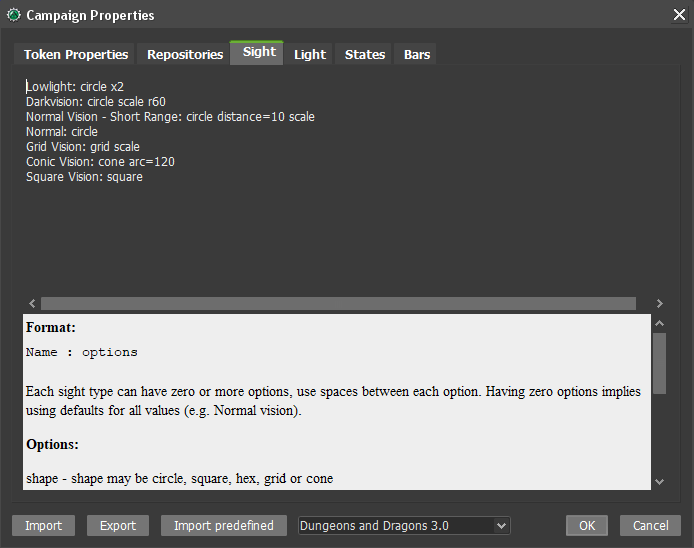
I can remove taht color so default/theme applies
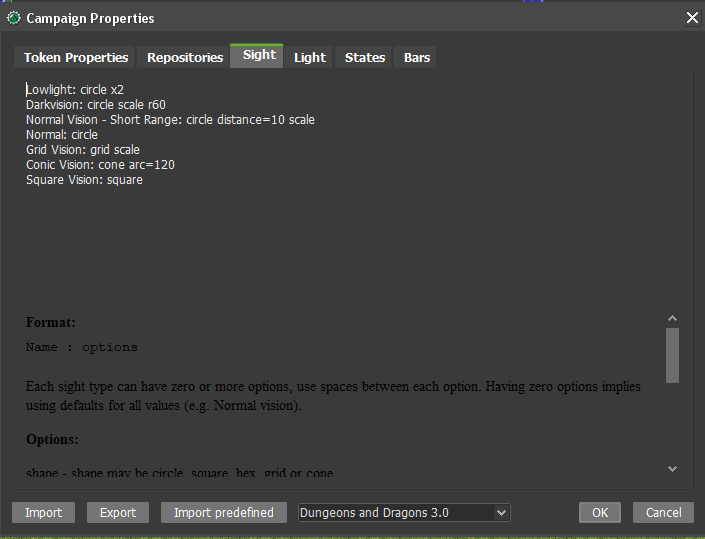
Unfortunately it seems that the text pane defaults to black - I don't see a way to tweak that through tinylaf's theme.
Found some discussion on default font/style of a text pane which shows how special this thing seems to be http://javatechniques.com/blog/setting-jtextpane-font-and-color/
The font is not explicitly set in the dialog resource. I couldn't figure out a way to configure this in the theme either.
Maybe the text pane is not the best choice. Is an explanation there really the right thing?
nmeier
on 20 Apr 2020
Will @Merudo 's idea of using HTMLDocument and setting font size work?
Phergus
on 20 Apr 2020
Found another way https://stackoverflow.com/questions/12542733/setting-default-font-in-jeditorpane
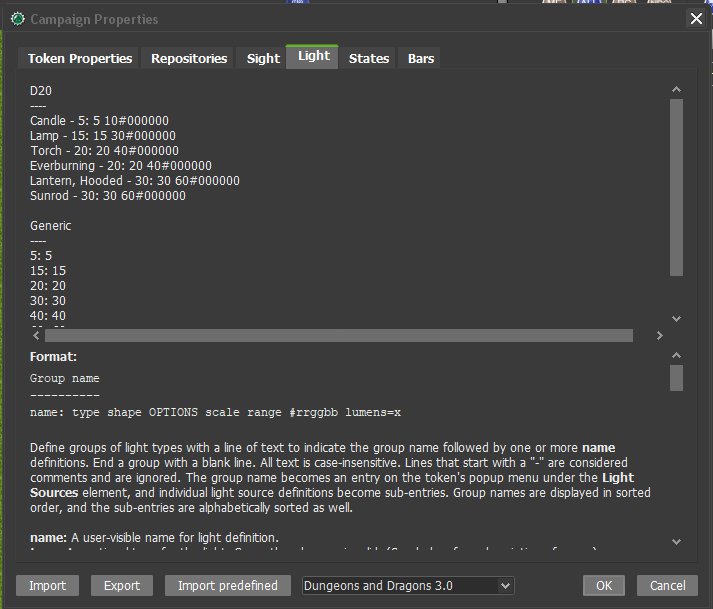
color and font makes it in from the theme, can add that. That solves all problems, right?
nmeier
on 20 Apr 2020
Looking good! Is there a way to set the background of the panel to a different third color specified by the theme?
Merudo
on 20 Apr 2020
Definitely need a different background color there.
Phergus
on 20 Apr 2020
Looks good for default theme
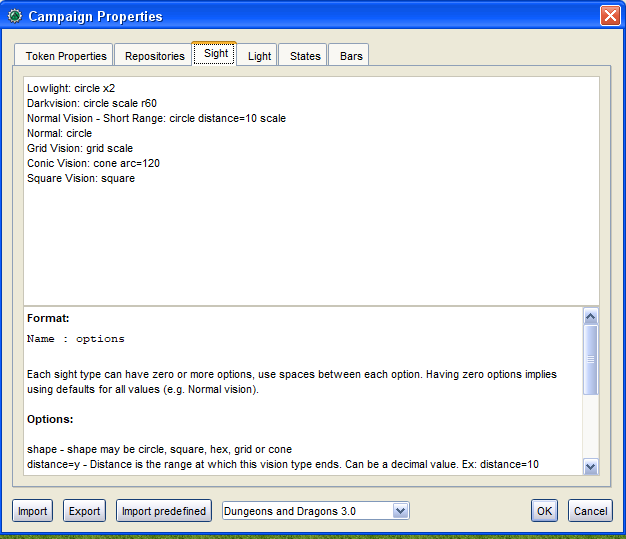
for other themes like dark not sure sure what foreground/background could be used. I think dark is simply dark and should look like light white-on-dark, as the input field above it.
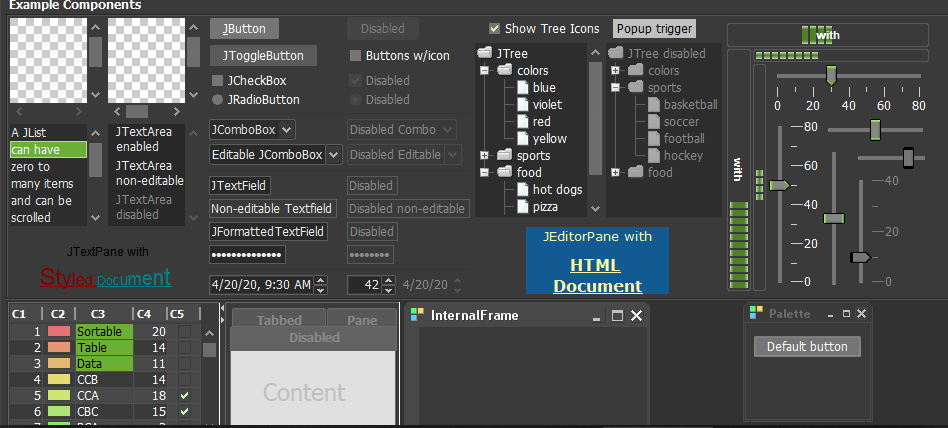
There's nothing in that scheme that has the purpose of inverting that. I'd rather not construct a theme>text-pane translation of colors
nmeier
on 20 Apr 2020
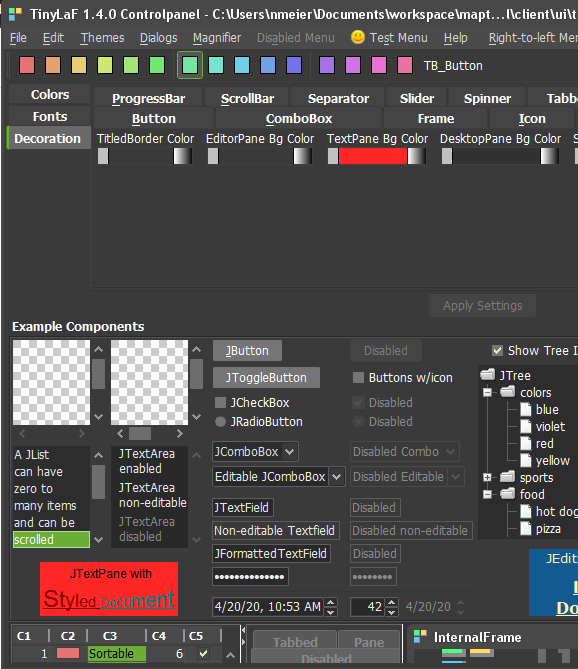
shot too fast - there's a tlaf textpane bg color that seems to go through for a styled document - I haven't changed the themes yet but I'd venture to say a theme could tweak the look as desired
nmeier
on 20 Apr 2020
Certainly if we can have it use a theme color and only need to adjust the themes that would be great.
Phergus
on 20 Apr 2020
Tested again with latest fixes. Light & Sight tabs in Campaign Properties now use theme colors.
Phergus
on 20 Apr 2020
Great job! I'm loving the new look!
Merudo
on 21 Apr 2020
Related issues
 dstein766
·
7Comments
dstein766
·
7Comments
 si-lang
·
4Comments
nmeier
·
9Comments
si-lang
·
4Comments
nmeier
·
9Comments
 cwisniew
·
6Comments
Merudo
·
4Comments
cwisniew
·
6Comments
Merudo
·
4Comments
Most helpful comment
Found another way https://stackoverflow.com/questions/12542733/setting-default-font-in-jeditorpane
color and font makes it in from the theme, can add that. That solves all problems, right?