Maps: iOS: SymbolLayer icons don't load
Describe the bug
On iOS, images added through MapboxGL.Image fail to load.
Using a URL (e.g. https://cdn.onlinewebfonts.com/svg/img_525159.png) works, but loading from disk seems to result in something else entirely.
To Reproduce
Example:
const images = {
  marker_red: require("./markers/marker_red.png"),
  marker_orange: require("./markers/marker_orange.png"),
  marker_yellow: require("./markers/marker_yellow.png"),
  marker_limegreen: require("./markers/marker_limegreen.png"),
  marker_green: require("./markers/marker_green.png"),
}

<MapboxGL.MapView>
  <MapboxGL.Images images={images} />
  <MapboxGL.ShapeSource
    id="reports-source"
    shape={{
      type: "FeatureCollection",
      features: rootStore.reportFeatures,
    }}
  >
    <MapboxGL.SymbolLayer
      id="report-markers"
      style={{
        iconImage: ["get", "icon"],
        iconSize: 0.025,
        iconAllowOverlap: true,
      }}
    />
  </MapboxGL.ShapeSource>
</MapboxGL.MapView>;
Expected behavior
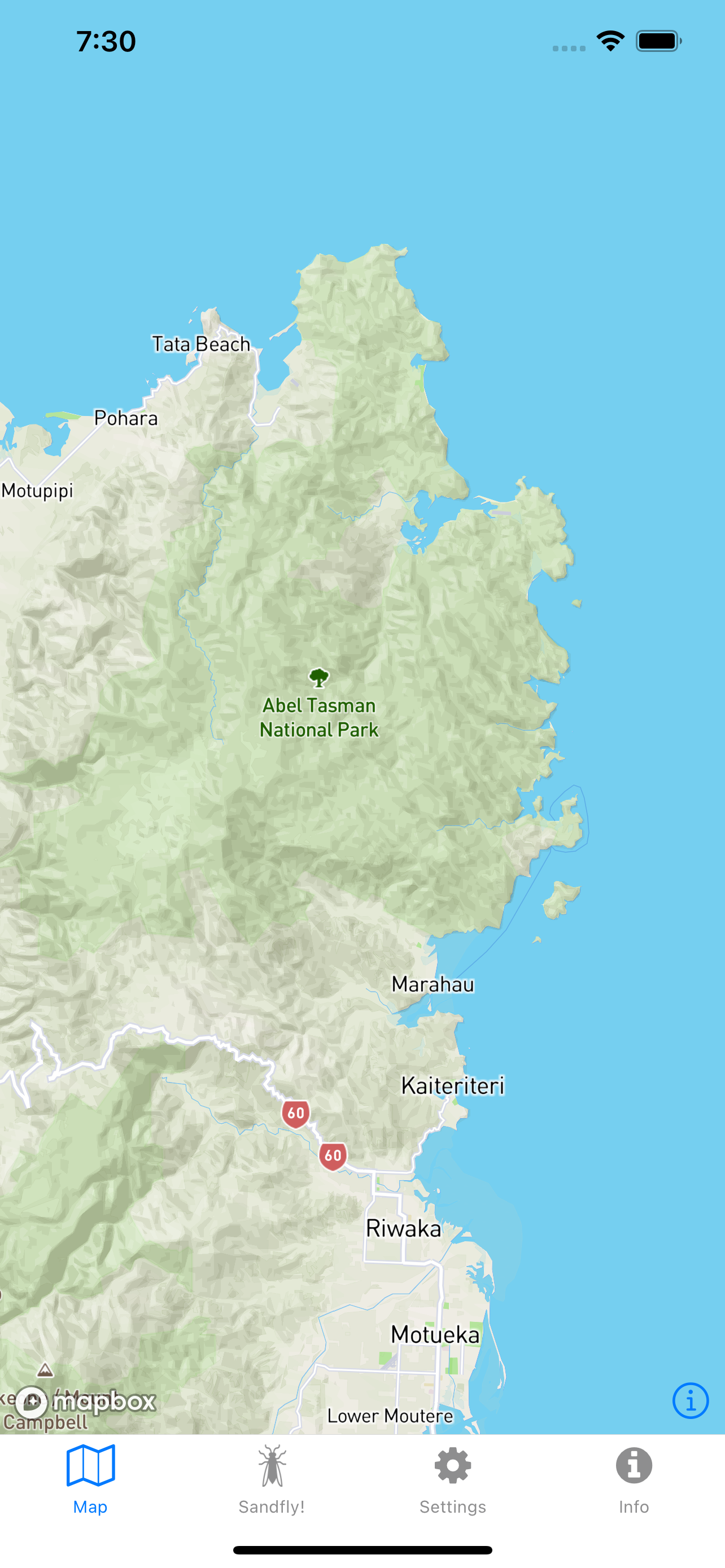
I expect to see markers on the map, like I do on Android.
The markers are actually present on the map because I can tap on them and get a callback, but they seem to be transparent (or 'missing').
|Android|iOS|
|-|-|
| |
| |
|
Versions
- Platform: iOS
- Device: iPhone XR (physical device), iPhone 12 Pro Max (simulator)
- Emulator/Simulator: both
- OS: iOS 14.1
- react-native-mapbox-gl Version:
8.1.0-rc.8 - React Native Version:
0.63.3
 developius
All 13 comments
I've a feeling this might be related to: https://github.com/facebook/react-native/issues/29279
developius
on 22 Nov 2020
@developius, can you please try one of the mentioned solutions and report back to us - thanks in advance 🙇🏿
 ferdicus
on 22 Nov 2020
ferdicus
on 22 Nov 2020
Hey @ferdicus,
I tried the patch from: https://github.com/facebook/react-native/issues/29279#issuecomment-658244428
And also the one here: https://github.com/facebook/react-native/issues/29279#issuecomment-657201709
Neither seem to work for the Mapbox icons. I have a standard <Image> loading correctly in my app so not sure if it's related or not.
developius
on 22 Nov 2020
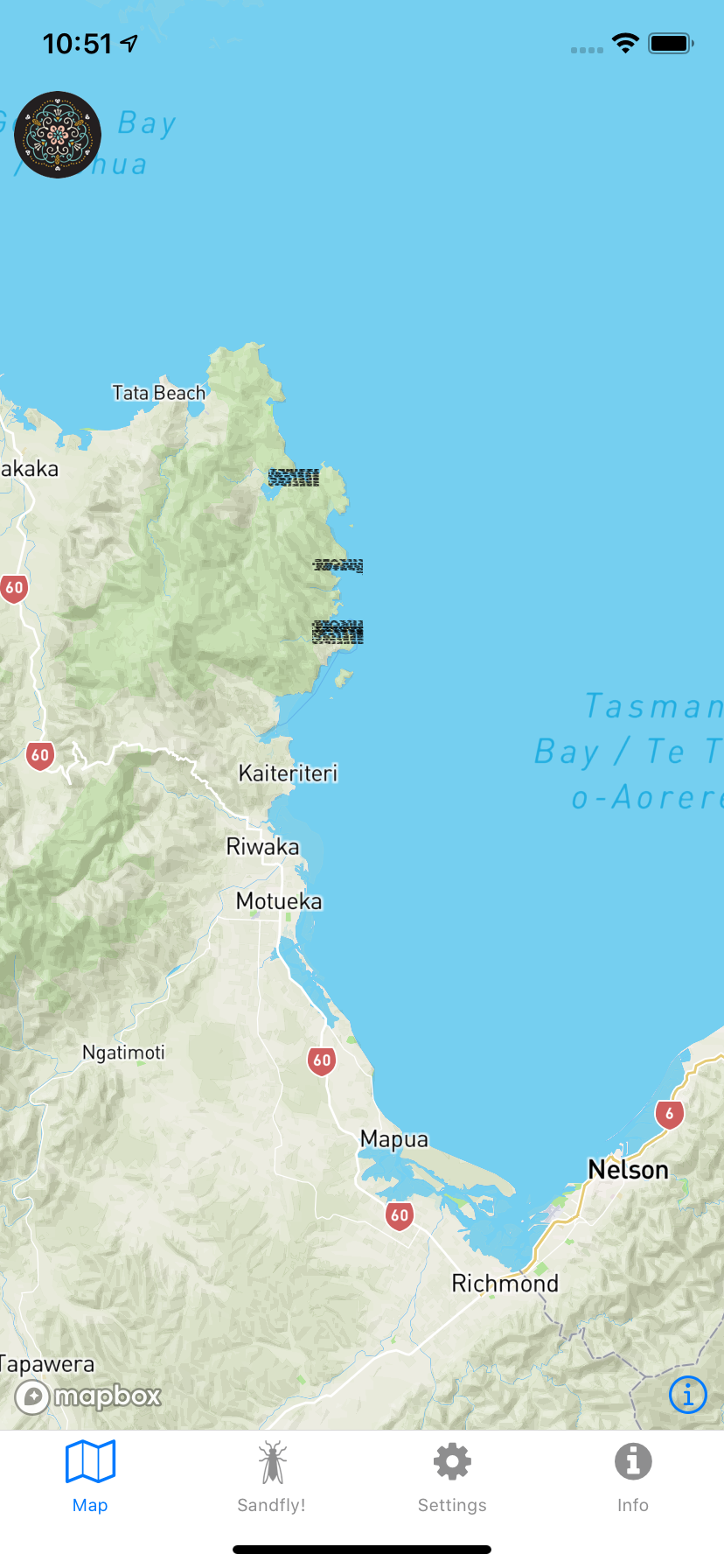
This is what I now get 😆
developius
on 22 Nov 2020
This is what I now get 😆
Oh lovely... 😆
I'll have a look - might take a few days though, hope that's ok
ferdicus
on 22 Nov 2020
@ferdicus no problem 🤓 let me know if you need any more info. I can ship Android anyway 😁
developius
on 22 Nov 2020
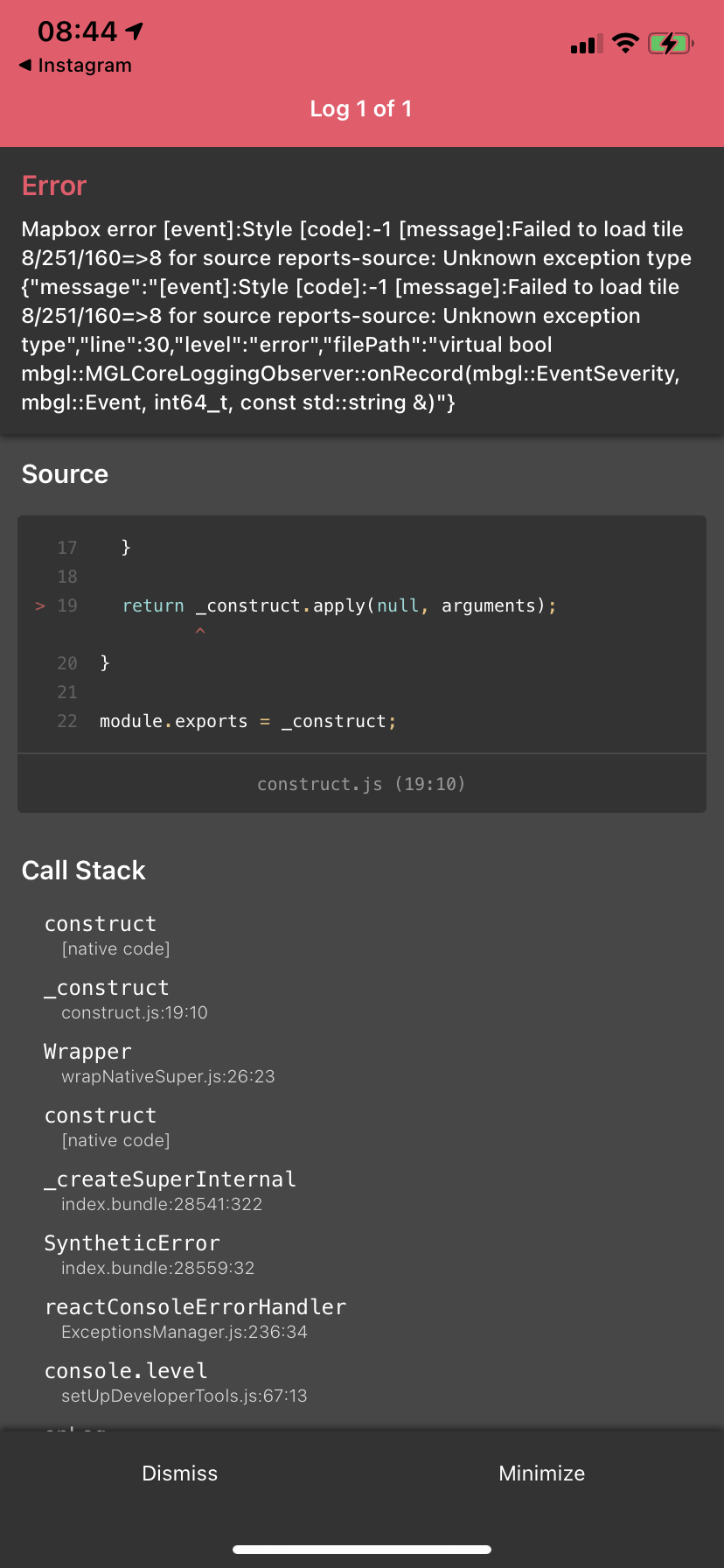
@ferdicus not sure if it helps, but I'm getting this exception when getting to the minZoomLayer of the SymbolLayer with failing icons.
developius
on 23 Nov 2020
Hey @ferdicus, did you get anywhere with this?
developius
on 21 Jan 2021
hey, sorry for getting back so late to you.
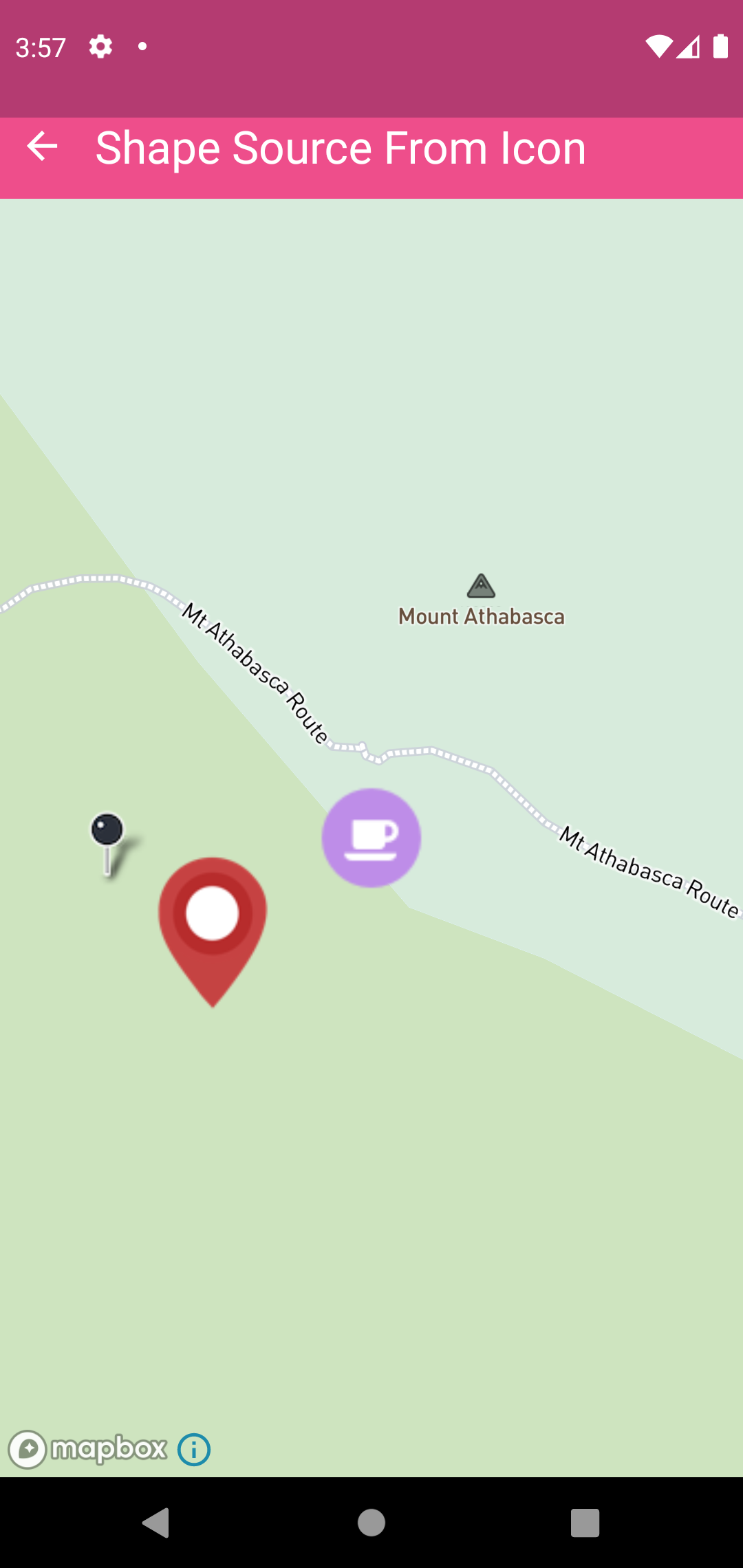
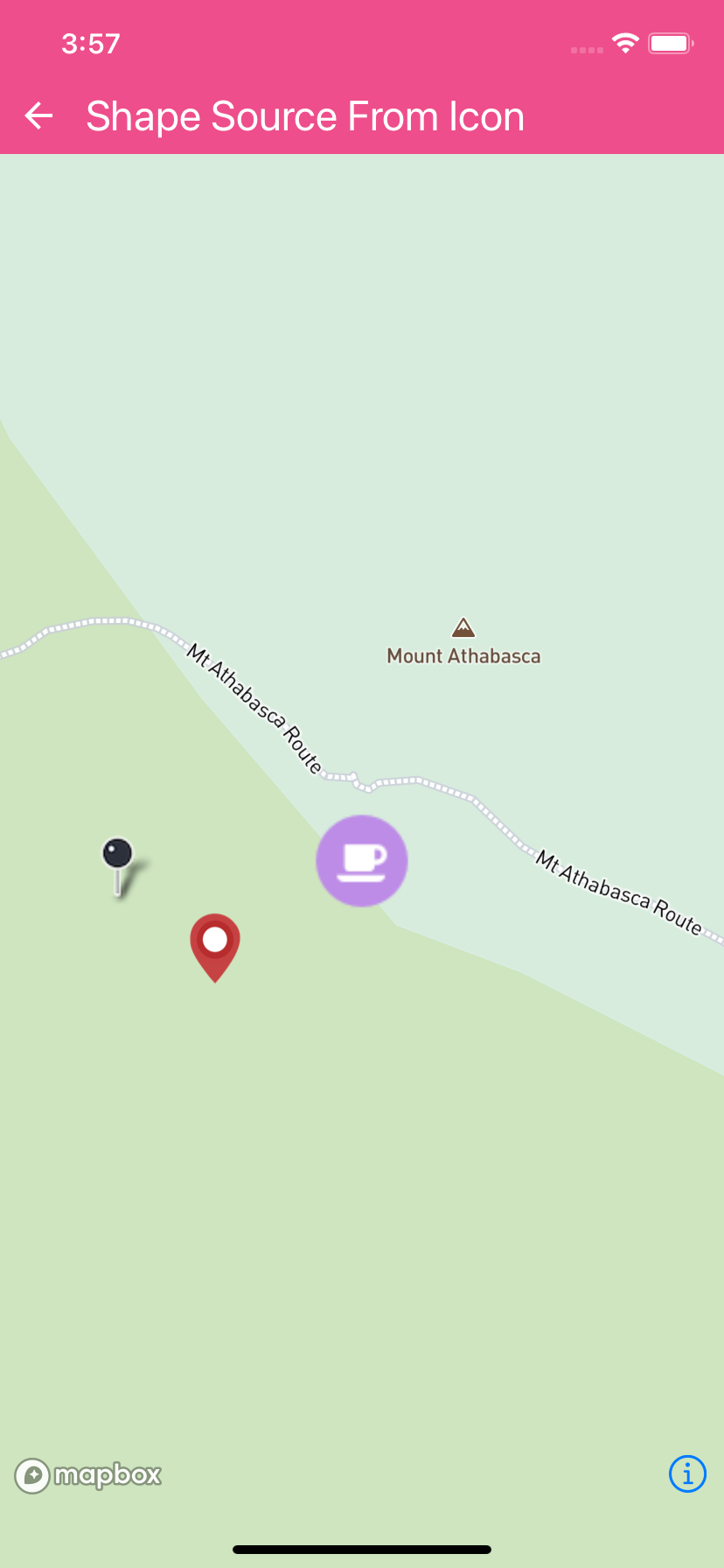
Can you do me a favor and try the /example app within our repo.
In there is a scene called: Symbol/CircleLayer => Shape Source From Icon
Source of that file: https://github.com/react-native-mapbox-gl/maps/blob/master/example/src/examples/ShapeSourceIcon.js
I tried it on simulator/ emulator and it works fine on current master:
| ANDROID | iOS |
|---|---|
| |
|  |
|
ferdicus
on 22 Jan 2021
@ferdicus not sure if it helps, but I'm getting this exception when getting to the
minZoomLayerof theSymbolLayerwith failing icons.
I think you can dismiss this one for the issue at hand.
Seems to be related to an error loading tiles from your map server
ferdicus
on 22 Jan 2021
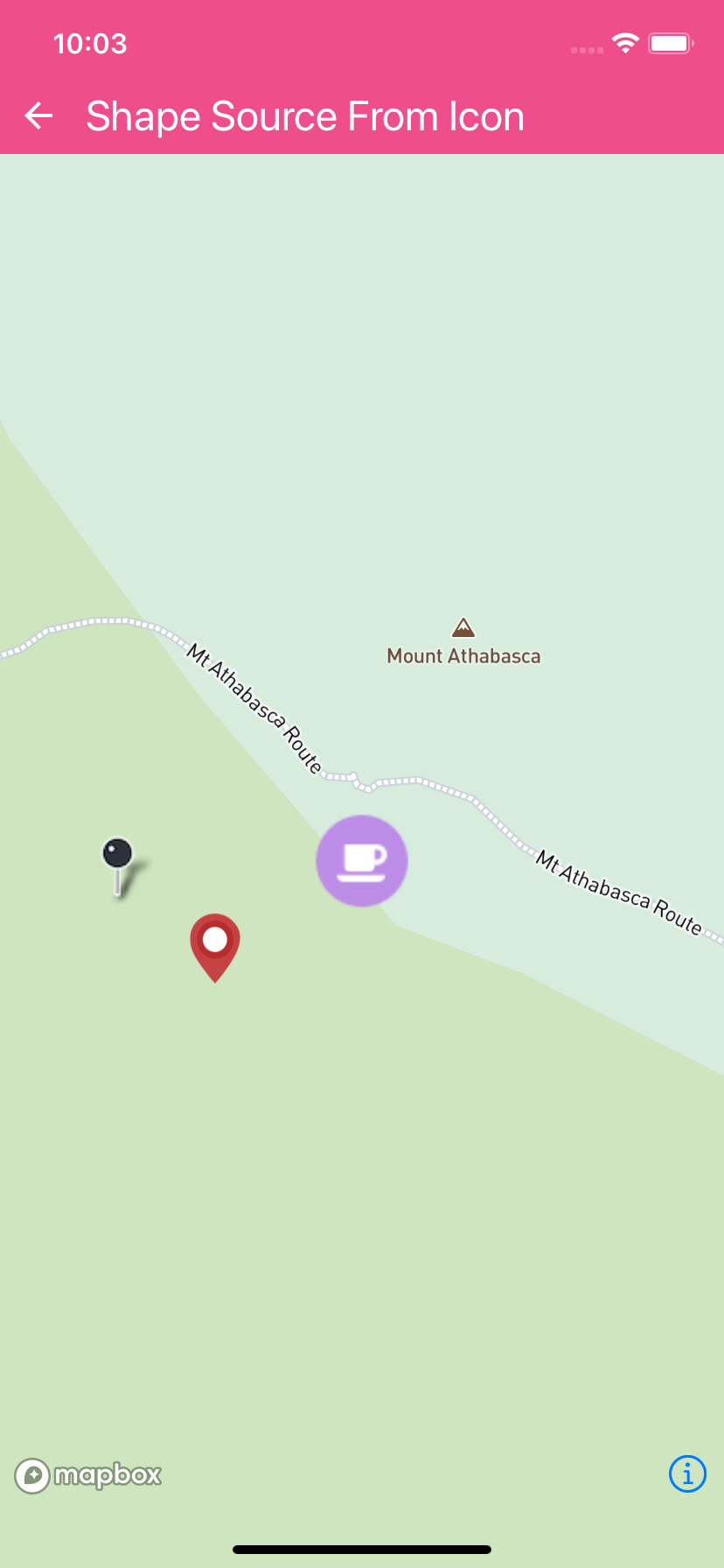
@ferdicus yeah, that appears to work on iOS 14.2 simulator.
I'll see if I can work out what I'm doing differently in my app.
developius
on 27 Jan 2021
@ferdicus think I figured it out 🤓
My images were _massive_ (like 4500x3000px). Once I realised and scaled them down, everything started looking good again 😁
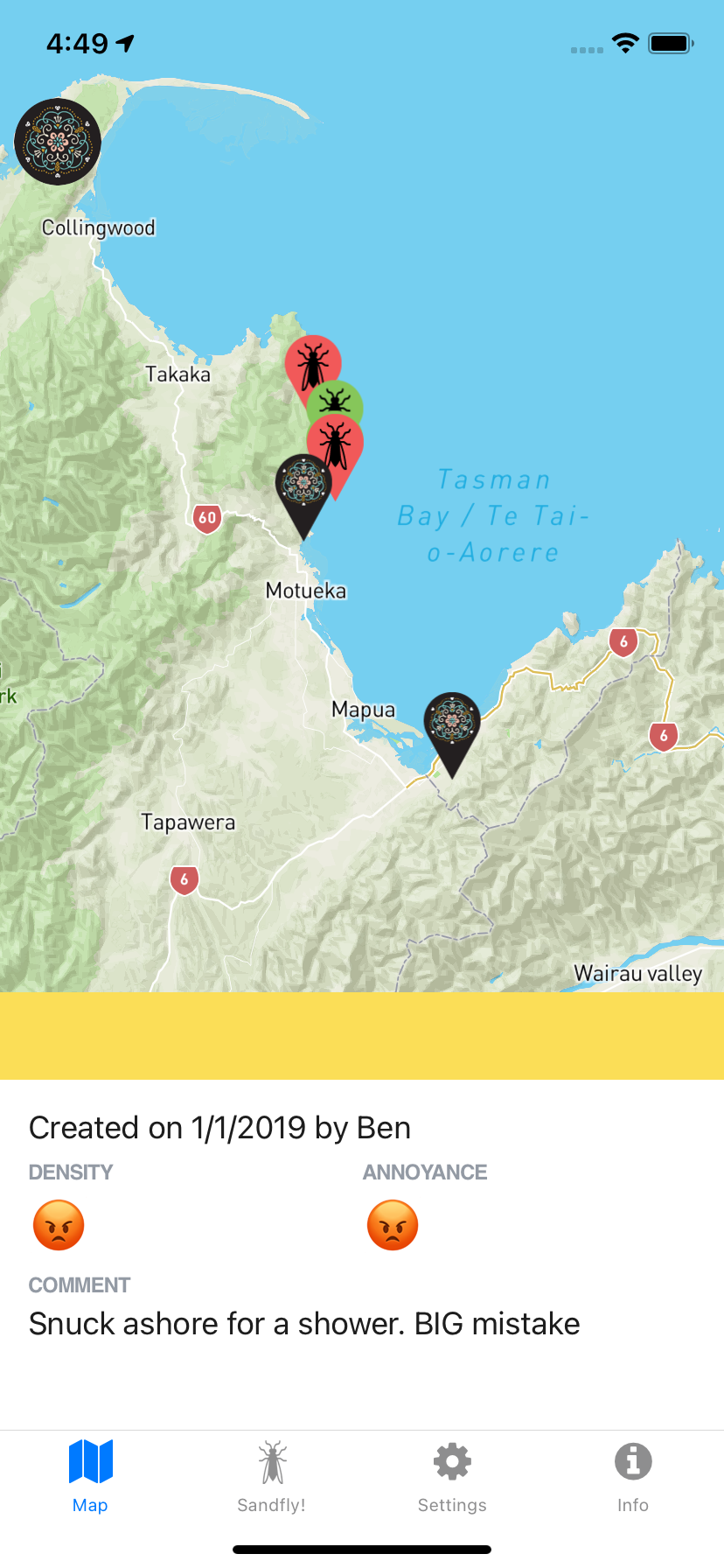
This is a screenshot from v2 of Sandfly Map which I'm in the midst of rebuilding with this library.
Thanks for your help!
developius
on 28 Jan 2021
Cool, glad I could help - looks like a great product.
Let us know if you find any other issues and contribution are always welcome :)
ferdicus
on 29 Jan 2021
Related issues
 atomheartother
·
3Comments
atomheartother
·
3Comments
 dorthwein
·
3Comments
dorthwein
·
3Comments
 fvieira
·
4Comments
fvieira
·
4Comments
 ivari
·
3Comments
ivari
·
3Comments
 gmaclennan
·
3Comments
gmaclennan
·
3Comments
Most helpful comment
Cool, glad I could help - looks like a great product.
Let us know if you find any other issues and contribution are always welcome :)