Mapbox-gl-native: Map doesn't update correctly according to style updates
Steps to reproduce
Provided two style-sheets, A and B, with the only difference being a line-layer's line-opacity.
A having 1 and B having 0.
Toggle between the styles A and B.
Expected behavior
The line should show consistently when setting style A.
Actual behavior
The line often does not show at all after setting style A or briefly flickers visible when the setting of style B starts transitioning the opacity from 1 to 0.
Configuration
Mapbox SDK versions: ios-v5.1.0
iOS/macOS versions: 12.2
Device/simulator models: iPhone Xr (Simulator)
Xcode version: 10.2.1
I've put together an example demonstrating the issue, see https://github.com/peroper/pp-mapbox-gl-native/commit/822939ed36a94675f8fa207a69dea3bc47535d80
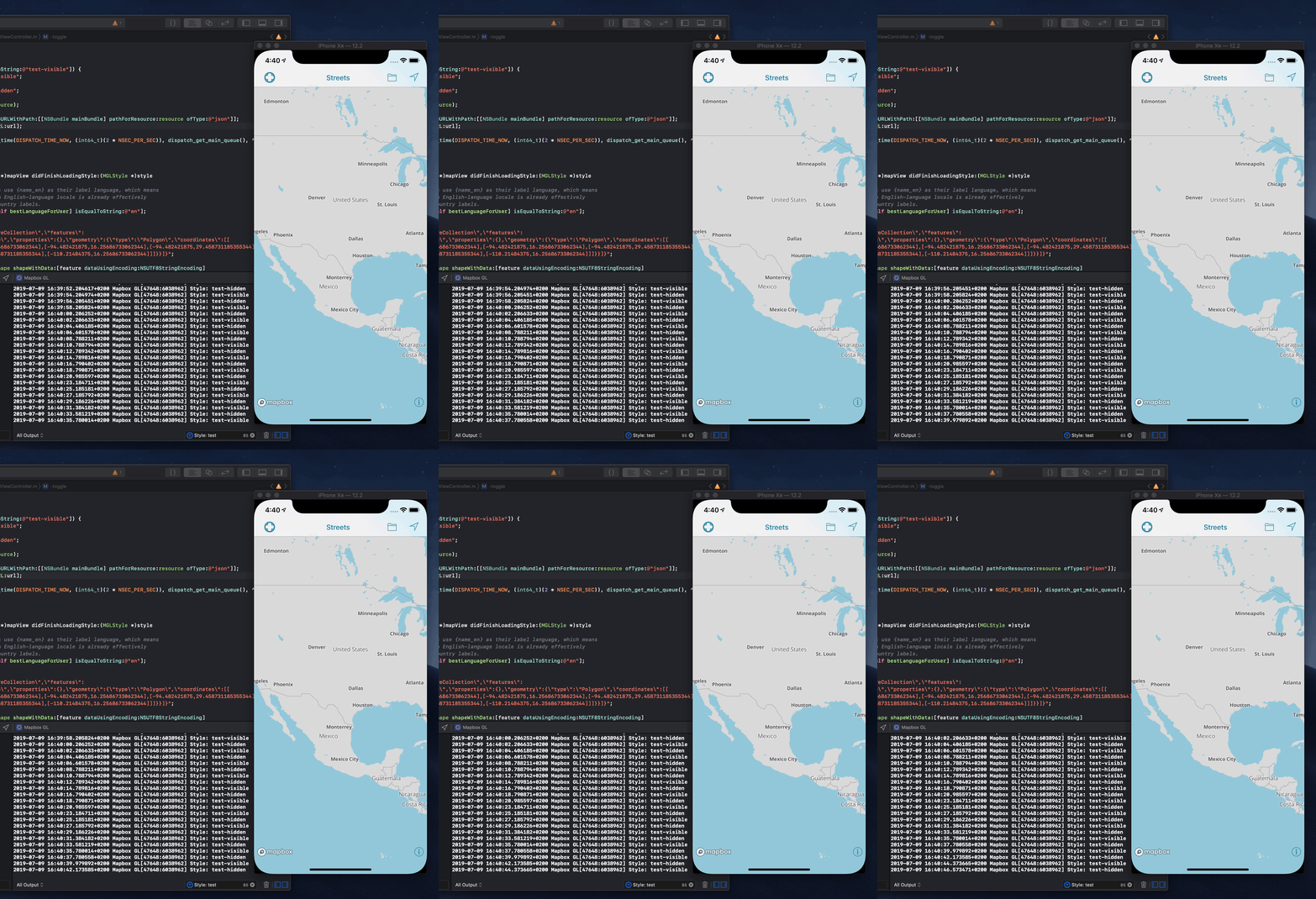
The style's in the example are both a copy of the Basic v8 with two additional layers, as below.
A having "line-opacity": 1 and B "line-opacity": 0
{
    "id": "test-fill",
    "type": "fill",
    "source": "test",
    "paint": {
        "fill-opacity": 0
    }
},
{
    "id": "test-fill-outline",
    "type": "line",
    "source": "test",
    "paint": {
        "line-opacity": 1,
        "line-width": 3,
        "line-color": "#F01CB1"
    }
}
It seems that the dummy fill layer (which we use to query visible features to allow tapping outline-only polygons) are part in causing this bug, as removing them does seem to make the map update as expected.
A git bisect showed that the commit 8faf47ab5 caused this.
Reverting part of it, as below, does seem to solve it.

Maybe @pozdnyakov understands what's happening or have some input?
 jonkan
All 4 comments
@jonkan thank you very much for reporting, bisecting and making an example!
 pozdnyakov
on 10 Jul 2019
pozdnyakov
on 10 Jul 2019
I tried out my initial example on master and that now works.
However, we're still seeing similar issues for computed shape sources.
E.g. https://github.com/peroper/pp-mapbox-gl-native/commit/ce05d4dc906f9530e834f65b1a08c30016d701b2

jonkan
on 11 Jul 2019
Reopening. @jonkan thanks again for providing the demo.
pozdnyakov
on 11 Jul 2019
The newly reported problem has a different root cause, so it deserves a separate issue https://github.com/mapbox/mapbox-gl-native/issues/15111
pozdnyakov
on 12 Jul 2019
Related issues
 michaelfomin
·
3Comments
michaelfomin
·
3Comments
 JobGetabu
·
3Comments
JobGetabu
·
3Comments
 ChrisLoer
·
3Comments
ChrisLoer
·
3Comments
 xrayed
·
4Comments
xrayed
·
4Comments
 friedbunny
·
4Comments
friedbunny
·
4Comments