Mapbox-gl-native: How to add gif image on map using MGLSymbolStyleLayer
Could you please let us know how to add gif image on map using MGLSymbolStyleLayer
 sundeepios
All 2 comments
Hello @sundeepios -
Could you clarify whether you would like to add an animated or still gif to your map?
 jmkiley
on 2 Feb 2018
jmkiley
on 2 Feb 2018
If you would like to add a GIF as a still image, you can use -setImage:forName: to add the image to the style. Then use that to create a MGLSymbolStyleLayer.
  let image = UIImage(named: "frame_0_delay-0.11s.gif")
  style.setImage(image!, forName: "frame_0")

  let point = MGLPointFeature()
  point.coordinate = mapView.centerCoordinate
  let symbolSource = MGLShapeSource(identifier: "symbol-source", shape: point, options: nil)
  style.addSource(symbolSource)

  symbolLayer = MGLSymbolStyleLayer(identifier: "symbol-layer", source: symbolSource)
  symbolLayer.iconImageName = MGLStyleValue(rawValue: "frame_0")
  style.addLayer(symbolLayer)
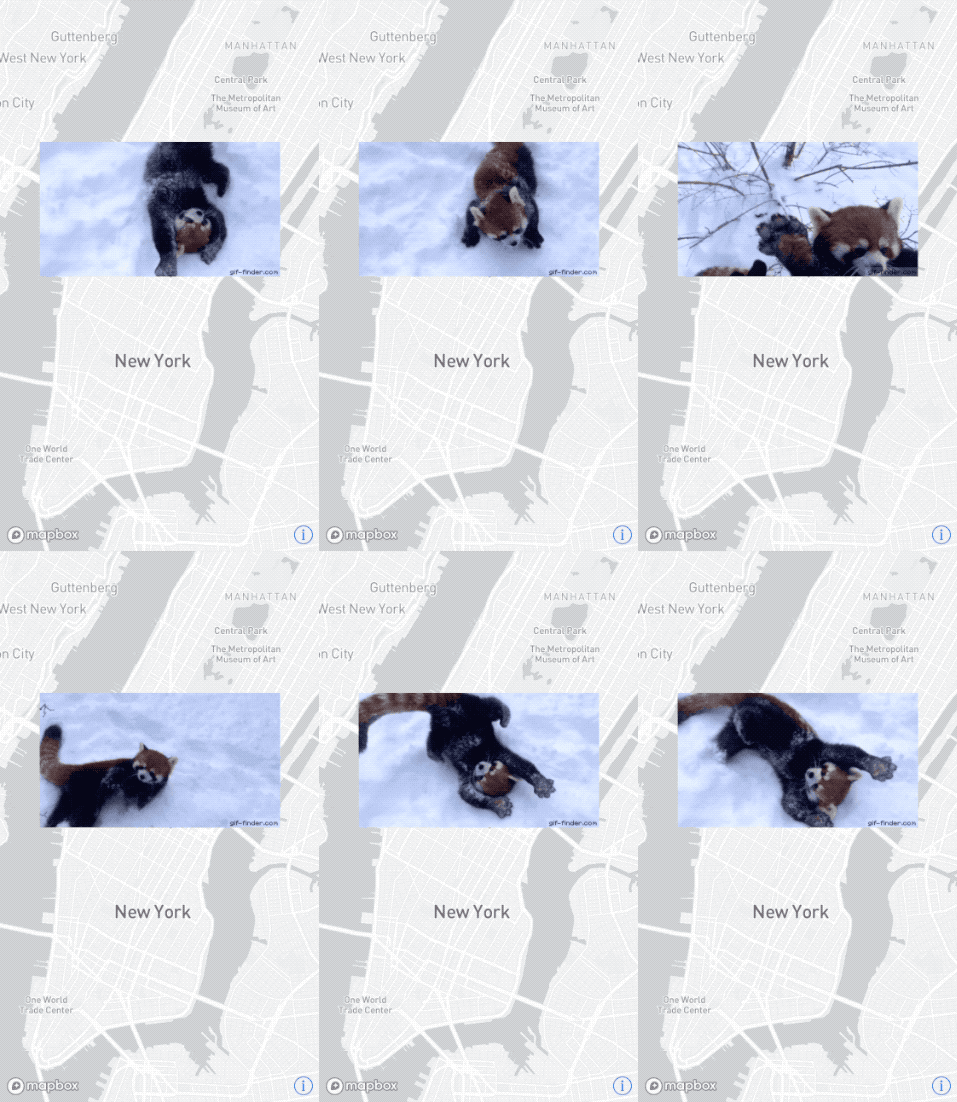
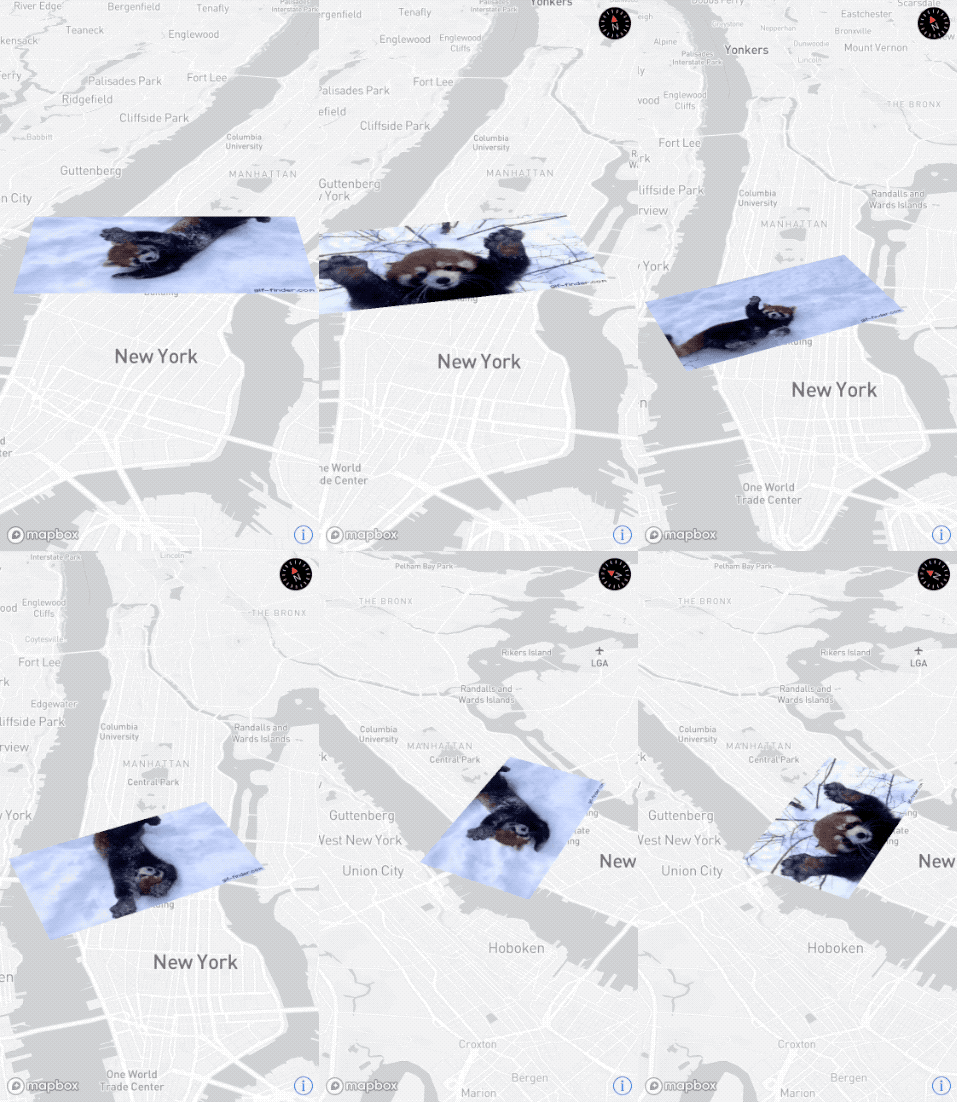
If you would like to show an animated GIF on a map, it may be more performant to use MGLImageSource. While we do not have built-in support for animated GIFs with MGLImageSource or with style layers, you can work around this by splitting up the gif's frames, then updating the source's image on a timer. You can also take this approach with a MGLSymbolStyleLayer. Instead of updating the source's image, you would update the layer's iconImageName property. Both of these approaches apply to a single animated gif.
jmkiley
on 5 Feb 2018
Related issues
 13kz
·
3Comments
13kz
·
3Comments
 klblk
·
4Comments
klblk
·
4Comments
 brunoabinader
·
4Comments
brunoabinader
·
4Comments
 friedbunny
·
4Comments
friedbunny
·
4Comments
 rshev
·
4Comments
rshev
·
4Comments
Most helpful comment
If you would like to add a GIF as a still image, you can use
-setImage:forName:to add the image to the style. Then use that to create aMGLSymbolStyleLayer.If you would like to show an animated GIF on a map, it may be more performant to use


MGLImageSource. While we do not have built-in support for animated GIFs withMGLImageSourceor withstyle layers, you can work around this by splitting up the gif's frames, then updating the source's image on a timer. You can also take this approach with aMGLSymbolStyleLayer. Instead of updating the source's image, you would update the layer'siconImageNameproperty. Both of these approaches apply to a single animated gif.