Manageiq: VMware webmks console gets stuck once tab with one of previously open consoles is closed
- Open a webmks console to a virtual machine running on a VMware vCenter hypervisor
- A tab with remote console will be opened in your browser
- Close the browser tab with the remote console window
- Open a webmks console to a different virtual machine running on a VMware vCenter hypervisor
The browser tab with new console will be stuck at:
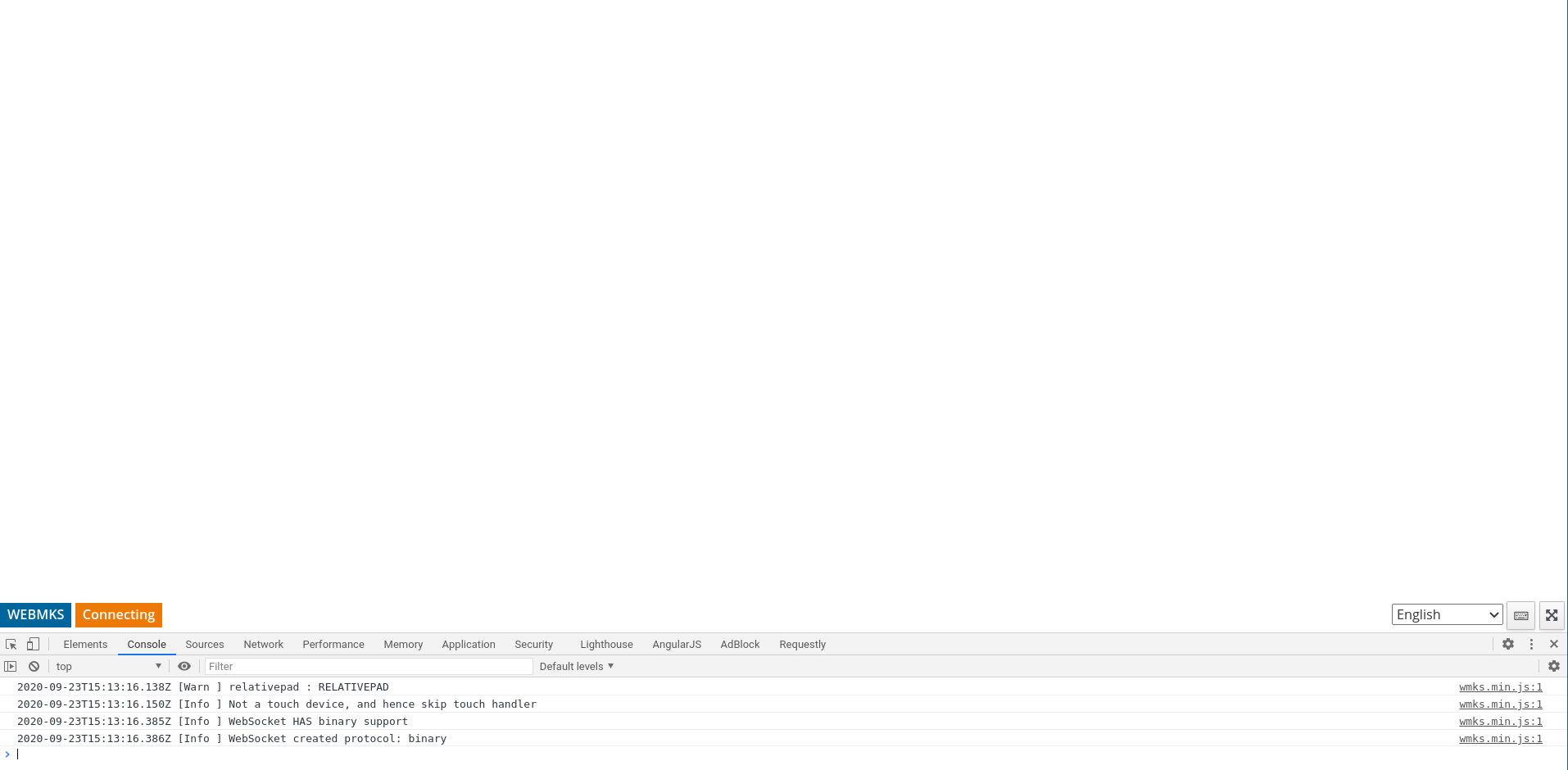
While the remote console server thread will be stuck at
$ strace -p 3003351
strace: Process 3003351 attached
ppoll([{fd=51, events=POLLIN}], 1, NULL, NULL, 8

$ lsof -p 3003270|grep 51u
ruby    3003270 milan   51u     IPv4            8909347       0t0      TCP thinkpad-t490:50488->vmvisor1.gsslab.brq2.redhat.com:https (ESTABLISHED)
Once you open remote console to the VM from step 1, things will become moving again.
cc @skateman
 mzazrivec
All 2 comments
Looks like the same issue we encounter. I did open an issue on this https://github.com/ManageIQ/manageiq/issues/19753 but was not fixed because we could not find a root cause... (we did implement the console functionality for an older version of miq to work around this issue)
 evertmulder
on 24 Sep 2020
evertmulder
on 24 Sep 2020
@evertmulder @mzazrivec I might have a crazy workaround that I don't understand for now:
- Find the
surro-gategem locally on your setup, in developmentgem contents surro-gateshould be enough. - Run
bundle exec rake compilein its folder to rebuild the gem's native extension - Restart the server and try to reproduce the issue
Maybe it's just me, but if I recompile the binary like this, it suddenly starts working as it should be :confused:
EDIT: you might want to remove the compiled binaries as rake warns you about them (bundle exec rake clean)
EDIT2: nevermind, ignore this, found the problem, working on it
 skateman
on 24 Sep 2020
skateman
on 24 Sep 2020
Related issues
 jrafanie
·
5Comments
jrafanie
·
5Comments
 chessbyte
·
5Comments
chessbyte
·
5Comments
 ahrechushkin
·
8Comments
ahrechushkin
·
8Comments
 meng-tian
·
4Comments
meng-tian
·
4Comments
 jawatts
·
8Comments
jawatts
·
8Comments