Mailspring: Styling HTML signature messes up preferences section
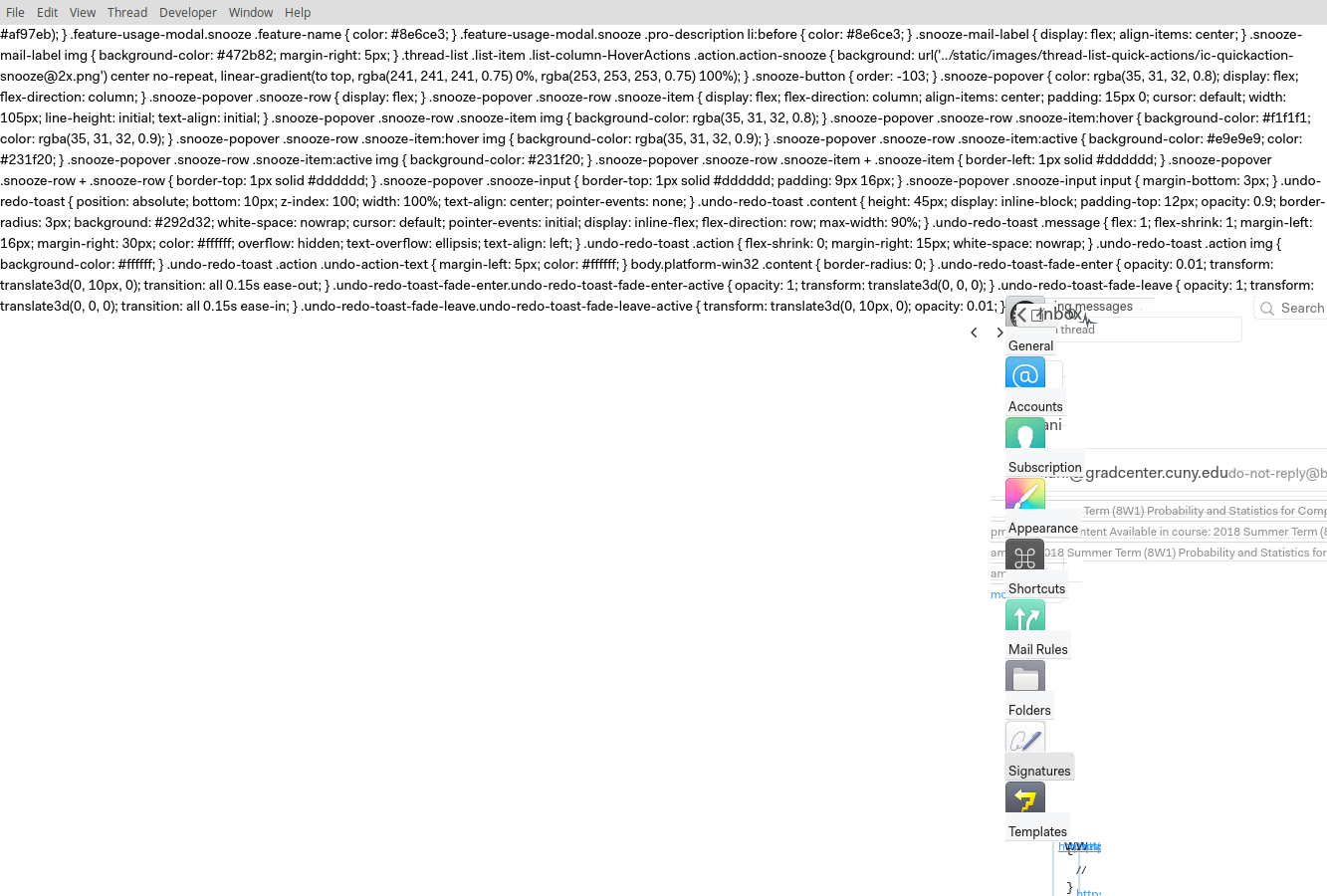
The styling being applied to a signature also applies to the whole preferences window. Adding this to the signature HTML is what messed it up:
<style>
*{
display: inline !important;
/* removing this line fixed it - without the !important, the button bar messes up. Adding the !important breaks everything.*/
}
</style>
What operating system are you using?
elementary OS Loki
What version of Mailspring are you using?
1.2.2
--
Bug?
Do you have any third-party plugins installed? If so, which ones?
No plugins.
Is the issue related to a specific email provider (Gmail, Exchange, etc.)?
Nope.
Is the issue reproducible with a particular attachment, message, signature, etc?
 ayushyamitabh
All 5 comments
Whoa. Thanks for reporting this - I'll see if I can fix that. The important tag allows you to override all other styles, even if the other styles are more specific, which means you can re-style the whole UI in one move!
 bengotow
on 8 Jul 2018
bengotow
on 8 Jul 2018
@bengotow I'm guessing the css is messing up with the styling in ElectronJS. I think the easiest fix would be to move the styling to be inline - the important tag shouldn't override that. If this is the case I'd like to help 🙂 just point me towards the file.
ayushyamitabh
on 8 Jul 2018
I ran into the same issue.
I think there are two ways to fix it :
- Parse the HTML raw to secure the code, but it’s a bit difficult
- Put the signature preview into an
iframeelement.
 LeJoW
on 28 Sep 2018
LeJoW
on 28 Sep 2018
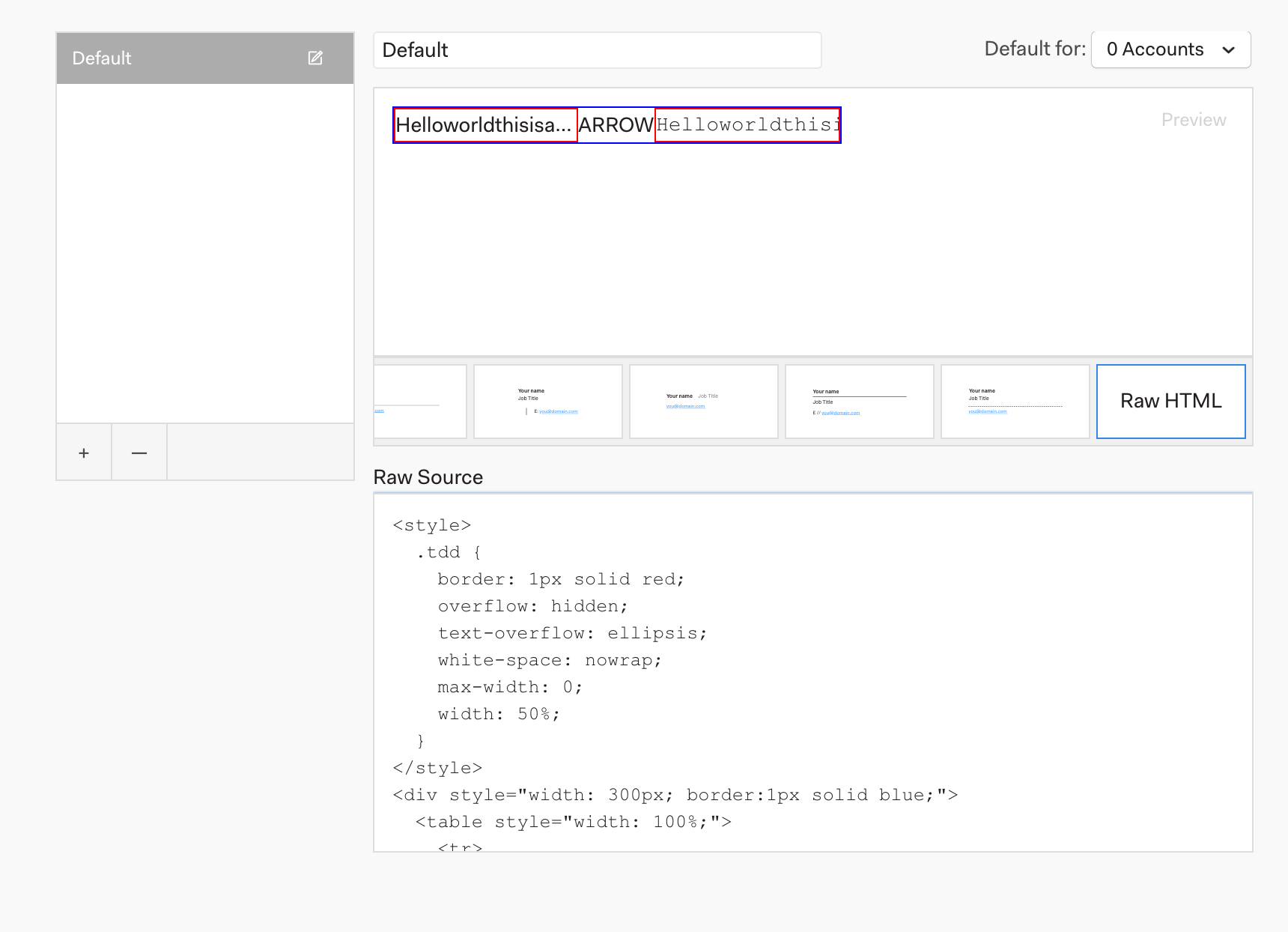
Hey folks! Sorry for the delay getting back to this issue. This turned out to be a bit more complicated than I originally thought once I started investigating. A lot of older email clients actually don't render <style> tags in email bodies, so the ideal thing to do is to convert the <style> tag into inline <div style="..."/> markup.
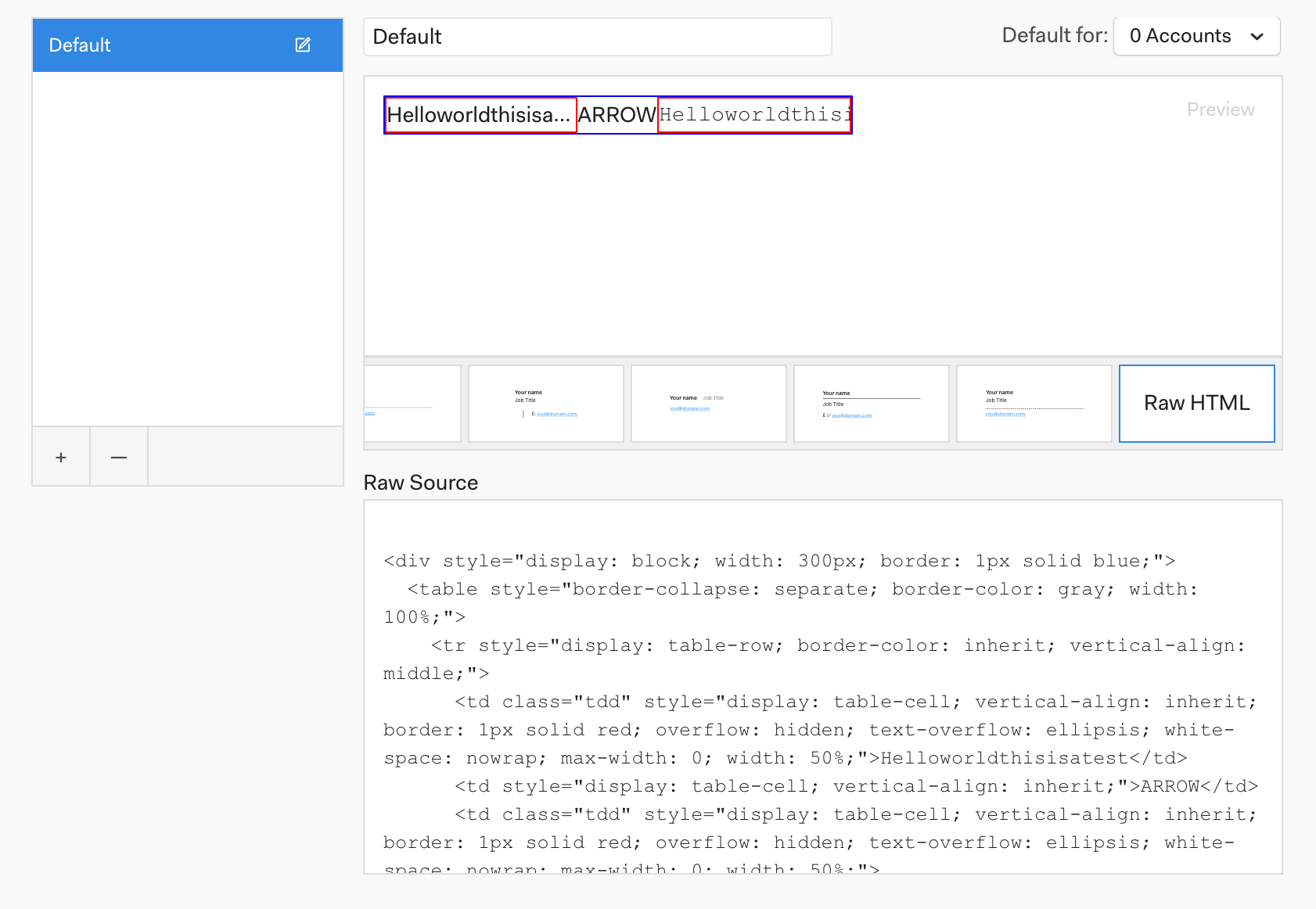
I made a few changes to that preferences screen so that as you type in the box, it's inlining the styles for you. (We already had a style inlining library in the project because we use it for the composer too.) The only caveat is that if you leave the signatures page and go back, your HTML looks... bloated.
Hopefully that's ok—if not, we could consider adding a note or something to this screen!
What it's converted to for you:
I'll ship this in the next release and we can give it a spin and see how it feels.
bengotow
on 11 Jun 2019
Hey folks! This should be addressed in the latest release (1.6.3) that shipped earlier this week. The app should auto-update on it's own, or you can grab the new version from the releases page: https://github.com/Foundry376/Mailspring/releases/. Thanks for filing this - enjoy the update!
bengotow
on 4 Jul 2019
Related issues
 enoversum
·
3Comments
enoversum
·
3Comments
 liam-wiltshire
·
3Comments
liam-wiltshire
·
3Comments
 purefan
·
3Comments
purefan
·
3Comments
 jerry79
·
3Comments
jerry79
·
3Comments
 DanielRios549
·
3Comments
DanielRios549
·
3Comments
Most helpful comment
Whoa. Thanks for reporting this - I'll see if I can fix that. The
importanttag allows you to override all other styles, even if the other styles are more specific, which means you can re-style the whole UI in one move!