Mailcow-dockerized: Mailbox Spam Filter and Temporary Aliases not available.
Hello,
I've installed the latest version of mailcow-dockerized, followed the documentation.
However I can't find where the per-mailbox spam filter slider and the temporary mail aliases are.
I also believe there are other settings missing on my mailcow UI.
Am I missing something?
Thank you very much.
 apintocr
All 9 comments
Good morning,
just scroll down in mailcow UI Configuration -> user settings. There you should see 3 indexes called
- Temporary email aliases
- Spam Filter
- Sync Jobs
You should find per mailbox Spam settings in the "Spam Filter" index.
BR
Claudio
 cklabautermann
on 2 Feb 2018
cklabautermann
on 2 Feb 2018
I've searched there but I still do not see the options.
I'm pretty sure they are not on the UI...
apintocr
on 2 Feb 2018
Are you logged in as user or admin? I think you have to log in as user to see those settings.
 SamuelNitsche
on 2 Feb 2018
SamuelNitsche
on 2 Feb 2018
I tried with both a user and as admin.
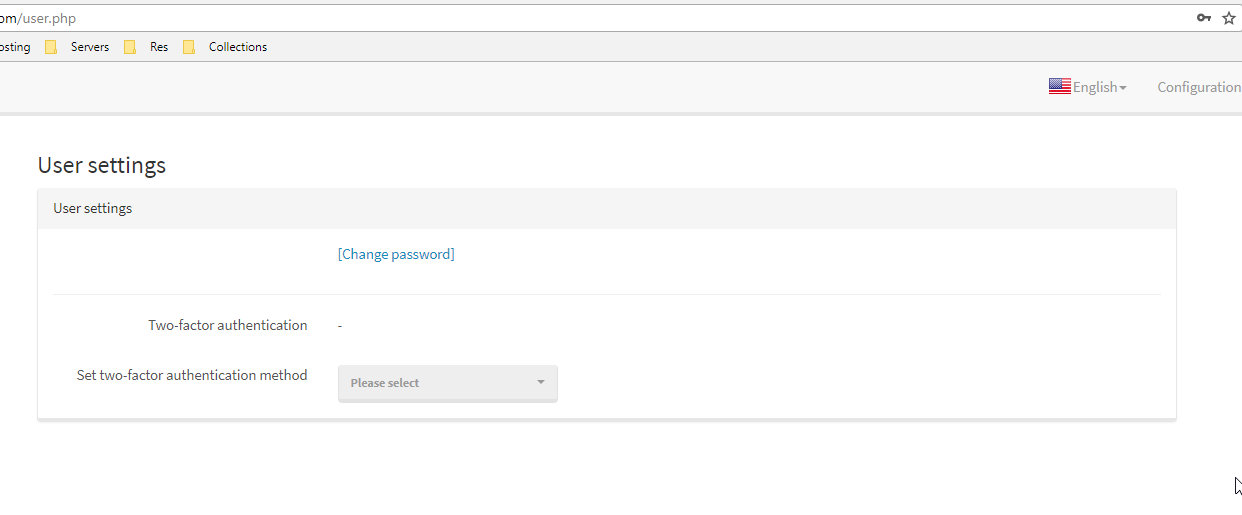
As a user on the "User Settings" I only have password change and 2FA.
apintocr
on 2 Feb 2018
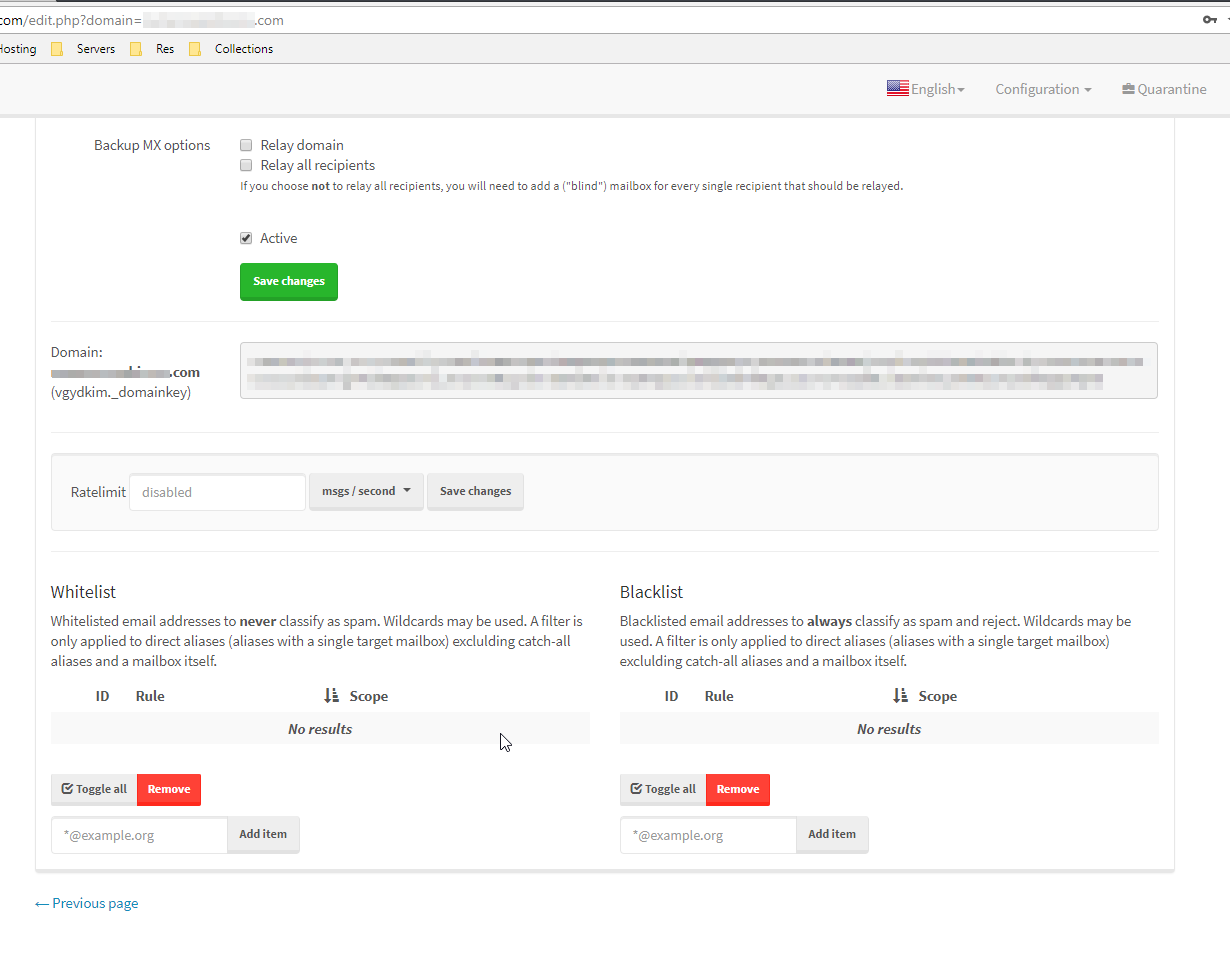
Hm, that's strange. I have updated my installation and I cannot confirm your issues. At the bottom of the user.php site, I can adjust all those settings. Can you maybe post a screenshot of your site?
SamuelNitsche
on 2 Feb 2018
Here
apintocr
on 2 Feb 2018
That's a domain admin, not a user.
 andryyy
on 2 Feb 2018
andryyy
on 2 Feb 2018
Oh... I see what you mean now!
apintocr
on 2 Feb 2018
Thank you very much @andryyy
I did not noticed I could login as a email user...
Closing this :)
apintocr
on 2 Feb 2018
Related issues
 mritzmann
·
3Comments
mritzmann
·
3Comments
 constin
·
3Comments
constin
·
3Comments
 K2rool
·
3Comments
K2rool
·
3Comments
 a3li
·
3Comments
a3li
·
3Comments
 Braintelligence
·
3Comments
Braintelligence
·
3Comments
Most helpful comment
Oh... I see what you mean now!