Expected behavior
Tell us what should happen
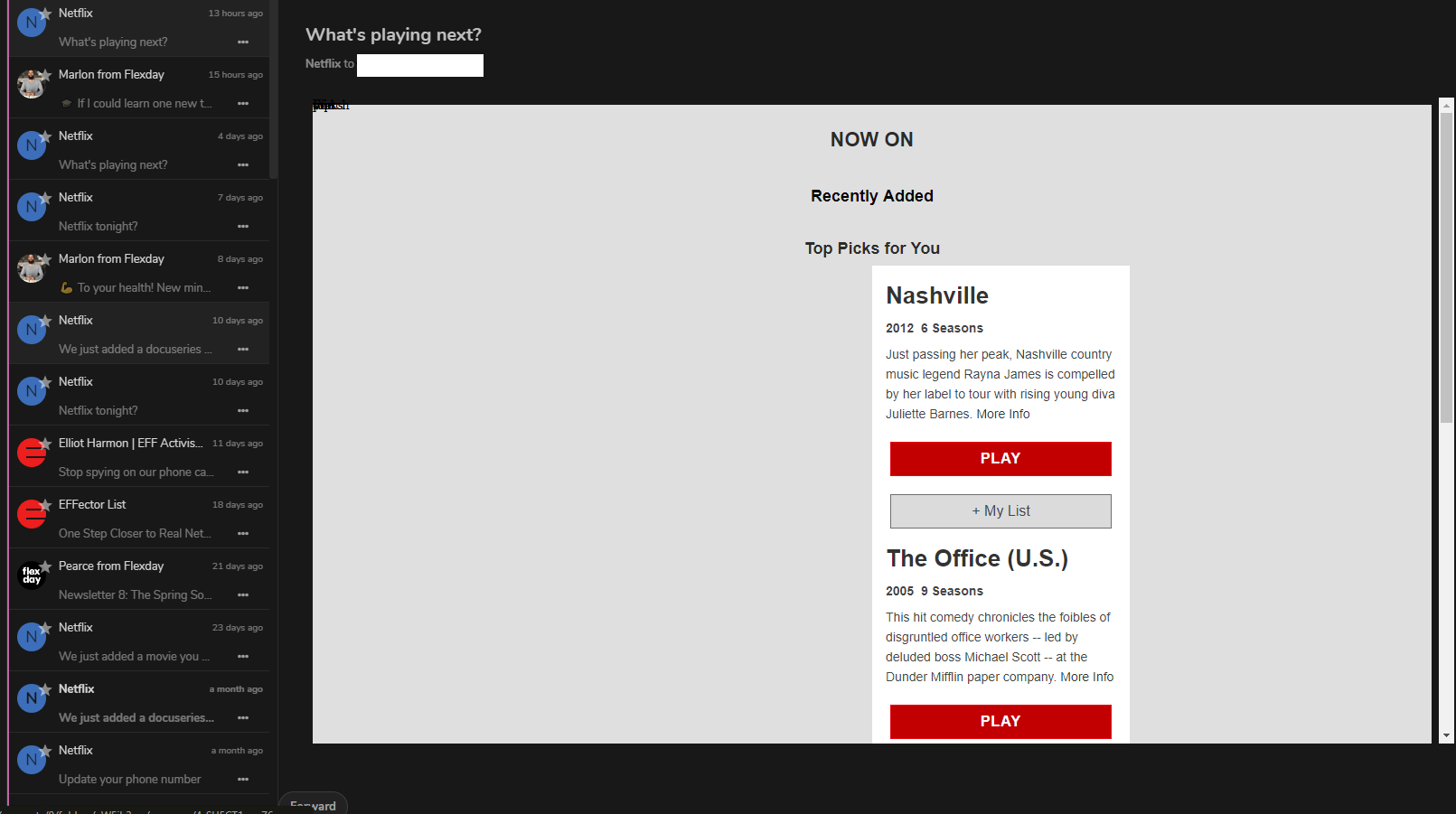
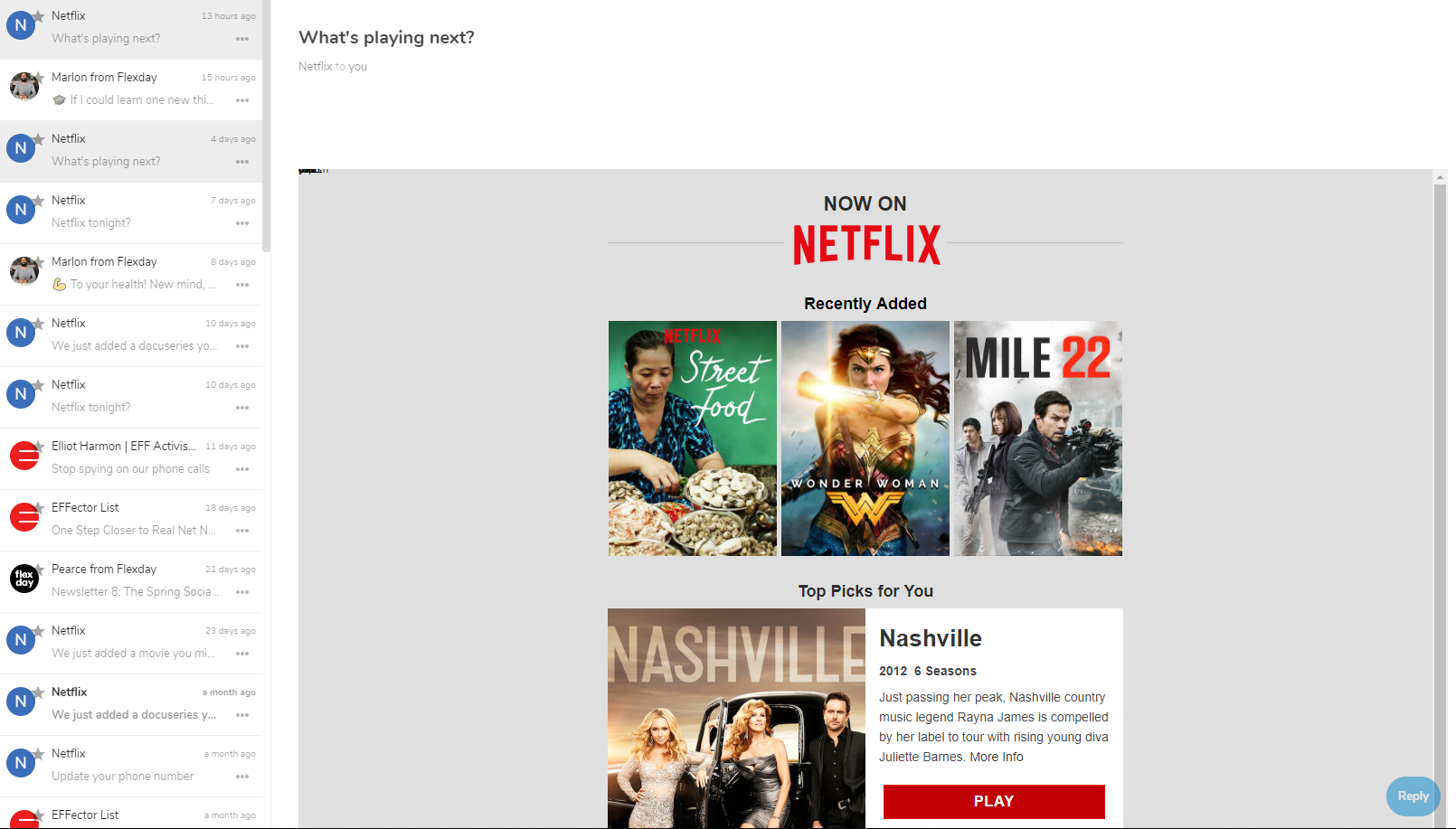
mail messages loaded, images displayed after clicking 'show images' button
Actual behavior
Tell us what happens instead
no images are loaded in email body.
Mail app
Mail app version: (see apps admin page, e.g. 0.5.3)
0.14.0
Mailserver or service: (e.g. Outlook, Yahoo, Gmail, Exchange,...)
xo2.x10hosting.com - x10hosting mail - imap
Server configuration
Operating system: (e.g. Debian 8)
kubuntu
Web server: (e.g. Apache, Nginx,...)
Apache
Database: (e.g. MariaDB, SQLite or PostgreSQL)
MariaDB
PHP version: (e.g. 7.0)
7.2
Nextcloud Version: (see admin page, e.g. 13.0.2)
16.0.0
Client configuration
Browser: (e.g. Firefox 48)
Chrome
My Server

Webo.hosting shared instance

 MattSpec
All 23 comments
Same Error here...
 bd8392
on 6 May 2019
bd8392
on 6 May 2019
Eventually this is the same error like I found. Therefore I won't create a new issue, but share some detailed information:
Client side (after click on "show images")
Internal Server Error (500) when calling URL https://REDACTED/apps/mail/proxy?src=REDACTED&requesttoken=REDACTED
Server side (Nextcloud log)
TypeError: Argument 1 passed to OCA\Mail\Controller\ProxyController::proxy() must be of the type string, null given, called in /var/www/vhosts/REDACTED/lib/private/AppFramework/Http/Dispatcher.php on line 166
/var/www/vhosts/REDACTED/lib/private/AppFramework/Http/Dispatcher.php - line 166:OCA\Mail\Controller\ProxyController->proxy(null)
/var/www/vhosts/REDACTED/lib/private/AppFramework/Http/Dispatcher.php - line 99:OC\AppFramework\Http\Dispatcher->executeController(OCA\Mail\Con ... {}, "proxy")
/var/www/vhosts/REDACTED/lib/private/AppFramework/App.php - line 126:OC\AppFramework\Http\Dispatcher->dispatch(OCA\Mail\Con ... {}, "proxy")
/var/www/vhosts/REDACTED/lib/private/AppFramework/Routing/RouteActionHandler.php - line 47:OC\AppFramework\App::main("OCA\\Mail\\ ... r", "proxy", OC\AppFramew ... {}, { _route: "mail.proxy.proxy"})
<<closure>>OC\AppFramework\Routing\RouteActionHandler->__invoke({ _route: "mail.proxy.proxy"})
/var/www/vhosts/REDACTED/lib/private/Route/Router.php - line 297:call_user_func(OC\AppFramew ... {}, { _route: "mail.proxy.proxy"})
/var/www/vhosts/REDACTED/lib/base.php - line 975:OC\Route\Router->match("/apps/mail/proxy")
/var/www/vhosts/REDACTED/index.php - line 42:OC::handleRequest()
 temesinko
on 10 May 2019
temesinko
on 10 May 2019
Was anyone able to resolve the issue? I have normal theme and the same appears...
bd8392
on 11 May 2019
I've got this Error, too.
NC 16.0.1
Mail 0.15.1
 Nikhos
on 17 May 2019
Nikhos
on 17 May 2019
At least on @temesinko's instance it's strange that the src URL parameter is not passed into Nextcloud. Do you have any URL rewriting in place? Is there a reverse proxy in front of your Nextcloud?
 ChristophWurst
on 17 May 2019
ChristophWurst
on 17 May 2019
I have traefik in place...
bd8392
on 17 May 2019
At least on @temesinko's instance it's strange that the
srcURL parameter is not passed into Nextcloud. Do you have any URL rewriting in place? Is there a reverse proxy in front of your Nextcloud?
I'm using Plesk with Nextcloud running on Apache with nginx in proxy mode in front of it.
temesinko
on 17 May 2019
Okay, then please make sure your proxies do not remove the parameter.
ChristophWurst
on 20 May 2019
Dup of https://github.com/nextcloud/mail/issues/1341#issuecomment-493894749
ChristophWurst
on 20 May 2019
I can verify that disabling nginx completely does not fix the issue.
temesinko
on 21 May 2019
I've been trying to find an error message anywhere. There just doesn't seem to be one. When I click on show images I see them all coming in to the browser with 200 but they're not displayed on the page.
MattSpec
on 22 May 2019
I have the same problem.
I disabled the official Mail App and use AfterLogic Webmail. No problems with images in html mail.
 Lawkss
on 22 May 2019
Lawkss
on 22 May 2019
I disabled the official Mail App and use AfterLogic Webmail. No problems with images in html mail.
Thank you for your comment. I'm sure a lot of users in this thread will benefit from this solution.
ChristophWurst
on 23 May 2019
same problem. AfterLogic Webmail isn't an alternative for me.
 JensKillermann
on 2 Aug 2019
JensKillermann
on 2 Aug 2019
AfterLogic Webmail isn't an alternative for me.
my other comment was meant to be sarcastic :)
ChristophWurst
on 5 Aug 2019
Issue persists... don't see that traefik removes any parameters...
bd8392
on 6 Aug 2019
In the meantime I migrated my Nextcloud from a Plesk subscription (nginx in front of Apache) to it's own VM on a Proxmox host. At this moment it is using no reverse web proxy in front of Apache but the issue still persists. With nginx I had errors with status 500, now I get status 200 but with empty response data. Running on: Apache 2.4 with PHP 7.3 FPM
I'll have a look into the server logs asap.
temesinko
on 6 Aug 2019
I have the same issue on two centos 7 setups (apache, php 7.1 & php 7.2, current nextcloud and mail) no proxies. I've tried with two email providers: namecheap and self hosted mail-in-a-box.
Anyone have luck?
 charlessteiner
on 25 Sep 2019
charlessteiner
on 25 Sep 2019
I see this problem also, on my setup what is happening is that the images are downloaded ok, but the img tag in the html has style="display:none;" set. If I toggle that off in dev console the image displays.
Currently poking around to find out why...
 user7466
on 9 Oct 2019
user7466
on 9 Oct 2019
It is line 76 in lib/Service/HtmlPurify/TransformImageSrc.php that is setting it to none:
$attr = $this->setDisplayNone($attr);
js event onShowBlockedContent() is not explicitly removing display:none
It is, however, replacing style with data-original-style, but TransformImageSrc does not set that.
This can be fixed by either not hiding blocked images at all in TransformImageSrc or by getting it to set data-original-style:
$attr['data-original-style'] = $attr['style'];
user7466
on 9 Oct 2019
This is on nextcloud 17 btw. I can't work out how it is could be working for some people and not others
user7466
on 9 Oct 2019
great, it works. Testet with nextcloud 17
JensKillermann
on 12 Oct 2019
Great comment @user7466.
Commenting out line 76 $attr = $this->setDisplayNone($attr); in $nextcloud_dir/apps/mail//lib/Service/HtmlPurify/TransformImageSrc.php, disabling, then reenabling the Mail app resolves the problem with allowing images in NextCloud 17.0.
 autoize
on 12 Oct 2019
autoize
on 12 Oct 2019
Related issues
 UtechtDustin
·
3Comments
UtechtDustin
·
3Comments
 StCyr
·
4Comments
StCyr
·
4Comments
 clem-bcc
·
4Comments
clem-bcc
·
4Comments
 fsedarkalex
·
5Comments
fsedarkalex
·
5Comments
 HLFH
·
3Comments
HLFH
·
3Comments