Mahapps.metro: Visual Studio Designer doesn't render correctly
Describe the bug
I am following the QuickStart to get familiar with MahApps. However, my Visual Studio Designer seems like it doesn't render the window correctly. It still renders the original WPF window. But when I run and debug the project, it runs perfectly without any issue.
I've uploaded the code to my github.
Steps to reproduce
- Following the steps on QuickStart
- See Visual Studio Designer
Expected behavior
Visual Studio Designer should render MahApps window properly
Actual behavior
Visual Studio Designer doesn't render properly
Environment
MahApps.Metro version: v2.4.3
Windows build number: Win10 Enterprise 10.0.19042 Build 19042
Visual Studio: 2019 16.8.3 Professional
Target Framework: net5.0-windows
Screenshots
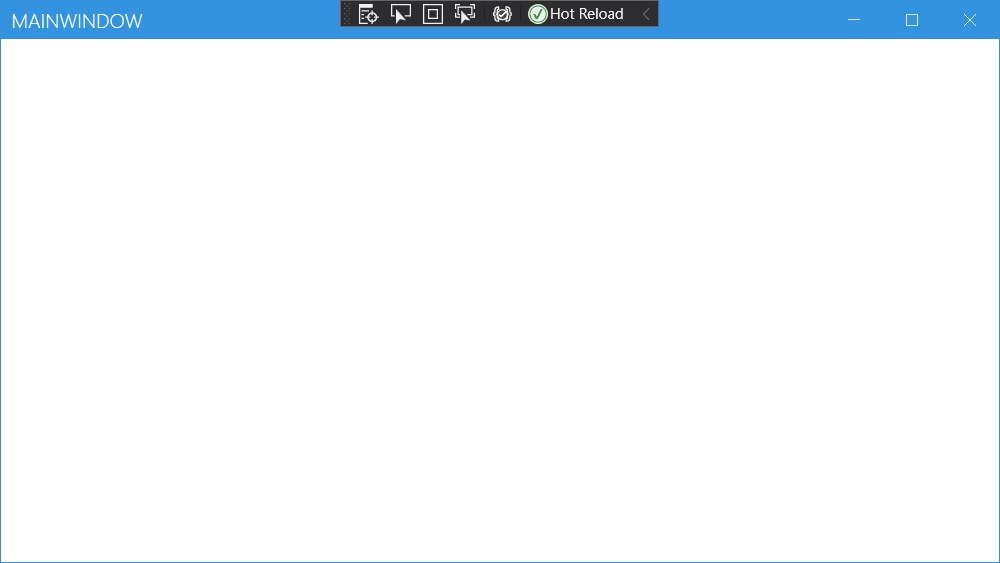
Visual Studio Designer doesn't render properly

Run the project without any issue
 alan0428a
All 4 comments
@alan0428a This is a limitation of the Visual Studio Designer. It can not render the full window style (including caption).
 punker76
on 10 Dec 2020
punker76
on 10 Dec 2020
Wow, thanks for the prompt reply!! (In 1 minute OMG)
Then what's the suggestion for the developers when using MetroWindow? Run the project directly and using Visual Studio Hot Reloading mechanism to modify XAML and check the result directly?
alan0428a
on 10 Dec 2020
@alan0428a If this work, then yes. The inner Xaml content should be visible in the designer, it's only the caption and border which doesn't render.
punker76
on 10 Dec 2020
Yes, the inner XAML content renders properly. Thanks for the clarification :)
alan0428a
on 10 Dec 2020
Related issues
 yousufctec
·
10Comments
yousufctec
·
10Comments
 furqansafdar
·
11Comments
furqansafdar
·
11Comments
 oschwab
·
17Comments
oschwab
·
17Comments
 kshkrao3
·
12Comments
kshkrao3
·
12Comments
 ghiboz
·
11Comments
ghiboz
·
11Comments